Kostenlose Widgets zur Inhaltsanzeige für Websites

Präsentieren Sie Inhalte übersichtlich und binden Sie Besucher ein – mit dem einfachen No-Code-Builder von Jotform.
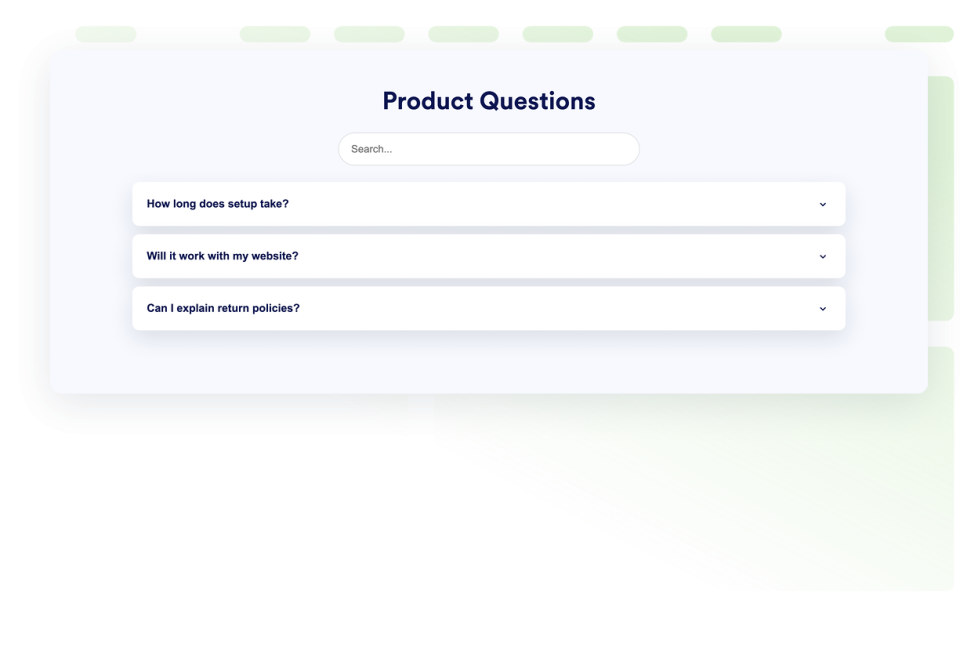
FAQ

Fügen Sie Ihrer Website ein durchsuchbares FAQ-Widget hinzu. Erstellen Sie FAQs im Akkordeonstil mit individuellem Design, medienreichen Antworten und flexiblen Layouts.

Zur Kategorie:InhaltsanzeigeWidget verwenden
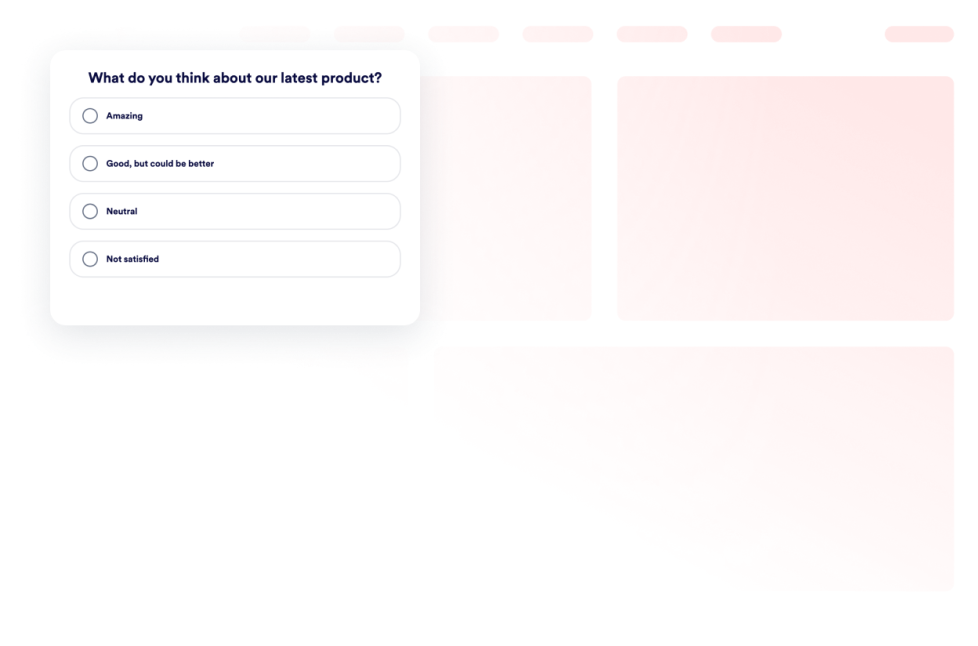
Poll Widget

Fügen Sie Ihrer Website ein Umfrage-Widget hinzu. Erstellen Sie Fragen, sammeln Sie Stimmen, zeigen Sie Ergebnisse als Anzahl oder Prozentwert und passen Sie das Design ohne Programmierkenntnisse an.

Zur Kategorie:InhaltsanzeigeWidget verwenden
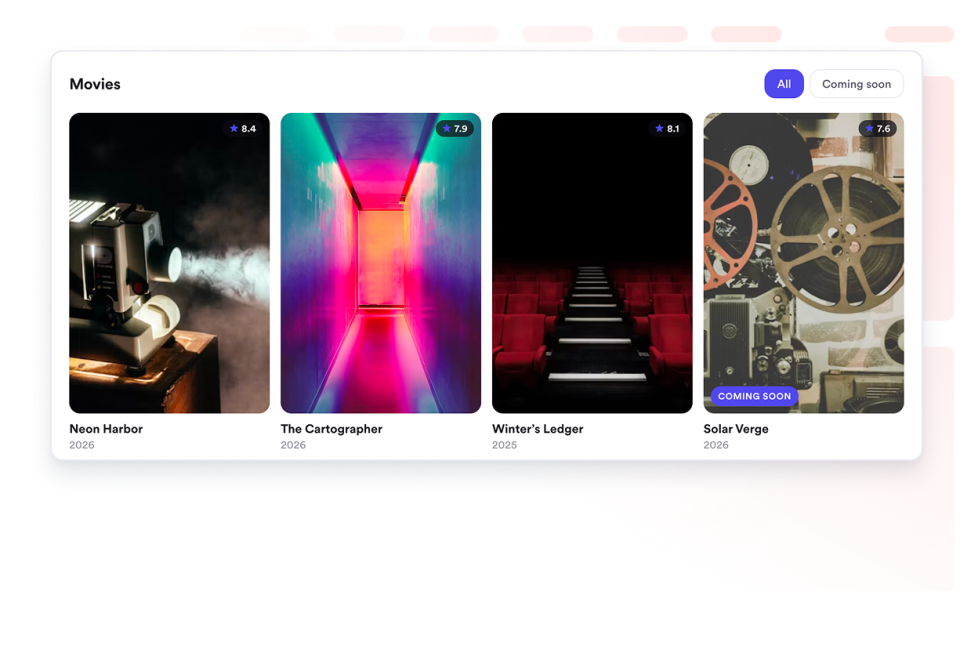
Movie Widget

Präsentieren Sie Filmsammlungen auf Ihrer Website. Fügen Sie Poster, Bewertungen und Links in responsiven Layouts als Raster, Liste oder Karussell hinzu.

Zur Kategorie:InhaltsanzeigeWidget verwenden
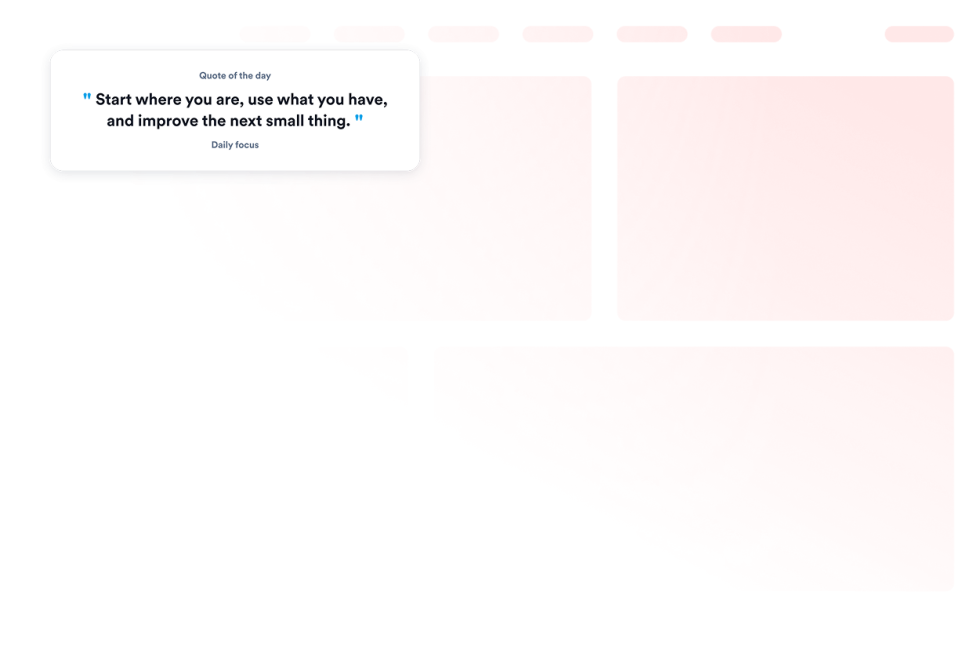
Zitate-Widget

Fügen Sie Ihrer Website ein Zitat-Widget hinzu und zeigen Sie Zitate zu Motivation, Produktivität, Führung, Kreativität und Achtsamkeit oder eigene Zitate an – mit Optionen für Design, Hintergrund, Sichtbarkeit und Größe.

Zur Kategorie:InhaltsanzeigeWidget verwenden
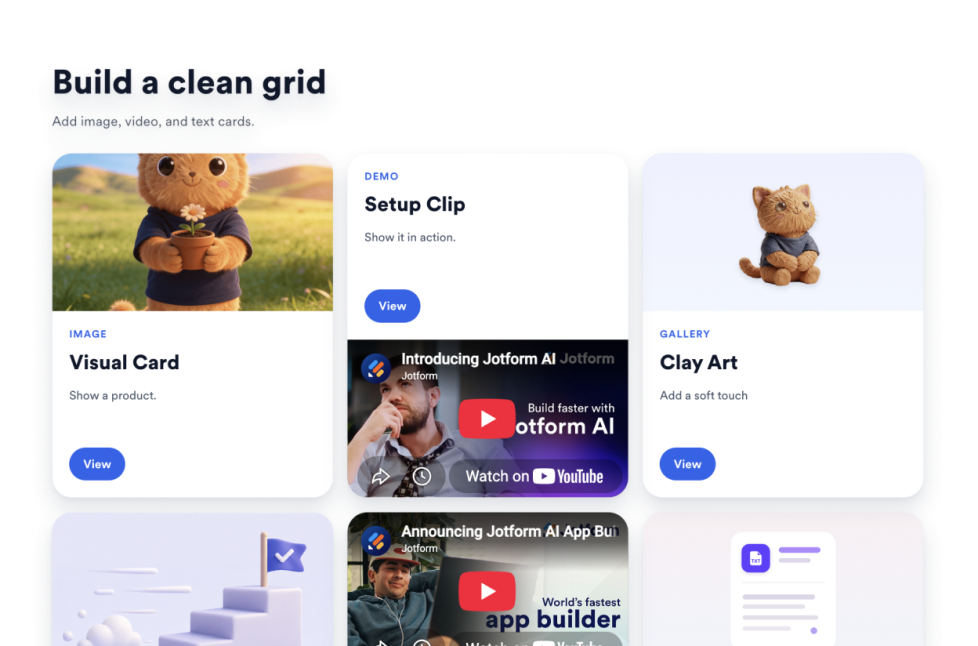
Raster

Fügen Sie Ihrer Website ein Raster Widget hinzu, um Bild-, Video-, icon- und Textkarten mit Layouts, Spalten, Abständen, Links, Buttons und Styling anzuordnen.

Zur Kategorie:InhaltsanzeigeWidget verwenden
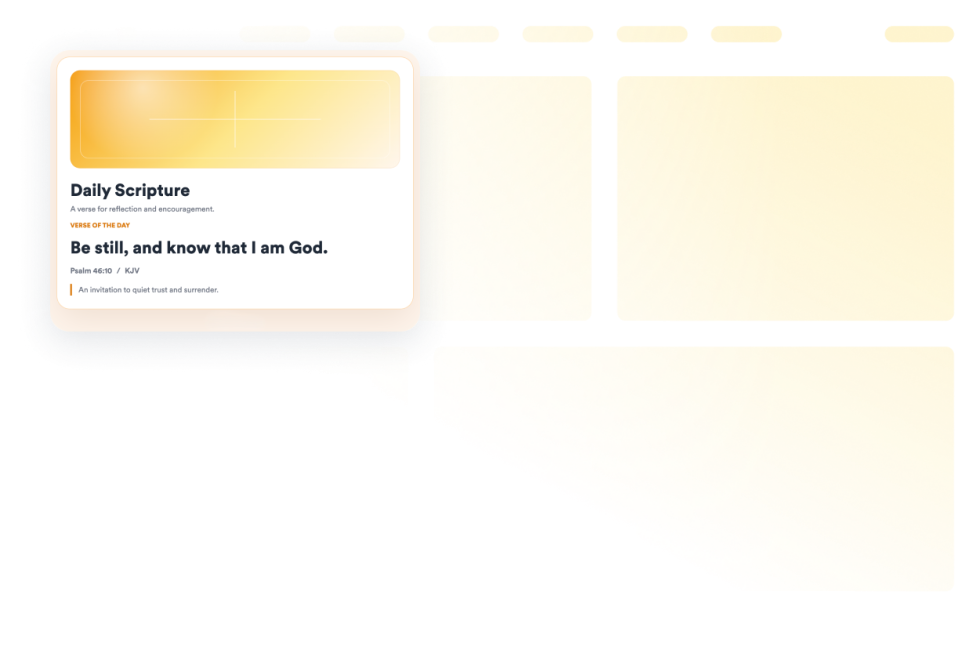
Bible

Fügen Sie Ihrer Website ein Bibelvers-Widget hinzu, das einen zufälligen Bibelvers aus der englischen King-James-Bibel mit Stellenangabe, Auslegung, Grafik und Stiloptionen anzeigt.

Zur Kategorie:InhaltsanzeigeWidget verwenden
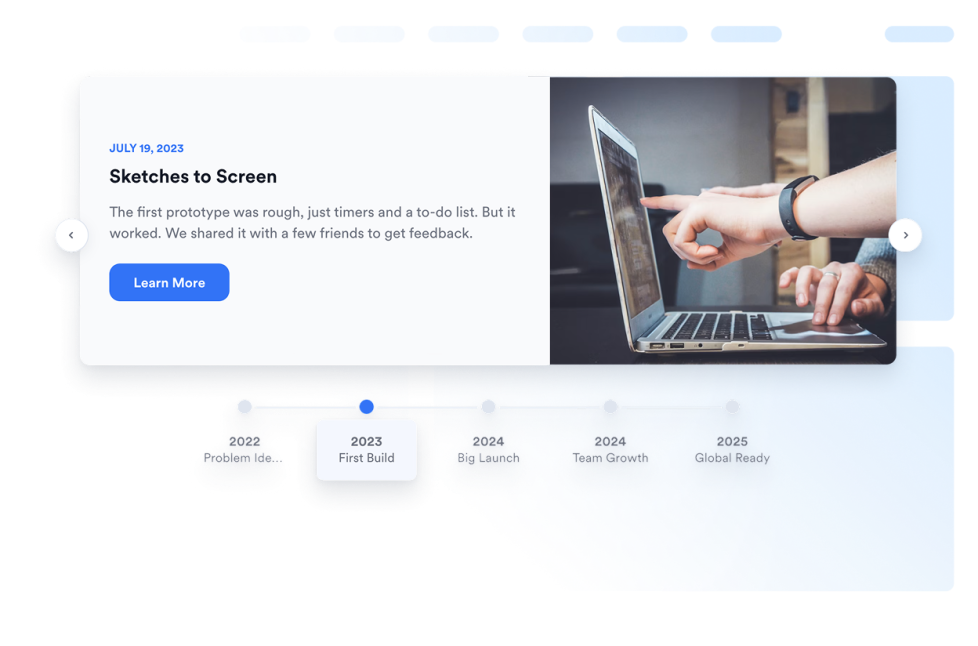
Zeitstrahl

Fügen Sie Ihrer Website ein Zeitleisten-Widget hinzu. Damit stellen Sie Unternehmensgeschichte, Produkteinführungen, Terminpläne für Veranstaltungen, Projektmeilensteine und storybasierte Updates mit anpassbaren Layouts, Markierungen, Farben und Medien dar.

Zur Kategorie:InhaltsanzeigeWidget verwenden
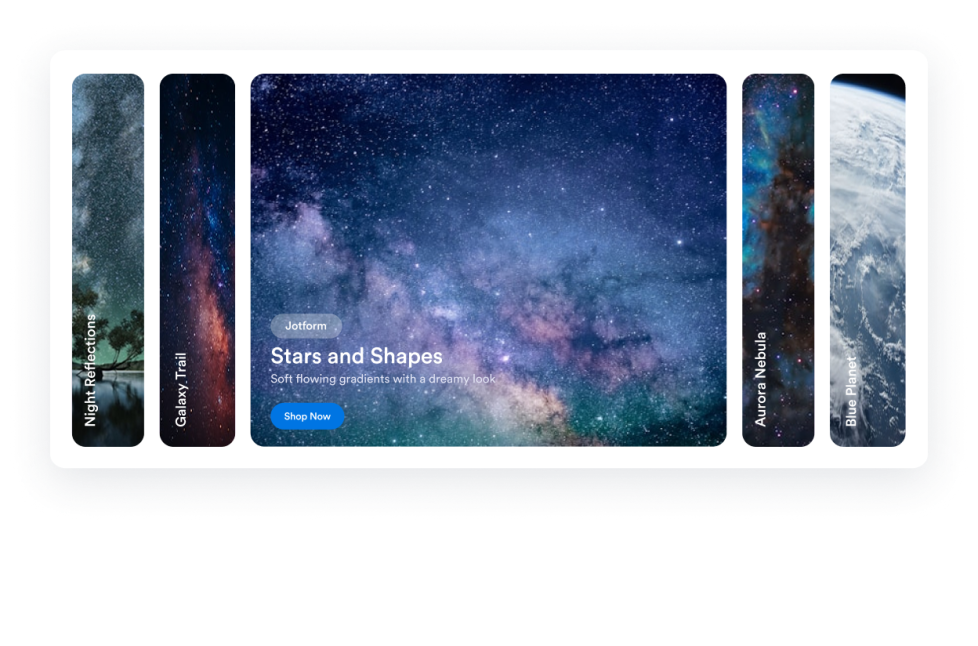
Accordion Slider

Fügen Sie Ihrer Website ein Accordion-Slider-Widget hinzu, das aufklappbare Bild- und Video-Panels zeigt – mit Aktivierung per Darüberfahren oder Klick, Buttons für Handlungsaufforderungen, Autoplay, responsiver Anordnung und eigenen Designs.

Zur Kategorie:InhaltsanzeigeWidget verwenden
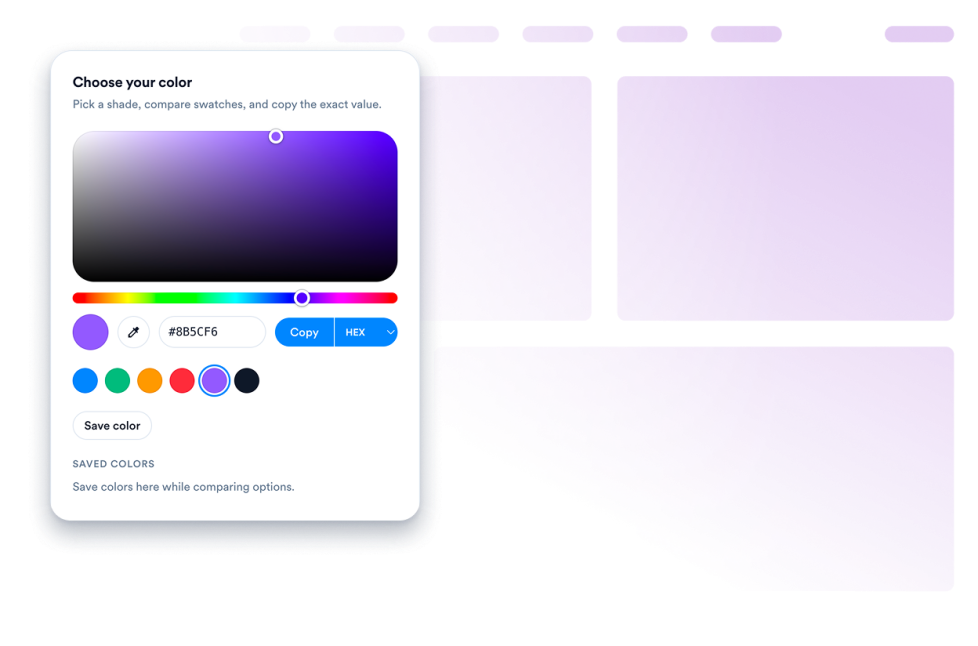
Farbwähler

Erstellen Sie ein anpassbares Color Picker Widget für Ihre Website. Lassen Sie Besucher Farben auswählen, Farbcodes anzeigen, Werte kopieren und Paletten abgleichen – mit einem No-Code-Generator.

Zur Kategorie:InhaltsanzeigeWidget verwenden
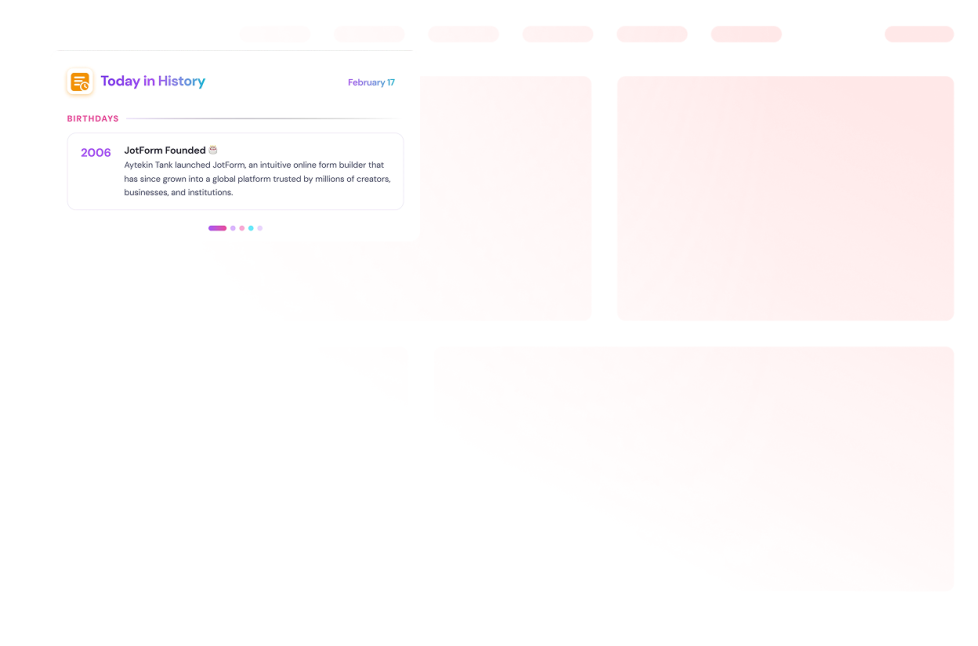
Heute in der Geschichte

Fügen Sie ein Heute in der Geschichte Widget zu Ihrer Website hinzu. Zeigen Sie datumsbasierte Wikipedia Einträge, wählen Sie Bereiche, legen Sie Daten fest und passen Sie Stile an.

Zur Kategorie:InhaltsanzeigeWidget verwenden
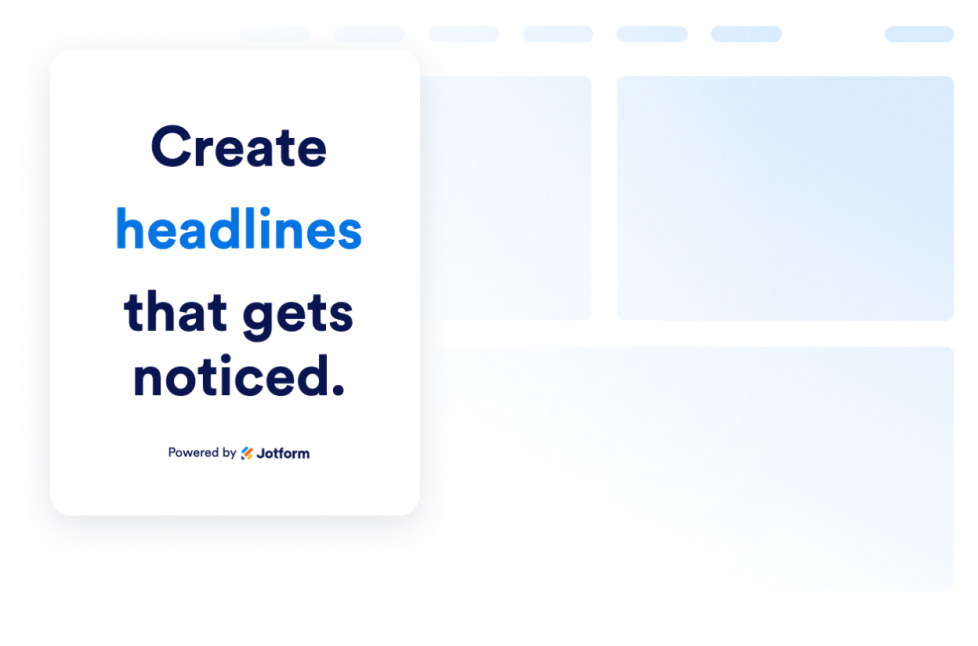
Dynamischer Text

Erstellen Sie animierten Text für Ihre Website: Lassen Sie Begriffe in Überschriften wechseln, heben Sie Angebote hervor und gestalten Sie animierte Schrift für jedes Gerät.

Zur Kategorie:InhaltsanzeigeWidget verwenden
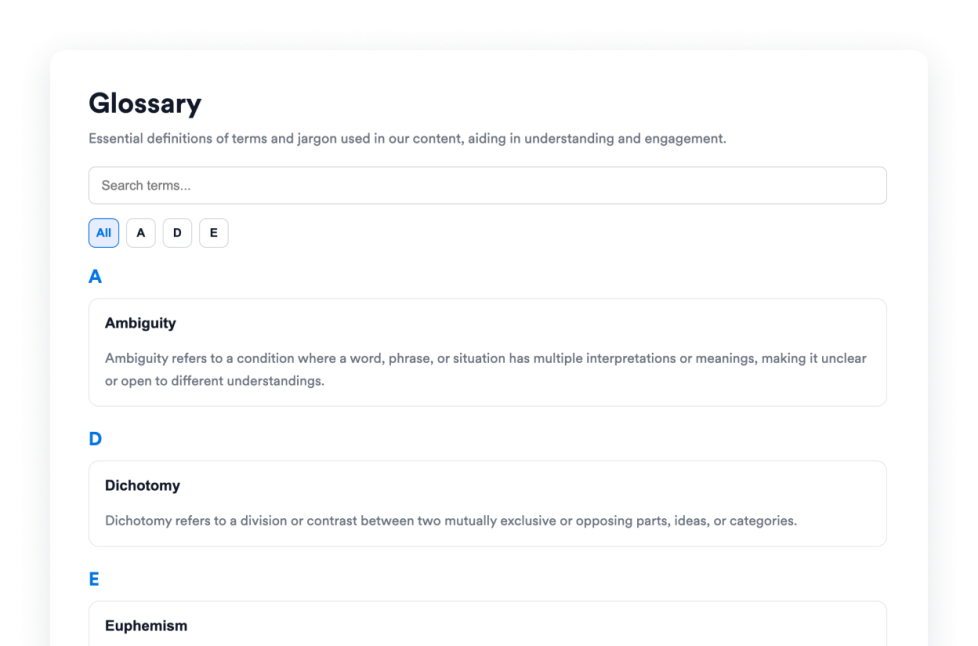
Glossar

Fügen Sie Ihrer Website ein kostenloses Glossar-Widget mit durchsuchbaren Begriffen, A–Z-Filtern, Listen- oder Akkordeon-Layouts und individuellem Design für Hilfecenter, Dokumentationen und Kurse hinzu.

Zur Kategorie:InhaltsanzeigeWidget verwenden
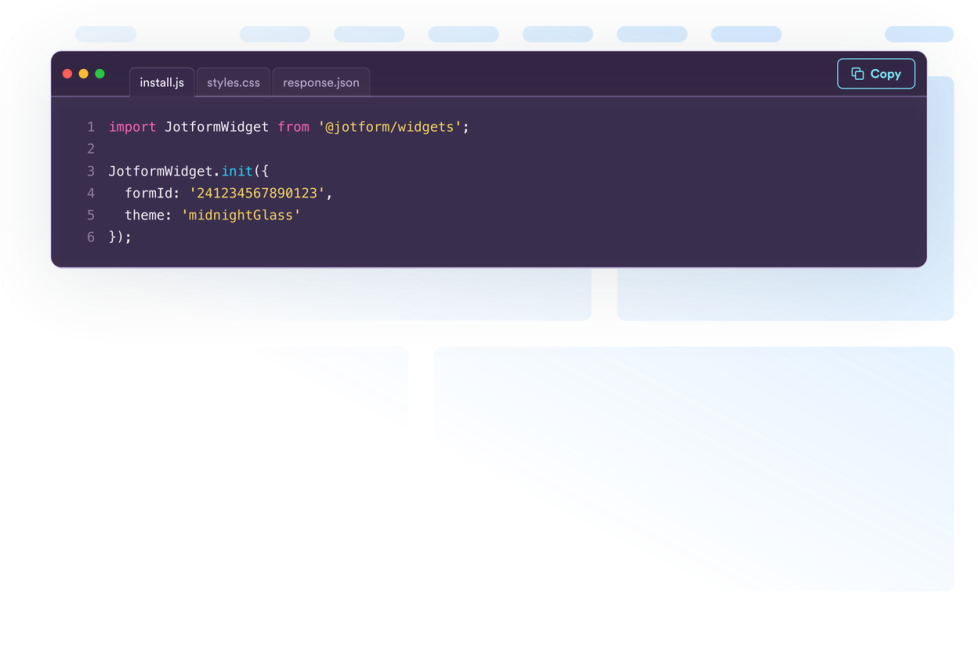
Code Snippets

Erstellen Sie ein kostenloses Code-Snippets-Widget, um HTML, CSS, JavaScript, API-Beispiele und mehr anzuzeigen. Passen Sie das Design an und binden Sie es ganz ohne Programmierung auf jeder Website ein.

Zur Kategorie:InhaltsanzeigeWidget verwenden
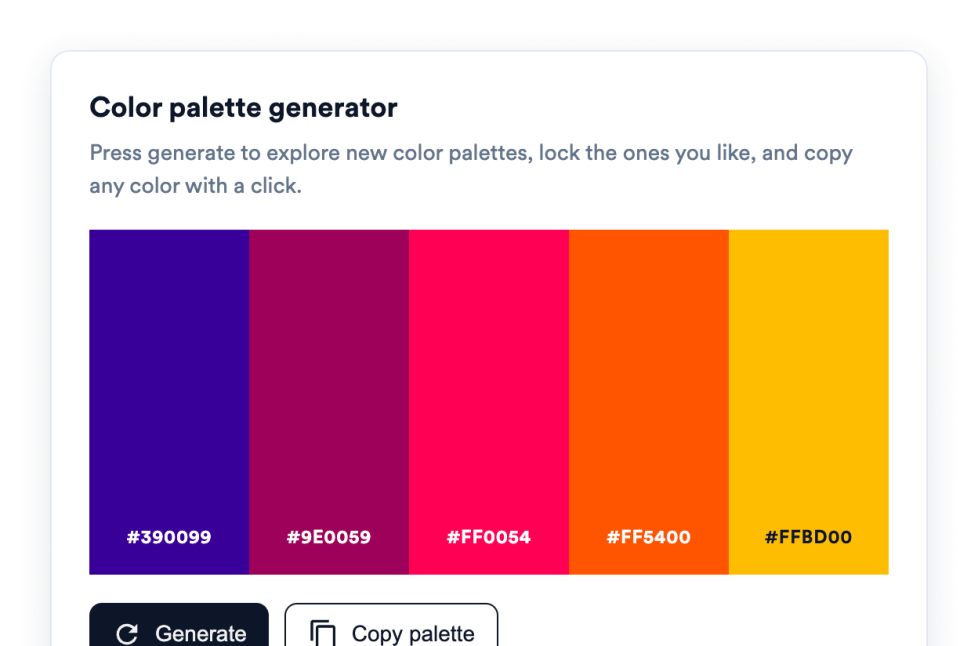
Color Palette Widget

Fügen Sie ein Farbpalette-Widget hinzu, mit dem Besucher farbpalette generieren, ihre Lieblingsfarben fixieren und HEX-Werte mit einem Klick kopieren können. Ganz ohne Code.

Zur Kategorie:InhaltsanzeigeWidget verwenden

About Content Display Widgets

Content display widgets help you organize and present information on your website without custom code. These embeddable widgets can turn text, images, videos, data, and other information into sections that are easier for visitors to browse and understand.

With Jotform’s content display widgets, you can create FAQs, timelines, polls, content grids, glossaries, quote displays, code examples, dynamic text, and interactive image or video panels. They work well on business websites, landing pages, blogs, help centers, documentation pages, educational websites, portfolios, and online stores.

What can you do with content display widgets?

Content display widgets can help you:

  • Organize common questions in a searchable FAQ
  • Present company history, project milestones, or event schedules with a timeline
  • Arrange text, images, videos, icons, links, and buttons in a content grid
  • Build a searchable glossary with A-to-Z filtering
  • Collect visitor opinions and display voting results with a poll
  • Rotate headlines, announcements, or offers using dynamic text
  • Display images and videos in an accordion slider
  • Share formatted code snippets for tutorials and documentation
  • Add interactive color pickers and color palettes
  • Present quotes, movie collections, and other themed content in a structured format

Popular content display widget use cases

Content display widgets can be used wherever a website needs to present detailed information in a clear, compact format. An FAQ widget can organize answers on product, service, support, or policy pages. A Timeline widget can show a company’s history, an event schedule, product releases, or project milestones.

A Grid widget can arrange services, team members, resources, portfolio projects, images, or videos into a structured layout. For help centers, online courses, and documentation websites, a Glossary widget can make terms easier to search and browse, while a Code Snippets widget can display HTML, CSS, JavaScript, API examples, and other technical content.

Website owners can also use a Poll widget to ask visitors a question and display vote totals or percentages. Dynamic Text can rotate important messages or highlighted phrases, and an Accordion Slider can display expandable images, videos, descriptions, and buttons in a single interactive section.

Easy website widgets for any team

Embeddable content display widgets are useful for small businesses, marketing teams, educators, content creators, agencies, nonprofits, developers, online stores, and website owners that need to present information without relying on a developer or designer.

With Jotform, users can choose a widget, customize its content, settings, layout, and design, preview the result, and copy the embed code. They can then add the widget to a supported website editor or HTML section without custom code.

This makes it easier to add structured content to WordPress sites, website builders, custom websites, landing pages, blogs, and resource centers while keeping the design consistent with the surrounding page.

Weiterführende Anleitungen

To learn more about setting up and managing widgets, users can read Jotform’s guide on managing website widgets. The guide explains that users can create new widgets, edit existing widgets, copy embed codes, control widget visibility, and organize their widget assets from the My Website Widgets page.

Content Display Widgets FAQ

What are content display widgets?

Content display widgets are embeddable tools that organize and present website content in a clear, interactive format. They can display FAQs, timelines, polls, grids, glossaries, quotes, code examples, images, videos, and other information directly on a webpage.

What types of content can I display with these widgets?

Depending on the widget, you can display text, images, videos, icons, links, buttons, questions and answers, timeline entries, poll results, code snippets, color values, quotes, and movie information. Each widget provides settings tailored to its content type.

Where can I use content display widgets?

You can use them on landing pages, product pages, blogs, portfolios, help centers, documentation pages, online courses, event websites, and business websites. The right placement depends on what information visitors need and how you want them to browse it.

Do content display widgets require coding?

No. You do not need a developer or designer. You can customize the widget, copy the embed code, and add it to your website without custom code. The placement steps may vary depending on your website platform or page editor.