
Website-Widgets

Free Weather Widget for Your Website

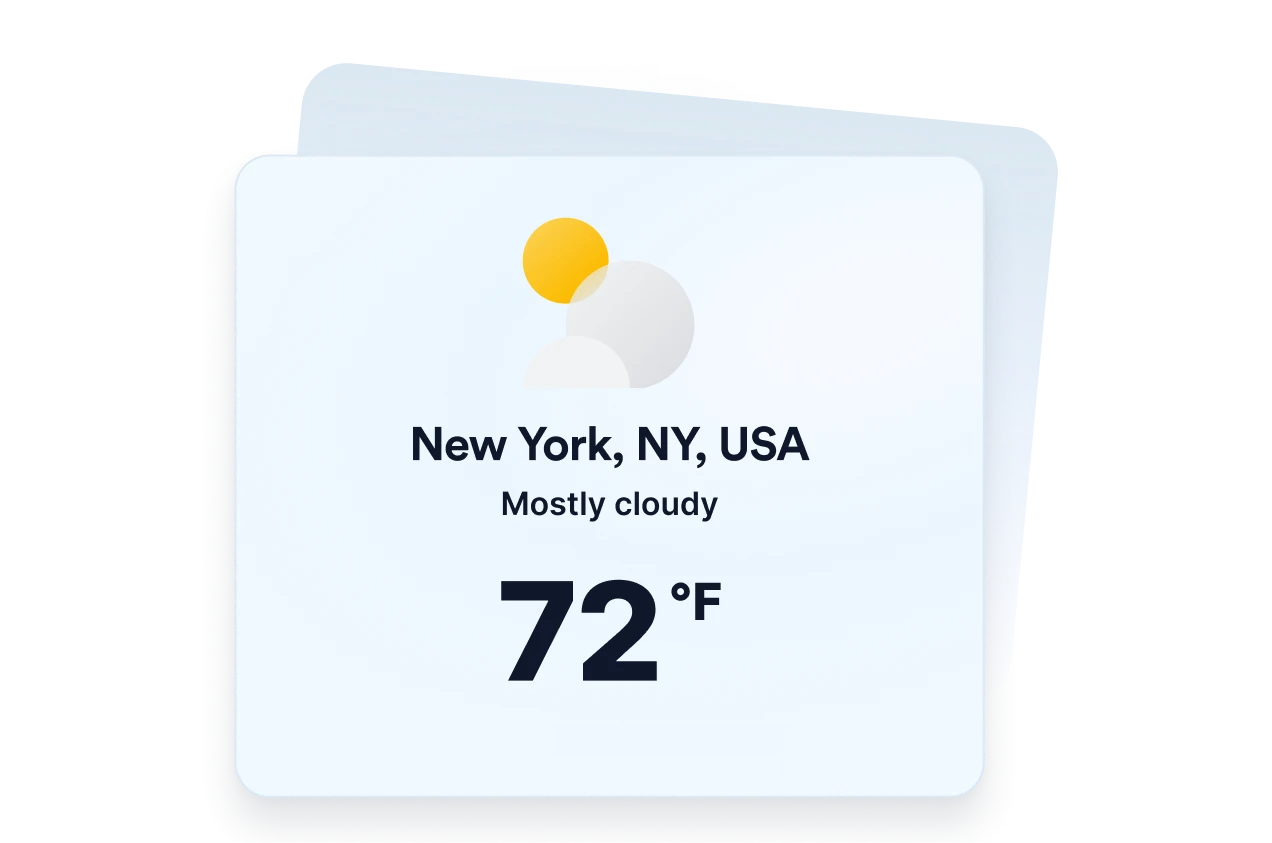
Help visitors check current conditions and upcoming forecasts without leaving your website. Jotform's Weather Widget helps you to choose a location, select an hourly, daily, detailed, current-weather, or temperature-only view, customize the design, and embed the free website widget without coding.

So erstellen Sie ein Weather-Widget

Choose your weather location

Choose your weather location

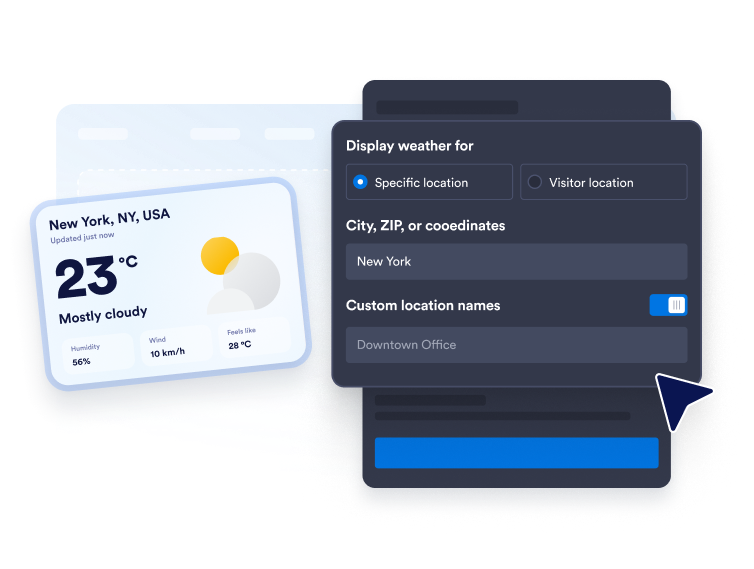
Enter a city, ZIP code, or coordinates for a fixed forecast. You can also use visitor-location mode when you want the widget to display weather based on the visitor’s location.

Customize the forecast display

Customize the forecast display

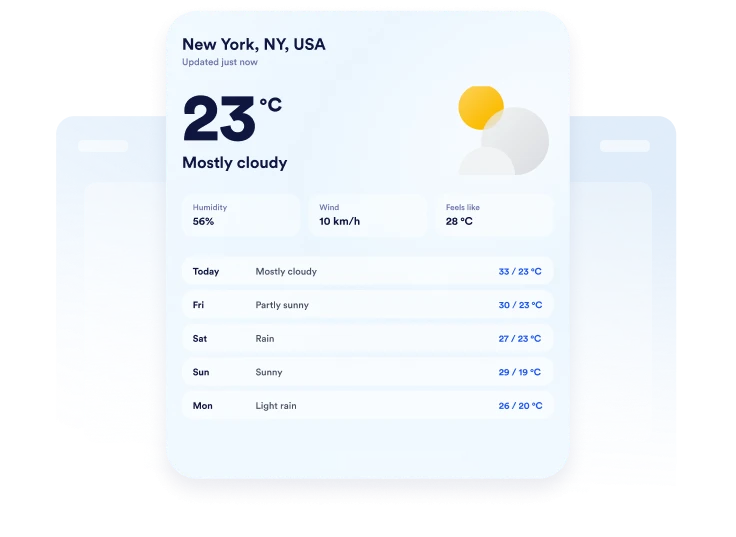
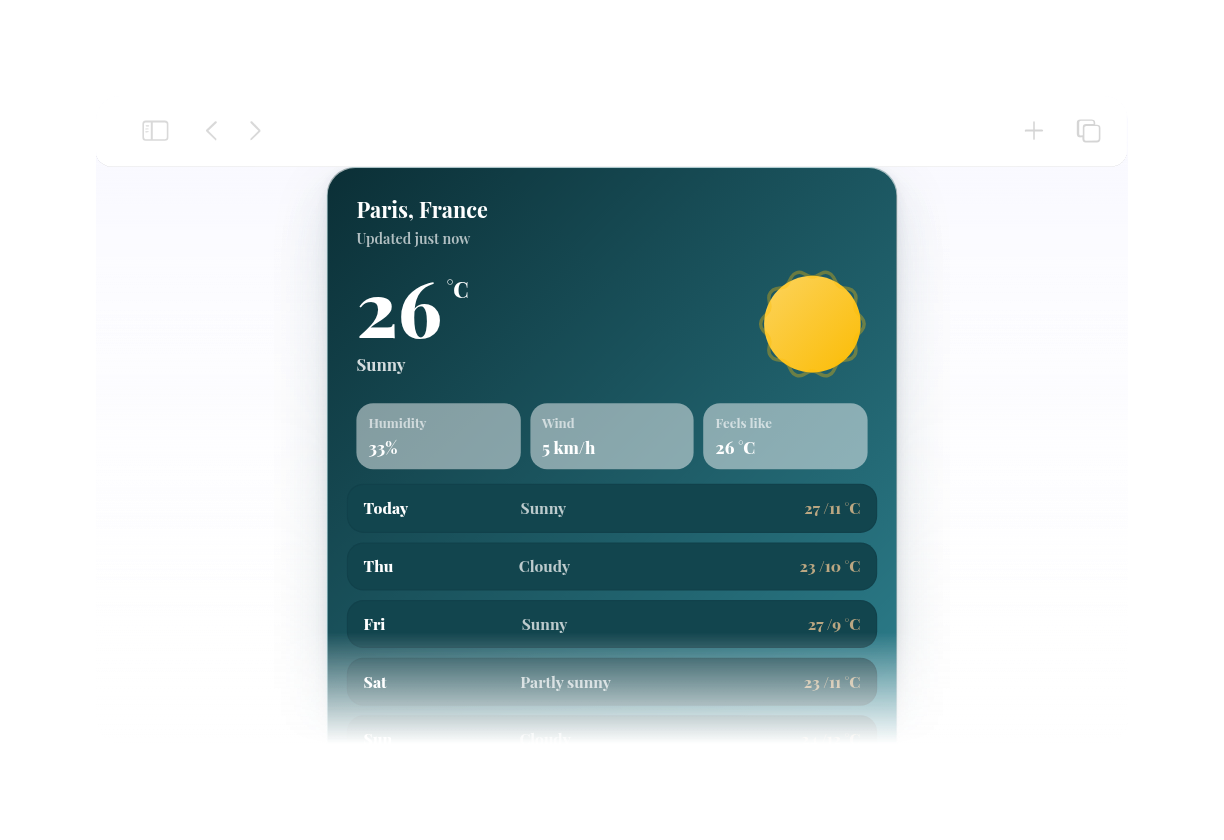
Choose Fahrenheit or Celsius, set the forecast length, and decide which details to show. Depending on the layout, you can include temperature, humidity, wind, and feels-like information.

Embed it on your website

Embed it on your website

Customize the colors, preview the responsive weather card, and copy the generated embed code. Paste it into a custom HTML or embed block, then publish your page and check the display.

Show local weather in flexible website layouts

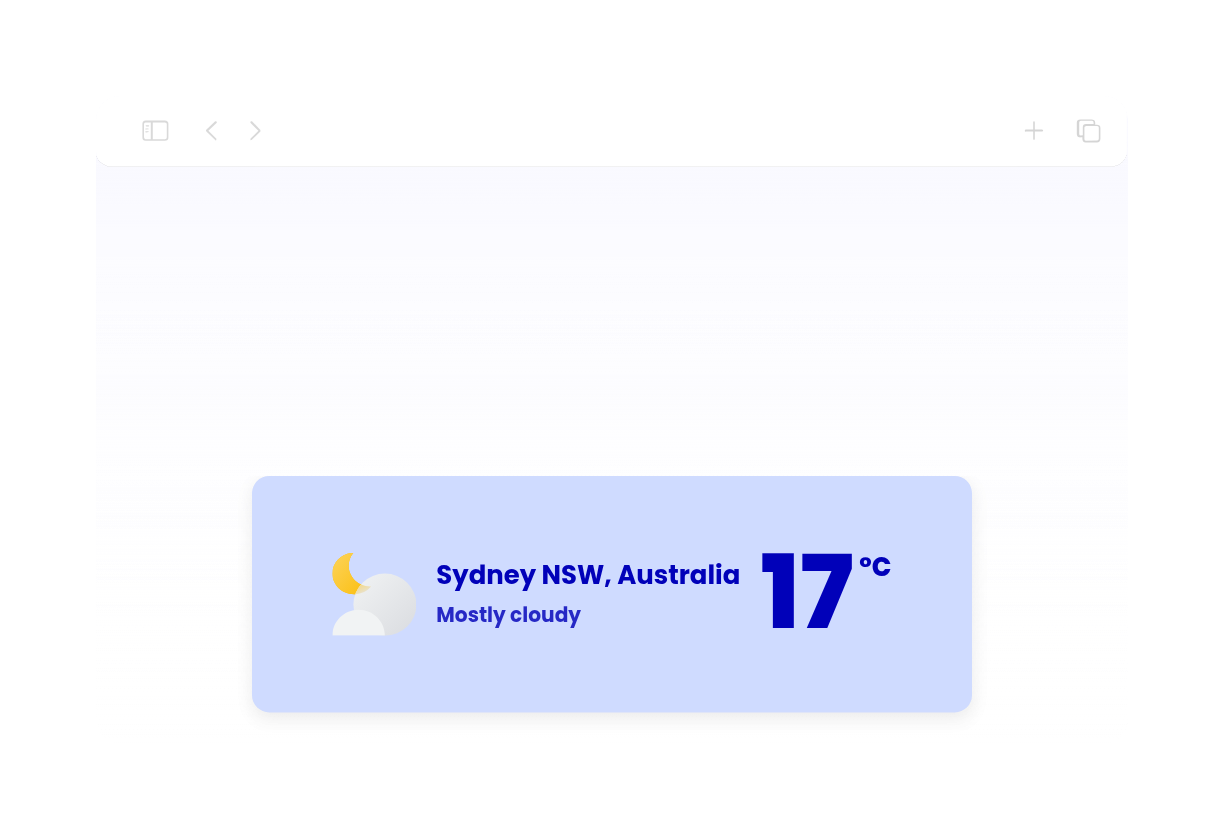
Show weather for chosen locations

Display weather for a city, ZIP code, or set of coordinates that matters to your audience. Add a custom location label to make the forecast more relevant to a hotel, venue, school, tour destination, or local business.

Show weather for chosen locations

Choose the right forecast view

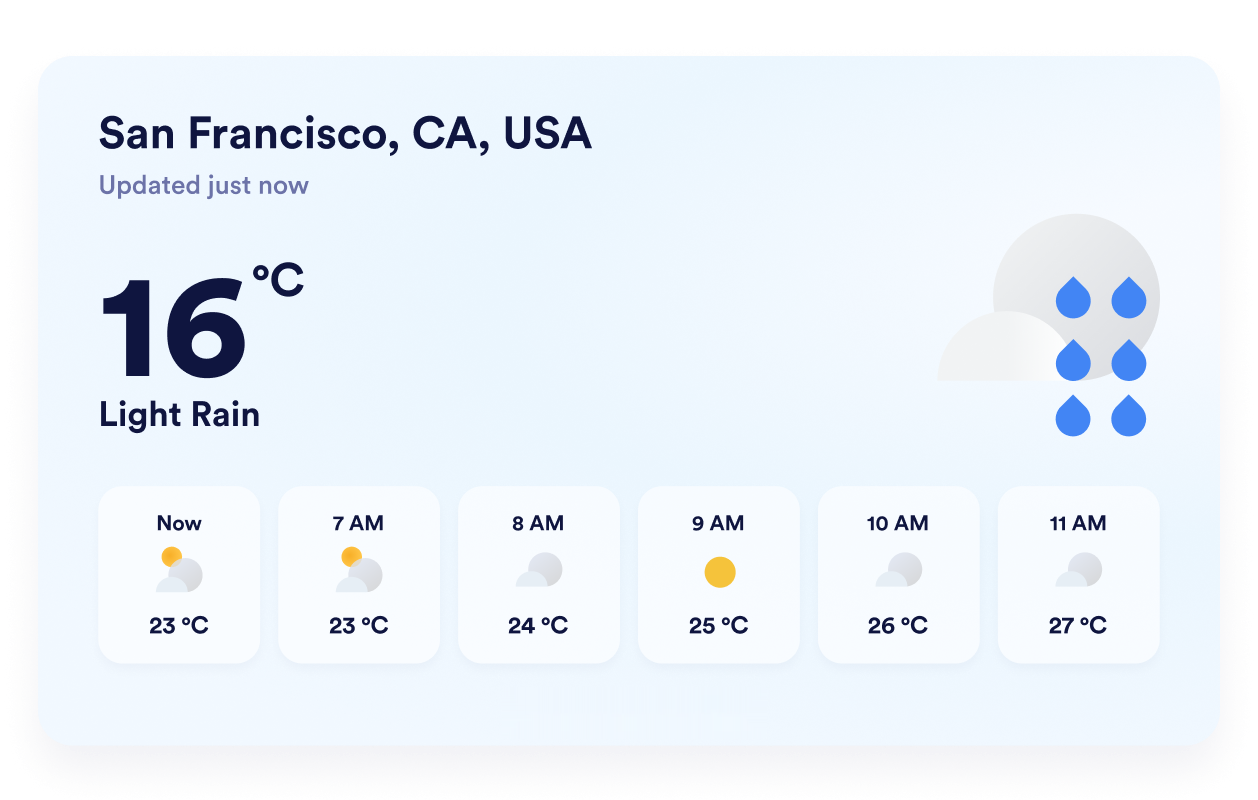
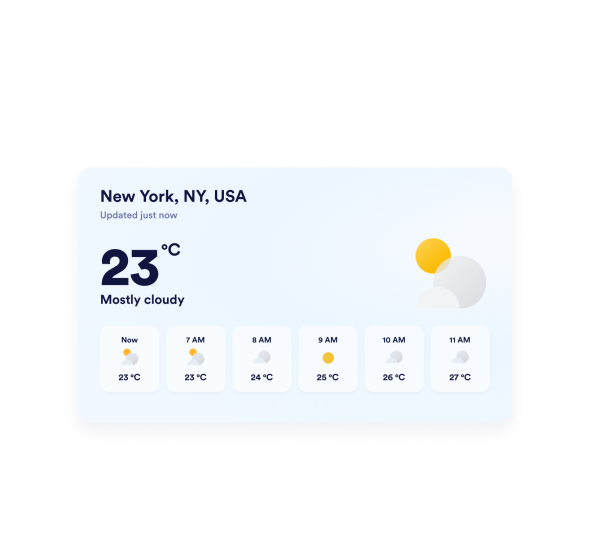
Select a detailed, daily, hourly, current-weather, or temperature-only layout based on your available space. This flexibility lets you present a complete forecast or keep the widget focused on the weather details visitors need most.

Choose the right forecast view

Match forecasts to your website

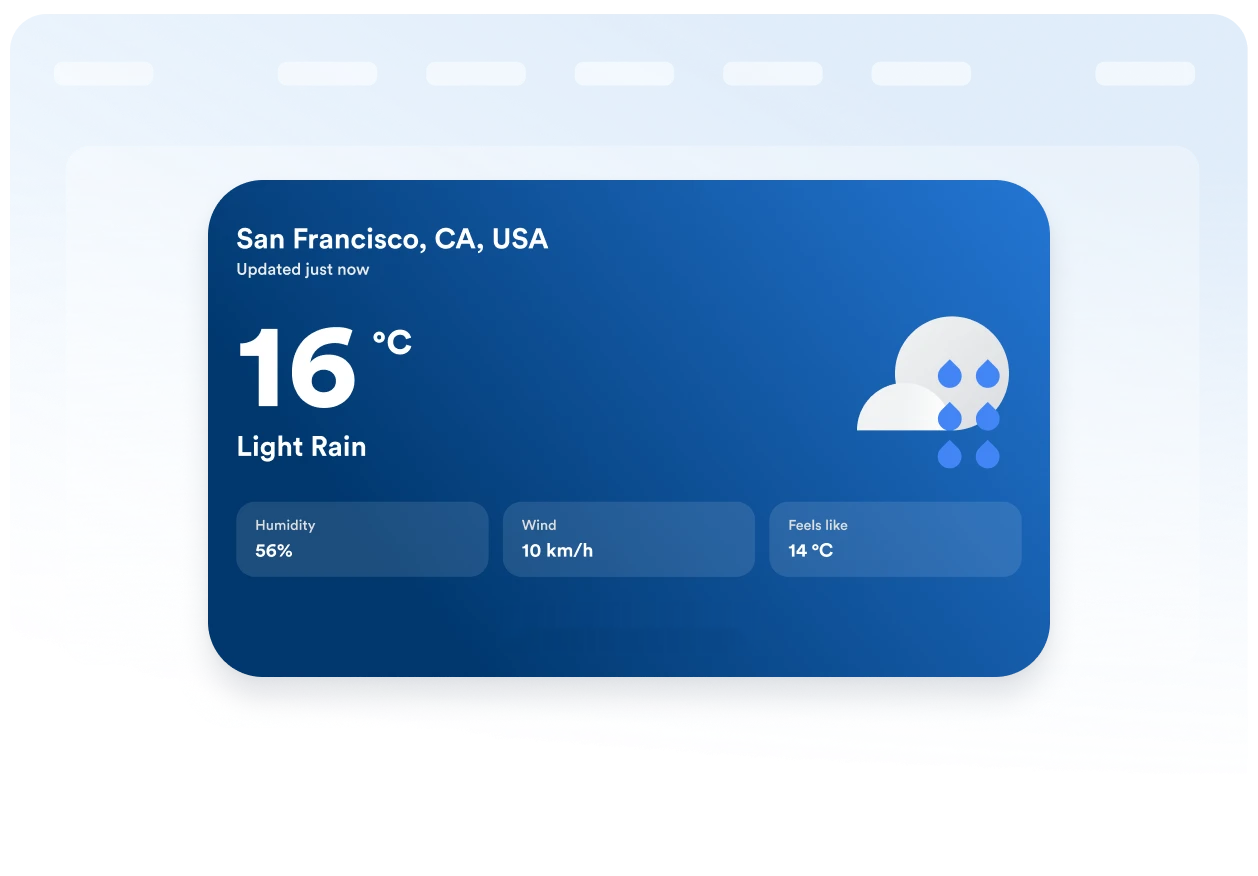
Choose a themed background or solid color, then adjust the card, forecast rows, text, accent colors, width, and corner radius. These visual controls help the weather widget fit naturally into your existing page design.

Match forecasts to your website

Keep units and labels clear

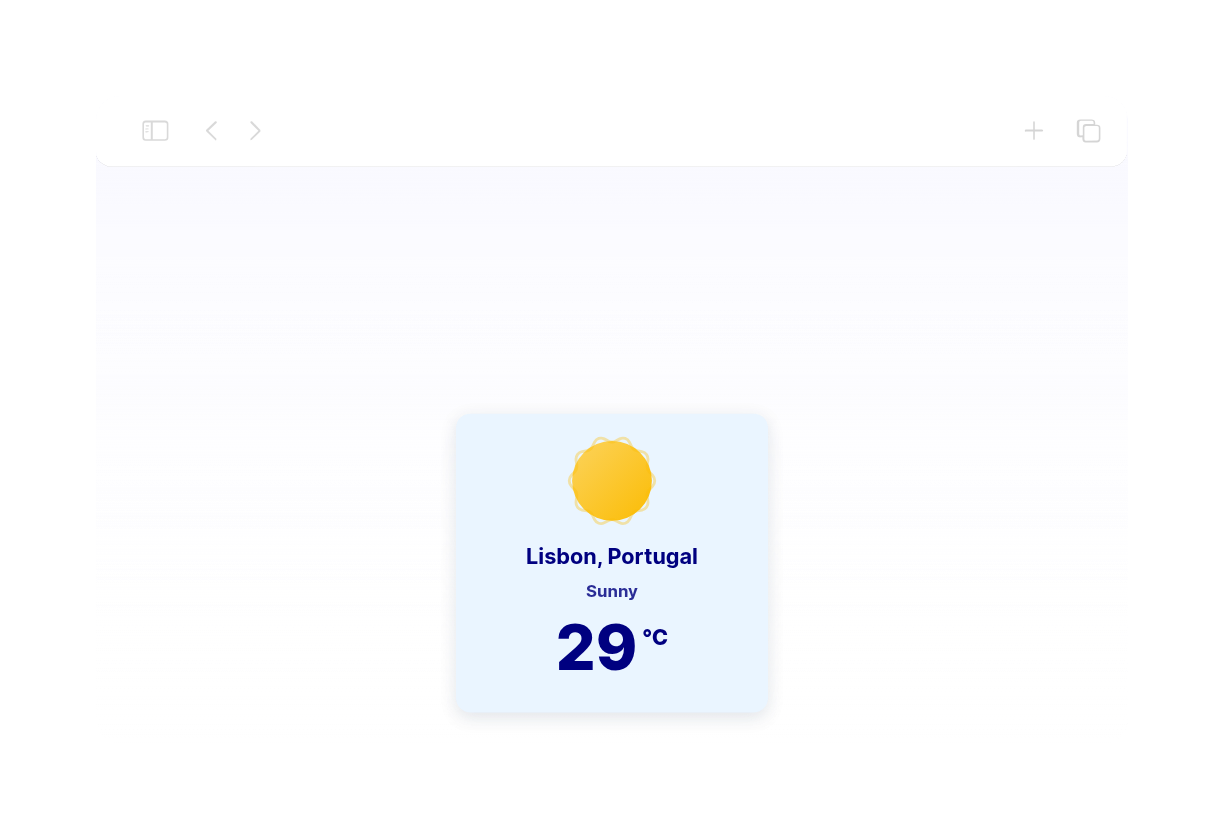
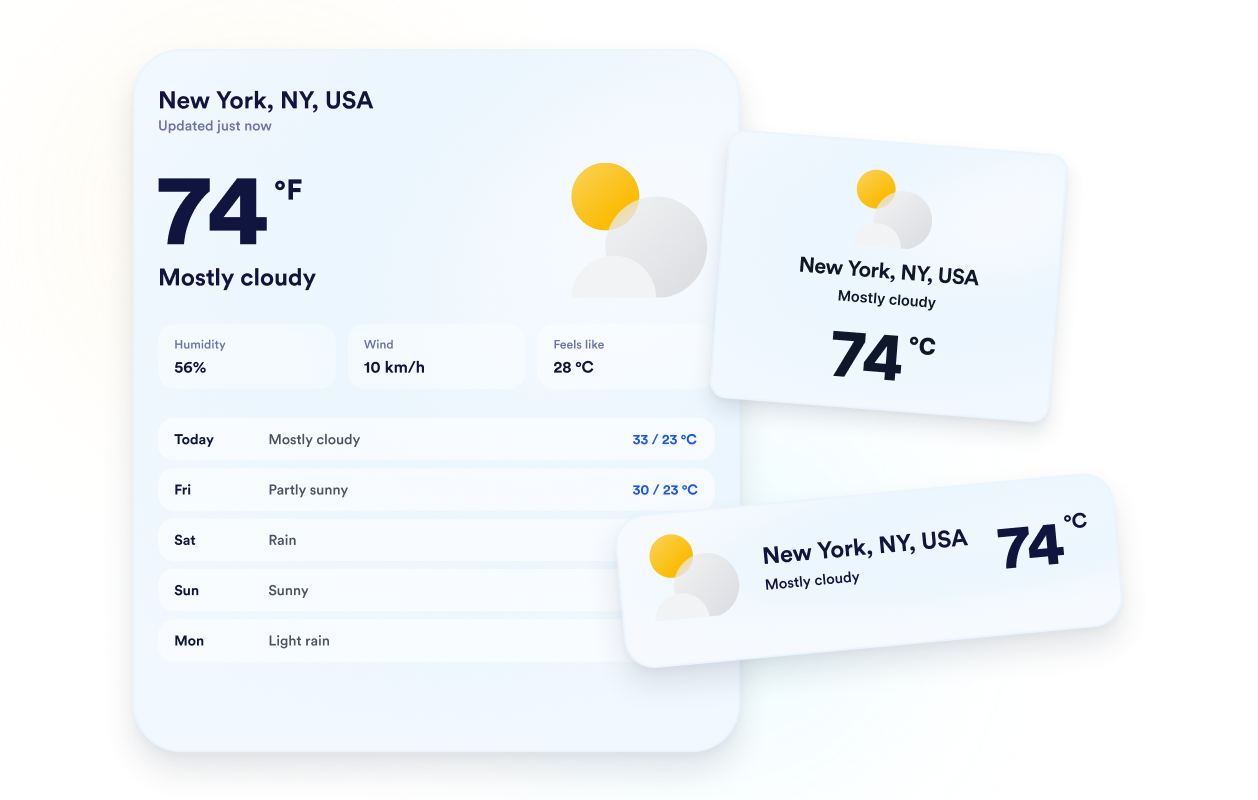
Display temperatures in Fahrenheit or Celsius and translate the widget’s core labels for your audience. Responsive behavior and desktop and mobile visibility controls help keep weather information clear across different screen sizes.

Keep units and labels clear

How to embed your Weather into WordPress

1Get your embed code

After customizing your Jotform website widget, click Try it on your website for free, and copy the generated embed code.

2Open the page editor

Go to the WordPress post or page where you want to display the widget, then add a new block.

3Add a Custom HTML block

Select Custom HTML and paste your Jotform website widget embed code into the HTML field.

4Update and view

Click Update or Publish, then open the page to check your embedded widget.

Warum sich Jotform Website Widgets auszeichnen

Mit den Widgets von Jotform wird Ihre Website interaktiver und Sie steigern Ihre Conversion-Rate. Zur Auswahl stehen zahlreiche Tools wie Sternebewertungen, Slideshows mit Erfahrungsberichten, Pop-ups mit Social Proof und eingebettete Medien. Fügen Sie Widgets zu Ihren Formularen oder Landingpages hinzu, um Daten zu sammeln, Erfahrungsberichte anzuzeigen und Leads zu gewinnen – ganz ohne Programmierkenntnisse.

Widgets ohne Programmierung verwenden

Fügen Sie Jotform-Widgets mithilfe eines Einbettungscodes in Ihre Website ein. Passen Sie das Widget an, sehen Sie sich die Vorschau an und fügen Sie den Code in jede Seite ein, die benutzerdefiniertes HTML oder Einbettungsblöcke unterstützt – ganz ohne Entwicklerinnen oder Entwickler.

Bauen Sie interaktivere Seiten

Mit Jotform Website Widgets sammeln Sie Leads, zeigen Kundenfeedback, präsentieren Social Proof, binden Medien ein oder fügen nützliche Webseiten-Tools hinzu. Über jedes Widget können Besucher direkt auf Ihrer Website mit Ihrem Unternehmen interagieren.

Holen Sie sich jederzeit Hilfe

Wenn Sie Unterstützung bei der Einrichtung, Anpassung, Einbettung oder Fehlerbehebung Ihres Widgets benötigen, steht Ihnen das Kundensupport-Team von Jotform rund um die Uhr zur Verfügung. So können Sie beruhigt weiterarbeiten, denn Sie wissen: Hilfe ist da, wenn Sie sie brauchen.

Where to use your Weather widget

Add relevant weather information to pages where conditions may affect a visitor’s plans, preparation, or decision.

Hotel and resort pages to help guests prepare for local conditions before their stay.

Event pages to show attendees the expected weather before an outdoor or in-person event.

Tour and activity pages to help travelers plan clothing, equipment, and booking dates.

School and community pages to share local conditions with families, students, and residents.

Sports and recreation pages to help visitors prepare for outdoor games, facilities, or activities.

Local business websites to provide useful weather context before customers visit.

Gewinnen Sie Leads als zahlende Kunden mit dem Jotform Formulargenerator

Nutzen Sie Jotform, um aus jedem Kontakt eine konkrete Maßnahme zu machen. Erstellen Sie leistungsstarke Formulare, mit denen Sie Leads erfassen, Zahlungen abwickeln und Antworten automatisieren – und das alles an einem Ort. Jede Antwort landet in Ihrem Jotform Posteingang, von wo aus Sie nachfassen oder Ihre bevorzugten Apps verbinden können.

Jetzt startenKostenlos!
Convert leads into customers

FAQ

  • What is a Weather widget?

    A Weather widget displays current conditions and forecast information directly on a website. Depending on the selected layout, visitors can review temperatures, daily or hourly forecasts, humidity, wind, and feels-like conditions without leaving the page.

  • Is the Jotform Weather widget free?

  • Can I choose which location the widget displays?

  • Can the widget use a visitor’s location?

  • Which weather forecast layouts can I use?

  • Can I show weather details besides temperature?

  • Can I use Celsius instead of Fahrenheit?

  • Can I customize the weather widget’s design?

  • Does the Weather widget work on mobile devices?

  • Do I need to write code to create a Weather widget?

  • Which website platforms support the Weather widget?

  • Can I get help setting up my Weather widget?