-
 adezaenudin88
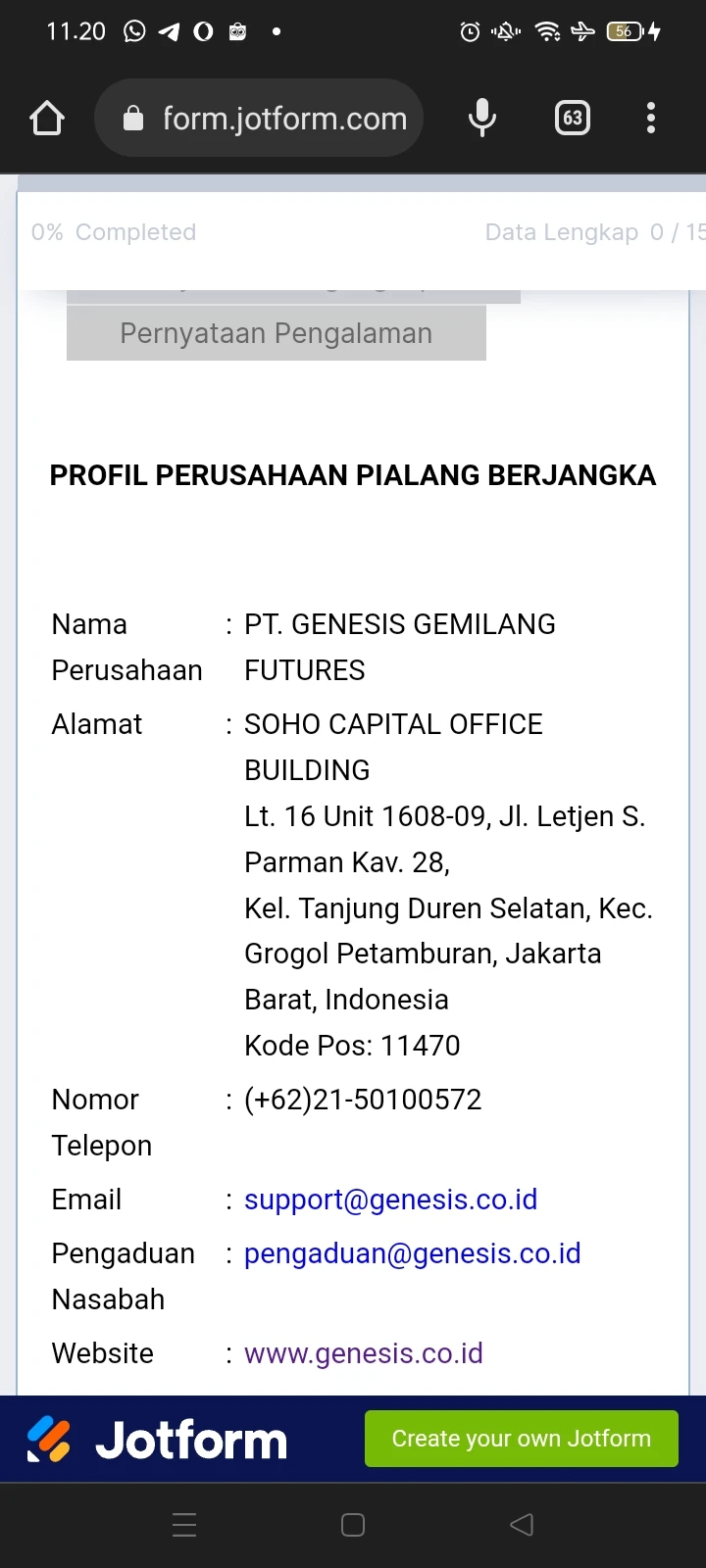
hallo.. could u help me, di problem with progress bar widget stick the top, form tabs look likes less down

-
 Jotform Support Former Jotform Support
Hello Ade Ruyani,
Thanks for reaching out to Jotform Support. When I cloned and tested your form, the same thing happened for me. After investigating it a bit, I found a solution. It's really easy to fix. Please add the below CSS code in your form.
@media screen and (max-width: 480px){

#tabs-list{

   margin-top: 50px;

}

}
Let me show you how to add the CSS code in your form:
- In Form Builder, Click on the Paint Brush icon on the top right corner of the screen.
- Go to the Style menu.
- Scroll down to the end and add above CSS code in the Inject Custom CSS section.
- After adding the code, Click on Save.
We also have a guide How to Inject Custom CSS Codes that you can check out.
Give it a try and let us know how it goes.
-
adezaenudin88
Hello Mr. Ravi,
Thanks for your help, may i ask other question?
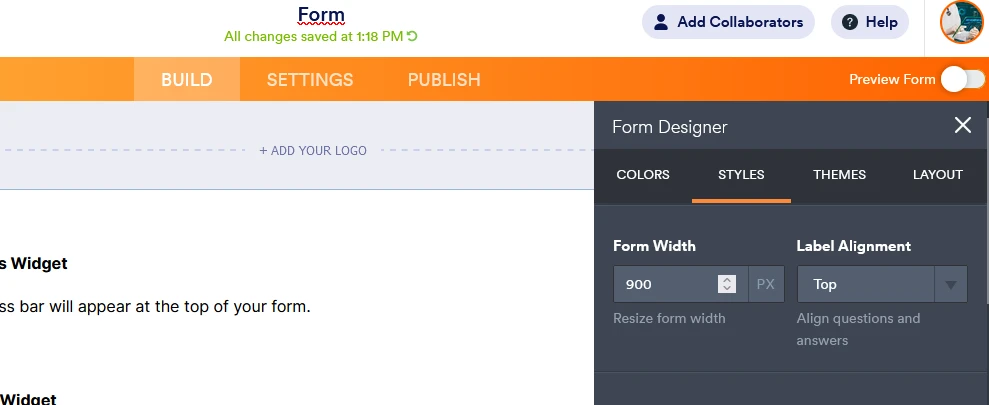
i have problem, i resize width form 900px,
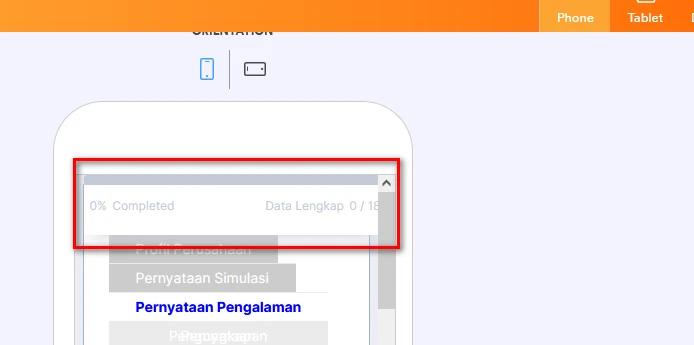
preview in mobile, i add css
.progressBar-newDefaultTheme {
max-width : 900px!important;
}
but bar progress widget still not in accordance with my form,
-
Jotform Support Former Jotform Support
Hello Ade Ruyani,
Thanks for the extra feedback.
You can try change the 900px to another number, maybe 800 will be better.
Just play around with it a bit, you will find the setting you need.
Should you have any further questions, please do not hesitate to contact us.
With friendly greetings!
-
adezaenudin88
Hello Mr. Roeland,
Thank you very much.