Create Online Flowers Store
Jotform’s Store Builder helps you sell flowers online by creating a custom, no-code online flowers store. Use this solution to add floral products, customize your store, accept payments via 40+ gateways, and sell from any device. Upload your product list to launch faster and let AI Store Builder create your store in minutes.
テンプレート
Free Flower Store Builder Templates
Don’t know where to start? Try one of our ready-made store app templates to get the ideas flowing. Jotform’s easy-to-use, drag-and-drop, no-code store builder makes customization easy and enjoyable.
花の注文アプリ
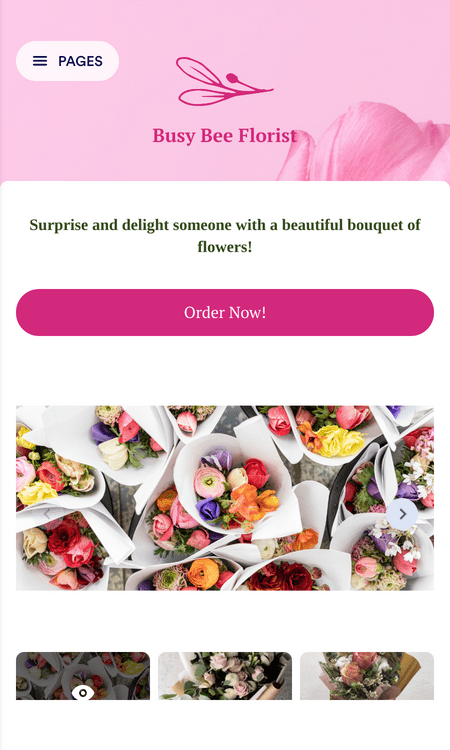
商品カタログアプリ
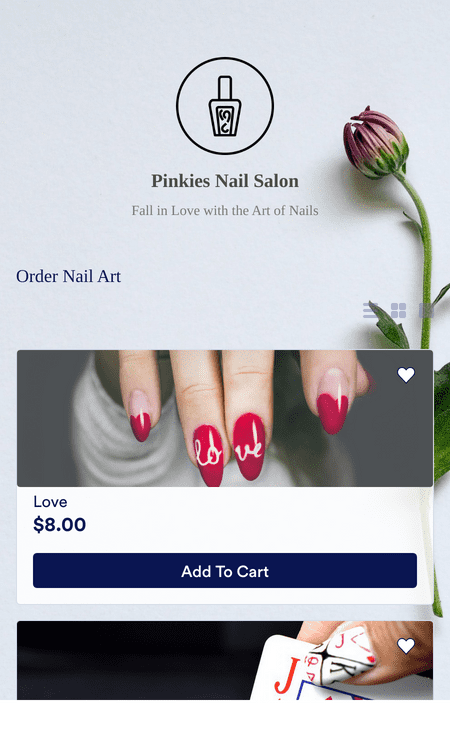
販売注文アプリ
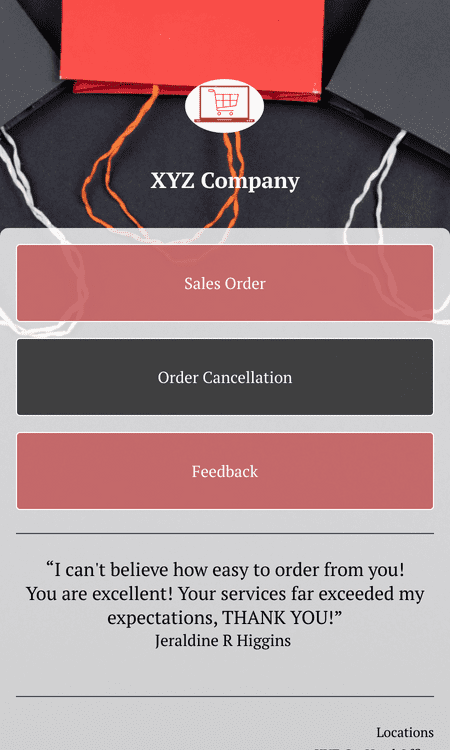
メリット
Start Selling Flowers Online with Jotform
No-Code Online Flower Store
Create an online flower store with Jotform Store Builder without writing code. Jotform Store Builder uses a drag-and-drop builder, so a florist can publish a store layout and update it without developer help. This makes it easier to keep product pages current when arrangements and availability change.
Instant Store Creation with AI
Upload a flower catalog and let Jotform’s AI Store Builder generate a store automatically. The AI-generated store includes categorized listings, built-in checkout, and a mobile-ready design. This setup helps a florist launch faster because the store structure is created from the uploaded catalog.
Online Florist Payment Processors
Accept payments with 40+ payment processors, including Square, Stripe, PayPal, Apple Pay, and Google Pay. A florist can choose a preferred payment option and keep payment collection tied to checkout. More payment choices can reduce checkout friction because customers can pay using a familiar method.
注文を管理
ストア運営と同じJotformアカウントから、Jotform Tablesで花の注文状況を管理できます。Jotformテーブルは、スプレッドシート・カード・カレンダー表示に対応しているため、最も管理しやすい形式で注文内容を確認可能です。注文ステータスや顧客情報をひと目で把握・更新できるので、フローリストの業務整理と対応の効率化に役立ちます。
全てのデバイスに対応
Customers can open the store from a phone, tablet, or computer. Jotform Store Builder supports iOS- and Android-friendly access, so customers can shop the way they prefer. Broad device access helps reduce drop-off because customers can browse and buy without switching platforms.
ドラッグ&ドロップのストアビルダー
Use drag-and-drop editing to customize the store layout and presentation. A florist can adjust sections and content without touching code, which makes updates faster during busy seasons. Clear, editable layouts help customers find products and place orders more easily.
強力なオンラインストア要素
Add store elements that support browsing and purchasing, such as product-focused sections and supporting content blocks. Store elements help present a shop’s style with a layout that is easy to navigate. This matters because customers often decide quickly and need product details to be easy to find.
カスタムURL
Publish the store with a personalized URL. A custom URL is easier to share in social profiles, email campaigns, and printed materials like cards or packaging inserts. A recognizable URL can also help customers feel confident they are opening the correct store page.
プッシュ通知で売上を向上させる
Send push notifications to alert customers about new arrangements, seasonal specials, or limited-time offers. Push notifications are delivered to users who opt in, so updates can reach customers directly on their devices.
Learn More About Online Flower Business
All your questions about selling flowers online are answered. Check out our FAQs for answers to common questions, or contact our support team for further information.
How can I sell flowers online with Jotform Store Builder?
You can sell flowers online from your own store made with Jotform Store Builder. Simply set up a Jotform account, create your store app with the types of flowers you want to sell, and watch as the orders pour in.
Is selling flowers online profitable?
Yes, it’s absolutely profitable to sell flowers online! Follow popular flower-gifting holidays closely, pick the types of flowers you want to offer, and start turning profits.
What types of flowers can I sell?
Any type of flower you like! Jotform Store Builder makes your online store fully customizable, so you can update your app’s products to sell anything related to your flower-selling business. A few of the flowers you can sell include:
- Mixed flowers
- Floral arrangements
- Flower bouquets
- Purple flowers
- Perennial flowers
- Blue flowers
- Birth month flowers
- Birth month flowers
- White flowers
- Funeral flowers
- Beautiful flowers
- そして他にも!
ユーザーの声