Last Call for Announcement Bar

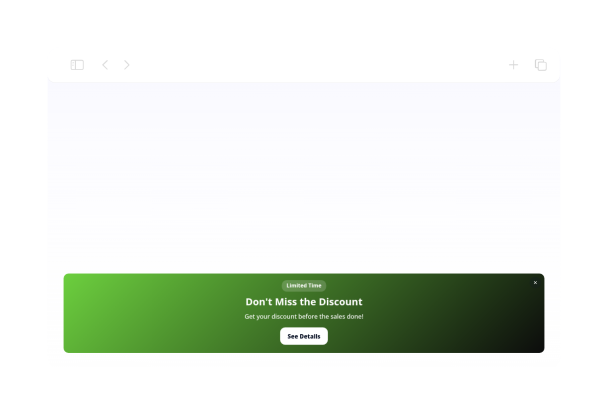
This floating announcement bar is designed for last-call messages like deadline reminders, registration cutoffs, final updates, and event notices.
Last Call for Announcement Bar

More お知らせ バナー Styles

Scrollable Announcement Bar420 Used

Scrollable Announcement Bar

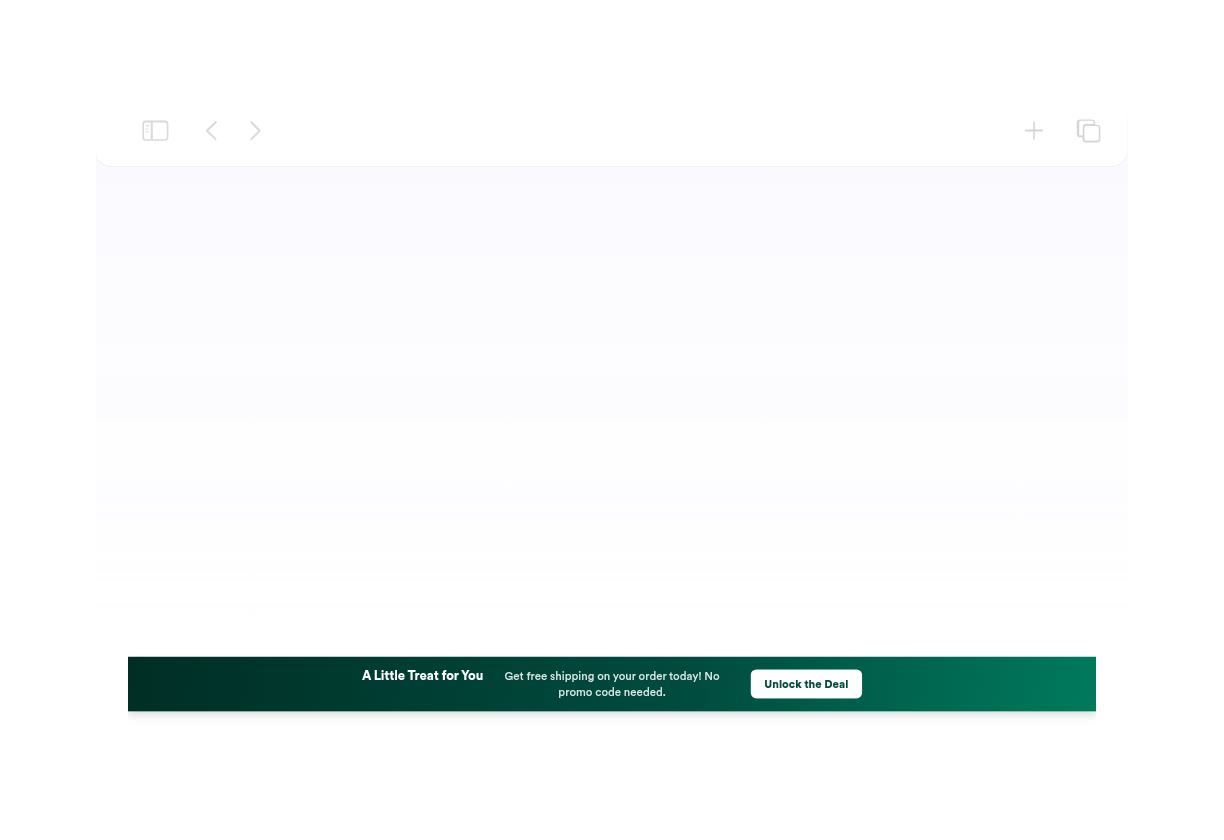
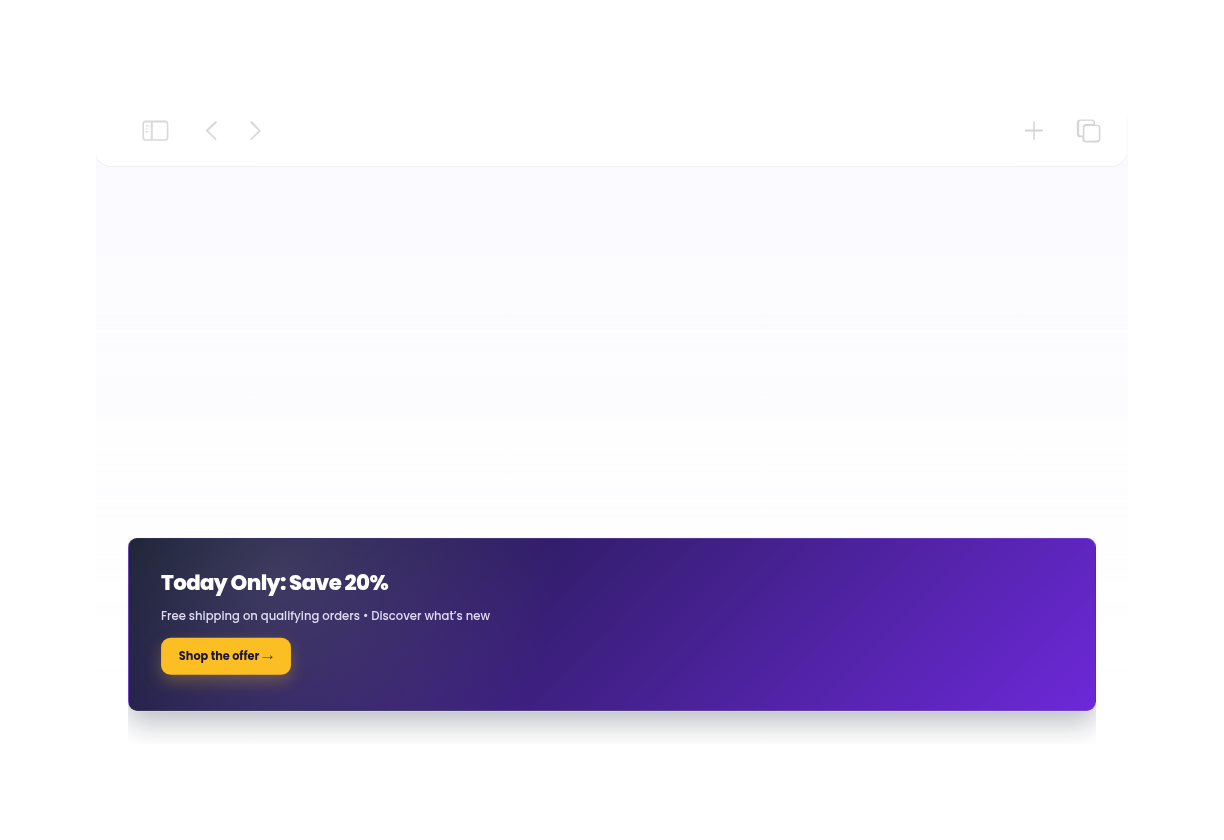
This full-width announcement bar is designed for promotions, flash sales, and featured updates. It displays a short, high-contrast message with a clear call-to-action button, making it easy to highlight offers like limited-time savings, free shipping, and new arrivals. The entire banner is clickable, and visitors can also use the dedicated CTA or dismiss the bar when they are done. With a dark navy background, bright accent button, and compact spacing, it suits ecommerce sites that want a clean promotional strip at the top of the page without taking over the layout.

Bar Mitzvah Announcement Bar851 Used

Bar Mitzvah Announcement Bar

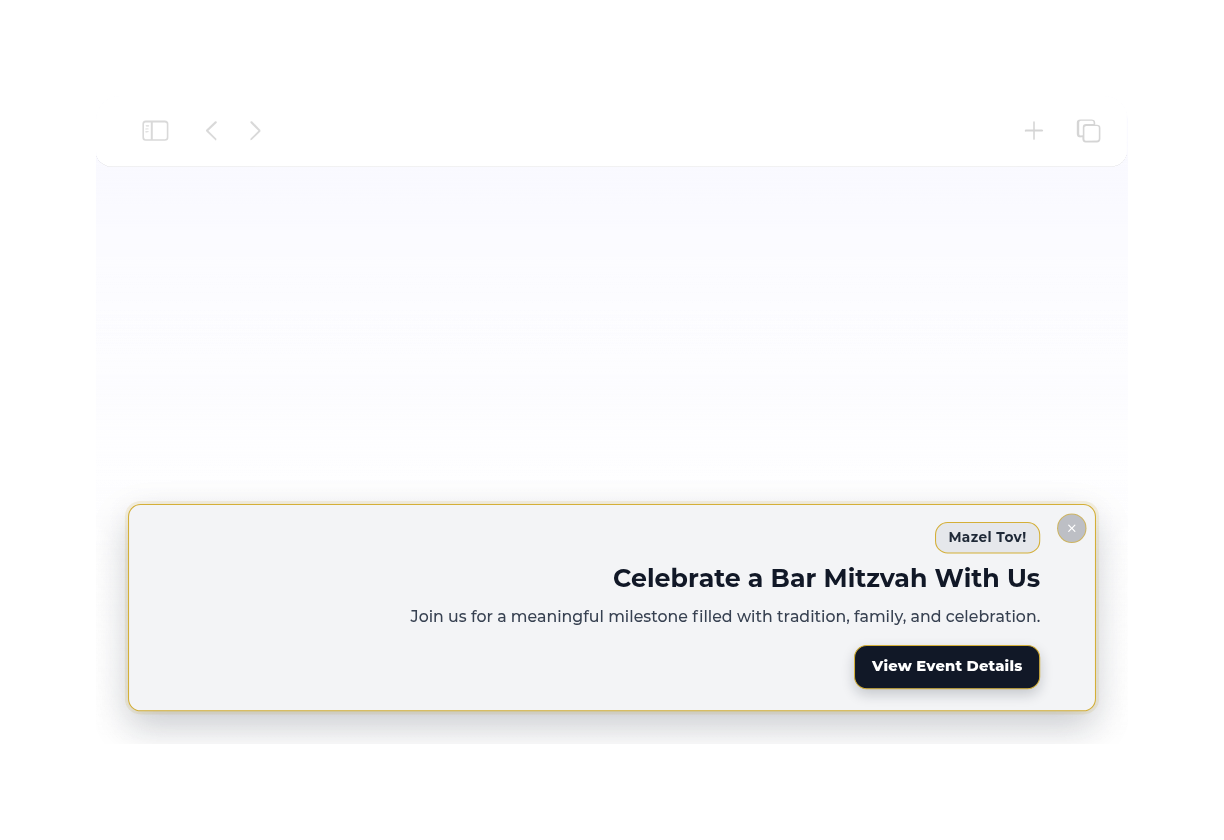
This dismissible floating announcement bar is designed for a Bar Mitzvah celebration and keeps the message polished, warm, and easy to read. It includes a small Mazel Tov! badge, a clear headline, supportive event copy, and a prominent call-to-action button for sharing more details. It works well for families, synagogues, and event planners who want a respectful, modern notice at the top of a page. Visitors can quickly read the announcement, tap the button to open the event details page, or close the bar when they are finished.

Shopify Announcement Bar114 Used

Shopify Announcement Bar

This centered floating announcement bar is designed for Shopify storefronts that need a simple, prominent message area. It features a bold heading and a supporting line of text, making it easy to share store updates, notices, or brief reminders without taking over the page. Built with a clean light theme and smooth typography, the bar keeps the message readable while staying visually lightweight. Visitors can quickly scan the announcement and dismiss it when they are done, making it a practical fit for storefronts that want clear communication with minimal friction.

Offer Announcement Bar728 Used

Offer Announcement Bar

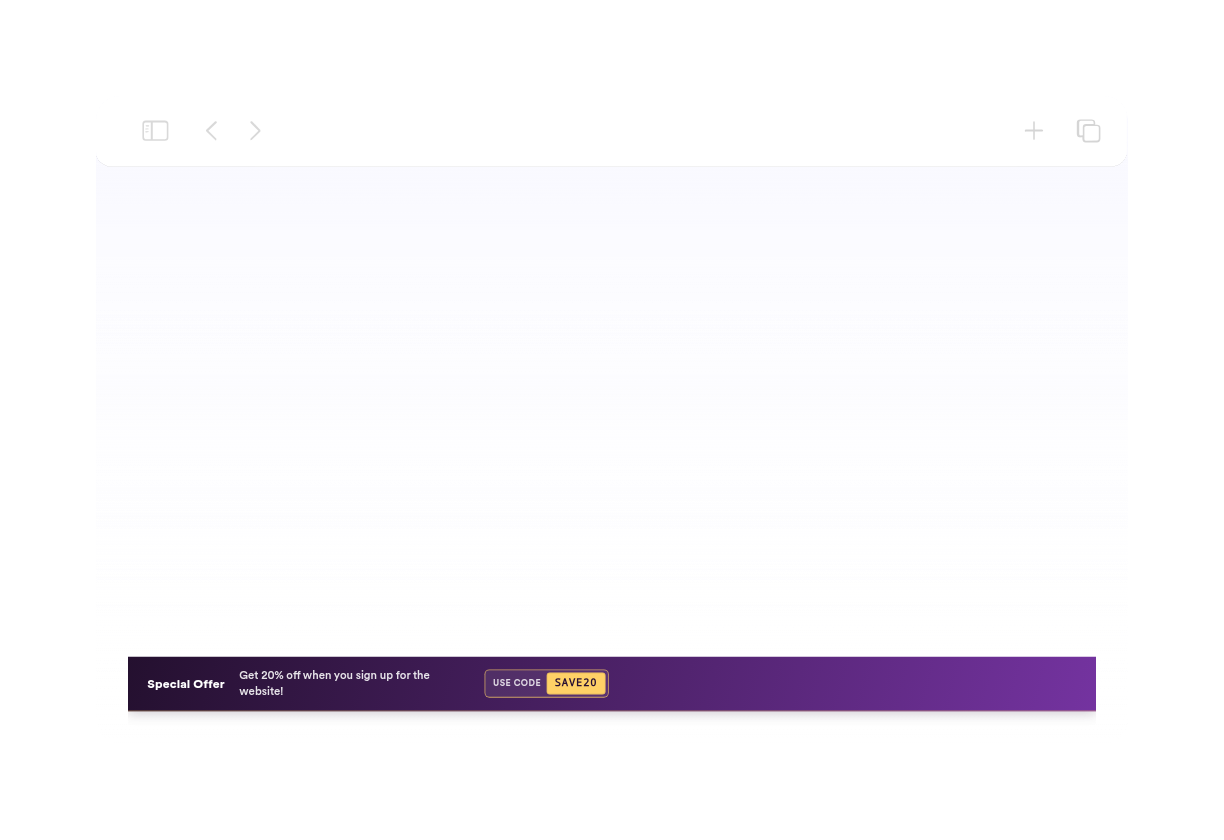
Highlight a special promotion with this offer announcement bar. It uses a bold centered floating layout, a clear headline, supportive message text, and a strong call to action to guide visitors toward the featured deal. The high-contrast color treatment helps the offer stand out without taking over the page. This template suits stores, campaigns, launches, and seasonal promotions that need a quick attention-grabbing message. Visitors can read the offer, click the button to continue to the linked page, or dismiss the bar when they are ready to browse on.

お知らせ バナーウィジェットの作成方法

Choose an announcement template

お知らせテンプレートを選ぶ

セール、更新、クーポン、イベント、配送のお知らせ、ローンチ、アラート、サインアップなどに使えるお知らせバナーテンプレートから始めましょう。

Customize content and display rules

コンテンツと表示ルールをカスタマイズ

コピー、CTA、クーポン、タイマー、色、アップロードした画像の背景、上部または下部の配置、閉じるボタン、スケジュール、ページルール、モバイル表示を編集できます。

Embed it on your website

ウェブサイトに埋め込む

お知らせバナーをプレビューし、生成された埋め込みコードをコピーして、訪問者にメッセージを見せたいページに配置しましょう。

あらゆるキャンペーンに向けたお知らせバナーを作成

お知らせバナーテンプレートを見る

セール、製品、店舗オープン、送料無料、ニュース、更新、ブラックフライデー、クリスマス、クーポン、イベント、ウェビナー、誕生日セール、コミュニティ、リード獲得、ポリシー、ミニマル、フローティングボトム、インライン情報、サービス通知など、さまざまなお知らせ用テンプレートを利用できます。

Explore announcement templates

アクションと緊急感を追加

CTAボタン、テキストリンク、クリック可能なバー、クーポンコード、カウントダウンタイマー、区切り線を表示し、訪問者がお知らせから行動を起こせるようにしましょう。

Add actions and urgency

配置とターゲティングを設定

上部、下部、またはインラインの配置を選び、閉じるボタンを有効にし、選択したデバイスにバーを表示し、キャンペーン期間をスケジュール設定し、埋め込み元の参照元が利用可能な場合はページURLを照合できます。

Control placement and targeting

サイトのデザインに合わせる

色、グラデーション、アップロードした画像の背景、明るさ、文字設定、内側の余白、間隔、ボタンのスタイル、レスポンシブ表示サイズ、ブランド設定、適用範囲を限定したカスタムCSSを調整できます。

Match your site design

お知らせ バナーをWordPressに埋め込む方法

1埋め込みコードを取得

Jotformのホームページウィジェットをカスタマイズしたら、「無料で試す」をクリックし、生成された埋め込みコードをコピーします。

2ページエディターを開く

ウィジェットを表示したいWordPressの投稿または固定ページを開き、新しいブロックを追加します。

3カスタムHTMLブロックを追加

カスタムHTMLを選択し、Jotformホームページウィジェットの埋め込みコードをHTMLフィールドに貼り付けます。

4更新して表示

更新または公開をクリックし、ページを開いて埋め込まれたウィジェットを確認します。

Jotform ホームページウィジェットが選ばれる理由

Jotformのウィジェットは、ウェブサイトをよりインタラクティブにし、コンバージョンを高めます。星評価やお客様の声を表示するスライダー、ソーシャルプルーフのポップアップ、メディア埋め込みまで、多彩なツールが利用可能です。フォームやランディングページにウィジェットを追加して、データ収集、実績や信頼性のアピール、見込み顧客の獲得を実現できます。コーディングは不要です。

コーディングなしで埋め込む

シンプルな埋め込みコードで、Jotformウィジェットをウェブサイトに追加できます。ウィジェットをカスタマイズし、見た目をプレビューして、カスタムHTMLや埋め込みブロックに対応したあらゆるページに貼り付けるだけ。開発者は一切不要です。

よりインタラクティブなページを作成

Jotform ホームページウィジェットを使って、見込み顧客の獲得、お客様のフィードバックの表示、ソーシャルプルーフの活用、メディアの埋め込み、便利なウェブページツールの追加ができます。各ウィジェットは、訪問者がウェブサイトから直接あなたのビジネスとやり取りできるようサポートします。

必要なときにサポートを受けられる

ウィジェットの設定、カスタマイズ、埋め込み、トラブルシューティングでサポートが必要な場合、Jotformのカスタマーサポートチームが24時間年中無休で対応します。必要なときにいつでもサポートを受けられるので、安心してご利用いただけます。

お知らせバナーウィジェットの活用シーン

ページの閲覧を妨げずに、タイムリーで目立つメッセージを訪問者に伝えたい場所なら、どこでもアナウンスバーを活用できます。

ECサイトでは、割引、送料無料、クーポンコード、期間限定セール、季節限定キャンペーンなどを告知できます。

製品・ローンチページでは、新機能、コレクション、ウェイトリスト、新商品の発売、サービスの最新情報などの告知に。

イベントやウェビナーのページでは、CTAボタン、リンク、カウントダウンタイマーを使って参加登録を促進できます。

ブログやコンテンツハブでは、ニュースレターの登録、最新ニュース、ポリシー変更、関連オファーの案内に。

サポート・ステータスページでは、サービスに関するお知らせ、休業時間、メンテナンス時間、重要なお知らせなどを表示できます。

Jotformのフォーム作成ツールで見込み顧客を顧客へと導く

Jotformで訪問者の関心を具体的なアクションにつなげましょう。見込み顧客の獲得、決済の受付、返信の自動化ができる高機能なフォームを、すべて一か所で作成できます。送信された回答はすべてJotformインボックスに届くため、フォローアップやお気に入りのアプリとの連携も簡単です。

無料で今すぐ始める
Convert leads into customers

よくある質問 (FAQ)

  • お知らせバナーウィジェットとは?

    お知らせバナーウィジェットは、ウェブサイトの上部、下部、またはページ内に短いメッセージを表示し、訪問者にプロモーション、お知らせ、最新情報、CTAなどを伝えることができます。

  • テンプレートはいくつ含まれていますか?

  • 訪問者はバーを閉じることができますか?

  • 表示するタイミングをスケジュール設定できますか?

  • ページ表示ルールを使用できますか?

  • クーポンやカウントダウンを追加できますか?