Testimonials Carousel for App Store Reviews

This light, portrait-style testimonial carousel is designed for an iPhone habit-tracking app. It displays six illustrative sample reviews with reviewer portraits, names, and individual five-star ratings.
Testimonials Carousel for App Store Reviews

More App Storeレビュー Styles

Dark App Store Reviews Quote Slider154 Used

Dark App Store Reviews Quote Slider

Showcase illustrative app reviews for an iPhone audiobook listening app in a dark, full-width quote slider. Each slide presents one large review quote alongside a five-star rating, reviewer portrait and name, plus a native App Store source pill. The sample comments highlight listening details such as the sleep timer, library browsing, playback speed, saved books and chapter navigation. Visitors can use the previous and next controls to browse the six sample reviews and choose Read full review to open a review in a dialog. The slider suits audiobook app pages that need a focused, readable presentation of sample listener feedback without a global heading, dates, review count or review media.

Dark App Store Reviews Carousel319 Used

Dark App Store Reviews Carousel

This dark, full-width carousel presents six illustrative five-star reviews for a meditation app. Each card pairs a reviewer portrait and name with a short comment about breathing timers, brief sessions, gentle sounds, reminders, and everyday moments of calm. Calm nature imagery appears as a card background, separate from the reviewer portraits. The template suits meditation and mindfulness app pages that want to show sample user feedback in a focused, easy-to-browse format. Visitors can move through the reviews with the carousel arrows and open a review for more detail. A centered header reads “App Store User Stories,” with the headline “A calmer moment, every day.” and a six-review summary.

App Store Reviews Carousel Section436 Used

App Store Reviews Carousel Section

This light, full-width carousel presents six illustrative sample reviews for a personal note-taking app. Each card shows a fictional reviewer name, human portrait, five-star rating, and a short comment about capturing ideas, organizing folders, finding older notes, and keeping details together. The centered heading and clean cards create a focused section for a website introducing a note-taking app. Visitors can browse the reviews with the carousel arrows, open a review for more detail, and use the visible “Share your feedback” button. These comments are illustrative sample data, not verified endorsements from real app users. Replace them with reviews you are authorized to display before publishing.

Rotating Review Carousel456 Used

Rotating Review Carousel

A light Rotating review carousel for a personal budgeting app, with six illustrative user comments about expense tracking, weekly planning, categories and monthly summaries. Each card pairs a human portrait and name with a five-star rating. Native angled cards and navigation arrows make the feedback easy to browse. All comments are sample data, not verified endorsements; replace them with authorized app-user feedback.

App Storeレビューウィジェットの作成方法

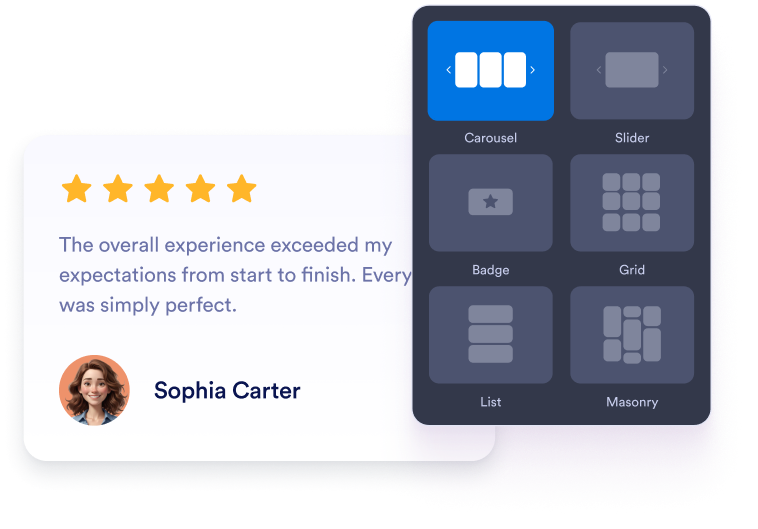
Customize your widget

ウィジェットをカスタマイズ

コンテンツ、レイアウト、色、動作を選んで、ウィジェットをWebサイトのデザインに合わせましょう。

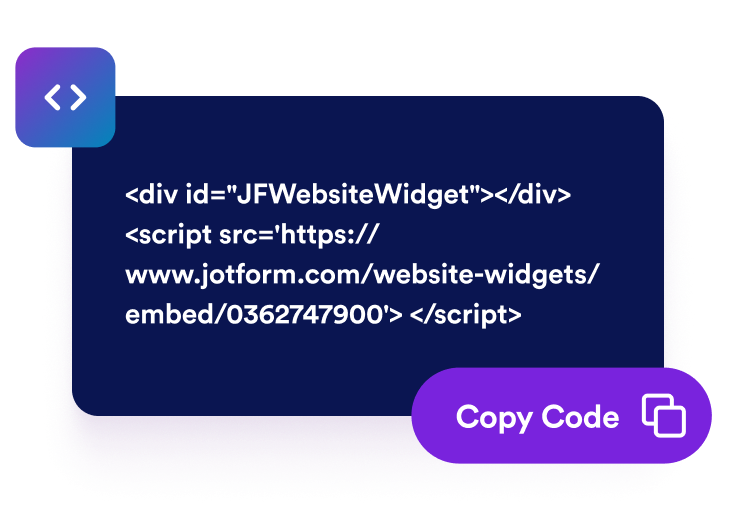
Get the embed code

埋め込みコードを取得

Jotformが生成したそのまま使える埋め込みコードをコピーします。設定やコーディングは不要です。

Embed it anywhere

好きな場所に埋め込む

コードをウェブサイトに貼り付けて公開するだけです。App Store レビューがすぐに表示されます。

App Storeレビューでアプリ選びに自信を

訪問者にアプリの利用を促す

ダウンロードボタン、登録フォーム、商品詳細の近くに、評価の高いApp Storeレビューを表示できます。実際のユーザーの声を掲載することで、よくある不安や疑問を解消し、アプリが自分のニーズに合っているかを訪問者が判断しやすくなります。

Encourage visitors to explore your app

実際のアプリレビューで信頼を築く

iOSユーザーからの実際の評価やコメントをウェブサイトに直接表示します。実体験に基づくレビューを掲載することで、訪問者により多くの判断材料を提供し、アプリの評判を評価しやすくできます。

Build trust with real app reviews

レビューコンテンツを自動的に最新の状態に保つ

App Storeのリストに一度連携するだけで、新しい評価やコメントがウィジェットに自動で同期されます。頻繁な手動更新を必要とせず、最新のユーザーフィードバックをウェブサイトに表示できます。

Keep review content current automatically

レビューでアプリの魅力を高める

関連性の高いユーザーフィードバックは、アプリページをより役立つ情報源にできます。レビューによって検索順位の向上が保証されるわけではありませんが、最新かつ製品に特化したコンテンツをページに追加できます。

Support app visibility with review content

App StoreレビューをWordPressに埋め込む方法

1埋め込みコードを取得

Jotformのホームページウィジェットをカスタマイズしたら、「無料で試す」をクリックし、生成された埋め込みコードをコピーします。

2ページエディターを開く

ウィジェットを表示したいWordPressの投稿または固定ページを開き、新しいブロックを追加します。

3カスタムHTMLブロックを追加

カスタムHTMLを選択し、Jotformホームページウィジェットの埋め込みコードをHTMLフィールドに貼り付けます。

4更新して表示

更新または公開をクリックし、ページを開いて埋め込まれたウィジェットを確認します。

Jotform ホームページウィジェットが選ばれる理由

Jotformのウィジェットは、ウェブサイトをよりインタラクティブにし、コンバージョンを高めます。星評価やお客様の声を表示するスライダー、ソーシャルプルーフのポップアップ、メディア埋め込みまで、多彩なツールが利用可能です。フォームやランディングページにウィジェットを追加して、データ収集、実績や信頼性のアピール、見込み顧客の獲得を実現できます。コーディングは不要です。

コーディングなしで埋め込む

シンプルな埋め込みコードで、Jotformウィジェットをウェブサイトに追加できます。ウィジェットをカスタマイズし、見た目をプレビューして、カスタムHTMLや埋め込みブロックに対応したあらゆるページに貼り付けるだけ。開発者は一切不要です。

よりインタラクティブなページを作成

Jotform ホームページウィジェットを使って、見込み顧客の獲得、お客様のフィードバックの表示、ソーシャルプルーフの活用、メディアの埋め込み、便利なウェブページツールの追加ができます。各ウィジェットは、訪問者がウェブサイトから直接あなたのビジネスとやり取りできるようサポートします。

必要なときにサポートを受けられる

ウィジェットの設定、カスタマイズ、埋め込み、トラブルシューティングでサポートが必要な場合、Jotformのカスタマーサポートチームが24時間年中無休で対応します。必要なときにいつでもサポートを受けられるので、安心してご利用いただけます。

App Storeレビューウィジェットを使用する場面

訪問者がアプリを調べ、次に何をするかを決めるページにレビューを追加しましょう。

iOSアプリのランディングページで、ダウンロードを検討する際の判断材料を提供する場合に。

ホームページのセクション:実際のユーザーフィードバックを早い段階で紹介します。

機能紹介ページ:では、お客様の体験を通じて商品のメリットをより強く伝えることができます。

料金・サブスクリプションページで、購入前の不安や迷いを解消する場合に。

リリース・更新ページで、ユーザーがアプリにどう反応しているかを紹介する場合に。

サポート・FAQページで、新規ユーザーにさらなる安心感を提供します。

Jotformのフォーム作成ツールで見込み顧客を顧客へと導く

Jotformで訪問者の関心を具体的なアクションにつなげましょう。見込み顧客の獲得、決済の受付、返信の自動化ができる高機能なフォームを、すべて一か所で作成できます。送信された回答はすべてJotformインボックスに届くため、フォローアップやお気に入りのアプリとの連携も簡単です。

無料で今すぐ始める
Convert leads into customers

よくある質問 (FAQ)

  • App Store レビューウィジェットとは何ですか?

    App Store レビューウィジェットは、Apple App Storeの掲載ページにある評価や公開レビューをWebサイトに表示します。訪問者はページを離れることなく、実際のiOSユーザーの体験を簡単に確認できます。

  • ウェブサイトにApp Store レビューを追加するにはどうすればよいですか?

  • どのレビューレイアウトを使用できますか?

  • App Store レビューウィジェットをカスタマイズできますか?

  • 新しいApp Store レビューは自動的に表示されますか?

  • 表示するApp Store レビューを選べますか?

  • App Storeの掲載ページへのリンクが機能しない場合はどうすればよいですか?

  • ウィジェットを使うにはコードを書く必要がありますか?

  • ウィジェットはスマートフォンにも対応していますか?

  • App Store レビューウィジェットを無料で作成できますか?

  • どのウェブサイトプラットフォームがこのウィジェットに対応していますか?

  • ウィジェットの設定についてサポートを受けられますか?