Free Review Widgets for Websites

Collect and display reviews from Google, Airbnb, App Store, Yelp, and more with simple no-code widgets for your website.

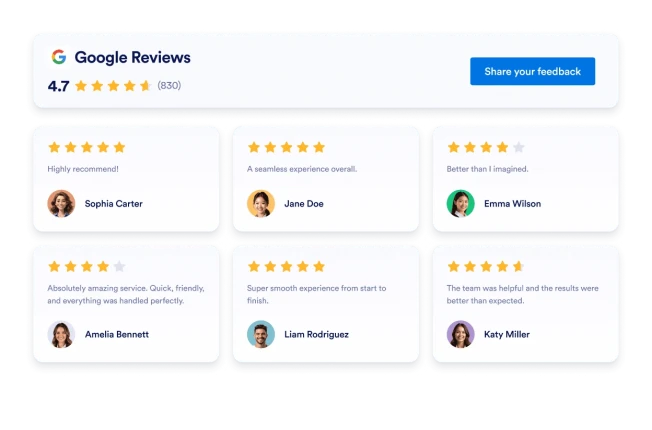
Google レビュー

数秒でGoogleレビューウィジェットをウェブサイトに追加できます。顧客からのフィードバックを表示し、信頼を築き、コンバージョンを増やしましょう。コーディングは不要です。

カテゴリーへ移動:レビューウィジェットを使う
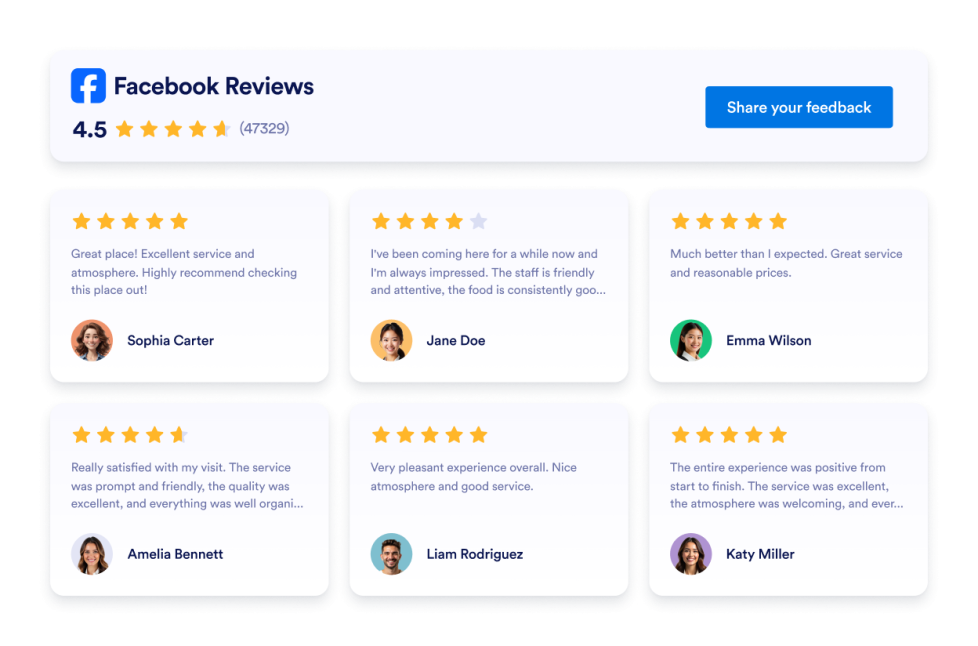
Facebookレビュー

カスタマイズ可能なFacebookレビューウィジェットを追加して、顧客の評価やレビューを表示できます。複数のレイアウトから選択し、カラーやCTAボタンをカスタマイズして、コード不要でウェブサイトに埋め込めます。

カテゴリーへ移動:レビューウィジェットを使う
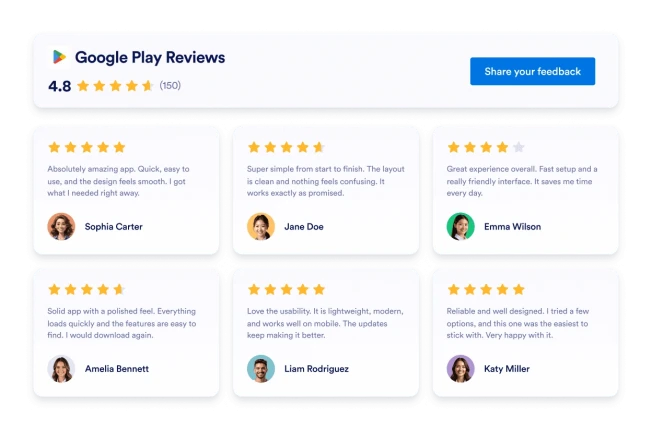
Google Playのレビュー

Google Playレビューウィジェットは、実際のユーザー評価とレビューをレスポンシブデザインで表示します。Jotformを使えば、コーディング不要で自動同期、カスタマイズ、サイトへの埋め込みまでを簡単に行えます。

カテゴリーへ移動:レビューウィジェットを使う

Yelpレビュー

Yelpレビューウィジェットは、実際の顧客評価をレスポンシブレイアウトで表示します。Jotformのノーコードツールで、自動同期、カスタマイズ、サイトへの埋め込みまでを簡単に行えます。 

カテゴリーへ移動:レビューウィジェットを使う

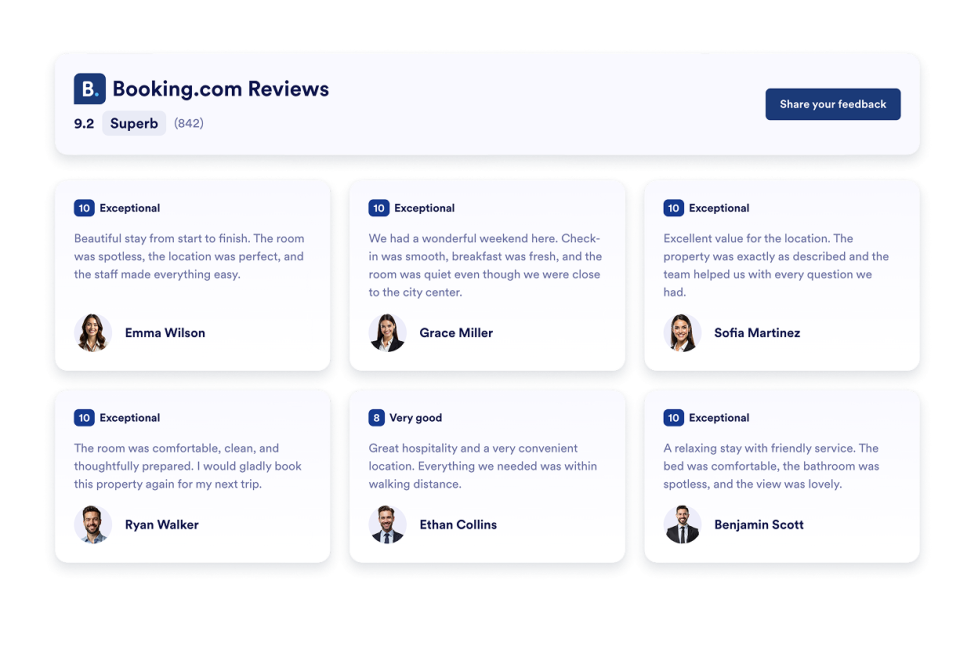
予約レビュー

Bookingレビューウィジェットは、Booking.comの宿泊施設に投稿されたゲストレビューを、レスポンシブでカスタマイズ可能なレイアウトで表示します。

カテゴリーへ移動:レビューウィジェットを使う

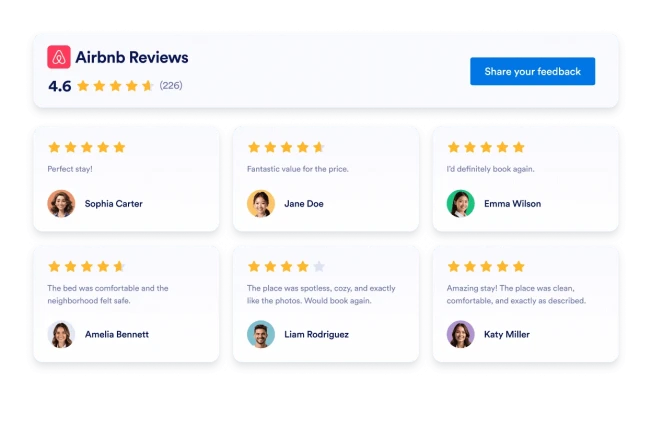
Airbnbレビュー

JotformでAirbnbレビューウィジェットを作成したら、ゲストからのフィードバックを自動同期できます。デザインをカスタマイズし、ウェブサイトにコード不要で埋め込めます。

カテゴリーへ移動:レビューウィジェットを使う

eBayレビュー

eBayレビューウィジェットで信頼性を高めましょう。リアルタイムの購入者フィードバック、評価、自動更新されるレビューを表示。Jotformの無料ノーコード埋め込み機能を使えば、わずか数秒で設定できます。今すぐ始めましょう。

カテゴリーへ移動:レビューウィジェットを使う

Etsyレビュー

Etsyレビューウィジェットは、実際の購入者の評価をすっきりとしたレイアウトで表示します。Jotformのノーコードツールを使えば、自動同期、カスタマイズ、サイトへの埋め込みまで簡単に行えます。

カテゴリーへ移動:レビューウィジェットを使う

App Storeレビュー

Display real iOS App Store ratings and user reviews with the App Store Reviews Widget. Connect your public App Store listing, customize layouts and styling, and embed the widget anywhere without coding.

カテゴリーへ移動:レビューウィジェットを使う

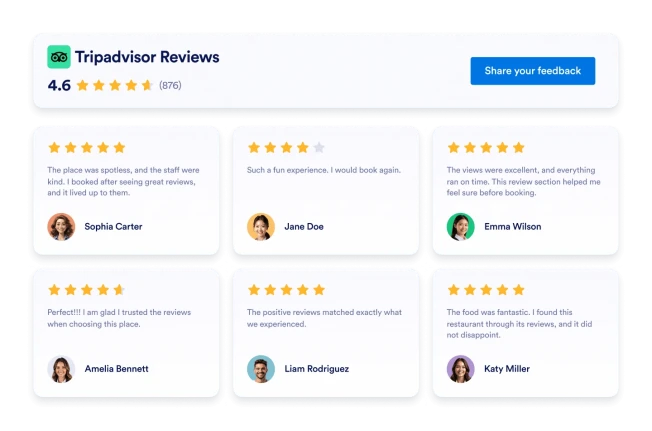
Tripadvisorレビュー

Tripadvisorレビューウィジェットは、実際の旅行者の評価を見やすいレイアウトで表示します。Jotformのノーコードツールを使えば、自動同期、カスタマイズ、サイトへの埋め込みまで簡単に行えます。

カテゴリーへ移動:レビューウィジェットを使う

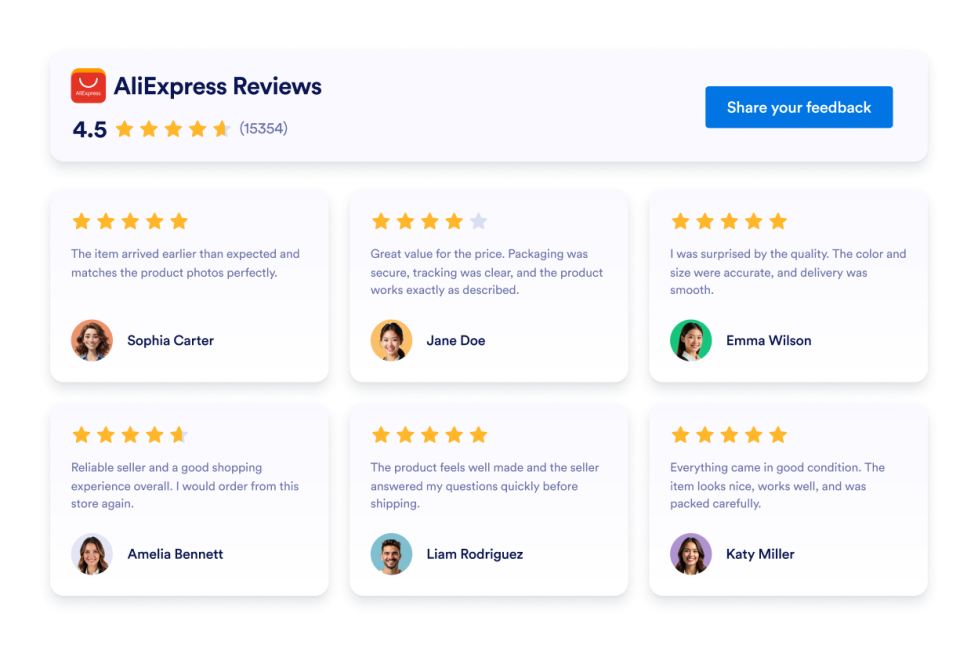
AliExpress Reviews

AliExpressのレビューウィジェットをウェブサイトに追加できます。商品の評価を表示し、レイアウトをカスタマイズして、お客様のフィードバックをコーディングなしで埋め込めます。

カテゴリーへ移動:レビューウィジェットを使う
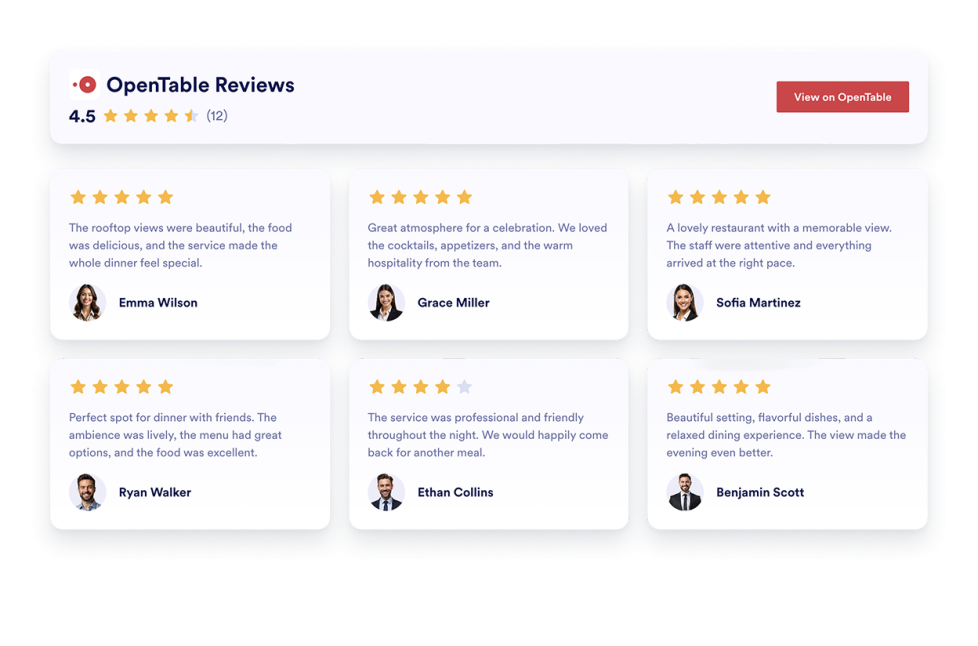
OpenTable Reviews

Display real customer feedback from your OpenTable profile and turn reviews into powerful social proof. With flexible layouts, styling options, and simple integration, you can showcase OpenTable Reviews on your website exactly the way you want.

カテゴリーへ移動:レビューウィジェットを使う

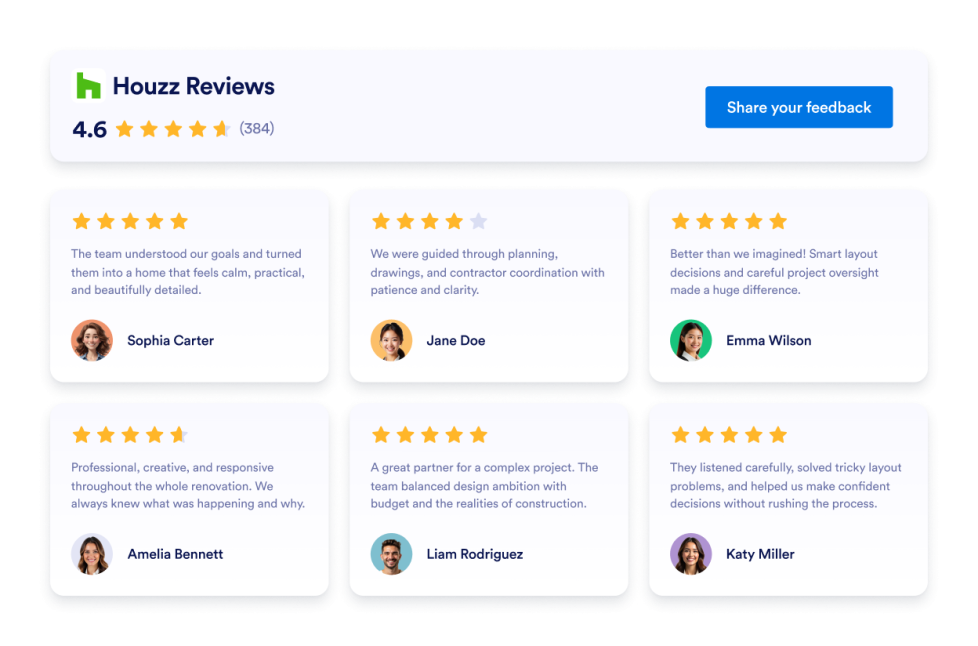
Houzz Reviews

Add a Houzz Reviews widget to your website. Display client ratings, project feedback, and social proof in customizable no-code layouts.

カテゴリーへ移動:レビューウィジェットを使う

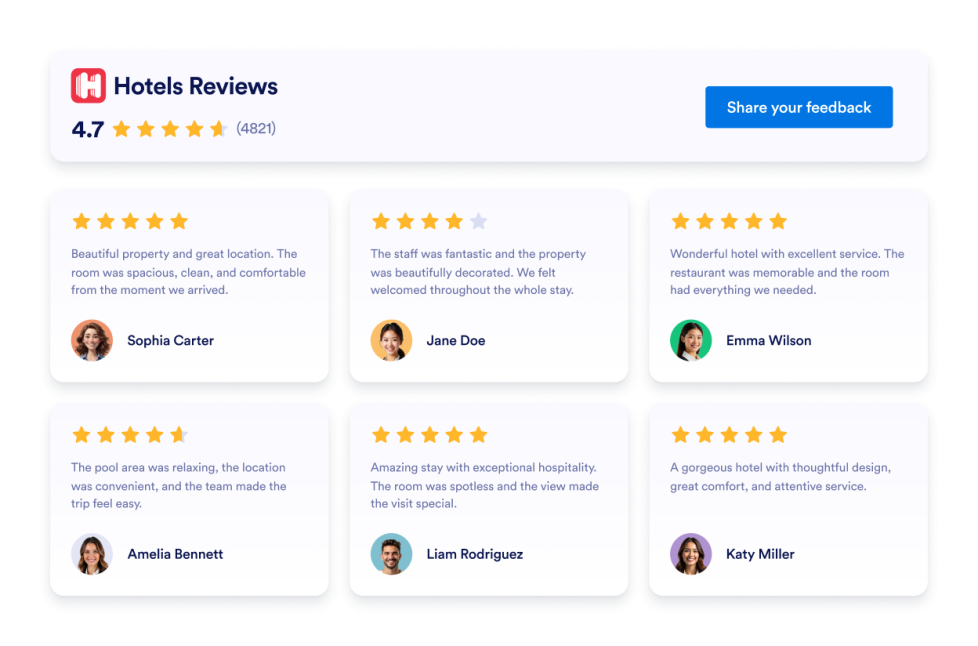
Hotels Reviews

Add a Hotels.com Reviews widget to your website in seconds. Showcase customer feedback, build trust, and grow conversions - no coding required.

カテゴリーへ移動:レビューウィジェットを使う

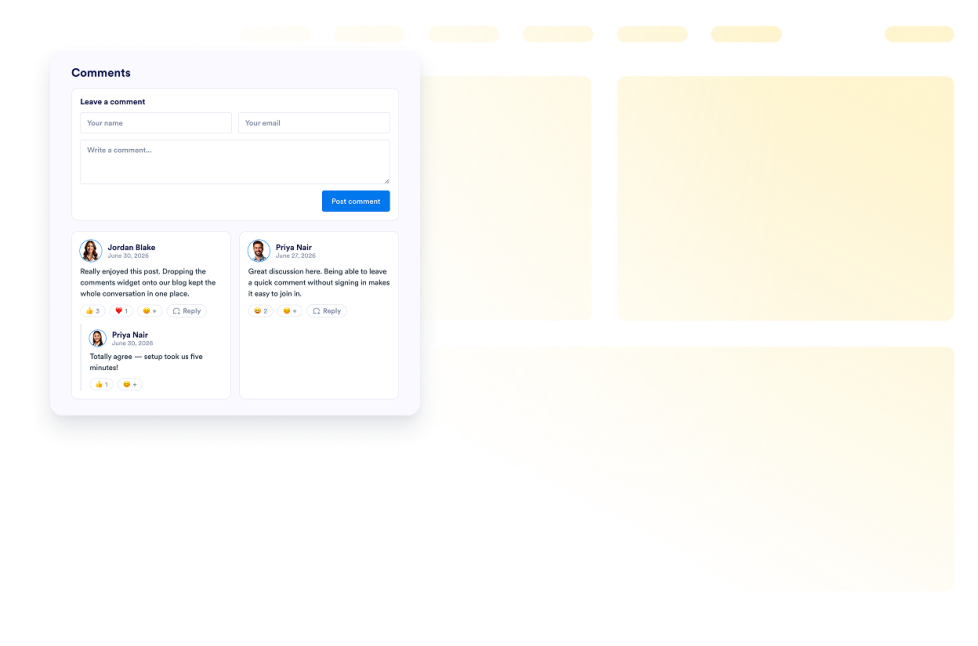
コメント

Add a Comments widget to your website. Display commenter names, avatars, roles, dates, and messages in customizable no-code list, grid, masonry, and carousel layouts.

カテゴリーへ移動:レビューウィジェットを使う

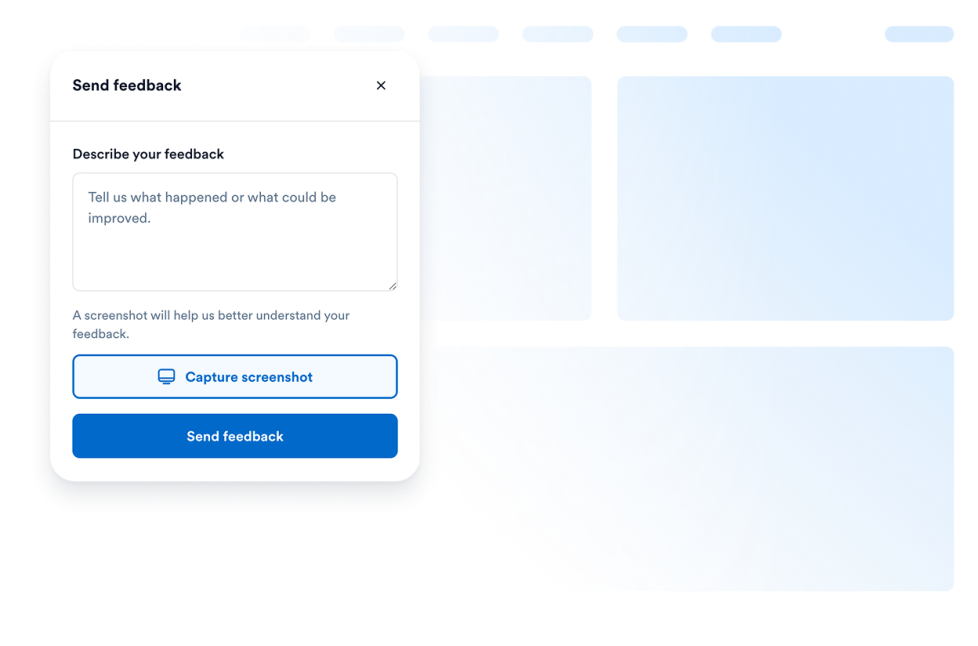
Feedback Widget

Collect feedback from your users without making them leave your page. Let them write their requests or even add screenshots of the problematic parts on your page.

カテゴリーへ移動:レビューウィジェットを使う

G2 Reviews

Add a free, no-code G2 Review widget to your website. Show software ratings, verified buyer feedback, and social proof in customizable layouts.

カテゴリーへ移動:レビューウィジェットを使う

About Review Widgets

Review widgets help you display customer feedback, ratings, and testimonials on your website without custom code. These embeddable widgets can show reviews from platforms such as Google, Airbnb, App Store, Yelp, Trustpilot, Facebook, and more, depending on the widget you choose.

With Jotform’s review widgets, you can choose a widget, customize its settings, adjust the design, and embed it on your website. Review widgets work well on homepages, landing pages, product pages, pricing pages, service pages, booking pages, and local business websites where visitors may want to see feedback before taking action.

What can you do with review widgets?

Review widgets can help you:

  • Display customer reviews and ratings directly on your website
  • Add embeddable social proof near key sections, forms, or CTAs
  • Show feedback from platforms like Google, Yelp, Trustpilot, Facebook, Airbnb, or app stores
  • Help visitors compare experiences before they book, buy, sign up, or contact you
  • Customize review layouts, colors, and display options to match your page
  • Keep visitors on your website instead of sending them to another review platform

Popular review widget use cases

Review widgets can be used across different parts of a website based on the type of feedback visitors need to see. For example, a Google Reviews widget can help local businesses show customer feedback on homepages or service pages, while a Yelp Reviews widget can support restaurants, salons, clinics, and local service providers. A Trustpilot Reviews widget can help businesses display third-party customer feedback, and App Store or Google Play Reviews widgets can help app teams show ratings and user feedback on product or download pages.

Review widgets are especially useful when a page needs to build trust before asking visitors to take the next step. They can support lead generation, bookings, purchases, app downloads, service inquiries, and product research by placing relevant reviews closer to the visitor’s decision point.

Easy website widgets for any team

Embeddable website widgets are useful for small teams, SMBs, creators, personal website owners, agencies, educators, nonprofits, local businesses, restaurants, hotels, online stores, and app teams that want to show reviews without relying on a developer or designer.

With Jotform, users can choose a widget, customize the content and design, copy the embed code, and add it to their website without custom code. This makes it easier to display customer feedback, build trust, support visitor decisions, or guide visitors to take action from one no-code builder.

Related guides

To learn more about setting up and managing widgets, users can read Jotform’s guide on managing website widgets. The guide explains that users can create new widgets, edit existing widgets, copy embed codes, control widget visibility, and organize your widget assets from the My Website Widgets page.

Review Widgets FAQ

What are review widgets?

Review widgets are embeddable website tools that display customer reviews, ratings, testimonials, or platform-based feedback directly on a webpage. They can help visitors see real customer feedback before they take action.

Where should I use review widgets?

You can use review widgets on homepages, landing pages, product pages, service pages, pricing pages, booking pages, app pages, and checkout-related pages. The best placement is usually near sections where visitors are deciding whether to contact you, book, buy, download, or sign up.

Can I customize review widgets?

Yes. Review widgets can usually be customized before they are embedded. Depending on the widget, you can adjust layout, colors, spacing, review display settings, badges, sliders, themes, and other design options.

Do review widgets require coding?

No. Jotform review widgets can be added without custom coding. After customizing a widget, users can embed it on a website using the provided embed code.