Midnight Forum for Comments

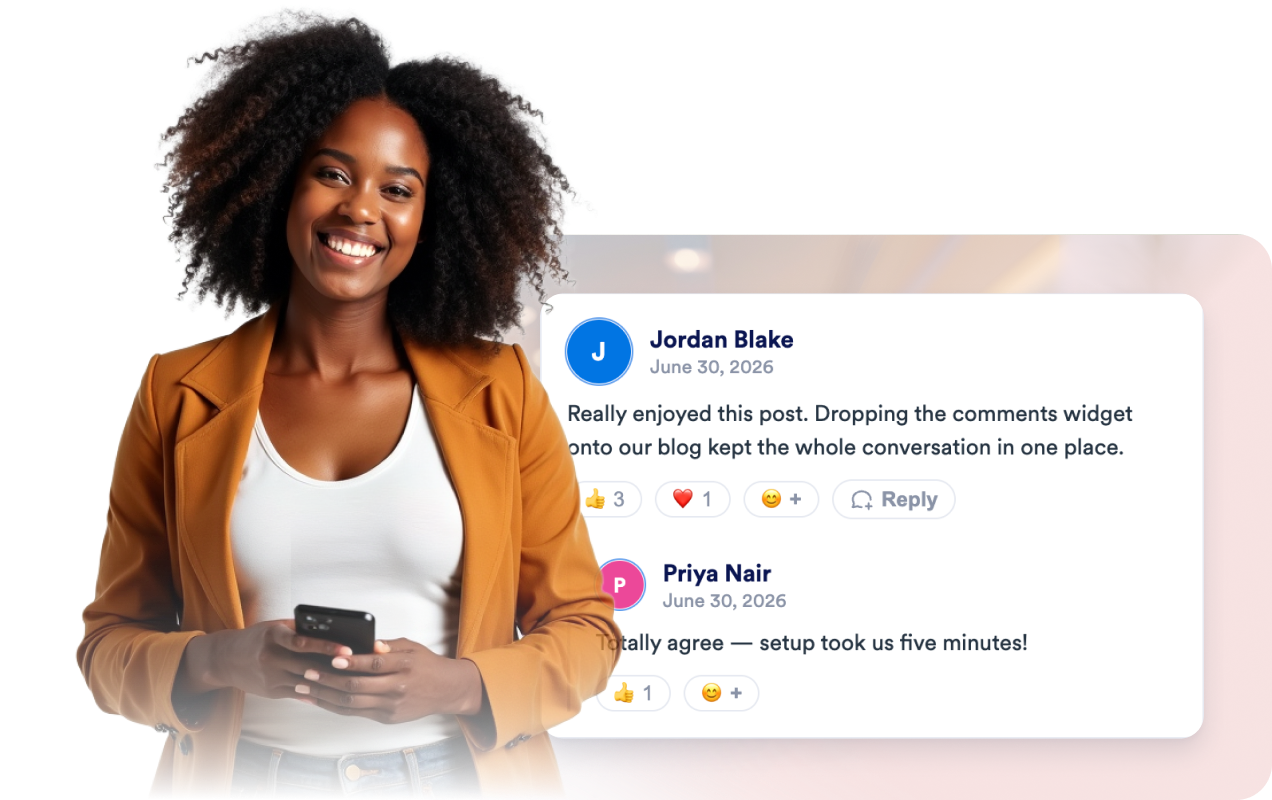
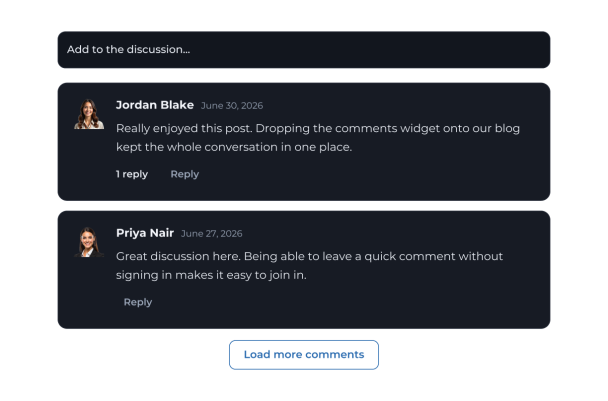
This comments widget presents a newest-first discussion in a compact list, with commenter names, avatars, and dates.
Midnight Forum for Comments

More コメント Styles

Neutral Discussion Cards660 Used

Neutral Discussion Cards

Give visitors a straightforward place to share thoughts and join a discussion. This comments widget presents posts in a clean list, with commenter names, avatars, and dates visible. Visitors can write a comment using the compact composer, and enabled replies let them continue a conversation within a thread. The layout uses a light, understated style with rounded comment cards and Poppins typography, making it a practical fit for articles, community pages, and other content where feedback belongs alongside the main experience. When the list is empty, visitors see “Be the first to comment.” Newest comments appear first, and a load-more control is available for browsing additional posts.

Minimal Editorial Conversation590 Used

Minimal Editorial Conversation

This comments widget provides a simple discussion area with a compact composer and a clean, list-based presentation. Visitors can enter their name and share a comment, then read contributions displayed with commenter names, avatars, and dates. Replies are enabled, with thread controls to expand or collapse conversations, and a load-more button helps visitors browse additional comments. Use it for articles, community pages, project updates, or other content where readers can add their thoughts and respond to one another. The restrained styling, Poppins typography, and neutral colors keep the discussion readable alongside a range of page designs. When no comments are present, the widget invites visitors to be the first to contribute.

Warm Community Journal106 Used

Warm Community Journal

This comments widget presents a newest-first discussion in a list of warm, cream-colored cards, with commenter names, avatars, and dates. It is suited to articles, project pages, and other content where visitors can share reactions or join an ongoing conversation. Visitors can write a comment using the compact composer, then post it to the discussion. Replies are enabled and can be collapsed, making it easier to follow comment threads. When no comments are present, the widget displays “Be the first to comment,” and a load-more button is available for browsing additional entries. The Merriweather typeface and burnt-orange accents give the discussion a friendly, editorial feel.

Blue Outline Conversation473 Used

Blue Outline Conversation

This comments widget presents a discussion in a clean, compact list with commenter avatars, names, dates, and comment text. Visitors can add a comment using the compact composer, reply to existing comments, and load more entries when available. Replies can be collapsed to keep longer conversations easier to scan. Designed for articles, community pages, and other content where readers can share thoughts and respond to one another, the template displays an empty-state message when there are no comments yet. Its white cards, teal accents, rounded corners, and Poppins typography create a simple, readable discussion area. Visitors use the prompt “Add to the discussion...” to start contributing.

コメントウィジェットの作成方法

Set up your comments widget

コメント欄を設定

通知用のメールアドレスを設定し、色やレイアウトを選択して、リアクション、返信、星評価のオン・オフを設定します。その後、埋め込みコードをサイトにコピーするだけです。

Visitors comment, react, and reply

コメント、リアクション、返信を行う

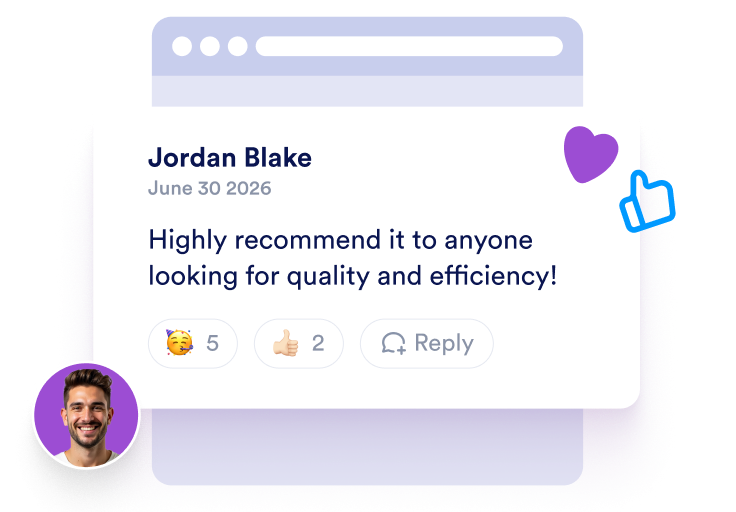
訪問者はページ上で直接、名前、メールアドレス、メッセージを投稿できます。サインインは不要です。絵文字でリアクションしたり、スレッドで返信したりでき、アバターはGravatarから取得されます。

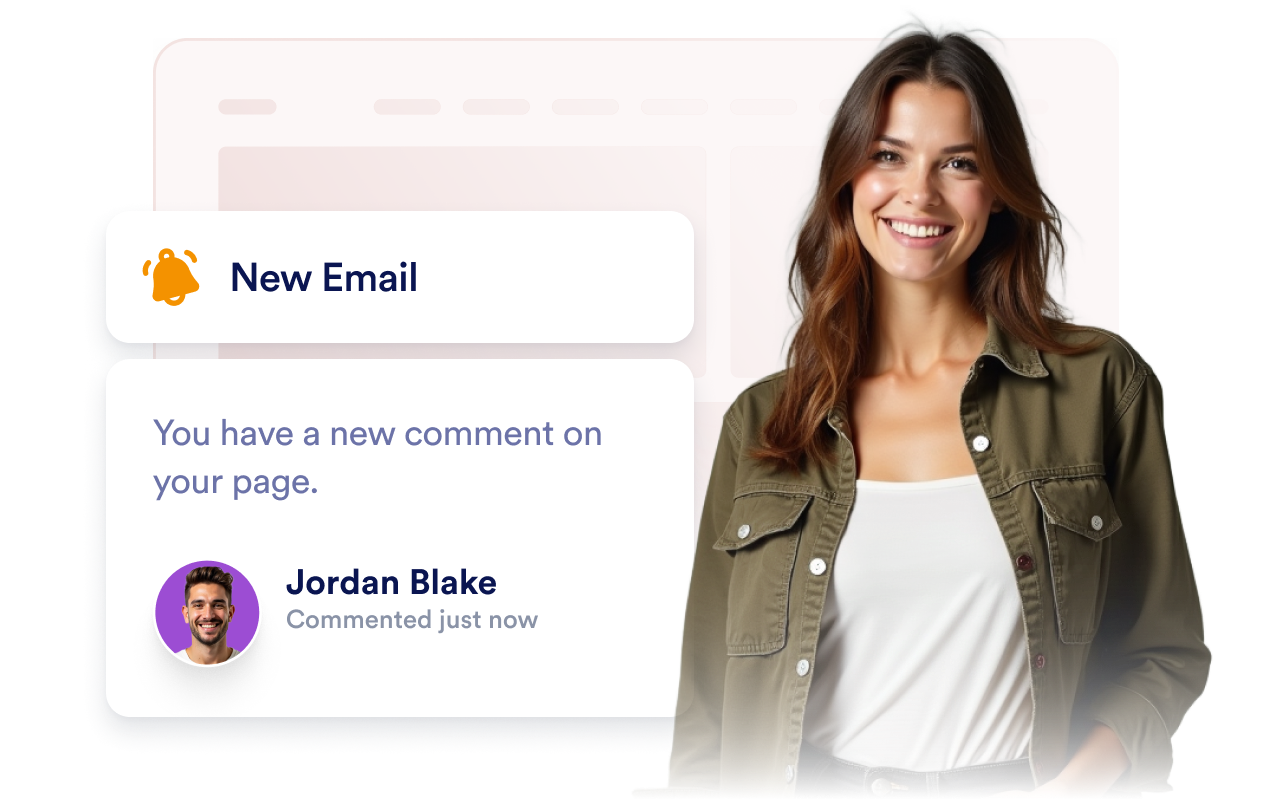
Get an email for every comment

コメントごとにメールを受け取る

誰かがコメントした瞬間にメール通知が届くので、すばやく返信して、ページ上での会話を続けられます。

ページの訪問者との活発な会話を生み出す

サインイン不要でコメントを投稿

訪問者はあなたのページ上で直接、名前、メール、メッセージを追加でき、コメントは即座に表示されます。アカウントの作成やログイン、SNSアカウントでのサインインは必要ありません。

Let visitors comment without signing in

リアクションしてスレッドで返信

訪問者は絵文字でコメントにリアクションしたり、スレッド形式で返信したりできるため、ページ上で自然な会話が生まれます。サインインは不要です。

React and reply in threads

新しいコメントごとにメールを受け取る

通知用のメールを設定すれば、コメントが投稿された時点で通知を受け取れるため、ページに寄せられた新しいメッセージを見逃しません。通知はいつでもオン・オフを切り替えられます。

Get an email for every new comment

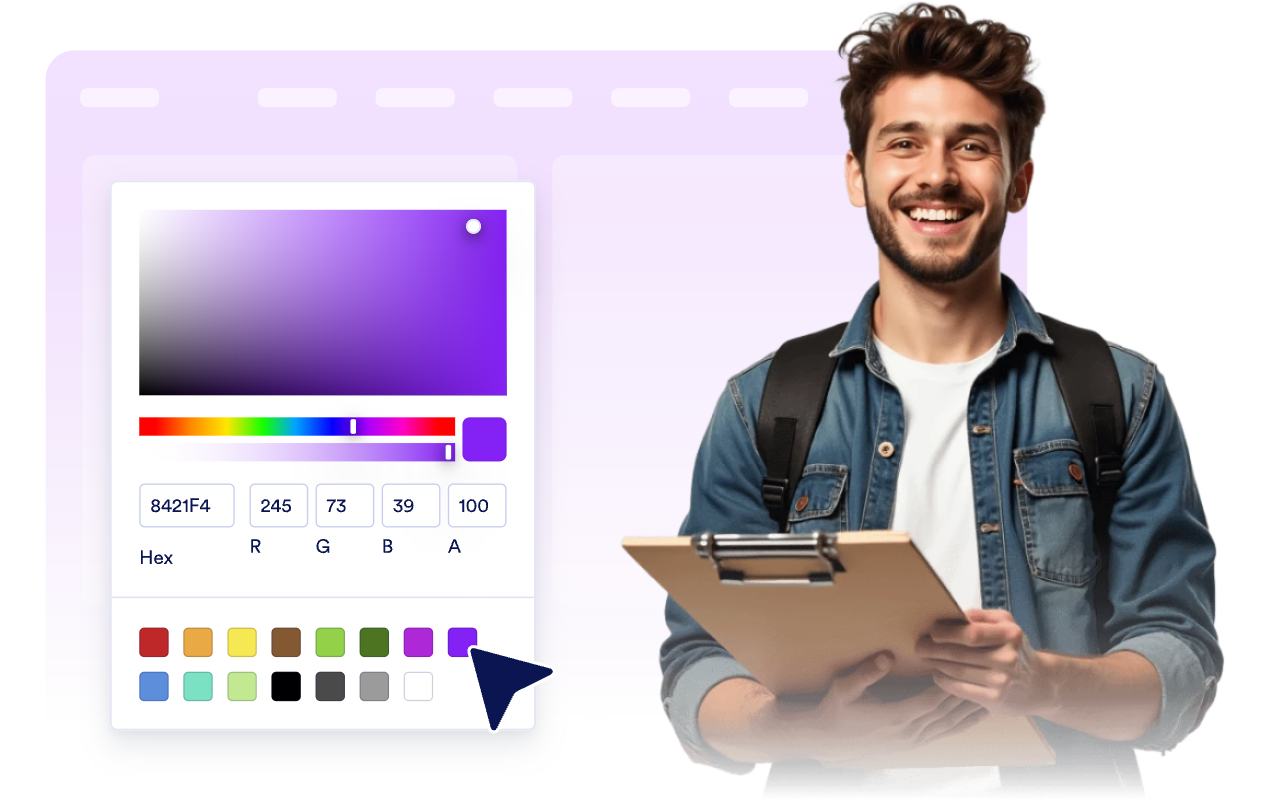
Webサイトのデザインに合わせる

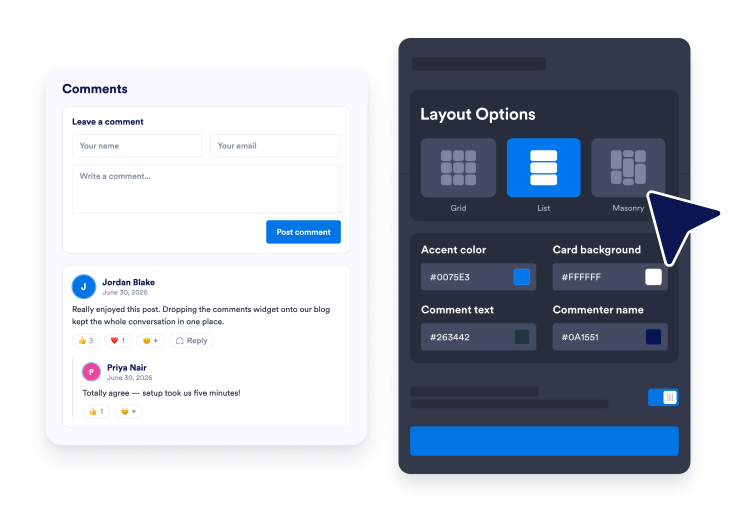
ライトモードまたはダークモード、アクセントカラー、カード背景、コメントの文字色、名前の色、幅、リスト/グリッド/メイソンリーのレイアウト、ブランディングをカスタマイズできます。

Match your website style

コメントをWordPressに埋め込む方法

1埋め込みコードを取得

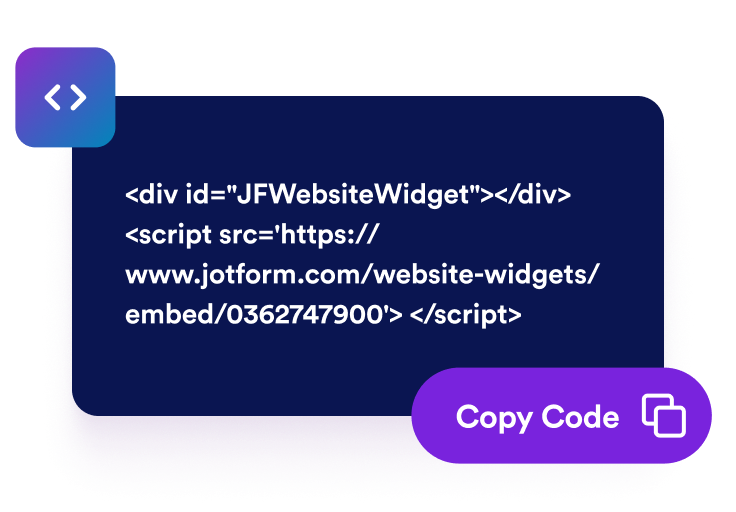
Jotformのホームページウィジェットをカスタマイズしたら、「無料で試す」をクリックし、生成された埋め込みコードをコピーします。

2ページエディターを開く

ウィジェットを表示したいWordPressの投稿または固定ページを開き、新しいブロックを追加します。

3カスタムHTMLブロックを追加

カスタムHTMLを選択し、Jotformホームページウィジェットの埋め込みコードをHTMLフィールドに貼り付けます。

4更新して表示

更新または公開をクリックし、ページを開いて埋め込まれたウィジェットを確認します。

Jotform ホームページウィジェットが選ばれる理由

Jotformのウィジェットは、ウェブサイトをよりインタラクティブにし、コンバージョンを高めます。星評価やお客様の声を表示するスライダー、ソーシャルプルーフのポップアップ、メディア埋め込みまで、多彩なツールが利用可能です。フォームやランディングページにウィジェットを追加して、データ収集、実績や信頼性のアピール、見込み顧客の獲得を実現できます。コーディングは不要です。

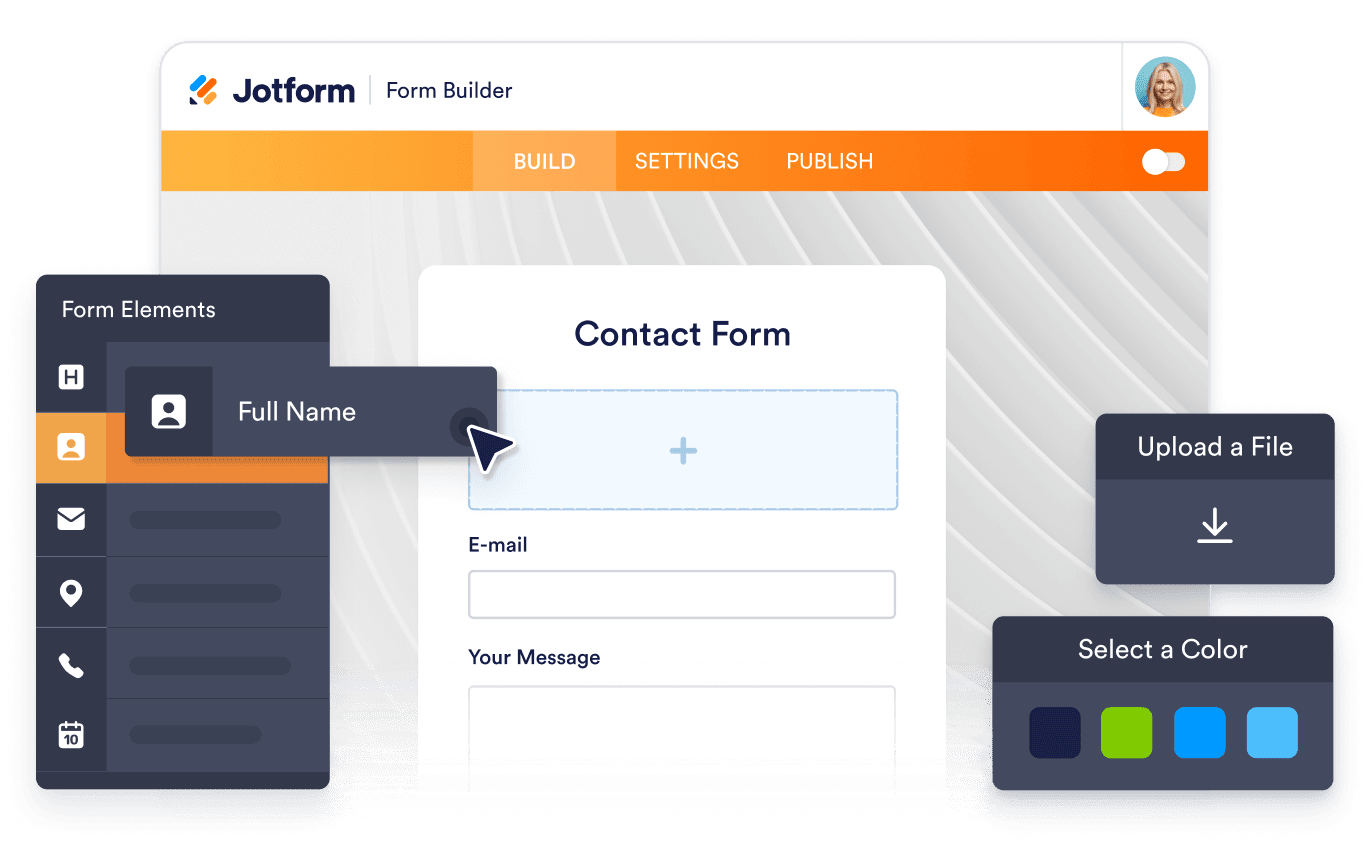
コーディングなしで埋め込む

シンプルな埋め込みコードで、Jotformウィジェットをウェブサイトに追加できます。ウィジェットをカスタマイズし、見た目をプレビューして、カスタムHTMLや埋め込みブロックに対応したあらゆるページに貼り付けるだけ。開発者は一切不要です。

よりインタラクティブなページを作成

Jotform ホームページウィジェットを使って、見込み顧客の獲得、お客様のフィードバックの表示、ソーシャルプルーフの活用、メディアの埋め込み、便利なウェブページツールの追加ができます。各ウィジェットは、訪問者がウェブサイトから直接あなたのビジネスとやり取りできるようサポートします。

必要なときにサポートを受けられる

ウィジェットの設定、カスタマイズ、埋め込み、トラブルシューティングでサポートが必要な場合、Jotformのカスタマーサポートチームが24時間年中無休で対応します。必要なときにいつでもサポートを受けられるので、安心してご利用いただけます。

コメント欄ウィジェットの活用シーン

訪問者にリアクションや議論をしてもらい、ページに長く滞在してほしい場所ならどこにでもコメント欄を追加できます。

ブログ記事や記事ページに設置して、読者がリアクションしたり議論を続けたりできるようにします。

ニュースやマガジンページに設置して、あなたのストーリーを中心に活発なコミュニティを築きます。

製品ページやランディングページに設置して、訪問者のフィードバックを集め、質問に答えます。

ドキュメントやヘルプページに設置して、追加の質問や提案を集めます。

イベントやキャンペーンページに設置して、イベントの前後でリアクションを集めます。

ポートフォリオや事例ページに設置して、訪問者から温かい言葉やフィードバックを寄せてもらいます。

Jotformのフォーム作成ツールで見込み顧客を顧客へと導く

Jotformで訪問者の関心を具体的なアクションにつなげましょう。見込み顧客の獲得、決済の受付、返信の自動化ができる高機能なフォームを、すべて一か所で作成できます。送信された回答はすべてJotformインボックスに届くため、フォローアップやお気に入りのアプリとの連携も簡単です。

無料で今すぐ始める
Convert leads into customers

よくある質問 (FAQ)

  • コメント欄ウィジェットとは?

    コメント欄を使えば、訪問者があなたのページにコメントを残せます。各コメントには、訪問者の名前、メッセージ、自動取得されるGravatarのアバター、任意の星評価が表示されます。デザインをカスタマイズでき、ホームページに埋め込んで利用できます。

  • コメントするには訪問者のサインインが必要ですか?

  • アバターはどこから取得されますか?

  • 新しいコメントについて通知を受け取れますか?

  • 訪問者はコメントにリアクションしたり返信したりできますか?

  • 訪問者は星評価を追加できますか?

  • デザインをカスタマイズできますか?

  • WordPress、Shopify、Webflowにコメント欄を埋め込めますか?