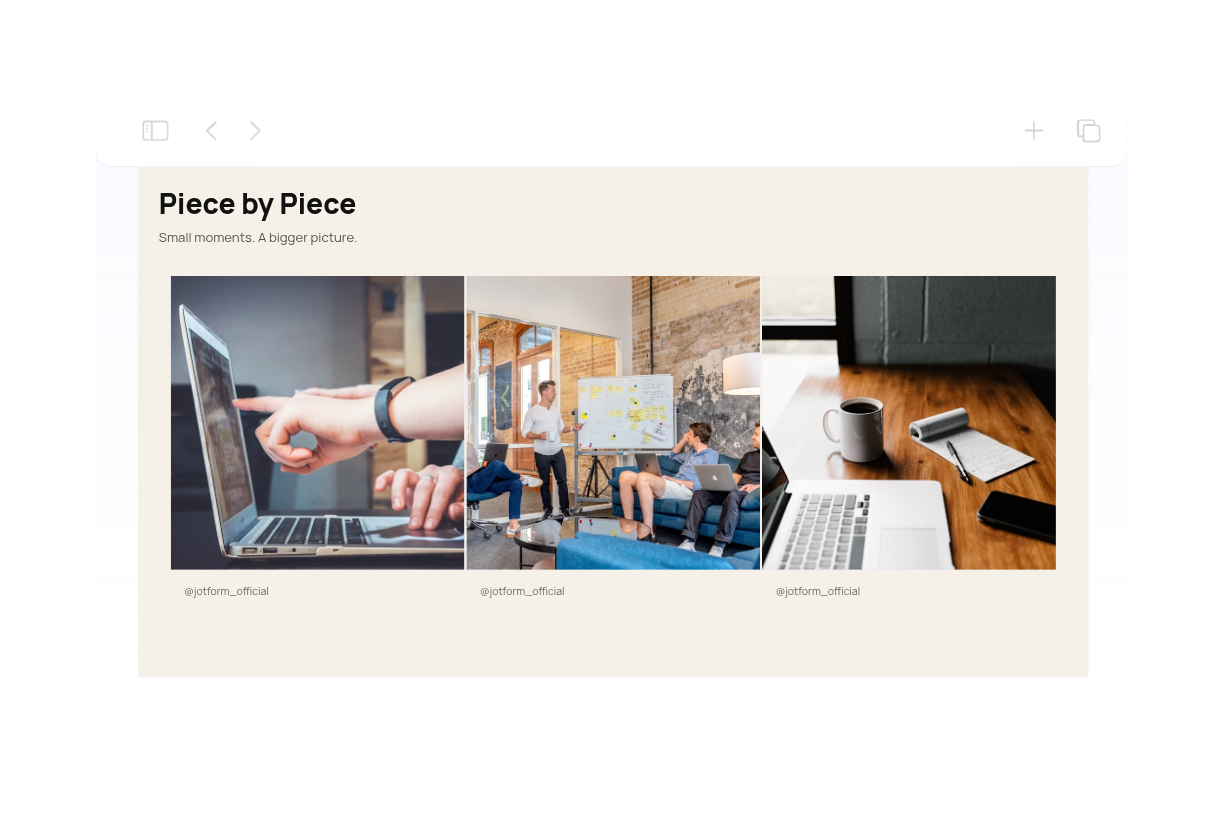
Instagram Grid Feed Widget for Instagram Feed

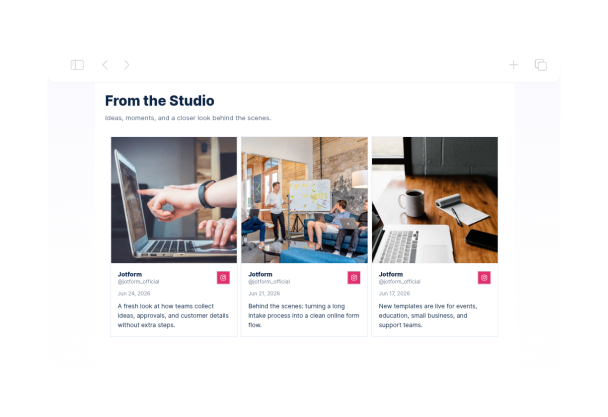
This Instagram aesthetic feed grid uses three columns, square imagery, and consistent spacing to organize posts into a clear gallery. A white background, navy text, and blue accents suit portfolios, brand pages, and creator websites.
Instagram Grid Feed Widget for Instagram Feed

More インスタグラム Styles

Instagram Puzzle Feed Widget557 Used

Instagram Puzzle Feed Widget

This Instagram puzzle feed example provides a three-column, square-tile layout with zero gutters and square corners. The ivory-and-black design keeps the focus on coordinated imagery for creative studios, visual portfolios, and brand campaigns. The feed is configured for up to nine posts. To create a connected puzzle composition, prepare matching image tiles separately and publish them in the order required by your Instagram feed. This widget displays your feed; it does not automatically split images or create a puzzle.

Dark Moody Instagram Feed Widget938 Used

Dark Moody Instagram Feed Widget

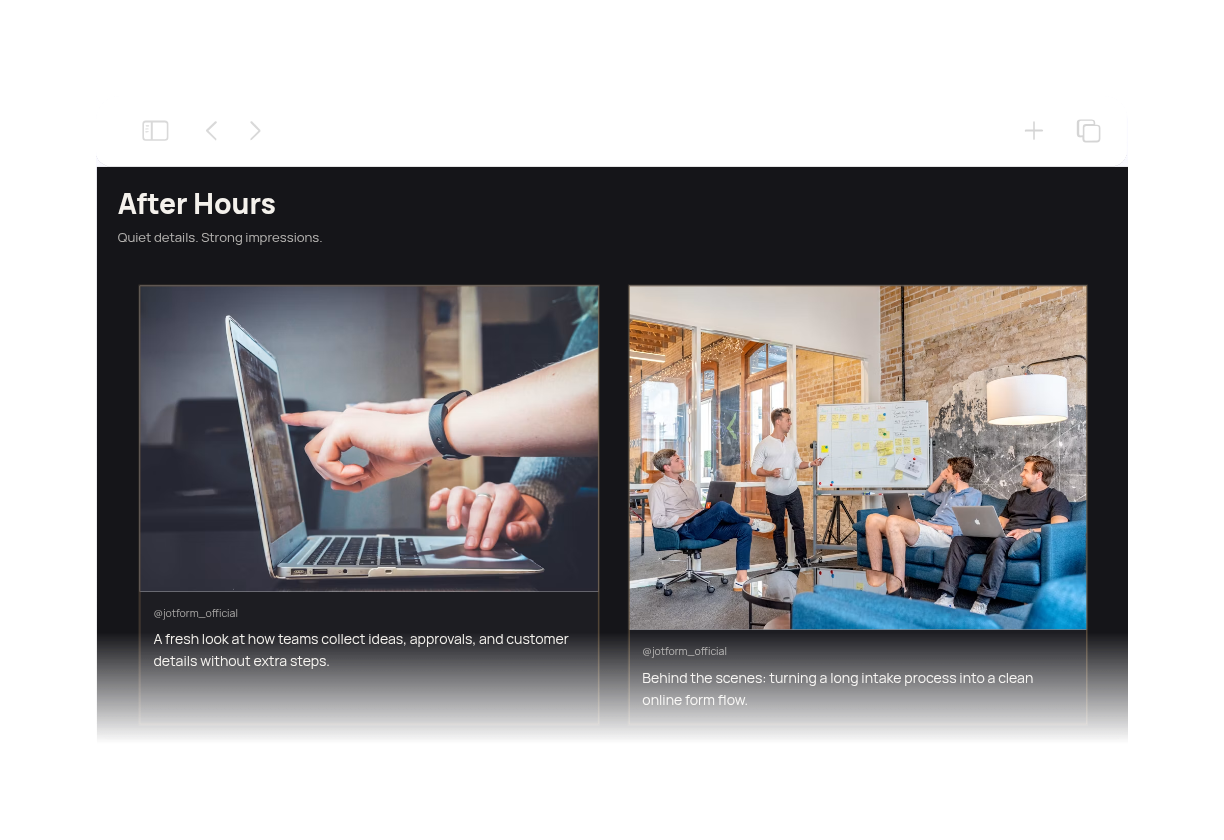
Dark Moody Instagram Feed Widget presents Instagram content in a cinematic charcoal carousel with off-white text and muted bronze accents. The layout is designed for portfolios, creator pages, and brand showcases that want a polished editorial feel without overpowering the photos. Visitors can swipe or use the navigation arrows to browse the feed, then open any post in a modal for a closer look. The header, pagination, and clean card spacing make it easy to scan a small set of posts while keeping the focus on the imagery and short captions.

Minimalist Instagram Feed Widget304 Used

Minimalist Instagram Feed Widget

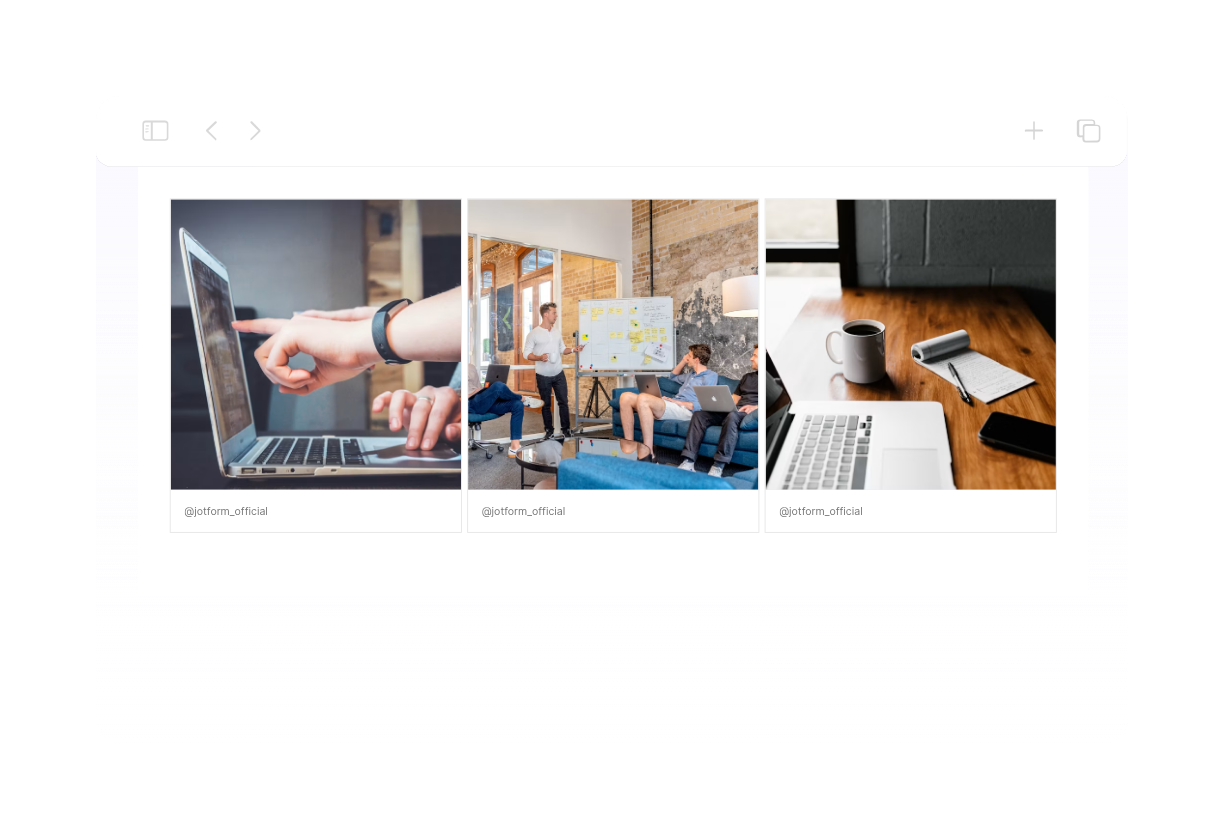
Create a minimalist Instagram feed aesthetic with a clean three-column grid, square image tiles, slim spacing, and a monochrome palette. Headers, captions, dates, and author names are hidden so the gallery keeps its focus on the photography. The layout is configured for up to six posts and supports modal post previews. Connect your own Instagram source and tailor the spacing, colors, and display settings to suit a portfolio, studio website, or understated brand page.

Aesthetic Instagram Feed Widget659 Used

Aesthetic Instagram Feed Widget

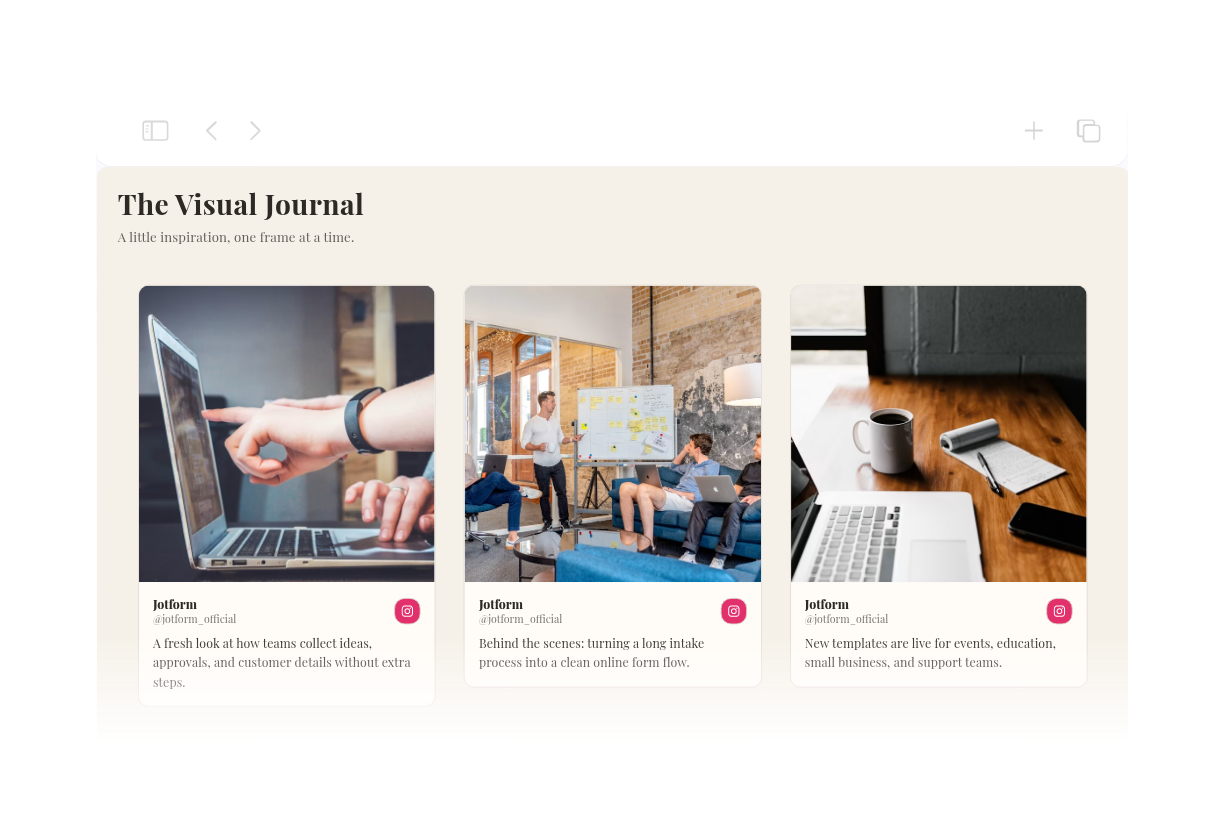
This aesthetic Instagram feed pairs a warm ivory background, charcoal typography, and terracotta accents with a three-column masonry layout. Rounded image cards and generous spacing create an editorial gallery for studios, portfolios, and lifestyle websites. Visitors can open a post in a modal to read more without leaving the page. Connect your own public Instagram source to display your content, then customize the header, post details, spacing, and colors in the builder.

インスタグラムウィジェットの作成方法

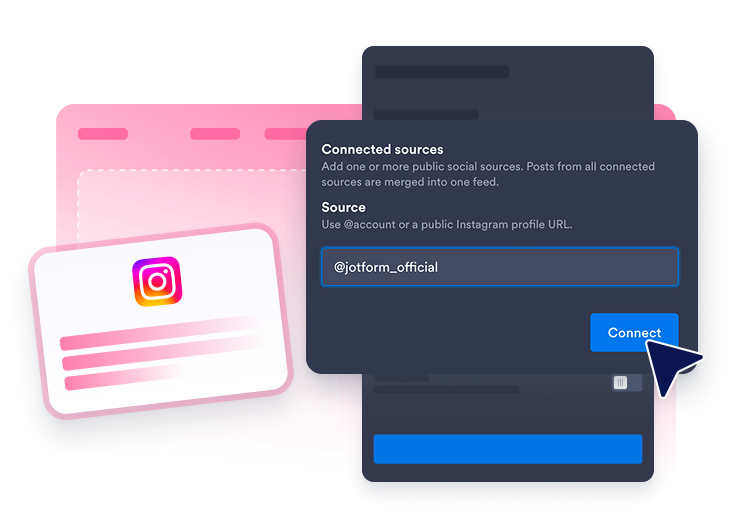
Connect an Instagram source

インスタグラムソースを接続

ウェブサイトのフィードに表示したい公開インスタグラムソースを追加します。

Customize the feed

フィードをカスタマイズ

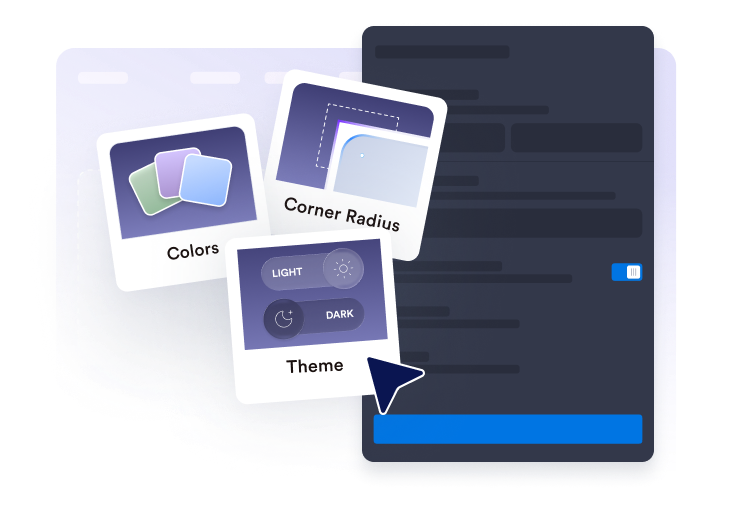
レイアウト、投稿詳細、ポップアップの動作、色、インスタグラム風のアクセント設定を選択します。

Get the embed code

埋め込みコードを取得

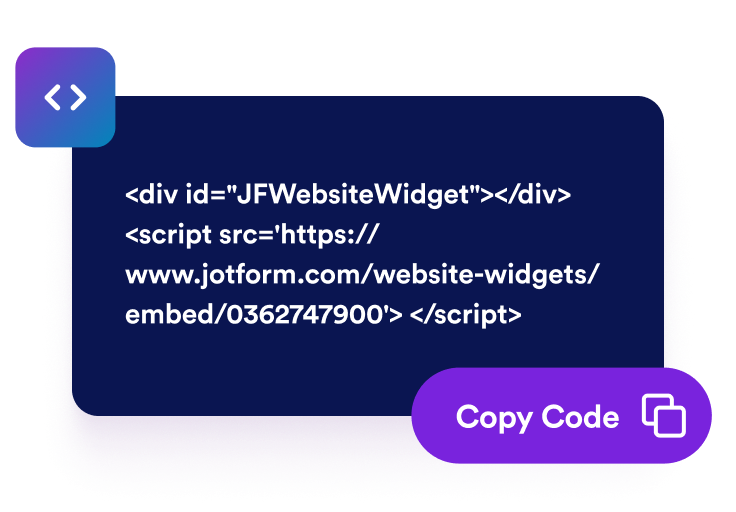
生成された埋め込みコードをコピーして、インスタグラムウィジェットをページに公開します。

ホームページにインスタグラムの投稿を表示

Instagramアカウントの投稿を連携

公開されているインスタグラムのソースを追加し、最新のビジュアルコンテンツを埋め込みフィードで表示できます。インスタグラム ウィジェットを使えば、訪問者は最新の投稿、キャンペーン画像、商品写真、お知らせ、クリエイターのコンテンツをホームページ上で直接チェックできます。

Connect Instagram account posts

ビジュアルをレイアウトに合わせる

グリッド、メーソンリー、リスト、カルーセル、スライダーのレイアウトから、ページに合ったものを選べます。ウェブサイトのホームページ、ポートフォリオセクション、キャンペーンページ、すっきりとした埋め込みフィードを表示したいビジュアルギャラリーなどに活用できます。

Fit visuals into your layout

表示する投稿詳細を選択

インスタグラムの各投稿のプレビューに表示する情報を設定できます。投稿者名、日付、キャプション、ソースラベル、アクション数、リンク、ポップアップの詳細を表示または非表示にすることで、訪問者が投稿を開く前に適切な量の情報を得られるようにします。

Choose visible post details

インスタグラムフィードのスタイルを設定

インスタグラムウィジェットらしいわかりやすさを保ちながら、ブランドに合ったデザインにカスタマイズできます。テーマ、プラットフォームのアクセント、カードの色、矢印、ページネーション、カスタムCSSをカスタマイズして、洗練されたビジュアルセクションを作成できます。

Style the Instagram feed

インスタグラムをWordPressに埋め込む方法

1埋め込みコードを取得

Jotformのホームページウィジェットをカスタマイズしたら、「無料で試す」をクリックし、生成された埋め込みコードをコピーします。

2ページエディターを開く

ウィジェットを表示したいWordPressの投稿または固定ページを開き、新しいブロックを追加します。

3カスタムHTMLブロックを追加

カスタムHTMLを選択し、Jotformホームページウィジェットの埋め込みコードをHTMLフィールドに貼り付けます。

4更新して表示

更新または公開をクリックし、ページを開いて埋め込まれたウィジェットを確認します。

Jotform ホームページウィジェットが選ばれる理由

Jotformのウィジェットは、ウェブサイトをよりインタラクティブにし、コンバージョンを高めます。星評価やお客様の声を表示するスライダー、ソーシャルプルーフのポップアップ、メディア埋め込みまで、多彩なツールが利用可能です。フォームやランディングページにウィジェットを追加して、データ収集、実績や信頼性のアピール、見込み顧客の獲得を実現できます。コーディングは不要です。

コーディングなしで埋め込む

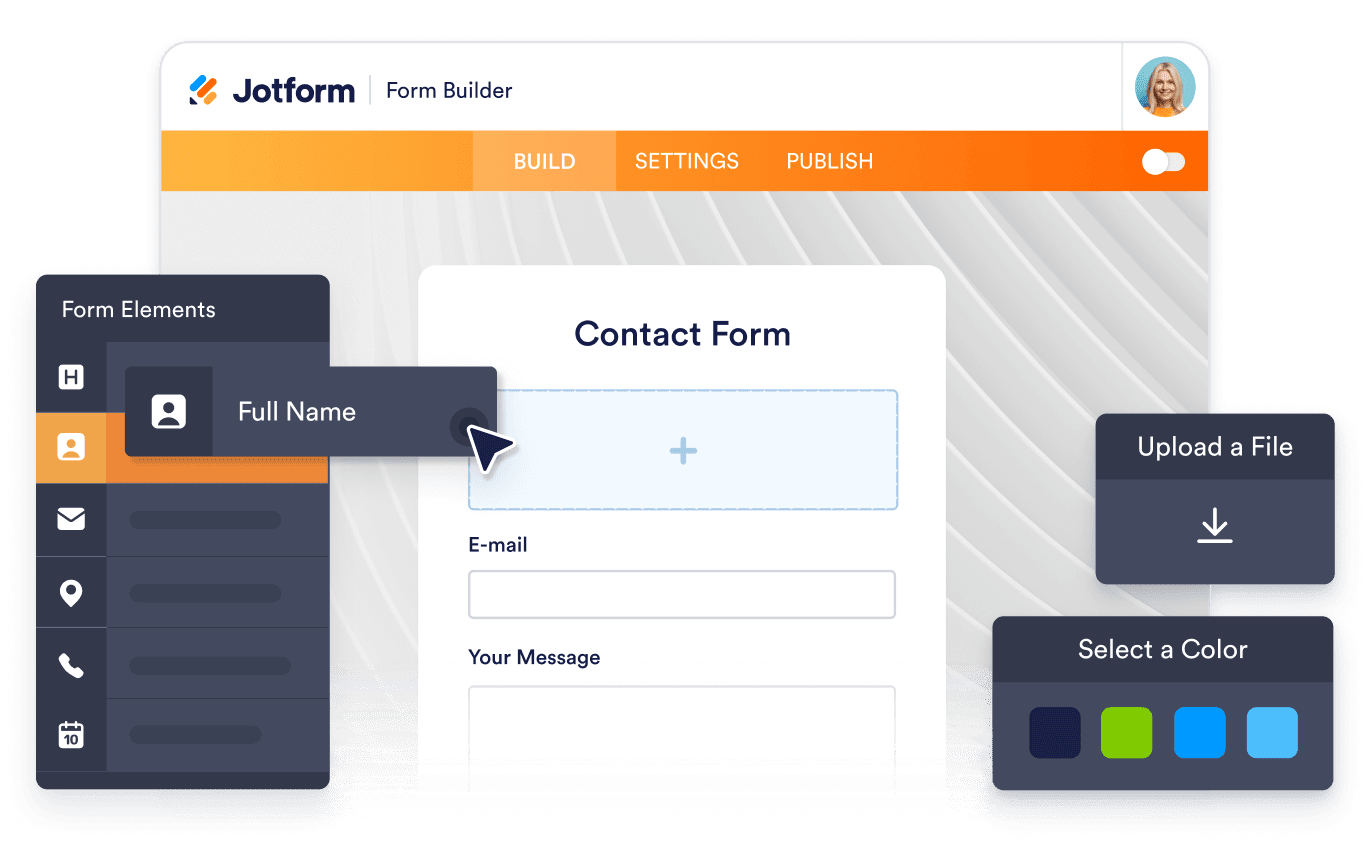
シンプルな埋め込みコードで、Jotformウィジェットをウェブサイトに追加できます。ウィジェットをカスタマイズし、見た目をプレビューして、カスタムHTMLや埋め込みブロックに対応したあらゆるページに貼り付けるだけ。開発者は一切不要です。

よりインタラクティブなページを作成

Jotform ホームページウィジェットを使って、見込み顧客の獲得、お客様のフィードバックの表示、ソーシャルプルーフの活用、メディアの埋め込み、便利なウェブページツールの追加ができます。各ウィジェットは、訪問者がウェブサイトから直接あなたのビジネスとやり取りできるようサポートします。

必要なときにサポートを受けられる

ウィジェットの設定、カスタマイズ、埋め込み、トラブルシューティングでサポートが必要な場合、Jotformのカスタマーサポートチームが24時間年中無休で対応します。必要なときにいつでもサポートを受けられるので、安心してご利用いただけます。

Jotformのフォーム作成ツールで見込み顧客を顧客へと導く

Jotformで訪問者の関心を具体的なアクションにつなげましょう。見込み顧客の獲得、決済の受付、返信の自動化ができる高機能なフォームを、すべて一か所で作成できます。送信された回答はすべてJotformインボックスに届くため、フォローアップやお気に入りのアプリとの連携も簡単です。

無料で今すぐ始める
Convert leads into customers

よくある質問 (FAQ)

  • インスタグラムウィジェットとは何ですか?

    インスタグラムウィジェットは、インスタグラムアカウントの投稿をレスポンシブな埋め込みフィードとしてウェブサイトに表示します。訪問者はページをすぐに離れることなく、最新のビジュアル、お知らせ、キャンペーン、SNSの最新情報をチェックできます。

  • インスタグラムウィジェットをホームページに埋め込むことはできますか?

  • どのようなインスタグラムコンテンツを表示できますか?

  • インスタグラムウィジェットのレイアウトをカスタマイズできますか?

  • 訪問者はウィジェットからインスタグラムの投稿を開けますか?

  • インスタグラムウィジェットはモバイルでも動作しますか?

  • インスタグラムウィジェットを追加するにはコードを書く必要がありますか?

  • インスタグラムウィジェットはどのウェブサイトプラットフォームに対応していますか?

  • インスタグラムウィジェットの設定についてサポートを受けられますか?