Share Tables
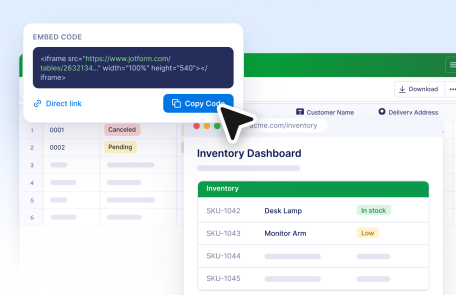
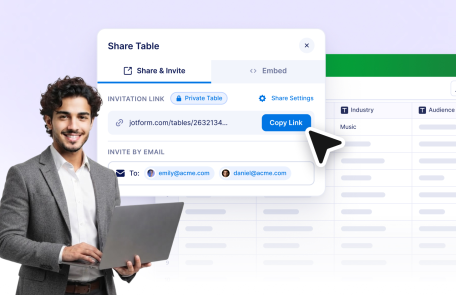
Easily share your Jotform Tables with teammates, clients, or stakeholders using email invitations or shareable links.
Share & Collaborate
Collaborate with coworkers or clients by sharing your tables with custom access settings.
Collaborate with your team in Jotform Tables using live activity indicators, personalized filters, and flexible sharing controls. Keep everyone connected while managing data securely.
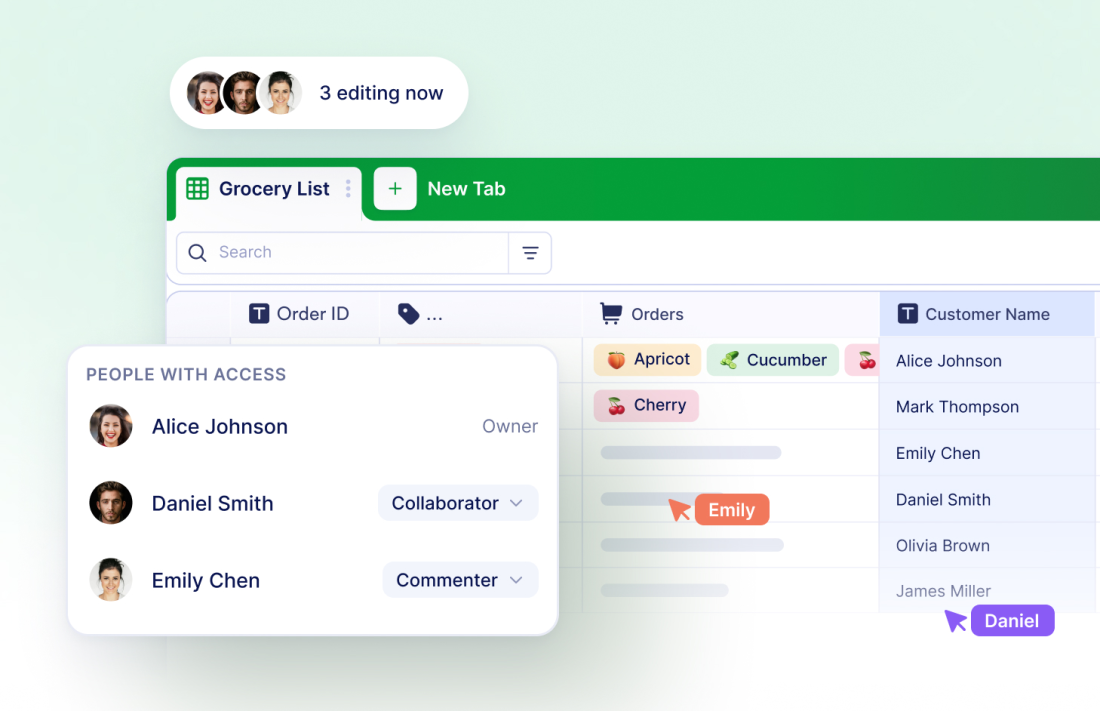
Make teamwork easier with shared access and independent table views. See who's working alongside you, stay focused on your own data, and control how others interact with shared records.
Give your team a shared workspace for managing submissions. Track active collaborators, organize your own view, and apply sharing restrictions to protect important information.
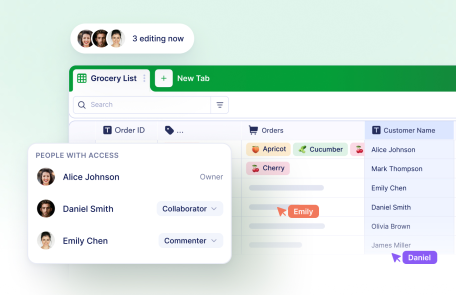
View active collaborators through live presence indicators and see usernames beside selected cells. Stay aware of team activity and coordinate updates without interrupting each other's work.
Create personal filtered views to focus on the submissions relevant to your work. Keep your preferred data visible without changing what other collaborators see in their tables.
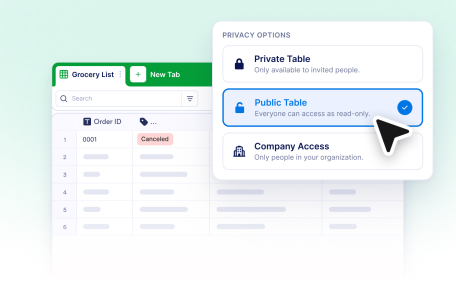
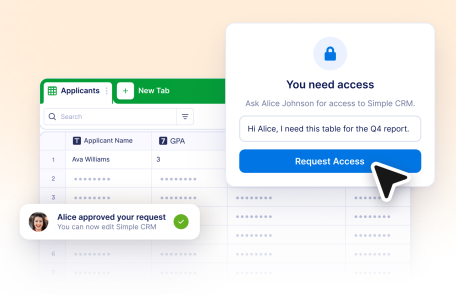
Manage sharing restrictions to control print and download options, allow access requests, and set invitation link expiration dates. Keep shared table data accessible on your terms.
Yes. Jotform Tables supports collaboration on shared data. Active collaborators appear through presence indicators, and usernames can be displayed beside cells they're working on, helping teams coordinate their work.
Yes. Jotform Tables supports personal filtering, allowing you to focus on specific submissions without changing the filters other team members use. You can also lock a filter to keep it private to your view.
Yes. Sharing settings let you control access permissions and supported actions such as printing and downloading. For private tables, you can also set invitation link expiration dates to limit when new users can join through a shared link.