Share Tables
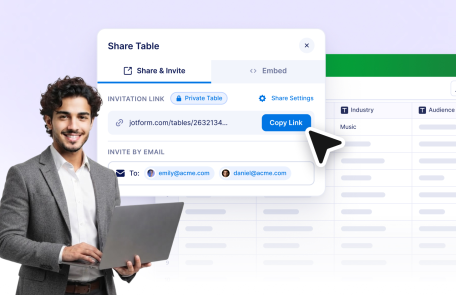
Easily share your Jotform Tables with teammates, clients, or stakeholders using email invitations or shareable links.
Share & Collaborate
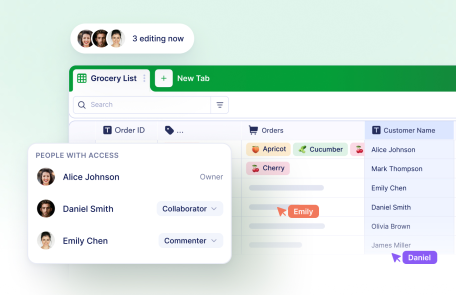
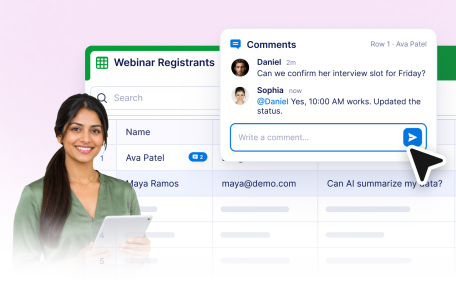
Collaborate with coworkers or clients by sharing your tables with custom access settings.
Request permission to view restricted Jotform Tables or ask for editing access when you need it. Connect with table owners and collaborate on shared data while keeping permissions controlled.
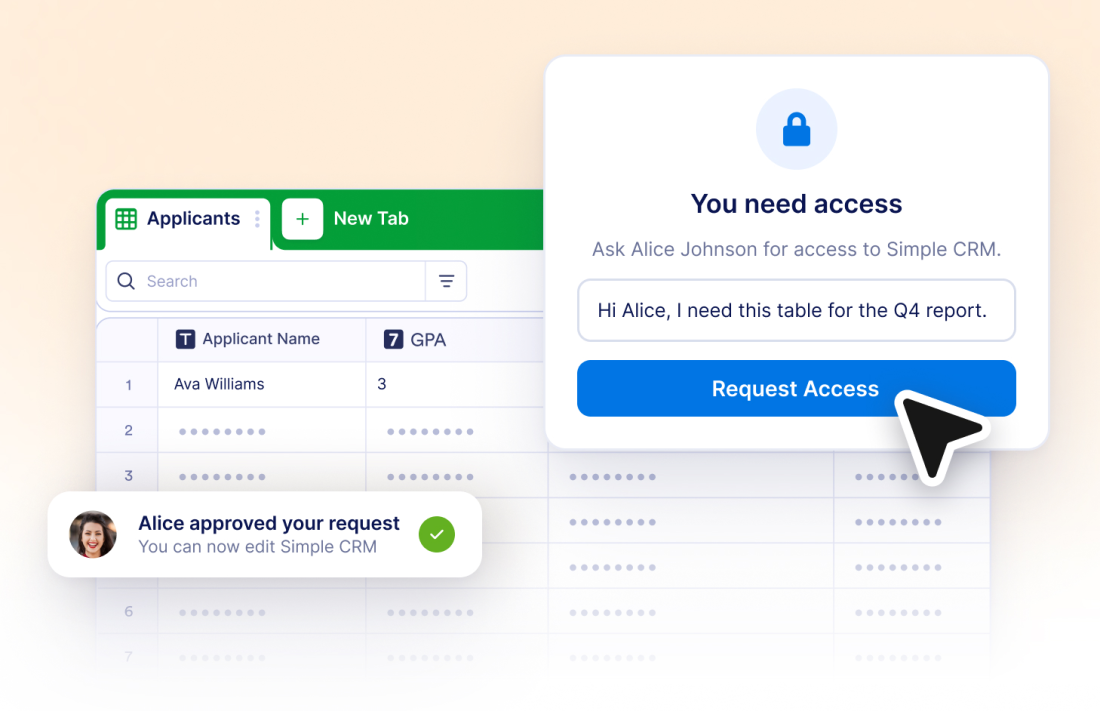
Make collaboration easier without compromising table privacy. Submit access requests, receive owner approval, and get the permissions needed to review or update shared information.
Give users a straightforward way to request access to protected tables. Let owners review requests, approve appropriate access, and maintain control over who can work with submission data.
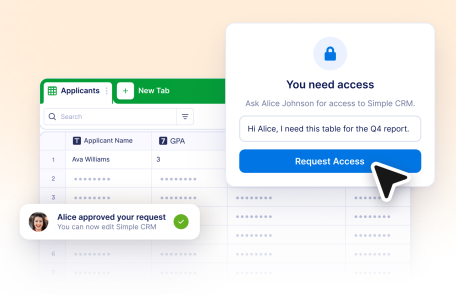
Allow signed-in users to request access when they open a restricted table without permission. Table owners receive an email notification and can grant access to approved users.
Let users with viewing permissions request editing access when they need to update shared records. Table owners can review access requests and manage collaborator permissions.
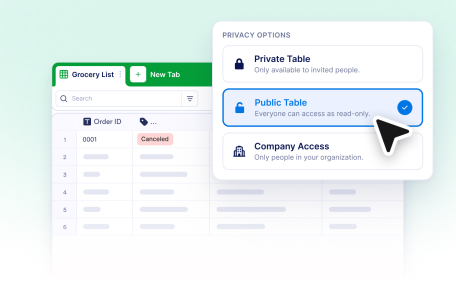
Enable or disable access requests for Private and Company Access tables through sharing settings. Keep restricted information protected while making approved collaboration easier.
If you open a restricted table without the necessary permissions, select Request Access on the access screen. The table owner receives an email notification and can grant permission to view the table.
Yes. Users with view-only access can request additional editing permissions. The table owner can review the request and assign the appropriate collaborator role to control who can modify submission data.
Yes. Table owners can enable or disable access requests for Private and Company Access tables through Share Settings. This provides greater control over how users request permission to access restricted information.