Back to Top-widget voor je website
Maak lange pagina's makkelijker om doorheen te navigeren met een aanpasbare knop die bezoekers terugbrengt naar boven. Met de Terug naar boven-widget van Jotform kun je het pictogram, de grootte, de kleuren, de positie, de scroltrigger en de zichtbaarheid per apparaat kiezen, en vervolgens de knop insluiten zonder code te schrijven.
Maak nu — Het is gratis!

Een Terug naar boven-widget maken
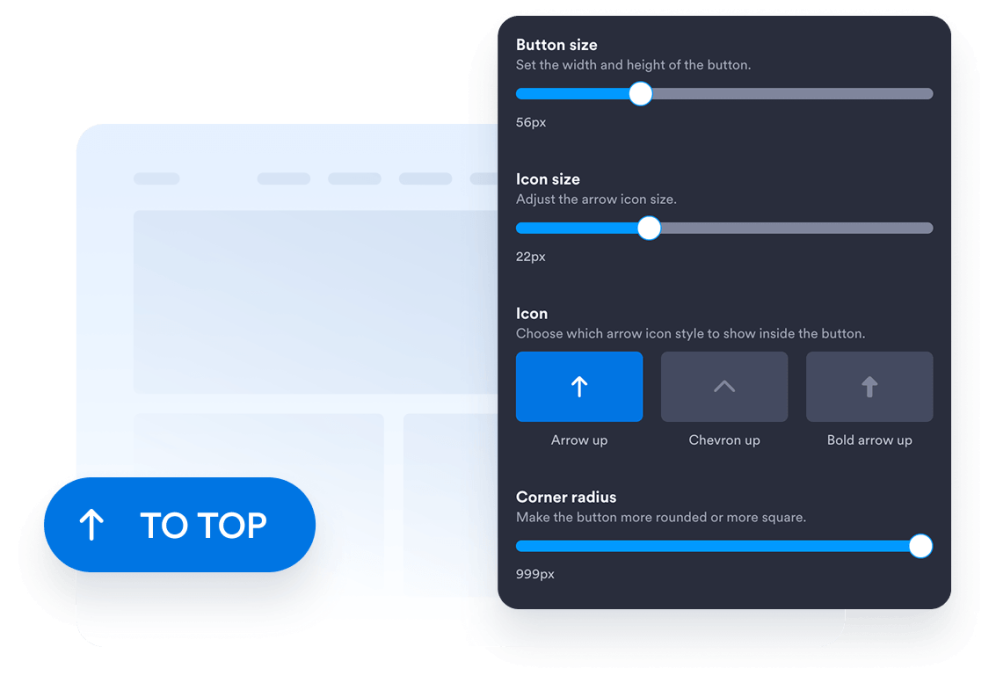
Pas het ontwerp van je knop aan
Kies de knopstijl, het pictogram, de grootte, de kleuren, de hoekradius en de schermpositie. Pas de afstand en het uiterlijk aan zodat deze bij het ontwerp van je website passen.
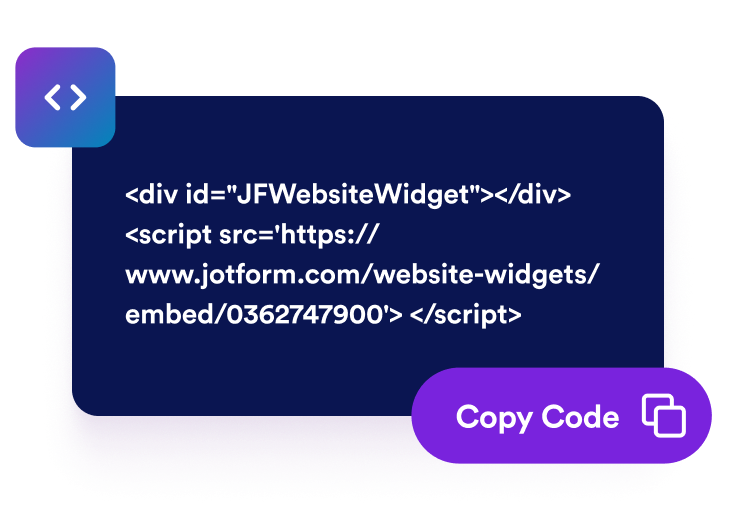
Kopieer de insluitcode
Kopieer de kant-en-klare insluitcode die door Jotform is gegenereerd. Geen ingewikkelde configuratie of technische kennis vereist.
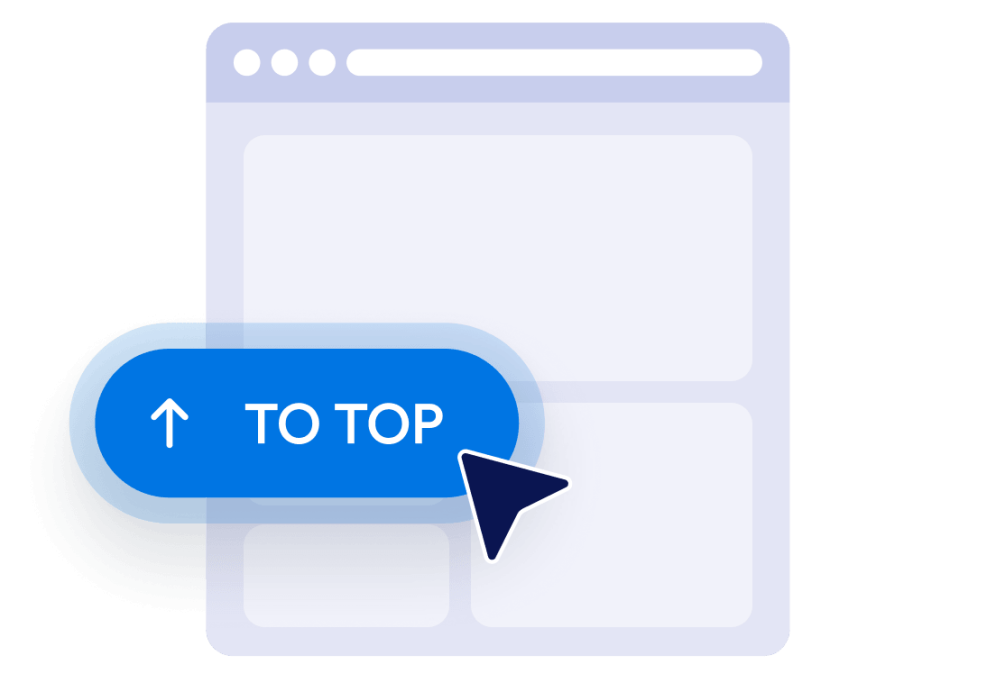
Insluiten op je website
Bekijk de knop in een preview, kopieer de gegenereerde insluitcode en plak deze in een aangepast HTML- of insluitblok. Publiceer de pagina en test de knop op desktop- en mobiele schermen.
Maak lange websitepagina's makkelijker om doorheen te navigeren
Help bezoekers terug te keren naar boven
Geef bezoekers een snelle manier om terug te keren naar het begin van lange pagina's zonder handmatig te scrollen. De knop blijft binnen handbereik en brengt bezoekers soepel terug naar boven wanneer deze wordt geselecteerd.
Knoppen weergeven nadat bezoekers scrollen
Stel in hoe ver bezoekers omlaag op de pagina moeten scrollen voordat de knop zichtbaar wordt. Zo blijft de knop uit het zicht bij de bovenkant, terwijl deze beschikbaar is wanneer terugkeren handig wordt.

Stem knoppen af op je ontwerp
Pas het pictogram, de grootte, de kleuren, de hoekradius en de afstand aan om een Terug naar boven-knop te maken die bij je website past. Plaats deze aan de linker- of rechterkant op basis van je pagina-indeling.

Zichtbaarheid op desktop en mobiel beheren
Kies of de knop wordt weergegeven op desktopapparaten, mobiele apparaten of beide. Met de instellingen voor zichtbaarheid en positionering per apparaat kun je voorkomen dat belangrijke pagina-content wordt bedekt, terwijl de navigatie toegankelijk blijft op kleinere schermen.
Voordelen van website-widgets van Jotform
De widgets van Jotform maken je website interactiever en verhogen de conversie. Er zijn veel verschillende tools beschikbaar, van sterbeoordelingen en sliders met recensies tot pop-ups met beoordelingen en ingesloten mediabestanden. Je kunt widgets aan je formulieren of landingspagina's toevoegen om gegevens te verzamelen, klantervaringen te tonen en leads te genereren zonder dat je hoeft te coderen.
Voeg Jotform-widgets toe aan je website met een eenvoudige insluitcode. Pas de widget aan, bekijk een voorbeeld en plak deze op elke pagina die aangepaste HTML of insluitblokken ondersteunt, zonder dat je daar een ontwikkelaar voor nodig hebt.
Gebruik website-widgets van Jotform om leads te verzamelen, feedback en ervaringen van klanten te tonen, mediabestanden in te sluiten of handige tools aan je webpagina toe te voegen. Met elke widget kun je de bezoekers van je website een soepelere ervaring bieden.
Het klantenserviceteam van Jotform staat 24/7 voor je klaar als je hulp nodig hebt bij het instellen, aanpassen of insluiten van je widget. We lossen problemen snel voor je op, zodat je meteen weer aan de slag kunt.
Waar je de terug-naar-boven-knop kunt gebruiken
Voeg de knop toe aan pagina's waar bezoekers door veel content, lijsten, afbeeldingen of aanvullende informatie moeten scrollen.
Blogposts en artikelen om lezers te helpen terug te keren naar de kop, navigatie of inhoudsopgave.
Productcategoriepagina's om shoppers terug te laten keren naar filters, sorteeropties of categorienavigatie.
Landings- en verkooppagina's om bezoekers te helpen de inleidende content en belangrijkste calls-to-action opnieuw te bekijken.
Documentatiepagina's om de navigatie door lange handleidingen, instructies en naslagmateriaal te vereenvoudigen.
Portfolio- en galerijpagina's om bezoekers te helpen opnieuw te browsen na het bekijken van uitgebreid werk.
FAQ- en bronpagina's om een handige terugkeeroptie te bieden nadat bezoekers meerdere secties hebben bekeken.
Transformeer leads in betalende klanten met de Jotform Formulierbouwer
Zet online betrokkenheid om in resultaten met Jotform. Maak krachtige formulieren waarmee je op één plek leads kunt verzamelen, betalingen kunt ontvangen en reacties kunt automatiseren. Je ontvangt elke inzending rechtstreeks in Jotform Inbox, zodat je deze meteen kunt opvolgen of aan je favoriete apps kunt koppelen.
Ga aan de slag — Het is gratis!
Veelgestelde vragen
Wat is een Terug naar boven-widget?
Een Terug naar boven-widget voegt een zwevende knop toe die bezoekers terugbrengt naar het begin van een pagina. Dit is vooral handig bij lange artikelen, productlijsten, documentatie, galerijen en andere pagina's waar veel gescrold moet worden.
Hoe voeg ik een Terug naar boven-knop toe aan mijn website?
Heb ik kennis van coderen nodig om de knop te maken?
Kan ik het ontwerp van de Terug naar boven-knop aanpassen?
Wanneer wordt de Terug naar boven-knop weergegeven?
Kan ik de schermpositie van de knop wijzigen?
Werkt de knop op mobiele apparaten?
Kan ik de terug-naar-boven-widget van Jotform gratis gebruiken?
Kan ik een Terug naar boven-knop toevoegen aan WordPress of Elementor?
Welke websitebouwers ondersteunen de terug-naar-boven-widget?