Button-Generator für Ihre Website
Erstellen Sie ohne Programmierkenntnisse einen Call-to-Action-Button, der Besucher zum passenden nächsten Schritt führt. Der Button verlinkt auf eine Seite, startet einen Anruf, öffnet eine E-Mail oder einen Chat oder scrollt zu einem Seitenabschnitt – Sie gestalten ihn selbst und betten ihn überall ein.
Jetzt erstellen – kostenlos!

So erstellen Sie das Widget Button
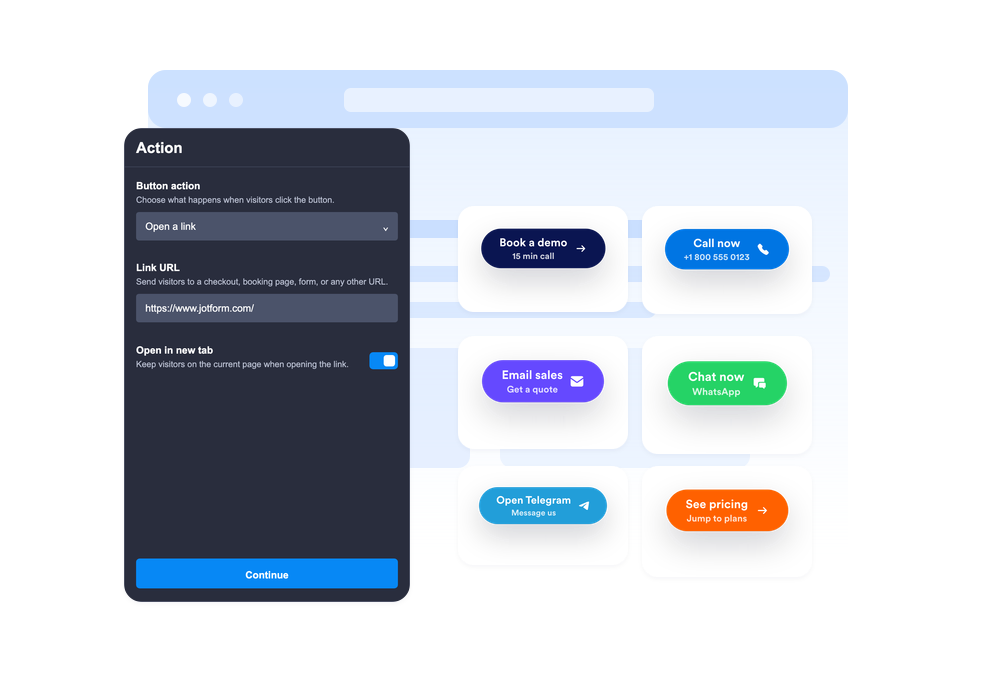
Button-Aktion auswählen
Legen Sie fest, ob der Button einen Link öffnet, einen Anruf startet, eine neue E-Mail öffnet, WhatsApp oder Telegram öffnet oder zu einem Seitenabschnitt scrollt.
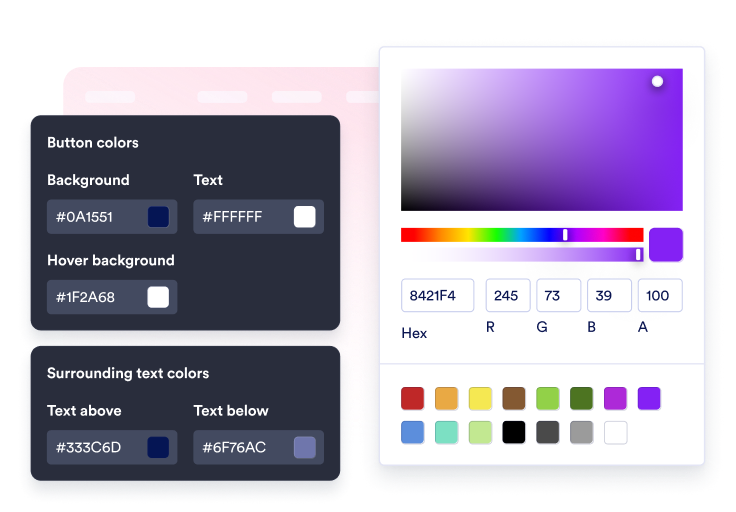
Inhalt und Stil anpassen
Bearbeiten Sie Beschriftung, optionale zweite Zeile, umgebenden Text, Symbol, Farben, Größe, Eckenradius, Schatten und Platzierung.

Auf Ihrer Website einbetten
Prüfen Sie den Call-to-Action in der Vorschau, kopieren Sie den generierten Einbettungscode und veröffentlichen Sie den Button ohne eigenen Code auf Ihrer Website.
Besucher mit einem Klick zur nächsten Aktion führen
Den Button mit verschiedenen Aktionen verknüpfen
Nutzen Sie ein Widget für Verkaufslinks, Anmeldeformulare, Support-E-Mails, Anrufe, WhatsApp- und Telegram-Chats, Links zu Social-Media-Profilen oder sanftes Scrollen zu Seitenabschnitten.
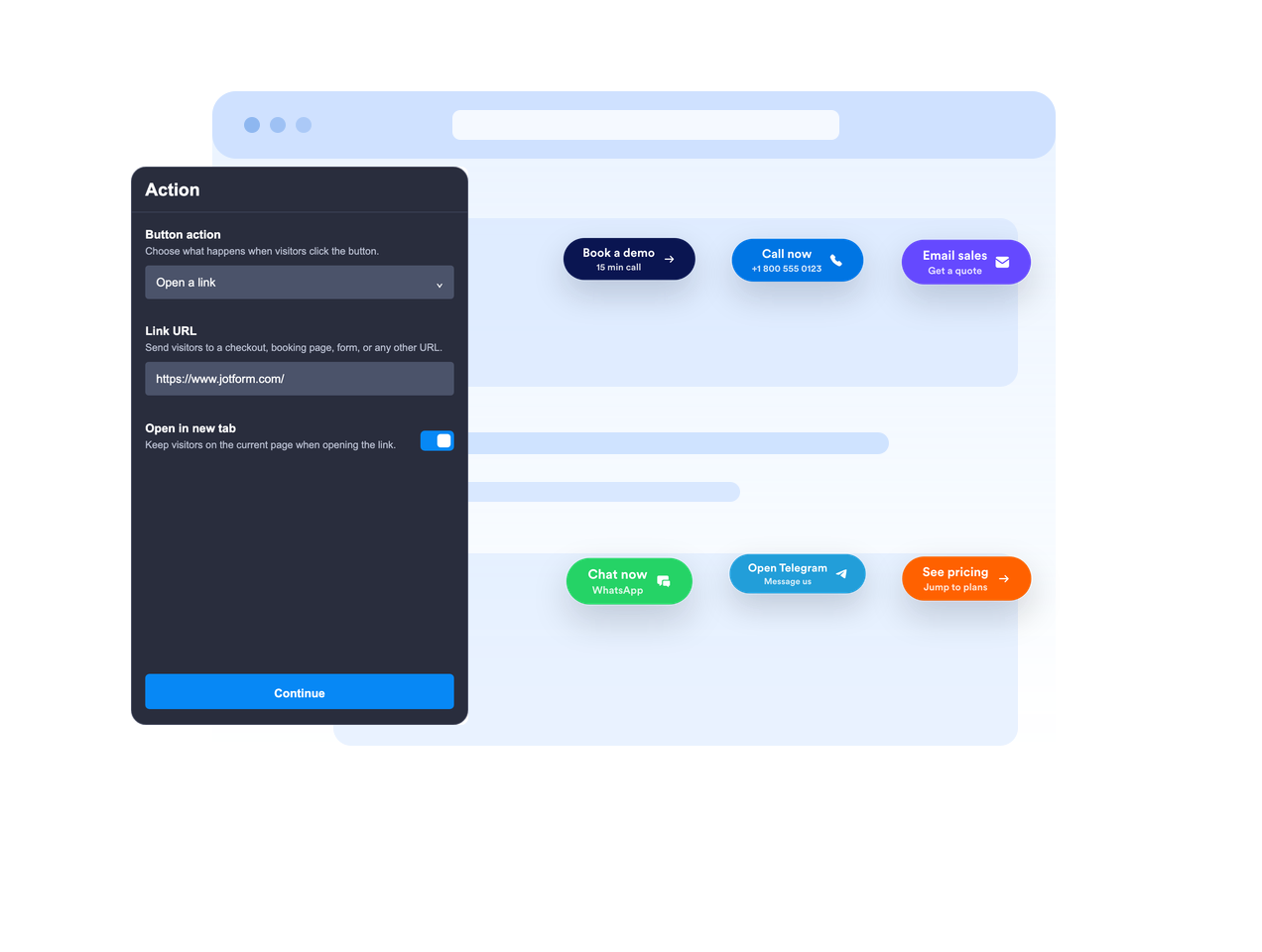
Eingebettet oder schwebend platzieren
Betten Sie den Button in den Seiteninhalt ein oder lassen Sie ihn an einer festen Bildschirmposition schweben, damit der Call-to-Action beim Scrollen sichtbar bleibt.

Den Call-to-Action klar formulieren
Nutzen Sie eine Hauptbeschriftung, eine optionale zweite Zeile sowie Text darüber und darunter, damit Besucher vor dem Klick genug Kontext haben.
Im Stil Ihrer Website
Passen Sie die Platzierung von Icons, die Höhe der Buttons, den Abstand, die Schriftgröße, die Farben, die Farbe beim Bewegen des Mauszeigers, den Eckenradius, den Schatten, die Sichtbarkeit auf dem Gerät, das Branding sowie den bereichsbezogenen benutzerdefinierten CSS-Code an.
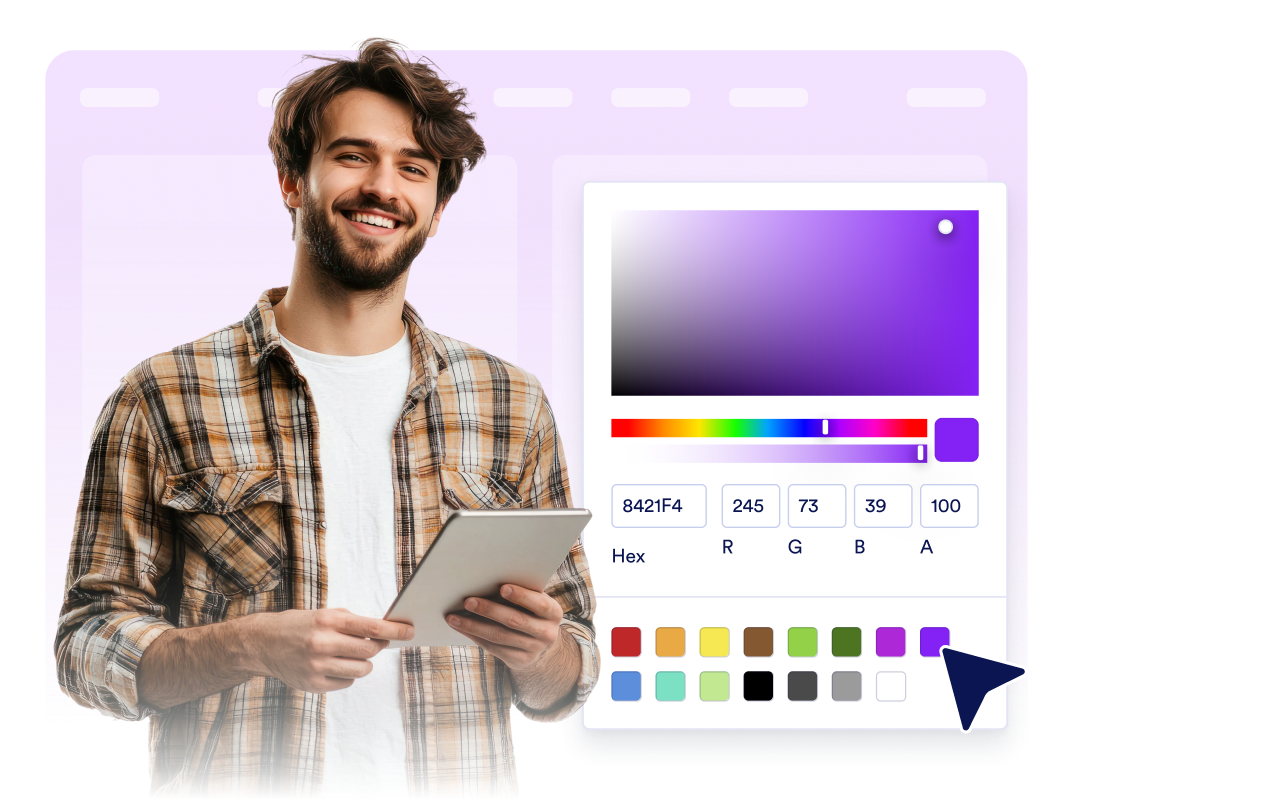
Warum sich Jotform Website Widgets auszeichnen
Mit den Widgets von Jotform wird Ihre Website interaktiver und Sie steigern Ihre Conversion-Rate. Zur Auswahl stehen zahlreiche Tools wie Sternebewertungen, Slideshows mit Erfahrungsberichten, Pop-ups mit Social Proof und eingebettete Medien. Fügen Sie Widgets zu Ihren Formularen oder Landingpages hinzu, um Daten zu sammeln, Erfahrungsberichte anzuzeigen und Leads zu gewinnen – ganz ohne Programmierkenntnisse.
Fügen Sie Jotform-Widgets mithilfe eines Einbettungscodes in Ihre Website ein. Passen Sie das Widget an, sehen Sie sich die Vorschau an und fügen Sie den Code in jede Seite ein, die benutzerdefiniertes HTML oder Einbettungsblöcke unterstützt – ganz ohne Entwicklerinnen oder Entwickler.
Mit Jotform Website Widgets sammeln Sie Leads, zeigen Kundenfeedback, präsentieren Social Proof, binden Medien ein oder fügen nützliche Webseiten-Tools hinzu. Über jedes Widget können Besucher direkt auf Ihrer Website mit Ihrem Unternehmen interagieren.
Wenn Sie Unterstützung bei der Einrichtung, Anpassung, Einbettung oder Fehlerbehebung Ihres Widgets benötigen, steht Ihnen das Kundensupport-Team von Jotform rund um die Uhr zur Verfügung. So können Sie beruhigt weiterarbeiten, denn Sie wissen: Hilfe ist da, wenn Sie sie brauchen.
Wo Sie das Button-Widget einsetzen
Fügen Sie an jeder Stelle, an der Besucher einen klaren nächsten Schritt benötigen, einen Button-Button ein. Das gilt besonders für Seiten, auf denen die Hauptaktion leicht zu finden sein sollte.
Landingpages, um Besucher zu Anmeldeformularen, Preisen, Bezahlungen, Buchungen oder Demo-Anfragen zu leiten.
Produktseiten, um In-den-Warenkorb-, Jetzt-kaufen-, Vertrieb-kontaktieren- oder Angebot-anfordern-Aktionen hervorzuheben.
Support-Seiten, um E-Mail-, Telefon-, WhatsApp- oder Telegram-Unterhaltungen über einen einzigen CTA zu starten.
Blogbeiträge und ausführliche Anleitungen, um Leser zu Formularen, Downloads, Angeboten oder relevanten Abschnitten weiterzuleiten.
Social-Campaign-Seiten, um Besucher zu Instagram, Facebook, TikTok, X, Pinterest oder anderen Profillinks zu leiten.
Mobile Seiten, auf denen ein kompakter, schwebender CTA das Telefonieren, Chatten oder Kaufen beschleunigen kann.
Gewinnen Sie Leads als zahlende Kunden mit dem Jotform Formulargenerator
Machen Sie mit Jotform aus Interesse Taten. Erstellen Sie leistungsstarke Formulare, die Leads gewinnen, Zahlungen entgegennehmen und Antworten automatisieren – alles an einem Ort. Jede Antwort landet in Ihrem Jotform Posteingang, wo Sie nachfassen oder sie mit Ihren Lieblings-Apps verbinden können.
Jetzt starten – Kostenlos!
FAQ
Was ist ein Button-Widget?
Ein Button-Widget ist ein anpassbarer Call-to-Action-Button, den Sie auf Ihrer Website einbetten können. Er kann Links, Anrufe, E-Mails, Chats und Seitenabschnitte öffnen.
Welche Aktionen kann der Button ausführen?
Kann der Button auf dem Bildschirm schweben?
Kann ich den Button-Text anpassen?
Kann ich ein Symbol verwenden?
Kann ich das Design an meine Website anpassen?
Funktioniert das Button-Widget auf Mobilgeräten?
Muss ich Code schreiben?