Create Instant Forms
Jotform’s instant forms are a no-code way to create online forms quickly for data collection, customer engagement, and lead generation. With instant forms, you can choose from 20,000+ templates, customize forms as needed, and generate leads directly from platforms like Facebook and Instagram. Share your forms instantly and start collecting submissions across channels without manual setup.
Templat
Free Instant Form Templates
Looking for some inspiration? Select one of our ready-made templates and customize it to match your needs with our drag-and-drop builder. Add your logo, include your lead generation questions, choose fonts and colors, integrate with useful tools, and more.
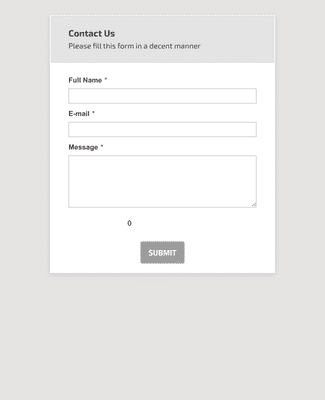
Formulir Kontak Pertanyaan Umum
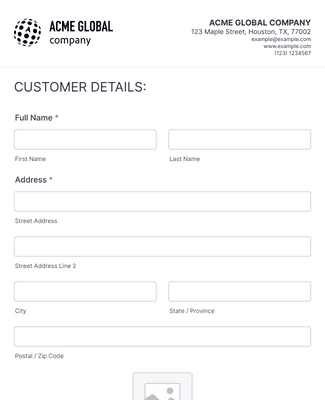
Formulir Pendaftaran Pelanggan Baru
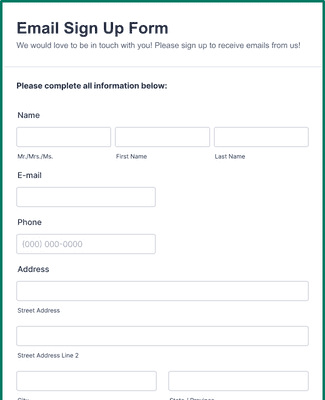
Formulir Pendaftaran Email
Manfaat
Pembuat Formulir Seret dan Lepas
Jotform’s drag-and-drop form builder offers hundreds of form fields, widgets, and integrations that you can use to customize your instant forms to meet your exact needs without coding.
Seamless Customization
Adjust form design to reflect your brand by uploading images and videos, adding logos, and choosing fonts and colors. You can collect e-signatures with Jotform Sign or include rich content that helps respondents understand the form. These options let your instant forms feel intentional and aligned with your audience’s expectations.
Useful Integrations
Sync form submissions to popular tools so your data flows directly into systems like CRM platforms, cloud storage, and collaboration apps. Integrations with services such as HubSpot, Salesforce, Google Drive, and Trello reduce manual export and import tasks and help you manage leads and workflows more efficiently.
Keep Your Data Safe
Instant forms and their responses are protected with 256-bit SSL encryption, PCI certification for secure payments, and GDPR support, helping you protect respondent information. Optional features support HIPAA-friendly forms when you need to collect sensitive data securely.
Share and Embed in Seconds
Publish your instant form with a custom URL, a shareable link, or a QR code to reach your audience wherever they engage. You can also embed the form directly on your website or landing page so visitors submit responses without switching platforms. These options help increase accessibility and response rates.
Testimonial
Apa yang dikatakan pengguna kami tentang Jotform
Learn How to Create Forms with Jotform
Pelajari cara membangun formulir online yang lebih cepat dan efisien dalam tutorial video praktis ini. Buat formulir Anda dengan mudah dari awal hanya dalam beberapa menit.

Pertanyaan yang Sering Diajukan
Semua pertanyaan Anda tentang Jotform — dijawab. Lihat FAQ kami untuk jawaban atas pertanyaan umum, atau hubungi tim dukungan kami untuk informasi lebih lanjut.
What are instant forms by Jotform?
Instant forms by Jotform are easy-to-create forms that can be used for seamless lead generation. Use one of our ready-made form templates or build your own from scratch, customize it to match your lead generation needs, and then send off to your audience — all without any coding required
Who needs an instant form?
Many different industries and jobs require instant forms, but instant forms are most commonly used by those looking to generate leads quickly and efficiently. Anyone who needs to collect and convert potential leads into customers or users should use instant forms.
How do I create an instant form?
Untuk membuat formulir instan, mulailah dengan membuka akun Jotform Anda dan pilih untuk membuat formulir dari awal atau pilih salah satu templat kami yang sudah jadi. Dari sana, seret dan lepas untuk mempersonalisasi formulir Anda agar sesuai dengan kebutuhan calon pemimpin Anda. Tambahkan atau hapus bidang formulir, unggah aset atau gambar merek, ubah huruf dan warna, integrasikan dengan widget dan alat yang berguna, dan banyak lagi. Setelah Anda selesai mendesain formulir agar sesuai dengan kebutuhan Anda, cukup klik Publikasikan untuk membuat tautan formulir, lalu bagikan atau sematkan di situs web Anda.
How can I use my Jotform instant form to generate leads from Facebook or Instagram?
You can use your Jotform instant form to generate leads from Facebook, Instagram, or any other social networking site simply by sharing it with your users via your chosen social media channel, either in posts or in your account bio. Once users start submitting responses, you can manage those leads directly in your Jotform account.
Can I customize the design of my instant form?
Yes, you can fully customize the design of your instant form by using Jotform’s drag-and-drop builder. Switch up fonts and colors, integrate with handy apps and widgets, upload branding assets and images, and much more.
What happens to the data collected in my instant form?
The data collected via your instant forms can be managed and analyzed straight from your Jotform account. With Jotform Tables, you can view, edit, print, download, and flag form submissions, and with Jotform Report Builder, you can generate professional reports from your form data to share and present.
Can I embed my instant form on my website?
Yes, you can embed your instant form on your website by going to the Form Builder and selecting Publish at the top. Navigate to Embed on the left and select Copy Code. Then just paste the code into your website to embed it!