-
 mtamehiro
 -
 Jessica Jotform Support
Hi mtamehiro,
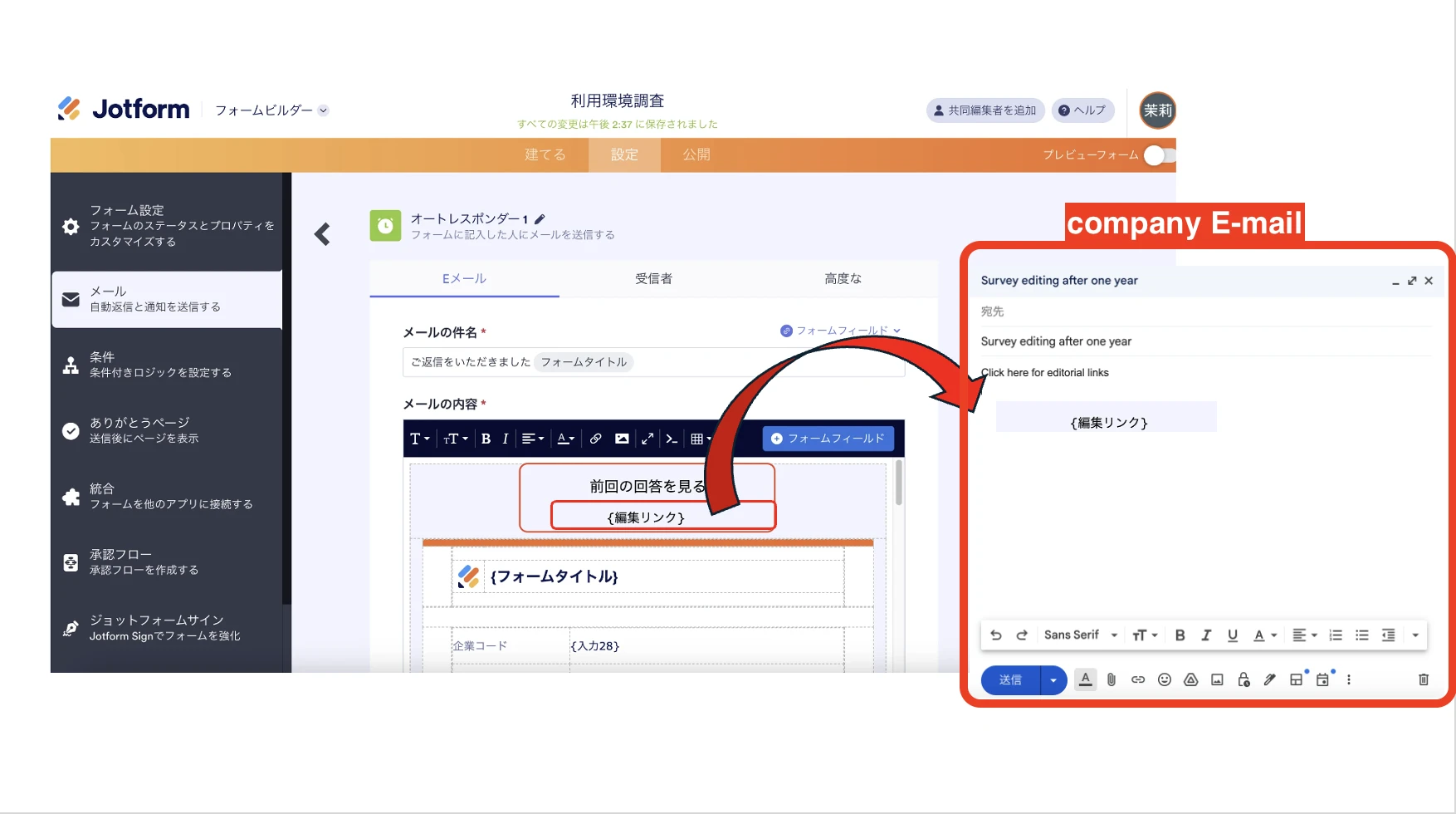
You can retrieve your edit link and share it with the respondent by copy and paste the edit link. By default, Jotform edit link is in the following format:
https://www.jotform.com/edit/{submission_id}
All you need to do is replace {submission_id} with the Submission ID of that submissions. Retrieving submission ID is easy, let me show you how:
- In Jotform Tables, select Columns in the top-right toolbar.
- In Show/Hide Columns, check Submission ID's box.
- An additional column will appear. Look for the Submission ID of a submission, and replace {submission_id} with that ID on the URL above.

Reach back again to us if you need more help.
-
mtamehiro
Hi Jessica,
Thanks for the reply.
That was the perfect answer expected from you.
Best regards,
Marin