無料ウェブサイトウィジェット
コードを一切書かずに、簡単にウェブサイトを強化できます。シンプルなノーコード作成ツールで、わずか数秒で強力なウィジェットを追加し、エンゲージメントを高め、リードを獲得し、信頼を築きましょう。
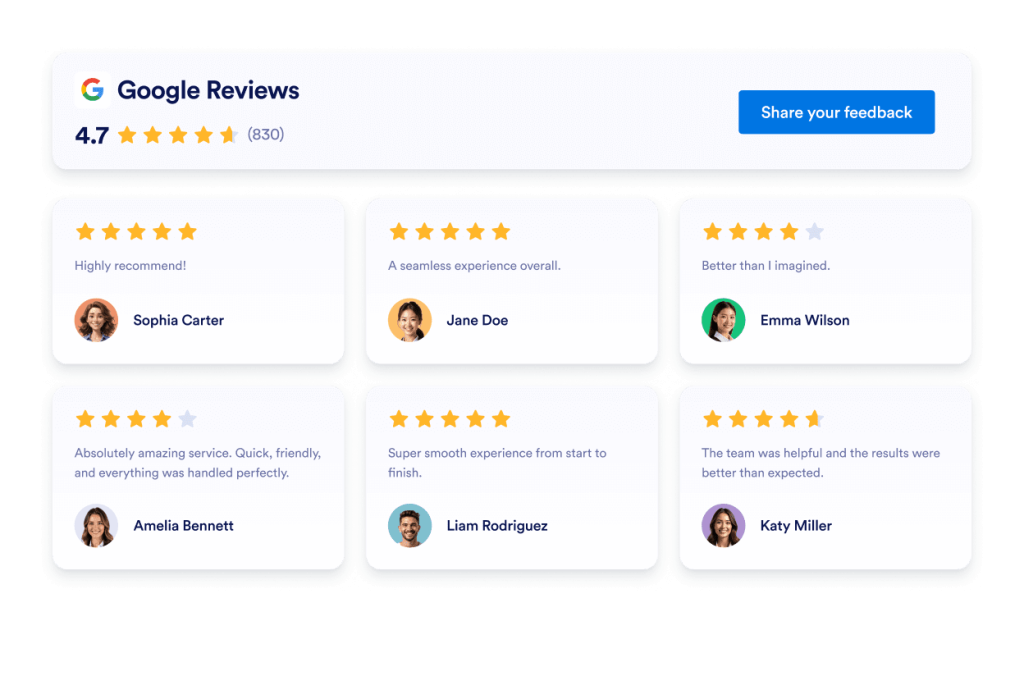
Google レビュー
数秒でGoogleレビューウィジェットをウェブサイトに追加できます。顧客からのフィードバックを表示し、信頼を築き、コンバージョンを増やしましょう。コーディングは不要です。
カテゴリーへ移動:レビューウィジェットウィジェットを使う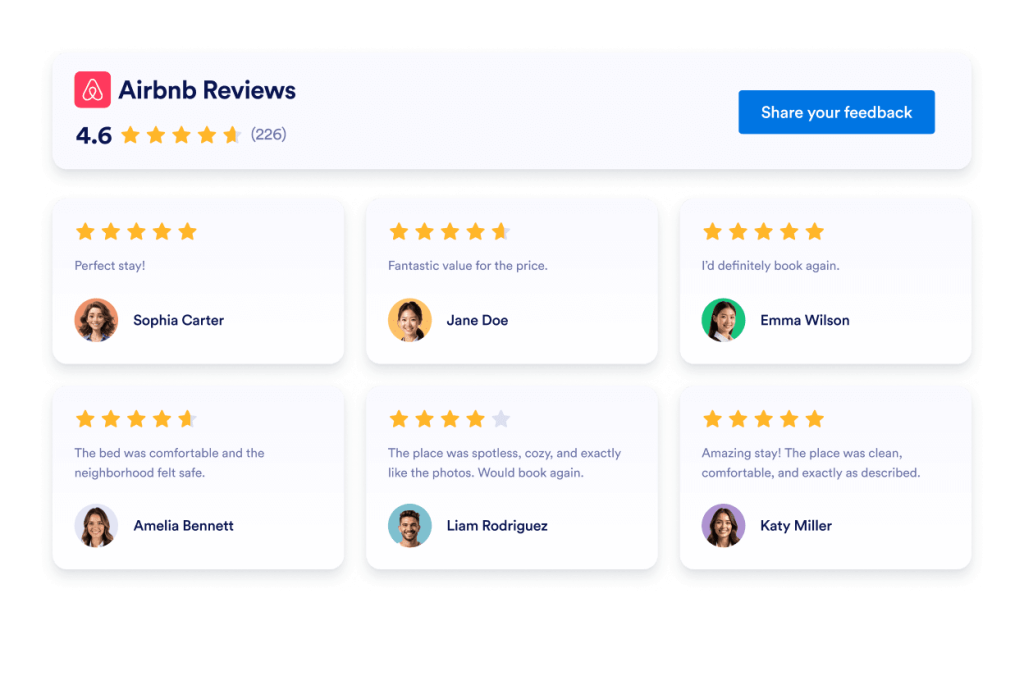
Airbnbレビュー
Airbnb Reviewsウィジェットは、実際のゲストからのフィードバックを見やすいレイアウトで表示します。Jotformのノーコードツールを使えば、自動同期、カスタマイズ、サイトへの埋め込みまでを簡単に行えます。
カテゴリーへ移動:レビューウィジェットウィジェットを使う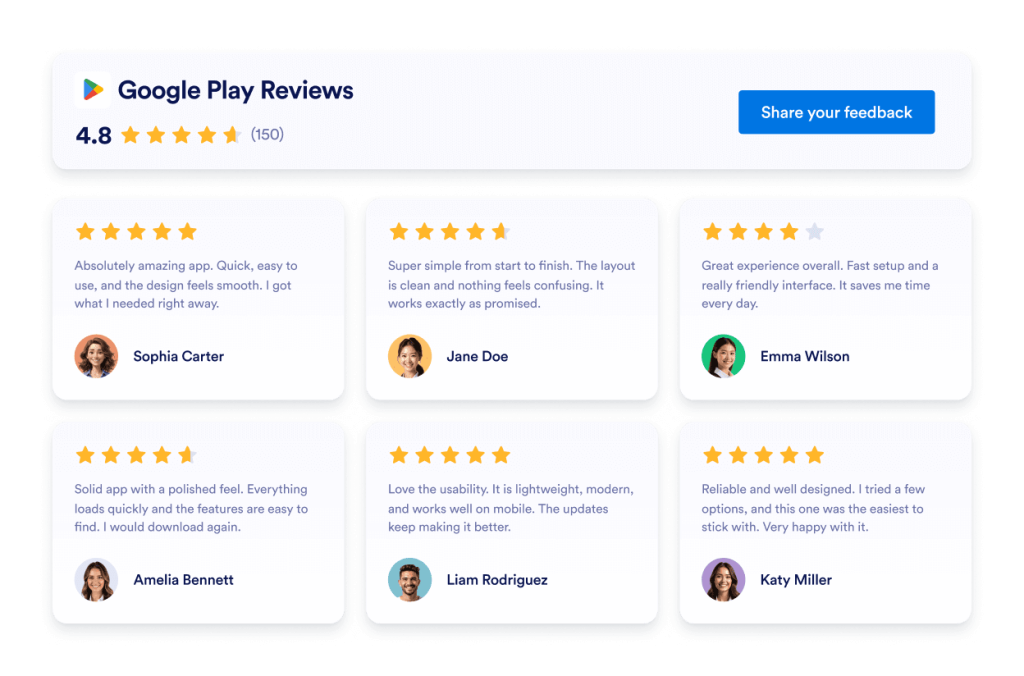
Google Playのレビュー
Google Playレビューウィジェットは、実際のユーザー評価とレビューをレスポンシブデザインで表示します。Jotformを使えば、コーディング不要で自動同期、カスタマイズ、サイトへの埋め込みまでを簡単に行えます。
カテゴリーへ移動:レビューウィジェットウィジェットを使う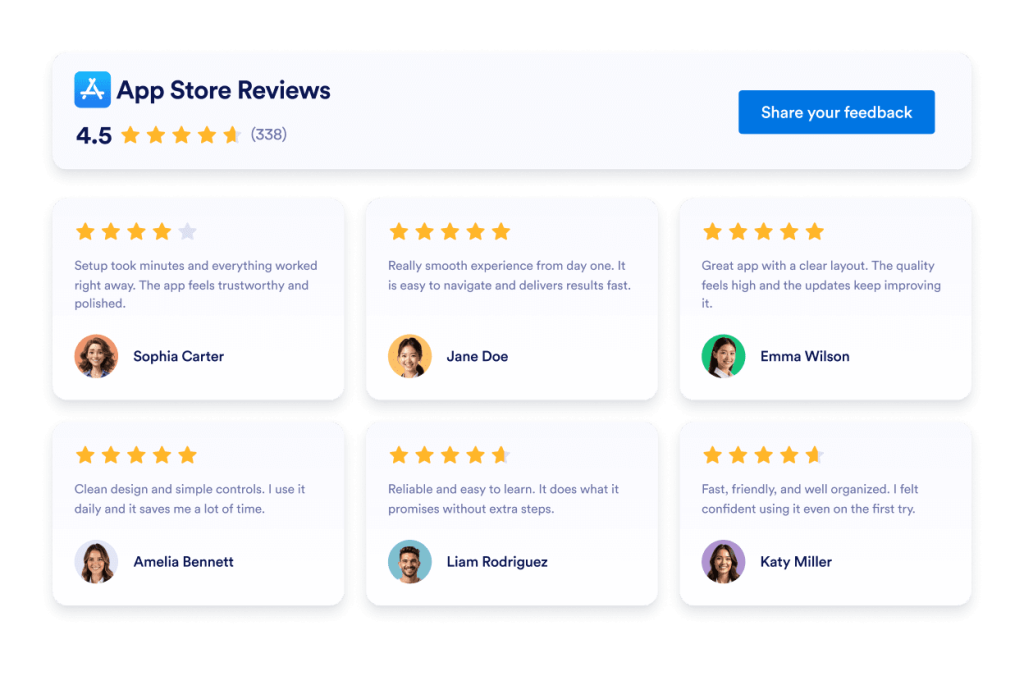
App Storeレビュー
App Store ReviewsウィジェットはiOSユーザーの実際の評価を見やすいレイアウトで表示します。Jotformのノーコードツールなら、自動同期、カスタマイズ、どこにでも埋め込みが可能です。
カテゴリーへ移動:レビューウィジェットウィジェットを使う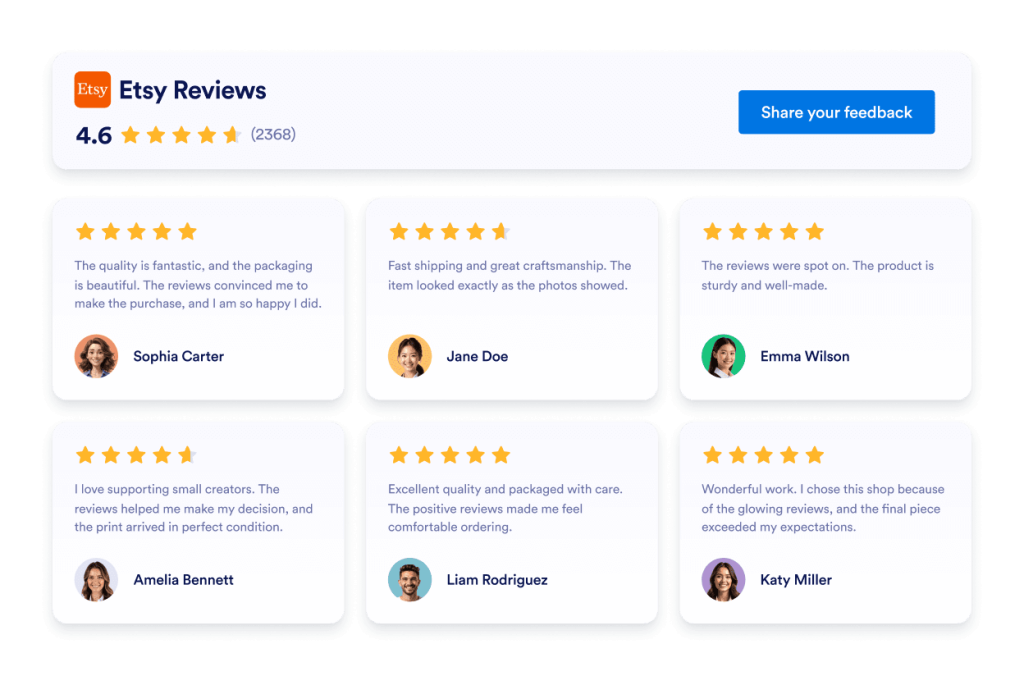
Etsyレビュー
Etsyレビューウィジェットは、実際の購入者の評価をすっきりとしたレイアウトで表示します。Jotformのノーコードツールを使えば、自動同期、カスタマイズ、サイトへの埋め込みまで簡単に行えます。
カテゴリーへ移動:レビューウィジェットウィジェットを使う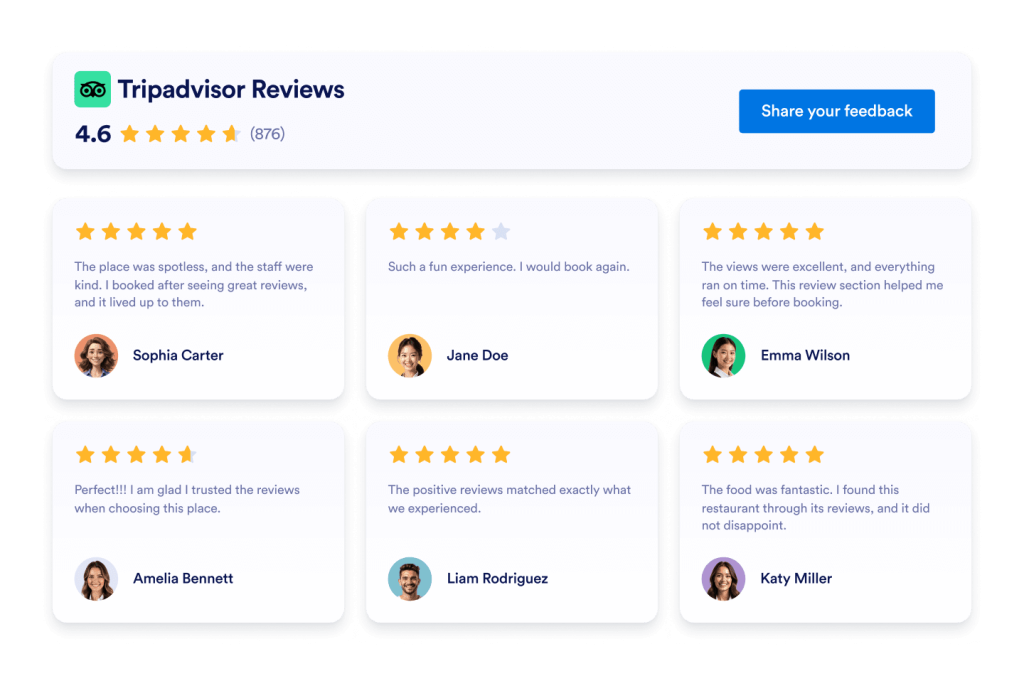
Tripadvisorレビュー
Tripadvisorレビューウィジェットは、実際の旅行者の評価を見やすいレイアウトで表示します。Jotformのノーコードツールを使えば、自動同期、カスタマイズ、サイトへの埋め込みまで簡単に行えます。
カテゴリーへ移動:レビューウィジェットウィジェットを使う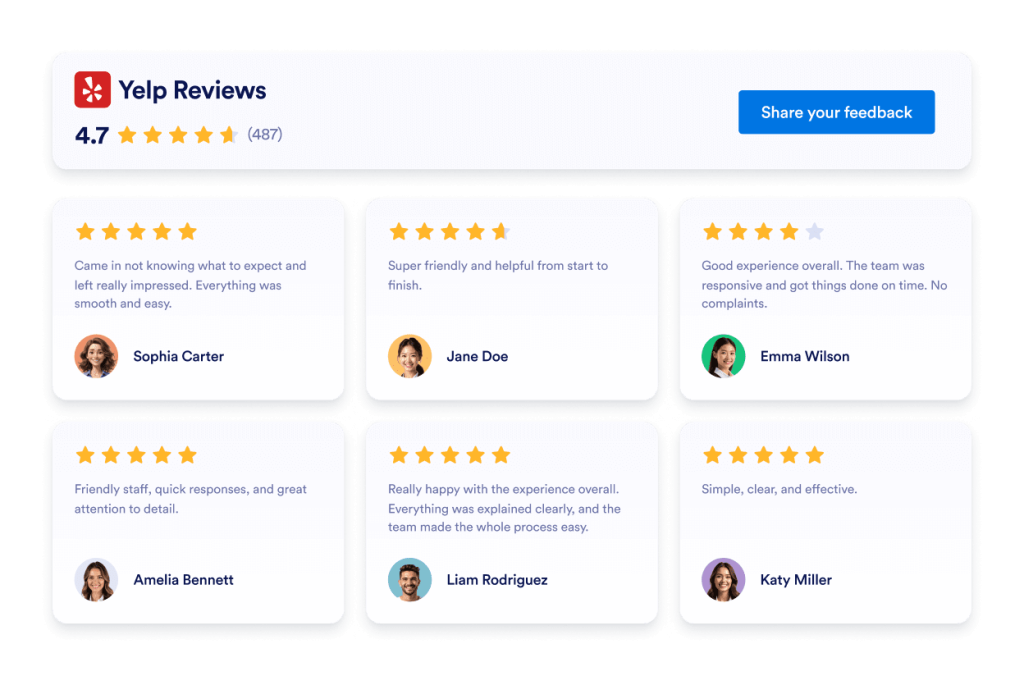
Yelpレビュー
Yelpレビューウィジェットは、実際の顧客評価をレスポンシブレイアウトで表示します。Jotformのノーコードツールで、自動同期、カスタマイズ、サイトへの埋め込みまでを簡単に行えます。
カテゴリーへ移動:レビューウィジェットウィジェットを使う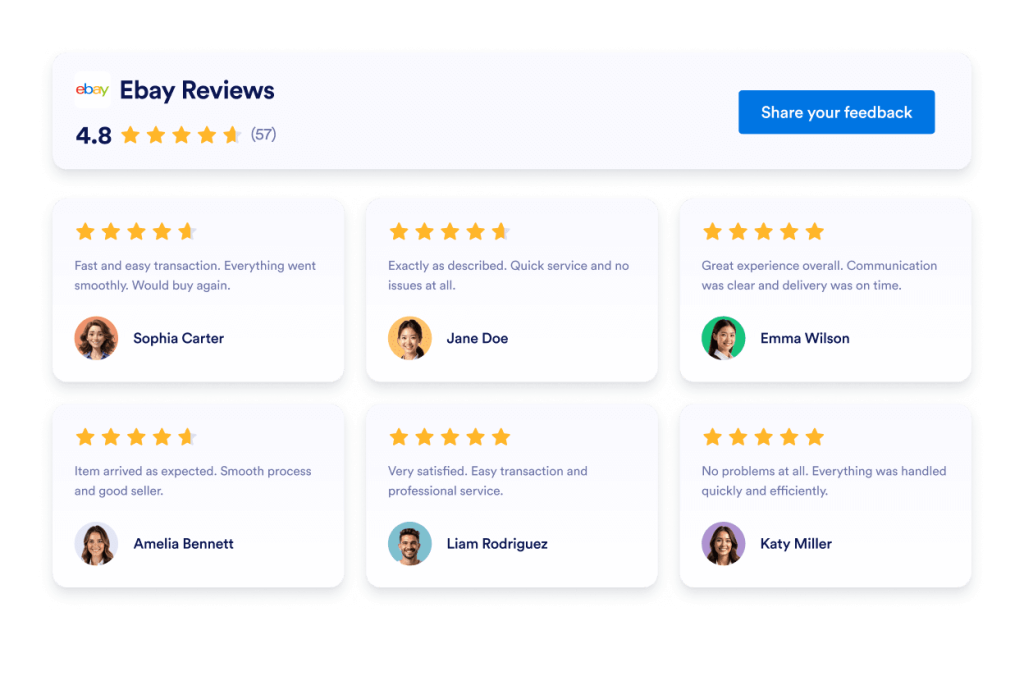
eBayレビュー
eBay Reviewsウィジェットで信頼性を向上。リアルタイムの購入者フィードバック、評価、自動更新されるレビューを表示。Jotformの無料ノーコード埋め込みで数秒で設定完了。今すぐ始めましょう。
カテゴリーへ移動:レビューウィジェットウィジェットを使う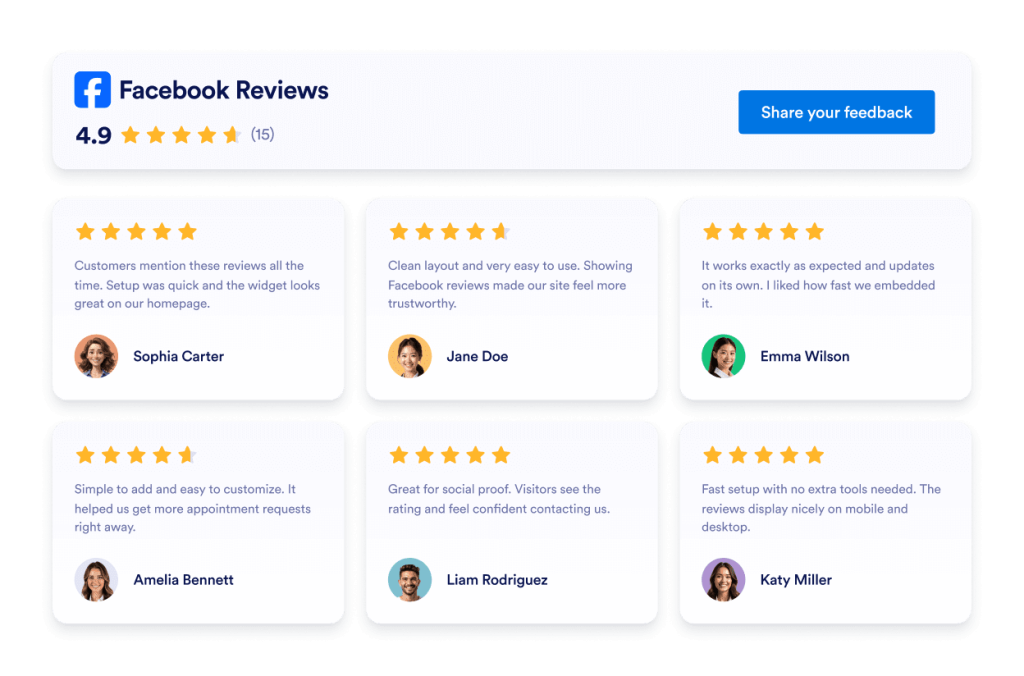
Facebookレビュー
Facebookレビューウィジェットは、実際の顧客評価を見やすいレイアウトで表示します。Jotformのノーコードツールを使えば、自動同期、カスタマイズ、サイトへの埋め込みまでを簡単に行えます。
カテゴリーへ移動:レビューウィジェットウィジェットを使う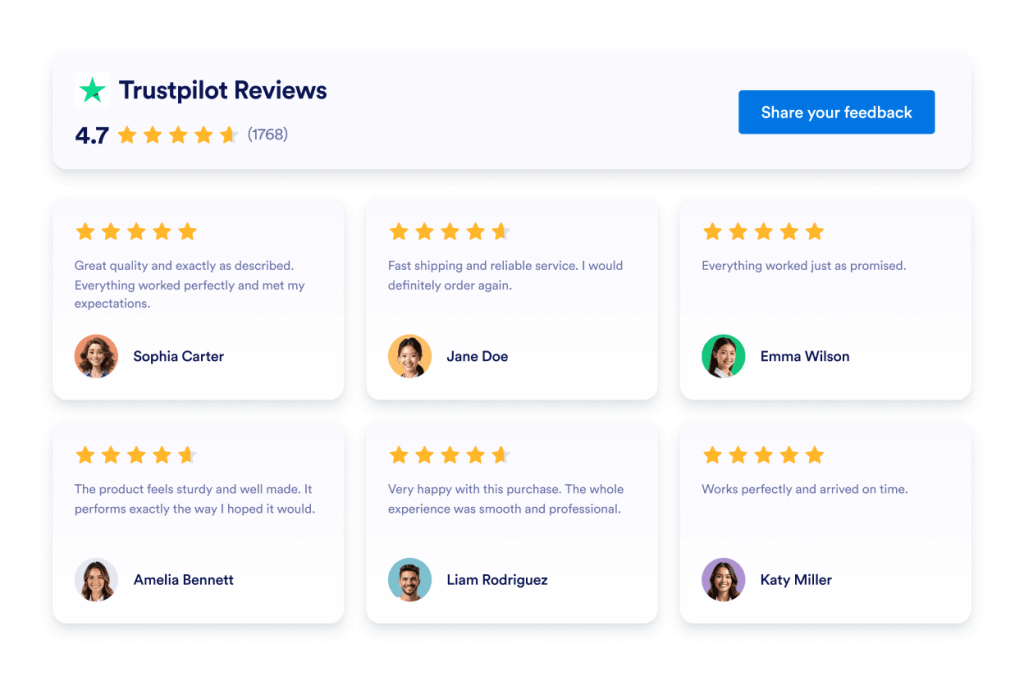
Trustpilot Reviews
Trustpilot Reviewsウィジェットは、実際の顧客フィードバックを洗練されたレイアウトで表示します。Jotformのノーコードツールを使えば、Trustpilotレビューを自動同期し、カスタマイズして、どこにでも埋め込むことができます。信頼を築き、コンバージョンを向上させましょう。
カテゴリーへ移動:Jotformウィジェットウィジェットを使う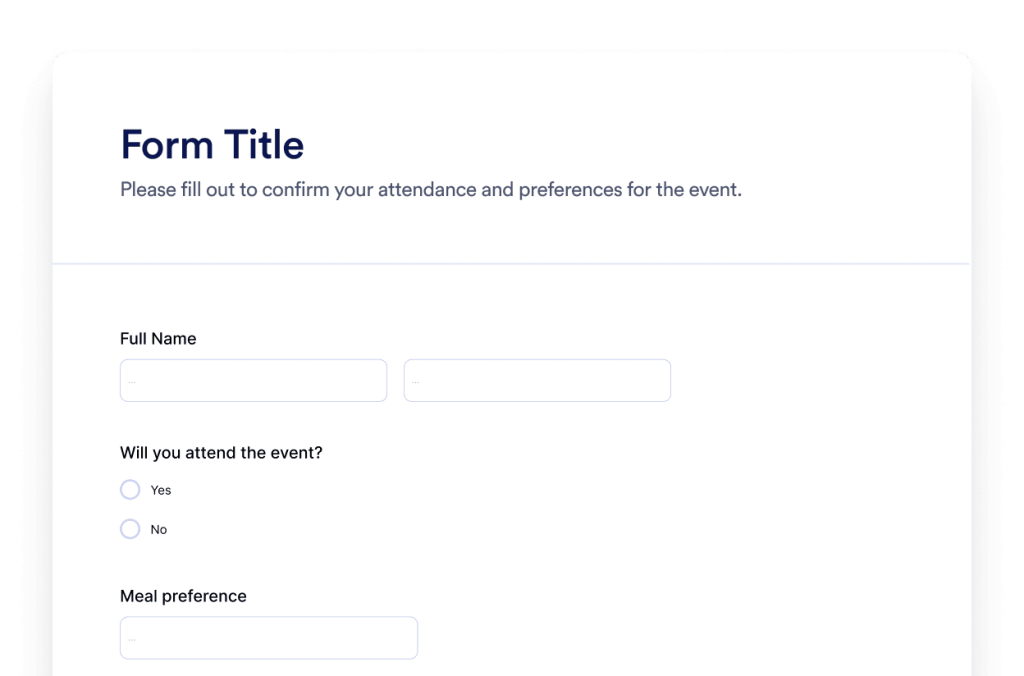
フォーム
Jotform AIフォーム生成ツールで、カスタムフォームを作成できます。コーディング不要、テンプレート不要、面倒な作業も一切なし。作りたいフォームの内容をAIチャットに伝えるだけで、すぐにフォームが完成します。
カテゴリーへ移動:Jotformウィジェットウィジェットを使う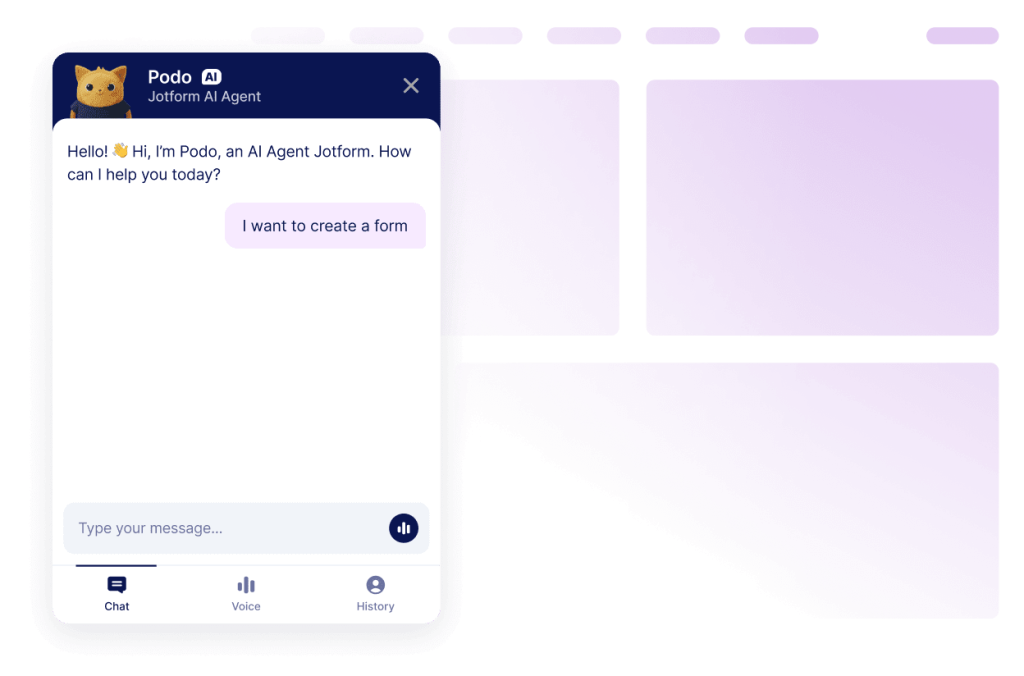
チャットボット
JotformのAIチャットボット作成ツールで、あなたのウェブサイトをインタラクティブな体験に。ユーザーにリアルタイムで回答を提供し、フォーム入力もスムーズにサポート。ブランドに合わせたデザインで、自然なコミュニケーションを実現します。
カテゴリーへ移動:Jotformウィジェットウィジェットを使うお探しのウィジェットが見つかりませんか?
お探しのウィジェットが見つからない場合は、下記フォームよりお気軽にご要望をお寄せください。Webサイトに追加したい機能や実現したい内容をお知らせいただければ、今後の開発の参考にさせていただきます。
ウィジェットをリクエストウェブサイトウィジェットにJotformを選ぶ理由
ビジネスの成長に合わせて進化するプラットフォーム
まずは1つのウィジェットから、シンプルに始められます。必要に応じて、同じJotformアカウント内でウィジェットを追加し、ページやキャンペーン、目的ごとに展開可能。別のツールへ移行したり、最初から作り直したりする必要はありません。
設定もカスタマイズも簡単
すべてのウィジェットは、Jotformの使い慣れたノーコードエディターで作られているため、レイアウトやスタイルのカスタマイズも簡単で直感的に行えます。開発者やテクニカルサポートに頼ることなく、カラー、余白、デザインの細部まで自分で調整できます。

Works on most websites and platforms
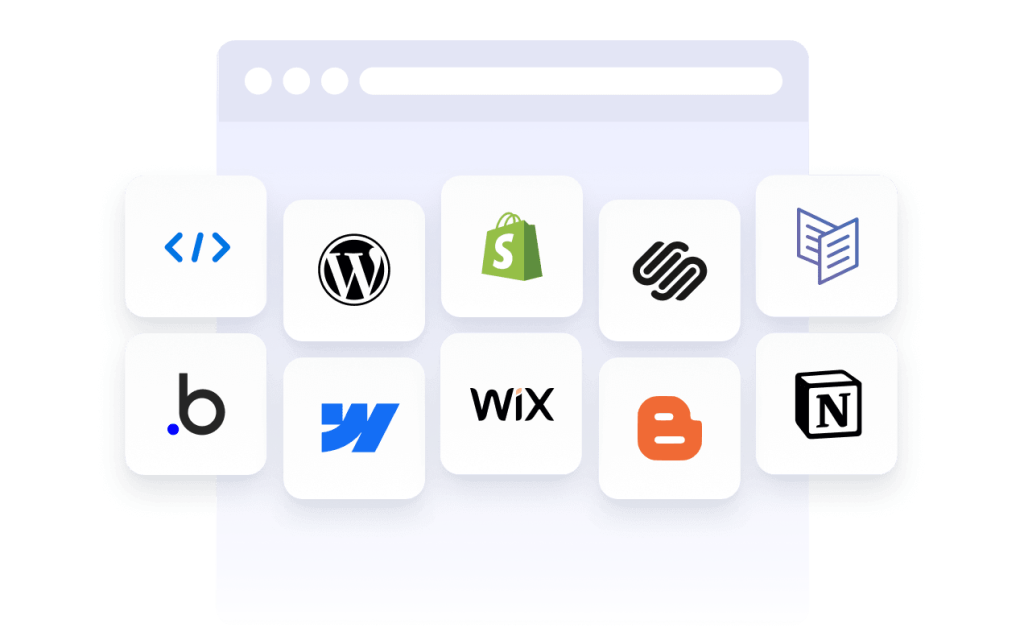
Embed Jotform widgets on many website platforms and custom sites using standard embed options. Keep the same widget working across different pages and environments.
Jotformで、見込み顧客を売上につなげる
Jotform で、ユーザーの関心を成果につなげましょう。リードを獲得し、決済を受け取り、自動応答を設定できる強力なフォームを、すべて1か所で作成できます。すべての送信はJotform受信トレイに届き、フォローアップやお気に入りのアプリとの連携がすぐに行えます。
無料で今すぐ始める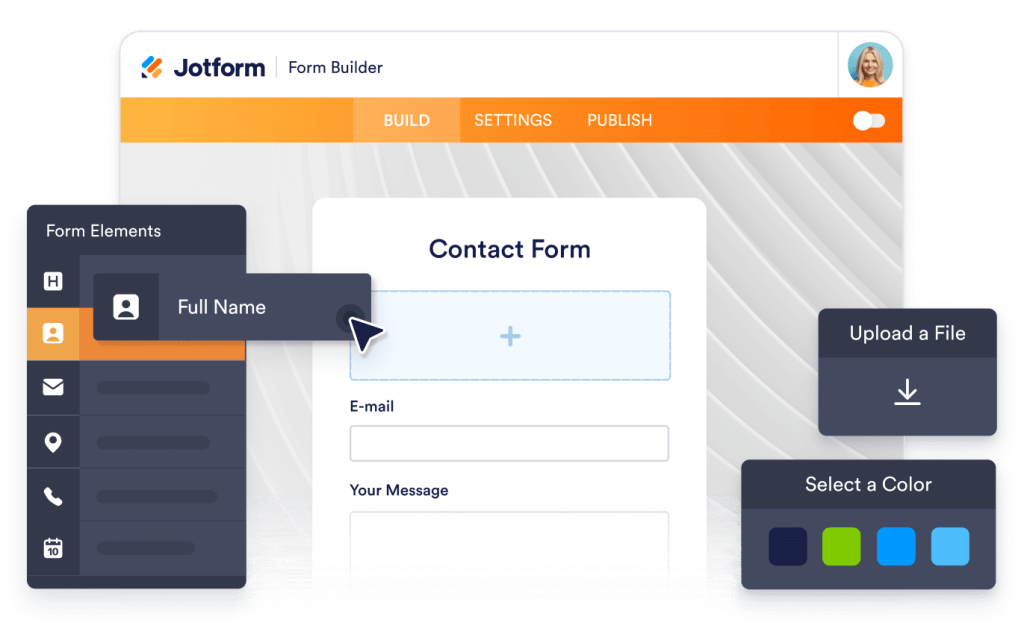
Why use widgets?
Website widgets help you improve your site without building every feature from scratch. They can support business goals like trust, lead generation, and customer support.
Build credibility with reviews and testimonials
Improve conversions with clear calls to action
Keep visitors on your site longer by reducing friction
世界中で数百万ユーザーに選ばれています
Jotformは、小規模なチームから大企業まで、世界中のビジネスで利用されています。





Understanding website widgets
以下のセクションでは、アンケートの仕組み、そして回答データをどのように価値あるインサイトへと変えていくかを、より詳しく解説します。基礎だけでなく、実践的に理解を深めたい方に向けた内容です。
What are website widgets?
A website widget is a small feature you can add to a webpage using embed code. Widgets are often used to display content or enable actions like showing reviews, collecting leads, taking payments, booking appointments, or answering questions.
How widgets fit into a website
This section explains what website widgets are, how they work within a webpage, and how they can be used effectively as your widget library grows. Website widgets are usually embedded using a short code snippet and load within a defined area of a webpage. They can be placed alongside existing content and updated without changing the page structure.
Common types of website widgets
Widgets can be placed alongside existing content and updated without changing the page structure. This makes them useful for adding features without rebuilding or redesigning a website. Website widgets come in many forms, depending on the goal they support. Common types include:
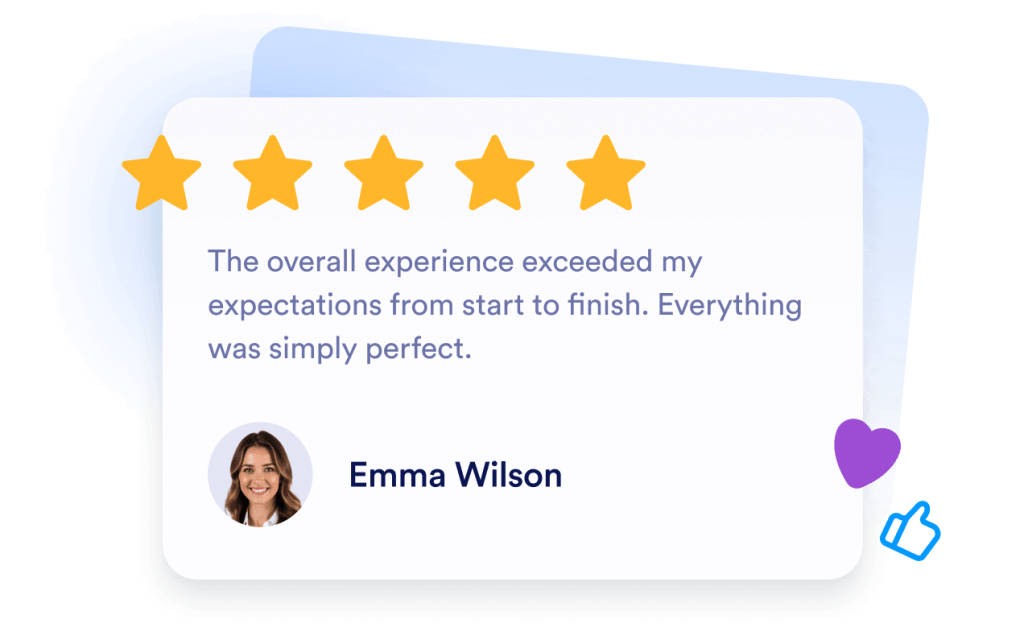
Review widgets to display customer feedback from third-party platforms
- Form widgets for contact forms, lead capture, and registrations
- Scheduling widgets for booking meetings or appointments
- Payment widgets for collecting one-time or recurring payments
- Chat and messaging widgets for customer support and inquiries
- Feedback and survey widgets to collect opinions and responses
This page currently focuses on review widgets. Additional widget types can be added over time as the widget library expands.
How website widgets affect SEO
Website widgets can support SEO when used intentionally and aligned with the page's purpose. Widgets that improve usability, engagement, and task completion can help visitors spend more time on a page and interact with content more effectively.
To avoid SEO issues:
- Place widgets on pages where they add clear value
- Use descriptive headings and supporting text around the widget
- Avoid adding too many widgets to a single page
- Ensure widgets load efficiently and do not block content
Widgets work best when they complement content rather than replace it.
Website platforms that support widgets
Most website widgets can be embedded on a wide range of platforms using standard embed code. This typically includes content management systems, website builders, and custom-built sites.
Common platforms that support embedded widgets include WordPress, Webflow, Wix, Shopify, Squarespace, and static HTML sites. The exact placement method depends on the platform, but widgets are usually added through a code block, a custom HTML section, or a page editor.
Website widgets vs plugins and extensions
Website widgets are generally platform-agnostic and can be embedded on many types of websites using code. Plugins or extensions are usually built for a specific platform and must be installed and maintained within that system.
Widgets offer more flexibility when you manage multiple sites or use different platforms, since the same widget can often be reused across environments.
Choosing widgets based on your goal
Choosing the right widget depends on what you want visitors to do on your site. If your goal is to build trust, review widgets can highlight customer feedback. If you want to collect information, form widgets may be more appropriate. For bookings or transactions, scheduling or payment widgets are a better fit.
Start with the widget that supports your primary goal, then expand as your site grows and needs change.
Managing and updating embedded widgets
Most website widgets can be updated after they are embedded. Changes to design, content, or settings are usually reflected automatically on any page where the widget is used, without requiring changes to the website code.
This makes widgets useful for campaigns, seasonal updates, and ongoing optimization.