Single Slide Carousel for Google Reviews

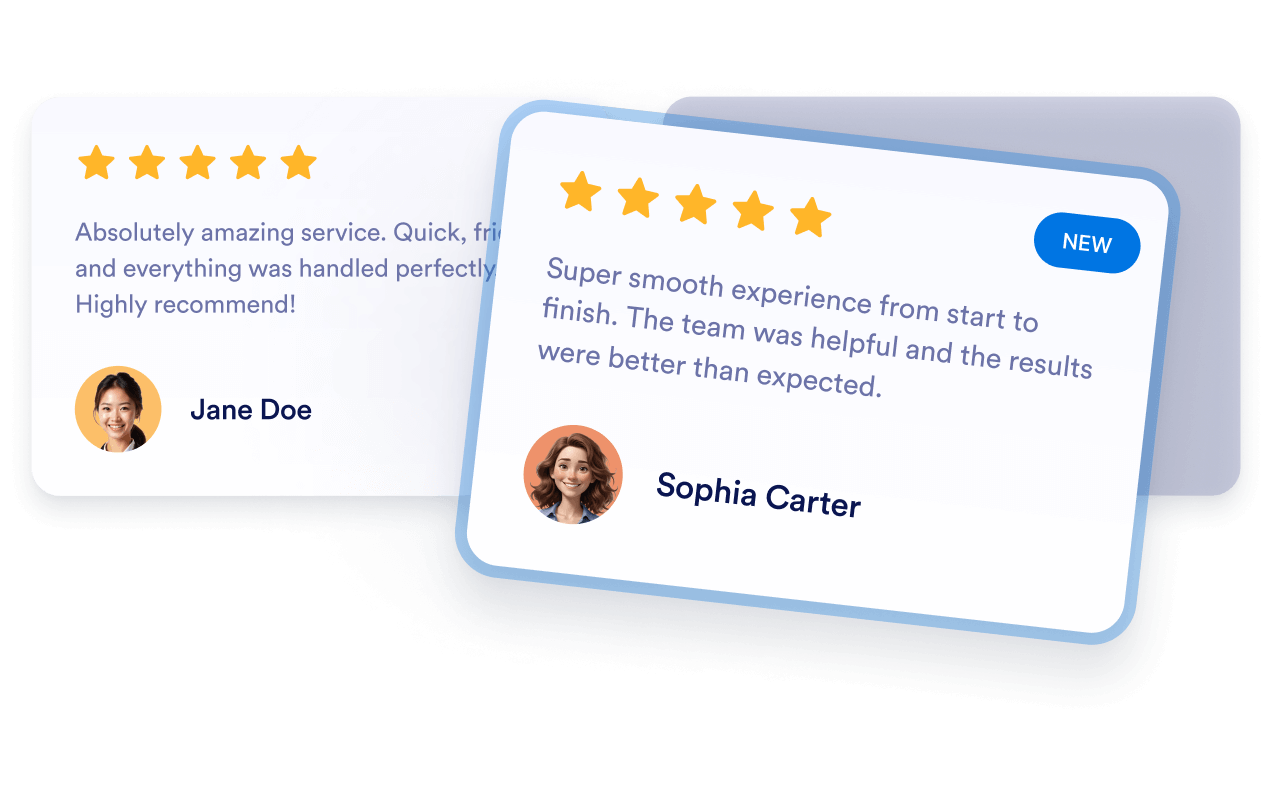
This Google Reviews widget turns customer feedback into a clean review slider with star ratings, reviewer names, photos, dates, and review images. It fits service pages, landing pages, and business sites that want to show social proof without clutter.
Single Slide Carousel for Google Reviews

More Google レビュー Styles

Real Stories Google Reviews Carousel441 Used

Real Stories Google Reviews Carousel

This Google Reviews widget presents customer feedback in a clean carousel format, making it easy to highlight recent praise and build trust at a glance. It shows review names, star ratings, dates, photos, and short review text, with a load more option for browsing additional entries. It suits businesses, creators, and service pages that want to showcase social proof without overwhelming the layout. Visitors can move through reviews with the navigation arrows and open individual reviews in a dialog for a closer look.

Classic Google Reviews Feed192 Used

Classic Google Reviews Feed

This widget presents Google reviews in a clean masonry-style layout, making it easy to showcase customer feedback on a product page, homepage, or testimonials section. Reviews can display names, dates, star ratings, photos, and a review count, while the Share your feedback button gives visitors a clear way to respond. A floating badge and navigation controls help people open and browse the reviews panel without leaving the page. It works well for brands that want a simple, credible way to highlight recent customer experiences and keep positive feedback visible.

Floating Google Reviews Popover859 Used

Floating Google Reviews Popover

This Google Reviews widget adds a floating review panel with a slider layout, so visitors can browse customer feedback without leaving the page. It shows review names, star ratings, dates, photos, and review text, along with a visible review count and a Load more button for additional entries. It’s a good fit for service businesses, portfolios, and landing pages that want to highlight social proof in a clean, lightweight format. Visitors can move through the reviews, open details in a dialog, close the panel when finished, and tap the feedback call to action to share their thoughts.

Colored Google Reviews Carousel255 Used

Colored Google Reviews Carousel

This Google Reviews widget presents customer feedback in a clean carousel layout, making it easy to highlight recent ratings and comments on your site. It suits businesses, service providers, and portfolios that want to show social proof without crowding the page. Visitors can browse review cards with names, star ratings, dates, photos, and image thumbnails, then open a review in a dialog for more detail. The widget also includes a Load more button and a visible feedback button, so people can keep exploring or respond from the display.

Google レビューウィジェットの作成方法

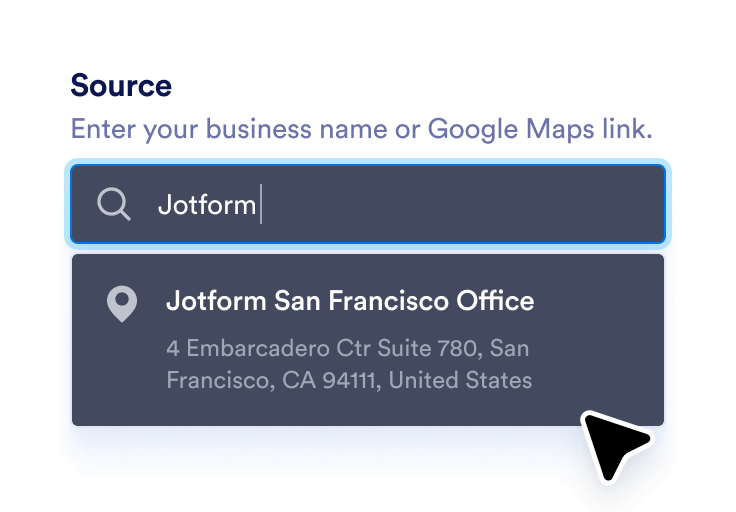
Link your Google business

Googleビジネスを連携する

ビジネス名またはGoogleマップのリンクを入力すると、最新のレビューが自動的に同期されます。

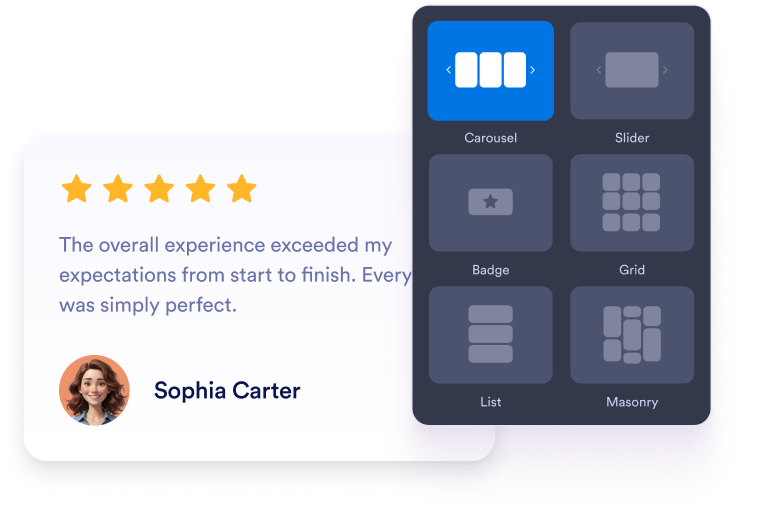
Customize your widget

ウィジェットをカスタマイズ

お好みのレイアウト、カラー、全体的な外観を選択して、ウェブサイトのデザインに合わせましょう。

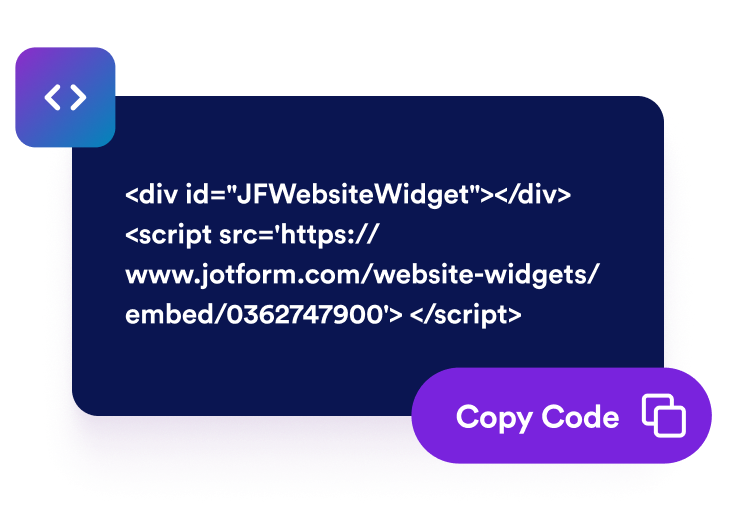
Get the embed code

埋め込みコードを取得

自動生成された埋め込みコードをコピーして、ウェブサイトの任意の場所に貼り付けます。

ポジティブな評価をビジネス成長につなげる

実際の口コミで信頼性を高める

実際のGoogleレビューは、ビジネスの信頼性を瞬時に高めます。訪問者は広告よりも、他の顧客のリアルな体験を重視するため、自然と信頼感や安心感(ソーシャルプルーフ)を生み出します。

Build credibility with real testimonials

より多くの訪問者を有料顧客へ転換

ポジティブなレビューは、訪問者が購入を検討するタイミングで意思決定に大きく影響します。顧客満足の声をしっかりと見せることで、閲覧中のユーザーをそのまま顧客へと後押しします。

Convert more visitors into paying customers

自動更新でレビューを常に最新の状態に保つ

ウィジェットはGoogleビジネスプロフィールと直接同期されるため、新しいレビューが自動的に表示されます。手動で更新する必要がないため、ページには常に最新の関連性の高いフィードバックが表示されます。

Keep reviews fresh with automatic updates

SEO対策を強化し、ローカル検索での露出を向上

認証済みのGoogleレビューをウェブサイトに表示することで、ビジネスの信頼性や活動状況を検索エンジンにアピールできます。その結果、ローカル検索での表示順位の向上につながり、近隣の顧客の集客にも効果的です。

Improve SEO and visibility in local search

Google レビューをWordPressに埋め込む方法

1埋め込みコードを取得

Jotformのホームページウィジェットをカスタマイズしたら、「無料で試す」をクリックし、生成された埋め込みコードをコピーします。

2ページエディターを開く

ウィジェットを表示したいWordPressの投稿または固定ページを開き、新しいブロックを追加します。

3カスタムHTMLブロックを追加

カスタムHTMLを選択し、Jotformホームページウィジェットの埋め込みコードをHTMLフィールドに貼り付けます。

4更新して表示

更新または公開をクリックし、ページを開いて埋め込まれたウィジェットを確認します。

Jotform ホームページウィジェットが選ばれる理由

Jotformのウィジェットは、ウェブサイトをよりインタラクティブにし、コンバージョンを高めます。星評価やお客様の声を表示するスライダー、ソーシャルプルーフのポップアップ、メディア埋め込みまで、多彩なツールが利用可能です。フォームやランディングページにウィジェットを追加して、データ収集、実績や信頼性のアピール、見込み顧客の獲得を実現できます。コーディングは不要です。

コーディングなしで埋め込む

シンプルな埋め込みコードで、Jotformウィジェットをウェブサイトに追加できます。ウィジェットをカスタマイズし、見た目をプレビューして、カスタムHTMLや埋め込みブロックに対応したあらゆるページに貼り付けるだけ。開発者は一切不要です。

よりインタラクティブなページを作成

Jotform ホームページウィジェットを使って、見込み顧客の獲得、お客様のフィードバックの表示、ソーシャルプルーフの活用、メディアの埋め込み、便利なウェブページツールの追加ができます。各ウィジェットは、訪問者がウェブサイトから直接あなたのビジネスとやり取りできるようサポートします。

必要なときにサポートを受けられる

ウィジェットの設定、カスタマイズ、埋め込み、トラブルシューティングでサポートが必要な場合、Jotformのカスタマーサポートチームが24時間年中無休で対応します。必要なときにいつでもサポートを受けられるので、安心してご利用いただけます。

Jotformのフォーム作成ツールで見込み顧客を顧客へと導く

Jotformで訪問者の関心を具体的なアクションにつなげましょう。見込み顧客の獲得、決済の受付、返信の自動化ができる高機能なフォームを、すべて一か所で作成できます。送信された回答はすべてJotformインボックスに届くため、フォローアップやお気に入りのアプリとの連携も簡単です。

無料で今すぐ始める
Convert leads into customers

よくある質問 (FAQ)

  • ウェブサイトにGoogleレビューを追加するには?

    JotformのGoogle口コミ埋め込みウィジェットを使って、Googleのレビューをサイトに追加できます。ウィジェットのソースフィールドにGoogle PlaceのリンクをペーストするだけでGoogleビジネスアカウントを連携できます。カルーセル、スライダー、バッジなどお好みのレイアウトを選び、ウェブサイトのデザインに合わせて色、テーマ、幅をカスタマイズしましょう。完了したら「続行」をクリックして埋め込みコードをコピーします。レビューを表示したい場所にコードを貼り付けると、すぐに表示されます。

  • レビューの表示方法は選べますか?

  • 新しいレビューが投稿されたら、ウィジェットは自動で更新されますか?

  • 表示するレビューをフィルタリングすることは可能ですか?

  • このウィジェットはどの程度カスタマイズできますか?

  • Jotformを使って新しいレビューを集めることはできますか?

  • Googleレビューウィジェットは無料ですか?

  • Googleマップの共有リンクはどうやって取得しますか?