Studio Layers for Instagram Feed

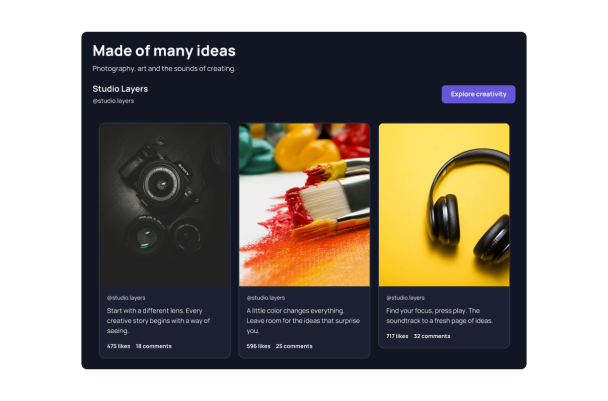
Show the tools and ideas behind creative work in a charcoal Instagram feed with violet accents. Three different photographs of a camera, paint brushes and headphones fill rounded portrait cards with individual captions and engagement counts.
Studio Layers for Instagram Feed

More インスタグラム Styles

Neutral Pet Journal Instagram Feed506 Used

Neutral Pet Journal Instagram Feed

Let pet portraits lead with a neutral Instagram card wall and transparent feed and card backgrounds. Three different dog photographs appear in two portrait columns with account details, individual captions and engagement counts. Dark text and Inter typography keep the presentation simple. Each post opens in a modal, and separate feed and profile headers stay hidden. Use the style on a light page background for clear contrast.

Mono Design Instagram Feed741 Used

Mono Design Instagram Feed

Give everyday design objects a clear frame in a two-column Instagram card wall. Three different images of sculptural seating, a lamp and a stool appear in white portrait cards on a light-gray background. Black accents, Inter typography, individual captions and engagement counts keep the layout focused. Each post opens in a modal, while separate feed and profile headers stay hidden.

Blush Home Instagram Feed721 Used

Blush Home Instagram Feed

Bring home details into focus with a blush-pink Instagram card wall. Three different interior photographs appear in two columns of white portrait cards, with the account name, username, individual caption and engagement counts. Warm rose text and Inter typography suit home journals and interior portfolios. Each post opens in a modal; separate feed and profile headers stay hidden.

Dark Desk Instagram Feed549 Used

Dark Desk Instagram Feed

Showcase desk and technology details in a dark two-column Instagram card wall. Three different device photographs appear in charcoal portrait cards with the account name, username, individual caption and engagement counts. Inter typography and soft violet links keep the presentation clear. Each post opens in a modal, while separate feed and profile headers stay hidden.

インスタグラムウィジェットの作成方法

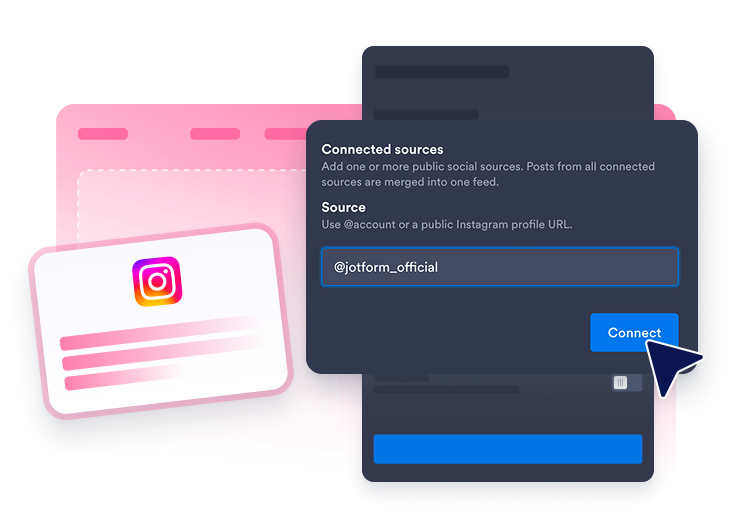
Connect an Instagram source

インスタグラムソースを接続

ウェブサイトのフィードに表示したい公開インスタグラムソースを追加します。

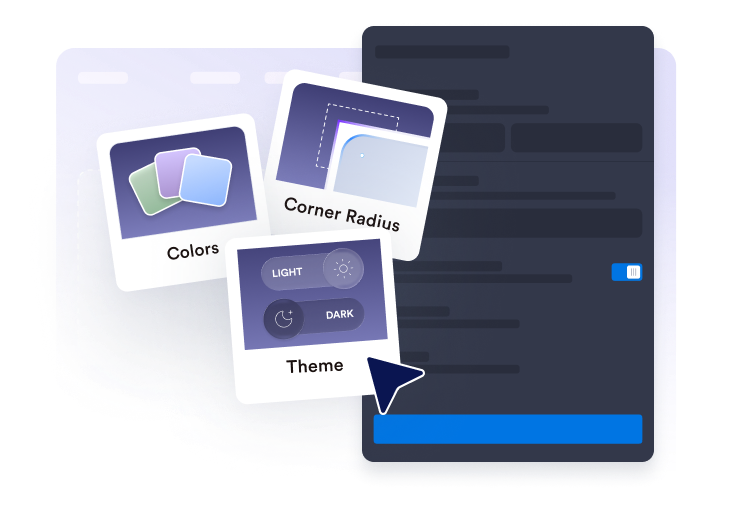
Customize the feed

フィードをカスタマイズ

レイアウト、投稿詳細、ポップアップの動作、色、インスタグラム風のアクセント設定を選択します。
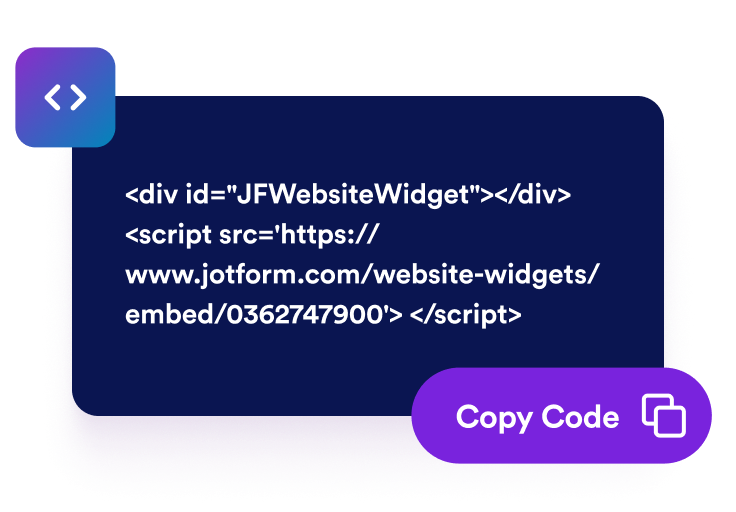
Get the embed code

埋め込みコードを取得

生成された埋め込みコードをコピーして、インスタグラムウィジェットをページに公開します。

ホームページにインスタグラムの投稿を表示

Instagramアカウントの投稿を連携

公開されているインスタグラムのソースを追加し、最新のビジュアルコンテンツを埋め込みフィードで表示できます。インスタグラム ウィジェットを使えば、訪問者は最新の投稿、キャンペーン画像、商品写真、お知らせ、クリエイターのコンテンツをホームページ上で直接チェックできます。

Connect Instagram account posts

ビジュアルをレイアウトに合わせる

グリッド、メーソンリー、リスト、カルーセル、スライダーのレイアウトから、ページに合ったものを選べます。ウェブサイトのホームページ、ポートフォリオセクション、キャンペーンページ、すっきりとした埋め込みフィードを表示したいビジュアルギャラリーなどに活用できます。

Fit visuals into your layout

表示する投稿詳細を選択

インスタグラムの各投稿のプレビューに表示する情報を設定できます。投稿者名、日付、キャプション、ソースラベル、アクション数、リンク、ポップアップの詳細を表示または非表示にすることで、訪問者が投稿を開く前に適切な量の情報を得られるようにします。

Choose visible post details

インスタグラムフィードのスタイルを設定

インスタグラムウィジェットらしいわかりやすさを保ちながら、ブランドに合ったデザインにカスタマイズできます。テーマ、プラットフォームのアクセント、カードの色、矢印、ページネーション、カスタムCSSをカスタマイズして、洗練されたビジュアルセクションを作成できます。

Style the Instagram feed

インスタグラムをWordPressに埋め込む方法

1埋め込みコードを取得

Jotformのホームページウィジェットをカスタマイズしたら、「無料で試す」をクリックし、生成された埋め込みコードをコピーします。

2ページエディターを開く

ウィジェットを表示したいWordPressの投稿または固定ページを開き、新しいブロックを追加します。

3カスタムHTMLブロックを追加

カスタムHTMLを選択し、Jotformホームページウィジェットの埋め込みコードをHTMLフィールドに貼り付けます。

4更新して表示

更新または公開をクリックし、ページを開いて埋め込まれたウィジェットを確認します。

Jotform ホームページウィジェットが選ばれる理由

Jotformのウィジェットは、ウェブサイトをよりインタラクティブにし、コンバージョンを高めます。星評価やお客様の声を表示するスライダー、ソーシャルプルーフのポップアップ、メディア埋め込みまで、多彩なツールが利用可能です。フォームやランディングページにウィジェットを追加して、データ収集、実績や信頼性のアピール、見込み顧客の獲得を実現できます。コーディングは不要です。

コーディングなしで埋め込む

シンプルな埋め込みコードで、Jotformウィジェットをウェブサイトに追加できます。ウィジェットをカスタマイズし、見た目をプレビューして、カスタムHTMLや埋め込みブロックに対応したあらゆるページに貼り付けるだけ。開発者は一切不要です。

よりインタラクティブなページを作成

Jotform ホームページウィジェットを使って、見込み顧客の獲得、お客様のフィードバックの表示、ソーシャルプルーフの活用、メディアの埋め込み、便利なウェブページツールの追加ができます。各ウィジェットは、訪問者がウェブサイトから直接あなたのビジネスとやり取りできるようサポートします。

必要なときにサポートを受けられる

ウィジェットの設定、カスタマイズ、埋め込み、トラブルシューティングでサポートが必要な場合、Jotformのカスタマーサポートチームが24時間年中無休で対応します。必要なときにいつでもサポートを受けられるので、安心してご利用いただけます。

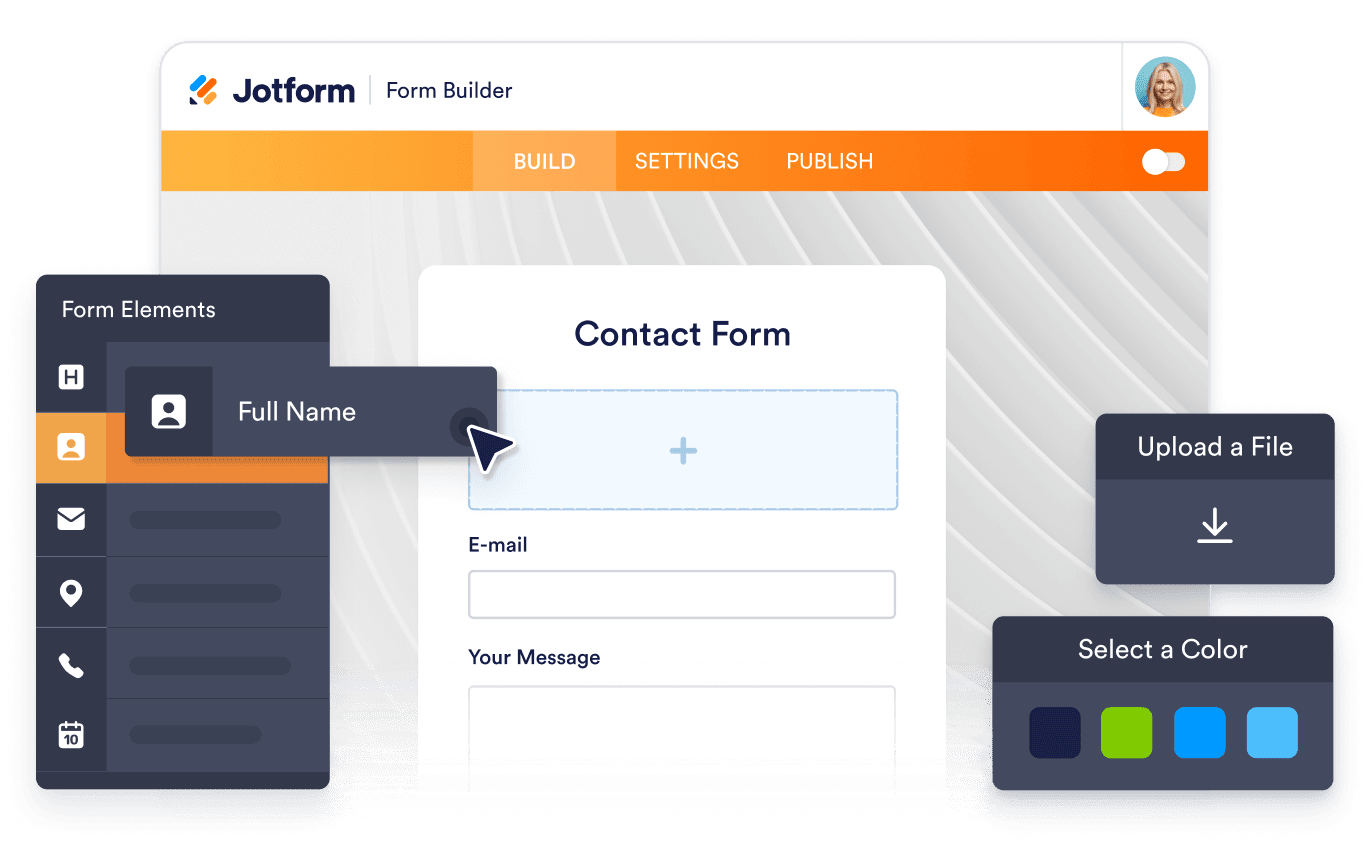
Jotformのフォーム作成ツールで見込み顧客を顧客へと導く

Jotformで訪問者の関心を具体的なアクションにつなげましょう。見込み顧客の獲得、決済の受付、返信の自動化ができる高機能なフォームを、すべて一か所で作成できます。送信された回答はすべてJotformインボックスに届くため、フォローアップやお気に入りのアプリとの連携も簡単です。

無料で今すぐ始める
Convert leads into customers

よくある質問 (FAQ)

  • インスタグラムウィジェットは、インスタグラムアカウントの投稿をレスポンシブな埋め込みフィードとしてウェブサイトに表示します。訪問者はページをすぐに離れることなく、最新のビジュアル、お知らせ、キャンペーン、SNSの最新情報をチェックできます。