OpenTable 口コミウィジェット

OpenTableの商品レビューをウェブサイトに追加し、購入者が安心して購入できるよう、お客様の口コミを紹介しましょう。商品のリンクを設定し、レイアウトを選び、見た目をカスタマイズして、コード不要でウィジェットを埋め込めます。

OpenTable Reviews Widget for your website

More OpenTable 口コミ Styles

OpenTable Reviews Banner378 Used

OpenTable Reviews Banner

OpenTable Reviews Banner presents a 5.0 rating, five gold stars, a human guest portrait, name and a complete short comment in a slim white rounded bar. The native Light reviewer banner sits inline in the page. Selecting See more opens a sidebar with six fictional five-star restaurant reviews. The sample comments discuss seasonal lunches, table reservations, menu guidance, fresh pasta, a welcoming dining room and shared desserts. Dates, review images, products, branding and CTA are hidden. Replace fictional examples with feedback you are authorized to display. Custom CSS is empty and disabled; autoplay is off.

OpenTable Average Rating Badge288 Used

OpenTable Average Rating Badge

OpenTable Average Rating Badge presents a centered source logo, a large 5.0 average, five gold stars and a six-review count in a white vertical card with a thin outline. The native Light badge sits inline in the page. Selecting it opens a sidebar with six fictional restaurant guest reviews, human reviewer portraits and names. The sample comments discuss seasonal food, vegetarian choices, relaxed dinners and thoughtful service. Dates, review photos, products, branding and CTA are hidden. Replace fictional examples with feedback you are authorized to display. Custom CSS is empty and disabled.

Photo Testimonials Slider799 Used

Photo Testimonials Slider

Show a carousel of six fictional sample diner reviews for a relaxed neighborhood brunch cafe. The widget pairs reviewer portraits, names, five-star ratings, and short comments about balanced coffee, flaky pastries, a welcoming host, and an unhurried meal with friends. A header introduces the collection, while overlay arrows let visitors move through the reviews at their own pace. Use this template to present an illustrative brunch experience on a cafe or restaurant website. The reviews and coffee-and-brunch images are illustrative only; they do not endorse or represent an identified restaurant. Visitors can browse the comments and use the visible OpenTable button to view on OpenTable.

OpenTable Reviews Wall of Love901 Used

OpenTable Reviews Wall of Love

Showcase six sample OpenTable reviews for a fictional neighborhood brunch café in a clean, light grid. The left-aligned source header reads “Warm plates and unhurried catch-ups” and displays a five-star overall rating with a count of six reviews. Standard cards present each reviewer’s name, portrait, star rating, and short comment, with the source identified as OpenTable. This template suits café owners and designers creating a brunch-focused review section. Visitors can scan comments about fresh toast, seasonal bowls, a warm welcome, relaxed conversation, weekend dining, and a pastry; the configured button invites them to view the source on OpenTable. The review text and names are fictional samples, not endorsements or verified-diner claims.

OpenTable 口コミウィジェットの作成方法

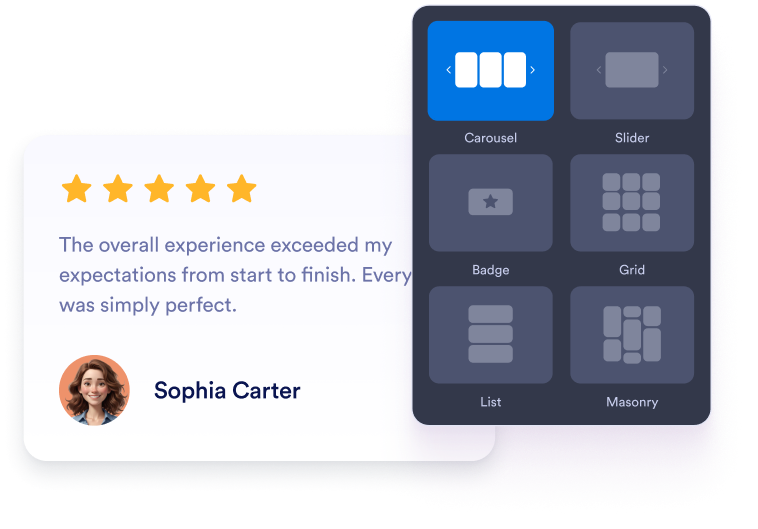
Customize your widget

ウィジェットをカスタマイズ

コンテンツ、レイアウト、色、動作を選んで、ウィジェットをWebサイトのデザインに合わせましょう。

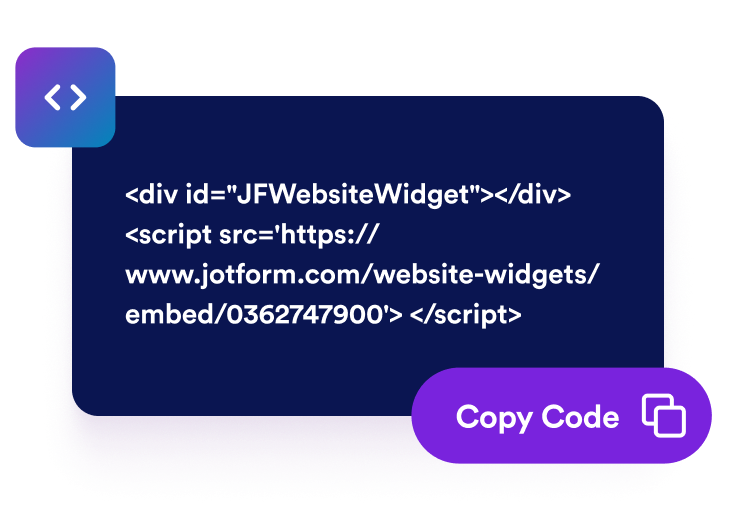
Get the embed code

埋め込みコードを取得

Jotformが生成したそのまま使える埋め込みコードをコピーします。設定やコーディングは不要です。

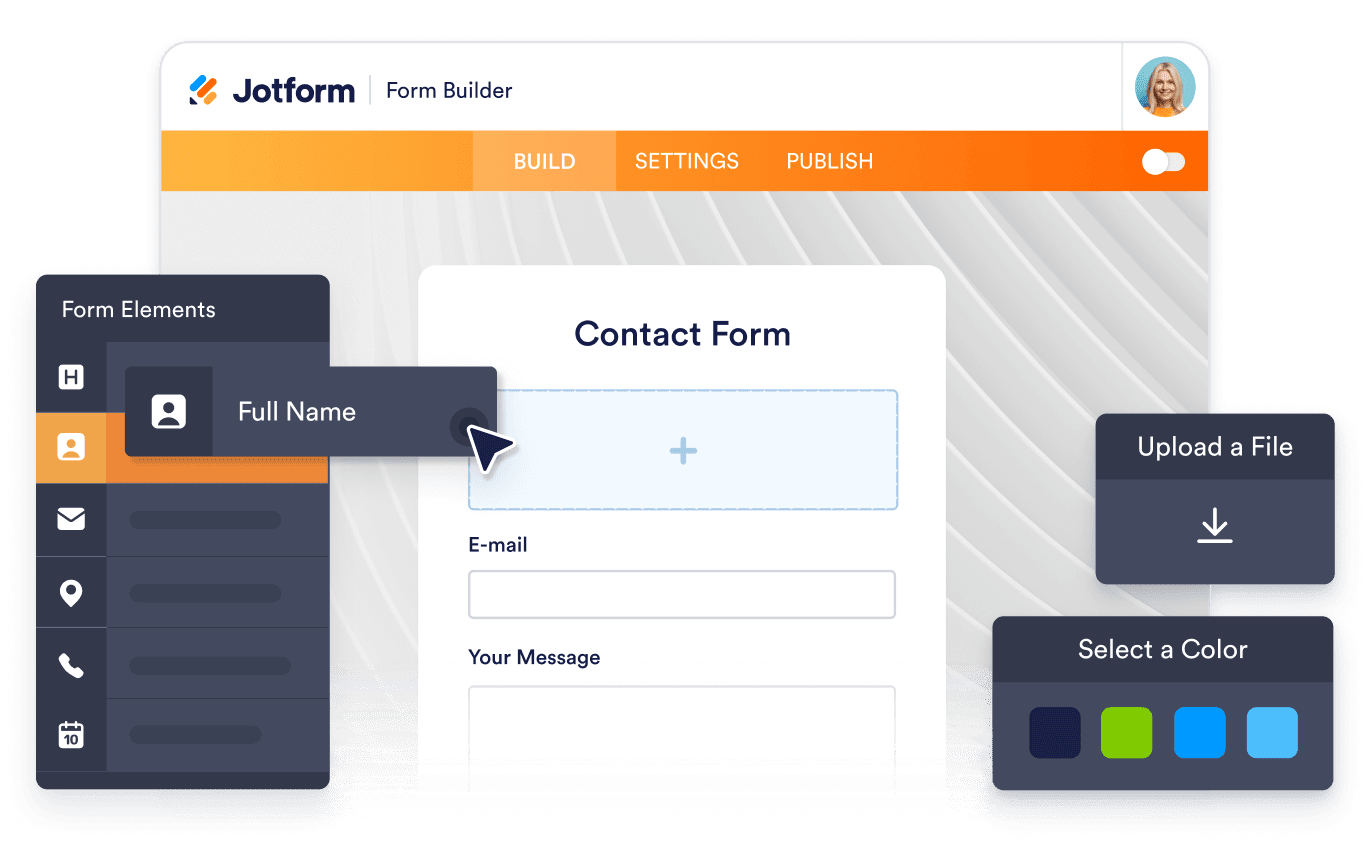
Embed it anywhere

好きな場所に埋め込む

コードをホームページに貼り付けて公開するだけで、Trustpilotレビューがすぐに表示されます。

OpenTableの商品レビューを活用して、購入への安心感を高める

商品レビューで信頼を築く

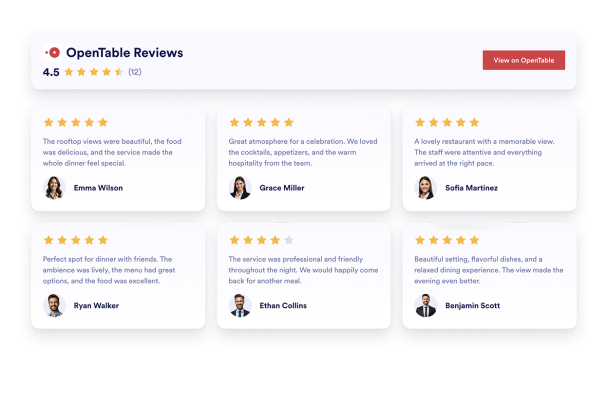
OpenTable風の見慣れたレイアウトで、お客様の口コミ、星評価、投稿者名、レビュー本文を見慣れたレイアウトで表示し購入前の安心感を高めましょう。

Build trust with product reviews

商品の評価を目立たせる

ウィジェットのヘッダーに商品全体の評価とレビュー数を表示して、信頼性を示す重要な情報を一目で確認できるようにします。

Highlight product ratings

各ページに最適なレイアウトを選ぶ

カルーセル、スライダー、グリッド、リスト、メーソンリー、バッジのレイアウトを使って、商品ページ、コレクションページ、ランディングページ、コンパクトなサイドバーにレビューを合わせて表示できます。

Choose the right layout for each page

ストアのデザインに合わせる

ダークモード、タイトル、ボタン、評価の詳細、レビュー項目、幅、色をカスタマイズして、ウィジェットがあなたのオンラインストアに自然になじむようにできます。

Match your store design

OpenTable 口コミをWordPressに埋め込む方法

1埋め込みコードを取得

Jotformのホームページウィジェットをカスタマイズしたら、「無料で試す」をクリックし、生成された埋め込みコードをコピーします。

2ページエディターを開く

ウィジェットを表示したいWordPressの投稿または固定ページを開き、新しいブロックを追加します。

3カスタムHTMLブロックを追加

カスタムHTMLを選択し、Jotformホームページウィジェットの埋め込みコードをHTMLフィールドに貼り付けます。

4更新して表示

更新または公開をクリックし、ページを開いて埋め込まれたウィジェットを確認します。

Jotform ホームページウィジェットが選ばれる理由

Jotformのウィジェットは、ウェブサイトをよりインタラクティブにし、コンバージョンを高めます。星評価やお客様の声を表示するスライダー、ソーシャルプルーフのポップアップ、メディア埋め込みまで、多彩なツールが利用可能です。フォームやランディングページにウィジェットを追加して、データ収集、実績や信頼性のアピール、見込み顧客の獲得を実現できます。コーディングは不要です。

コーディングなしで埋め込む

シンプルな埋め込みコードで、Jotformウィジェットをウェブサイトに追加できます。ウィジェットをカスタマイズし、見た目をプレビューして、カスタムHTMLや埋め込みブロックに対応したあらゆるページに貼り付けるだけ。開発者は一切不要です。

よりインタラクティブなページを作成

Jotform ホームページウィジェットを使って、見込み顧客の獲得、お客様のフィードバックの表示、ソーシャルプルーフの活用、メディアの埋め込み、便利なウェブページツールの追加ができます。各ウィジェットは、訪問者がウェブサイトから直接あなたのビジネスとやり取りできるようサポートします。

必要なときにサポートを受けられる

ウィジェットの設定、カスタマイズ、埋め込み、トラブルシューティングでサポートが必要な場合、Jotformのカスタマーサポートチームが24時間年中無休で対応します。必要なときにいつでもサポートを受けられるので、安心してご利用いただけます。

OpenTable 口コミウィジェットの活用シーン

購入者が商品を比較し、信頼性を確認して、購入するかどうかを判断するページにOpenTableの口コミを掲載しましょう。

商品ページで、商品の詳細や購入ボタンのそばにお客様のフィードバックを表示します。

ホームページの信頼性を高めるセクションで、訪問者がアクセスした際に、人気商品やレビューのハイライトを紹介します。

コレクションページやカテゴリーページで、表示された評価を参考に、お客様が商品を比較しやすくします。

カート・購入手続きページで、お客様が購入を完了する前に、安心感を高めます。

キャンペーンのランディングページで、信頼性の高い口コミや評価を活用し、広告・プロモーション・新商品の発売を後押しします。

サイドバーやフッターエリアで、ページの表示を妨げずに、ココンパクトな評価バッジを常に表示しておきます。

Jotformのフォーム作成ツールで見込み顧客を顧客へと導く

Jotformで訪問者の関心を具体的なアクションにつなげましょう。見込み顧客の獲得、決済の受付、返信の自動化ができる高機能なフォームを、すべて一か所で作成できます。送信された回答はすべてJotformインボックスに届くため、フォローアップやお気に入りのアプリとの連携も簡単です。

無料で今すぐ始める
Convert leads into customers

よくある質問 (FAQ)

  • OpenTable 口コミウィジェットは、OpenTableの商品評価やレビュー内容を、カスタマイズ可能なウェブサイトウィジェットで表示します。オンラインストアが自社のウェブサイトで実際のお客様の声を紹介し、購入者の信頼を高めるのに役立ちます。