Carousel with Featured Review for OpenTable Reviews

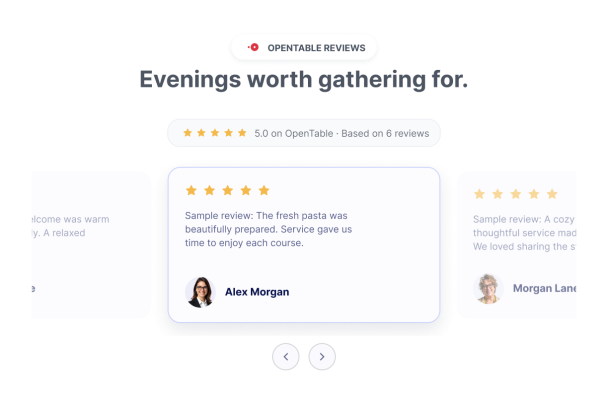
This light, Inter-styled review carousel is designed for a neighborhood Italian restaurant that wants to present the feel of dinner reservations and dining experiences.
Carousel with Featured Review for OpenTable Reviews

More OpenTable 口コミ Styles

Dark OpenTable Reviews Carousel616 Used

Dark OpenTable Reviews Carousel

This dark, full-width carousel presents six illustrative diner reviews for a contemporary restaurant. Each sample has a five-star rating, a reviewer portrait and name, and a short comment about the food, setting, or service. Alternating restaurant-dining and plated-food backgrounds add visual context; these images are illustrative and do not document actual visits by the fictional reviewers. A centered heading introduces the reviews, with a six-review summary and navigation arrows to browse the cards. Restaurant owners can use this layout to show the kind of dining experience they want visitors to explore. Visitors can move through the carousel and read each review, with an option to view more detail when selecting a review.

OpenTable Reviews Carousel Section821 Used

OpenTable Reviews Carousel Section

Present illustrative garden-bistro feedback in a full-width OpenTable review carousel. A centered source header, heading and description introduce light Standard cards with human portraits, reviewer names and five-star ratings. Six fictional diner stories cover seasonal food, attentive service and a relaxing garden setting. Visitors can browse using the carousel arrows. Replace the samples with diner reviews you are authorized to display.

Rotating Review Carousel615 Used

Rotating Review Carousel

Showcase six illustrative OpenTable diner comments in a light, full-width carousel for a modern waterfront seafood restaurant. The sample cards feature human portraits, gender-neutral names, five-star ratings, and a total review count, with the heading “Good food, shared by the water.” Visitors can browse the reviews using the carousel navigation arrows and open a review for more detail. All feedback in this template is fictional sample content, not verified endorsements. Replace it with authorized diner reviews before publishing. Dates, review photos, product images, and branding are not shown, and the template has no call-to-action button.

OpenTable Reviews Social Proof Widget217 Used

OpenTable Reviews Social Proof Widget

A light social proof block for a neighborhood brunch restaurant, with six interactive diner portraits and a rating headline. Sample comments cover brunch dishes, fresh coffee, welcoming hosts, reservations and attentive service. All feedback is illustrative; replace it with reviews you are authorized to display.

OpenTable 口コミウィジェットの作成方法

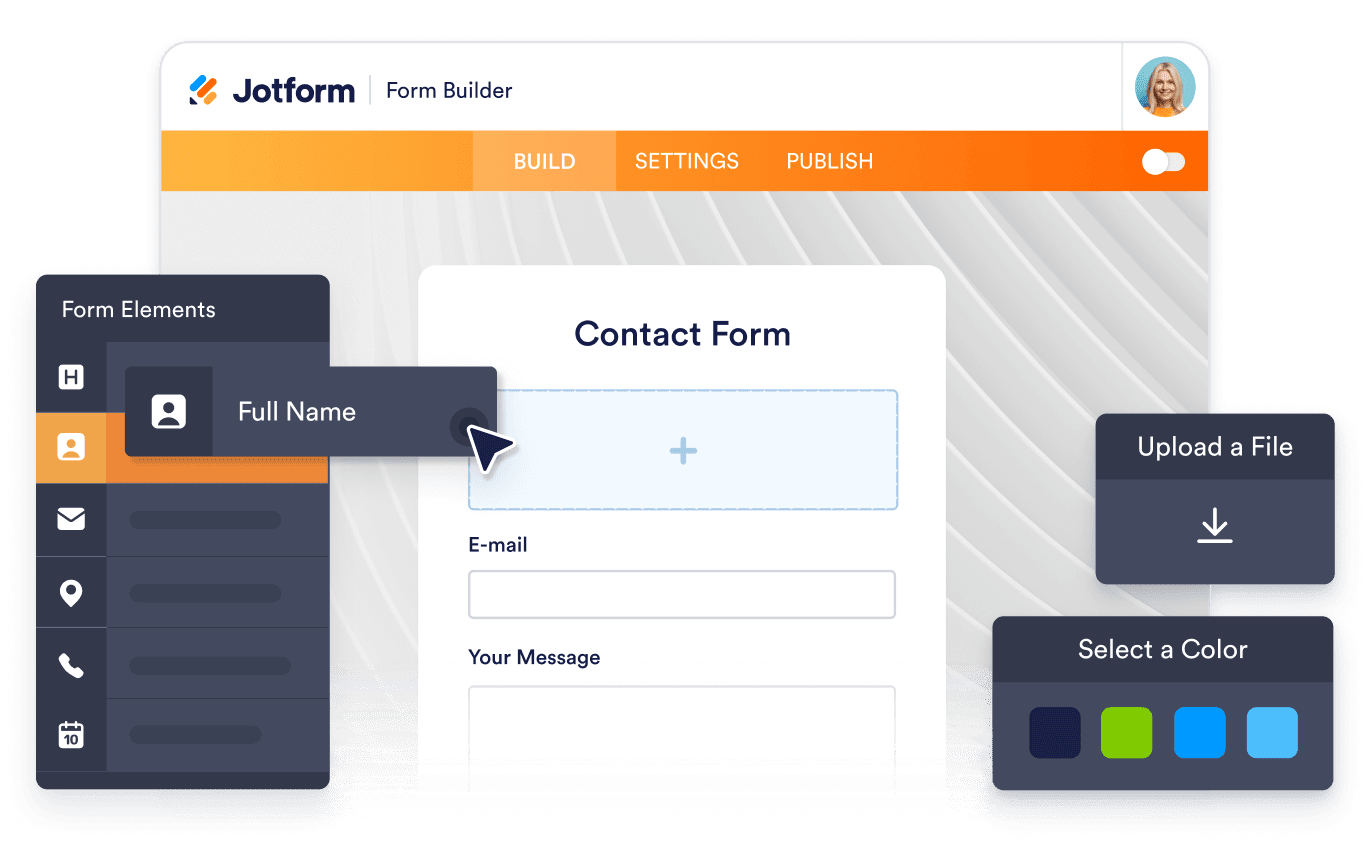
Customize your widget

ウィジェットをカスタマイズ

コンテンツ、レイアウト、色、動作を選んで、ウィジェットをWebサイトのデザインに合わせましょう。

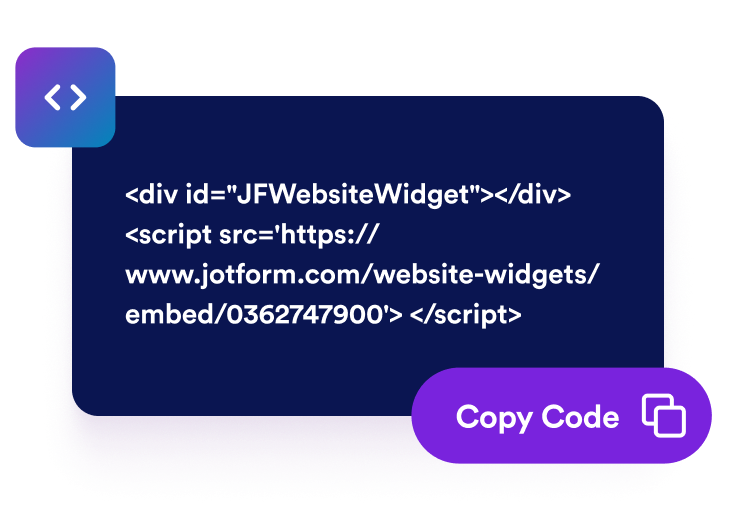
Get the embed code

埋め込みコードを取得

Jotformが生成したそのまま使える埋め込みコードをコピーします。設定やコーディングは不要です。

Embed it anywhere

好きな場所に埋め込む

コードをホームページに貼り付けて公開するだけで、Trustpilotレビューがすぐに表示されます。

OpenTableの製品フィードバックを、より強い購入への信頼につなげる

商品レビューで信頼を築く

OpenTableスタイルの顧客フィードバック、星評価、名前、レビュー本文を見慣れたレイアウトで表示し、買い物客が購入前により安心できるようにします。

Build trust with product reviews

商品の評価を目立たせる

ウィジェットのヘッダーに商品全体の評価とレビュー数を表示して、信頼性を示す重要な情報を一目で確認できるようにします。

Highlight product ratings

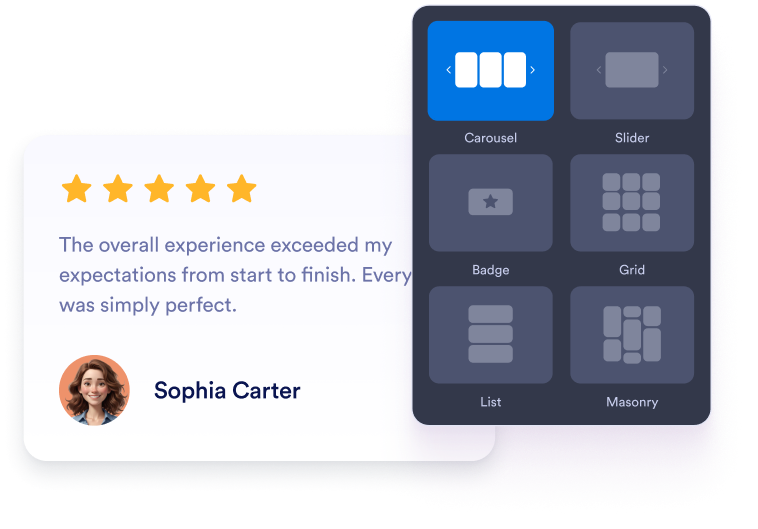
各ページに最適なレイアウトを選ぶ

カルーセル、スライダー、グリッド、リスト、メーソンリー、バッジのレイアウトを使って、商品ページ、コレクションページ、ランディングページ、コンパクトなサイドバーにレビューを合わせて表示できます。

Choose the right layout for each page

ストアのデザインに合わせる

ダークモード、タイトル、ボタン、評価の詳細、レビュー項目、幅、色をカスタマイズして、ウィジェットがあなたのオンラインストアに自然になじむようにできます。

Match your store design

OpenTable 口コミをWordPressに埋め込む方法

1埋め込みコードを取得

Jotformのホームページウィジェットをカスタマイズしたら、「無料で試す」をクリックし、生成された埋め込みコードをコピーします。

2ページエディターを開く

ウィジェットを表示したいWordPressの投稿または固定ページを開き、新しいブロックを追加します。

3カスタムHTMLブロックを追加

カスタムHTMLを選択し、Jotformホームページウィジェットの埋め込みコードをHTMLフィールドに貼り付けます。

4更新して表示

更新または公開をクリックし、ページを開いて埋め込まれたウィジェットを確認します。

Jotform ホームページウィジェットが選ばれる理由

Jotformのウィジェットは、ウェブサイトをよりインタラクティブにし、コンバージョンを高めます。星評価やお客様の声を表示するスライダー、ソーシャルプルーフのポップアップ、メディア埋め込みまで、多彩なツールが利用可能です。フォームやランディングページにウィジェットを追加して、データ収集、実績や信頼性のアピール、見込み顧客の獲得を実現できます。コーディングは不要です。

コーディングなしで埋め込む

シンプルな埋め込みコードで、Jotformウィジェットをウェブサイトに追加できます。ウィジェットをカスタマイズし、見た目をプレビューして、カスタムHTMLや埋め込みブロックに対応したあらゆるページに貼り付けるだけ。開発者は一切不要です。

よりインタラクティブなページを作成

Jotform ホームページウィジェットを使って、見込み顧客の獲得、お客様のフィードバックの表示、ソーシャルプルーフの活用、メディアの埋め込み、便利なウェブページツールの追加ができます。各ウィジェットは、訪問者がウェブサイトから直接あなたのビジネスとやり取りできるようサポートします。

必要なときにサポートを受けられる

ウィジェットの設定、カスタマイズ、埋め込み、トラブルシューティングでサポートが必要な場合、Jotformのカスタマーサポートチームが24時間年中無休で対応します。必要なときにいつでもサポートを受けられるので、安心してご利用いただけます。

OpenTable Reviewsウィジェットの活用場所

買い物客が製品を比較し、信頼のシグナルを確認し、購入するかどうかを判断するページにOpenTableレビューを配置しましょう。

商品ページで、商品の詳細や購入ボタンのそばにお客様のフィードバックを表示します。

ホームページの信頼性を高めるセクションで、訪問者がアクセスした際に、人気商品やレビューのハイライトを紹介します。

コレクションページやカテゴリーページで、表示された評価を参考に、お客様が商品を比較しやすくします。

カート・購入手続きページで、お客様が購入を完了する前に、安心感を高めます。

キャンペーンのランディングページで、信頼性の高い口コミや評価を活用し、広告・プロモーション・新商品の発売を後押しします。

サイドバーやフッターエリアで、ページの表示を妨げずに、ココンパクトな評価バッジを常に表示しておきます。

Jotformのフォーム作成ツールで見込み顧客を顧客へと導く

Jotformで訪問者の関心を具体的なアクションにつなげましょう。見込み顧客の獲得、決済の受付、返信の自動化ができる高機能なフォームを、すべて一か所で作成できます。送信された回答はすべてJotformインボックスに届くため、フォローアップやお気に入りのアプリとの連携も簡単です。

無料で今すぐ始める
Convert leads into customers

よくある質問 (FAQ)

  • OpenTable Reviewsウィジェットとは?

    OpenTable Reviewsウィジェットは、OpenTableの製品評価やレビュー内容を、カスタマイズ可能なウェブサイトウィジェットで表示します。オンラインストアが自社のウェブサイト上で社会的証明を示し、買い物客の信頼を築くのに役立ちます。

  • OpenTableレビューの表示方法をカスタマイズできますか?

  • モバイルでも使えますか?

  • 訪問者はウィジェットから新しいOpenTableレビューを投稿できますか?

  • コンパクトなOpenTableの評価バッジを使用できますか?

  • OpenTable Reviewsウィジェットは無料で利用できますか?