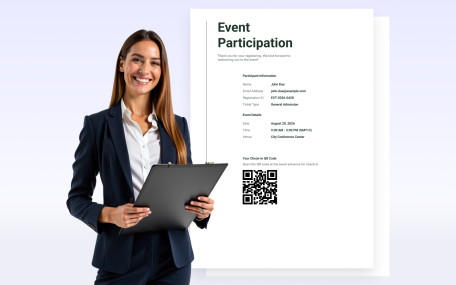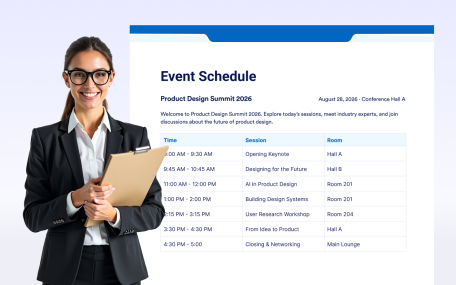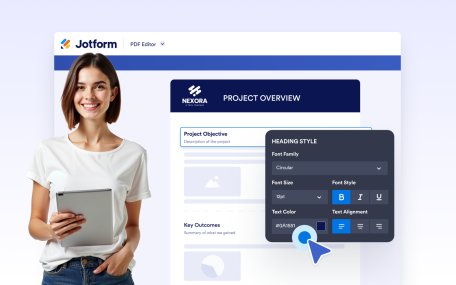
Gebruik onze drag-and-drop PDF-bouwer om je PDF's eenvoudig te bewerken. Voeg tekst, afbeeldingen, velden en meer toe in slechts een paar klikken.

Voeg koppen en subkoppen toe om de inhoud van je document duidelijk te structureren. Creëer goed gedefinieerde secties met opgemaakte titels die de leesbaarheid en visuele hiërarchie verbeteren.
Voeg consistente headercontent toe aan elke pagina van je document. Geef titels, huisstijl, afbeeldingen of organisatiegegevens weer met volledige tekststijl en achtergrondcontrole.
Voeg consistente voettekstinhoud toe aan elke pagina van je document. Geef huisstijl, contactgegevens of aanvullende informatie weer met flexibele opmaak- en achtergrondopties.
Create polished, professional PDFs faster using a visual PDF builder designed for simplicity and control.
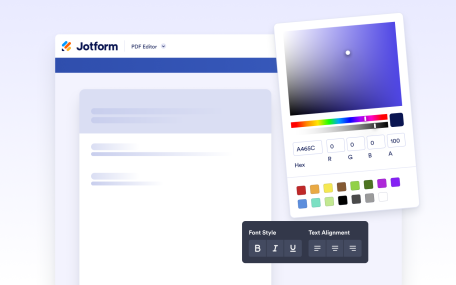
Design fully customized PDFs in minutes. Adjust layouts, styles, and visuals or apply a ready-made template to create polished documents with ease.
Create and format rich text content directly inside your document. Add styled text, tables, images, and structured layouts using a flexible editor designed for professional document creation.
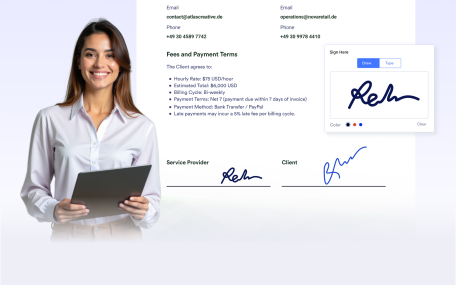
Add signature fields to your documents to prepare them for signing after delivery. Create documents ready for physical or digital signatures without requiring additional tools.
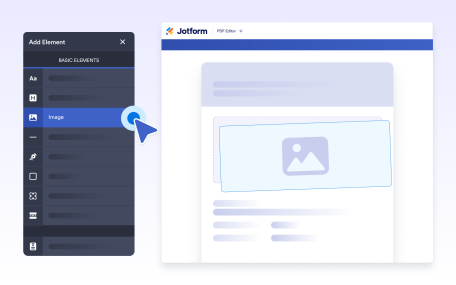
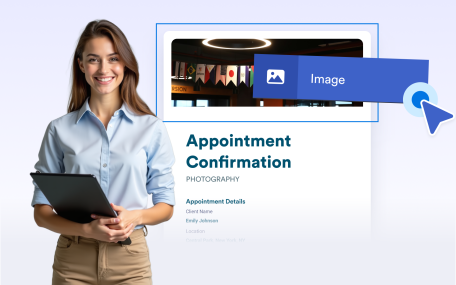
Add images to your documents to enhance visual design and branding. Place visuals anywhere in your layout to create polished, professional, and engaging document outputs.
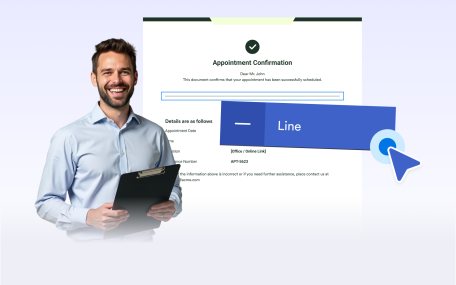
Use line separators to visually divide content and improve document structure. Create clear sections and cleaner layouts for easier reading and a more professional appearance.
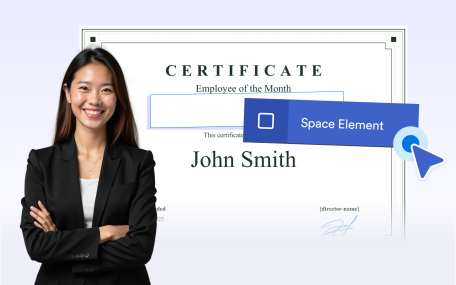
Use empty space to organize document layouts and improve readability. Add intentional spacing to separate sections or leave room for notes, comments, and annotations.
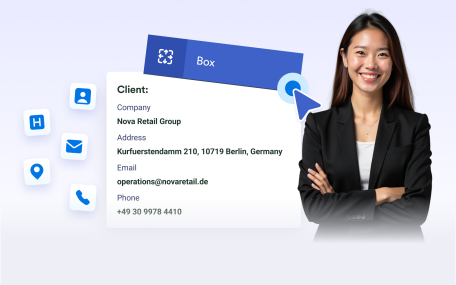
Group related content inside boxes to create clear, structured sections. Highlight important information and apply backgrounds to organize and brand your document layouts.
Undo or redo actions instantly while editing your document. Make changes confidently and refine layouts without losing progress or manually fixing mistakes.
Automatically add page numbers to your documents for clear navigation and professional presentation. Keep numbering accurate as pages are added or removed.
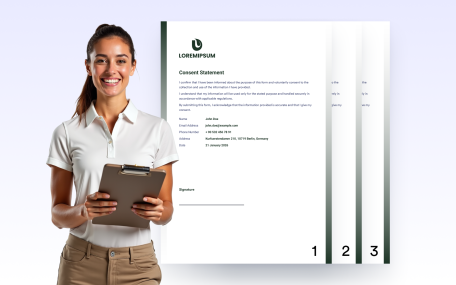
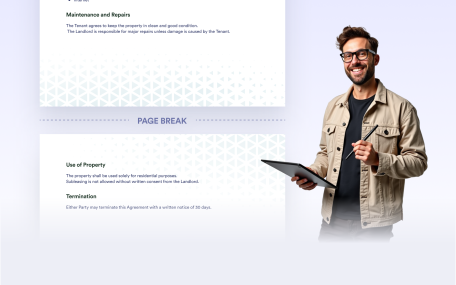
Bepaal waar nieuwe pagina's beginnen in uw document met behulp van pagina-einden. Scheid secties duidelijk van elkaar, beheer lange of variabele inhoud en creëer nette, gestructureerde PDF's die klaar zijn om te delen of af te drukken.