FEATURES
Jotform PDF Editor
Turn your collected data into stunning PDFs
It’s Free Forever!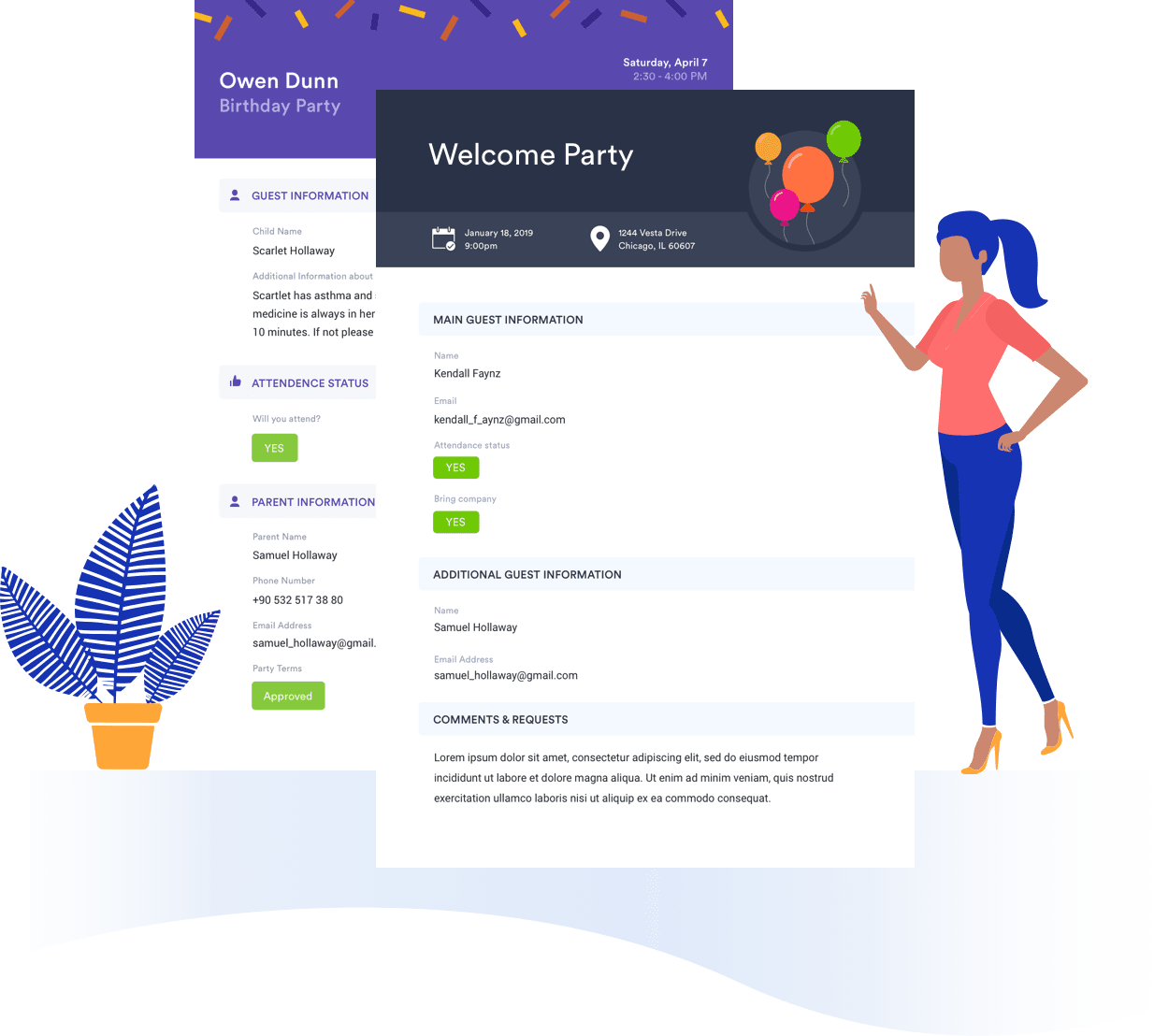
Drag-and-drop builder
Creating your PDF with Jotform PDF Editor requires zero technical skill — just drag and drop form elements to build a custom document.
Automated process
Set up your PDF document design, and your submission data will automatically populate this same design every time.
Infinite layouts
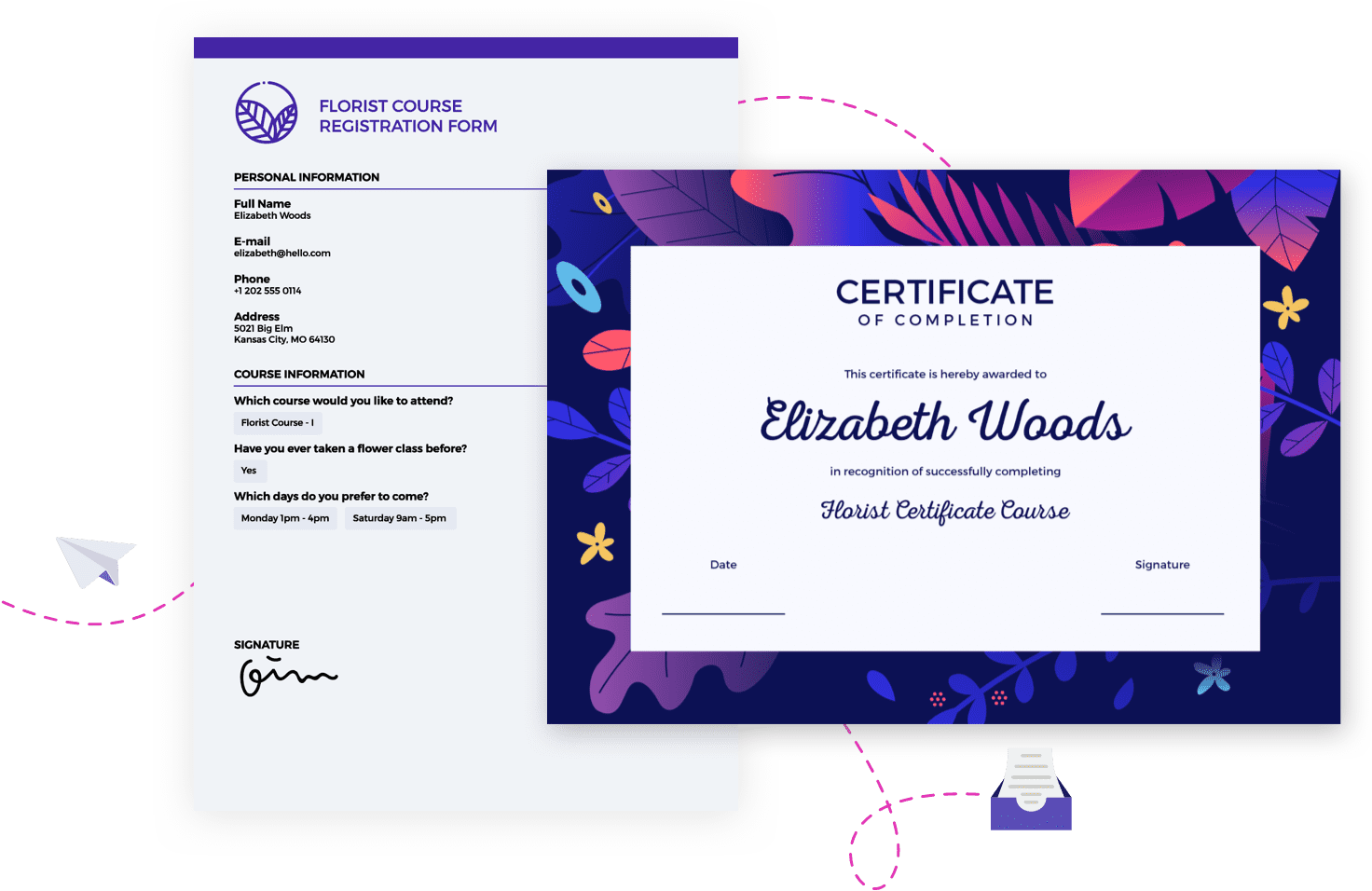
Create as many PDFs as you like from your submission data — you won’t run out of layout options.
Document sizing and orientation
You can change the size of your PDF and modify its orientation from landscape to portrait in just a few clicks.
Complete customization
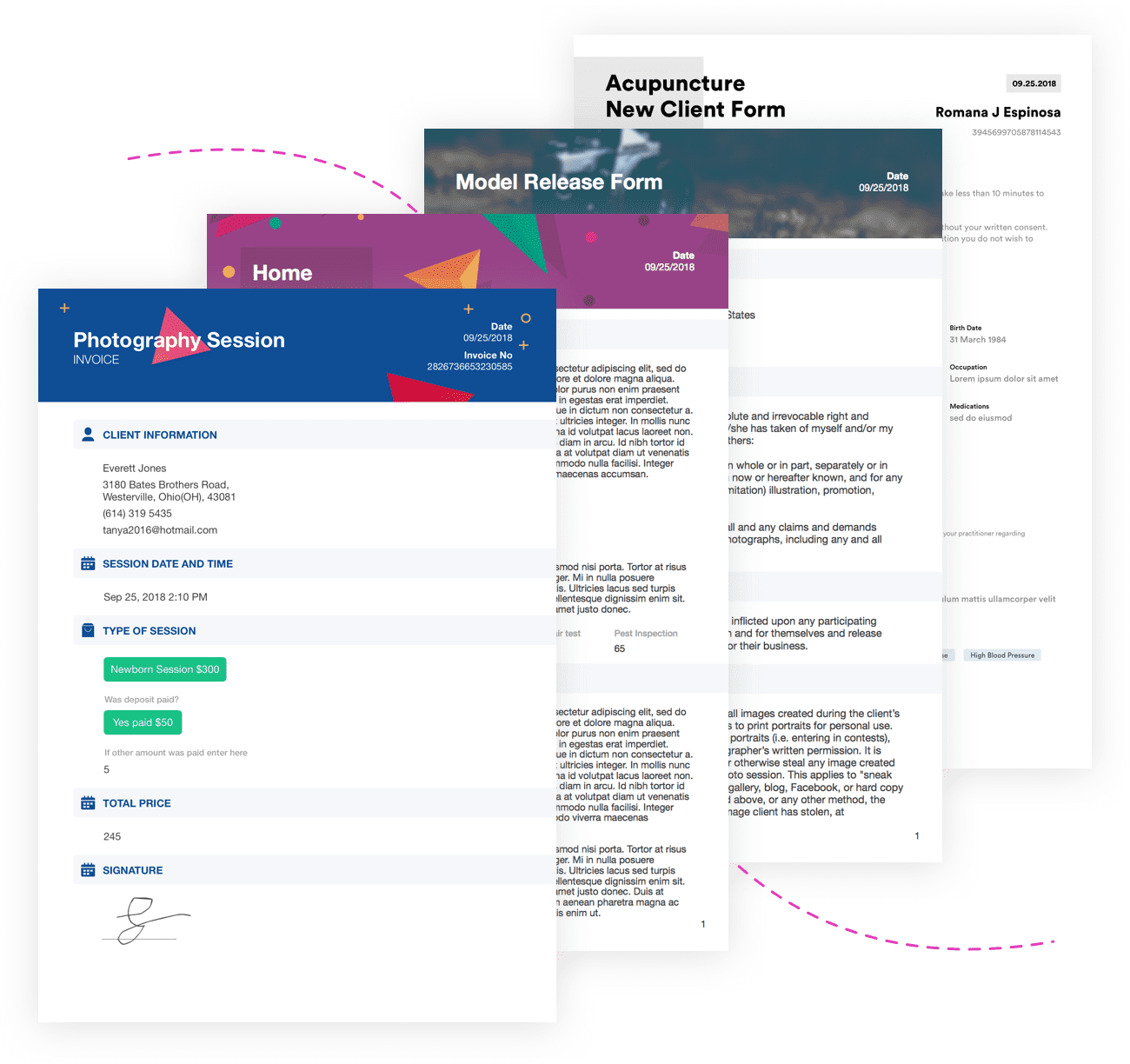
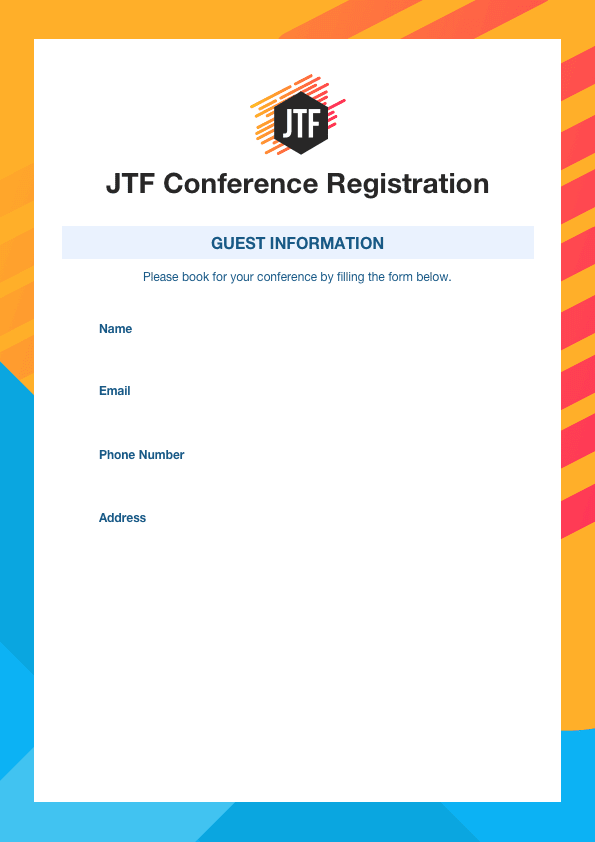
Easily customize your PDF to match your brand by selecting a background or image, adding a logo, or changing fonts and colors.
2K+ templates
Get some design inspiration by choosing a template to work with — then personalize it to meet your exact needs.
Discover Templates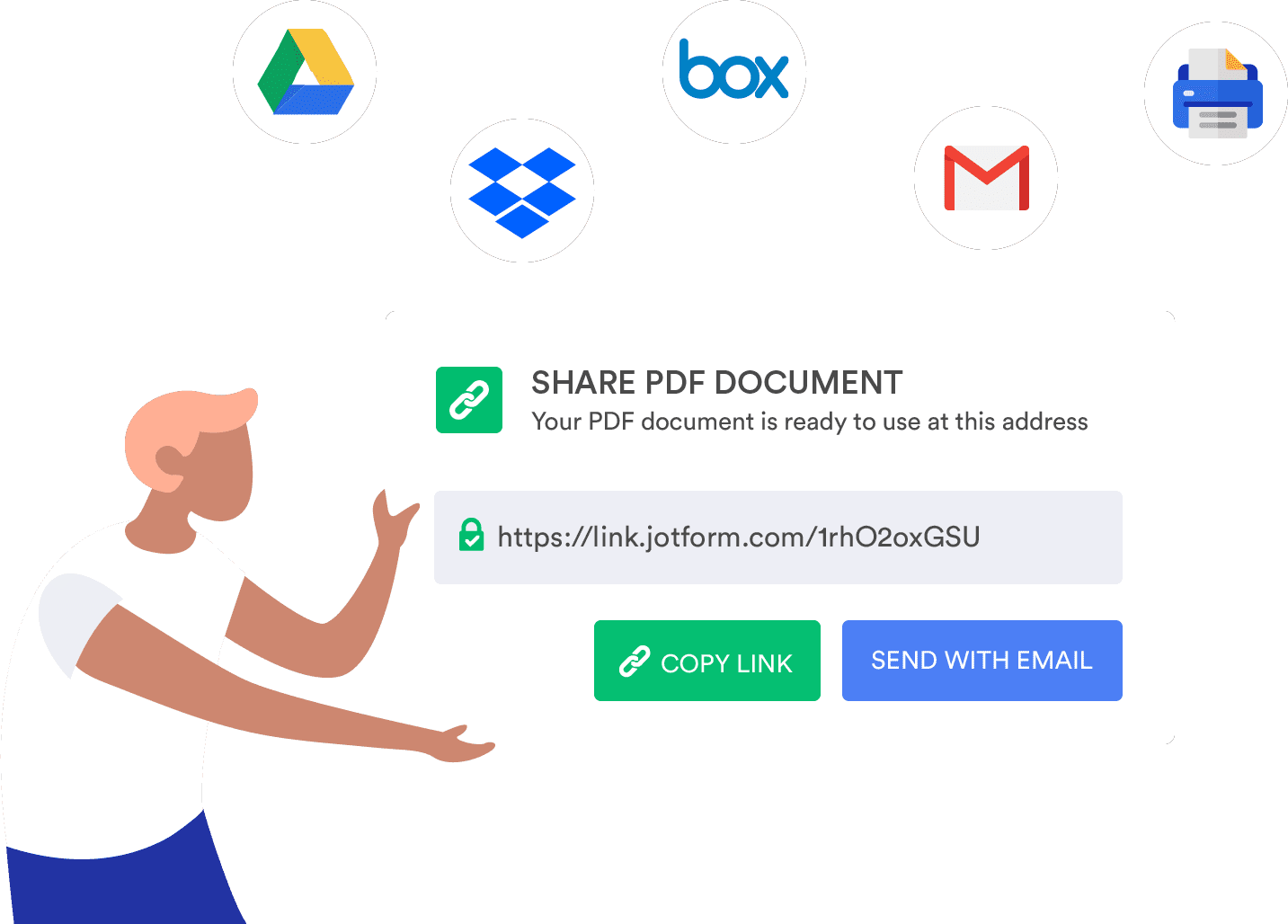
Seamless sharing
Email your PDF to colleagues and customers or embed it in your website in seconds.
Helpful integrations
Jotform PDF Editor lets you automatically send your documents to cloud services like Google Drive and Dropbox.
Autoresponder options
Once your form is completed, you can automatically send a copy of it to your recipients.
Electronic signatures
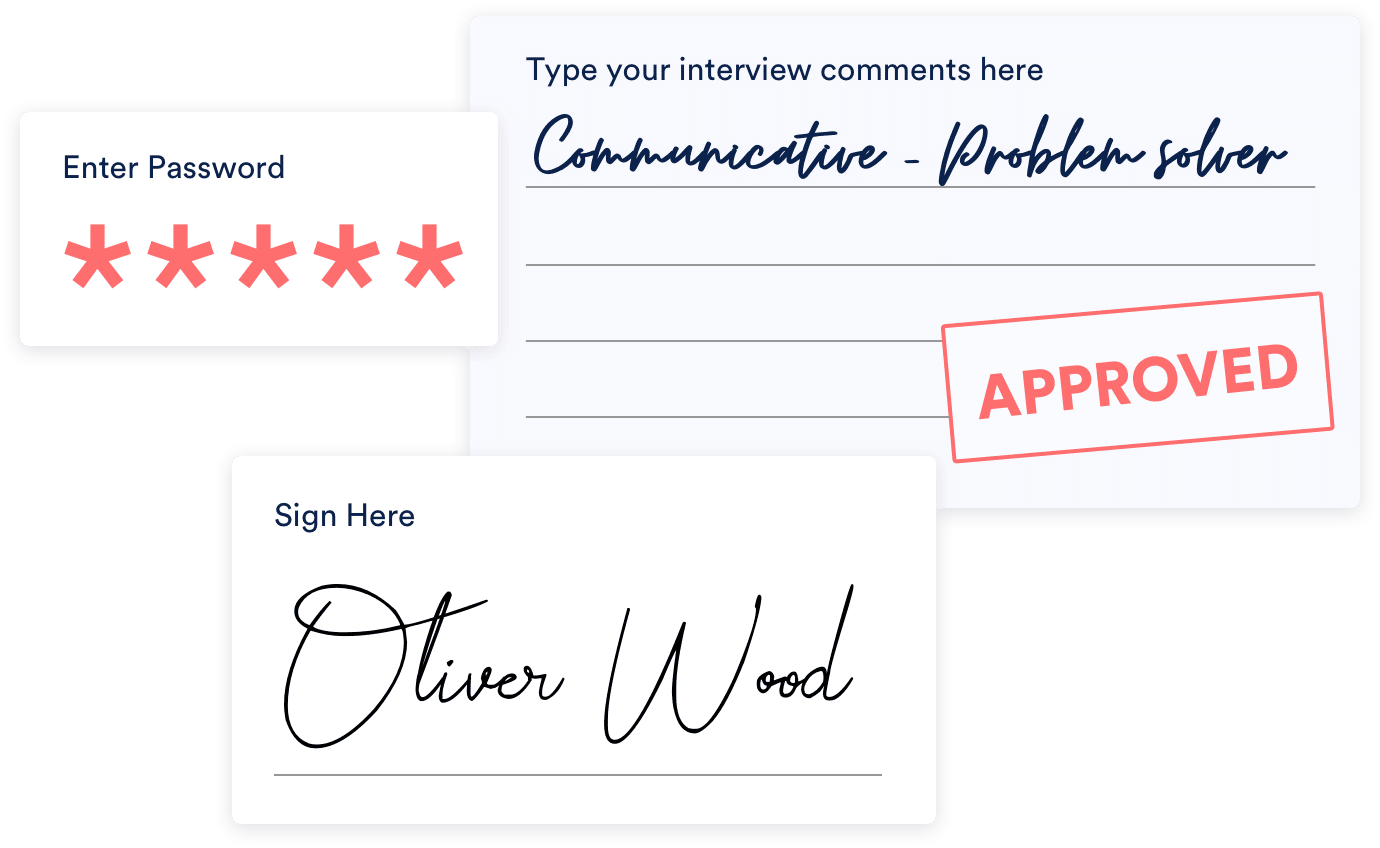
Use one of several signature widgets to collect electronic signatures anytime someone fills out your online form.
Handy annotation
Insert blank sections into your PDF documents so that colleagues and customers can easily leave notes or comments.
Password protection
Want to protect your PDF? Set a password to keep it private.

Custom file names
When you download your PDF document, you can give it a custom name to make it easy to search for and save.
Ready to download & print
Archive your form submission data in a polished PDF that you can save, download, and print in seconds.

Fillable PDF forms
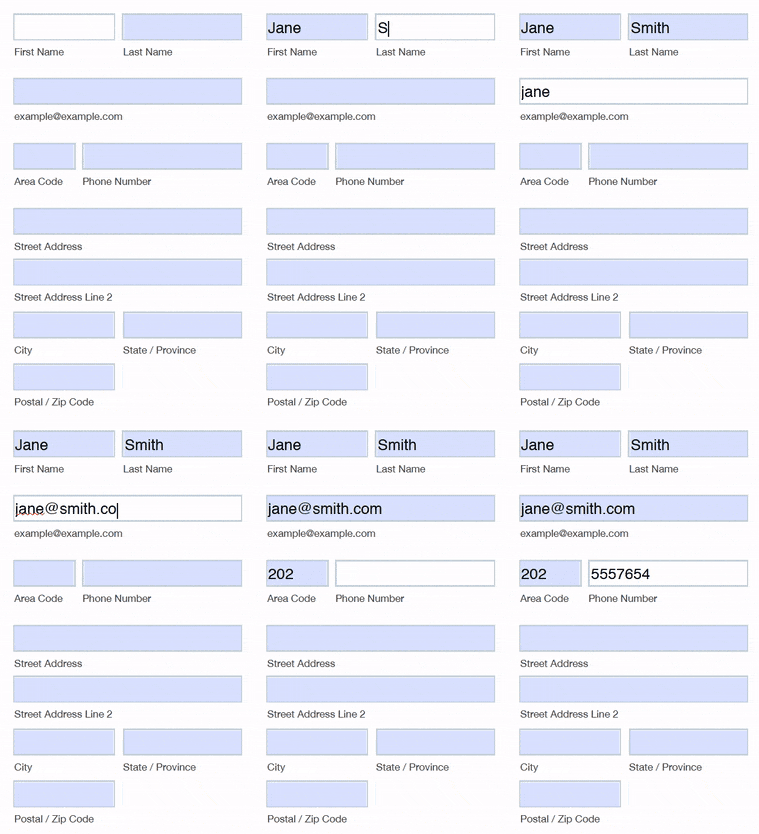
Design fillable forms that send response data right to Jotform Inbox.
Learn more about fillable PDF forms