Call to action-knop-widget voor je website
Maak een call to action knop zonder code die bezoekers naar de juiste volgende stap stuurt. Link naar een pagina, start een oproep, open een e-mail, start een chat of scroll naar een paginasectie met een knop die je overal kunt stylen en insluiten.
Maak nu — Het is gratis!

Een Knop-widget maken
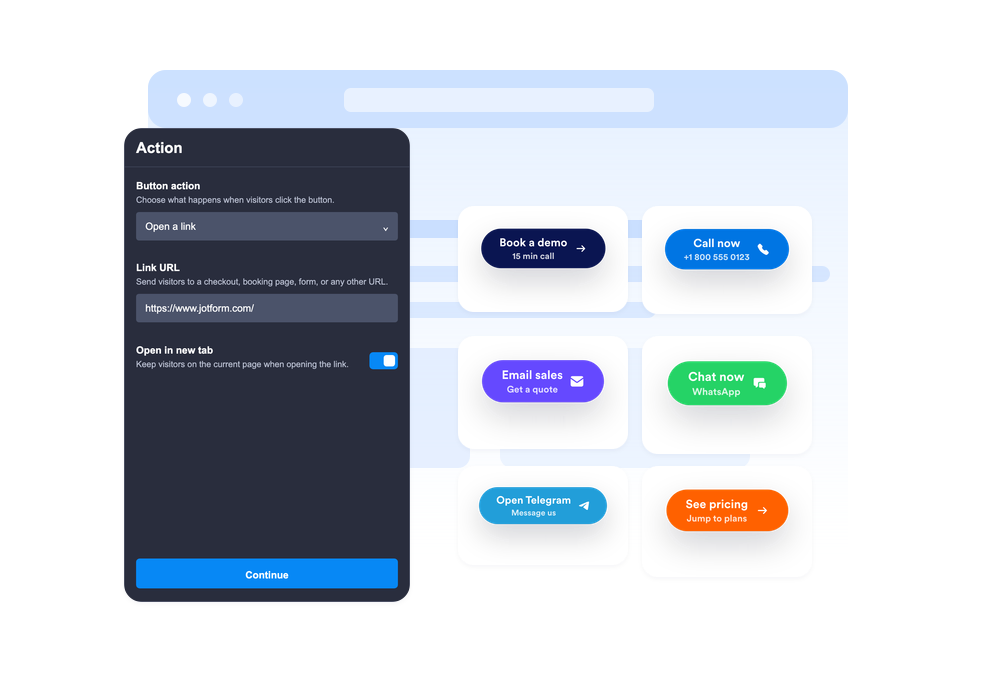
Kies de knopactie
Selecteer of de knop een link opent, een telefoongesprek start, een e-mail maakt, WhatsApp of Telegram opent of naar een paginasectie scrollt.
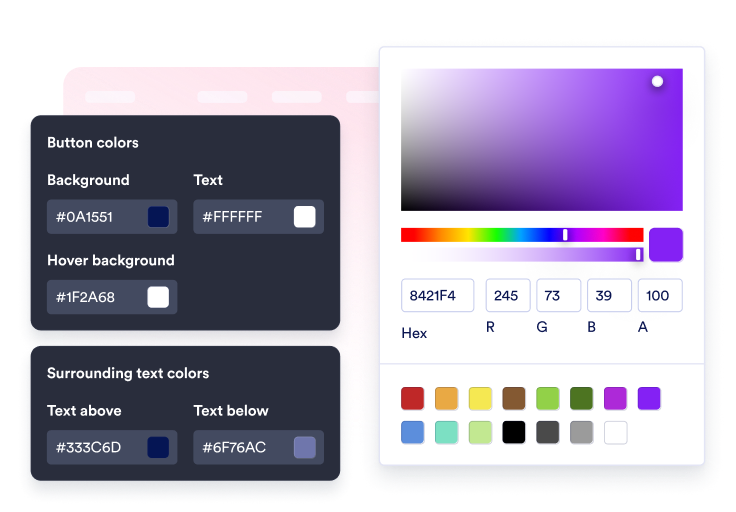
Inhoud en stijl aanpassen
Bewerk het label, de optionele tweede regel, omringende tekst, pictogram, kleuren, grootte, hoekradius, schaduw en plaatsing.

Sluit het in op je site
Bekijk een voorbeeld van de CTA, kopieer de gegenereerde insluitcode en publiceer de knop op je website zonder dat je aangepaste code nodig hebt.
Leid bezoekers met één klik naar de volgende stap
Verbind de knop met meerdere acties
Gebruik één widget voor verkooplinks, aanmeldformulieren, support-e-mails, telefoongesprekken, WhatsApp-chats, Telegram-chats, links naar sociale profielen of vloeiende sectiesprongen.
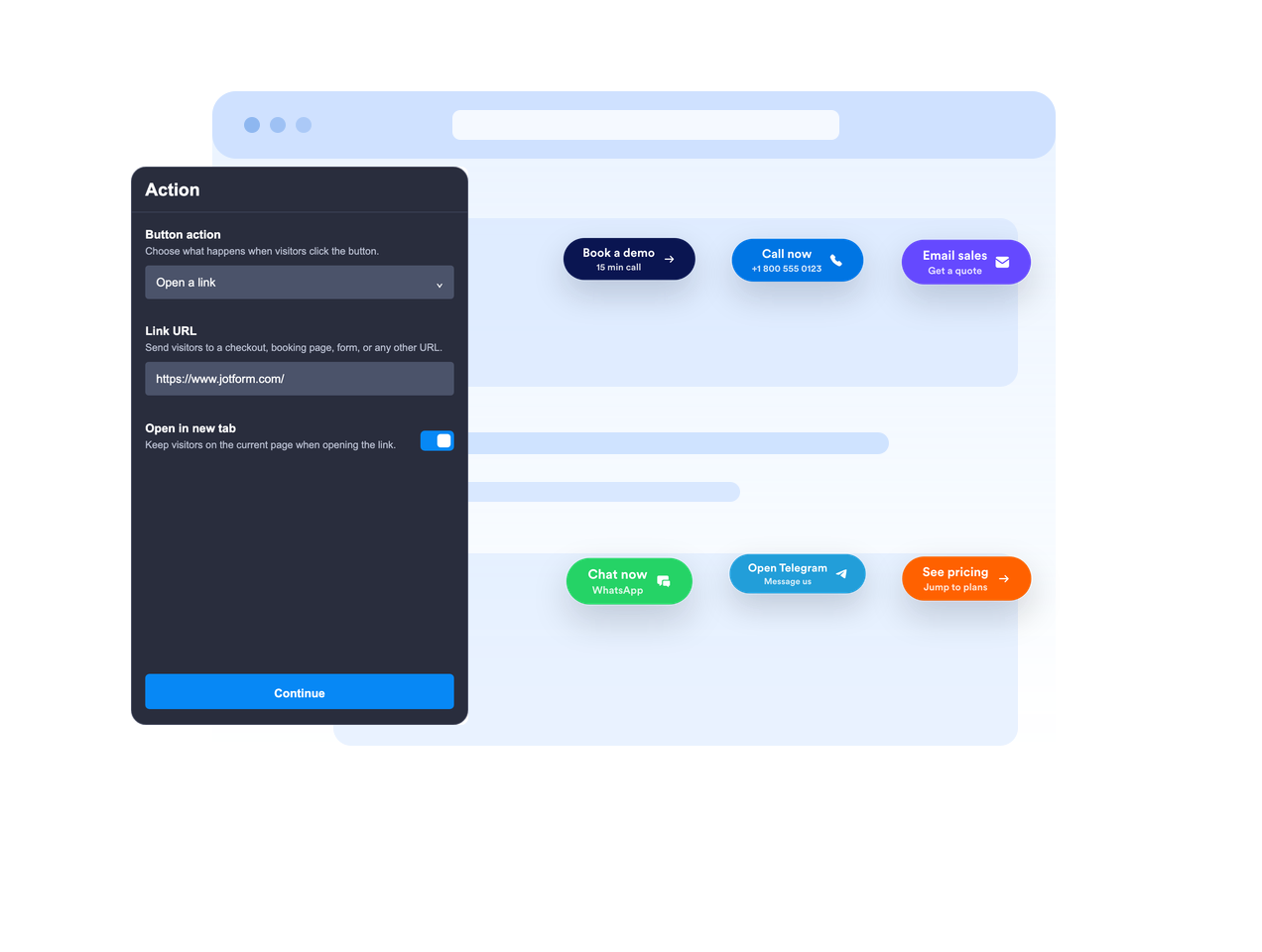
Plaats deze inline of laat deze zweven
Sluit de knop in de pagina-inhoud in of laat deze zweven op een vaste schermpositie, zodat de call to action zichtbaar blijft terwijl bezoekers scrollen.

Maak de CTA-boodschap duidelijk
Gebruik een primair label, een optionele tweede regel, tekst erboven en tekst eronder om bezoekers voldoende context te geven voordat ze klikken.
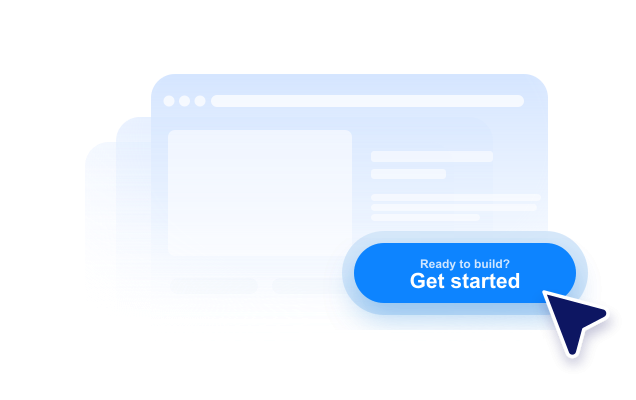
Stem de stijl af op je website
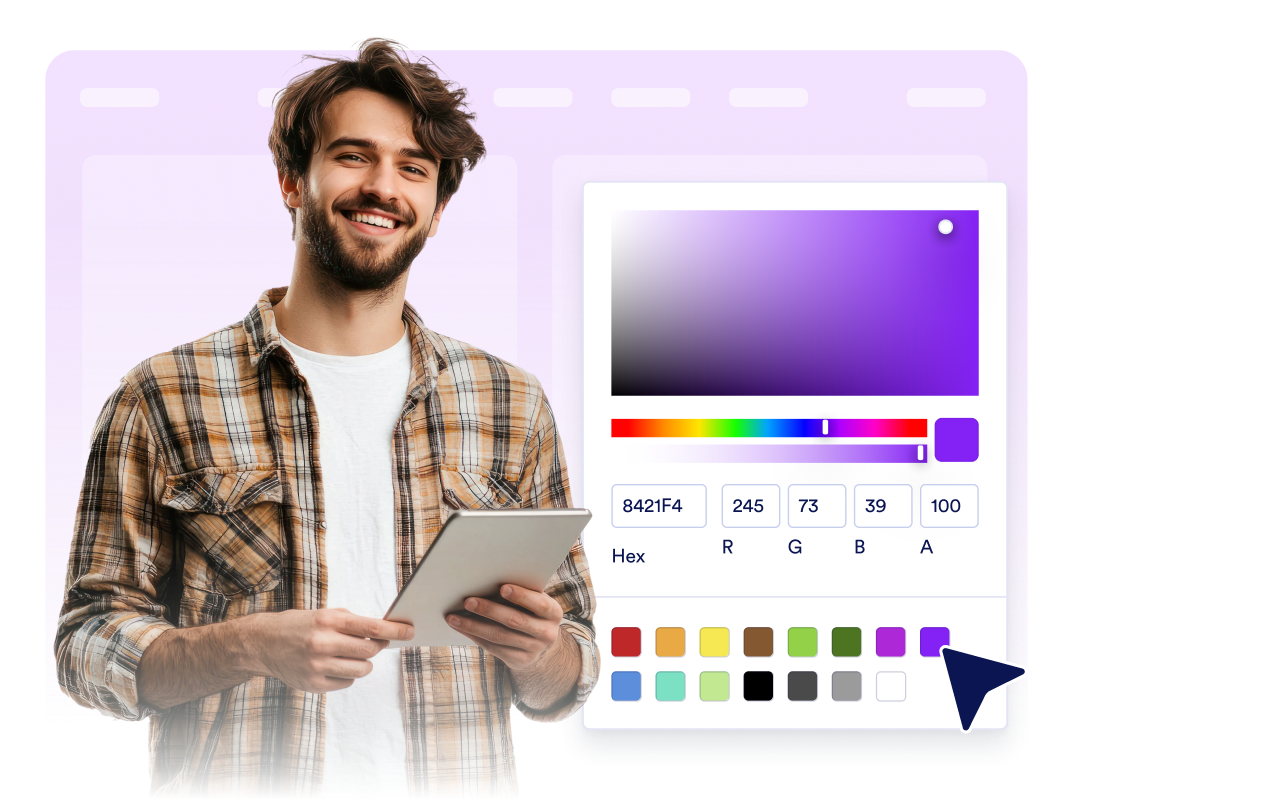
Pas de plaatsing van het pictogram, de hoogte van de knop, de opvulling, de lettergrootte, kleuren, hover-kleur, hoekradius, schaduw, apparaatzichtbaarheid, branding en scoped aangepaste CSS aan.
Voordelen van website-widgets van Jotform
De widgets van Jotform maken je website interactiever en verhogen de conversie. Er zijn veel verschillende tools beschikbaar, van sterbeoordelingen en sliders met recensies tot pop-ups met beoordelingen en ingesloten mediabestanden. Je kunt widgets aan je formulieren of landingspagina's toevoegen om gegevens te verzamelen, klantervaringen te tonen en leads te genereren zonder dat je hoeft te coderen.
Voeg Jotform-widgets toe aan je website met een eenvoudige insluitcode. Pas de widget aan, bekijk een voorbeeld en plak deze op elke pagina die aangepaste HTML of insluitblokken ondersteunt, zonder dat je daar een ontwikkelaar voor nodig hebt.
Gebruik website-widgets van Jotform om leads te verzamelen, feedback en ervaringen van klanten te tonen, mediabestanden in te sluiten of handige tools aan je webpagina toe te voegen. Met elke widget kun je de bezoekers van je website een soepelere ervaring bieden.
Het klantenserviceteam van Jotform staat 24/7 voor je klaar als je hulp nodig hebt bij het instellen, aanpassen of insluiten van je widget. We lossen problemen snel voor je op, zodat je meteen weer aan de slag kunt.
Waar je de knop-widget kunt gebruiken
Voeg een knop-widget toe overal waar bezoekers een duidelijke volgende stap nodig hebben, vooral op pagina's waar de primaire actie makkelijk te vinden moet blijven.
Landingspagina's om bezoekers naar aanmeldformulieren, prijzen, afrekenen, boekingen of demo-aanvragen te sturen.
Productpagina's om acties zoals toevoegen-aan-winkelwagen, nu-shoppen, contact-met-sales of offerte-aanvragen te benadrukken.
Ondersteuningspagina's om e-mail-, telefoon-, WhatsApp- of Telegram-gesprekken te starten vanaf één enkele CTA.
Blogposts en uitgebreide handleidingen om lezers naar formulieren, downloads, aanbiedingen of relevante secties te leiden.
Pagina's voor socialmediacampagnes om bezoekers naar Instagram, Facebook, TikTok, X, Pinterest of andere profiellinks te sturen.
Mobiele pagina's waar een compacte zwevende CTA bellen, chatten of kopen sneller kan maken.
Transformeer leads in betalende klanten met de Jotform Formulierbouwer
Zet online betrokkenheid om in resultaten met Jotform. Maak krachtige formulieren waarmee je op één plek leads kunt verzamelen, betalingen kunt ontvangen en reacties kunt automatiseren. Je ontvangt elke inzending rechtstreeks in Jotform Inbox, zodat je deze meteen kunt opvolgen of aan je favoriete apps kunt koppelen.
Ga aan de slag — Het is gratis!
Veelgestelde vragen
Wat is een Knop-widget?
Een knop-widget is een aanpasbare call to action knop die je op je website kunt insluiten. Deze kan links, oproepen, e-mails, chats en paginasecties openen.
Welke acties kan de knop uitvoeren?
Kan de knop op het scherm zweven?
Kan ik de tekst van de knop aanpassen?
Kan ik een pictogram gebruiken?
Kan ik het ontwerp afstemmen op mijn website?
Werkt de knop-widget op mobiele apparaten?
Moet ik code schrijven?