Безплатни Outlook Форми
Jotform’s Outlook forms let you build custom online forms and connect them with Microsoft Outlook to automate tasks like creating calendar events, adding contacts, and sending email notifications from form submissions. Use Zapier or other integrations among 100+ to map form fields to Outlook actions without coding. Share your form via link or embed it to start collecting responses and organize your workflow.
Шаблони
Безплатни Outlook Шаблони на Форми
Не сте сигурни откъде да започнете? Започнете веднага с един от безплатните, готови шаблони на форми на Jotform. Направете всички необходими промени за секунди с нашия конструктор с плъзгане и пускане. Не се изисква кодиране.
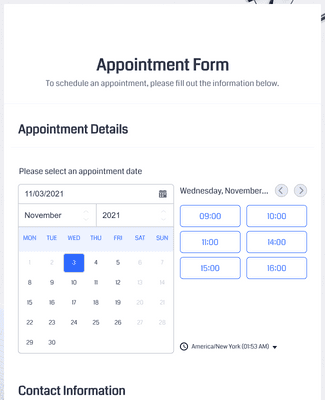
Форма за Срещи
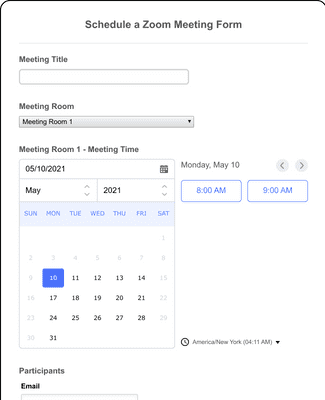
Форма за насрочване на Zoom среща
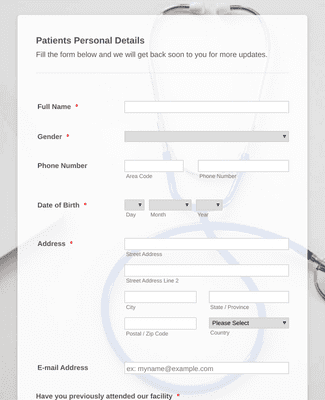
Онлайн форма за назначаване на лекар
Benefits
Незабавно Създавайте Outlook Форми
Изграждане & Свързване
Създайте форма от нулата или изберете напълно персонализируем шаблон за всеки повод от нашата обширна библиотека от готови за използване шаблони. Направете вашата форма толкова проста или толкова сложна, колкото искате и след това използвайте Zapier, за да го интегрирате с Outlook за минути.
Автоматизирайте вашия работен процес
След като вашата форма бъде синхронизиран с Outlook, вие можете лесно да създавате автоматизирани процеси, за да рационализирате вашия работен процес. Конфигурирайте тази лесна за използване интеграция, за да създавате автоматично нови събития в календара, да добавяте нови контакти и да изпращате имейл известия веднага щом някой изпрати форма.
Получавайте известия
Jotform идва с вградена функция за имейл известия, която позволява да получавате незабавни автоматизирани имейли за всяка формова активност. Вие можете също така да конфигурирате вашата форма да изпраща автоматични имейли за напомняне с персонализирано съдържание към формови респонденти.
Възложете форми
С функцията на Jotform за възлагане на форми, вие можете да възлагате форми на колеги и членове на екипа чрез изпращане на покани по имейл или да споделите на линк към формата с дата на изтичане. След това поканените потребители могат да преглеждат, редактират, изпращат и запазват подадени формуляри от всяко устройство - дори офлайн с Jotform Мобилни Форми.
Препоръки