PDF Builder
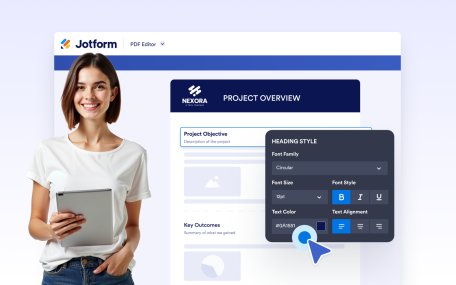
Mit unserem Drag-and-Drop PDF Builder können Sie PDF-Dateien ganz einfach bearbeiten. Fügen Sie mit nur wenigen Klicks Text, Bilder, Felder und vieles mehr hinzu.
Fügen Sie Überschriften und Unterüberschriften hinzu, um den Inhalt Ihres Dokuments übersichtlich zu strukturieren. Erstellen Sie klar definierte Abschnitte mit formatierten Titeln, die die Lesbarkeit und die visuelle Hierarchie verbessern.

Fügen Sie jeder Seite Ihres Dokuments einheitliche Kopfzeileninhalte hinzu. Zeigen Sie Titel, Branding, Bilder oder Details der Organisation mit vollständiger Textformatierung und Hintergrundsteuerung an.
Fügen Sie jeder Seite Ihres Dokuments einen einheitlichen Fußzeileninhalt hinzu. Zeigen Sie Ihr Branding, Kontaktdaten oder zusätzliche Informationen mit flexiblen Gestaltungs- und Hintergrundoptionen an.
Create polished, professional PDFs faster using a visual PDF builder designed for simplicity and control.
Design fully customized PDFs in minutes. Adjust layouts, styles, and visuals or apply a ready-made template to create polished documents with ease.
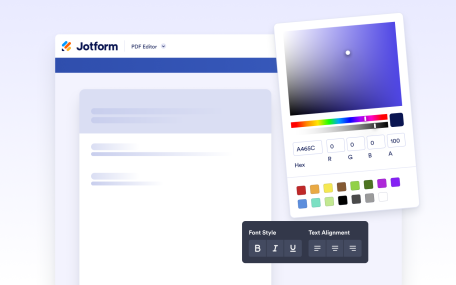
Create and format rich text content directly inside your document. Add styled text, tables, images, and structured layouts using a flexible editor designed for professional document creation.
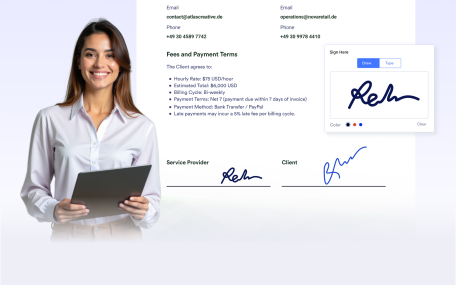
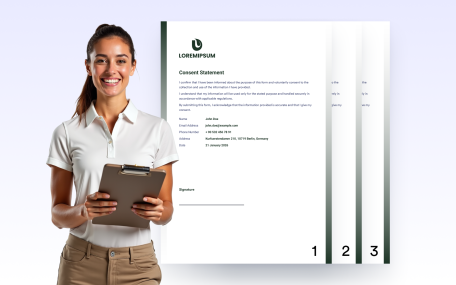
Add signature fields to your documents to prepare them for signing after delivery. Create documents ready for physical or digital signatures without requiring additional tools.
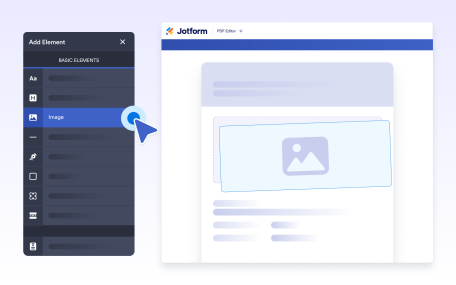
Add images to your documents to enhance visual design and branding. Place visuals anywhere in your layout to create polished, professional, and engaging document outputs.
Use line separators to visually divide content and improve document structure. Create clear sections and cleaner layouts for easier reading and a more professional appearance.
Use empty space to organize document layouts and improve readability. Add intentional spacing to separate sections or leave room for notes, comments, and annotations.
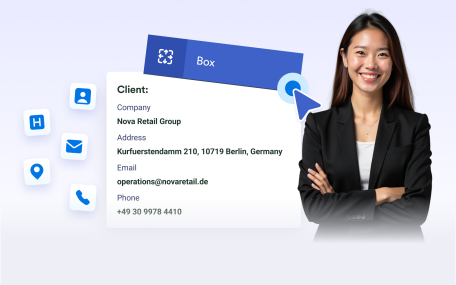
Group related content inside boxes to create clear, structured sections. Highlight important information and apply backgrounds to organize and brand your document layouts.
Undo or redo actions instantly while editing your document. Make changes confidently and refine layouts without losing progress or manually fixing mistakes.
Automatically add page numbers to your documents for clear navigation and professional presentation. Keep numbering accurate as pages are added or removed.
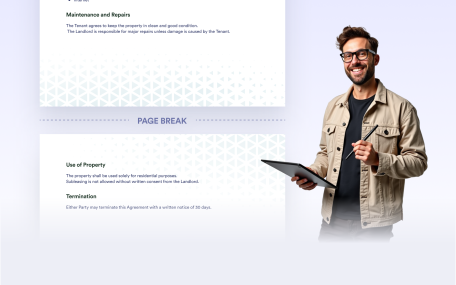
Steuern Sie mit Seitenumbrüchen, wo neue Seiten in Ihrem Dokument beginnen. Trennen Sie Abschnitte klar voneinander, verwalten Sie lange oder variable Inhalte und erstellen Sie übersichtliche, strukturierte PDFs, die zum Teilen oder Drucken bereit sind.