SharePointフォーム
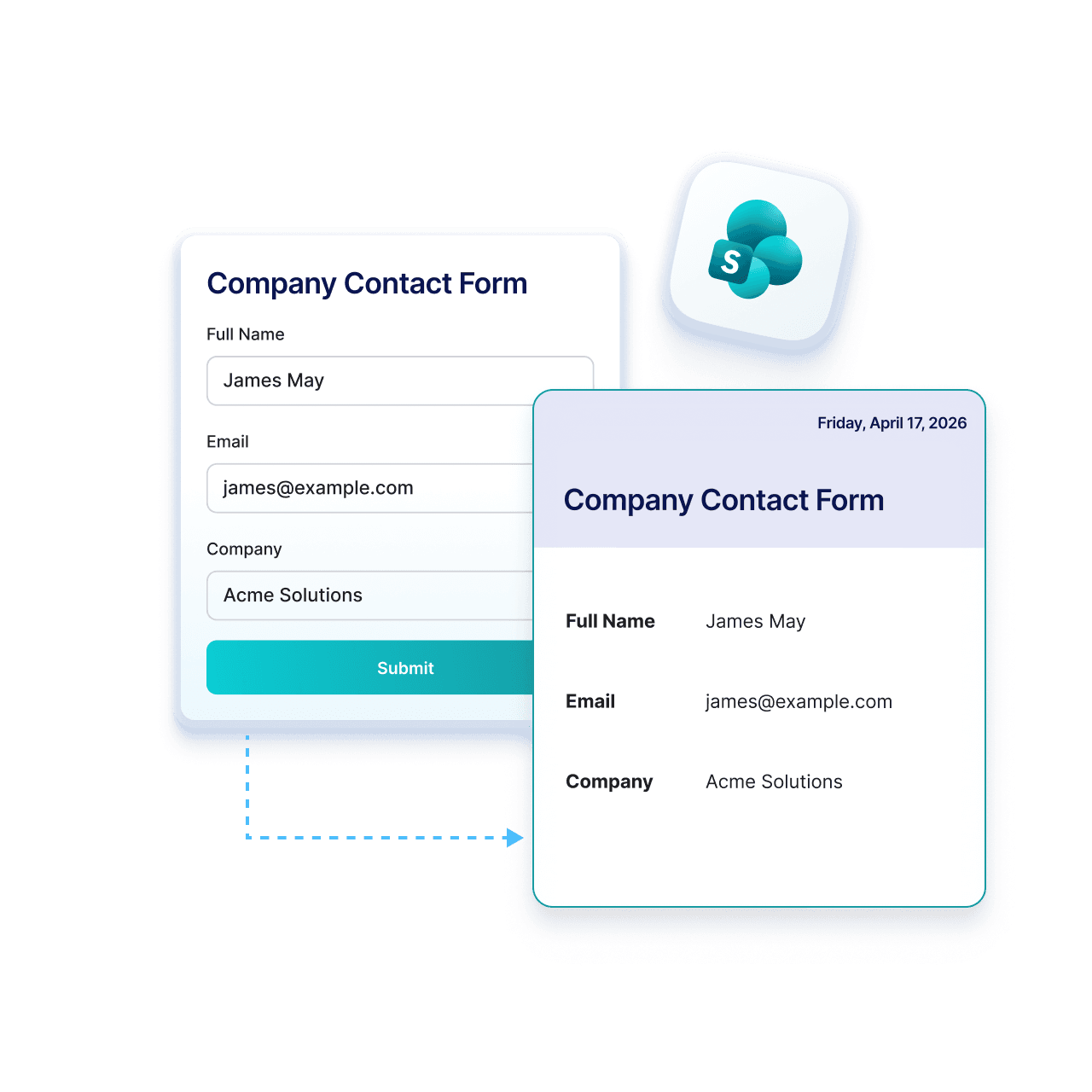
送信をSharePointに直接送信
Jotform’s integration with Microsoft SharePoint helps you keep your submissions organized without extra steps. Collect data with Jotform and send attachments and PDFs directly to SharePoint.
仕組み

統合からMicrosoft SharePointを選択
Jotformの設定に移動し、統合リストからMicrosoft SharePointを選択して接続を開始します。
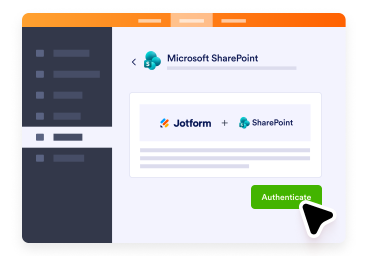
Microsoftアカウントに接続
Microsoftアカウントにサインインしてアクセスを許可すれば、JotformがフォームをSharePointリストに送信できるようになります。
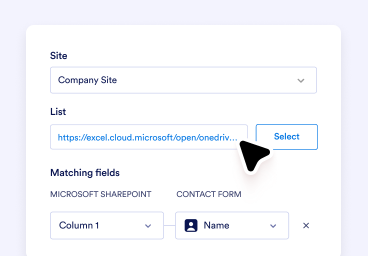
セットアップしてデータ収集を開始
Choose your list or action, map your fields, and automatically send every new submission to SharePoint.
SharePointにJotformを使用する理由
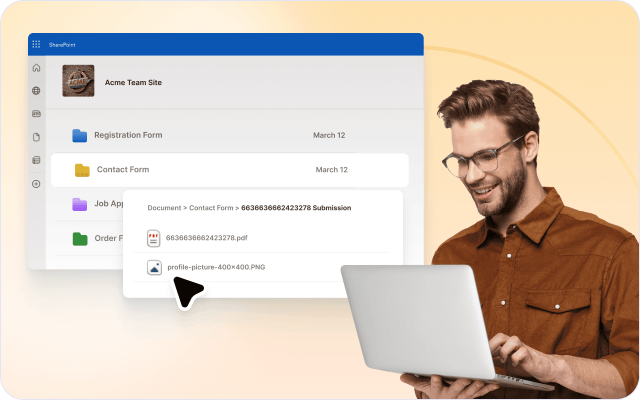
送信ファイルを自動保存
フォームの添付ファイルと生成されたPDFを、ダウンロードや手動アップロードなしで自動的にSharePointにアップロード。
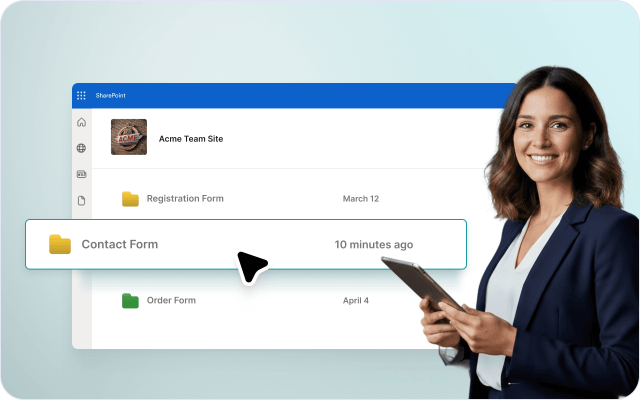
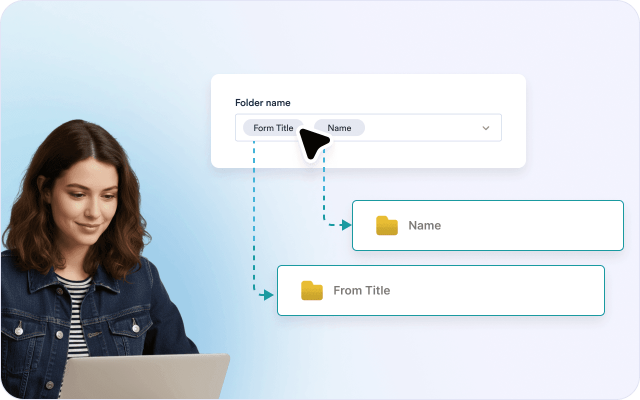
ドキュメントを整理して保管
送信ごとにフォルダを作成し、SharePointでファイルを構造化して保存すれば、すべてを簡単に見つけて管理できます。
手動アップロードを削減
ファイルのダウンロードと再アップロードは不要。すべての送信ファイルとPDFが到着次第、自動的にSharePointに送信されます。
既存のSharePointセットアップを使用
簡単なセットアップでフォームフィールドをExcelの列にすばやくマッピング。技術的な知識や複雑な手順は不要です。

すべてをつなげて管理
送信ファイルをSharePoint内に保存すれば、チームは1か所でドキュメントにアクセスし、確認し、管理できます。

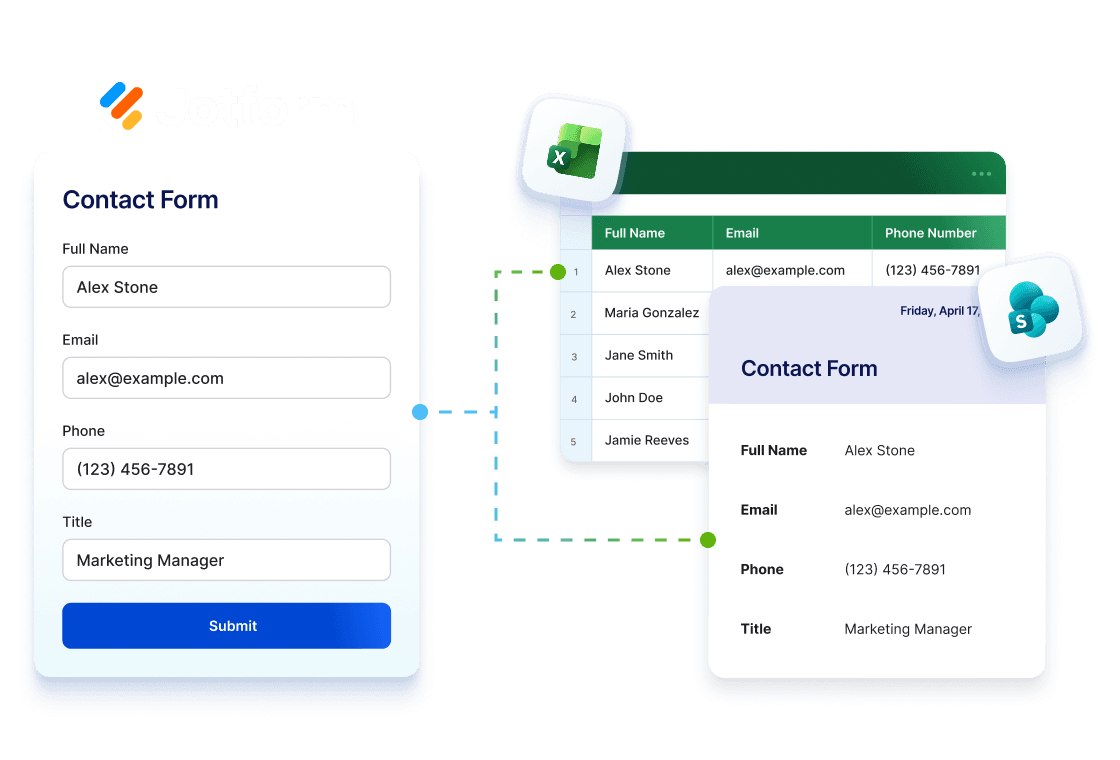
JotformをExcelおよびSharePointと併用
Collect data with Jotform, analyze it in Excel, and store it in SharePoint. Keep your workflow seamlessly connected from submission to storage.
Excel統合を見るフォームを整理されたSharePointプロセスに変換
Collect and manage data with Jotform and send it to SharePoint lists, where your team can collaborate in one place.
人事部
Jotformでオンボーディングドキュメントを収集してSharePointに送信すれば、各従業員用に整理されたフォルダにファイルが保存されます。
オペレーションチーム
Jotformで添付ファイル付きの送信を収集してSharePointに送信すれば、ファイルが整理され、簡単にアクセスできます。
法務チーム
Jotformで送信データとファイルを収集してSharePointに保存すれば、記録が整理され、監査にも対応できます。
ITおよび管理チーム
Jotformでリクエストを収集し、関連ファイルをSharePointに送信すれば、手動アップロードなしですべてが保存されます。
Microsoft エンタープライズユーザー
Jotformでデータとドキュメントを収集し、SharePointに保存すれば、チームはMicrosoft ワークフロー内でファイルを管理できます。
How to Integrate Your Form with SharePoint

よくある質問 (FAQ)
フォーム送信をMicrosoft SharePointに自動送信できますか?
はい。Microsoft SharePoint統合を使用すると、フォームデータ、送信PDF、アップロードされたファイルをSharePointに自動的に送信できるため、コンテンツを1か所で簡単に整理・管理できます。
Microsoft SharePoint統合で利用できるアクションは何ですか?
新しいリストに行を追加は何をしますか?
既存のリストに行を追加は何をしますか?
ファイルをアップロードは何をしますか?
フォームフィールドをSharePointリストの列にマッピングできますか?
ファイルとPDFを特定のSharePointの場所に送信できますか?
既存の送信をSharePointに送信できますか?
SharePoint統合を使用するにはMicrosoftアカウントが必要ですか?
Microsoft SharePoint統合について詳しく知るにはどうすればよいですか?
今すぐSharePointフォームを使い始める
Manage Jotform submission files and PDFs directly in SharePoint, organized and ready for your team whenever.