Content display widgets help you organize and present information on your website without custom code. These embeddable widgets can turn text, images, videos, data, and other information into sections that are easier for visitors to browse and understand.
With Jotform’s content display widgets, you can create FAQs, timelines, polls, content grids, glossaries, quote displays, code examples, dynamic text, and interactive image or video panels. They work well on business websites, landing pages, blogs, help centers, documentation pages, educational websites, portfolios, and online stores.
What can you do with content display widgets?
Content display widgets can help you:
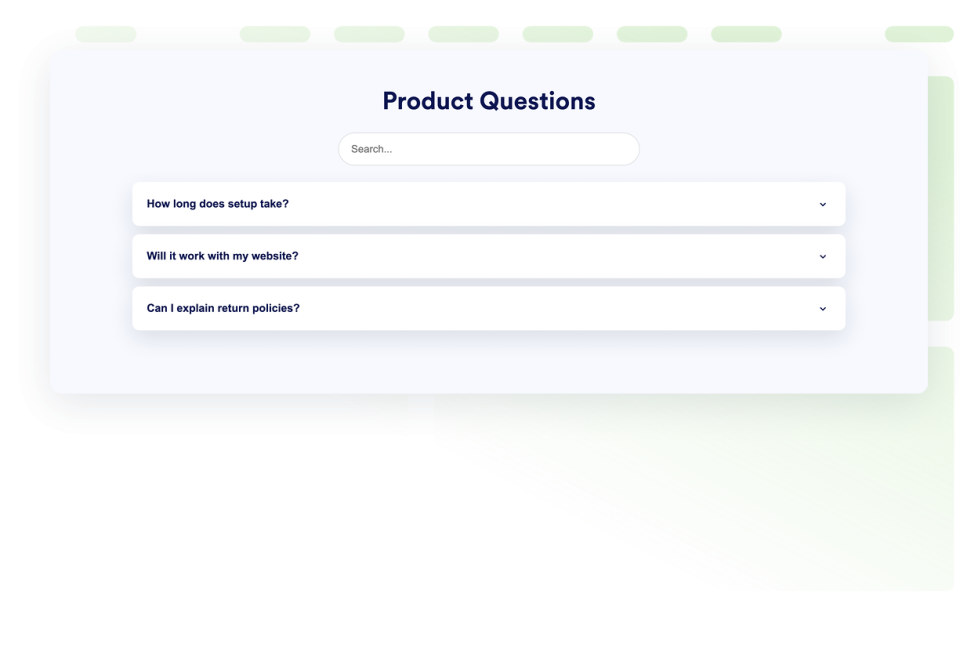
- Organize common questions in a searchable FAQ
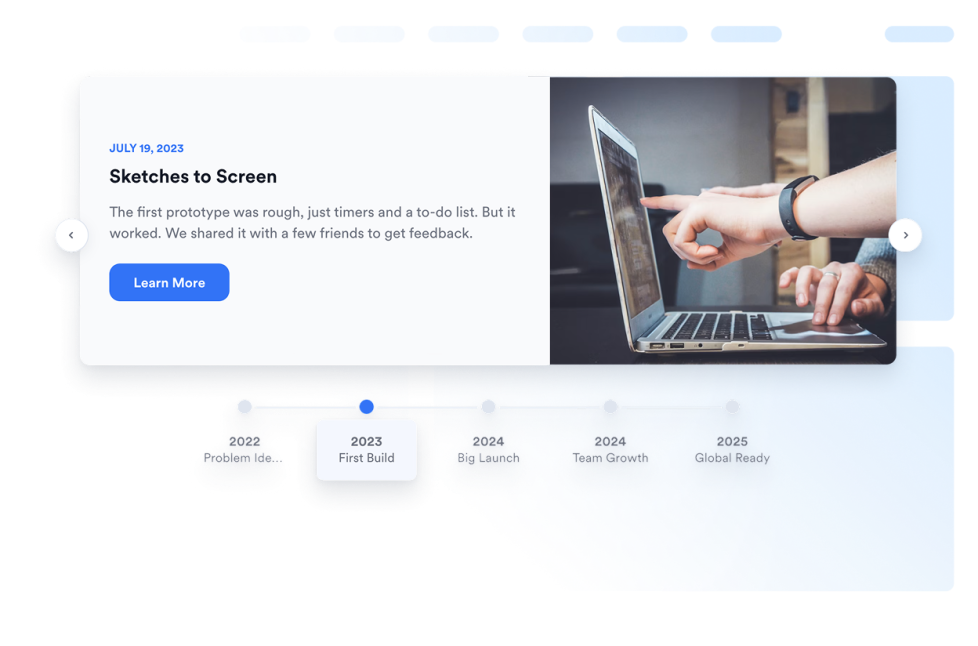
- Present company history, project milestones, or event schedules with a timeline
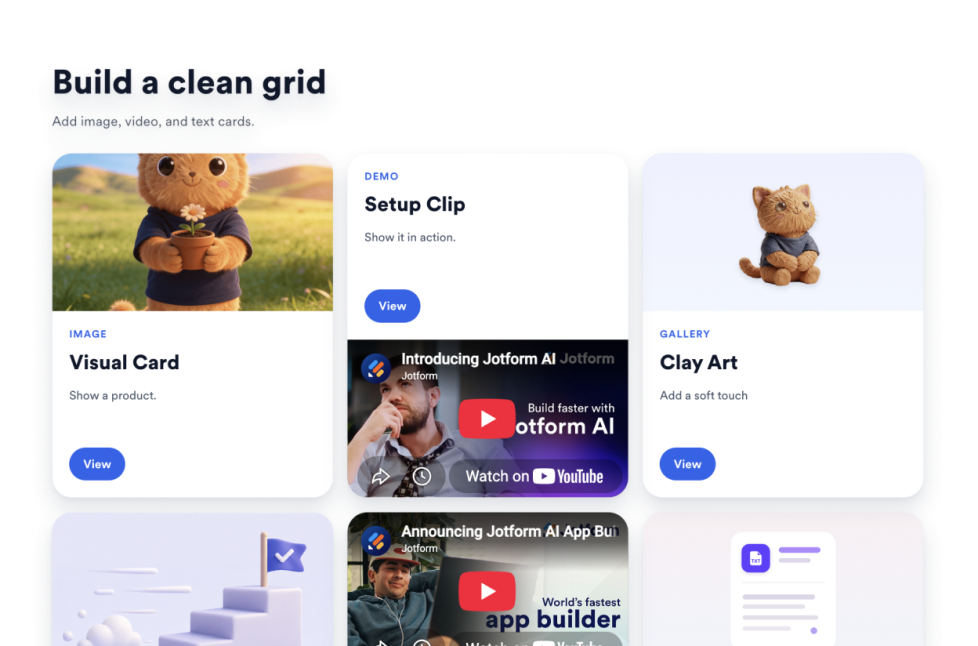
- Arrange text, images, videos, icons, links, and buttons in a content grid
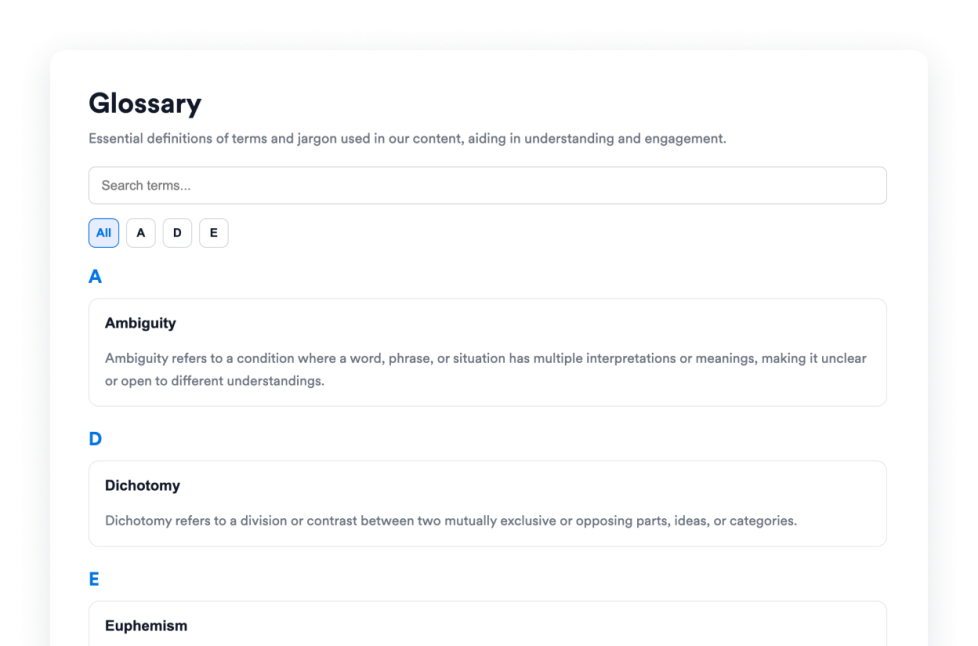
- Build a searchable glossary with A-to-Z filtering
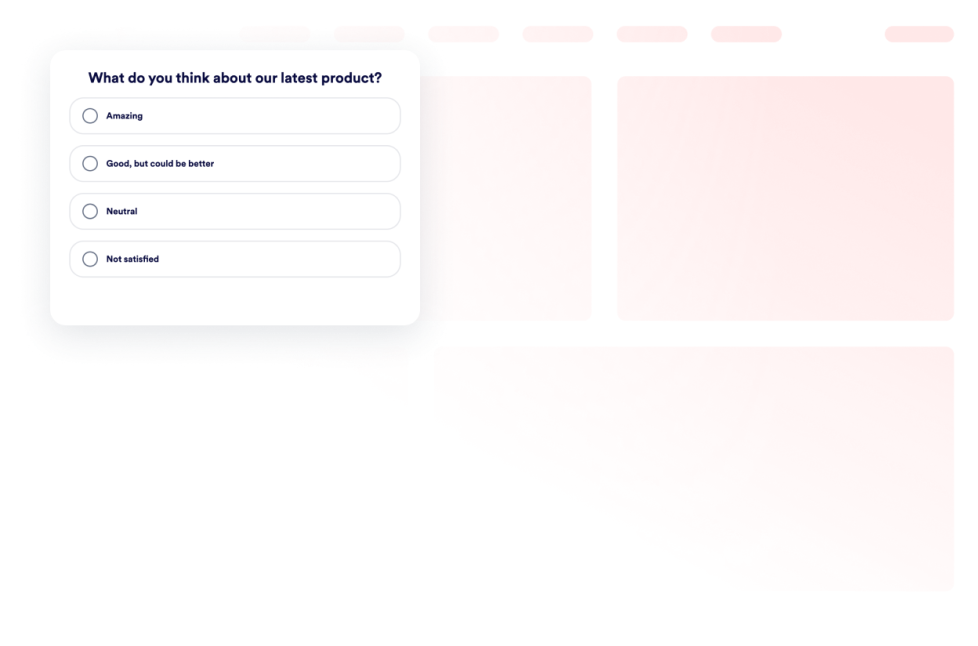
- Collect visitor opinions and display voting results with a poll
- Rotate headlines, announcements, or offers using dynamic text
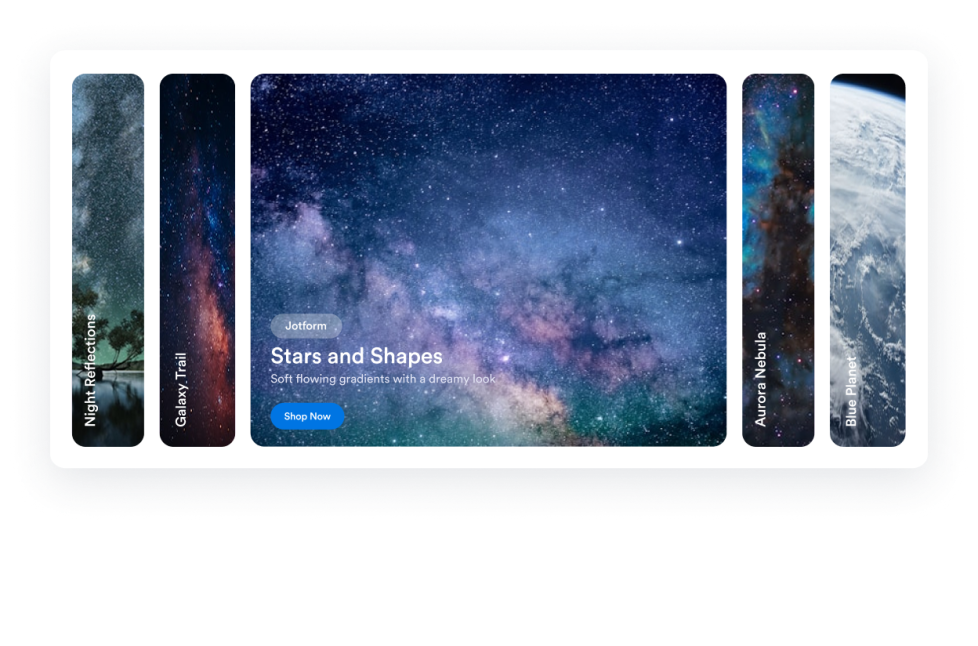
- Display images and videos in an accordion slider
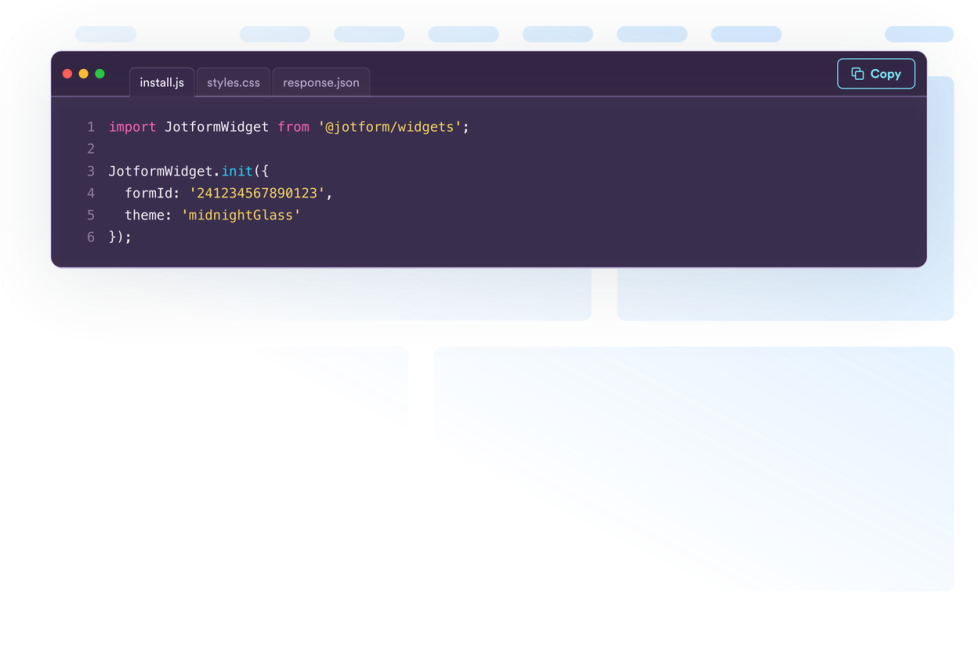
- Share formatted code snippets for tutorials and documentation
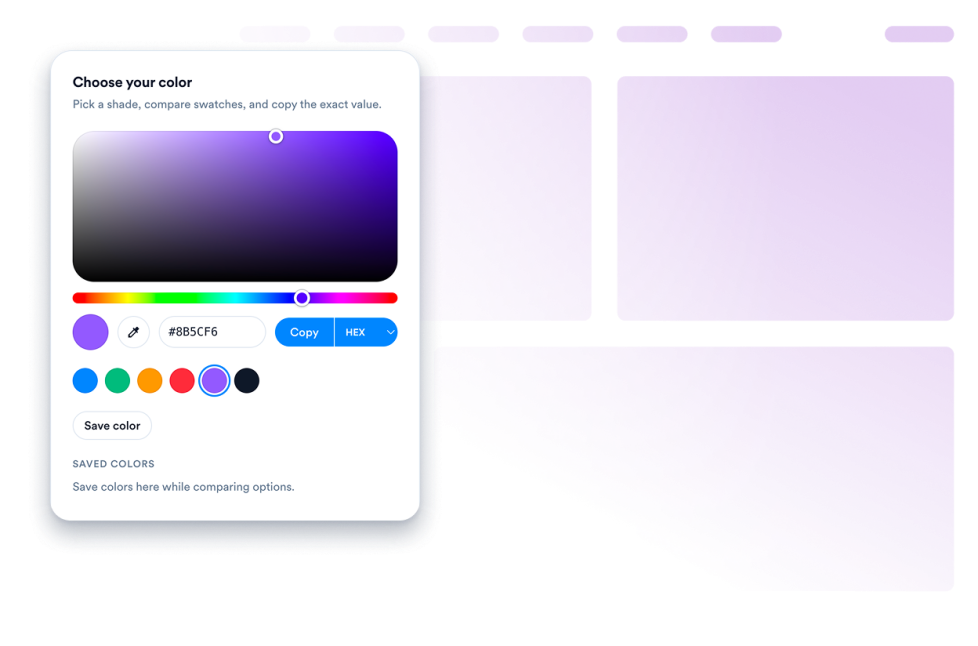
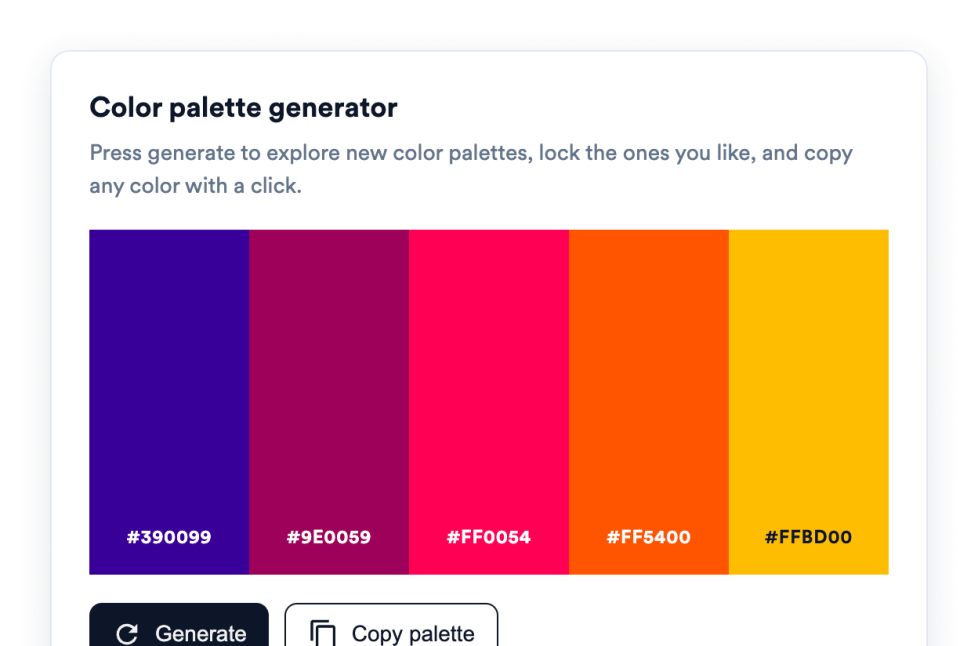
- Add interactive color pickers and color palettes
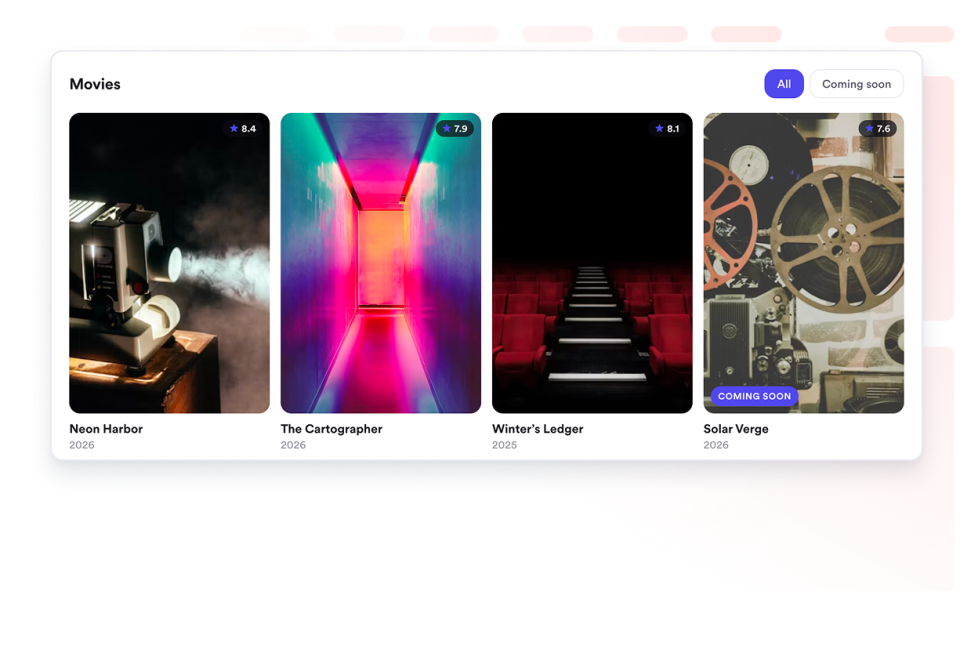
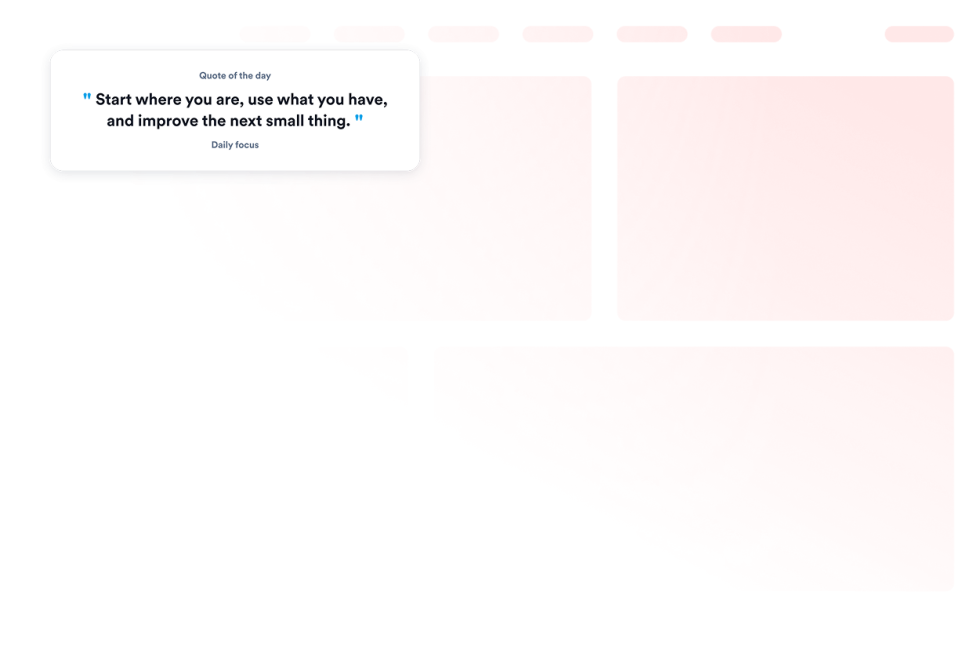
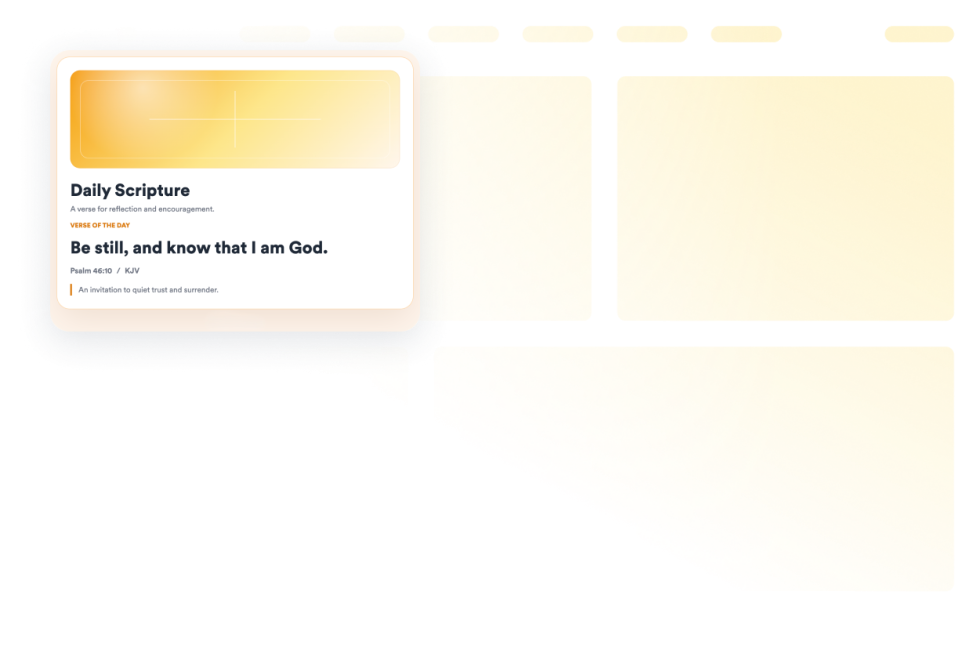
- Present quotes, movie collections, and other themed content in a structured format
Popular content display widget use cases
Content display widgets can be used wherever a website needs to present detailed information in a clear, compact format. An FAQ widget can organize answers on product, service, support, or policy pages. A Timeline widget can show a company’s history, an event schedule, product releases, or project milestones.
A Grid widget can arrange services, team members, resources, portfolio projects, images, or videos into a structured layout. For help centers, online courses, and documentation websites, a Glossary widget can make terms easier to search and browse, while a Code Snippets widget can display HTML, CSS, JavaScript, API examples, and other technical content.
Website owners can also use a Poll widget to ask visitors a question and display vote totals or percentages. Dynamic Text can rotate important messages or highlighted phrases, and an Accordion Slider can display expandable images, videos, descriptions, and buttons in a single interactive section.
Easy website widgets for any team
Embeddable content display widgets are useful for small businesses, marketing teams, educators, content creators, agencies, nonprofits, developers, online stores, and website owners that need to present information without relying on a developer or designer.
With Jotform, users can choose a widget, customize its content, settings, layout, and design, preview the result, and copy the embed code. They can then add the widget to a supported website editor or HTML section without custom code.
This makes it easier to add structured content to WordPress sites, website builders, custom websites, landing pages, blogs, and resource centers while keeping the design consistent with the surrounding page.
関連ガイド
To learn more about setting up and managing widgets, users can read Jotform’s guide on managing website widgets. The guide explains that users can create new widgets, edit existing widgets, copy embed codes, control widget visibility, and organize their widget assets from the My Website Widgets page.
What are content display widgets?
Content display widgets are embeddable tools that organize and present website content in a clear, interactive format. They can display FAQs, timelines, polls, grids, glossaries, quotes, code examples, images, videos, and other information directly on a webpage.
What types of content can I display with these widgets?
Depending on the widget, you can display text, images, videos, icons, links, buttons, questions and answers, timeline entries, poll results, code snippets, color values, quotes, and movie information. Each widget provides settings tailored to its content type.
Where can I use content display widgets?
You can use them on landing pages, product pages, blogs, portfolios, help centers, documentation pages, online courses, event websites, and business websites. The right placement depends on what information visitors need and how you want them to browse it.
Do content display widgets require coding?
No. You do not need a developer or designer. You can customize the widget, copy the embed code, and add it to your website without custom code. The placement steps may vary depending on your website platform or page editor.