FAQ作成ウィジェット
訪問者がページを離れることなく答えを見つけられる、検索可能なFAQセクションを作成しましょう。JotformのFAQ ウィジェットを使えば、質問の整理、書式付きテキストや画像・動画を含む回答の追加、柔軟なレイアウトの選択、デザインのカスタマイズができ、すべてをコーディングなしで埋め込めます。
今すぐ無料で作成!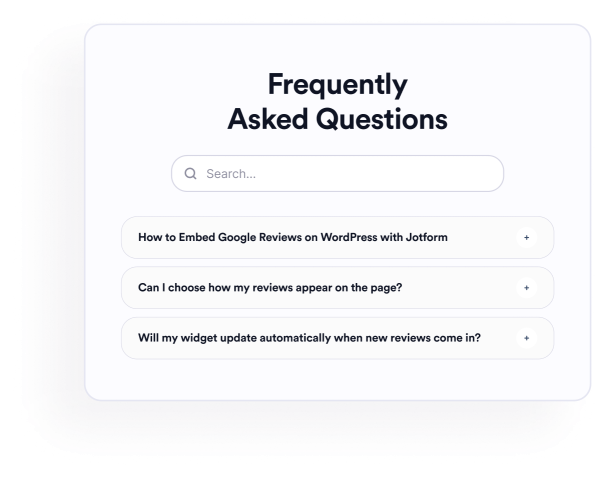

よくある質問 (FAQ)ウィジェットの作成方法
質問を追加
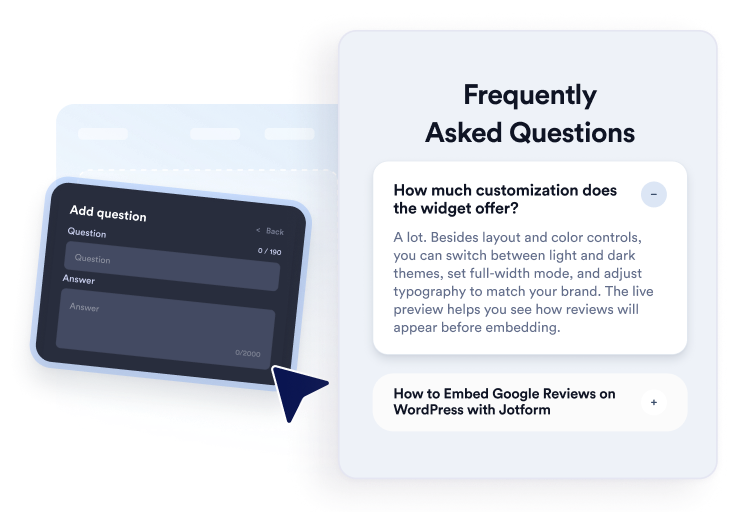
商品、価格、サポート、ポリシー、初期設定などのトピックについて、回答を作成・整理しましょう。必要に応じてリンクや画像を追加し、視覚的な編集画面で質問を複製、並べ替え、削除できます。
レイアウトとデザインをカスタマイズ
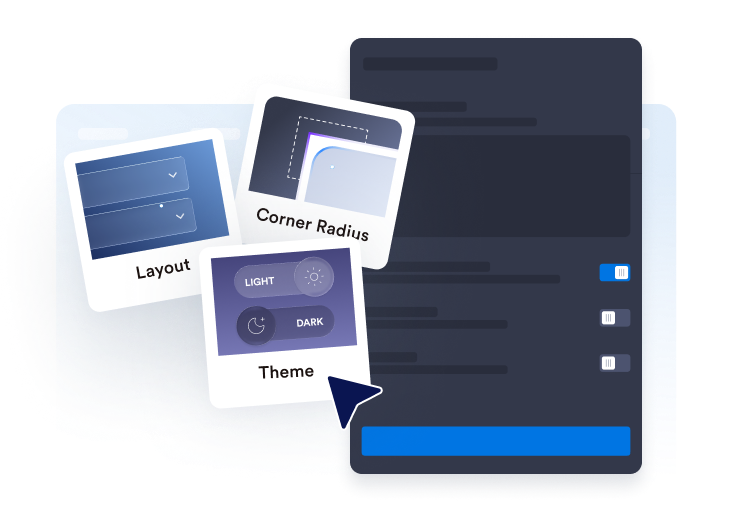
アコーディオン、リスト、または複数列レイアウトを選択できます。検索バー、アイコン、質問の動作、色、余白、その他のデザイン設定を、FAQセクションに合わせて調整しましょう。

ウェブサイトに埋め込む
完成したFAQをプレビューし、生成された埋め込みコードをコピーして、カスタムHTMLまたは埋め込みブロックに貼り付けます。質問の開閉、検索機能、リンク、画像や動画が正しく動作するか確認しましょう。
便利で検索しやすいFAQ作成を、もっと簡単に
1つのエディターで質問を整理
セクションを手動で作り直すことなく、質問を追加、複製、並べ替え、削除できます。リッチテキストの回答を使えば、商品情報、請求ポリシー、設定手順、配送情報など、訪問者からよく寄せられる内容を整理できます。

さまざまなレイアウトにFAQを配置
質問をコンパクトにまとめるならアコーディオン、常に表示しておきたい回答にはリスト、幅広いFAQセクションには複数列レイアウトを選べます。適切なレイアウトを選べば、質問数が多い場合でも内容を簡単に確認できます。
訪問者がFAQコンテンツを検索できるように
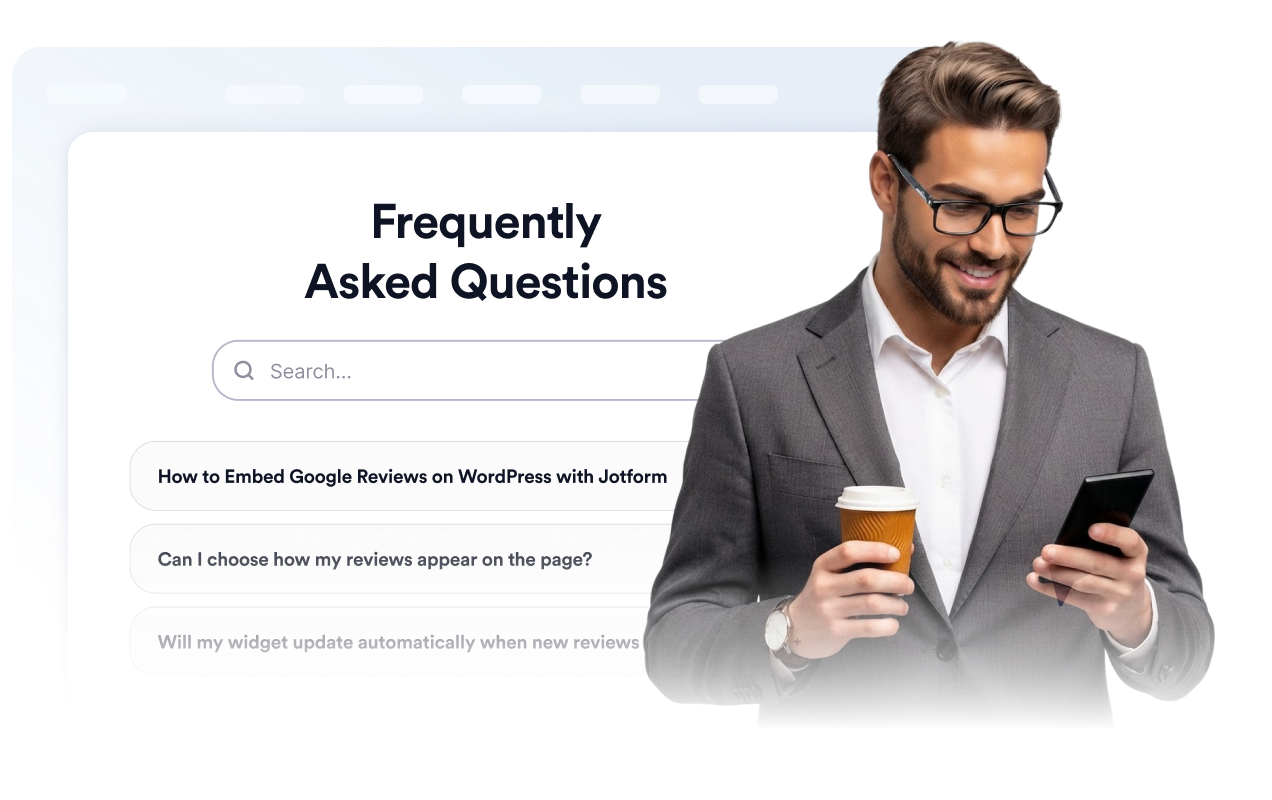
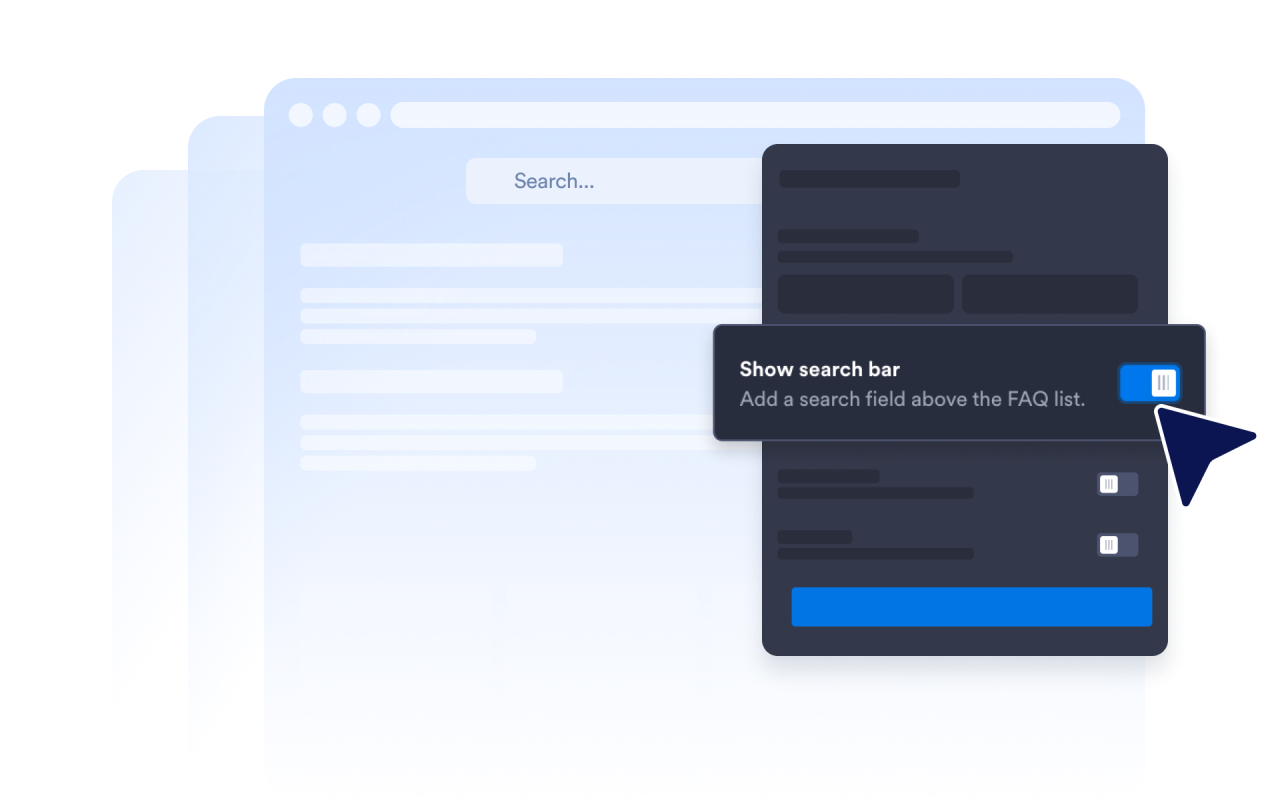
検索バーを有効にすると、訪問者はキーワードを使って質問と回答を絞り込めます。特にヘルプページや質問数の多いFAQセクションでは、すべての質問を一つずつ確認する手間を省けます。
回答の展開方法をカスタマイズ
アコーディオンのアイコンと表示位置、初期表示する質問の数を設定し、1つまたは複数の回答を開いたままにできるかを決められます。これらの設定により、質問数の多いFAQセクションでも、訪問者が使いやすい表示方法に調整できます。

Jotform ホームページウィジェットが選ばれる理由
Jotformのウィジェットは、ウェブサイトをよりインタラクティブにし、コンバージョンを高めます。星評価やお客様の声を表示するスライダー、ソーシャルプルーフのポップアップ、メディア埋め込みまで、多彩なツールが利用可能です。フォームやランディングページにウィジェットを追加して、データ収集、実績や信頼性のアピール、見込み顧客の獲得を実現できます。コーディングは不要です。
シンプルな埋め込みコードで、Jotformウィジェットをウェブサイトに追加できます。ウィジェットをカスタマイズし、見た目をプレビューして、カスタムHTMLや埋め込みブロックに対応したあらゆるページに貼り付けるだけ。開発者は一切不要です。
Jotform ホームページウィジェットを使って、見込み顧客の獲得、お客様のフィードバックの表示、ソーシャルプルーフの活用、メディアの埋め込み、便利なウェブページツールの追加ができます。各ウィジェットは、訪問者がウェブサイトから直接あなたのビジネスとやり取りできるようサポートします。
ウィジェットの設定、カスタマイズ、埋め込み、トラブルシューティングでサポートが必要な場合、Jotformのカスタマーサポートチームが24時間年中無休で対応します。必要なときにいつでもサポートを受けられるので、安心してご利用いただけます。
FAQウィジェットの活用シーン
訪問者が選択肢を理解し、次に取るべき行動を決めやすくなるよう、わかりやすい回答が役立つページにウィジェットを追加できます。
商品ページでは、機能、サイズ、設定、互換性、配送に関する質問に回答できます。
料金ページでは、プラン、無料トライアル、請求サイクル、キャンセル、アップグレードについて明確に説明できます。
ヘルプセンターでは、よくあるサポートの質問を検索可能なセクションにまとめられます。
予約・イベントページでは、スケジュール、場所、返金、参加要件などを説明できます。
コース・会員ページでは、アクセス、カリキュラム、決済、サポートに関する質問に回答できます。
ランディングページでは、訪問者が登録、予約、フォーム送信をする前によくある不安を解消できます。
Jotformのフォーム作成ツールで見込み顧客を顧客へと導く
Jotformで訪問者の関心を具体的なアクションにつなげましょう。見込み顧客の獲得、決済の受付、返信の自動化ができる高機能なフォームを、すべて一か所で作成できます。送信された回答はすべてJotformインボックスに届くため、フォローアップやお気に入りのアプリとの連携も簡単です。
無料で今すぐ始める
よくある質問 (FAQ)
FAQウィジェットとは?
FAQ ウィジェットは、ウェブサイトに埋め込める質問と回答のセクションです。訪問者は別のページに移動することなく、検索可能なアコーディオン、リスト、複数列レイアウトを通じてよくある質問を確認できます。
JotformのFAQ ウィジェットは無料ですか?
ウェブサイトにFAQを追加するには?
コードを書く必要はありますか?
質問はいくつ追加できますか?
FAQ ウィジェットに検索機能はありますか?
FAQにどのようなレイアウトを使えますか?
複数のFAQの回答を同時に開いたままにできますか?
FAQの回答にリンクや画像、動画を含められますか?
FAQのデザインをカスタマイズできますか?
FAQ ウィジェットはスマートフォンでも利用できますか?
どのウェブサイトプラットフォームがFAQウィジェットに対応していますか?
FAQウィジェットの設定サポートを受けられますか?