Webサイト用向け コンテンツ制限ウィジェット
ノーコードのコンテンツ制限を追加して、ダウンロード資料、会員限定コンテンツ、非公開セクション、年齢制限のあるページを保護しましょう。訪問者はアクセスコード、メールアドレスの入力、年齢確認、質問への回答で制限を解除できます。制限解除画面のデザインもブランドに合わせてカスタマイズできます。
今すぐ無料で作成!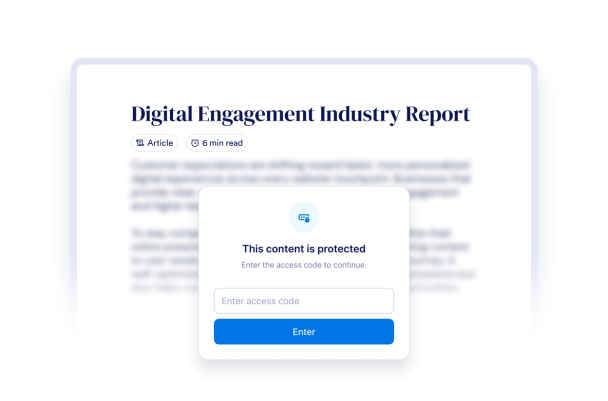

コンテンツ制限ウィジェットの作成方法
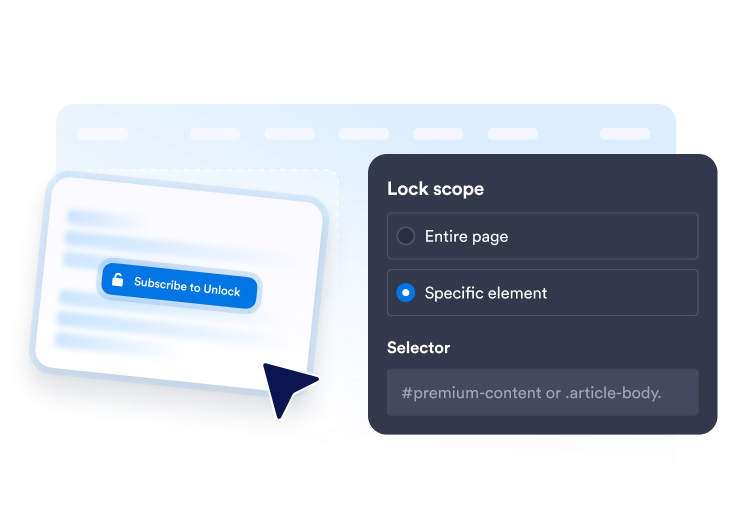
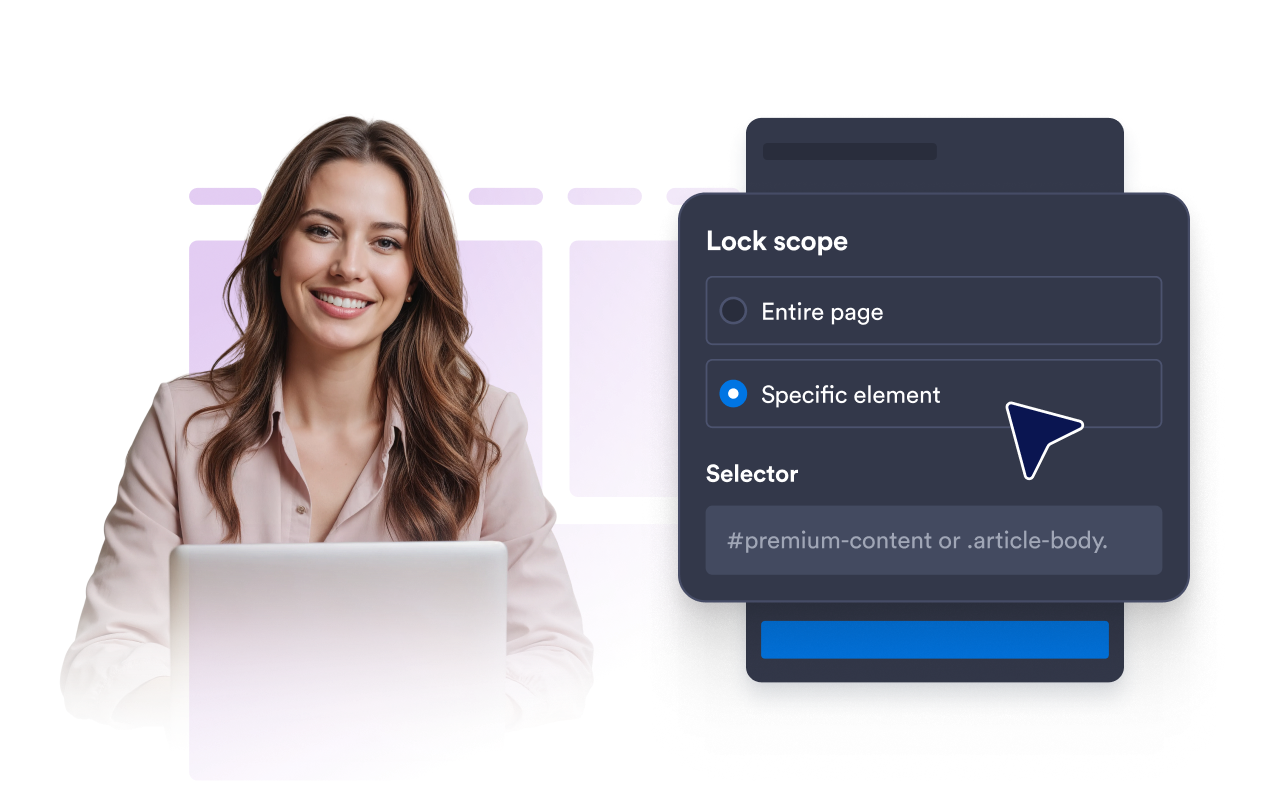
保護するコンテンツを選択
ページ全体に閲覧制限をかけることも、CSSセレクターを使って資料エリアや会員専用エリアなどの特定のセクションだけを制限することもできます。
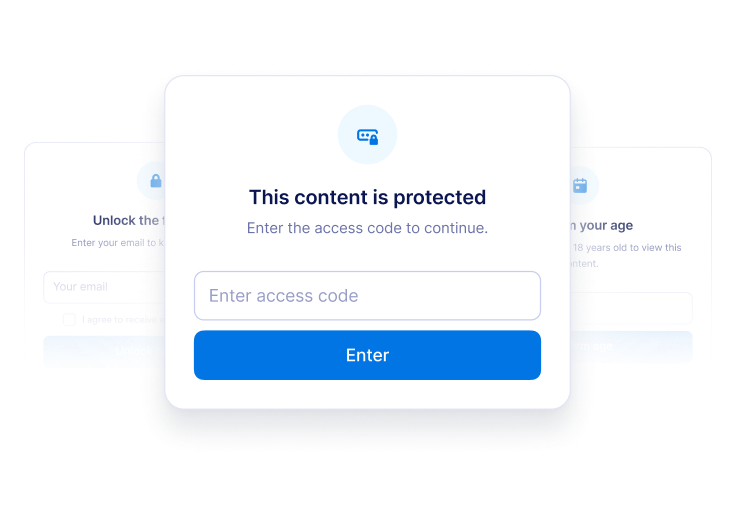
制限解除の方法を選択
保護されたコンテンツを表示する前に、アクセスコード、メールアドレス、年齢確認、または設定した質問への回答を求めます。

デザイン、公開、更新
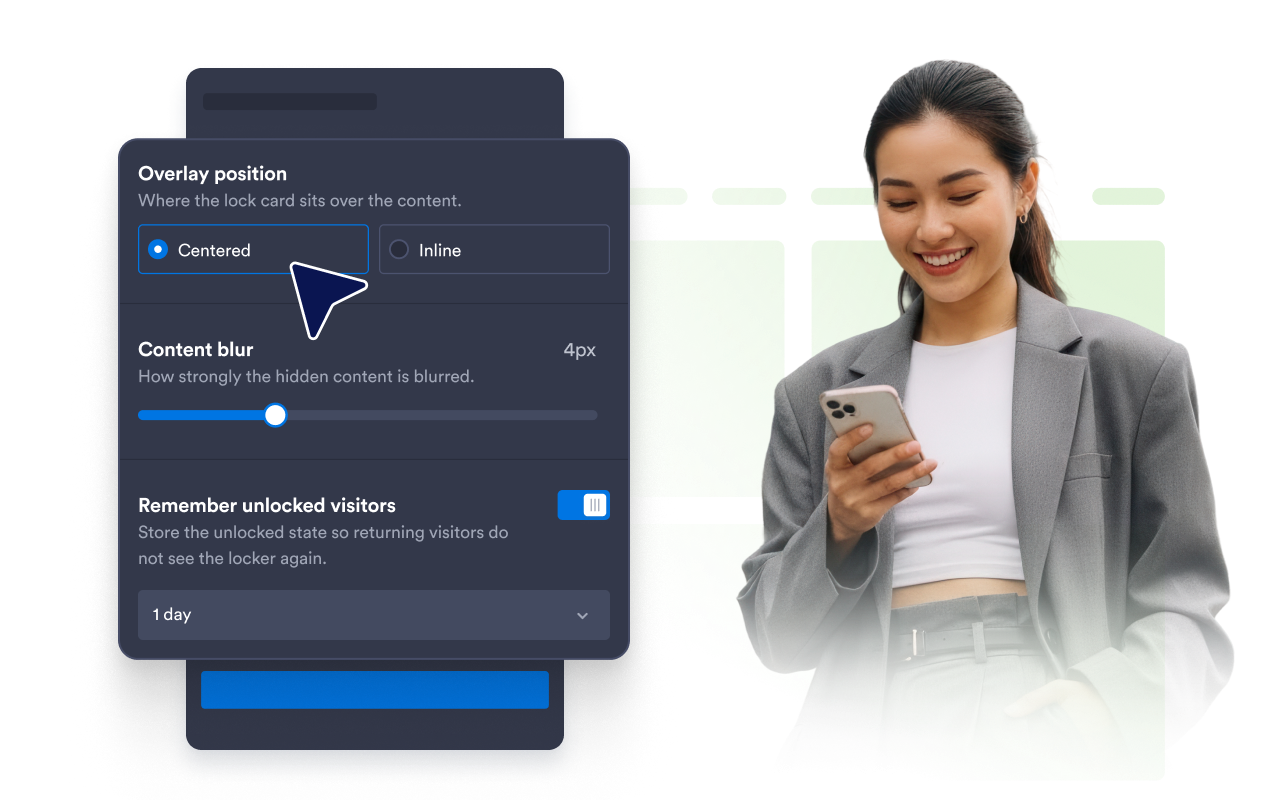
メッセージ、色、ぼかし、オーバーレイの位置、解除状態の保持期間をカスタマイズし、生成された埋め込みコードを貼り付けます。
コンテンツ制限をスムーズに解除できる閲覧体験を実現
目的に合ったアクセス条件を設定
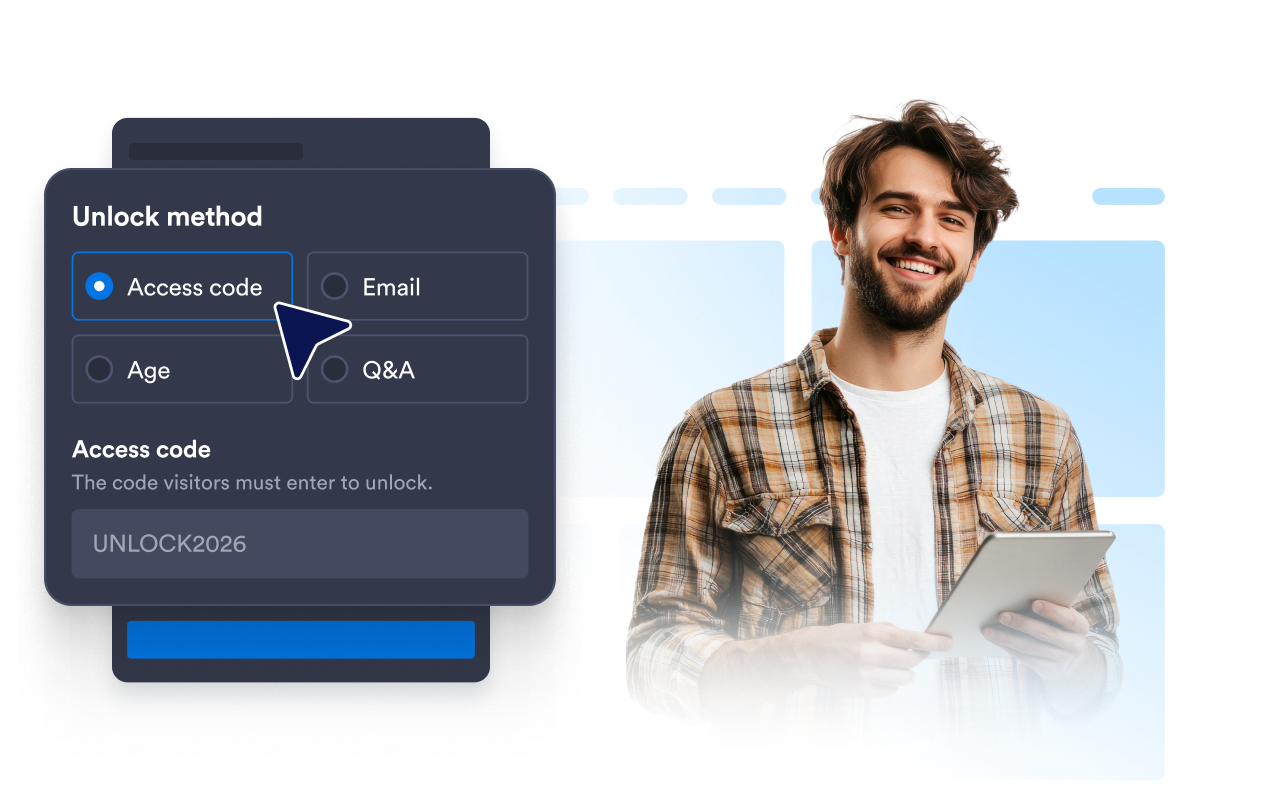
非公開コンテンツにはアクセスコード、見込み客の獲得にはメールアドレスの入力、年齢制限のあるコンテンツには年齢確認、簡単な条件確認には質問への回答を利用できます。
重要なコンテンツだけを的確に保護
ページ全体または指定したセクションだけに閲覧制限をかけ、その他の部分は公開したまま、簡単に閲覧できるようにします。
どの画面でもスムーズに操作
レスポンシブ対応の制限解除用カード、ぼかし効果の調整、解除状態の保持、中央またはインライン配置により、訪問者はすばやく手順を完了できます。
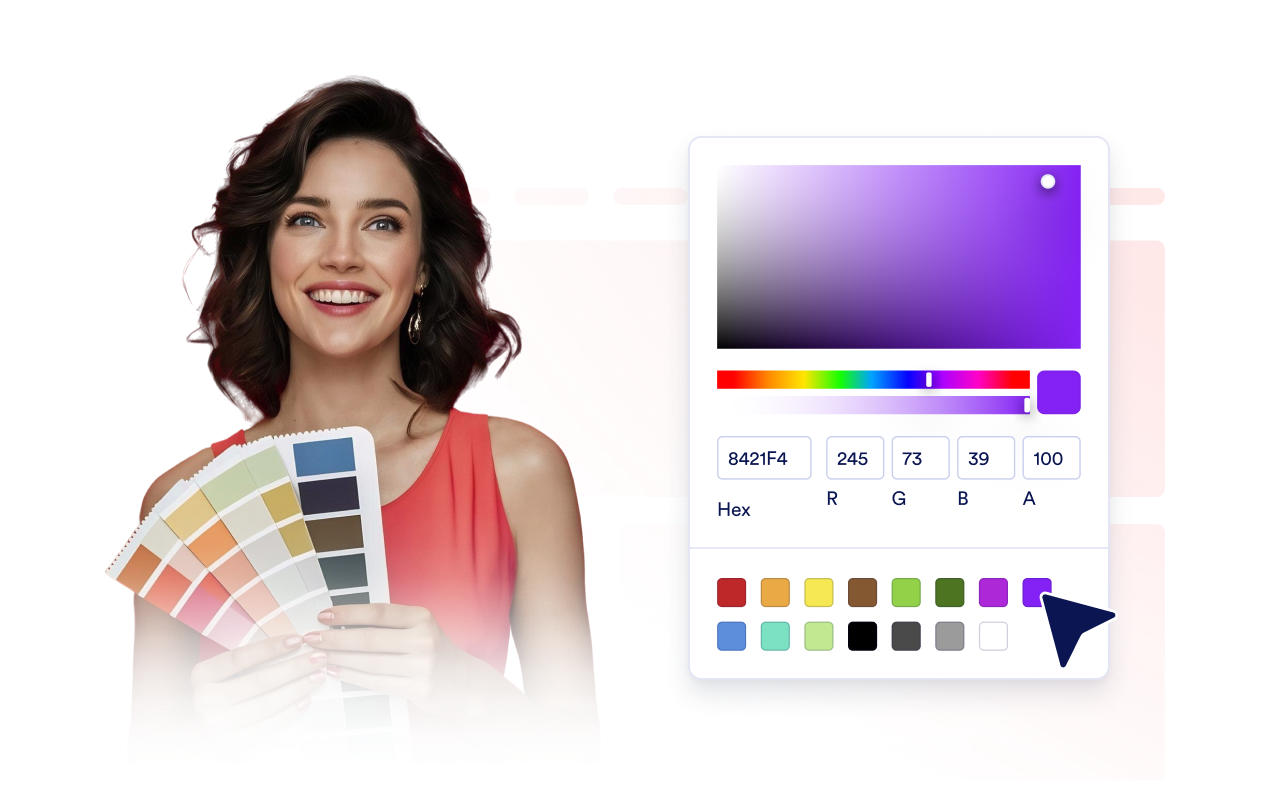
ブランドに合わせて制限解除画面をデザイン
ページを作り直すことなく、テキスト、補足テキスト、エラーメッセージ、色、カードの幅、ダークテーマ、ブランディング、適用範囲を限定したカスタムCSSを調整できます。
Jotformウェブサイトウィジェットが選ばれる理由
Jotformのウィジェットは、ウェブサイトをよりインタラクティブにし、コンバージョンを高めます。星評価やお客様の声のスライダーから、社会的証明のポップアップ、メディア埋め込みまで、多彩なツールが利用可能です。フォームやランディングページにウィジェットを追加して、データ収集、証明の表示、リードの獲得を実現しましょう。コーディングは不要です。
シンプルな埋め込みコードで、Jotformウィジェットをウェブサイトに追加できます。ウィジェットをカスタマイズし、見た目をプレビューして、カスタムHTMLや埋め込みブロックに対応したあらゆるページに貼り付けるだけ。開発者は一切不要です。
Jotformウェブサイトウィジェットを使って、リードの獲得、お客様のフィードバックの表示、社会的証明の掲載、メディアの埋め込み、便利なウェブページツールの追加ができます。各ウィジェットは、訪問者がウェブサイトから直接あなたのビジネスとやり取りできるようサポートします。
ウィジェットの設定、カスタマイズ、埋め込み、トラブルシューティングでサポートが必要な場合、Jotformのカスタマーサポートチームが24時間365日対応します。必要なときに助けがあると分かっているので、安心して前に進めます。
コンテンツ制限ウィジェットの活用シーン
特定のコンテンツを閲覧する前に、アクセス条件を満たしてもらいたい場合は、コンテンツ制限を活用しましょう。資料の公開、非公開セクション、新サービスの公開ページ、スマートフォン向けページなど、簡単な操作で閲覧制限を解除できるようにしたい場合に適しています。
プレミアムリソースページ:ガイド、テンプレート、チェックリスト、ダウンロード資料などを、簡単な認証手続きで閲覧できるようにします。
見込み客獲得ページで、ワークシート、レポート、特典ファイルを表示する前にメールアドレスの入力を求めます。
会員専用ページで、限定のお知らせ、レッスン、アカウント専用コンテンツを保護します。
新サービス公開キャンペーンで、専用コードを受け取った訪問者に、先行アクセスを提供します。
年齢制限のあるページで、制限付きコンテンツを表示する前に訪問者の年齢を確認します。
公開ページで、ページのほかの部分は公開したまま、特定のエリアだけに閲覧制限をかけられます。
Jotformフォーム作成ツールで、リードを有料顧客へと変えましょう
Jotformで、エンゲージメントをアクションへと変えましょう。リードの獲得、決済の回収、返信の自動化まで、すべてを一か所で実現する強力なフォームを作成できます。すべての回答はJotform受信トレイに届き、そこからフォローアップしたり、お気に入りのアプリと連携したりできます。
無料で今すぐ始める
よくある質問 (FAQ)
コンテンツ制限ウィジェットはどのように機能しますか?
コンテンツ制限は、指定したページやセクションに、制限を解除するためのカードを表示するウィジェットです。訪問者が指定されたアクセス条件を満たすと、保護されたコンテンツが表示されます。
ウェブサイトにコンテンツ制限を追加するには?
コンテンツ制限はどのような方法で解除できますか?
ページ内の特定のセクションだけに閲覧制限をかけられますか?
コンテンツ制限を使ってメールアドレスを収集できますか?
デザインやメッセージをカスタマイズできますか?
訪問者は毎回コンテンツ制限を解除する必要がありますか?
コンテンツ制限はスマートフォンに対応していますか?コードは不要ですか?
Jotformのコンテンツ制限ウィジェットは無料ですか?