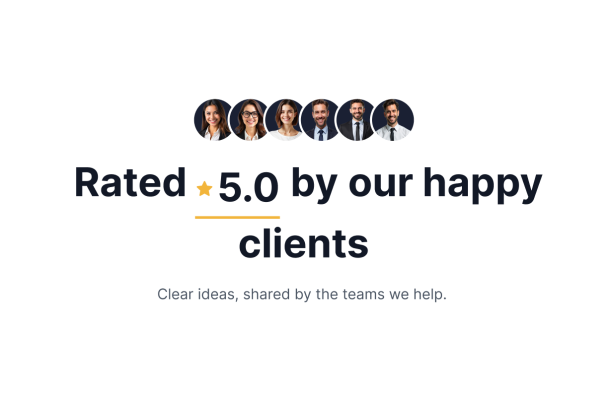
Social Proof Widget for Testimonials

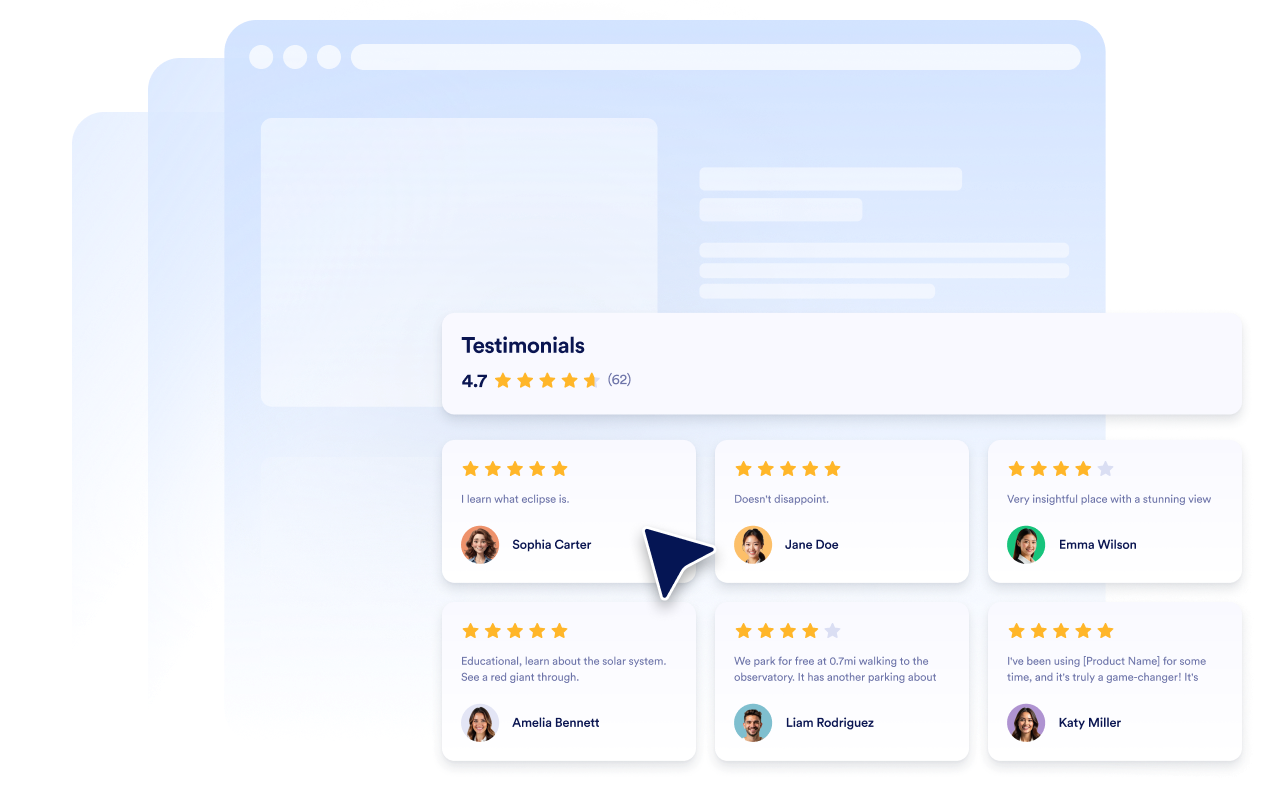
A light social proof block for a brand strategy consultancy, with six interactive client portraits and a rating headline. Sample testimonials cover focused workshops, positioning, research, guidance and collaborative planning.
Social Proof Widget for Testimonials

More ユーザーの声 Styles

Dark Studio Testimonials Carousel901 Used

Dark Studio Testimonials Carousel

Client Stories presents six illustrative testimonials for a creative strategy studio in a dark, full-width carousel. Each card pairs a five-star rating and reviewer portrait with a short account of workshops, thoughtful questions, collaborative sessions, and practical feedback. Workplace images provide visual backgrounds; they are illustrative and are not presented as actual client offices or evidence of projects. Visitors can browse the stories using the carousel arrows and open a testimonial to read it in full. The centered visual style uses an Inter font, light testimonial text, and warm gold stars and accents. This template suits creative strategy studios that want a focused, polished way to display sample client feedback on a website.

Studio Testimonials Carousel Section333 Used

Studio Testimonials Carousel Section

Present illustrative client feedback for a packaging design studio in a full-width testimonial carousel. A centered Client Stories header introduces light Standard cards with human portraits, reviewer names and five-star ratings. Six fictional testimonials cover brand fit, thoughtful concepts, collaboration and an organized handoff. Visitors can browse using the carousel arrows. Replace the samples with client testimonials you are authorized to display.

Rotating Review Carousel210 Used

Rotating Review Carousel

This full-width testimonial carousel is designed for an independent brand photography studio. It presents six illustrative sample reviews, each with a reviewer portrait, name, five-star rating, and a short comment about the studio experience, from shoot planning to the finished portraits. A concise header introduces the section, while on-card navigation arrows let visitors move through the reviews at their own pace. The testimonials are illustrative examples, not verified real endorsements. Replace them with approved client feedback before publishing. This layout suits a photography studio website that wants to show the kind of client experience it aims to provide without featuring project images, company details, dates, or external review-platform branding.

Testimonials Carousel with Featured Review692 Used

Testimonials Carousel with Featured Review

A light centered testimonial carousel for an independent web design studio. One client quote is emphasized beside adjacent previews, with portraits, names, five-star ratings and a count summary. Six illustrative comments cover planning, clear content, thoughtful design and collaboration. Visitors browse with navigation arrows. The testimonials are sample data, not verified endorsements; replace them with approved client feedback.

ユーザーの声ウィジェットの作成方法

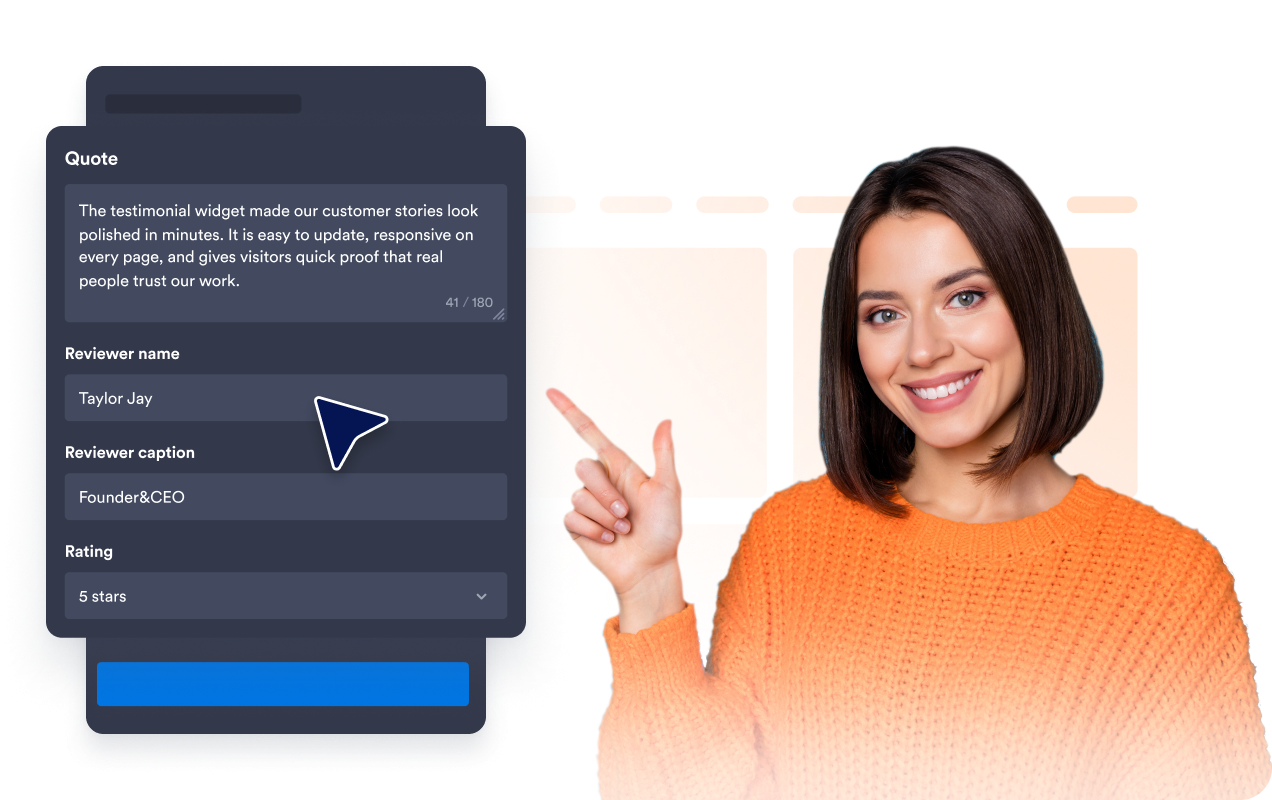
Customize your widget

ウィジェットをカスタマイズ

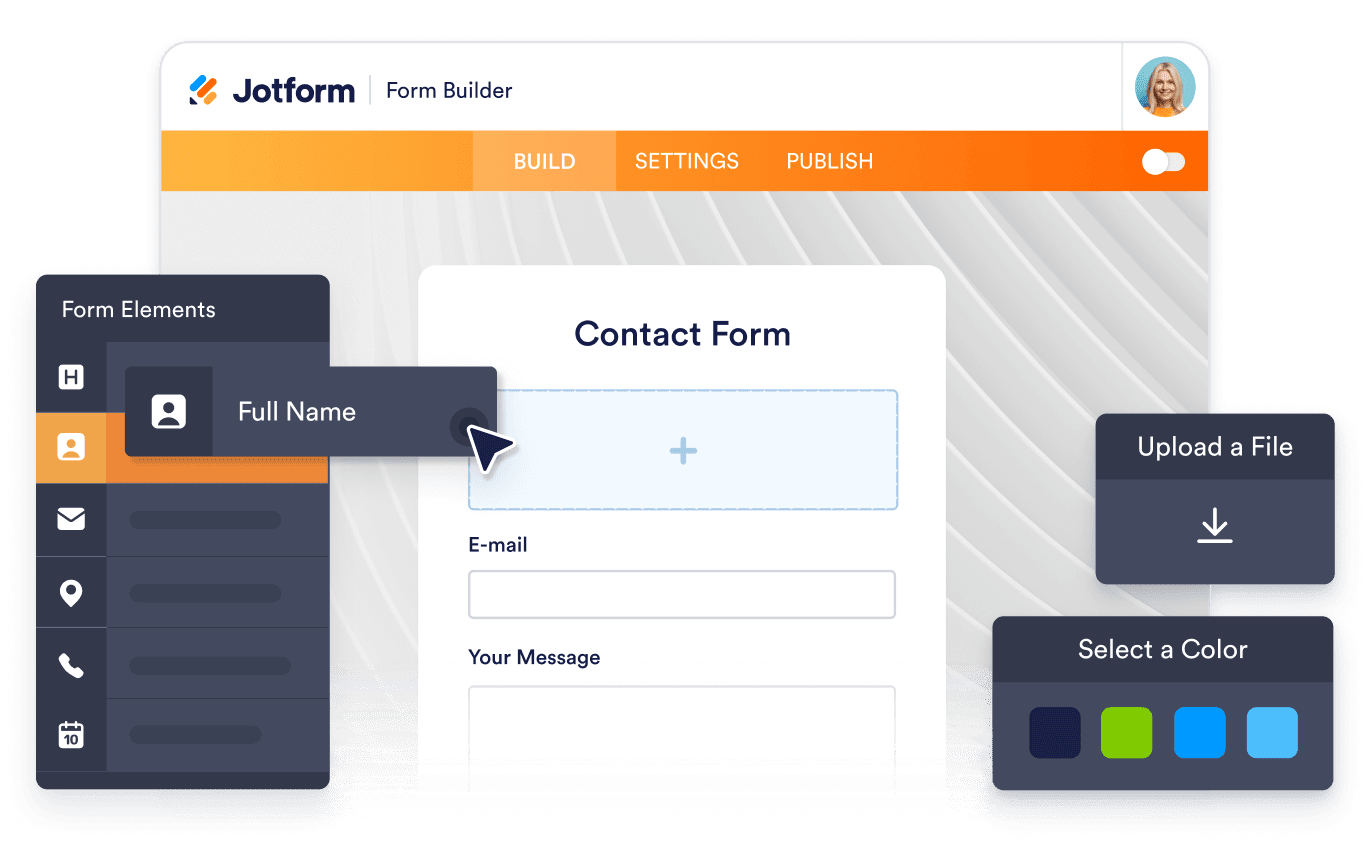
コンテンツ、レイアウト、色、動作を選んで、ウィジェットをWebサイトのデザインに合わせましょう。

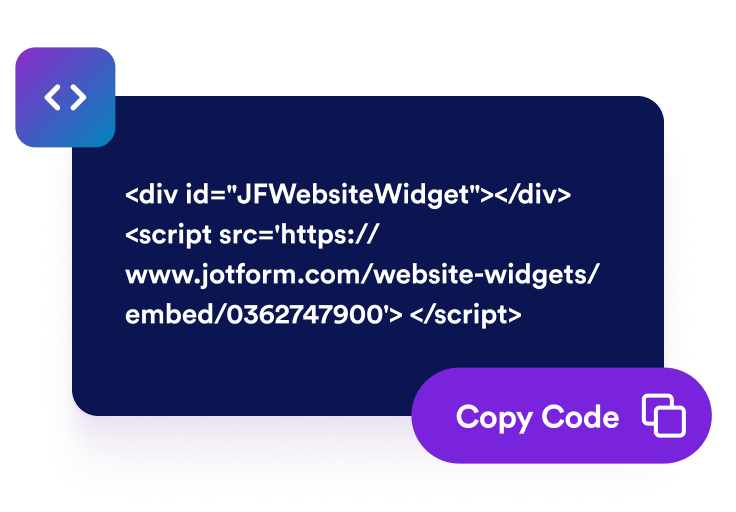
Get the embed code

埋め込みコードを取得

Jotformが生成したそのまま使える埋め込みコードをコピーします。設定やコーディングは不要です。

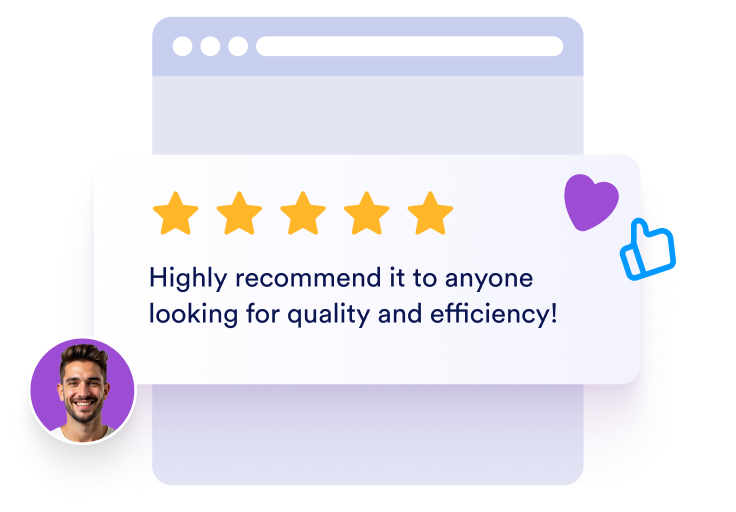
Embed it anywhere

好きな場所に埋め込む

コードをホームページに貼り付けて公開するだけで、Trustpilotレビューがすぐに表示されます。

お客様の声を信頼の証として活用

厳選したお客様の声を表示

お客様の声、星評価、投稿者情報、写真を使ってお客様の声 ホームページスライドを作成しましょう。実際に商品やサービスを利用したお客様の声を各スライドに掲載することで、訪問者にリアルな評価を伝えられます。

Show hand-picked customer testimonials

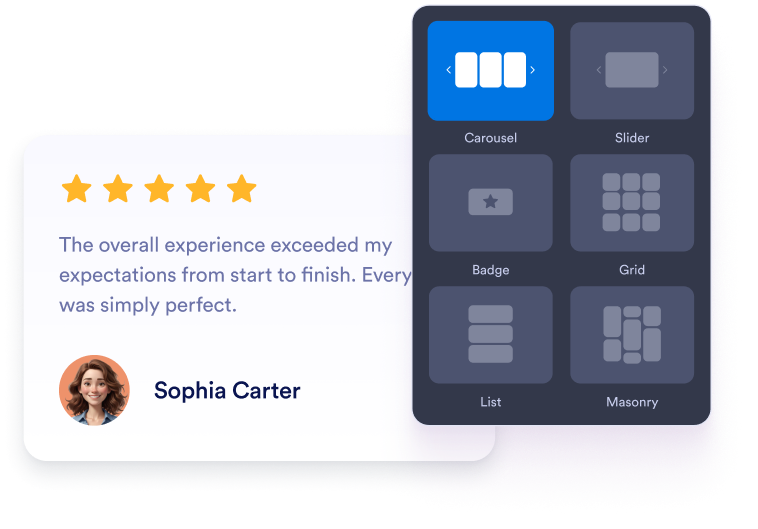
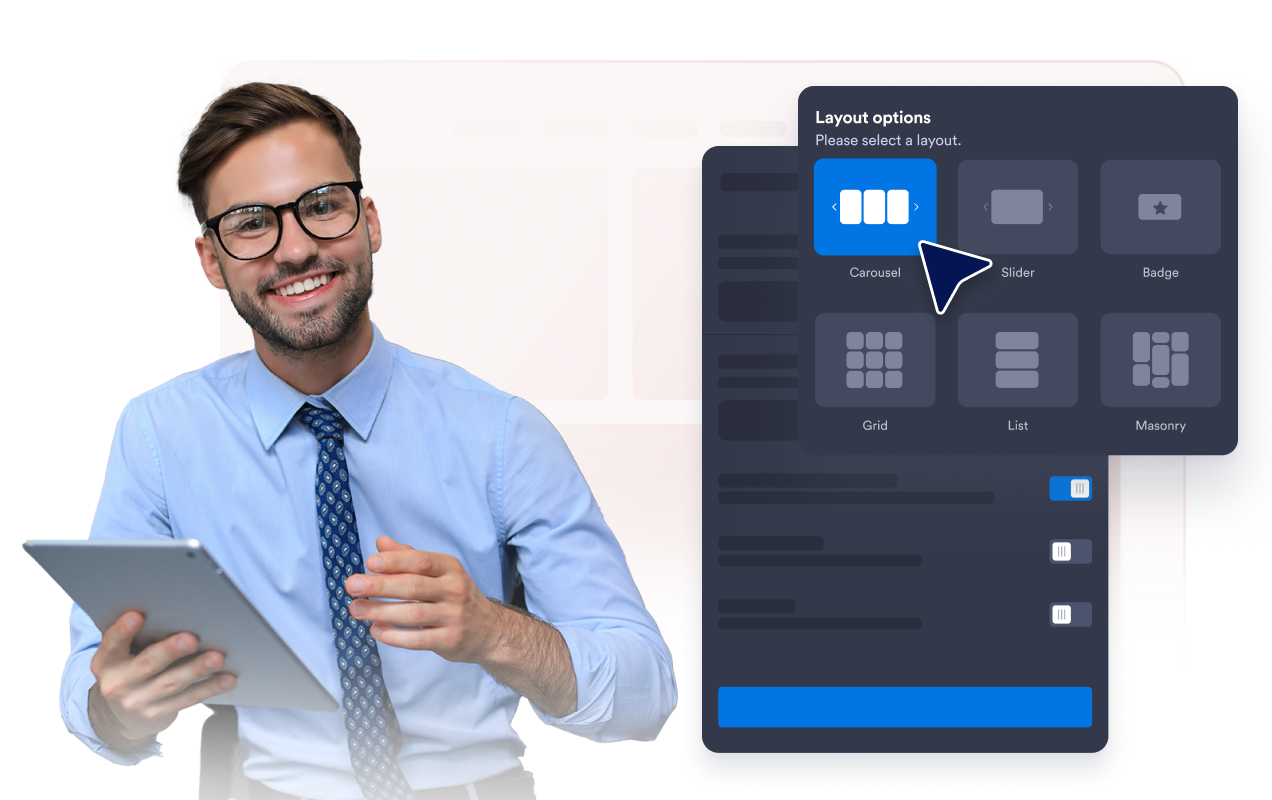
スライダーとグリッドレイアウトを選択

コンパクトなホームページセクションにはレスポンシブなお客様の声スライダー、引用を切り替えるにはお客様の声スライドショー、信頼感を高めるお客様の声をまとめて表示するにはグリッド、長めのお客様の声にはリストレイアウトを活用できます。

Choose slider and grid layouts

お客様の声カードの表示内容を設定

投稿者の写真、名前、キャプション、日付、評価、認証バッジ、ロゴ、画像、プロフィールへのリンク、「続きを読む」テキストなど、お客様の声の各スライドに表示する情報を選択できます。

Control testimonial card details

お客様の声をホームページのデザインに合わせる

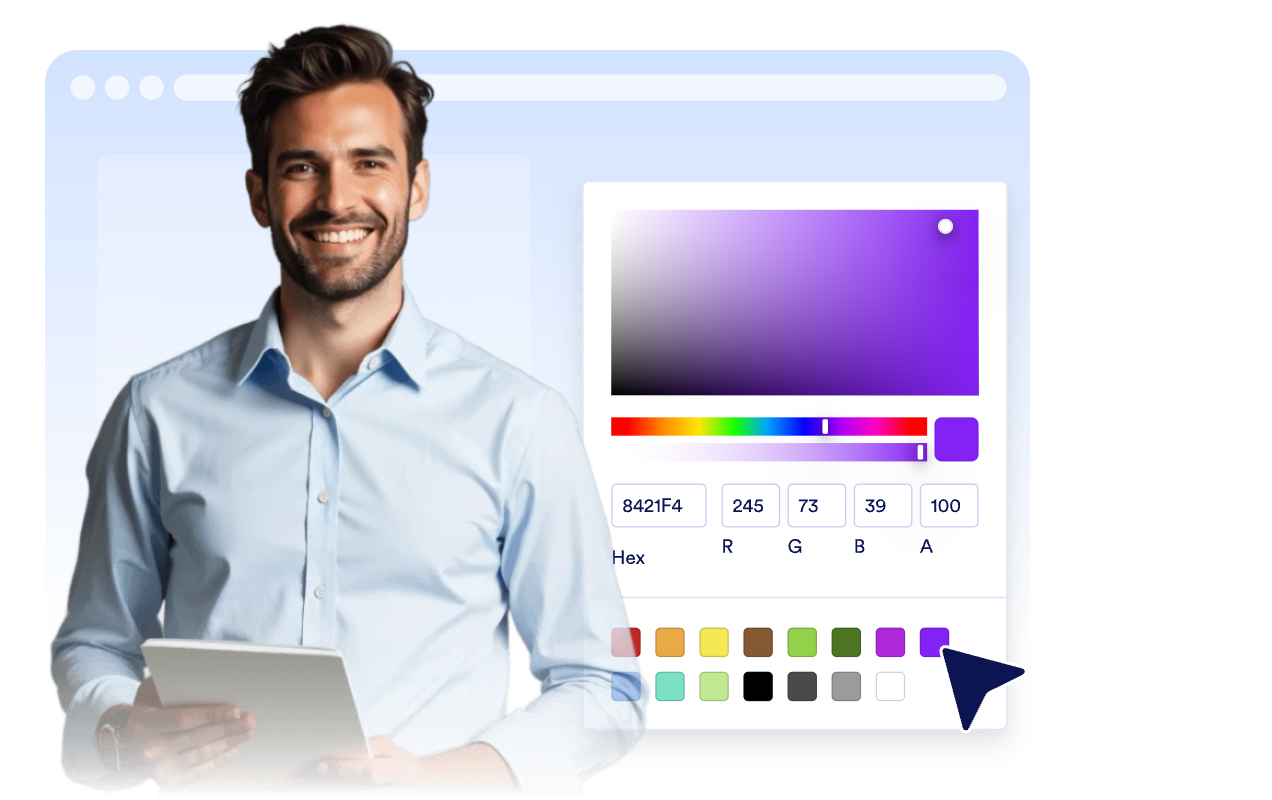
ライトモードやダークモード、アクセントカラー、星の色、カード背景、お客様の声の文字色、投稿者名の文字色、幅、ナビゲーション、ブランディングをカスタマイズして、お客様の声 ホームページウィジェットをホームページに合わせられます。

Match testimonials to your site

ユーザーの声をWordPressに埋め込む方法

1埋め込みコードを取得

Jotformのホームページウィジェットをカスタマイズしたら、「無料で試す」をクリックし、生成された埋め込みコードをコピーします。

2ページエディターを開く

ウィジェットを表示したいWordPressの投稿または固定ページを開き、新しいブロックを追加します。

3カスタムHTMLブロックを追加

カスタムHTMLを選択し、Jotformホームページウィジェットの埋め込みコードをHTMLフィールドに貼り付けます。

4更新して表示

更新または公開をクリックし、ページを開いて埋め込まれたウィジェットを確認します。

Jotform ホームページウィジェットが選ばれる理由

Jotformのウィジェットは、ウェブサイトをよりインタラクティブにし、コンバージョンを高めます。星評価やお客様の声を表示するスライダー、ソーシャルプルーフのポップアップ、メディア埋め込みまで、多彩なツールが利用可能です。フォームやランディングページにウィジェットを追加して、データ収集、実績や信頼性のアピール、見込み顧客の獲得を実現できます。コーディングは不要です。

コーディングなしで埋め込む

シンプルな埋め込みコードで、Jotformウィジェットをウェブサイトに追加できます。ウィジェットをカスタマイズし、見た目をプレビューして、カスタムHTMLや埋め込みブロックに対応したあらゆるページに貼り付けるだけ。開発者は一切不要です。

よりインタラクティブなページを作成

Jotform ホームページウィジェットを使って、見込み顧客の獲得、お客様のフィードバックの表示、ソーシャルプルーフの活用、メディアの埋め込み、便利なウェブページツールの追加ができます。各ウィジェットは、訪問者がウェブサイトから直接あなたのビジネスとやり取りできるようサポートします。

必要なときにサポートを受けられる

ウィジェットの設定、カスタマイズ、埋め込み、トラブルシューティングでサポートが必要な場合、Jotformのカスタマーサポートチームが24時間年中無休で対応します。必要なときにいつでもサポートを受けられるので、安心してご利用いただけます。

お客様の声 ホームページウィジェットの活用シーン

訪問者が登録、購入、予約、問い合わせを行う前に信頼感を高められる場所に、お客様の声を掲載できます。

ホームページのお客様の声セクションで、ページ上部にお客様の声スライダーを配置し、訪問者の信頼感を高めることができます。

商品・サービスページで、関連するお客様の声スライドを使って購入の意思決定をサポートします。

料金ページで、プラン比較や購入手続き、CTAボタンの近くに表示して、購入前の迷いを減らすことができます。

リード獲得用ランディングページで、フォームや登録の案内の横にレスポンシブなお客様の声スライダーを追加します。

導入事例・お客様の声ページで、長めのお客様の声、役職、企業情報、関連画像を掲載できます。

フッターやサイドバーのバッジで、コンパクトなお客様の声をホームページ全体で目に留まる場所に表示できます。

Jotformのフォーム作成ツールで見込み顧客を顧客へと導く

Jotformで訪問者の関心を具体的なアクションにつなげましょう。見込み顧客の獲得、決済の受付、返信の自動化ができる高機能なフォームを、すべて一か所で作成できます。送信された回答はすべてJotformインボックスに届くため、フォローアップやお気に入りのアプリとの連携も簡単です。

無料で今すぐ始める
Convert leads into customers

よくある質問 (FAQ)

  • お客様の声 ホームページウィジェットとは何ですか?

    お客様の声 ホームページウィジェットは、選択したお客様の声、星評価、投稿者情報、写真、ロゴ、任意のストーリー画像を、カスタマイズ可能なホームページウィジェットに表示します。

  • お客様の声スライダーを作成できますか?

  • お客様の声を手動で追加できますか?

  • どのレイアウトが利用できますか?

  • 表示するフィールドを選べますか?

  • モバイルでも使えますか?

  • WordPress、Shopify、Wix、Squarespace、Webflow、WooCommerceにお客様の声を埋め込めますか?

  • お客様の声 ホームページウィジェットは無料で利用できますか?