Testimonials Widget

Dark Studio Carousel for Testimonials

Client Stories presents six illustrative testimonials for a creative strategy studio in a dark, full-width carousel. Each card pairs a five-star rating and reviewer portrait with a short account of workshops, thoughtful questions, collaborative sessions, and practical feedback.
Dark Studio Carousel for Testimonials

More Testimonials Styles

Studio Testimonials Carousel Section333 Used

Studio Testimonials Carousel Section

Present illustrative client feedback for a packaging design studio in a full-width testimonial carousel. A centered Client Stories header introduces light Standard cards with human portraits, reviewer names and five-star ratings. Six fictional testimonials cover brand fit, thoughtful concepts, collaboration and an organized handoff. Visitors can browse using the carousel arrows. Replace the samples with client testimonials you are authorized to display.

Rotating Review Carousel210 Used

Rotating Review Carousel

This full-width testimonial carousel is designed for an independent brand photography studio. It presents six illustrative sample reviews, each with a reviewer portrait, name, five-star rating, and a short comment about the studio experience, from shoot planning to the finished portraits. A concise header introduces the section, while on-card navigation arrows let visitors move through the reviews at their own pace. The testimonials are illustrative examples, not verified real endorsements. Replace them with approved client feedback before publishing. This layout suits a photography studio website that wants to show the kind of client experience it aims to provide without featuring project images, company details, dates, or external review-platform branding.

Testimonials Carousel with Featured Review692 Used

Testimonials Carousel with Featured Review

A light centered testimonial carousel for an independent web design studio. One client quote is emphasized beside adjacent previews, with portraits, names, five-star ratings and a count summary. Six illustrative comments cover planning, clear content, thoughtful design and collaboration. Visitors browse with navigation arrows. The testimonials are sample data, not verified endorsements; replace them with approved client feedback.

Social Proof Testimonials Widget556 Used

Social Proof Testimonials Widget

A light social proof block for a brand strategy consultancy, with six interactive client portraits and a rating headline. Sample testimonials cover focused workshops, positioning, research, guidance and collaborative planning. All feedback is illustrative; replace it with approved client testimonials.

How to create a Testimonials widget

Customize your widget

Customize your widget

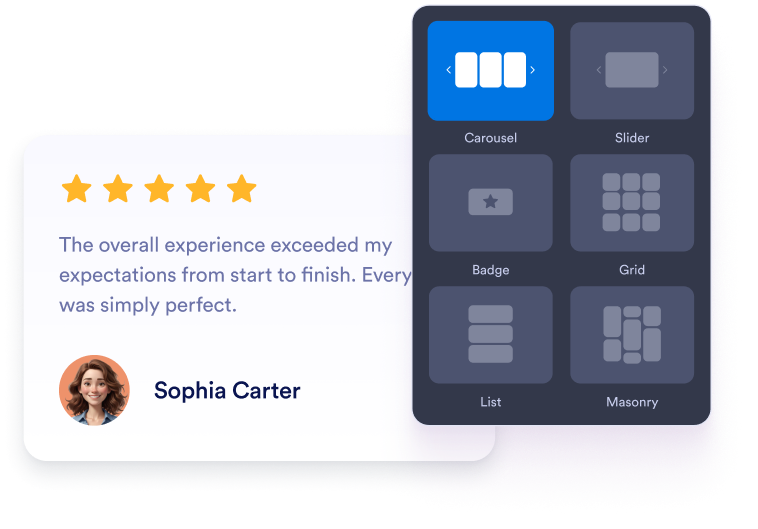
Choose your content, layout, colors, and behavior so the widget fits your website design.
Get the embed code

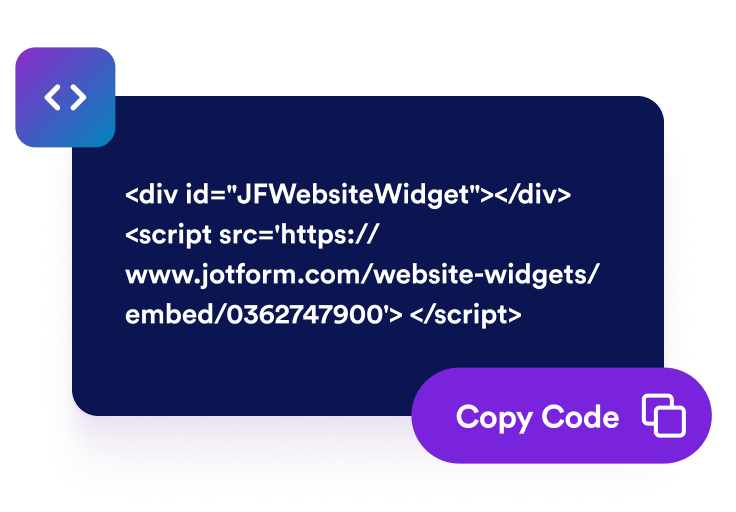
Get the embed code

Copy the ready-to-use embed code generated by Jotform. No setup or coding required.

Embed it anywhere

Embed it anywhere

Paste the code into your website and publish. Your trustpilot reviews will appear right away.

Turn customer testimonials into social proof

Show hand-picked customer testimonials

Create testimonial slides with customer quotes, star ratings, reviewer details, and photos. Each client testimonial slide helps visitors see real feedback from people who have worked with your business.

Show hand-picked customer testimonials

Choose slider and grid layouts

Use a responsive testimonial slider for compact homepage sections, a testimonial slideshow for rotating quotes, a grid for social proof blocks, or a list layout for longer customer stories.

Choose slider and grid layouts

Control testimonial card details

Choose which details appear in each customer testimonial slide, including reviewer photos, names, captions, dates, ratings, verification badges, logos, images, profile links, and read-more text.

Control testimonial card details

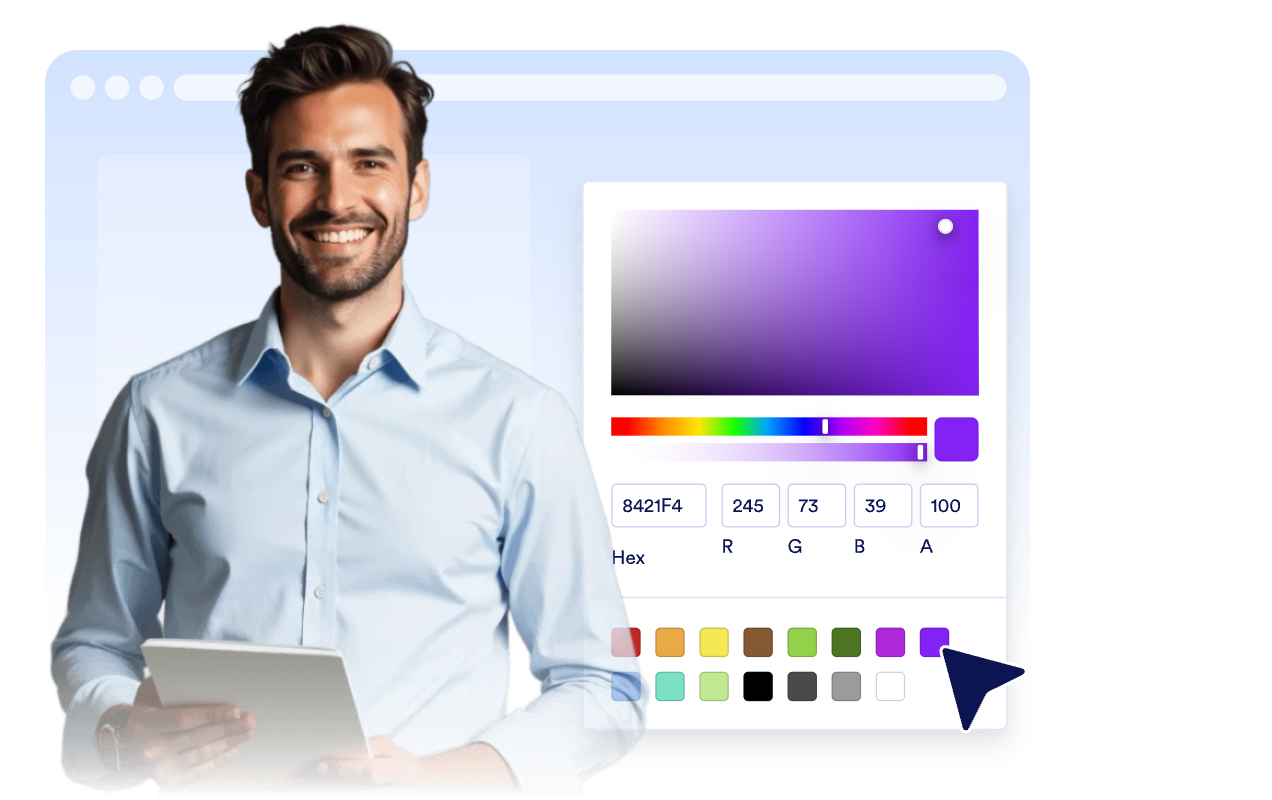
Match testimonials to your site

Customize light or dark mode, accent color, star color, card background, testimonial text color, reviewer name color, width, navigation, and branding so the testimonial widget fits your website.
Match testimonials to your site

How to embed your Testimonials into WordPress

1Get your embed code

After customizing your Jotform website widget, click Try it on your website for free, and copy the generated embed code.

2Open the page editor

Go to the WordPress post or page where you want to display the widget, then add a new block.

3Add a Custom HTML block

Select Custom HTML and paste your Jotform website widget embed code into the HTML field.

4Update and view

Click Update or Publish, then open the page to check your embedded widget.

Why Jotform Website Widgets stand out

Jotform’s widgets make your website more interactive and increase conversions. There are many tools available, from star ratings and testimonial sliders to social proof popups and media embeds. Add widgets to your forms or landing pages to collect data, display proof, and capture leads — no coding required.

Embed widgets without coding

Add Jotform widgets to your website with a simple embed code. Customize the widget, preview how it looks, and paste it into any page that supports custom HTML or embed blocks, all without a developer.

Build more interactive pages

Use Jotform Website Widgets to collect leads, show customer feedback, display social proof, embed media, or add helpful web page tools. Each widget helps visitors interact with your business directly from your website.

Get support when you need it

If you need help setting up, customizing, embedding, or troubleshooting your widget, Jotform’s customer support team is available 24-7. You can move forward with confidence, knowing that help is there when you need it.

Where to use your Testimonials Widget

Place testimonials where visitors need trust signals before they sign up, buy, book, or contact your team.

Homepage social proof sections to introduce customer confidence with a testimonial slider near the top of the page.

Product and service pages to support buying decisions with relevant customer testimonial slides.

Pricing pages to reduce hesitation near plan comparisons, checkout links, and CTA buttons.

Lead generation landing pages to add a responsive testimonial slider beside forms and signup prompts.

Case study and customer story pages to highlight longer quotes, roles, company context, and supporting images.

Footer or sidebar badges to keep compact customer proof visible across your site.

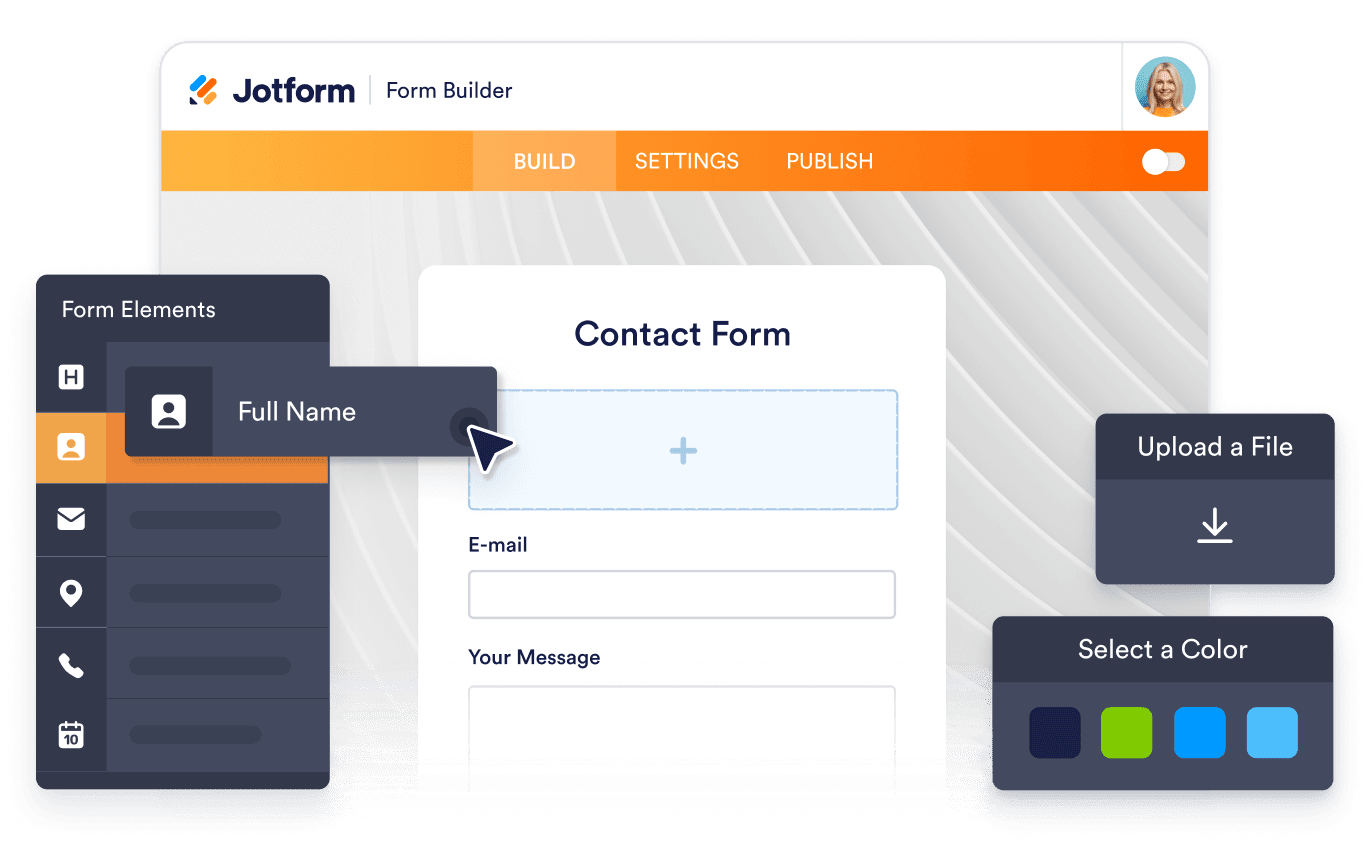
Convert leads into paying customers with the Jotform Form Builder

Turn engagement into action with Jotform. Create powerful forms that capture leads, collect payments, and automate responses, all in one place. Every submission lands in your Jotform Inbox, where you can follow up or connect with your favorite apps.

Get Started — It’s Free!
Convert leads into customers

FAQ

  • What is a Testimonials Widget?

    A Testimonials Widget displays selected customer quotes, star ratings, reviewer details, photos, logos, and optional story images in a customizable website widget.

  • Can I create a testimonial slider?

  • Can I add testimonials manually?

  • Which layouts are available?

  • Can I choose which fields appear?

  • Does the widget work on mobile?

  • Can I embed testimonials on WordPress, Shopify, Wix, Squarespace, Webflow, or WooCommerce?

  • Is the Testimonials Widget free to use?