Gratis websitewidgets
Verbeter je website eenvoudig zonder een enkele regel code te schrijven. Voeg in enkele seconden krachtige widgets toe om de betrokkenheid te vergroten, leads te verzamelen en vertrouwen op te bouwen met een eenvoudige bouwer zonder code.

Google-reviews
Voeg binnen enkele seconden een Google Reviews-widget toe aan je website. Toon feedback van klanten, bouw vertrouwen op en verhoog conversies - zonder code.
Ga naar categorie:Review-widgetsGebruik widget
Beoordelingen op Airbnb
De Airbnb Reviews Widget toont echte gastfeedback in een overzichtelijke lay-out. Met de Jotform-tool zonder code kun je automatisch synchroniseren, aanpassen en overal insluiten.
Ga naar categorie:Review-widgetsGebruik widget
Google Play-reviews
Met de Google Play Reviews-widget kun je echte gebruikersbeoordelingen en -reviews weergeven in een responsief ontwerp. Met Jotform kun je zonder code automatisch synchroniseren, aanpassen en overal insluiten.
Ga naar categorie:Review-widgetsGebruik widget
App Store-reviews
De App Store Reviews Widget toont echte iOS-gebruikersbeoordelingen in een overzichtelijke lay-out. Met de no-code tool van Jotform kun je automatisch synchroniseren, aanpassen en overal insluiten.
Ga naar categorie:Review-widgetsGebruik widget
Etsy-beoordelingen
De Etsy Reviews-widget toont echte beoordelingen van kopers in een overzichtelijke lay-out. Met de no-code tool van Jotform kun je automatisch synchroniseren, aanpassen en overal insluiten.
Ga naar categorie:Review-widgetsGebruik widget
Beoordelingen op Tripadvisor
De Tripadvisor Reviews-widget toont echte beoordelingen van reizigers in een overzichtelijke lay-out. Met de Jotform-tool zonder code kun je automatisch synchroniseren, aanpassen en overal insluiten.
Ga naar categorie:Review-widgetsGebruik widget
Yelp Reviews
De Yelp Reviews-widget toont echte klantbeoordelingen in een responsieve lay-out. Met de no-code tool van Jotform kun je automatisch synchroniseren, aanpassen en overal insluiten.
Ga naar categorie:Review-widgetsGebruik widget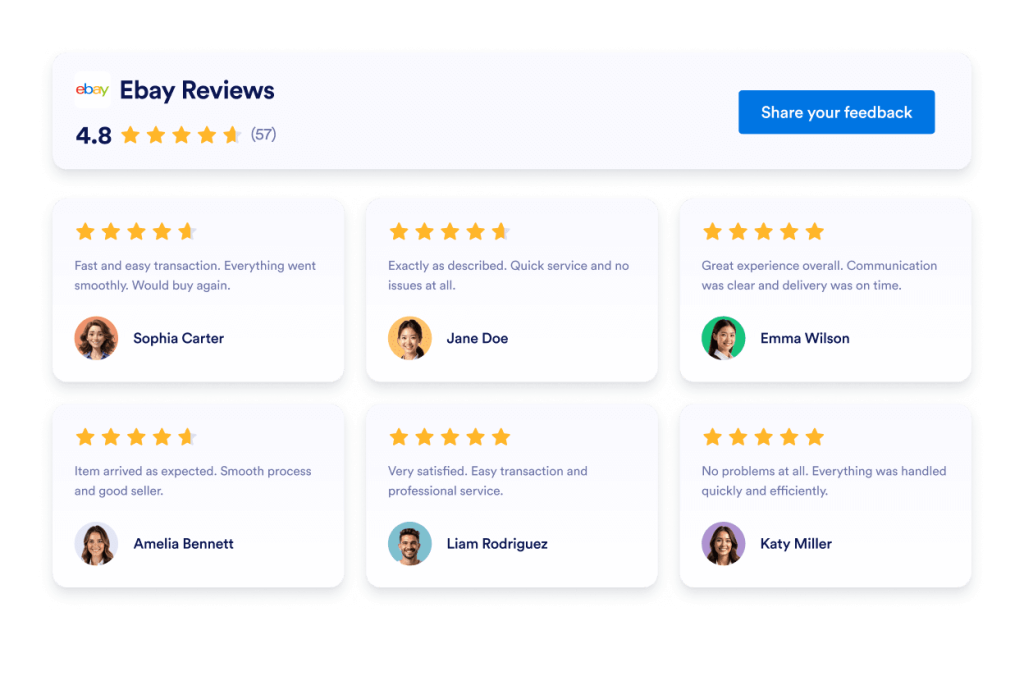
Ebay-reviews
eBay Reviews-widget om vertrouwen te vergroten. Toon live feedback van kopers, beoordelingen en automatisch bijgewerkte reviews. Stel binnen enkele seconden in met de gratis no-code insluitcode van Jotform. Begin nu.
Ga naar categorie:Review-widgetsGebruik widget
Facebook-reviews
De Facebook Reviews-widget toont echte klantbeoordelingen in een overzichtelijke lay-out. Met de Jotform-tool zonder code kun je automatisch synchroniseren, aanpassen en overal insluiten.
Ga naar categorie:Review-widgetsGebruik widget
Trustpilot Reviews
De Trustpilot Reviews Widget toont echte feedback van klanten in een overzichtelijke lay-out. Met de tool zonder code van Jotform kun je je Trustpilot-reviews automatisch synchroniseren, aanpassen en overal insluiten om vertrouwen op te bouwen en conversies te verhogen.
Ga naar categorie:Jotform WidgetsGebruik widget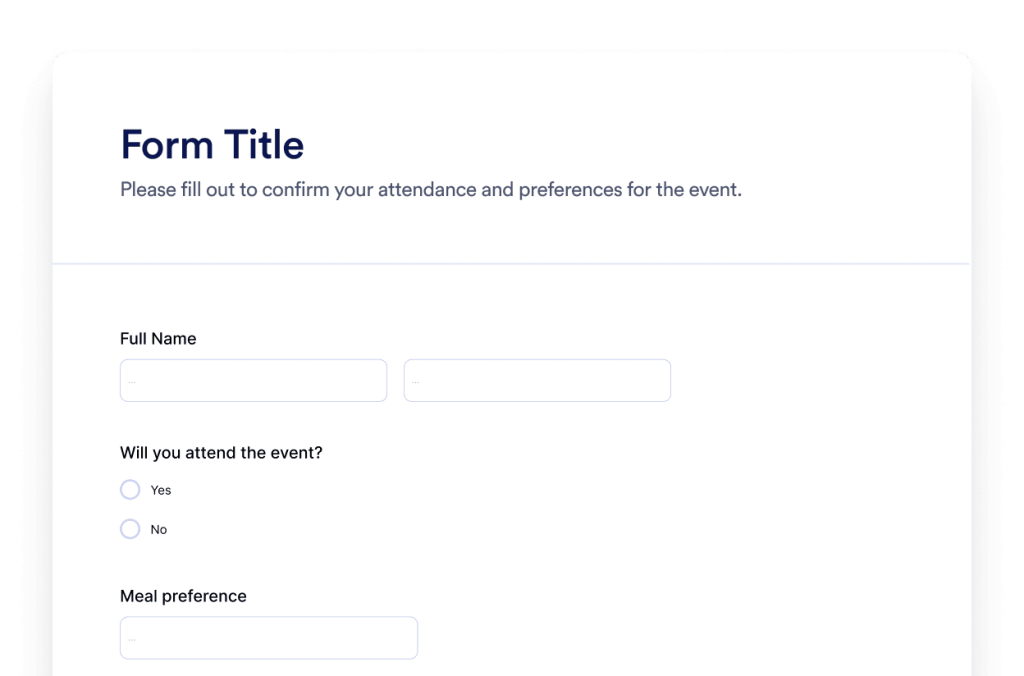
Formulier
Maak aangepaste formulieren met de Jotform AI-formuliergenerator. Geen code, geen templates en geen gedoe. Vertel gewoon aan onze AI-chatbot wat voor soort formulier je wilt maken.
Ga naar categorie:Jotform WidgetsGebruik widget
Chatbot
Bied bezoekers een interactieve ervaring met de Jotform AI-chatbot. Geef gebruikers realtime antwoorden en ondersteuning bij het invullen van formulieren die aansluit bij je merk.
Ga naar categorie:Jotform WidgetsGebruik widgetKun je de widget die je zoekt niet vinden?
Als je op zoek bent naar een widget die we nog niet hebben behandeld, kun je deze gerust aanvragen via het onderstaande formulier en ons vertellen wat je wilt bouwen of toevoegen aan je website.
Vraag een widget aanWaarom kiezen voor Jotform voor websitewidgets?
Gebouwd om met je mee te groeien
Je kunt beginnen met één widget en het simpel houden. Wanneer je er klaar voor bent, kun je meer widgets toevoegen voor nieuwe pagina's, campagnes of doelen, allemaal vanuit hetzelfde Jotform-account, zonder dat je naar een andere tool hoeft over te stappen of opnieuw hoeft te beginnen

Eenvoudig in te stellen en aan te passen
Elke widget is gebouwd met de vertrouwde editor zonder code van Jotform, waardoor het aanpassen van lay-outs en stijlen eenvoudig en intuïtief aanvoelt. Je kunt kleuren, afstanden en ontwerpdetails zelf aanpassen, zonder dat je een ontwikkelaar of technische ondersteuning nodig hebt.

Works on most websites and platforms
Embed Jotform widgets on many website platforms and custom sites using standard embed options. Keep the same widget working across different pages and environments.
Zet leads om in betalende klanten met de Jotform Formulierbouwer
Gebruik Jotform om interactie in actie om te zetten. Maak krachtige formulieren waarmee je op één plek leads kunt genereren, betalingen kunt verzamelen en reacties kunt automatiseren. Je ontvangt elk ingevuld formulier in Jotform Inbox, zodat je eenvoudig vervolgstappen kunt nemen en je favoriete apps kunt koppelen.
Ga aan de slag — Het is gratis!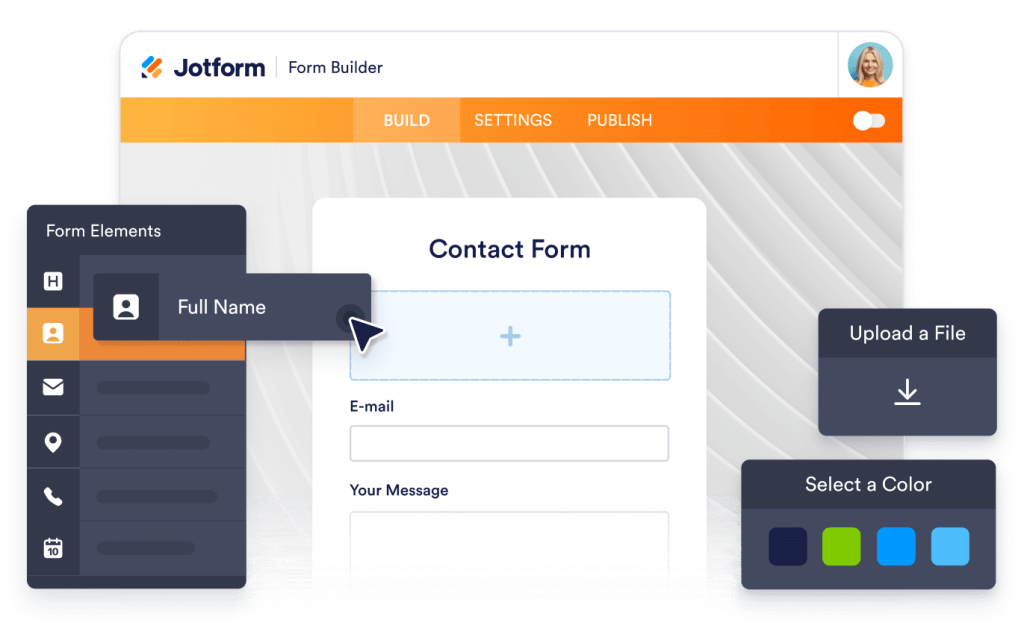
Why use widgets?
Website widgets help you improve your site without building every feature from scratch. They can support business goals like trust, lead generation, and customer support.
Build credibility with reviews and testimonials
Improve conversions with clear calls to action
Keep visitors on your site longer by reducing friction
Vertrouwd door miljoenen
Jotform wordt gebruikt door bedrijven over de hele wereld, van kleine teams tot grote organisaties.





Understanding website widgets
De onderstaande secties geven een meer gedetailleerde uitleg over hoe enquêtes werken, wanneer je ze moet gebruiken en hoe je enquêtereacties omzet in waardevolle inzichten. Deze informatie is bedoeld voor lezers die een dieper begrip willen krijgen dan alleen de basisprincipes.
What are website widgets?
A website widget is a small feature you can add to a webpage using embed code. Widgets are often used to display content or enable actions like showing reviews, collecting leads, taking payments, booking appointments, or answering questions.
How widgets fit into a website
This section explains what website widgets are, how they work within a webpage, and how they can be used effectively as your widget library grows. Website widgets are usually embedded using a short code snippet and load within a defined area of a webpage. They can be placed alongside existing content and updated without changing the page structure.
Common types of website widgets
Widgets can be placed alongside existing content and updated without changing the page structure. This makes them useful for adding features without rebuilding or redesigning a website. Website widgets come in many forms, depending on the goal they support. Common types include:
Review widgets to display customer feedback from third-party platforms
- Form widgets for contact forms, lead capture, and registrations
- Scheduling widgets for booking meetings or appointments
- Payment widgets for collecting one-time or recurring payments
- Chat and messaging widgets for customer support and inquiries
- Feedback and survey widgets to collect opinions and responses
This page currently focuses on review widgets. Additional widget types can be added over time as the widget library expands.
How website widgets affect SEO
Website widgets can support SEO when used intentionally and aligned with the page's purpose. Widgets that improve usability, engagement, and task completion can help visitors spend more time on a page and interact with content more effectively.
To avoid SEO issues:
- Place widgets on pages where they add clear value
- Use descriptive headings and supporting text around the widget
- Avoid adding too many widgets to a single page
- Ensure widgets load efficiently and do not block content
Widgets work best when they complement content rather than replace it.
Website platforms that support widgets
Most website widgets can be embedded on a wide range of platforms using standard embed code. This typically includes content management systems, website builders, and custom-built sites.
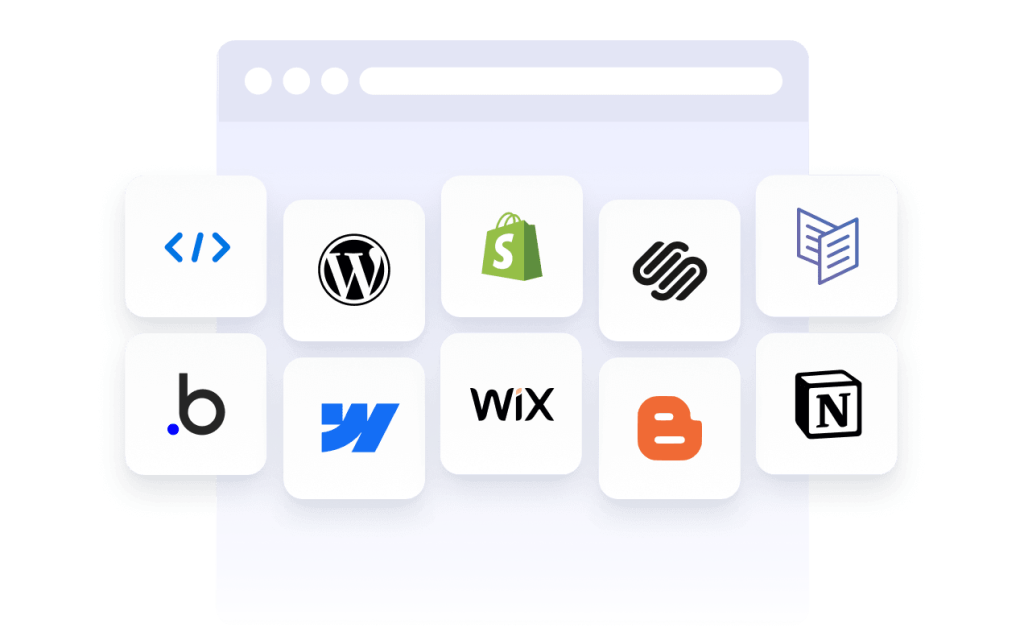
Common platforms that support embedded widgets include WordPress, Webflow, Wix, Shopify, Squarespace, and static HTML sites. The exact placement method depends on the platform, but widgets are usually added through a code block, a custom HTML section, or a page editor.
Website widgets vs plugins and extensions
Website widgets are generally platform-agnostic and can be embedded on many types of websites using code. Plugins or extensions are usually built for a specific platform and must be installed and maintained within that system.
Widgets offer more flexibility when you manage multiple sites or use different platforms, since the same widget can often be reused across environments.
Choosing widgets based on your goal
Choosing the right widget depends on what you want visitors to do on your site. If your goal is to build trust, review widgets can highlight customer feedback. If you want to collect information, form widgets may be more appropriate. For bookings or transactions, scheduling or payment widgets are a better fit.
Start with the widget that supports your primary goal, then expand as your site grows and needs change.
Managing and updating embedded widgets
Most website widgets can be updated after they are embedded. Changes to design, content, or settings are usually reflected automatically on any page where the widget is used, without requiring changes to the website code.
This makes widgets useful for campaigns, seasonal updates, and ongoing optimization.