Social Media Feed Widget für Ihre Website
Fügen Sie einen social media Feed zu Ihrer Website hinzu und halten Sie Besucher mit Ihren neuesten Beiträgen, Videos, Blog-Updates und RSS-Inhalten verbunden. Mit dem Social Media Feed Widget wählen Sie Feed-Quellen, passen Layouts an, steuern Beitragsdetails und betten alles ohne Programmieren auf Ihrer Website ein.
Jetzt erstellen – kostenlos!

So erstellen Sie das Widget Social-Media-Feed
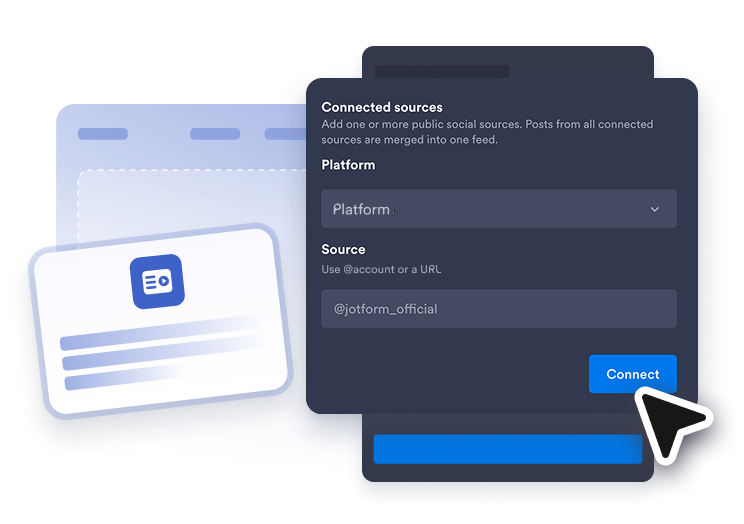
Eine Feed-Quelle verbinden
Wählen Sie die Art des Inhalts, den Sie anzeigen möchten, und fügen Sie dann ein öffentliches Konto, einen Kanal, eine Playlist, einen Blog, ein Board, ein Video oder eine RSS-Feed-URL hinzu.
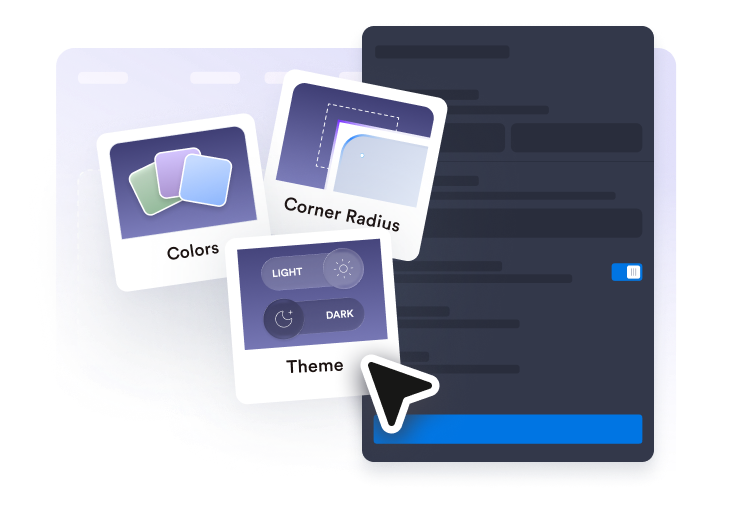
Feed anpassen
Wählen Sie ein Layout, passen Sie Beitragskarten an, schalten Sie Quellen-Tabs ein oder aus, legen Sie das Popup-Verhalten fest und passen Sie das Design an Ihre Website an.
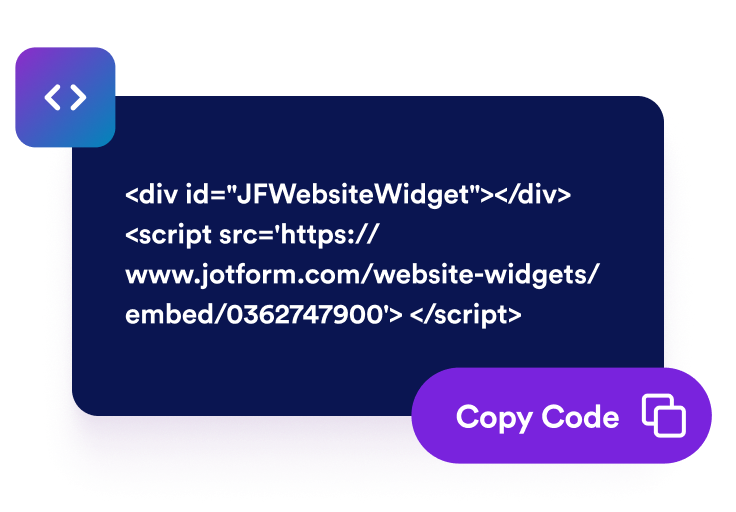
Einbettungscode kopieren
Kopieren Sie den generierten Einbettungscode und fügen Sie ihn in das HTML oder den Einbettungsblock Ihrer Website ein, um Ihr Social Media Feed Widget zu veröffentlichen.
Zeigen Sie Social Updates in einem Feed an
Wählen Sie Ihre Feed-Quellen
Erstellen Sie ein social media Feed Widget, das ausgewählte Beiträge, Videos, Blog-Updates und RSS-Inhalte in einem Bereich zusammenführt. Sie können ein umfassenderes Social Media Feed Widget erstellen oder quellenspezifische Feeds mit dem Facebook Feed Widget, Instagram Feed Widget, Twitter Feed Widget, Tumblr Feed Widget oder RSS Feed Widget erstellen.

Beiträge in Ihr Layout einpassen
Zeigen Sie Ihren Feed in einem Format an, das zu Ihrer Seite passt. Wählen Sie Grid-, Masonry-, Listen-, Karussell- oder Slider-Layouts und passen Sie dann Abstände, Spalten, Zeilen, Quellen-Tabs, Sortierung und Elementlimits für einfacheres Durchsuchen an.

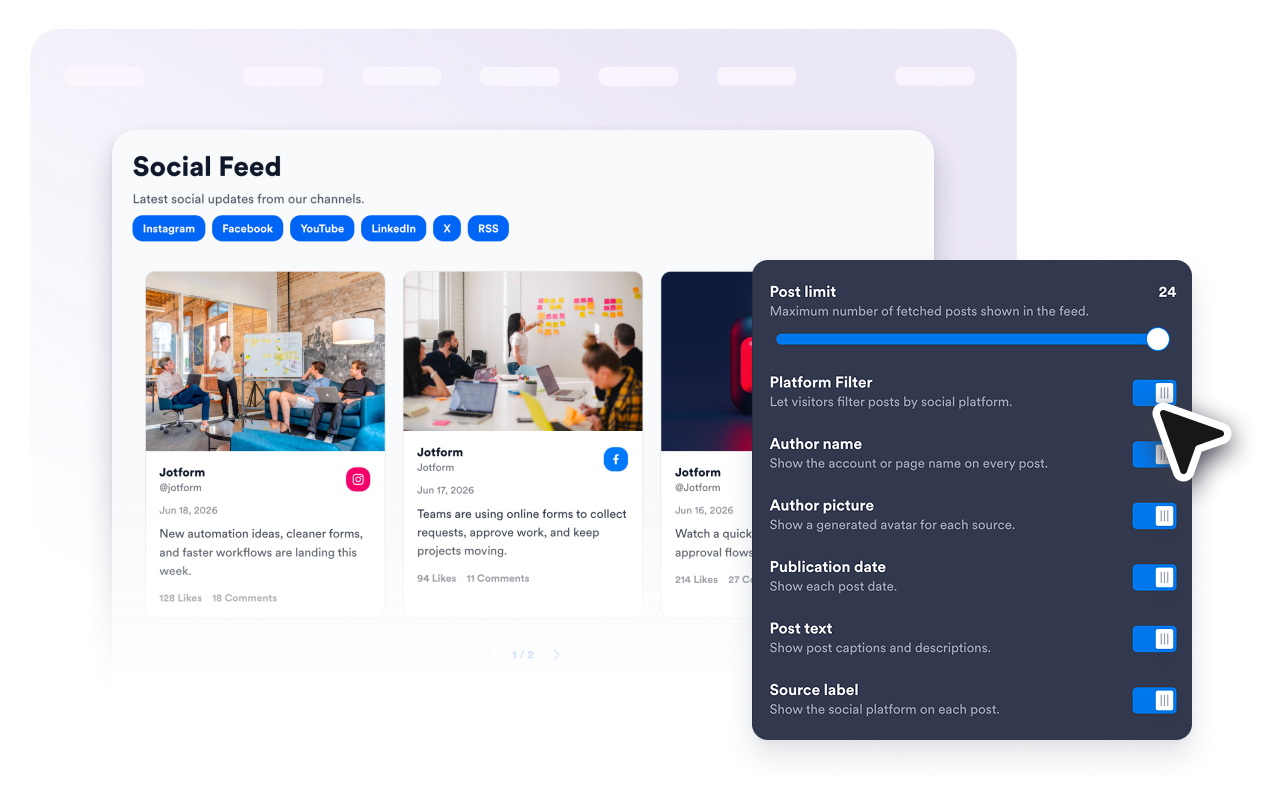
Show the right post details
Steuern Sie, was Besucher auf jeder Feed-Karte sehen. Zeigen oder verbergen Sie Autorennamen, Avatare, Daten, Bildunterschriften, Plattform-Badges, Aktionszahlen, externe Links und Popup-Details, damit jede Beitragsvorschau klar und nützlich wirkt.
Im Stil Ihrer Website
Lassen Sie Ihren Social Feed auf Website-Seiten wie einen Teil Ihres Designs wirken. Verwenden Sie helle oder dunkle Designs, passen Sie Karten- und Popup-Farben an, ändern Sie Pfeile und Seitennummerierung und fügen Sie benutzerdefiniertes CSS hinzu, wenn Sie mehr Kontrolle über das Styling benötigen.

Warum sich Jotform Website Widgets auszeichnen
Mit den Widgets von Jotform wird Ihre Website interaktiver und Sie steigern Ihre Conversion-Rate. Zur Auswahl stehen zahlreiche Tools wie Sternebewertungen, Slideshows mit Erfahrungsberichten, Pop-ups mit Social Proof und eingebettete Medien. Fügen Sie Widgets zu Ihren Formularen oder Landingpages hinzu, um Daten zu sammeln, Erfahrungsberichte anzuzeigen und Leads zu gewinnen – ganz ohne Programmierkenntnisse.
Fügen Sie Jotform-Widgets mithilfe eines Einbettungscodes in Ihre Website ein. Passen Sie das Widget an, sehen Sie sich die Vorschau an und fügen Sie den Code in jede Seite ein, die benutzerdefiniertes HTML oder Einbettungsblöcke unterstützt – ganz ohne Entwicklerinnen oder Entwickler.
Mit Jotform Website Widgets sammeln Sie Leads, zeigen Kundenfeedback, präsentieren Social Proof, binden Medien ein oder fügen nützliche Webseiten-Tools hinzu. Über jedes Widget können Besucher direkt auf Ihrer Website mit Ihrem Unternehmen interagieren.
Wenn Sie Unterstützung bei der Einrichtung, Anpassung, Einbettung oder Fehlerbehebung Ihres Widgets benötigen, steht Ihnen das Kundensupport-Team von Jotform rund um die Uhr zur Verfügung. So können Sie beruhigt weiterarbeiten, denn Sie wissen: Hilfe ist da, wenn Sie sie brauchen.
Wo Sie Ihr Social Media Feed Widget verwenden können
Fügen Sie ein Social Media Feed Widget überall dort ein, wo Social Updates, RSS-Inhalte oder Kampagnen-Beiträge Ihre Website aktiver und aktueller wirken lassen.
Marken-Homepages, um aktuelle Posts, Ankündigungen, Videos und Kampagnen-Updates hervorzuheben.
Event-Seiten, um Live-Updates, Rückblick-Posts, kurze Videos und Community-Inhalte zu teilen.
Portfolio-Seiten, um Creator-Updates, Projektstarts, Social Proof und Behind-the-Scenes-Posts zu zeigen.
Blog- und Ressourcen-Hubs, um verwandte Social Media Updates aus einem Social Media Feed Widget oder frische Artikel-Updates aus einem RSS Feed Widget zu kombinieren.
Produkt- und Launch-Seiten, um Ankündigungen, Demos, Tutorials und Reaktionen in der Nähe wichtiger CTAs zu präsentieren.
Community-Seiten, um Besucher mit Updates aus mehreren Feed-Quellen verbunden zu halten.
Gewinnen Sie Leads als zahlende Kunden mit dem Jotform Formulargenerator
Machen Sie mit Jotform aus Interesse Taten. Erstellen Sie leistungsstarke Formulare, die Leads gewinnen, Zahlungen entgegennehmen und Antworten automatisieren – alles an einem Ort. Jede Antwort landet in Ihrem Jotform Posteingang, wo Sie nachfassen oder sie mit Ihren Lieblings-Apps verbinden können.
Jetzt starten – Kostenlos!
FAQ
Was ist ein Social Media Feed Widget?
Ein Social Media Feed Widget ist ein einbettbares Website-Widget, das ausgewählte Social Posts, Videos, Blog-Updates oder RSS-Feed-Inhalte in einem responsiven Feed anzeigt. Es hilft Besuchern, Ihre neuesten Updates zu durchsuchen, ohne Ihre Website sofort zu verlassen.
Kann ich einen social media Feed auf meiner Website einbetten?
Kann ich plattformspezifische Feed-Widgets erstellen?
Kann ich auch Kundenfeedback anzeigen?
Welche Feed-Quellen kann ich verwenden?
Kann ich einen RSS-Feed hinzufügen?
Kann ich mehrere Feed-Typen anzeigen?
Kann ich das Layout anpassen?
Können Besucher Beiträge in einem Popup öffnen?
Kann ich das Widget an das Design meiner Website anpassen?
Funktioniert das Social Media Feed Widget auf Mobilgeräten?
Muss ich Code schreiben?
Welche Website-Plattformen unterstützen das Social Media Feed Widget?
Kann ich Hilfe beim Einrichten meines Social Media Feed Widgets erhalten?