HTML ボタンウィジェット(Webサイト向け )
訪問者を次の適切なステップへ誘導する、ノーコードのCTAボタンを作成できます。ページへの移動、電話の発信、メールの作成、チャットの開始、ページ内セクションへのスクロールなどを目的に合わせて設定できます。デザインも自由にカスタマイズでき、Webサイトの好きな場所にHTML ボタン埋め込めます。
今すぐ無料で作成!

HTML ボタンウィジェットの作成方法
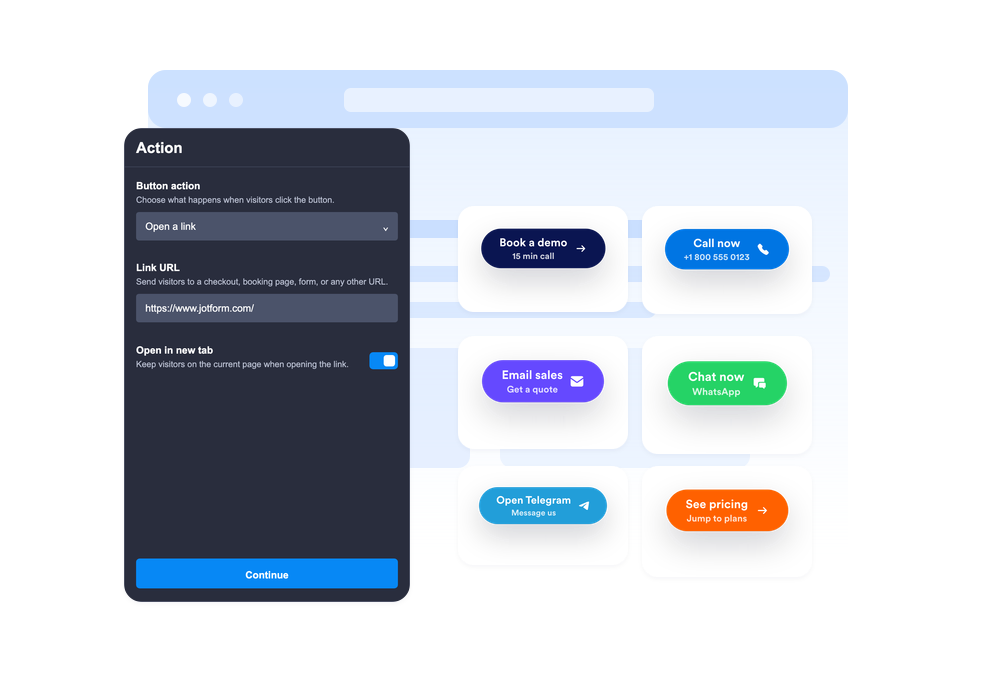
ボタンのアクションを選択する
ボタンをクリックしたときに、リンクを開く、電話をかける、メールを作成する、WhatsAppやTelegramを開く、ページ内の特定のセクションへスクロールするのいずれにするかを選択します。
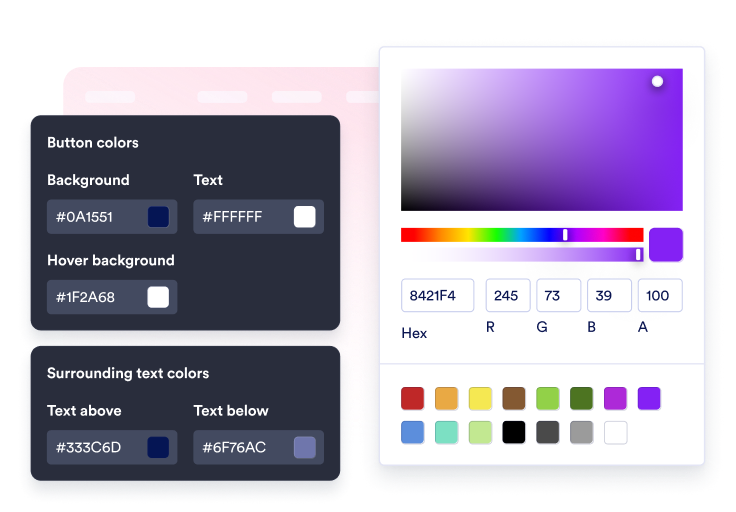
コンテンツとデザインをカスタマイズ
ラベル、任意の2行目、周囲のテキスト、アイコン、色、サイズ、角の丸み、影、配置を編集できます。

サイトに埋め込む
実際の表示でCTAボタンをプレビューし、生成された埋め込みコードをコピーして、カスタムコードなしでボタンをWebサイトに公開できます。
ワンクリックで訪問者を次のアクションへ誘導
ボタンを複数のアクションに設定
1つのウィジェットで、販売リンク、登録フォーム、サポートメール、電話、WhatsAppチャット、Telegramチャット、SNSプロフィールへのリンク、ページ内の特定セクションへのスムーズなスクロールに対応できます。
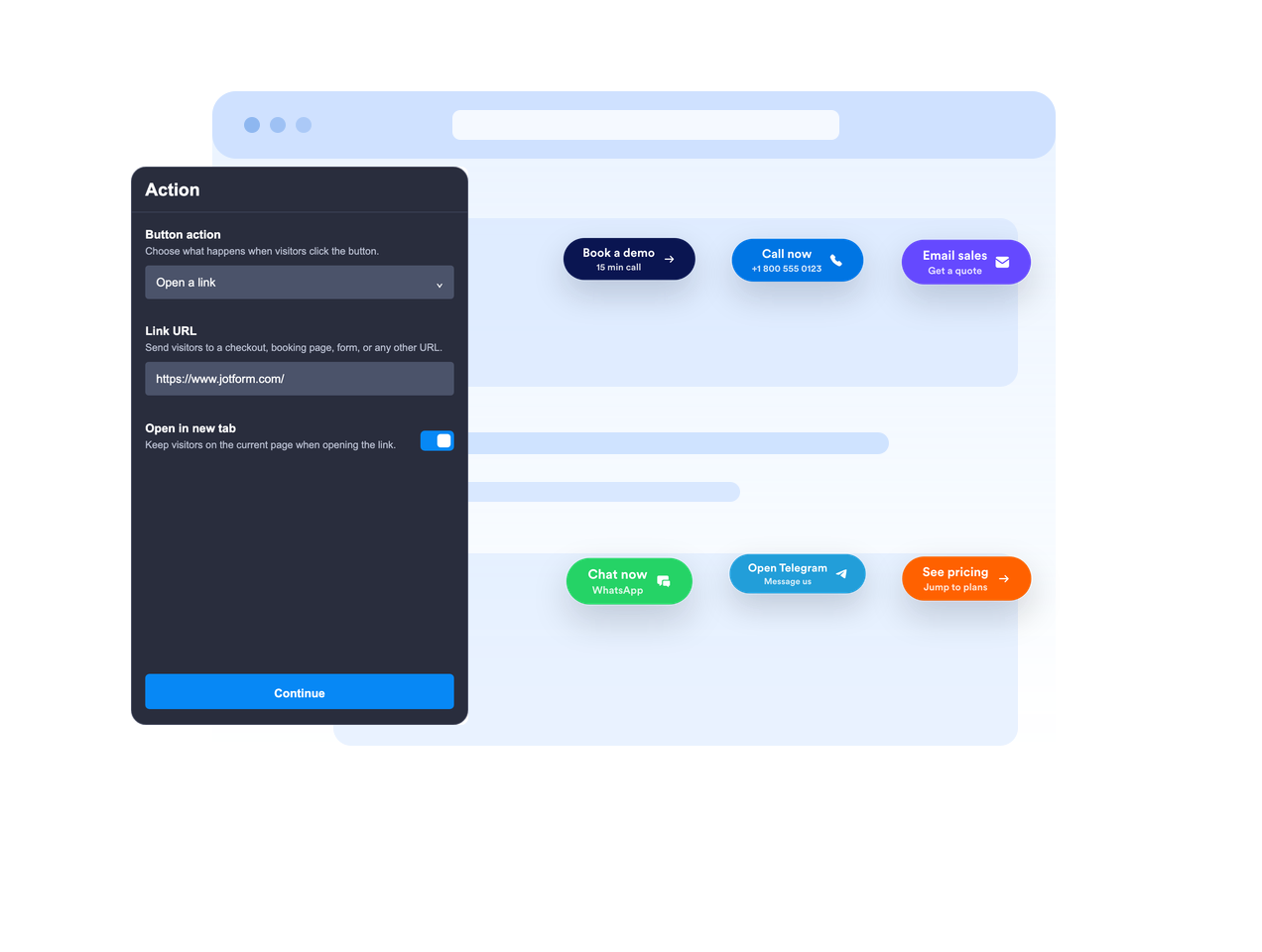
ページ内に配置するか、固定表示
ボタンをページのコンテンツ内に埋め込むか、画面上のの決まった位置に固定表示するかを選べます。固定表示にすると、訪問者がスクロールしても CTA が常に表示されるようにできます。

CTA のメッセージを明確に
メインのラベル、任意の2行目、上部のテキスト、下部のテキストを使って、訪問者がクリックする前に十分なコンテキストを提供しましょう。
Webサイトのデザインに合わせる
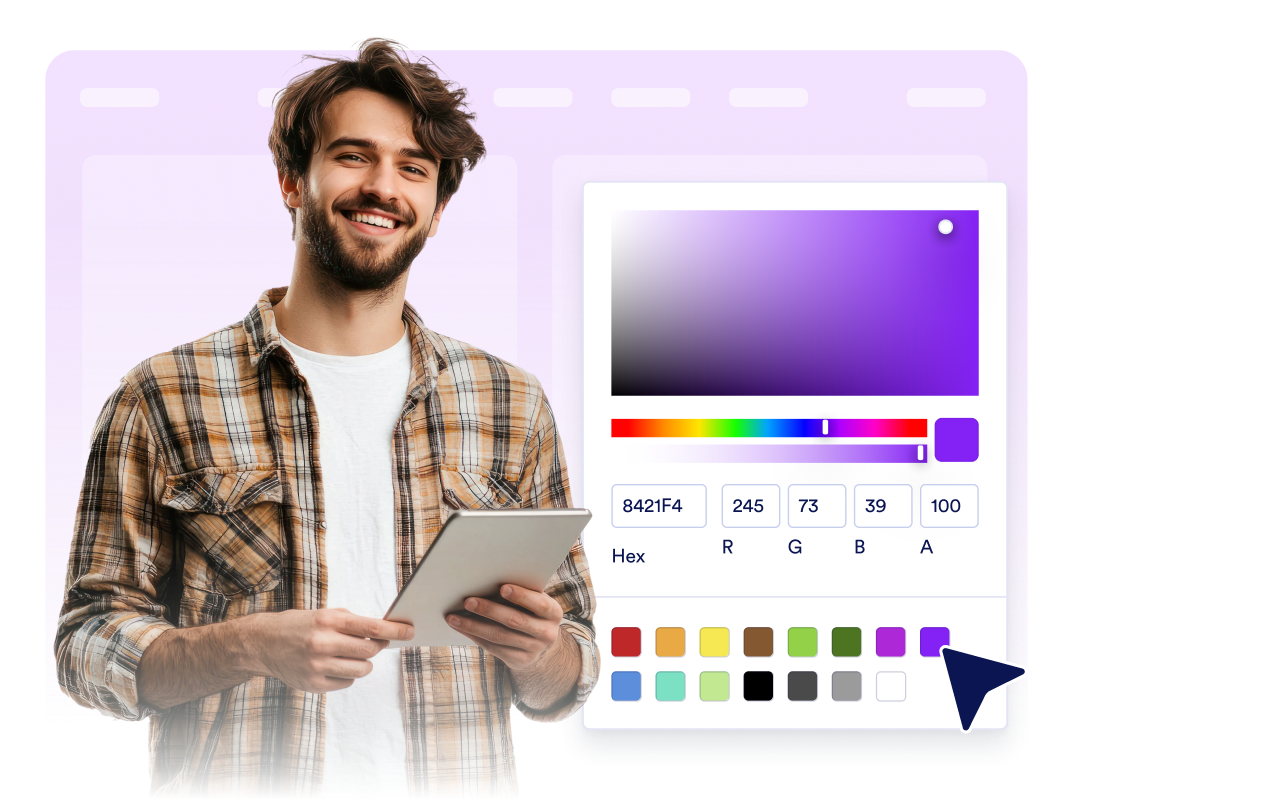
アイコンの配置、ボタンの高さ、余白、フォントサイズ、色、ホバー時の色、角の丸、影、デバイスごとの表示、ブランディング、対象を絞ったカスタムCSSを調整できます。
Jotform ホームページウィジェットが選ばれる理由
Jotformのウィジェットは、ウェブサイトをよりインタラクティブにし、コンバージョンを高めます。星評価やお客様の声を表示するスライダー、ソーシャルプルーフのポップアップ、メディア埋め込みまで、多彩なツールが利用可能です。フォームやランディングページにウィジェットを追加して、データ収集、実績や信頼性のアピール、見込み顧客の獲得を実現できます。コーディングは不要です。
シンプルな埋め込みコードで、Jotformウィジェットをウェブサイトに追加できます。ウィジェットをカスタマイズし、見た目をプレビューして、カスタムHTMLや埋め込みブロックに対応したあらゆるページに貼り付けるだけ。開発者は一切不要です。
Jotform ホームページウィジェットを使って、見込み顧客の獲得、お客様のフィードバックの表示、ソーシャルプルーフの活用、メディアの埋め込み、便利なウェブページツールの追加ができます。各ウィジェットは、訪問者がウェブサイトから直接あなたのビジネスとやり取りできるようサポートします。
ウィジェットの設定、カスタマイズ、埋め込み、トラブルシューティングでサポートが必要な場合、Jotformのカスタマーサポートチームが24時間年中無休で対応します。必要なときにいつでもサポートを受けられるので、安心してご利用いただけます。
HTML ボタンウィジェットの活用シーン
訪問者が次に取るべき行動を明確に示したい場所ならどこにでもボタンウィジェットを追加できます。特に、メインの操作を見つけやすくしておきたいページに最適です。
ランディングページで、訪問者を登録フォーム、料金ページ、決済、予約、デモ申し込みへ誘導できます。
商品ページで、カートに追加、今すぐ購入、営業への問い合わせ、見積もり依頼などの操作を目立たせられます。
サポートページで、1つのCTAからメール、電話、WhatsApp、Telegramでの問い合わせを開始できるようにします。
ブログ記事や長編ガイドで、読者をフォーム、ダウンロード、特典、関連セクションへ誘導できます。
SNSキャンペーンページで、訪問者をInstagram、Facebook、TikTok、X、Pinterestなどのプロフィールリンクへ誘導できます。
モバイルページでは、コンパクトなフローティングCTA設置して、電話、チャット、購入などのアクションをすばやく行えるようにします。
Jotformのフォーム作成ツールで見込み顧客を顧客へと導く
Jotformで訪問者の関心を具体的なアクションにつなげましょう。見込み顧客の獲得、決済の受付、返信の自動化ができる高機能なフォームを、すべて一か所で作成できます。送信された回答はすべてJotformインボックスに届くため、フォローアップやお気に入りのアプリとの連携も簡単です。
無料で今すぐ始める
よくある質問 (FAQ)
HTML ボタンウィジェットとは?
ボタンウィジェットは、ウェブサイトに埋め込めるカスタマイズ可能なCTAボタンです。リンクを開いたり、電話、メール、チャットを開始したり、ページ内の特定のセクションへ移動したりできます。
ボタンはどのようなアクションを設定できますか?
ボタンを画面上に固定表示できますか?
ボタンのテキストはカスタマイズできますか?
アイコンは使用できますか?
デザインを自分のWebサイトに合わせられますか?
HTML ボタンウィジェットはスマートフォンでも使えますか?
コードを書く必要はありますか?