
Next Level Game Night QR Code
We couldn't create your widget. Please try again.

We couldn't create your widget. Please try again.

We couldn't create your widget. Please try again.

We couldn't create your widget. Please try again.

We couldn't create your widget. Please try again.
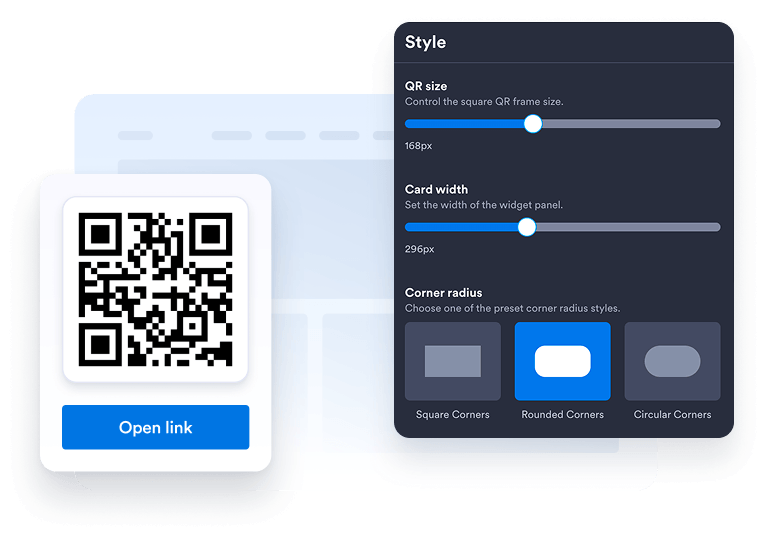
Choose your preferred layout, colors, CTA, and overall appearance to match your website's design.
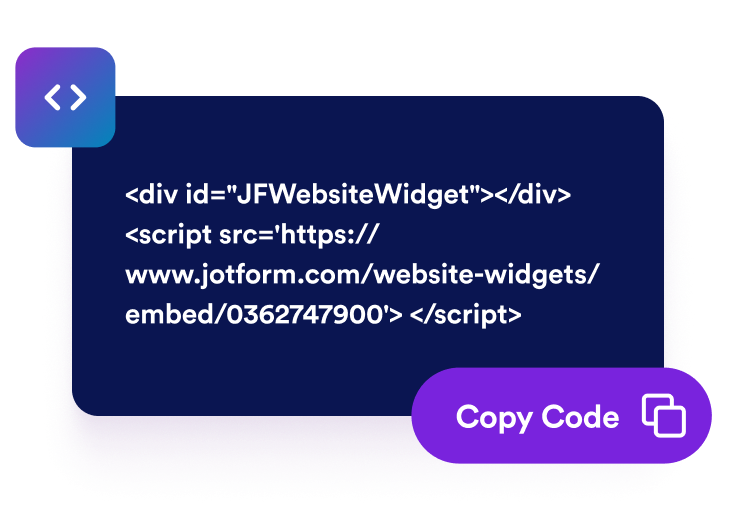
Копирај аутоматски генерисани код за уградњу и налепи га било где на свом веб сајту.
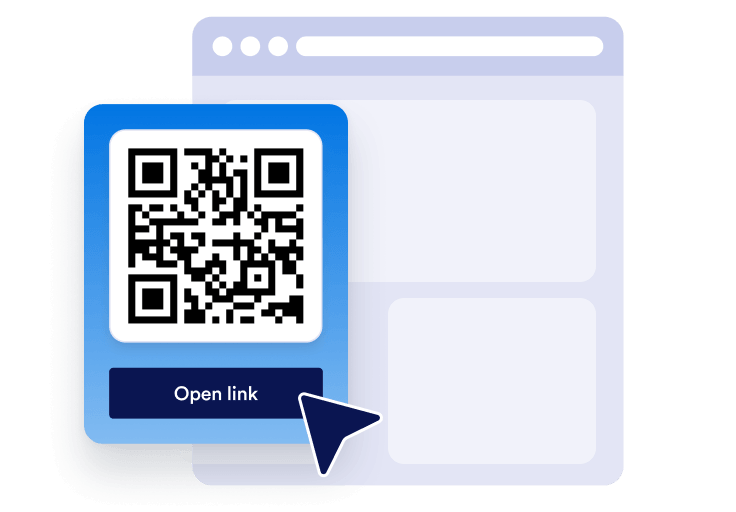
Publish your QR Code across your site in seconds. No technical setup needed.
A clear QR Code helps visitors move from your website to forms, menus, files, or offers with less friction.
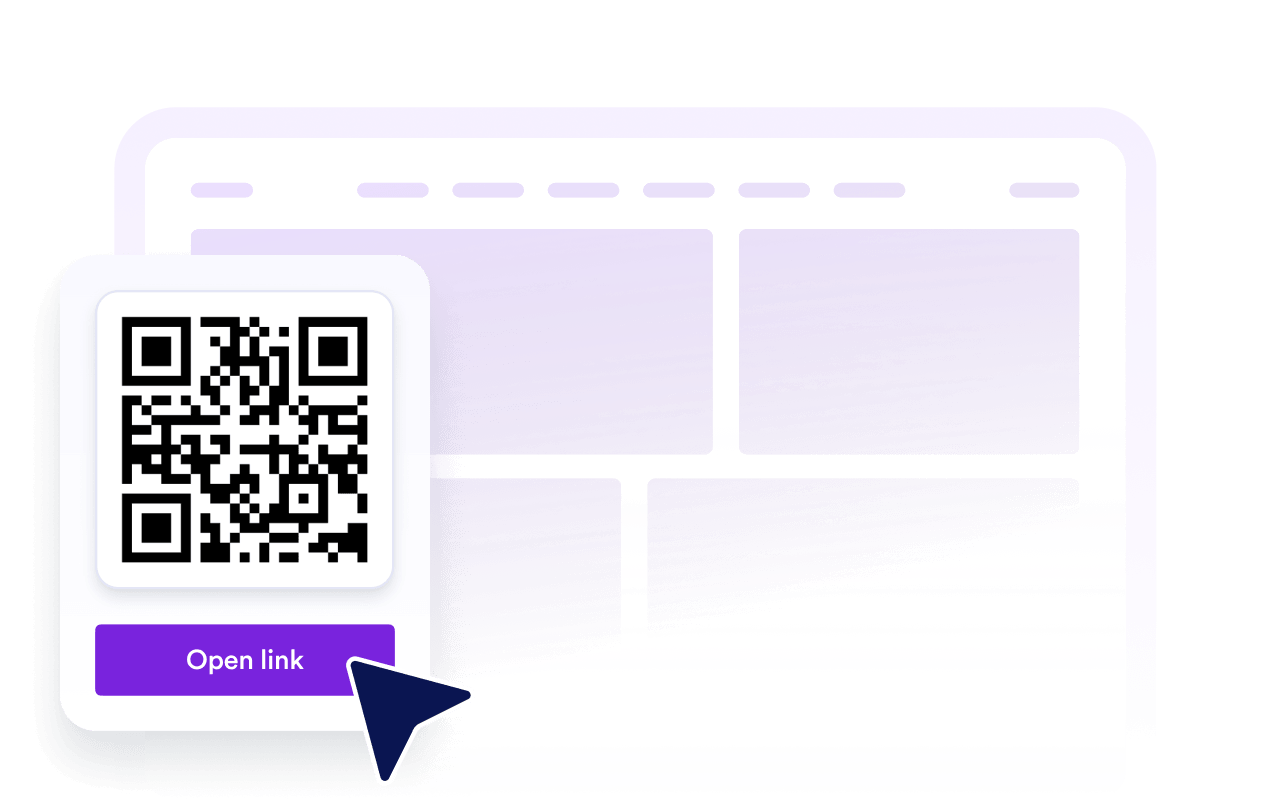
Helpful on-page tools can improve engagement, support brand trust, and make your content easier to use.

Send visitors to signup forms, payment pages, booking forms, downloads, or promotions right when they are interested.

Update the QR Code destination in Jotform when your campaign, form, or offer changes without rebuilding your page.
Jotform’s widgets make your website more interactive and increase conversions. There are many tools available, from star ratings and testimonial sliders to social proof popups and media embeds. Add widgets to your forms or landing pages to collect data, display proof, and capture leads — no coding required.
Add Jotform widgets to your website with a simple embed code. Customize the widget, preview how it looks, and paste it into any page that supports custom HTML or embed blocks, all without a developer.
Use Jotform Website Widgets to collect leads, show customer feedback, display social proof, embed media, or add helpful web page tools. Each widget helps visitors interact with your business directly from your website.
If you need help setting up, customizing, embedding, or troubleshooting your widget, Jotform’s customer support team is available 24-7. You can move forward with confidence, knowing that help is there when you need it.
A QR Code is useful anywhere visitors need a faster way to take action from any device. Add it to high-intent pages so people can scan, save, register, pay, download, or contact you without extra steps.
Homepage send visitors to your main form, offer, app, or contact page.
Product pages link shoppers to guides, demos, manuals, or payment forms.
Restaurant pages let guests scan menus, order forms, or reservation pages.
Event pages guide attendees to registration, tickets, maps, or check-in forms.
Landing pages connect campaigns to signups, coupons, downloads, or lead forms.
Contact pages help visitors save details, request quotes, or book appointments.
Turn engagement into action with Jotform. Create powerful forms that capture leads, collect payments, and automate responses, all in one place. Every submission lands in your Jotform Inbox, where you can follow up or connect with your favorite apps.
Започни — Бесплатно је!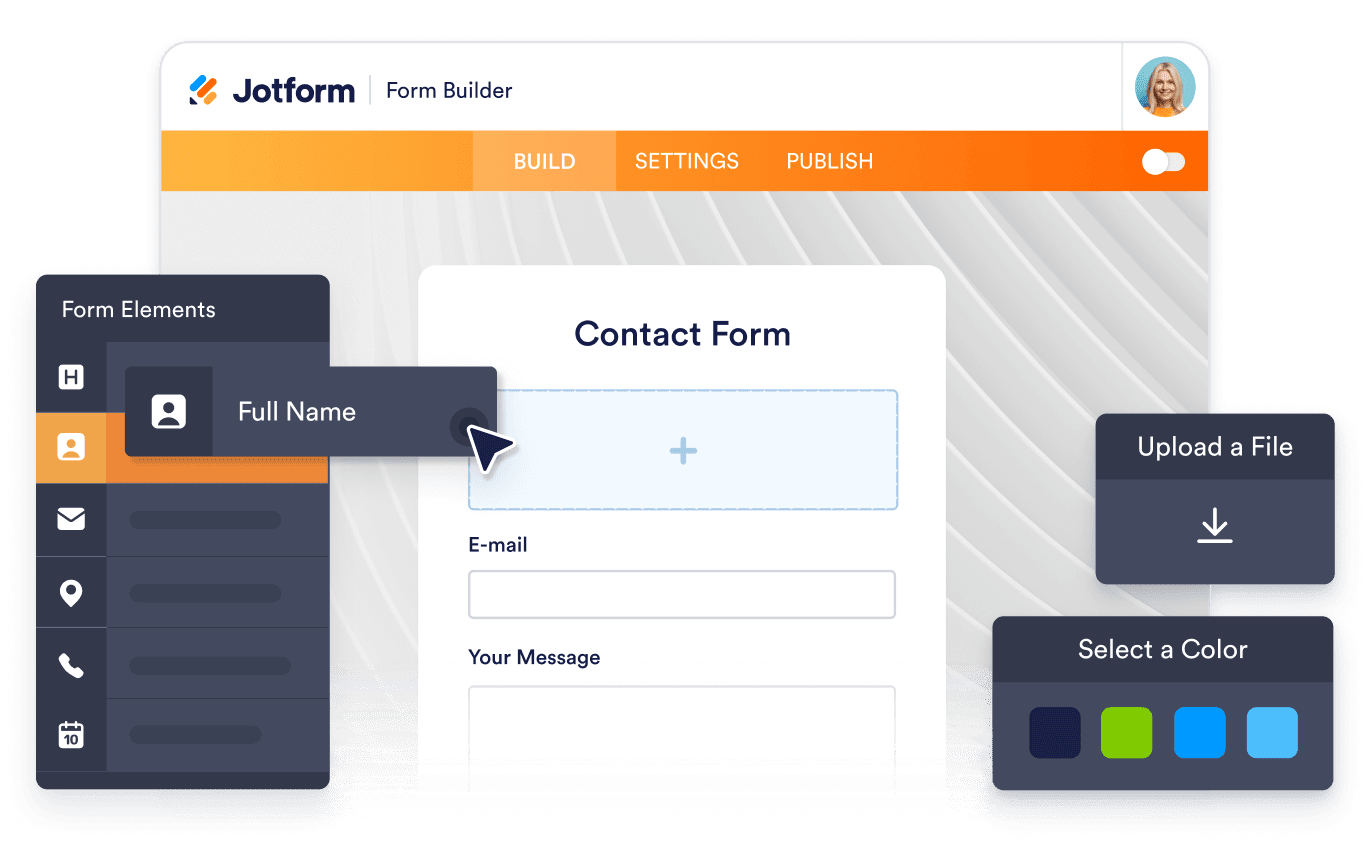
Create your QR Code widget in Jotform, choose the destination you want visitors to open, and copy the embed code. Paste it into your website, landing page, or blog post to make it available right away.