Free Google Play Reviews Carousel Widget

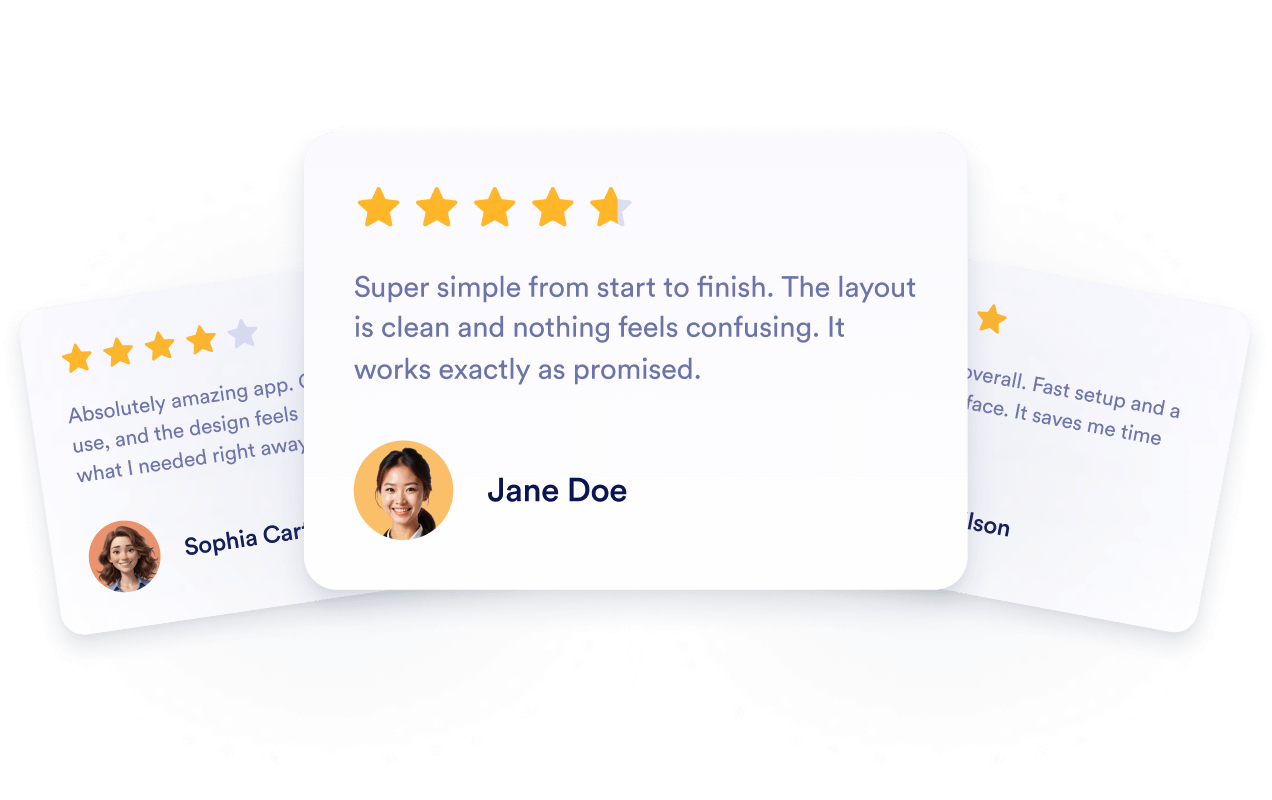
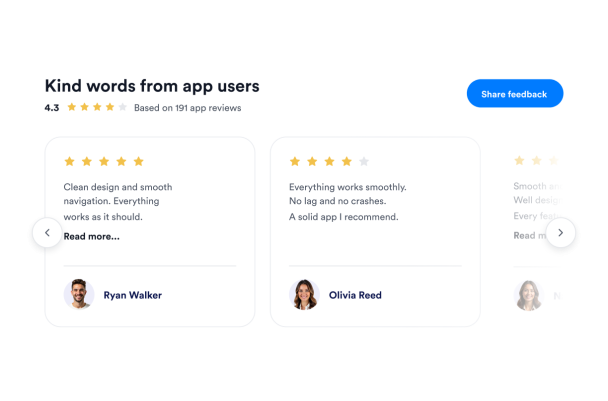
Present editable app feedback in a light review carousel. The sample layout includes star ratings, reviewer portraits, a review-count summary, and previous and next controls. Visitors can browse the reviews and read longer comments.
Free Google Play Reviews Carousel Widget

More Google Play рецензије Styles

Dark Google Play App Love Badge389 Used

Dark Google Play App Love Badge

Present app feedback in a compact dark badge with heart ratings, a review count, and reviewer portraits. Select the badge to open a scrollable sidebar with complete sample app reviews. Customize the sample content and appearance in the builder before embedding it on your website. The preview contains demo reviews and a sample rating of 4.3 from 191 reviews. Add your Google Play app URL to enable Share app feedback; no live app listing is connected in this demo.

Google Play Reviews Section with Call to Action932 Used

Google Play Reviews Section with Call to Action

Present editable app feedback in a split section with a clear heading and a vertically scrolling review panel. The sample reviews include reviewer portraits, star ratings, names, and comments. The layout stacks for smaller screens. Customize the sample content and appearance in the builder before embedding it on your website. The review examples are demo content, not verified app-user feedback. Add your Google Play app URL to enable Share feedback; no live app listing is connected in this demo.

Modern Google Play Reviews Card Carousel409 Used

Modern Google Play Reviews Card Carousel

Present editable app feedback in a light carousel with rounded review cards, reviewer portraits, star ratings, and a rating summary. Visitors can browse with the previous and next arrows and open longer reviews for more detail. Customize the sample reviews and appearance in the builder before embedding it on your website. The review examples and aggregate rating are demo content, not verified app-user feedback. Add your Google Play app URL to enable the feedback call to action.

Google Play Reviews Photo Hero485 Used

Google Play Reviews Photo Hero

Introduce app feedback with a photo-led hero, an app-focused headline, and a rating summary. This sample layout pairs an illustrative retail photo with reviewer portraits and a scrolling text strip. The review cards and Load more control are hidden in this hero design. Customize the editable sample content, image, and appearance in the builder before embedding it on your website. The demo uses sample reviews and a sample aggregate rating; no live Google Play app listing is connected.

Како направити виџет Google Play рецензије

Customize your widget

Прилагоди свој виџет

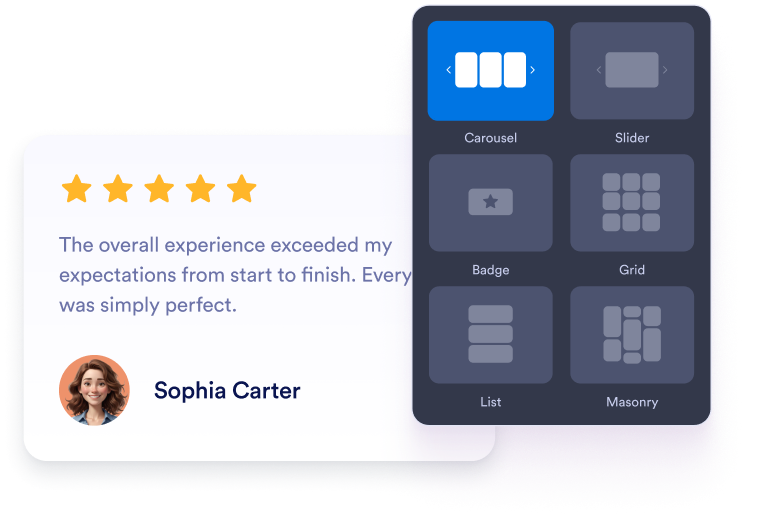
Choose a carousel, slider, badge, grid, or list layout. Adjust the colors, typography, spacing, and width to match your app website.

Get the embed code

Преузми код за уградњу

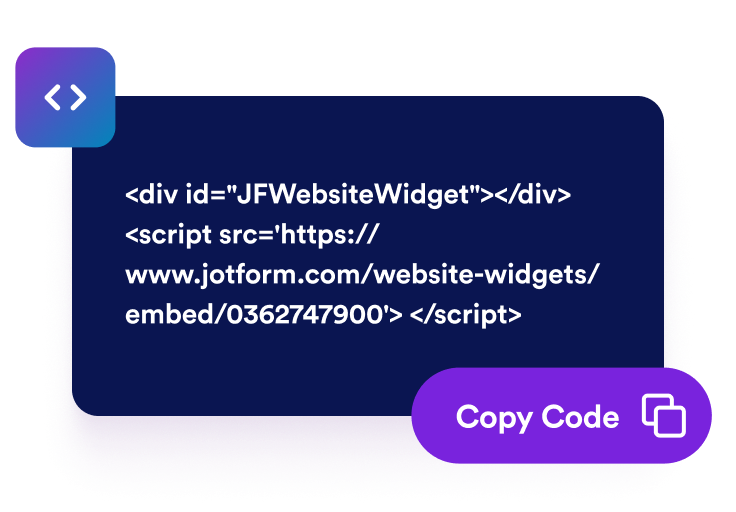
Preview your Google Play reviews and continue to the publishing step. Jotform automatically generates the embed code, so you do not need to create or edit it manually.

Embed it anywhere

Угради га било где

Paste the generated code into a custom HTML or embed block. Publish the page and check how the reviews appear across desktop and mobile screens.

Turn Google Play reviews into confident app decisions

Build trust with real app reviews

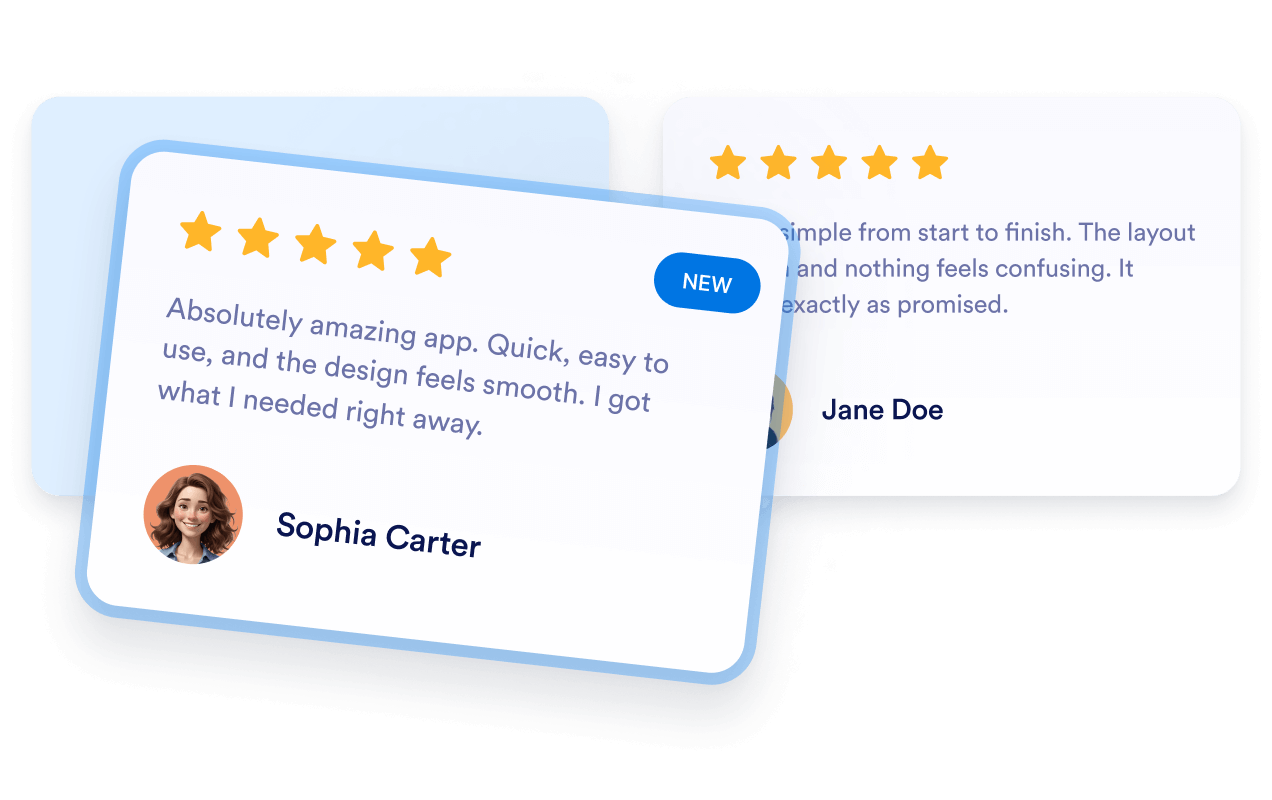
Display ratings and comments from Google Play users alongside your app description. Firsthand feedback gives prospective users valuable context about the app’s features, usability, reliability, and overall experience before they consider installing it.

Build trust with real app reviews

Keep review content current automatically

Connect the widget to your public Google Play listing so newly available ratings and reviews can appear automatically. You can keep showing recent user feedback without manually rebuilding the section or replacing its embed code.

Keep review content current automatically

Support app visibility with reviews

Add relevant Google Play feedback to app landing pages where visitors research your product. Reviews provide useful context for prospective users, although embedding them does not guarantee indexing or higher search rankings.

Support app visibility with reviews

Encourage visitors to take action

Place positive user feedback near download buttons, feature descriptions, demos, or signup options. Relevant reviews can address common concerns and help visitors decide whether to install the app or explore it further.

Encourage visitors to take action

How to embed your Google Play рецензије into WordPress

1Get your embed code

After customizing your Jotform website widget, click Try it on your website for free, and copy the generated embed code.

2Open the page editor

Go to the WordPress post or page where you want to display the widget, then add a new block.

3Add a Custom HTML block

Select Custom HTML and paste your Jotform website widget embed code into the HTML field.

4Update and view

Click Update or Publish, then open the page to check your embedded widget.

Why Jotform Website Widgets stand out

Jotform’s widgets make your website more interactive and increase conversions. There are many tools available, from star ratings and testimonial sliders to social proof popups and media embeds. Add widgets to your forms or landing pages to collect data, display proof, and capture leads — no coding required.

Embed widgets without coding

Add Jotform widgets to your website with a simple embed code. Customize the widget, preview how it looks, and paste it into any page that supports custom HTML or embed blocks, all without a developer.

Build more interactive pages

Use Jotform Website Widgets to collect leads, show customer feedback, display social proof, embed media, or add helpful web page tools. Each widget helps visitors interact with your business directly from your website.

Get support when you need it

If you need help setting up, customizing, embedding, or troubleshooting your widget, Jotform’s customer support team is available 24-7. You can move forward with confidence, knowing that help is there when you need it.

Где да користиш свој Google Play Reviews виџет

Add reviews to pages where visitors compare features, evaluate user experiences, or decide whether to install your app.

App download pages to show user feedback near screenshots and install buttons.

Homepage sections to introduce ratings and reviews alongside your main app message.

Feature pages to support product information with experiences shared by current users.

Pricing pages to provide additional context before visitors select a plan.

Release pages to present recent feedback alongside version and update information.

Support pages to reassure prospective users researching setup, usability, or reliability.

Convert leads into paying customers with the Jotform Form Builder

Turn engagement into action with Jotform. Create powerful forms that capture leads, collect payments, and automate responses, all in one place. Every submission lands in your Jotform Inbox, where you can follow up or connect with your favorite apps.

Започни — Бесплатно је!
Convert leads into customers

Често постављана питања

  • What is a Google Play Reviews Widget?

    A Google Play Reviews Widget displays ratings and public user feedback from an app’s Google Play listing on your website. Visitors can evaluate app experiences without leaving your product or download page.

  • How do I add Google Play reviews to my website?

  • Which review layouts can I use?

  • Могу ли прилагодити виџет свом бренду?

  • Will new Google Play reviews appear automatically?

  • Which Google Play reviews are displayed?

  • Does the widget require access to Google Play Console?

  • Can embedded Google Play reviews improve SEO?

  • What if my Google Play link does not work?

  • Do I need to write code?

  • Is the Google Play Reviews Widget mobile-friendly?

  • Is the Google Play Reviews Widget free?

  • Which website platforms support the Google Play Reviews Widget?

  • Can I get help setting up the widget?