


Free Countdown Timer Widget for Your Website
Create urgency for sales, product launches, webinars, events, and seasonal campaigns. Jotform's Countdown Timer widget lets you set a target date, select restart timing, customize layout and colors, add action buttons, and embed the widget on your website — no coding required.
Како направити виџет Countdown Timer
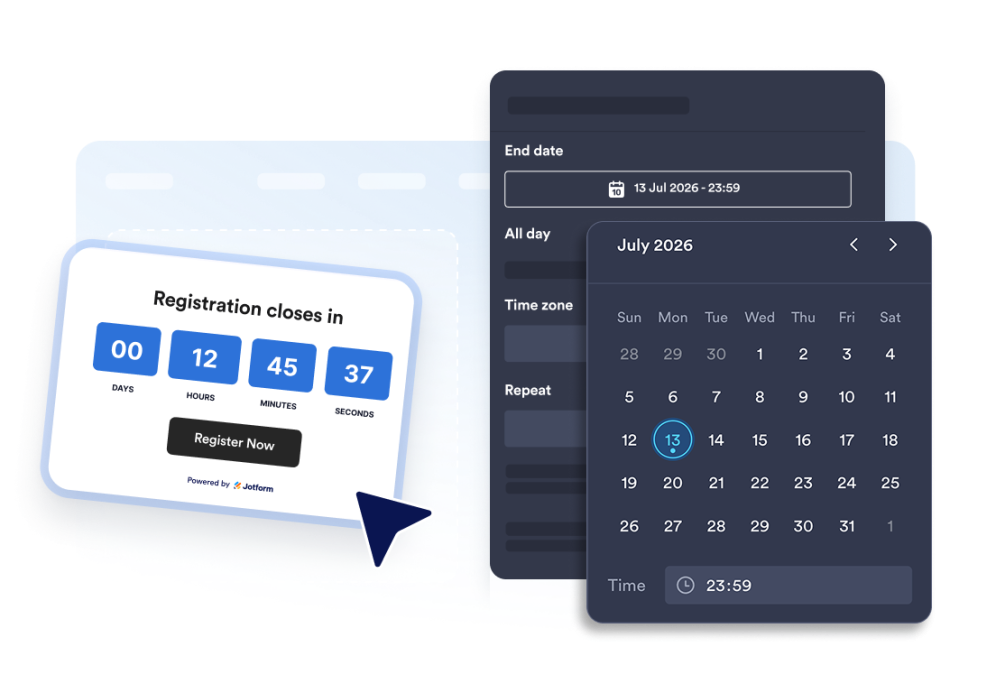
Set up the countdown timer
Choose the end date, time zone, event type, and optional restart schedule.
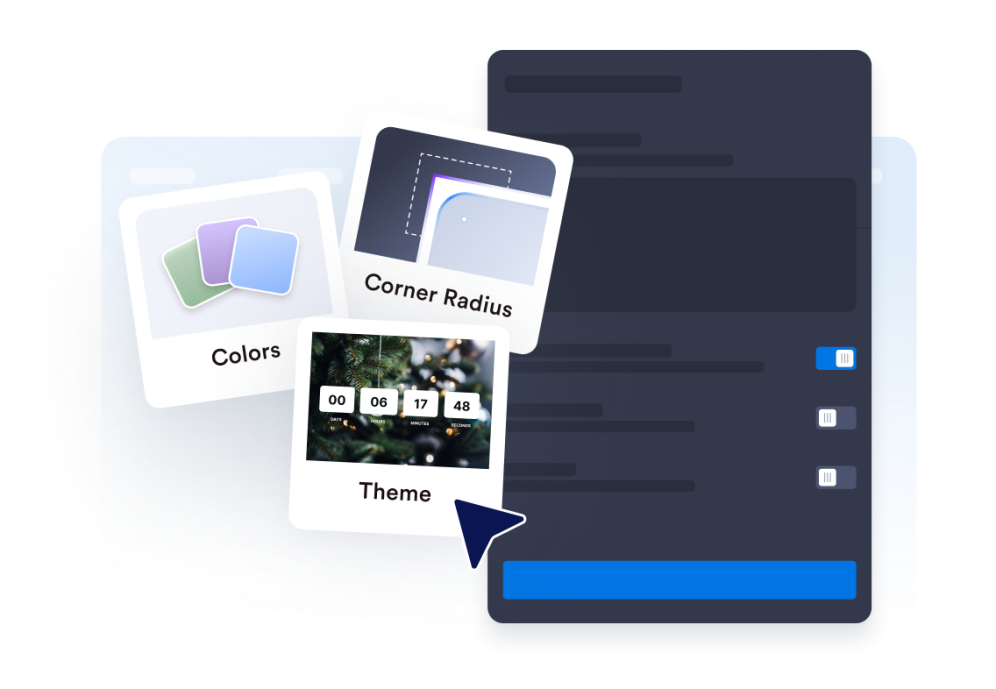
Customize the layout and theme
Select the position for your timer and adjust colors, labels, and the corner style.
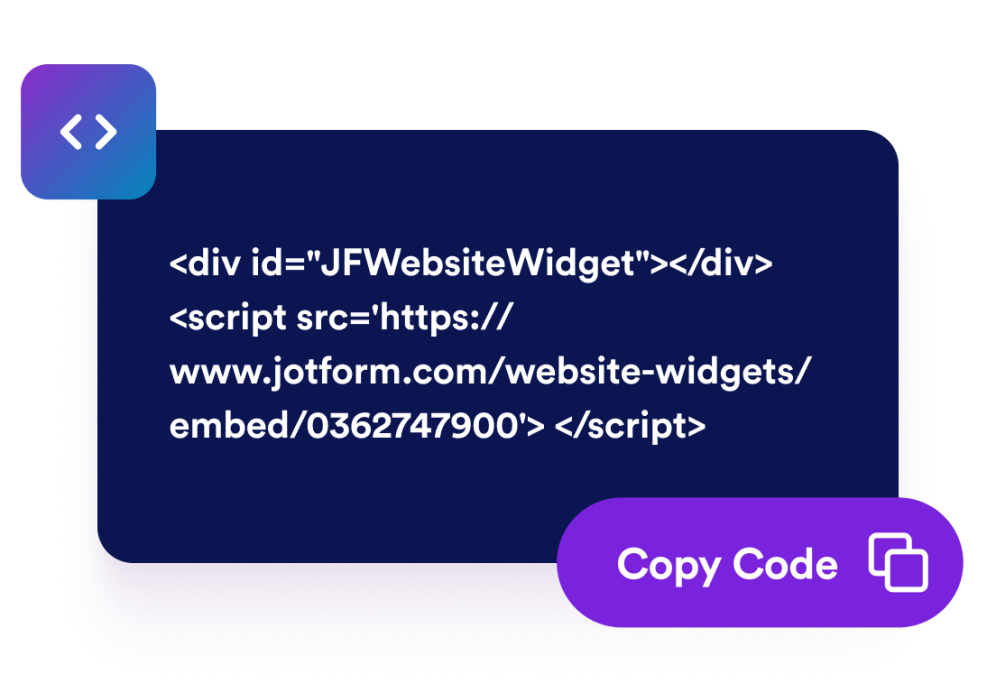
Embed it on your website
Add call-to-action buttons, preview the timer, and copy the embed code to publish it anywhere.
Create urgency with a countdown timer that fits your page
Count down to a specific date and time
Set a precise deadline for launches, promotions, webinars, product drops, or event campaigns. Time zone functionality keeps the countdown consistent for your campaign.
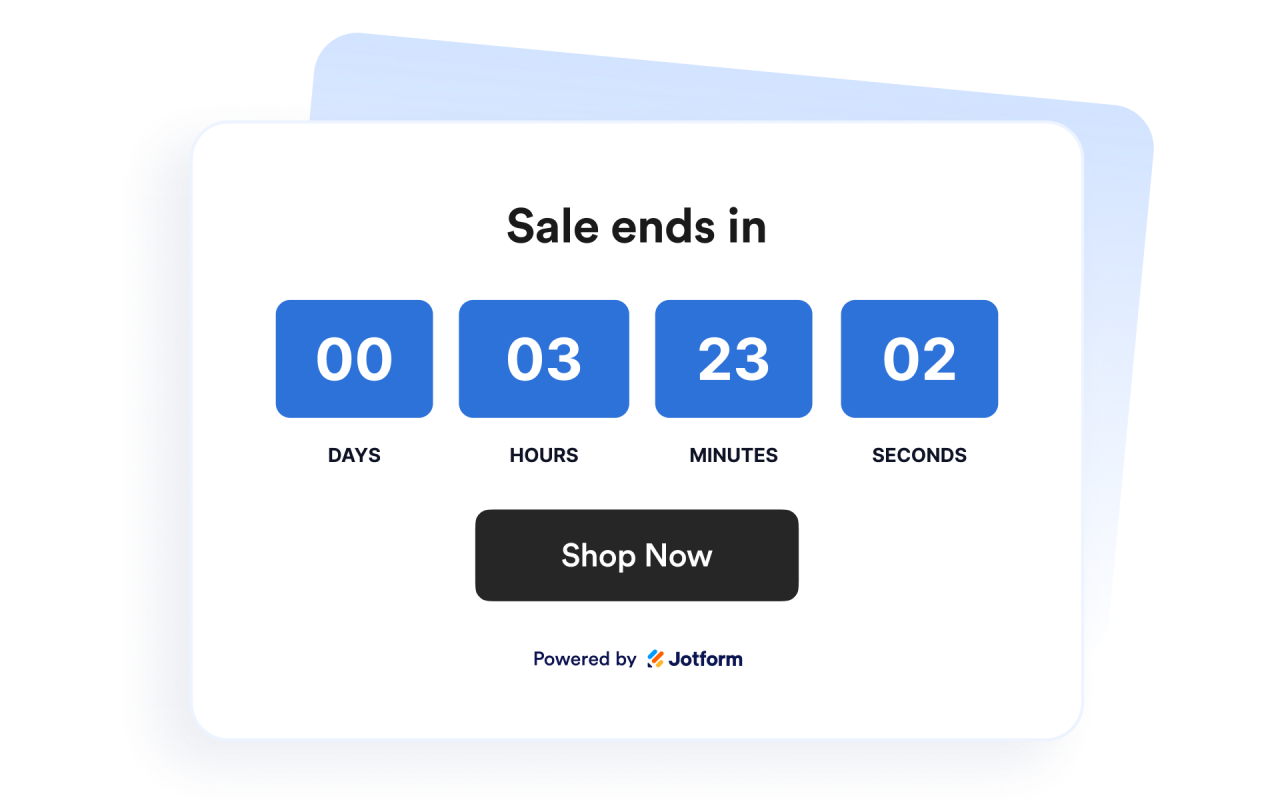
Use layouts for banners and inline sections
Display the timer inline, as a full-width section, as a fixed top or bottom bar, or as a floating card. This makes it easy to fit the widget into different website designs.
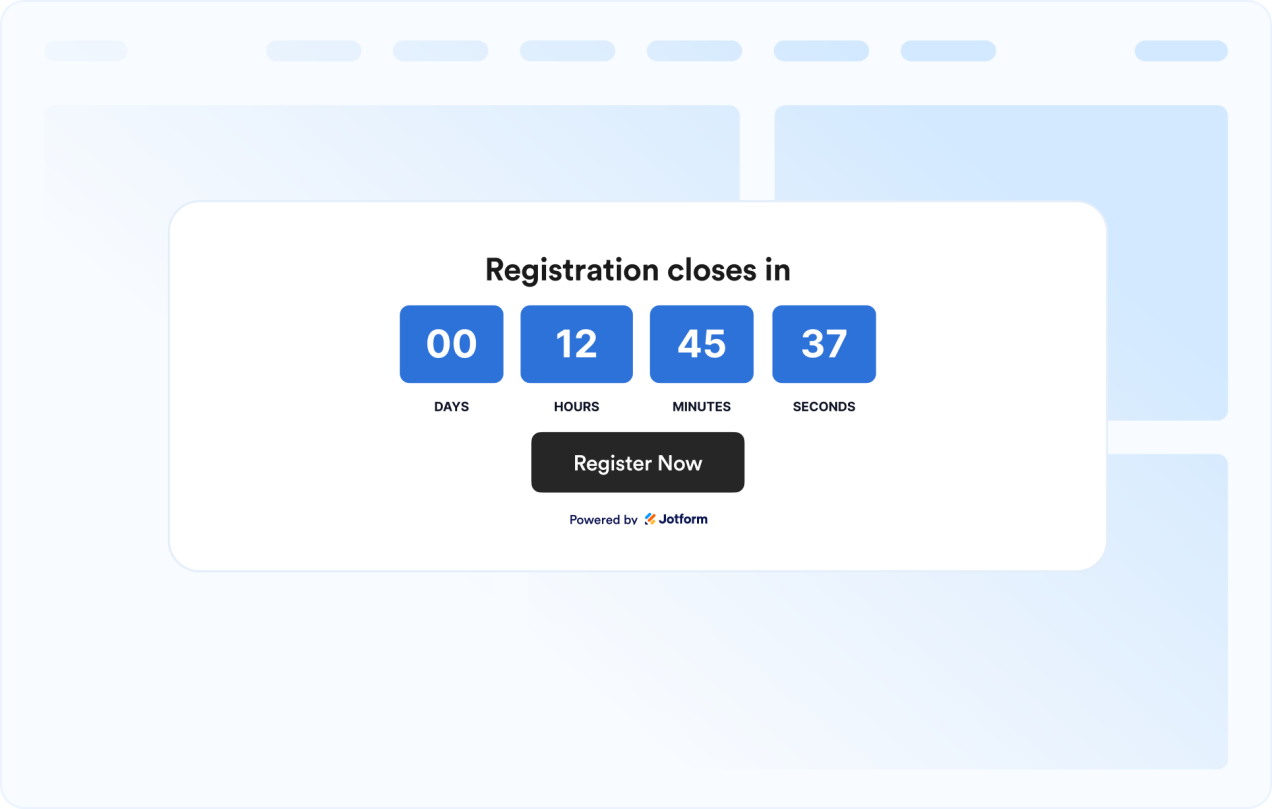
Customize the timer design
Show or hide time units, adjust labels, set the corner style, and apply campaign-ready theme presets.
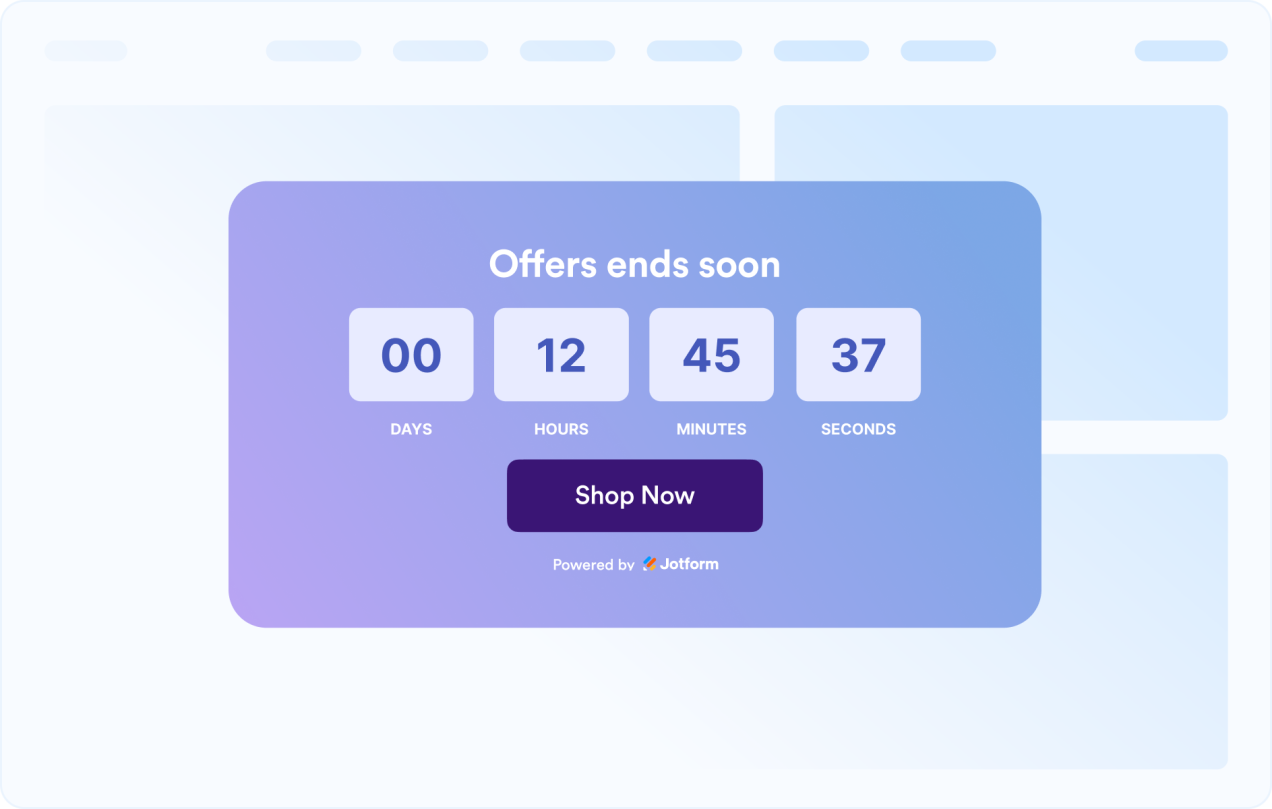
Guide visitors to the next action
Add the widget anywhere on your site where a clear deadline might prompt visitors to take action.
Why Jotform Website Widgets stand out
Jotform’s widgets make your website more interactive and increase conversions. There are many tools available, from star ratings and testimonial sliders to social proof popups and media embeds. Add widgets to your forms or landing pages to collect data, display proof, and capture leads — no coding required.
Add Jotform widgets to your website with a simple embed code. Customize the widget, preview how it looks, and paste it into any page that supports custom HTML or embed blocks, all without a developer.
Use Jotform Website Widgets to collect leads, show customer feedback, display social proof, embed media, or add helpful web page tools. Each widget helps visitors interact with your business directly from your website.
If you need help setting up, customizing, embedding, or troubleshooting your widget, Jotform’s customer support team is available 24-7. You can move forward with confidence, knowing that help is there when you need it.
Where to use your Countdown Timer widget
Add the widget anywhere a clear deadline can help visitors act sooner and understand when an offer, event, or campaign ends.
Sale landing pages to highlight limited-time discounts and flash campaigns
Product launch pages to build anticipation before a release
Event and webinar pages to show registration or attendance deadlines
Announcement bars to keep a deadline visible across the top or bottom of a site
Checkout and pricing pages to reinforce promotional deadlines near purchase decisions
Coming soon pages to count down to a launch date with a clear call-to-action
Convert leads into paying customers with the Jotform Form Builder
Turn engagement into action with Jotform. Create powerful forms that capture leads, collect payments, and automate responses, all in one place. Every submission lands in your Jotform Inbox, where you can follow up or connect with your favorite apps.
Започни — Бесплатно је!
Често постављана питања
What is a Countdown Timer widget?
A Countdown Timer widget displays the time remaining until a chosen date and time. It helps websites promote sales, events, launches, and other time-sensitive campaigns.
Can I customize the layout?
Can I change the colors and layout?
Can the countdown repeat?
Can I add buttons to the countdown?
What happens when the countdown ends?
Does it work on mobile?
Do I need to write code?