Kostenlose Business Widgets für Websites

Stärken Sie Ihre Marke und begeistern Sie Ihre Kunden mit Business-Widgets – erstellt mit dem einfachen No-Code-Generator von Jotform.
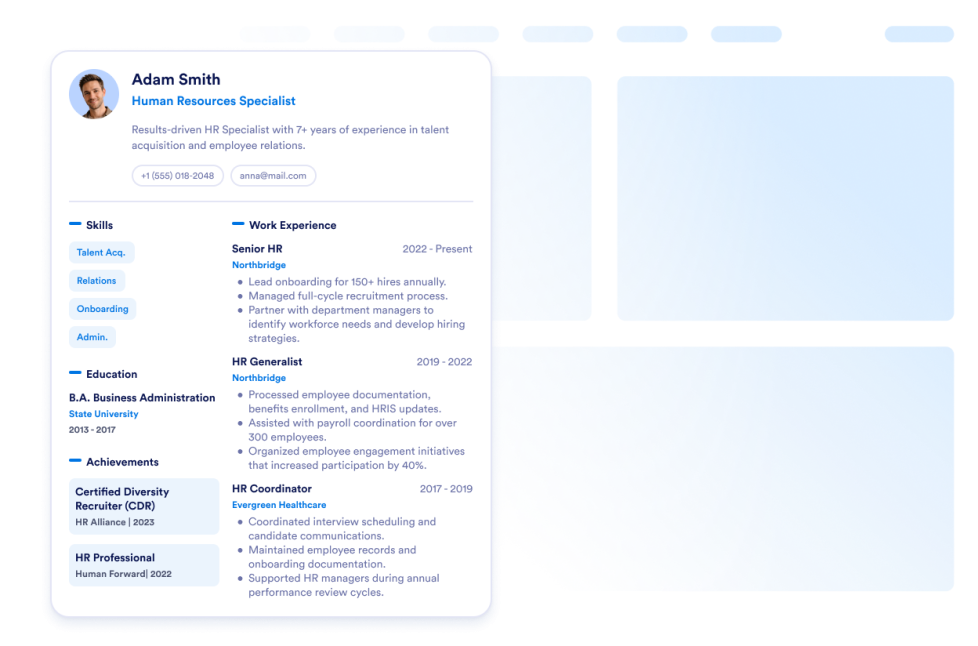
Lebenslauf

Fügen Sie Ihren Lebenslauf zu Ihrer Website hinzu. Mit dem Lebenslauf-Widget von Jotform können Ihre Website-Besucher ganz einfach alles über Sie erfahren.

Zur Kategorie:BusinessWidget verwenden
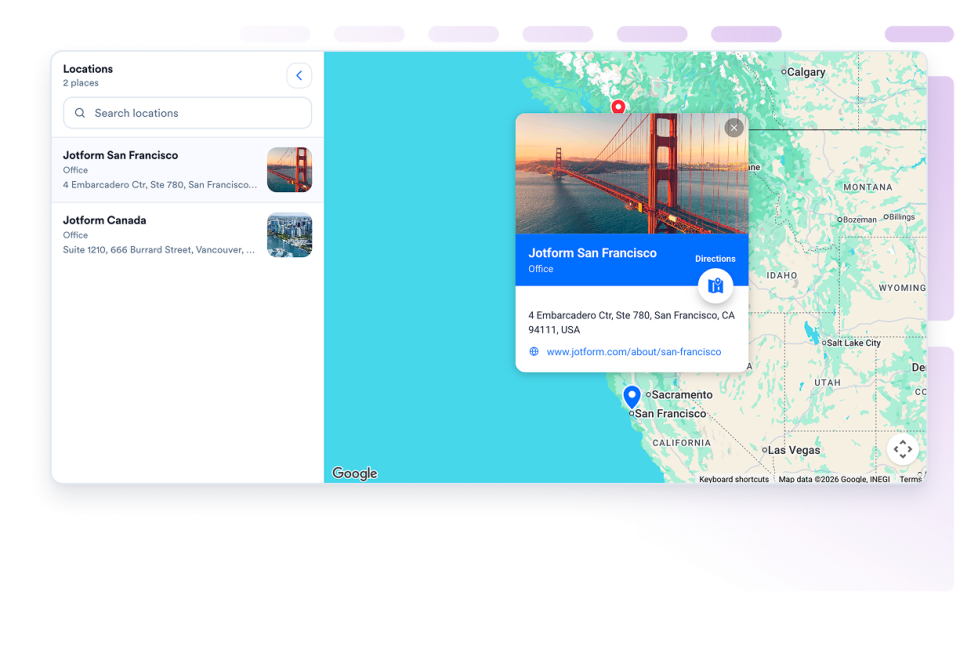
Google Maps

Fügen Sie ein anpassbares Google Maps Widget hinzu, um Ihre Geschäfte, Büros, Veranstaltungsorte oder Servicegebiete mit Kontaktdaten, Öffnungszeiten, Fotos, Kategorien und Wegbeschreibungslinks anzuzeigen.

Zur Kategorie:BusinessWidget verwenden
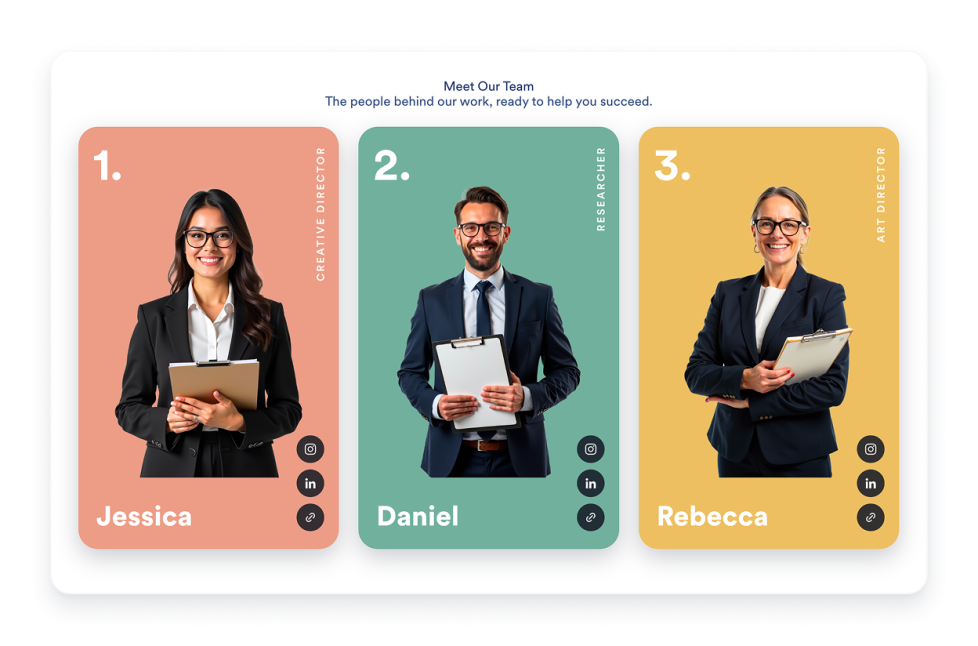
Team Showcase

Erstellen Sie ein Teamvorstellung-Widget für Ihre Website mit Profilkarten, Vorlagen-Layouts, Mitgliederbiografien, Social-Links, Farbschemata und responsiven Widgets.

Zur Kategorie:BusinessWidget verwenden
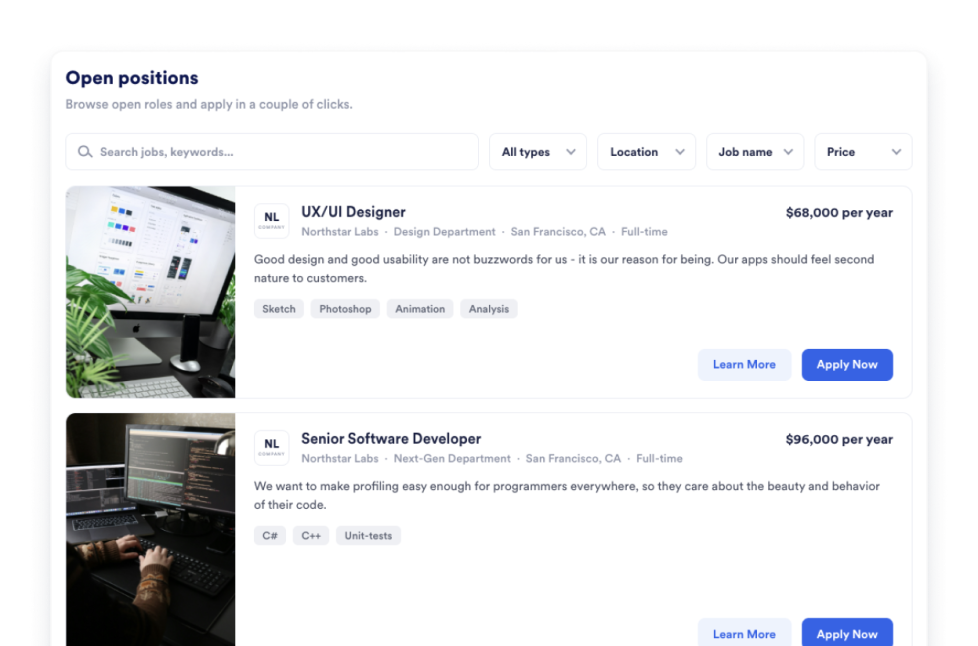
Job Board

Sie möchten eine eigene Jobbörse erstellen? Das gelingt in Sekundenschnelle direkt auf Ihrer Website. Passen Sie Design und Inhalt an und betten Sie das Widget anschließend mit dem No-Code-Website-Widget-Generator von Jotform ein.

Zur Kategorie:BusinessWidget verwenden
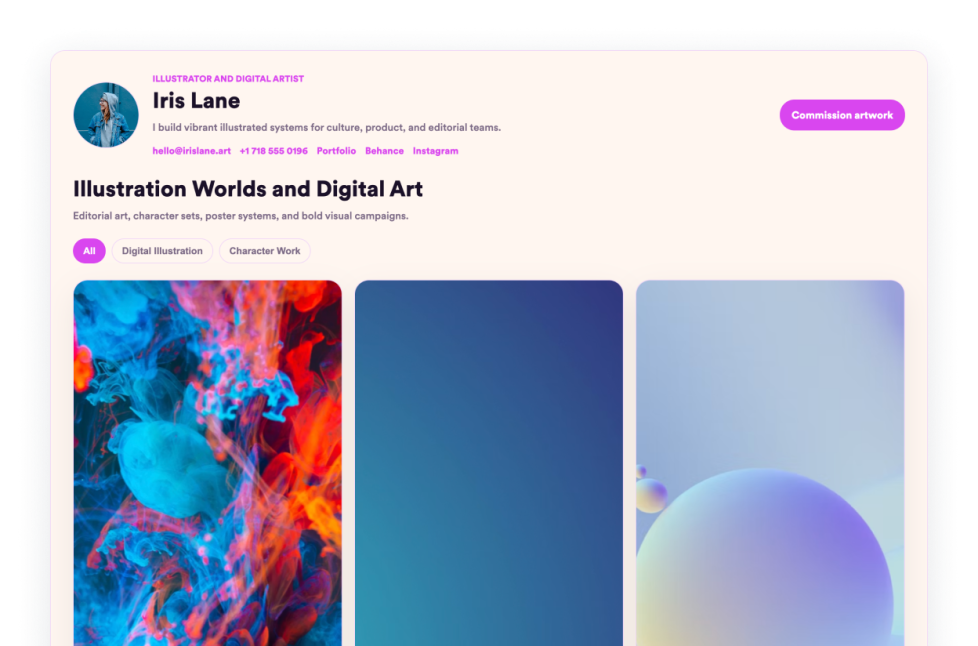
Portfolio

Präsentieren Sie Ihre besten Arbeiten mit dem Portfolio Widget von Jotform. Erstellen Sie eine beeindruckende Portfolio-Galerie, heben Sie Projekte hervor und betten Sie sie ohne Programmierkenntnisse auf jeder Website ein.

Zur Kategorie:BusinessWidget verwenden
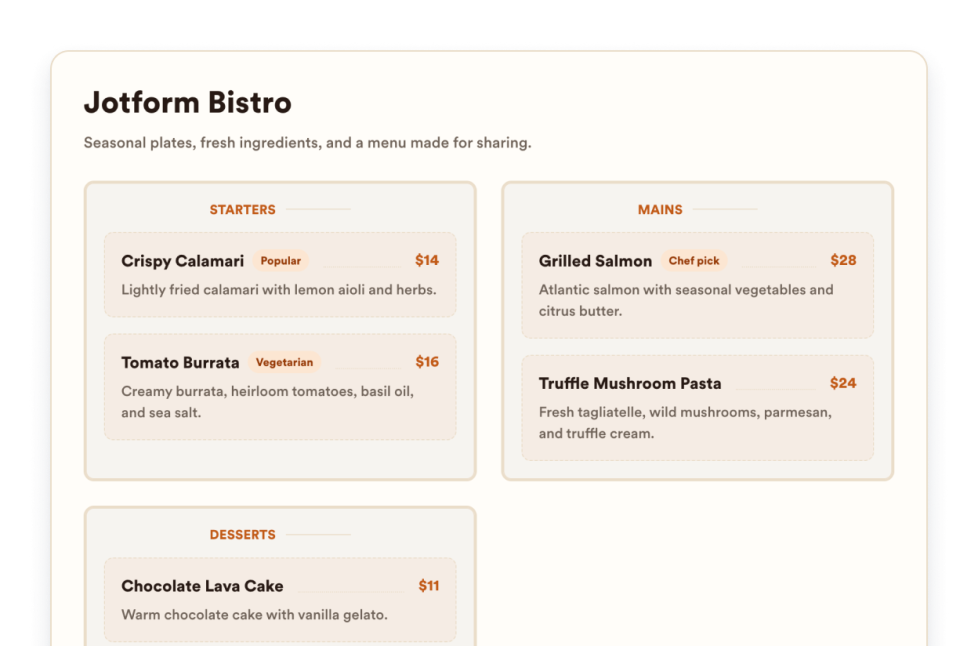
Speisekarte

Fügen Sie Ihrer Website ein responsives Speisekarten-Widget mit bearbeitbaren Kategorien, Beschreibungen der Gerichte, Preisen, Badges, Layouts, Designs und Reservierungslinks hinzu.

Zur Kategorie:BusinessWidget verwenden
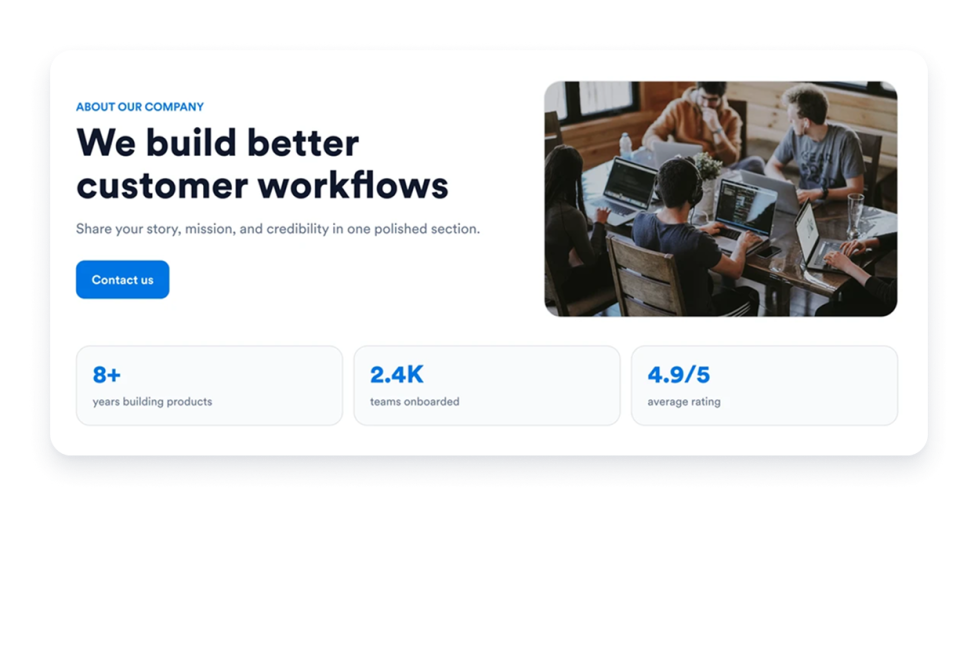
Über uns

Fügen Sie Ihrer Website ein Widget für Über-uns-Seiten hinzu und präsentieren Sie Geschichte, Mission, Werte, Team und Markenidentität Ihres Unternehmens in einem anpassbaren, professionellen Design.

Zur Kategorie:BusinessWidget verwenden
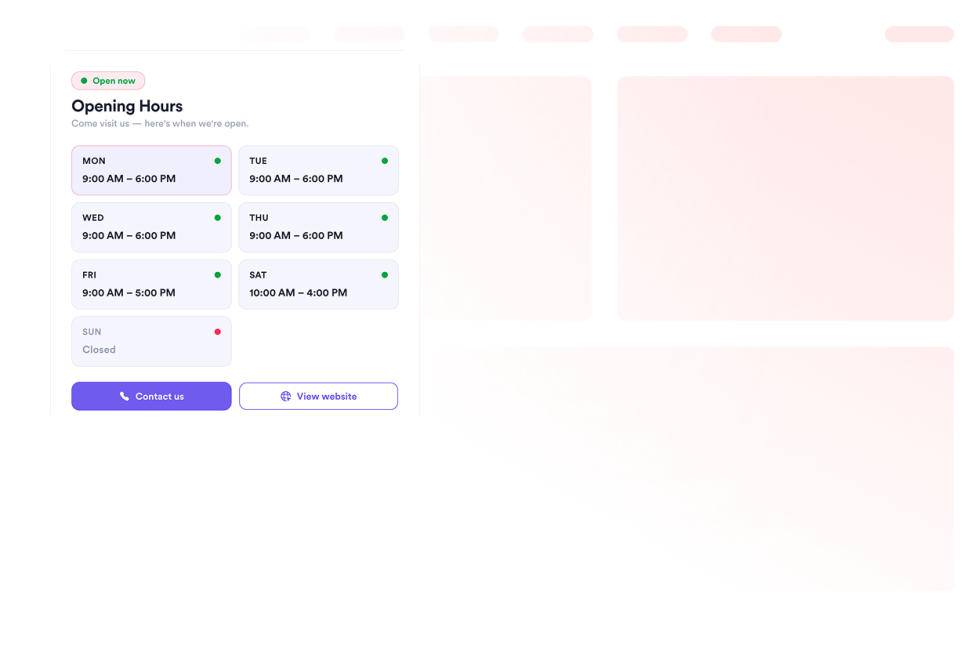
Business Hours

Fügen Sie ein Öffnungszeiten-Widget zu Ihrer Website hinzu, um Vorlagen, Farbschemata, Öffnungszeiten, Live-Status, Kontaktdaten, Standort und Call-to-Action-Buttons anzuzeigen.

Zur Kategorie:BusinessWidget verwenden
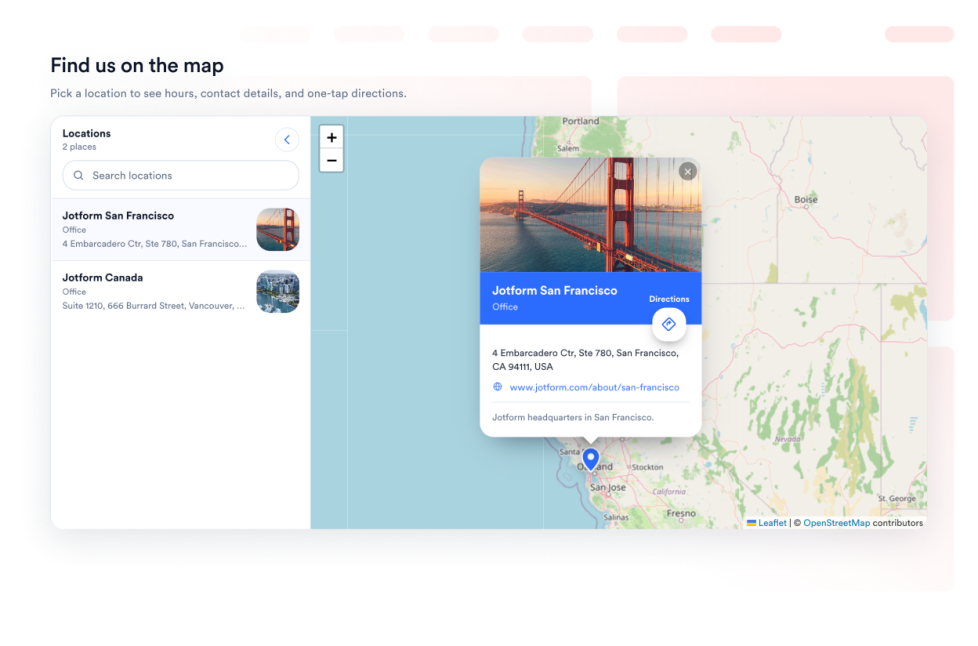
Open Street Map

Bieten Sie Ihren Besuchern eine interaktive Standortsuche auf Ihrer Webseite, indem Sie OpenStreetMap einbinden. Passen Sie die aufgeführten Standorte an und verknüpfen Sie jeden Ort mit Wegbeschreibungen in OpenStreetMap.

Zur Kategorie:BusinessWidget verwenden
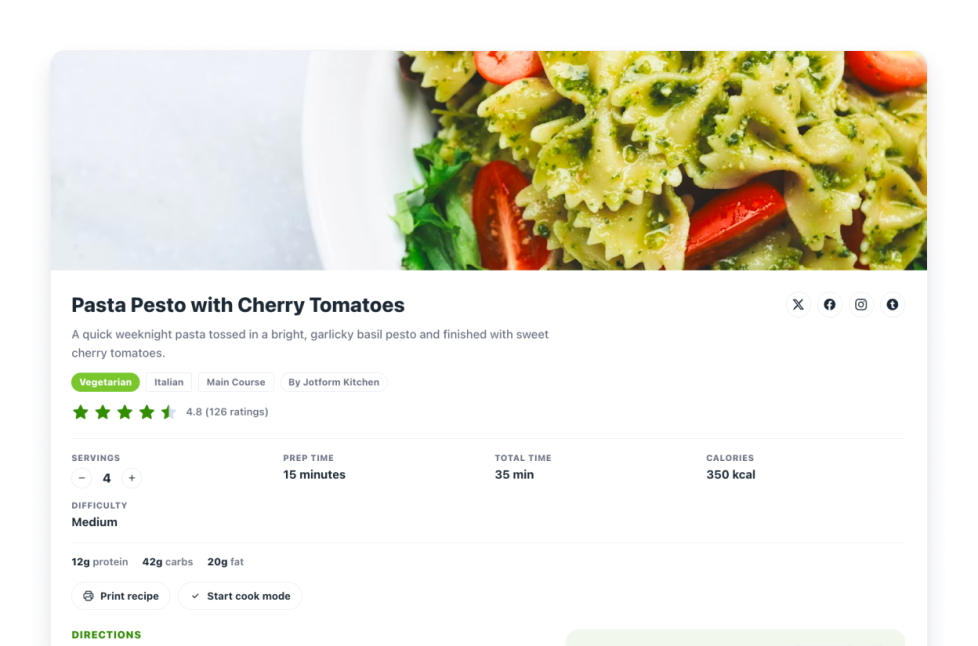
Rezepte

Fügen Sie Ihrer Website ein Rezept-Widget hinzu. Teilen Sie Rezeptkarten mit Bildern, Zutaten, Anweisungen, Nährwertangaben, Zeitangaben sowie Steuerelementen für Drucken, Teilen und Schema.

Zur Kategorie:BusinessWidget verwenden
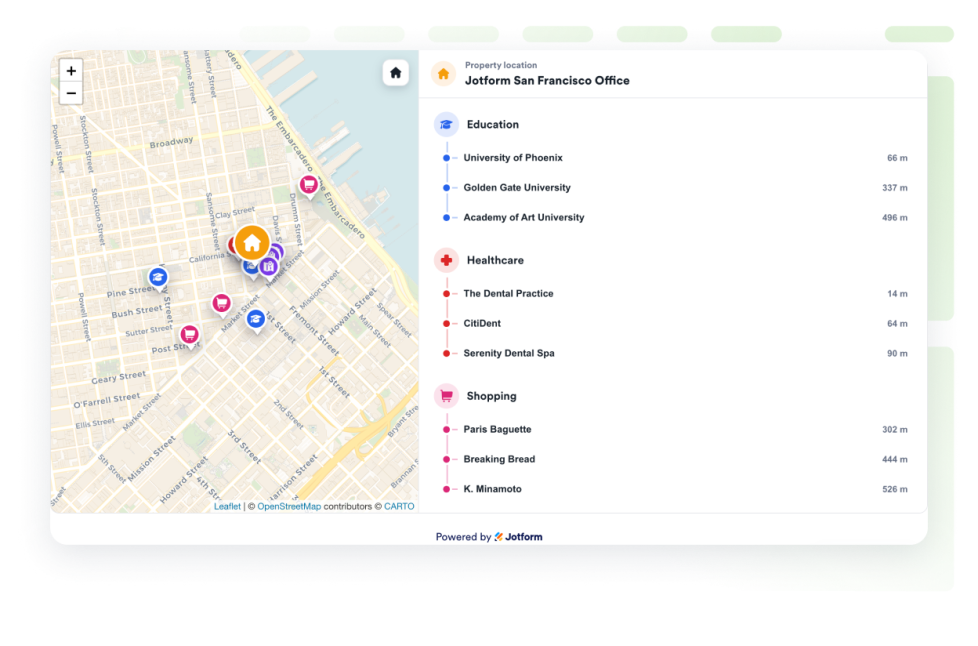
Real Estate Location Map

Fügen Sie eine Immobilienkarte hinzu, um eine Immobilie mit OpenStreetMap, Entfernungsangaben sowie nahegelegenen Bildungseinrichtungen, Gesundheitsversorgung, Verkehrsanbindung, Parks und Geschäften anzuzeigen.

Zur Kategorie:BusinessWidget verwenden

About Business Widgets

Business widgets help companies present important information and useful resources directly on their websites without custom code. These embeddable widgets can introduce a team, display business hours and locations, share services or work samples, publish job openings, and provide visitors with practical business details.

With Jotform’s business widgets, you can create restaurant menus, team showcases, portfolios, business hours displays, location maps, job boards, About Us sections, resumes, and recipe cards. They can be added to business websites, service pages, contact pages, restaurant websites, real estate listings, career pages, portfolios, and local business landing pages.

What can you do with business widgets?

Business widgets can help you:

  • Display menu categories, item descriptions, prices, and reservation links with a Restaurant Menu widget
  • Introduce employees using team profiles, photos, roles, biographies, and social links
  • Present projects and work samples in a Portfolio widget
  • Show opening hours, contact details, location information, and current business status
  • Help visitors find stores, offices, venues, or service areas with Google Maps or OpenStreetMap
  • Publish available positions on an embeddable Job Board
  • Share your company’s history, mission, values, and team in an About Us section
  • Add a professional resume to a personal or business website
  • Display recipes with ingredients, instructions, images, nutrition details, and preparation times
  • Show real estate locations and nearby schools, transportation, parks, stores, or healthcare services

Popular business widget use cases

Business widgets can support many types of companies and independent professionals. Restaurants can use a Restaurant Menu widget to present food and drink categories, prices, descriptions, and reservation links. Local businesses can add a Business Hours widget and an interactive map so customers can check opening times, contact the business, and find directions.

Agencies, freelancers, photographers, designers, and consultants can use a Portfolio widget to display completed projects. Companies can add a Team Showcase or About Us widget to help visitors learn about their employees, background, mission, and values.

Recruiters and growing businesses can publish available roles with a Job Board widget. Real estate professionals can use a Real Estate Location Map to show a property and nearby services, while businesses with multiple locations can display offices, stores, or service areas using a map widget.

Easy website widgets for any team

Embeddable business widgets are useful for small businesses, restaurants, agencies, freelancers, real estate professionals, recruiters, local service providers, creators, and growing teams that want to share useful information without relying on a developer or designer.

With Jotform, users can select a widget, customize the content, settings, layout, and design, preview how it will appear, and copy the embed code. They can then add the widget to a supported website editor or HTML section without custom code.

This gives business owners and team members a practical way to update their website with company information, team profiles, operating hours, locations, job listings, and other visitor resources.

Weiterführende Anleitungen

To learn more about setting up and managing widgets, users can read Jotform’s guide on managing website widgets. The guide explains that users can create new widgets, edit existing widgets, copy embed codes, control widget visibility, and organize their widget assets from the My Website Widgets page.

Business Widgets FAQ

What are business widgets?

Business widgets are embeddable website tools that help companies display information and resources for customers, applicants, and other visitors. They can include menus, business hours, maps, team profiles, portfolios, job boards, company information, and resumes.

What types of businesses can use business widgets?

Business widgets can be used by restaurants, local businesses, agencies, freelancers, real estate companies, professional service providers, recruiters, creators, and organizations with multiple locations. The best widget depends on what information visitors need from the business.

Where should I add business widgets?

You can add business widgets to homepages, About Us pages, contact pages, service pages, career pages, property listings, restaurant pages, and portfolio pages. Place each widget close to the related information or action so visitors can find it easily.

Do business widgets require coding?

No. You do not need a developer or designer. You can customize the widget, copy the embed code, and add it to your website without custom code. The exact embedding steps depend on the website platform or page editor you use.