Widgets utilitaires pour sites web
Add helpful utility widgets to your website in seconds using Jotform's simple no-code builder.
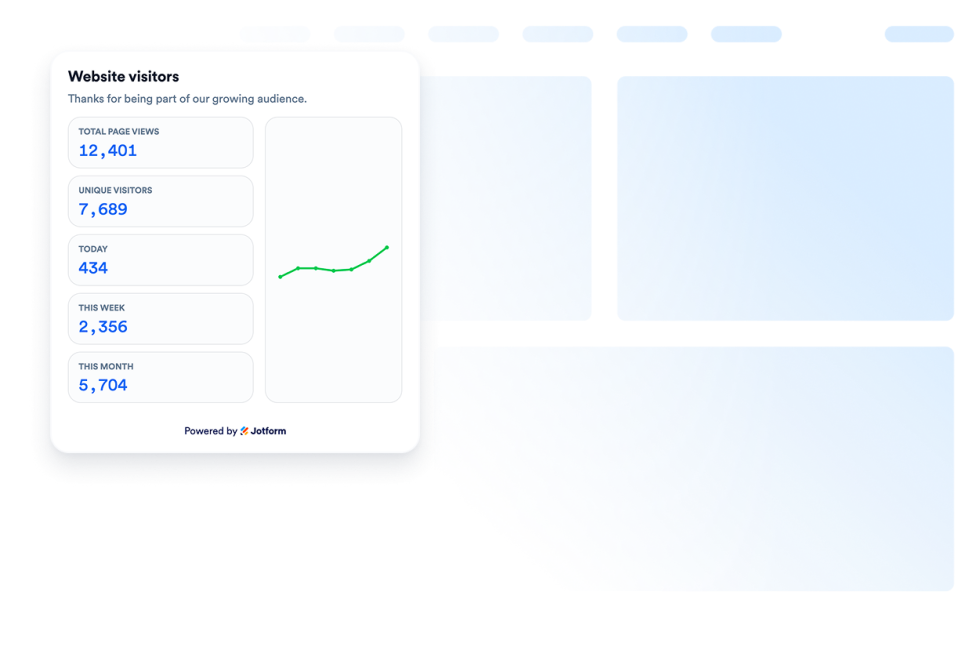
Guichet des visiteurs
Ajoutez un widget compteur de visiteurs à votre site web pour afficher un compteur de visites personnalisable. Sans code, idéal pour une fondée sur l'activité de la page.
Accéder à la catégorie :UtilitairesUtiliser le widget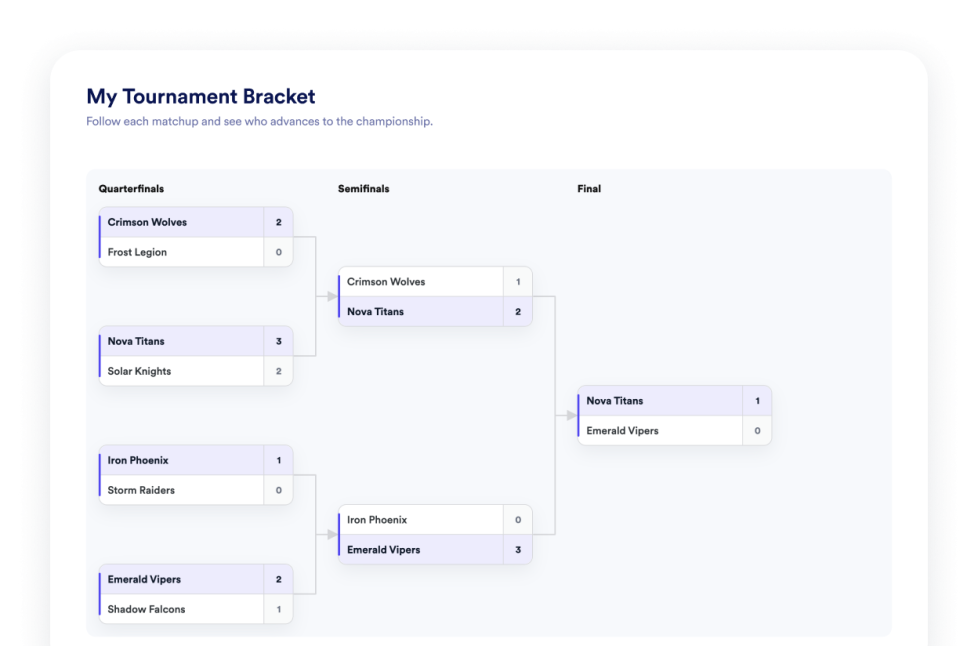
Tableau de tournoi
Créez un widget de création de tableau de tournoi sans code pour votre site web. Ajoutez des équipes ou des joueurs, définissez les têtes de série, affichez les résultats des matchs et personnalisez l'apparence du tableau.
Accéder à la catégorie :UtilitairesUtiliser le widget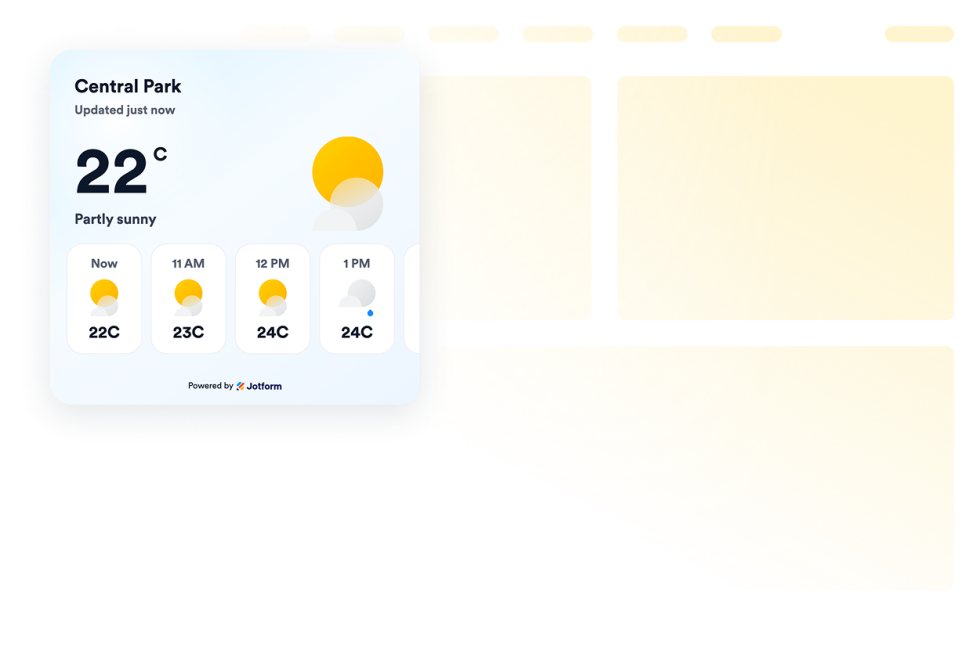
Météo
Ajoutez des widgets météo à vos sites web pour afficher les conditions actuelles, les prévisions horaires ou journalières, personnaliser leur design et les intégrer sans coder.
Accéder à la catégorie :UtilitairesUtiliser le widget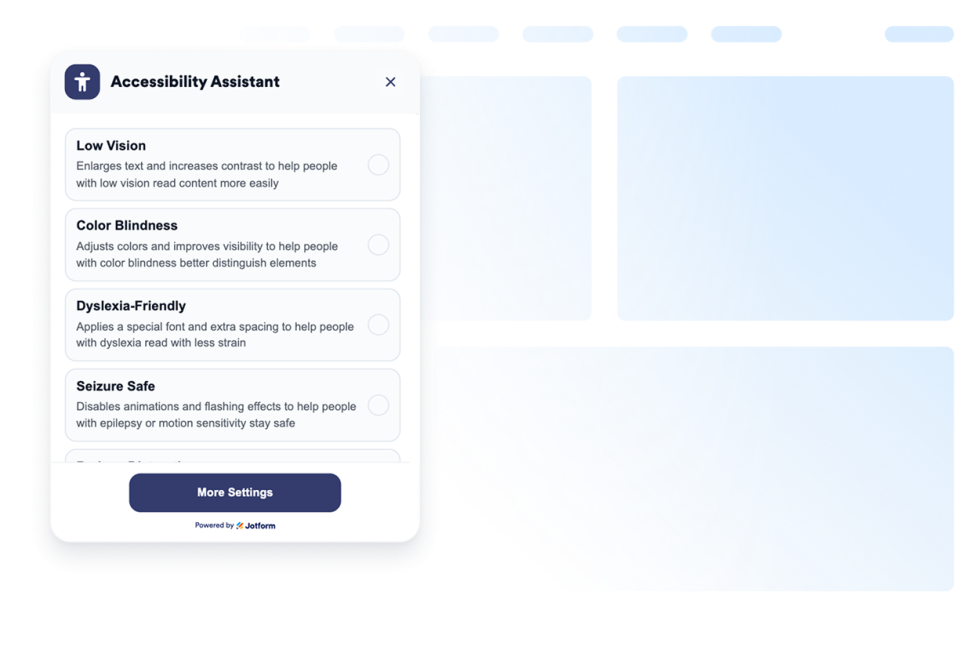
Accessibilité
Ajoutez un widget d'accessibilité personnalisable pour aider les visiteurs à ajuster le contraste, la taille du texte, l'espacement et les animations. Proposez des modes d'accessibilité prédéfinis et mémorisez les préférences des utilisateurs sans code.
Accéder à la catégorie :UtilitairesUtiliser le widget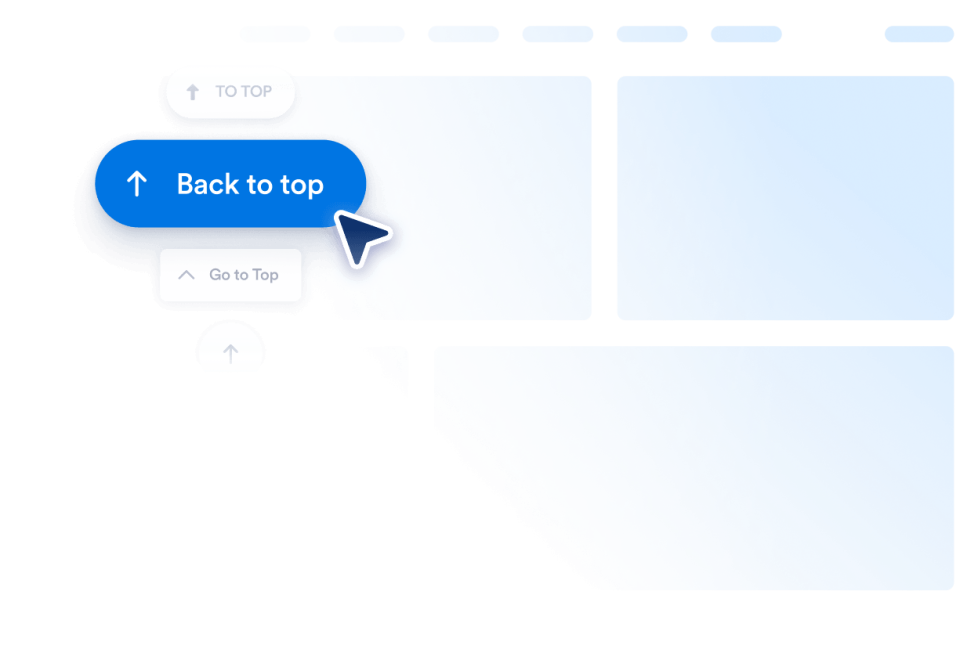
Retour en haut de page
Ajoutez un widget Retour en haut à votre site web en quelques secondes. Permettez à vos visiteurs d'accéder facilement au haut de la page grâce à un bouton personnalisable et sans code que vous pouvez intégrer où vous le souhaitez.
Accéder à la catégorie :UtilitairesUtiliser le widget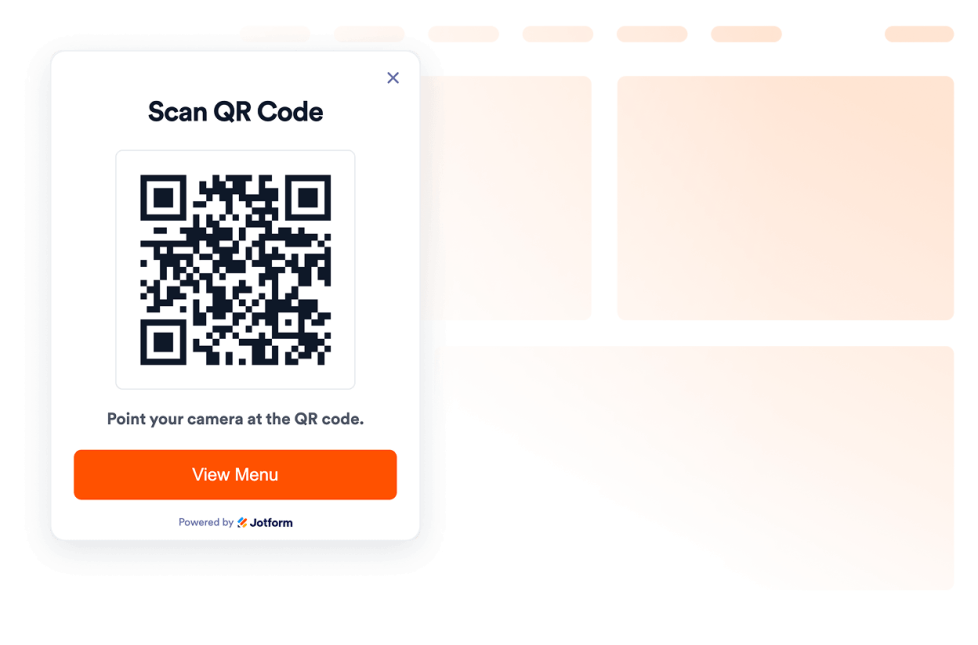
Code QR
Ajoutez un QR code à votre site web en quelques secondes. Aidez vos visiteurs à accéder aux menus, formulaires, téléchargements, offres et liens d'événements. Aucune compétence en programmation requise.
Accéder à la catégorie :UtilitairesUtiliser le widget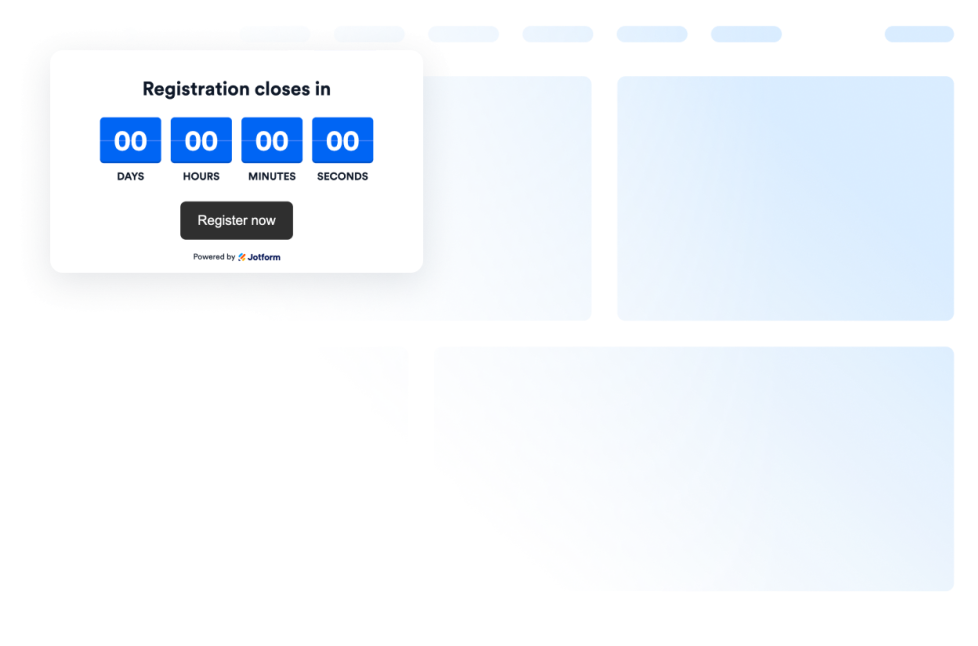
Compte à rebours
Add a countdown widget for website pages in seconds. Customize the design and embed a free countdown timer widget for website with Jotform's no-code widget builder.
Accéder à la catégorie :UtilitairesUtiliser le widget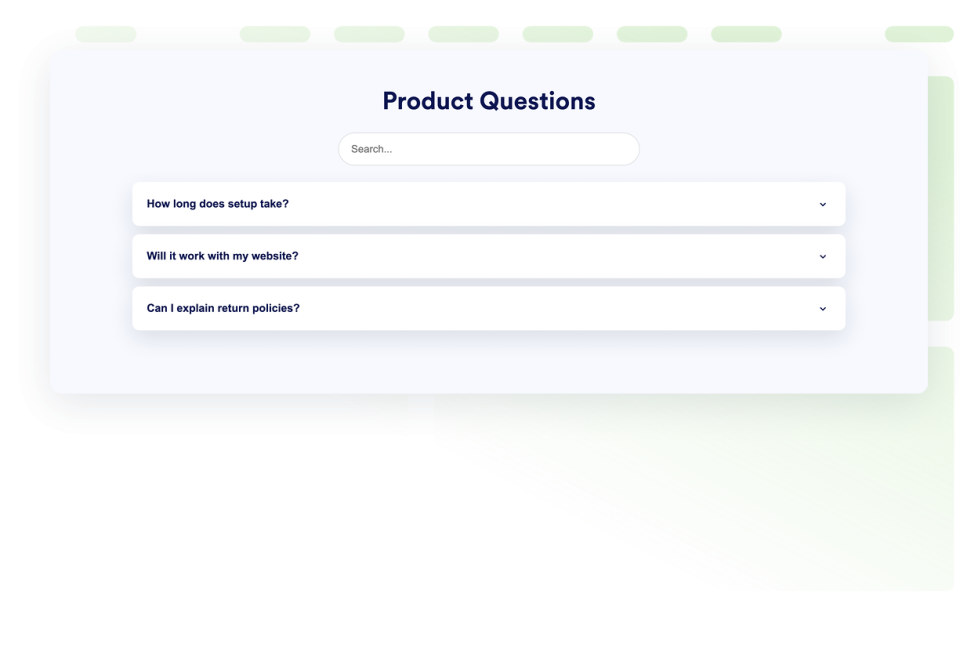
FAQ
Ajoutez un widget FAQ consultable sur votre site web. Créez des FAQ déroulantes avec un style personnalisé, des réponses enrichies en médias et des mises en page flexibles.
Accéder à la catégorie :UtilitairesUtiliser le widget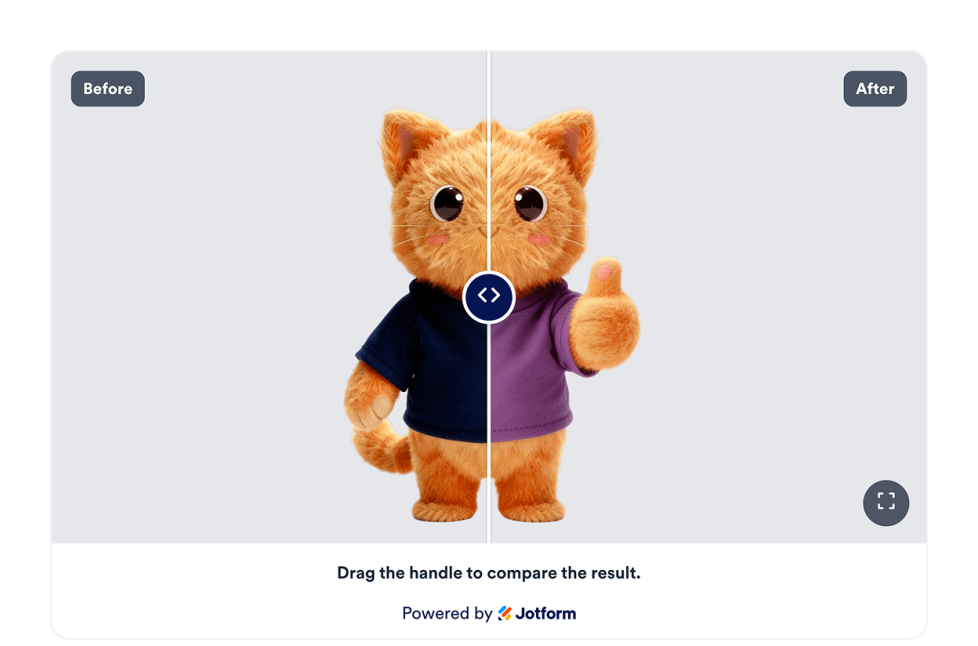
Avant / après (curseur)
Ajoutez un widget Avant/Après à votre site web pour comparer des photos avant/après, avec superposition horizontale ou verticale, légende, plusieurs paires de comparaison, option plein écran, le tout dans un style auto-adaptable.
Accéder à la catégorie :UtilitairesUtiliser le widget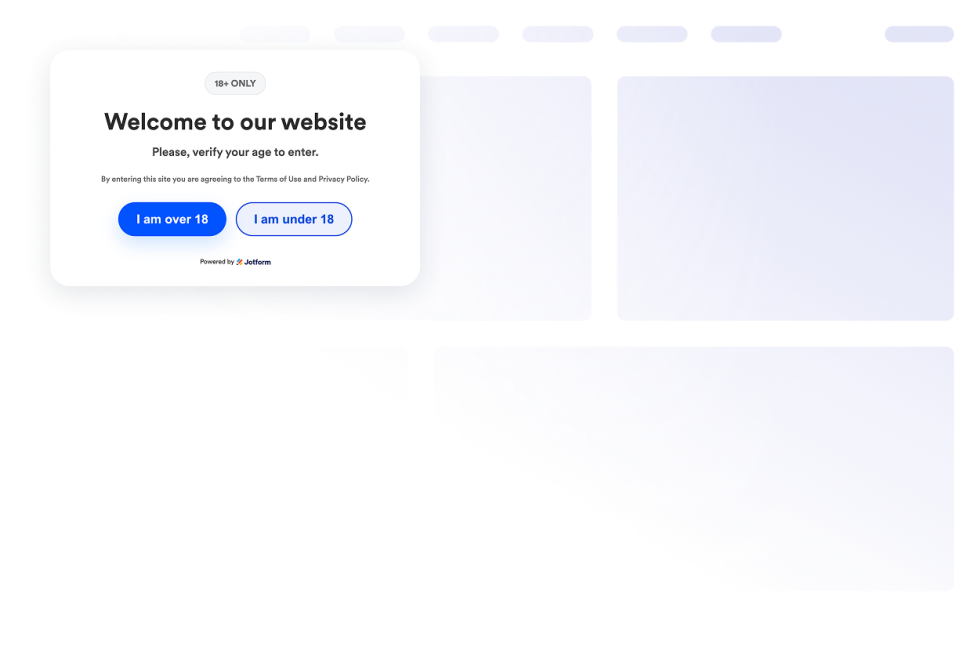
Vérification de l'âge
Ajoutez un widget de vérification âge à votre site web pour contrôler l'accès aux contenus soumis à des restrictions d'âge, grâce à des messages personnalisés, des méthodes de vérification, la mémorisation des visiteurs et un style aux couleurs de votre marque.
Accéder à la catégorie :UtilitairesUtiliser le widget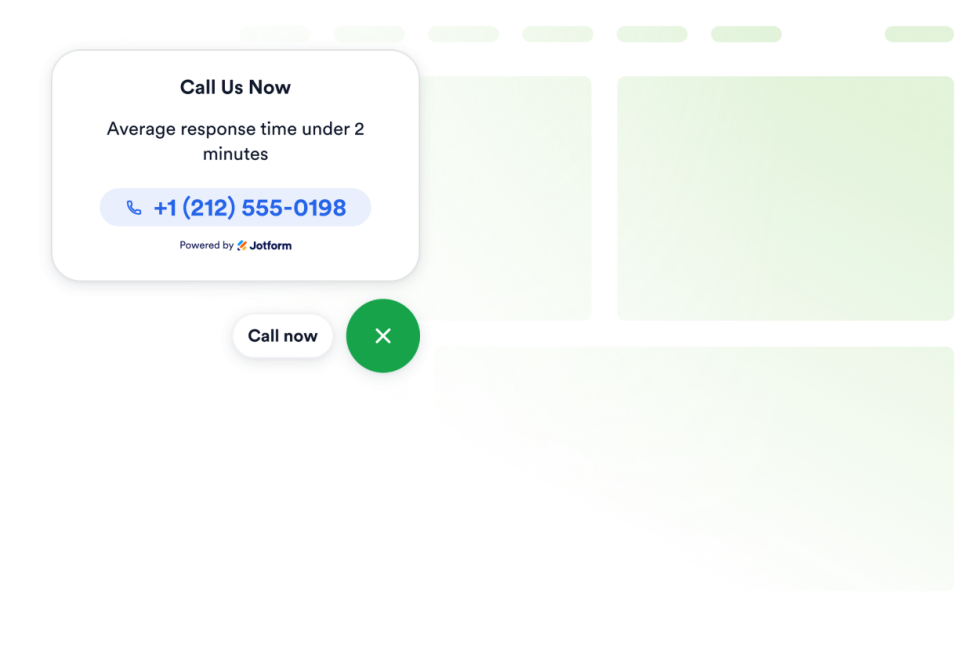
Cliquer pour appeler
Intégrez un widget d'appel en un clic à votre site web pour permettre à vos visiteurs de vous contacter directement depuis un bouton d'appel flottant. Personnalisez le numéro de téléphone, le texte du bouton, les couleurs, la taille, l'espacement et la visibilité sur ordinateur ou mobile, sans avoir à rédiger une seule ligne de code.
Accéder à la catégorie :UtilitairesUtiliser le widget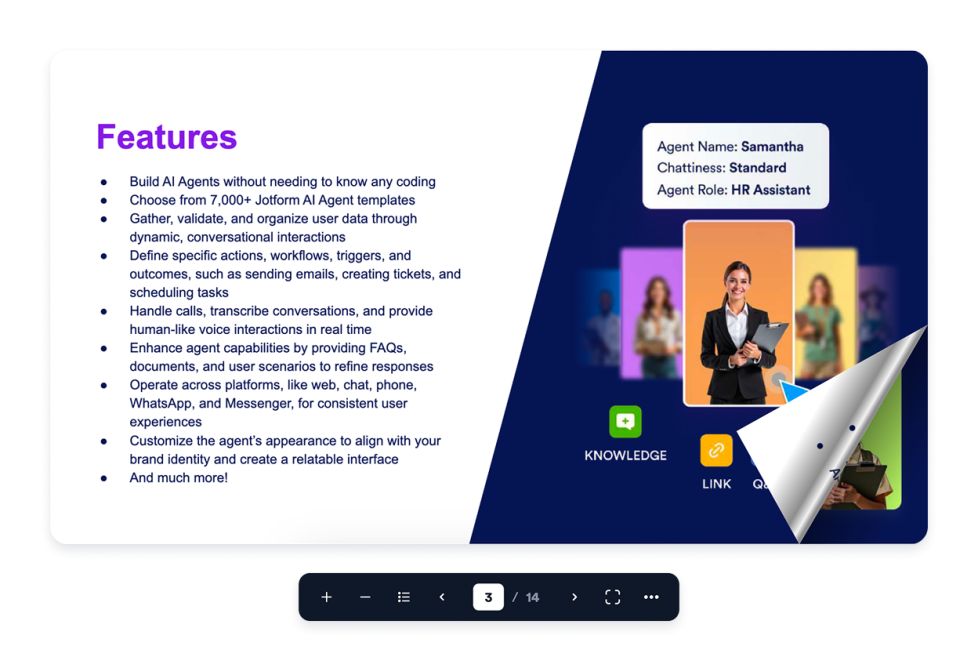
Flipbook
Ajoutez un widget Flipbook interactif à votre site web. Importez un PDF ou collez son URL, puis choisissez le mode d'affichage, le thème, le zoom, le plein écran, le téléchargement, l'impression et l'affichage adaptatif.
Accéder à la catégorie :UtilitairesUtiliser le widget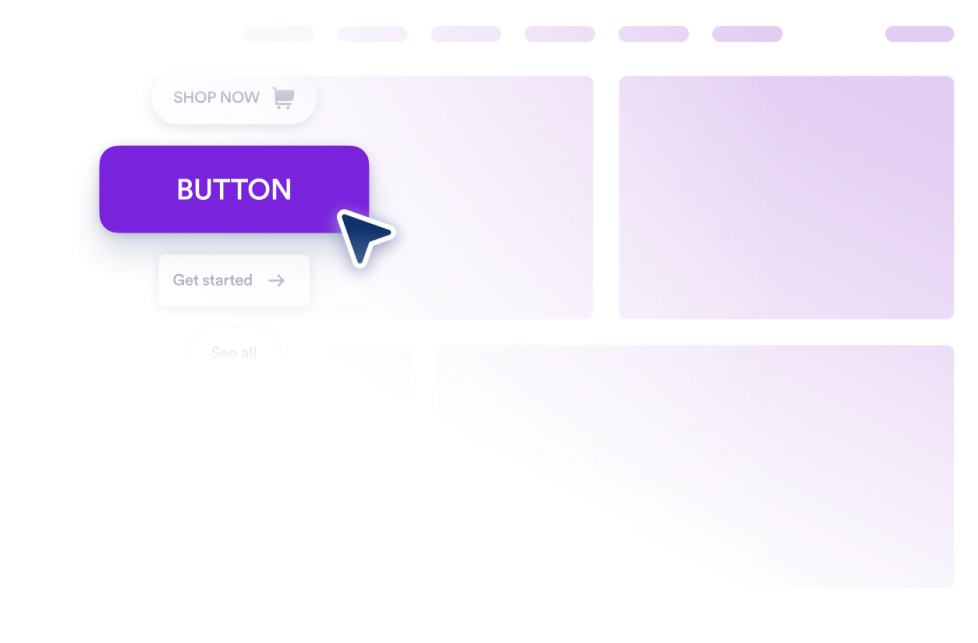
Bouton
Ajoutez un widget bouton personnalisable à votre site web pour des liens, des appels, des emails, des chats, des profils sociaux et des sauts vers des sections de page.
Accéder à la catégorie :UtilitairesUtiliser le widget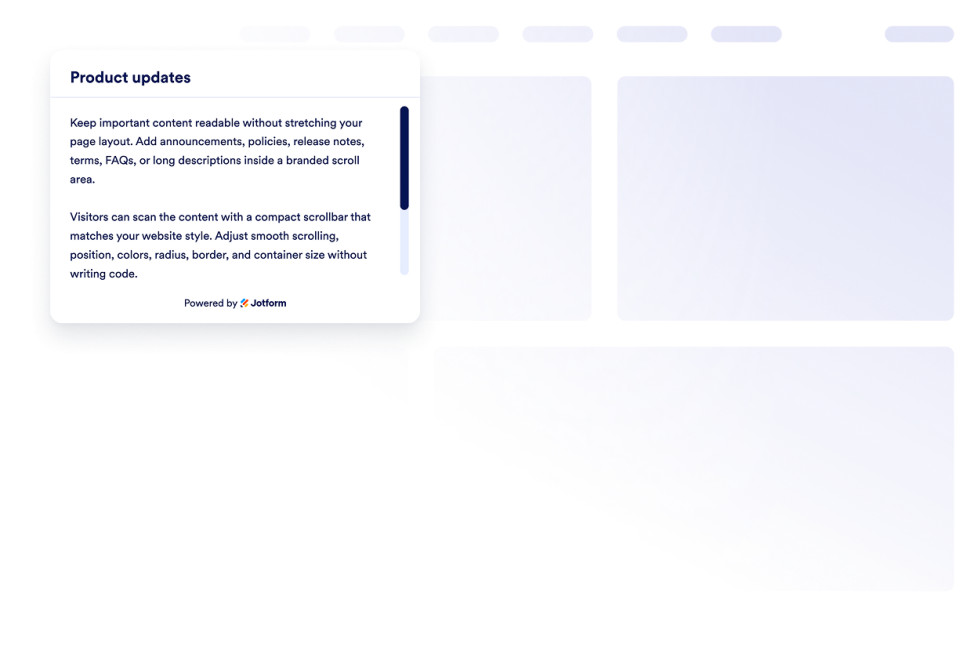
Barre de défilement personnalisée
Ajoutez un widget de barre de défilement personnalisé à votre site web. Créez des zones de contenu défilables à votre image, avec une largeur, des couleurs, une position, une bordure, un rayon et un comportement de défilement personnalisables.
Accéder à la catégorie :UtilitairesUtiliser le widget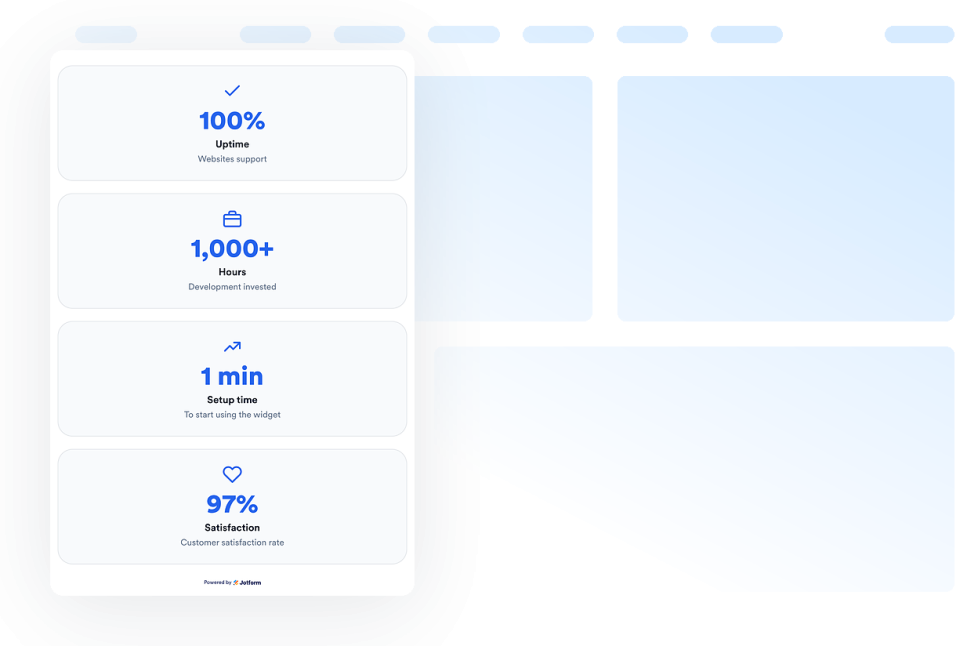
Compteur de nombres
Ajoutez un widget de compteur numérique à votre site web pour afficher des étapes clés animées, des statistiques, des icônes, des préfixes, des suffixes, des liens et des valeurs JSON en temps réel.
Accéder à la catégorie :UtilitairesUtiliser le widget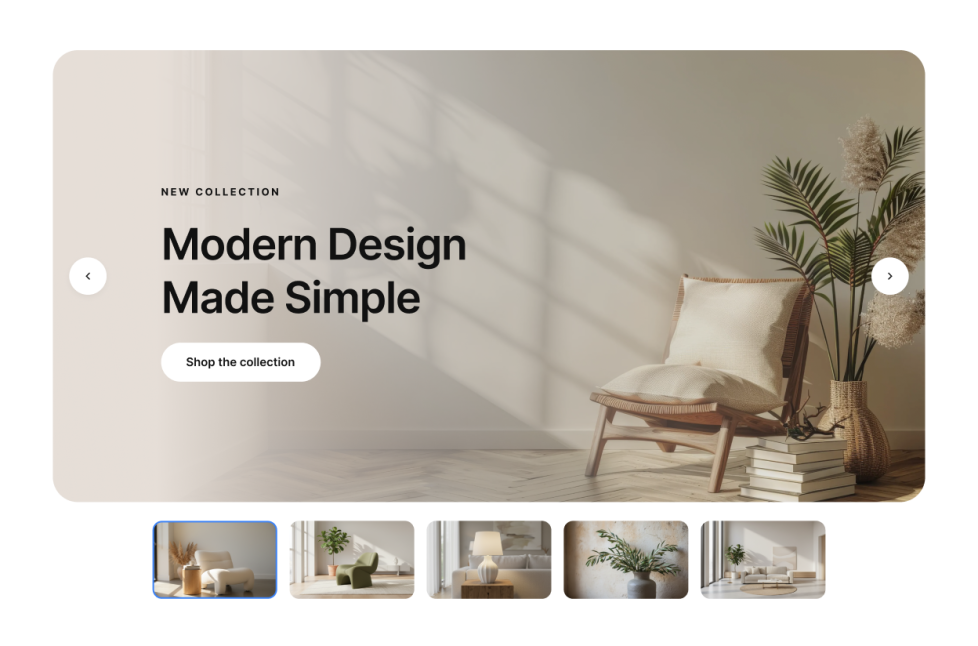
Diaporama photo
Ajoutez un widget diaporama d'images à votre site web pour faire défiler des diapositives avec des images ou des vidéos, inclure des badges, du texte, des boutons, la lecture automatique, des transitions en fondu ou en glissement, et une navigation réactive.
Accéder à la catégorie :UtilitairesUtiliser le widget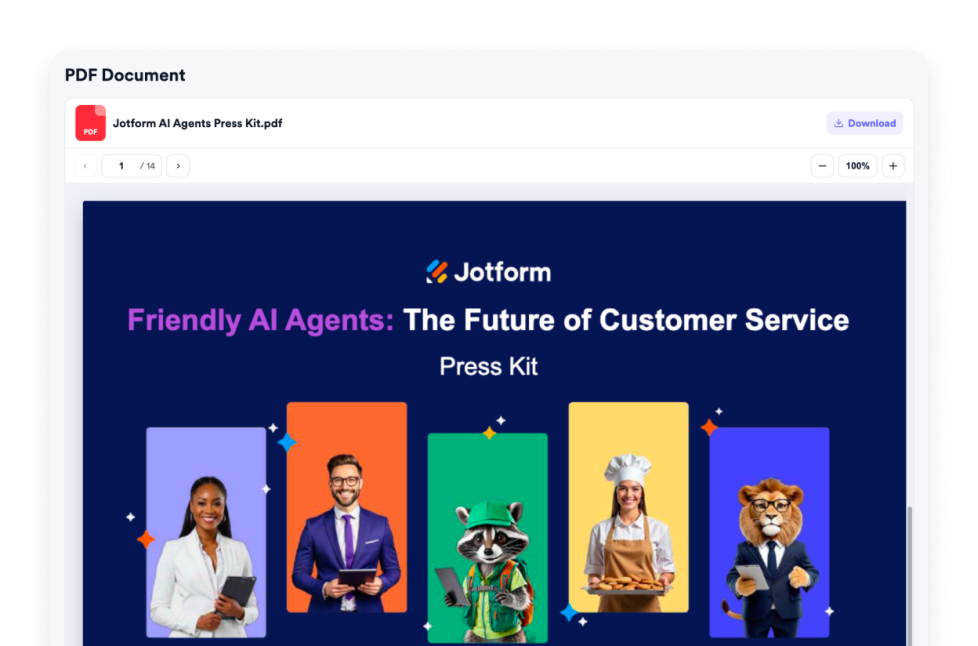
Intégration PDF
Ajoutez un widget d'intégration PDF à votre site web. Importez un fichier PDF ou collez un lien direct vers un PDF, puis personnalisez les commandes d'affichage : zoom, téléchargement, icône, couleur, largeur, hauteur et police de caractère.
Accéder à la catégorie :UtilitairesUtiliser le widget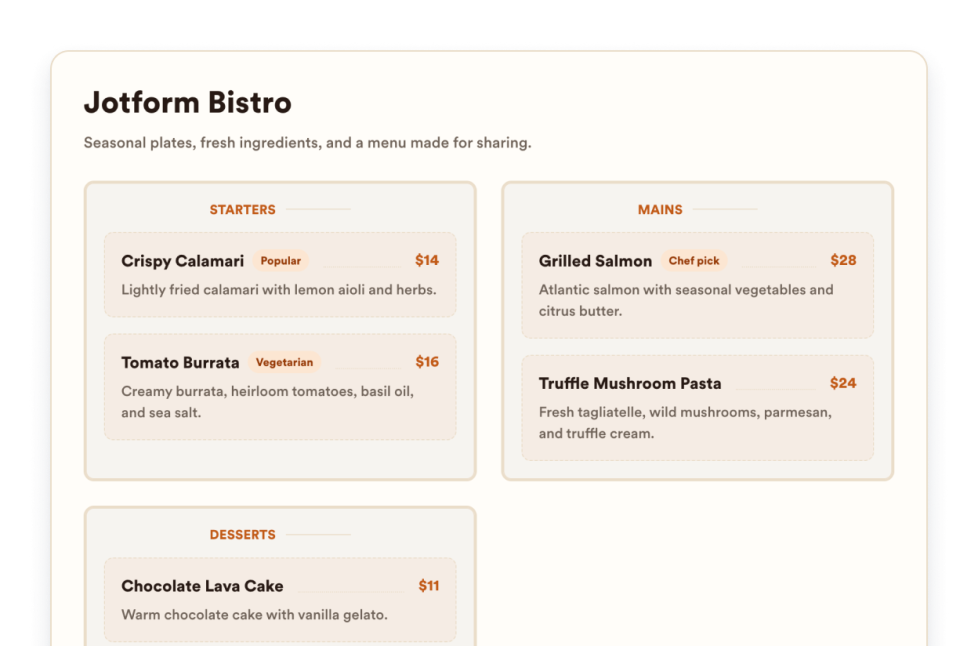
Menu du restaurant
Ajoutez un widget de menu adaptatif à votre site web, avec des catégories, des descriptions d'articles, des prix, des badges, des mises en page, des thèmes et des liens de réservation modifiables.
Accéder à la catégorie :UtilitairesUtiliser le widget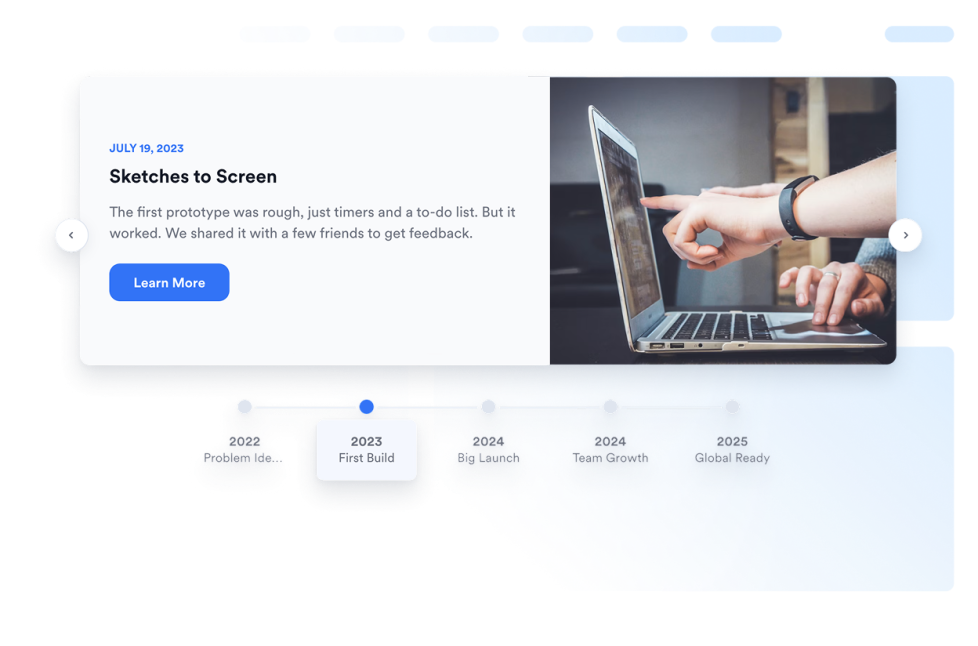
Chronologie
Ajoutez un widget Fise chronologique à votre site web pour présenter l'historique de votre entreprise,ses lancements de produits, son calendrier et le récit de son actualité, avec vos mise en page, marqueurs, couleurs et médias.
Accéder à la catégorie :UtilitairesUtiliser le widget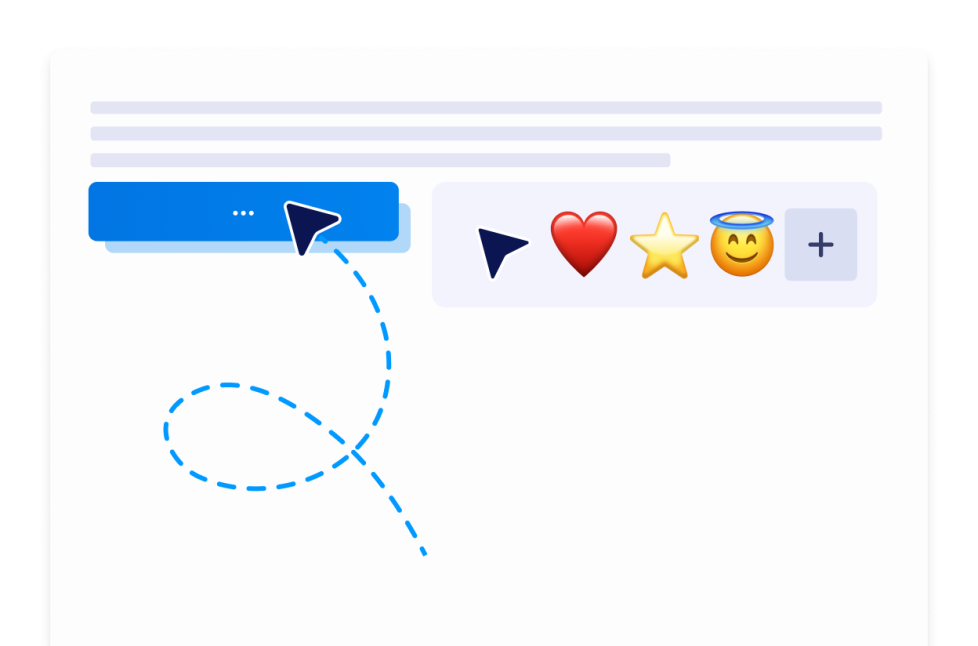
Curseur personnalisé
Avec le widget de curseur personnalisé, vous pouvez choisir un style de curseur, personnaliser son apparence et ses mouvements, ajouter des effets interactifs et l'intégrer à votre site web sans avoir à rédiger de code.
Accéder à la catégorie :UtilitairesUtiliser le widget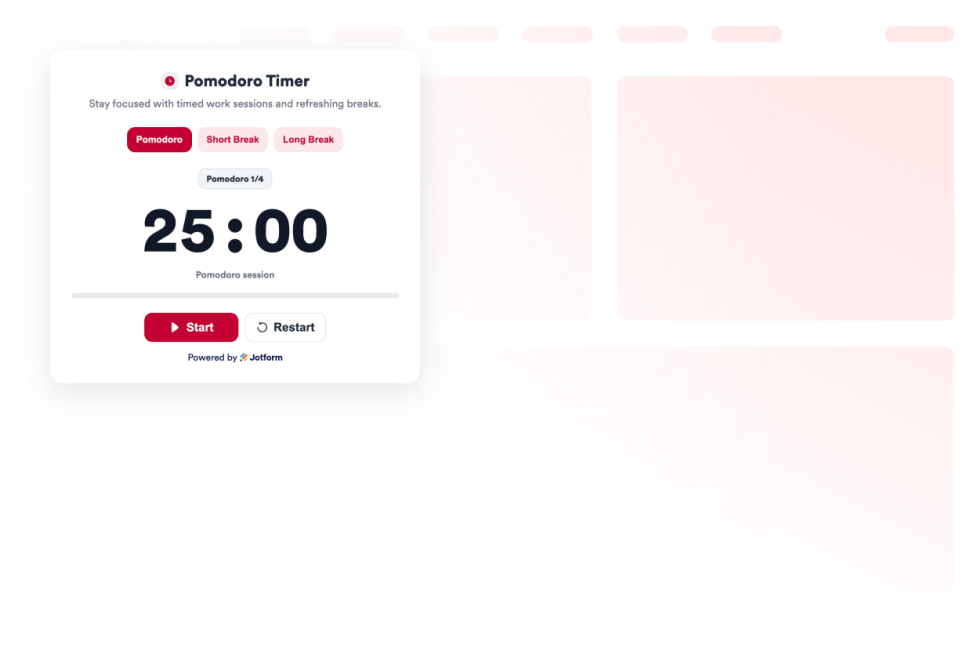
Pomodoro
Ajoutez un widget Pomodoro à votre site web pour générer des sessions de travail sans interruption, des pauses courtes, des pauses longues, et mettre en place des alarmes avec des sonneries, le tout dans un style personnalisé.
Accéder à la catégorie :UtilitairesUtiliser le widget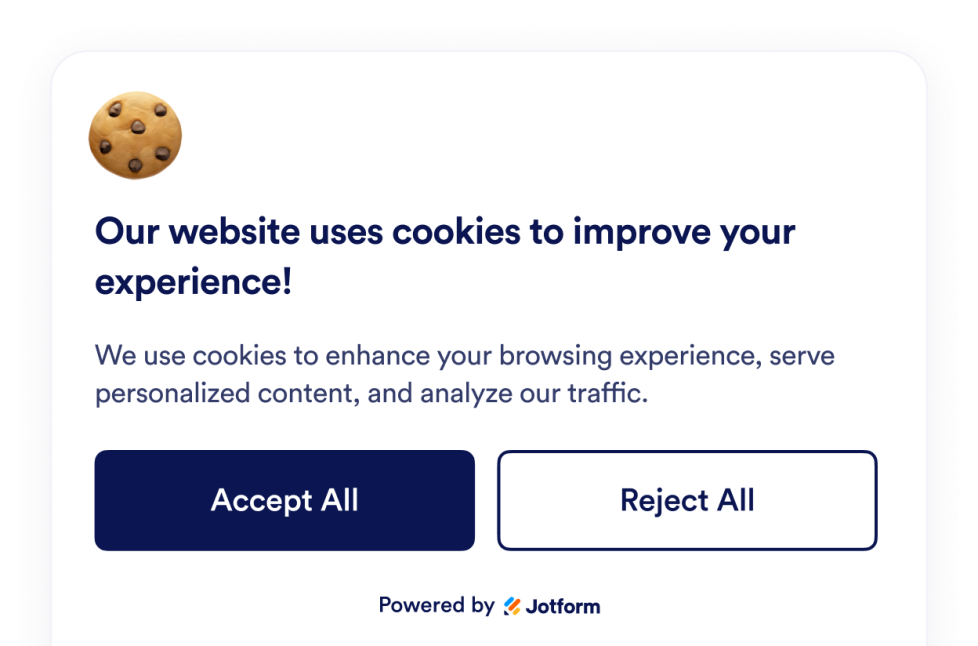
Consentement aux cookies
Intégrez un widget d'acceptation des cookies à votre site web. Affichez une bannière personnalisable pour les cookies, recueillez les choix des visiteurs, présentez les catégories de préférences et contrôlez les scripts sans avoir à rédiger de code.
Accéder à la catégorie :UtilitairesUtiliser le widget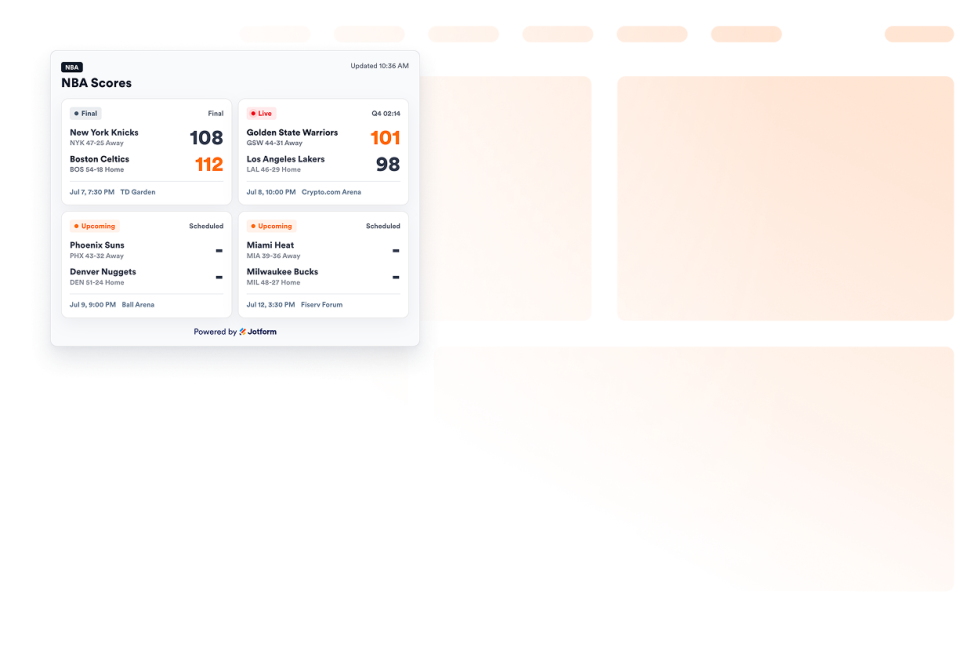
NBA Scores widget
Add an NBA Scores widget to your website to show game cards, live and final statuses, schedules, favorite teams, and scoreboard styling.
Accéder à la catégorie :UtilitairesUtiliser le widget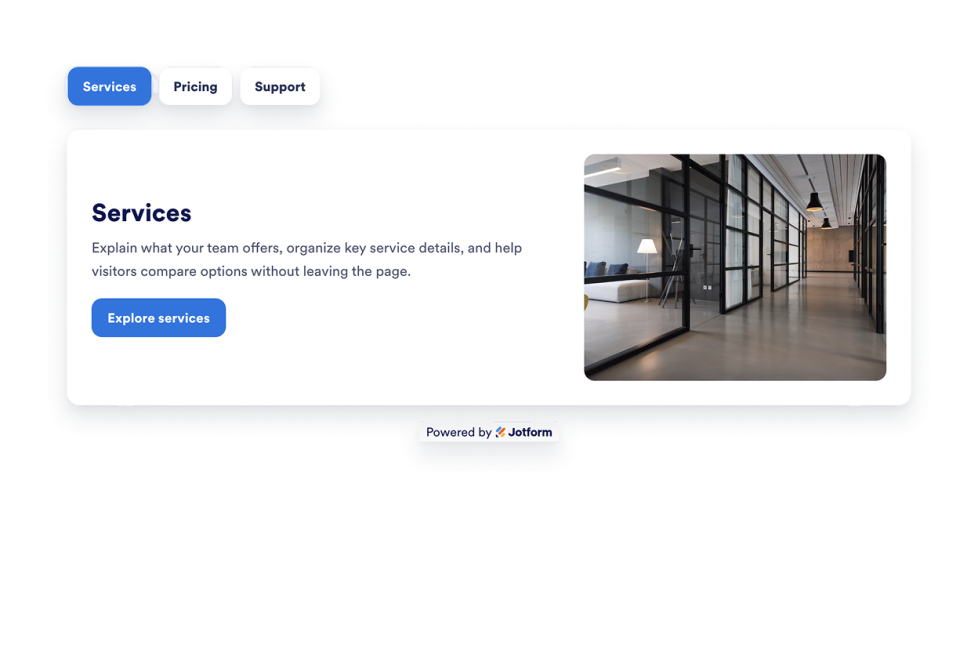
Tabs Widget
Add a customizable Tabs Widget to your website to organize content into clean, clickable sections. Build tabbed layouts for FAQs, features, pricing, menus, portfolios, and more with no code.
Accéder à la catégorie :UtilitairesUtiliser le widget
Oups, aucun résultat trouvé
No results match your search. Please try another keyword.