Before and After Slider Widget for your website
Show visual transformations with an interactive comparison slider. Jotform's Before and After Slider widget lets you add image pairs, choose horizontal or vertical reveal direction, set drag or hover interaction, add labels and captions, enable fullscreen viewing, and embed the result on your website without code.
Create Now — It’s Free!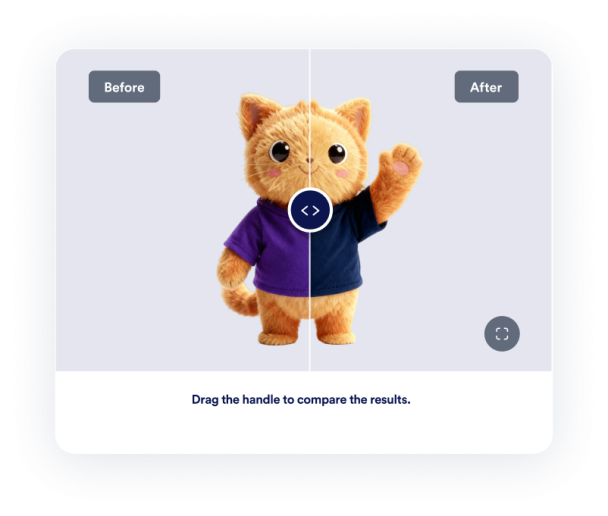

How to create a Before and After Slider widget
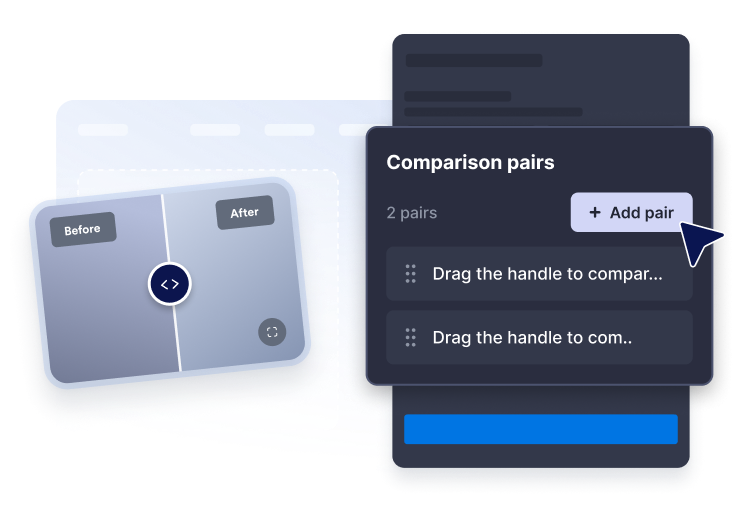
Add image pairs
Paste before and after image URLs, then write clear labels and captions for each comparison.
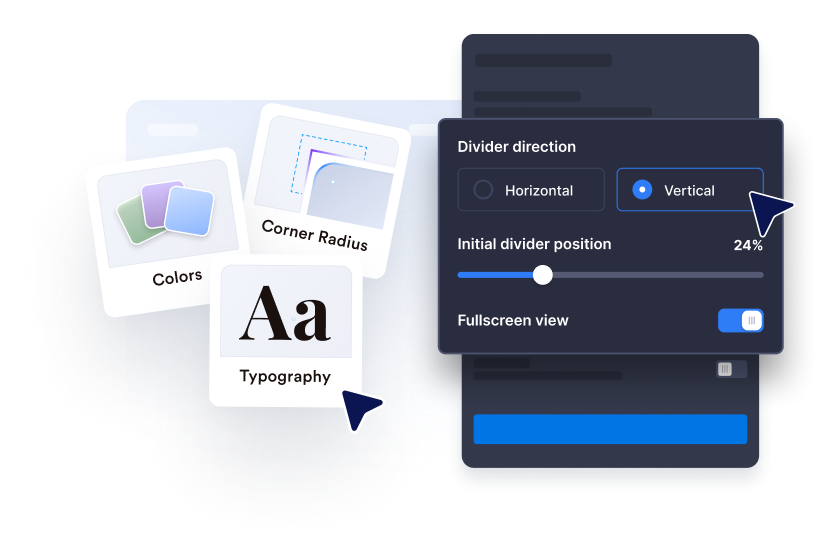
Customize the reveal
Choose horizontal or vertical direction, set the initial divider position, and use drag, click, or hover interaction.
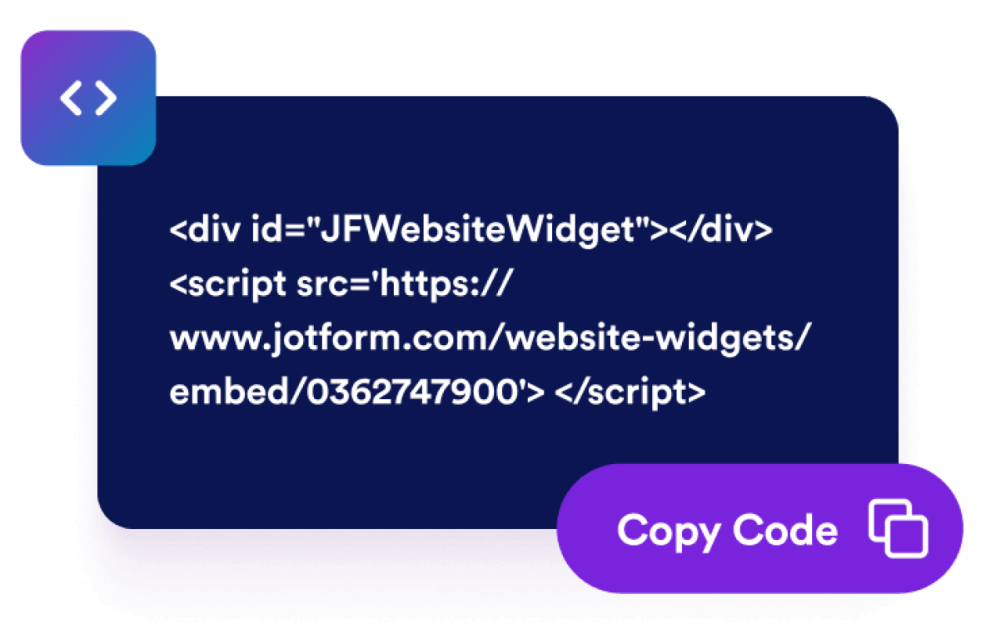
Embed it on your website
Adjust size, ratio, colors, fullscreen behavior, and display rules before publishing the widget.
Show transformations with a comparison widget that fits your page
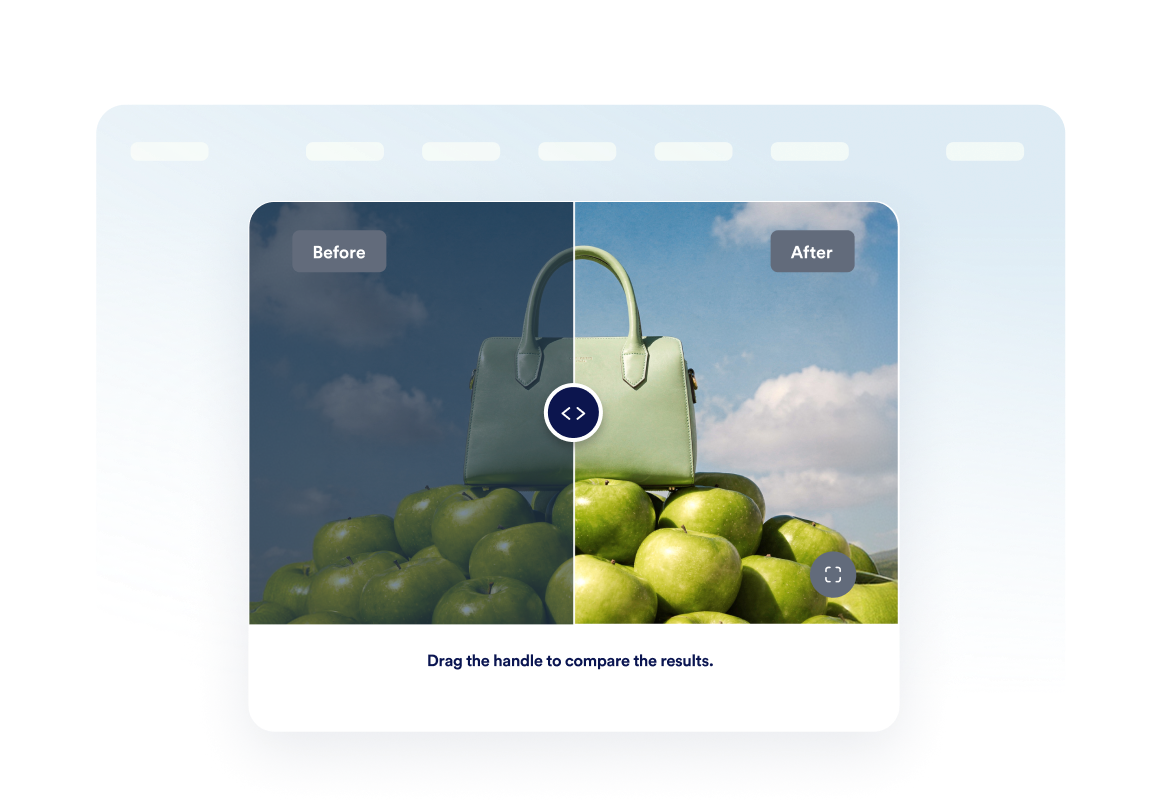
Compare before and after images
Place two images in one frame so visitors can instantly understand renovation, design, beauty, repair, or product changes.
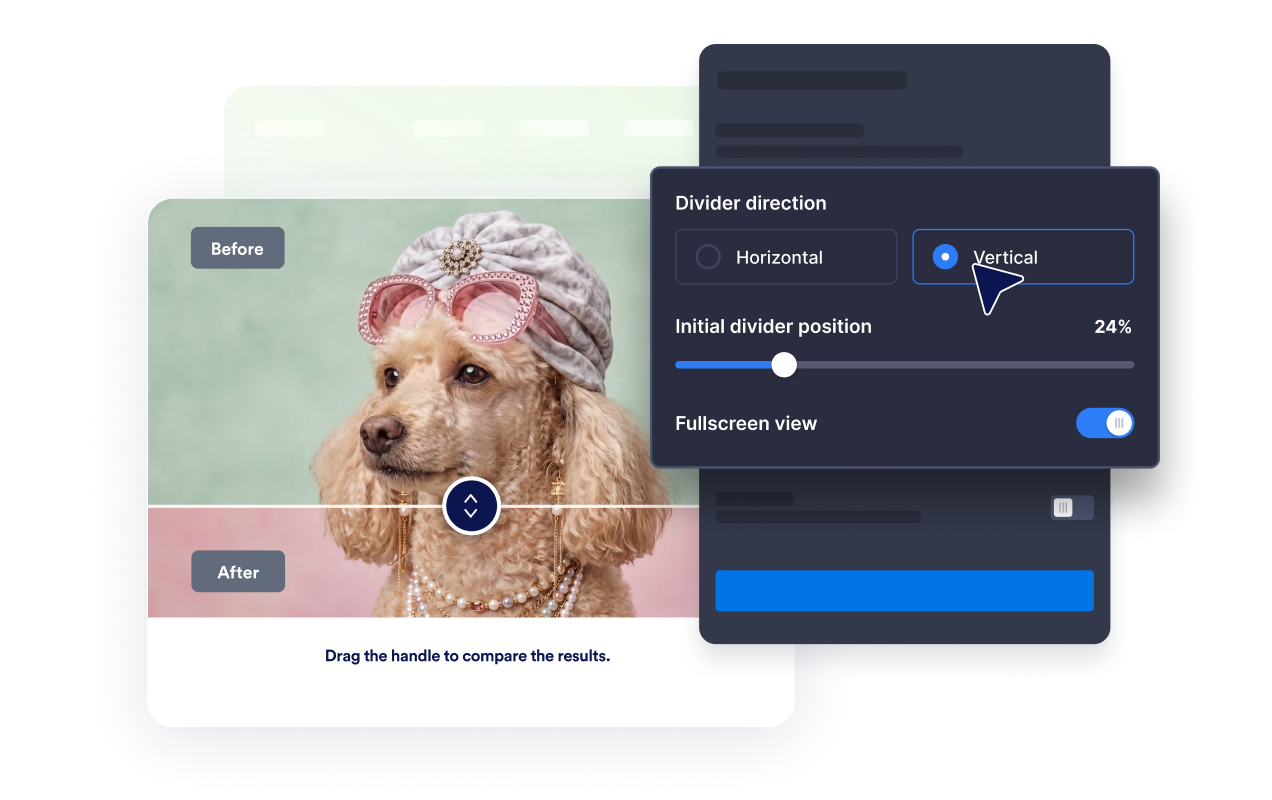
Use horizontal or vertical reveal
Switch the divider direction to match the subject matter and let visitors inspect changes with drag, click, or hover movement.
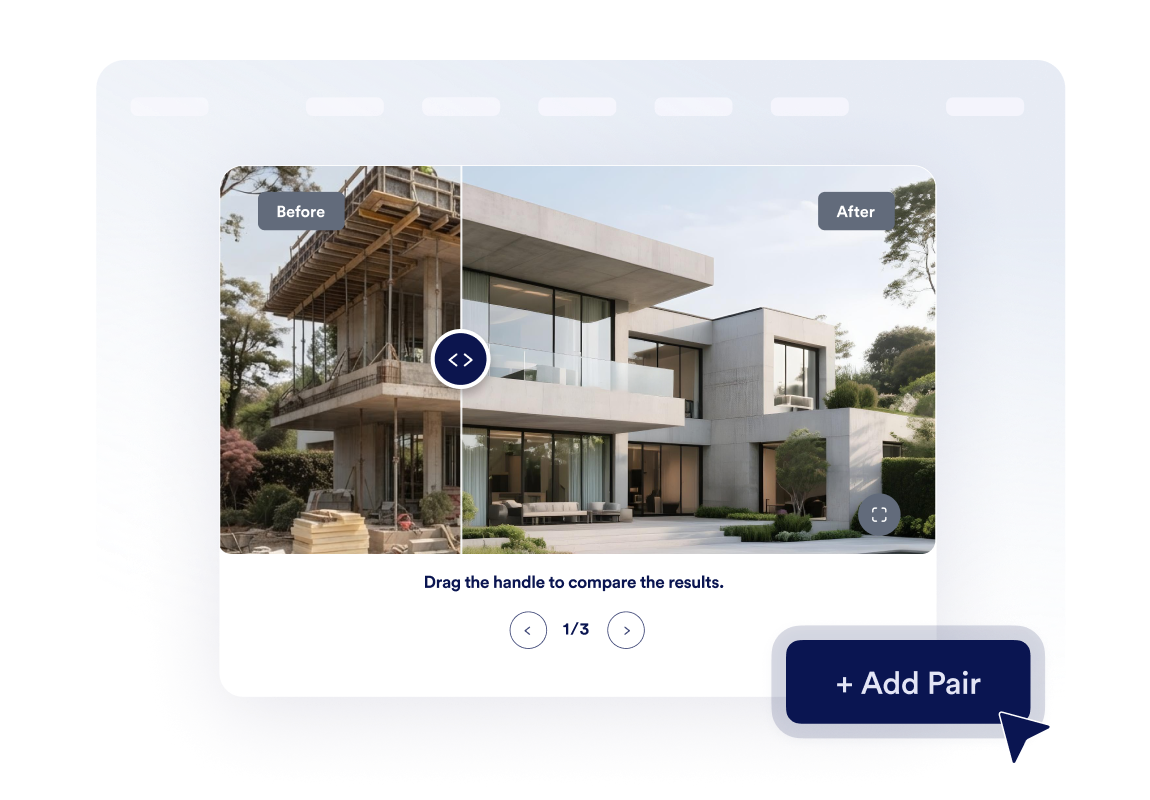
Create a small transformation gallery
Add up to three image pairs and enable carousel navigation so visitors can browse multiple project stages or case studies.
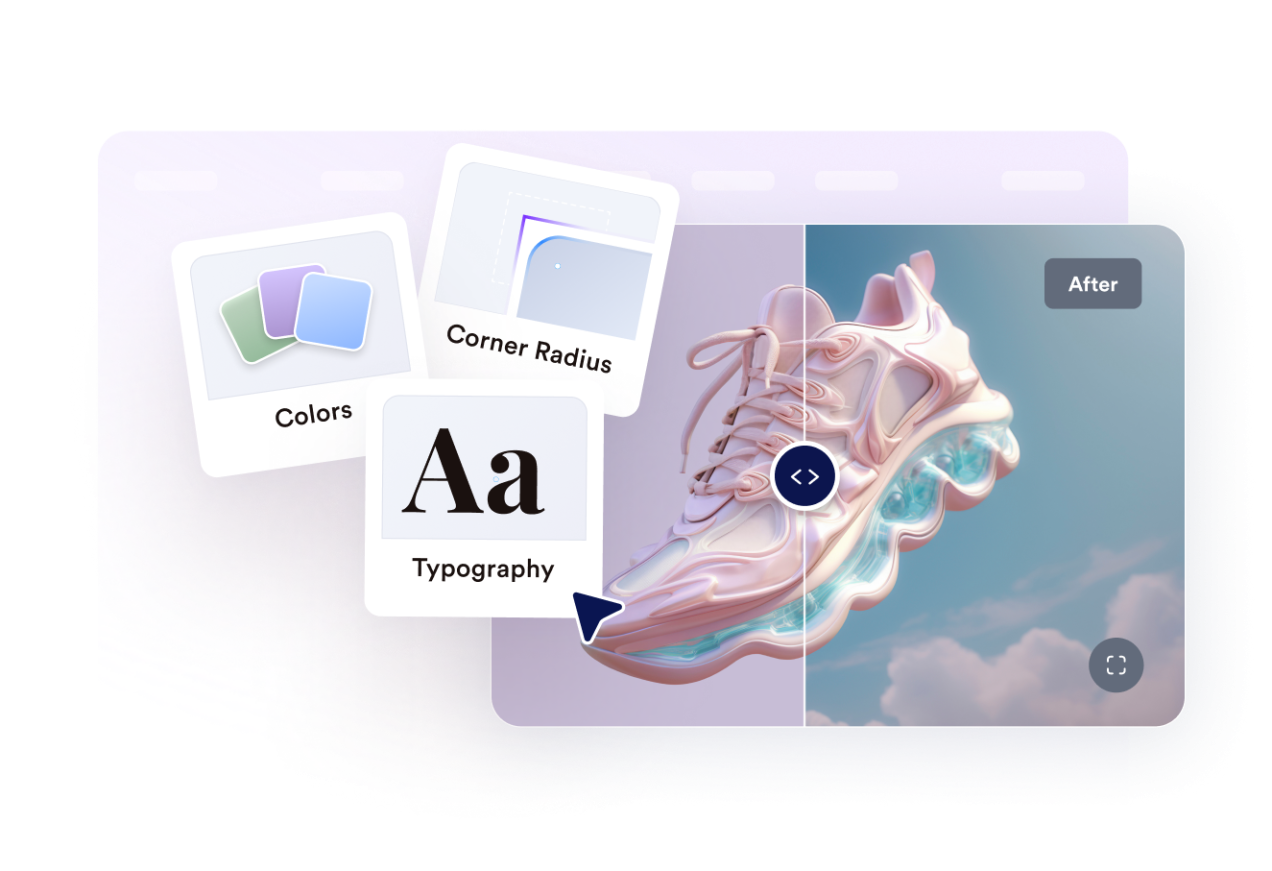
Match your website style
Control width, image ratio, corner radius, divider size, colors, labels, captions, custom CSS, fullscreen mode, and mobile visibility.
Why Jotform Website Widgets stand out
Jotform’s widgets make your website more interactive and increase conversions. There are many tools available, from star ratings and testimonial sliders to social proof popups and media embeds. Add widgets to your forms or landing pages to collect data, display proof, and capture leads — no coding required.
Add Jotform widgets to your website with a simple embed code. Customize the widget, preview how it looks, and paste it into any page that supports custom HTML or embed blocks, all without a developer.
Use Jotform Website Widgets to collect leads, show customer feedback, display social proof, embed media, or add helpful web page tools. Each widget helps visitors interact with your business directly from your website.
If you need help setting up, customizing, embedding, or troubleshooting your widget, Jotform’s customer support team is available 24-7. You can move forward with confidence, knowing that help is there when you need it.
Where to use your Before and After Slider widget
Add the widget anywhere a visual comparison helps visitors trust the result, understand quality, or make a decision faster.
Renovation and interior design pages to show completed project transformations.
Beauty, wellness, and fitness sites to compare visible client or treatment progress.
Product pages to highlight upgrades, restorations, edits, or feature improvements.
Portfolio and case study pages to make results more tangible than text alone.
Real estate listings to compare staging, repairs, landscaping, or remodel work.
Creative service pages to show retouching, mockups, design revisions, or brand refreshes.
Convert leads into paying customers with the Jotform Form Builder
Turn engagement into action with Jotform. Create powerful forms that capture leads, collect payments, and automate responses, all in one place. Every submission lands in your Jotform Inbox, where you can follow up or connect with your favorite apps.
Get Started — It’s Free!
FAQ
What is a Before and After Slider widget?
A Before and After Slider widget displays two related images in one interactive frame. Visitors move a divider to reveal more of the before or after image and compare the transformation.
Can I choose the slider direction?
How can visitors move the divider?
Can I set the initial divider position?
Can I show more than one comparison?
Can I add labels and captions?
Does the widget support fullscreen viewing?
Does it work on mobile?
Do I need to write code?