Cookie Consent Widget for Your Website
Create a customizable cookie consent banner for your website and give visitors clear control over their cookie preferences. Jotform's Cookie Consent Widget helps you customize your consent message, organize cookie categories, match the banner to your website, and embed it without coding.
Create Now — It’s Free!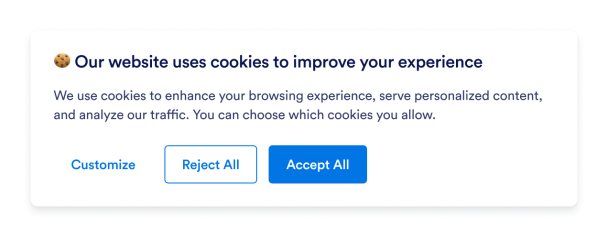

How to create a Cookie Consent widget
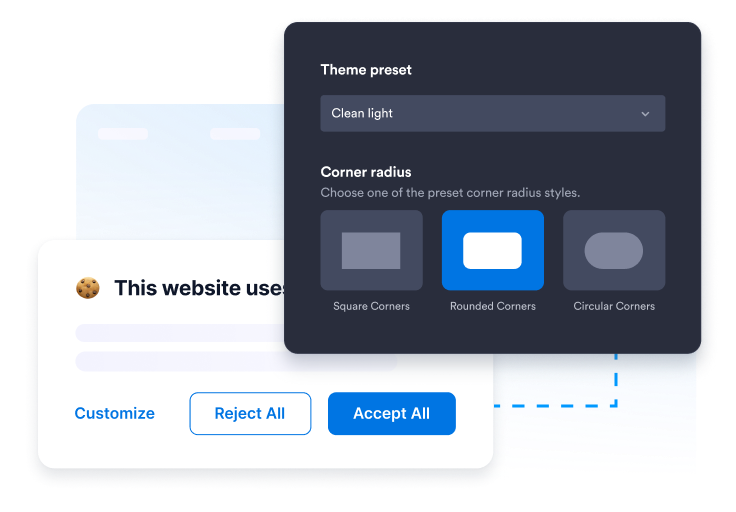
Customize Consent Experience
Choose which cookie categories visitors can manage, then customize the banner's message, colors, position, and appearance to match your website design and consent needs.
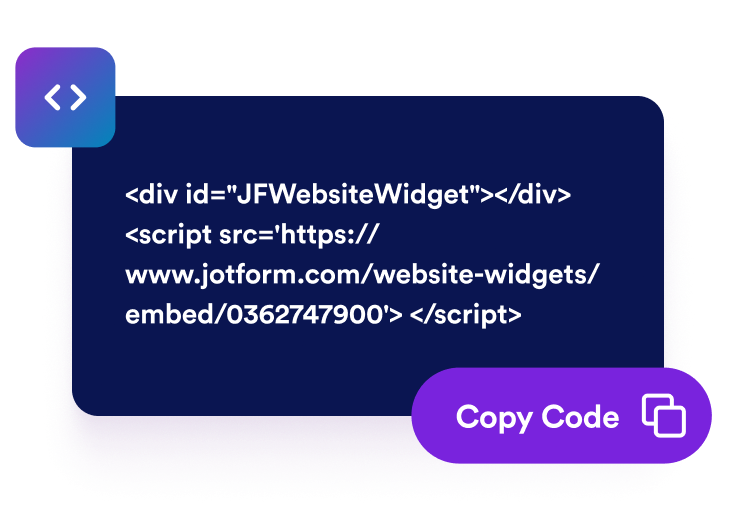
Get the embed code
Copy the automatically generated embed code and paste it anywhere on your website.
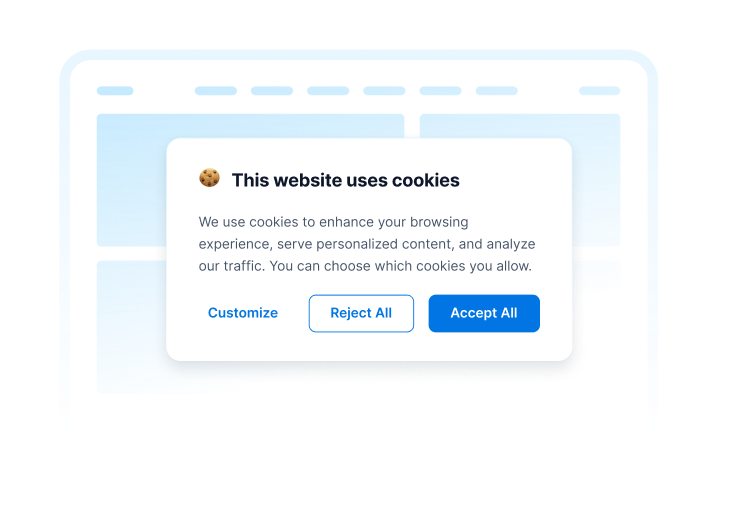
Embed it anywhere
Create a fully customizable cookie consent banner that matches your website's design.
Manage cookie consent with a flexible website widget
Customize Every Detail
Choose your consent flow, customize the banner's appearance, and match every detail to your website with flexible layouts and colors.
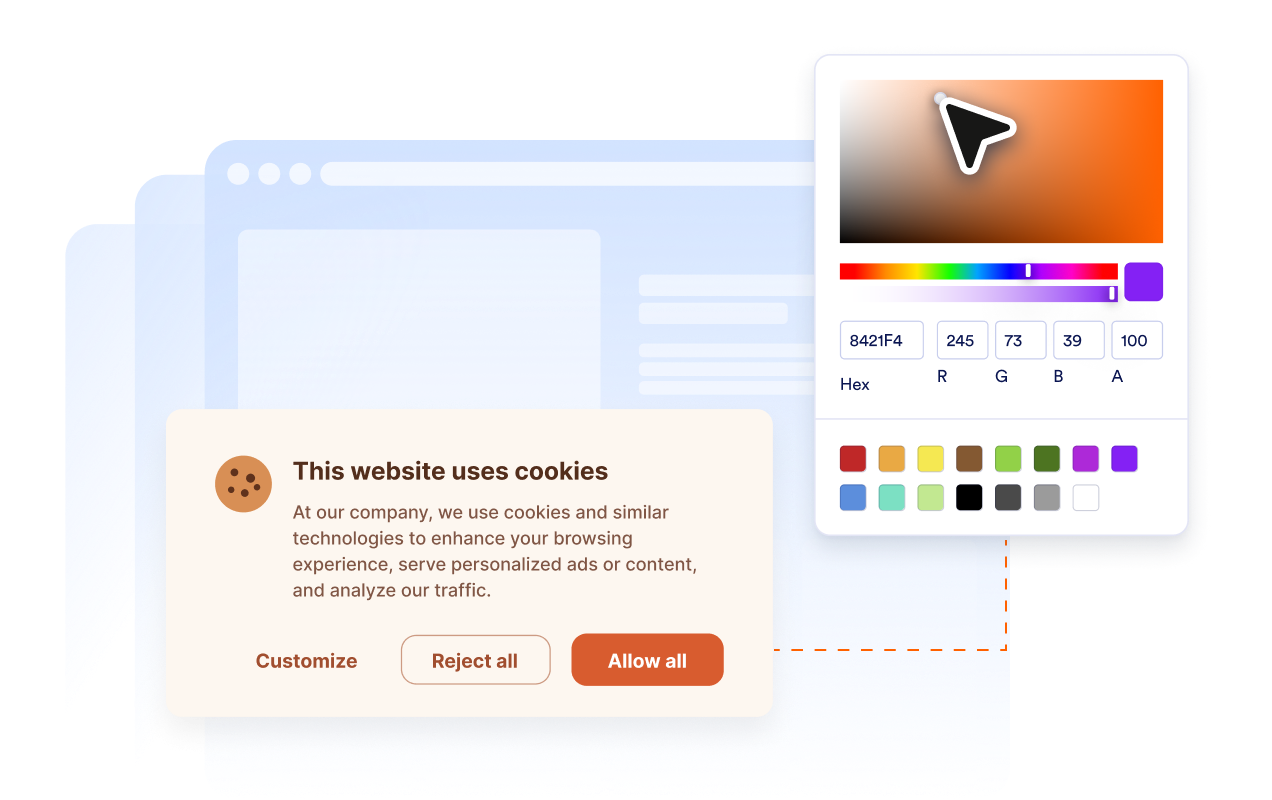
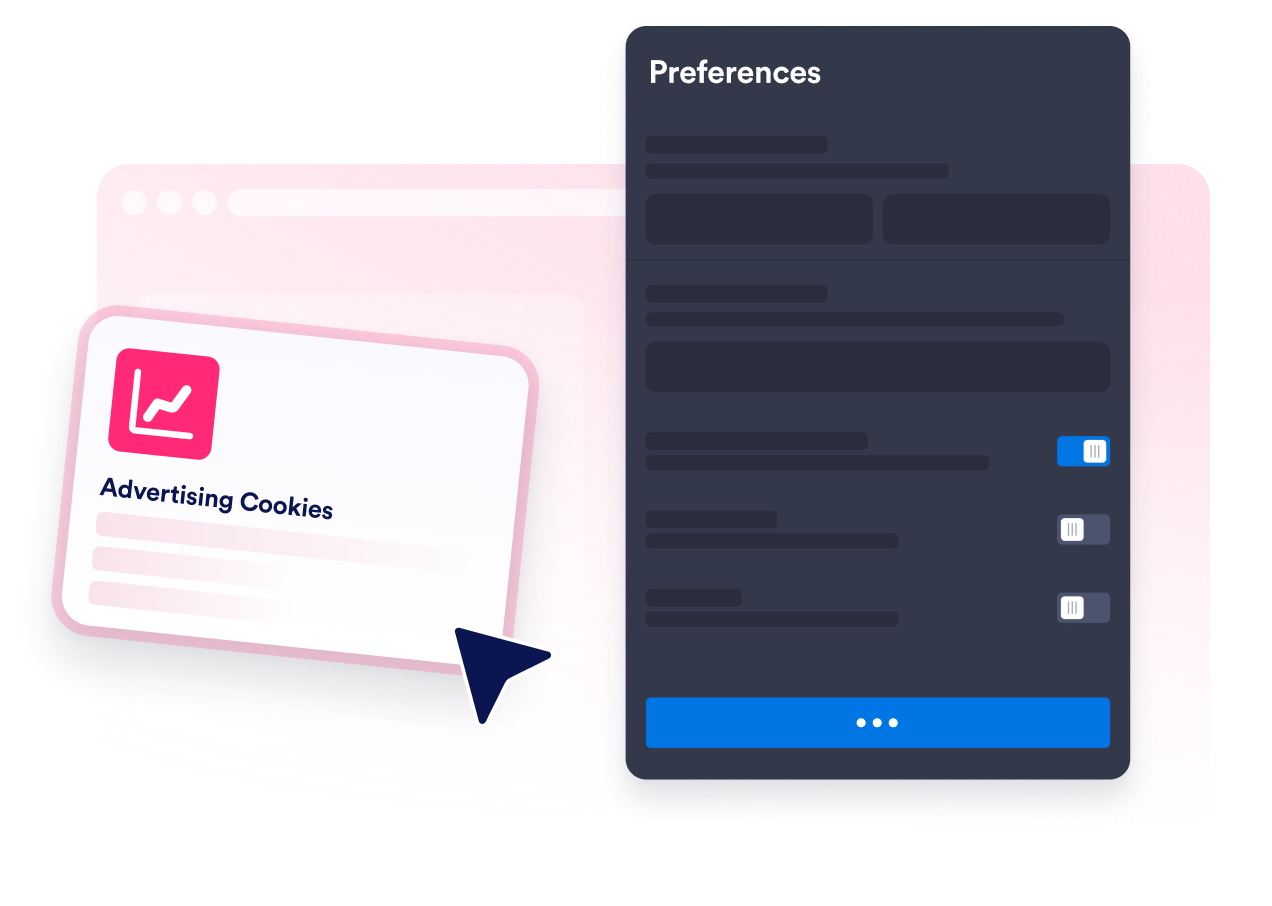
Give Visitors Meaningful Control
Let visitors manage cookie categories individually with an intuitive preference center while keeping non-essential cookies disabled by default.
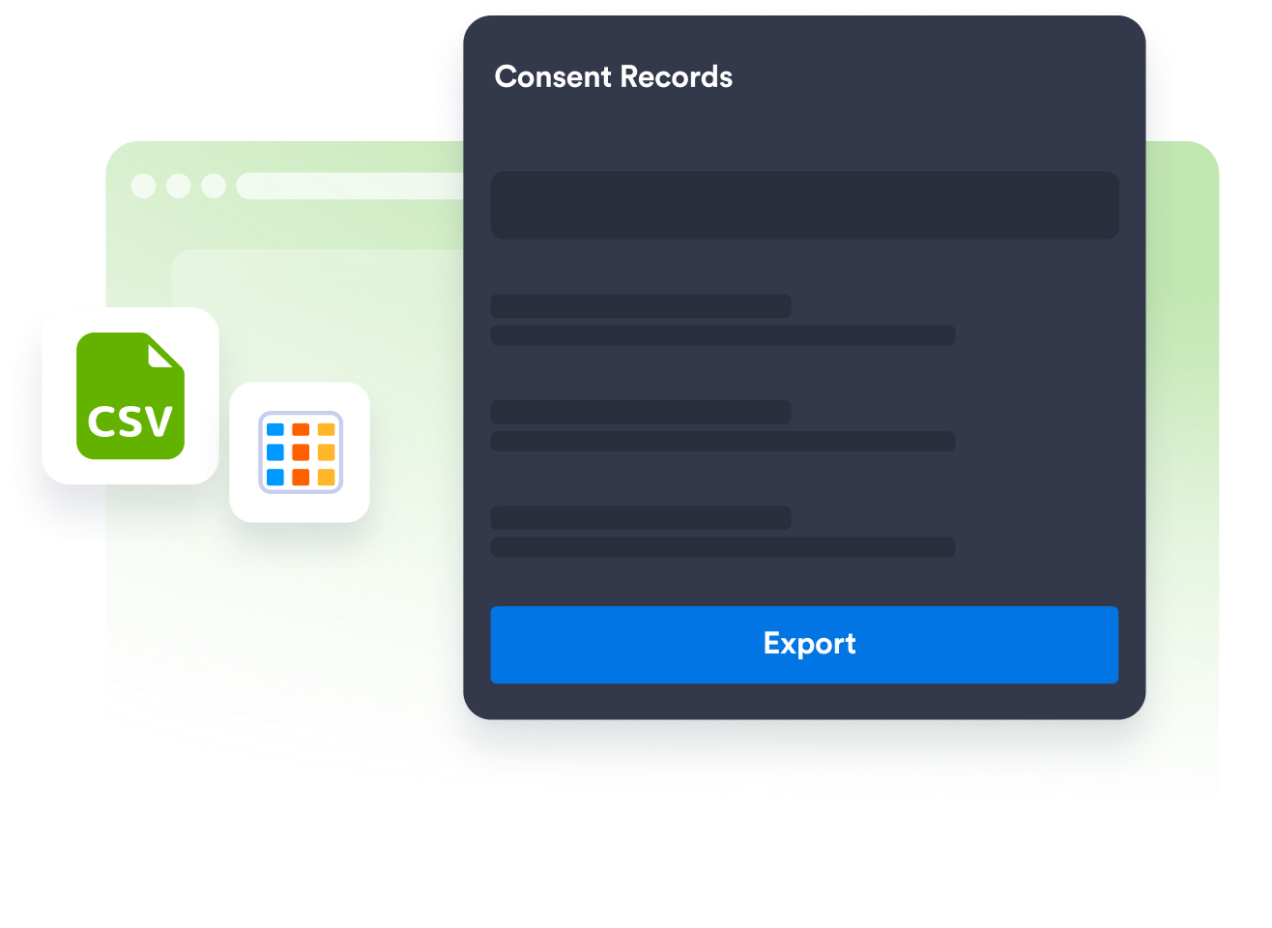
Built for Modern Privacy
Support modern privacy requirements with balanced consent choices and detailed consent records you can review and export from Jotform Tables whenever needed.
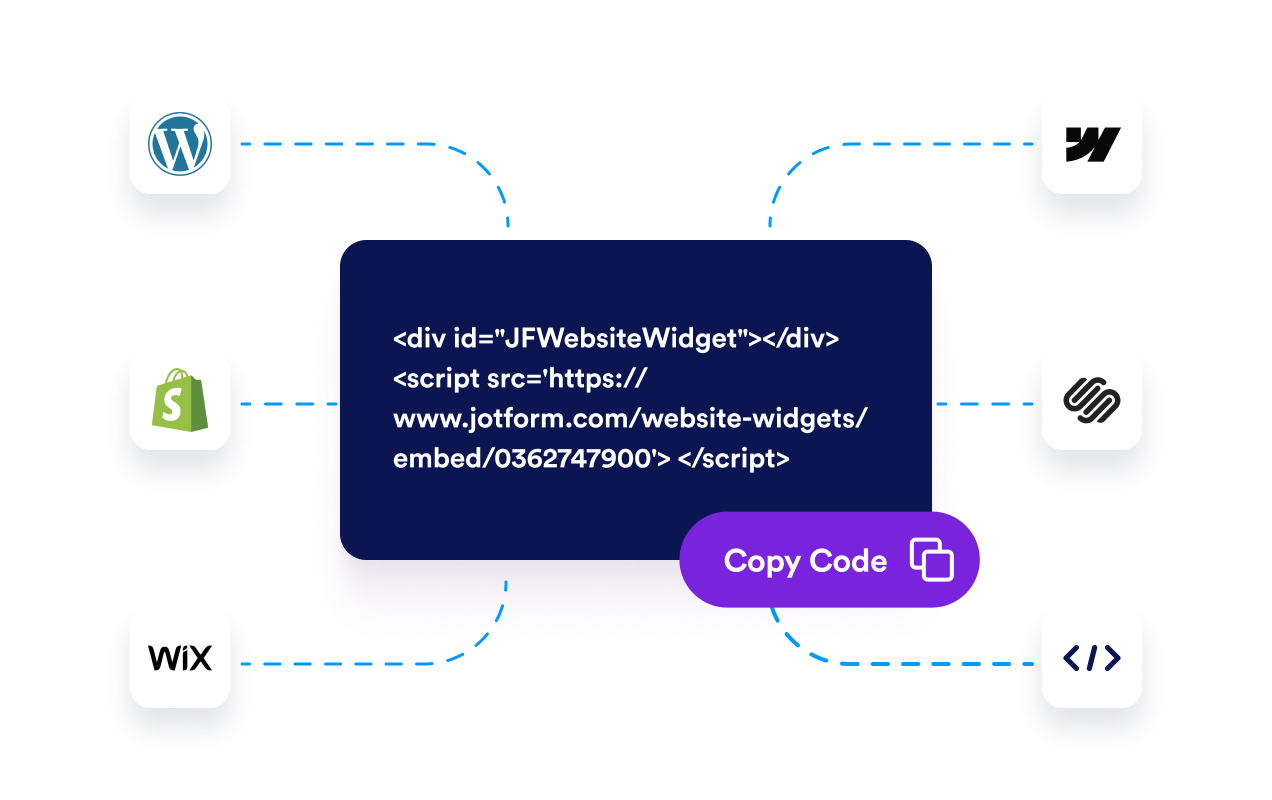
Add It Anywhere in Seconds
Copy a single embed code and add your consent banner to WordPress, Shopify, Wix, Webflow, Squarespace, or any custom website without affecting performance.
Why Jotform Website Widgets stand out
Jotform’s widgets make your website more interactive and increase conversions. There are many tools available, from star ratings and testimonial sliders to social proof popups and media embeds. Add widgets to your forms or landing pages to collect data, display proof, and capture leads — no coding required.
Add Jotform widgets to your website with a simple embed code. Customize the widget, preview how it looks, and paste it into any page that supports custom HTML or embed blocks, all without a developer.
Use Jotform Website Widgets to collect leads, show customer feedback, display social proof, embed media, or add helpful web page tools. Each widget helps visitors interact with your business directly from your website.
If you need help setting up, customizing, embedding, or troubleshooting your widget, Jotform’s customer support team is available 24-7. You can move forward with confidence, knowing that help is there when you need it.
Where to use your Cookie Consent widget
Add the widget anywhere visitors need transparent cookie choices before optional scripts or tracking run.
Business websites that use analytics or marketing tools
Ecommerce stores that use analytics & marketing cookies
Blogs and publishing websites that measure visitor behavior
SaaS and product websites that use analytics and optimization tools
Agency-built websites that need a reusable cookie consent setup
International websites serving visitors across different regions
Convert leads into paying customers with the Jotform Form Builder
Turn engagement into action with Jotform. Create powerful forms that capture leads, collect payments, and automate responses, all in one place. Every submission lands in your Jotform Inbox, where you can follow up or connect with your favorite apps.
Get Started — It’s Free!
FAQ
Do I need to know which cookies my website uses before setting up the banner?
It helps to have a basic understanding of the cookies and tracking technologies your site uses. From there, you can sort them into categories like Necessary, Analytics, Marketing, and Preferences, and decide which choices to offer visitors.
What happens if a visitor doesn't accept cookies?
Can visitors change their cookie preferences later?
How can I prove that a visitor gave consent?
Can I use the same cookie banner across different website platforms?
Will the cookie banner slow down my website?
Is it free?