Flipbook Widget for Your Website
Turn PDFs into a polished page-turning reader for catalogs, menus, lookbooks, brochures, portfolios, reports, and guides. Upload a file, then publish an interactive flipbook with thumbnails, zoom, fullscreen, download, print, and responsive reading controls.
Create Now — It’s Free!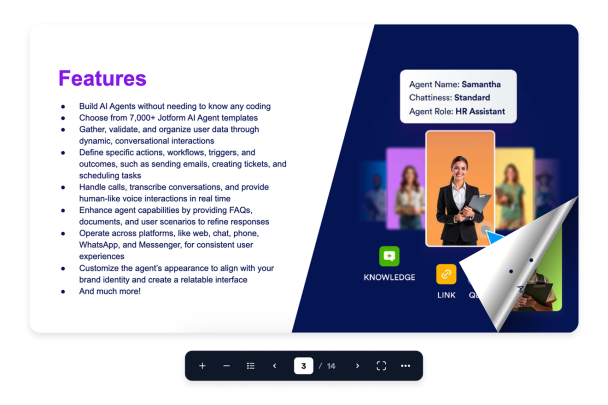

How to create a Flipbook widget
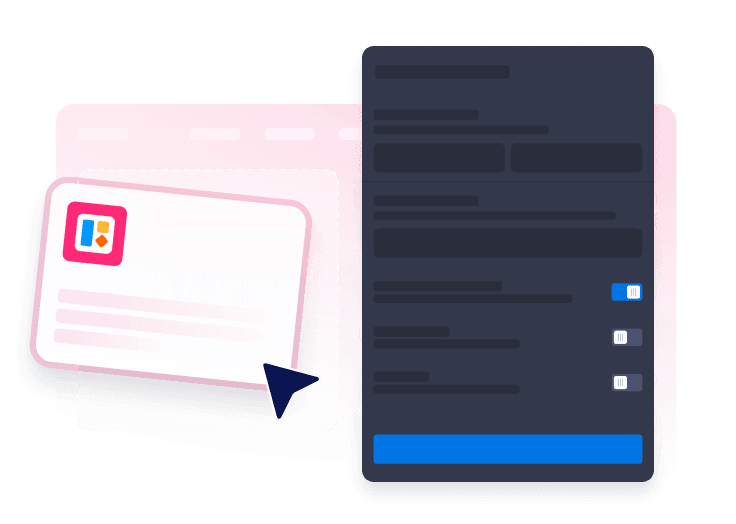
Connect your PDF
Upload a PDF, then confirm the document title before the reader is created.
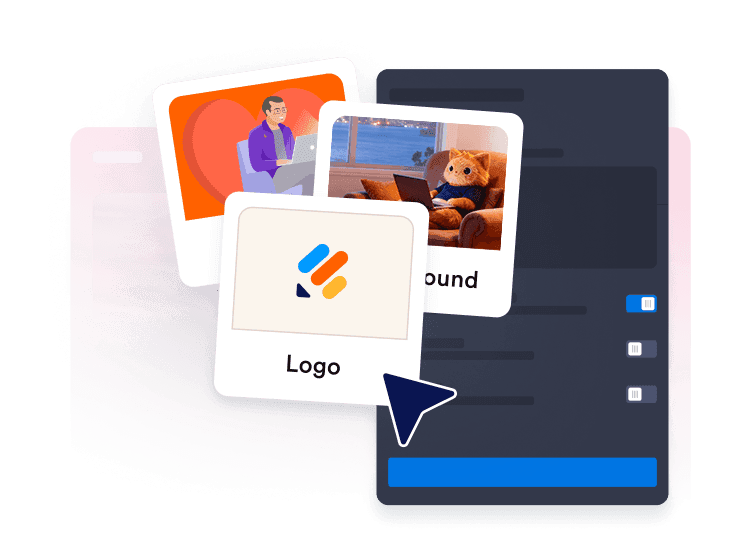
Set reader behavior
Choose single or double page mode, initial zoom, page flip sound, spacing, themes, and other reading controls.

Publish the flipbook
Preview the embedded reader, copy the widget, and add the interactive PDF experience to your website.
Make PDFs easier to browse on any website
Connect PDFs from upload or URL
Add an uploaded PDF, validate the source, and keep the reader title clear for visitors.
Give readers a complete toolbar
Offer zoom, thumbnails, page navigation, fullscreen, download, print, and page mode controls in a compact floating toolbar.

Add realistic page-turn browsing
Create a book-style reading flow with animated page turns, click zones, drag navigation, and optional flip sound.
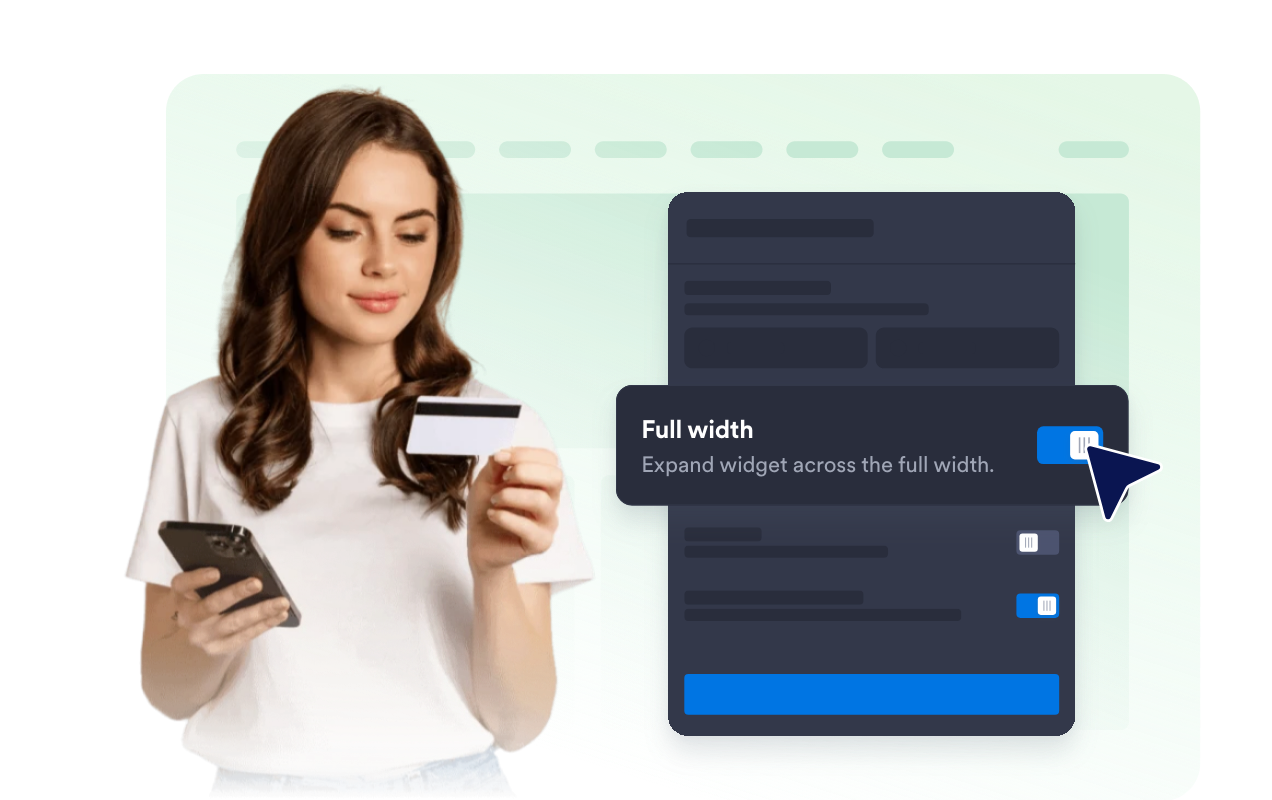
Control the stage layout and theme
Tune padding, margins, page mode, stage theme, branding visibility, background colors, and scoped custom CSS.
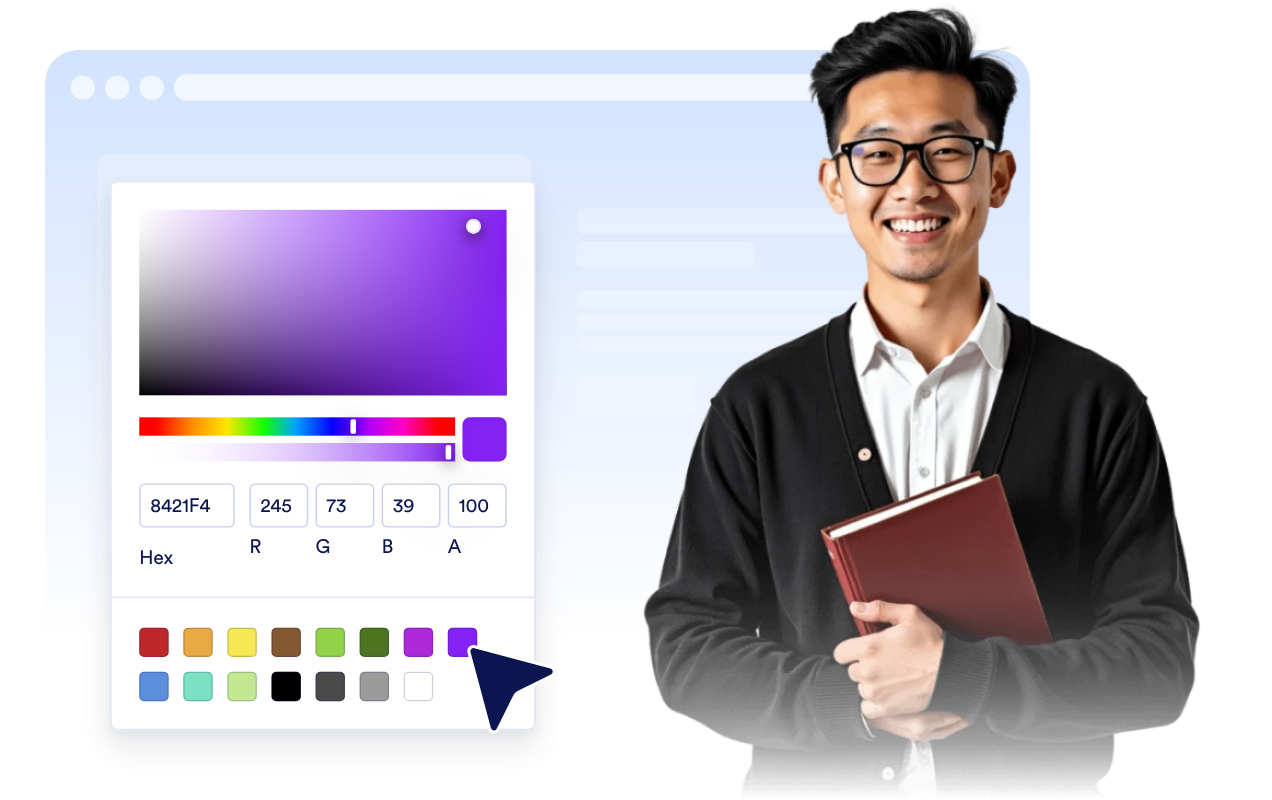
Why Jotform Website Widgets stand out
Jotform’s widgets make your website more interactive and increase conversions. There are many tools available, from star ratings and testimonial sliders to social proof popups and media embeds. Add widgets to your forms or landing pages to collect data, display proof, and capture leads — no coding required.
Add Jotform widgets to your website with a simple embed code. Customize the widget, preview how it looks, and paste it into any page that supports custom HTML or embed blocks, all without a developer.
Use Jotform Website Widgets to collect leads, show customer feedback, display social proof, embed media, or add helpful web page tools. Each widget helps visitors interact with your business directly from your website.
If you need help setting up, customizing, embedding, or troubleshooting your widget, Jotform’s customer support team is available 24-7. You can move forward with confidence, knowing that help is there when you need it.
Where to use your Flipbook widget
Use a flipbook wherever a PDF should feel browsable, polished, and easy to read from your website.
Product catalogs to let shoppers browse products, seasonal collections, and price guides.
Restaurant menus to publish readable menus with fullscreen, download, and print options.
Lookbooks and portfolios to show visual work in a page-turning format.
Brochures and travel guides to make long PDF documents easier to explore.
Newsletters and reports to publish downloadable documents without sending visitors away.
Convert leads into paying customers with the Jotform Form Builder
Turn engagement into action with Jotform. Create powerful forms that capture leads, collect payments, and automate responses, all in one place. Every submission lands in your Jotform Inbox, where you can follow up or connect with your favorite apps.
Get Started — It’s Free!
FAQ
What is a Flipbook widget?
A Flipbook widget is an embeddable PDF reader that displays documents in an interactive, page-turning website experience.
Can I upload a PDF?
Can visitors download or print the PDF?
Can I customize the toolbar?
Does the Flipbook widget work on mobile?
Do I need code?