PDF Embed Widget for your website
PDF Embed Widget lets you display a PDF directly on your website so visitors can read important documents without opening a new page. Upload one PDF or paste a direct PDF URL, customize the viewer style, adjust sizing and download options, and add it to your site with no coding required.
Create Now — It’s Free!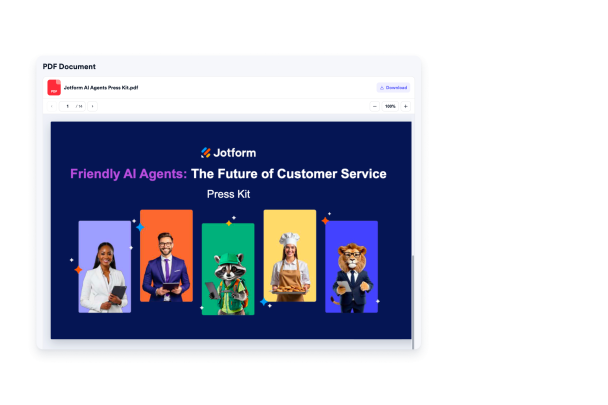

How to create a PDF Embed widget
Add your PDF
Upload one PDF file or paste a direct PDF URL, then add a clear file name so visitors know what they’re viewing.

Set the viewer
Choose how your PDF appears on the page, including viewer height, zoom behavior, and whether visitors can download the file.

Style and embed it
Adjust colors, typography, icon settings, width, height, and branding, then copy the embed code and publish it on your website.
Make PDFs easy to read online
Add documents from one source
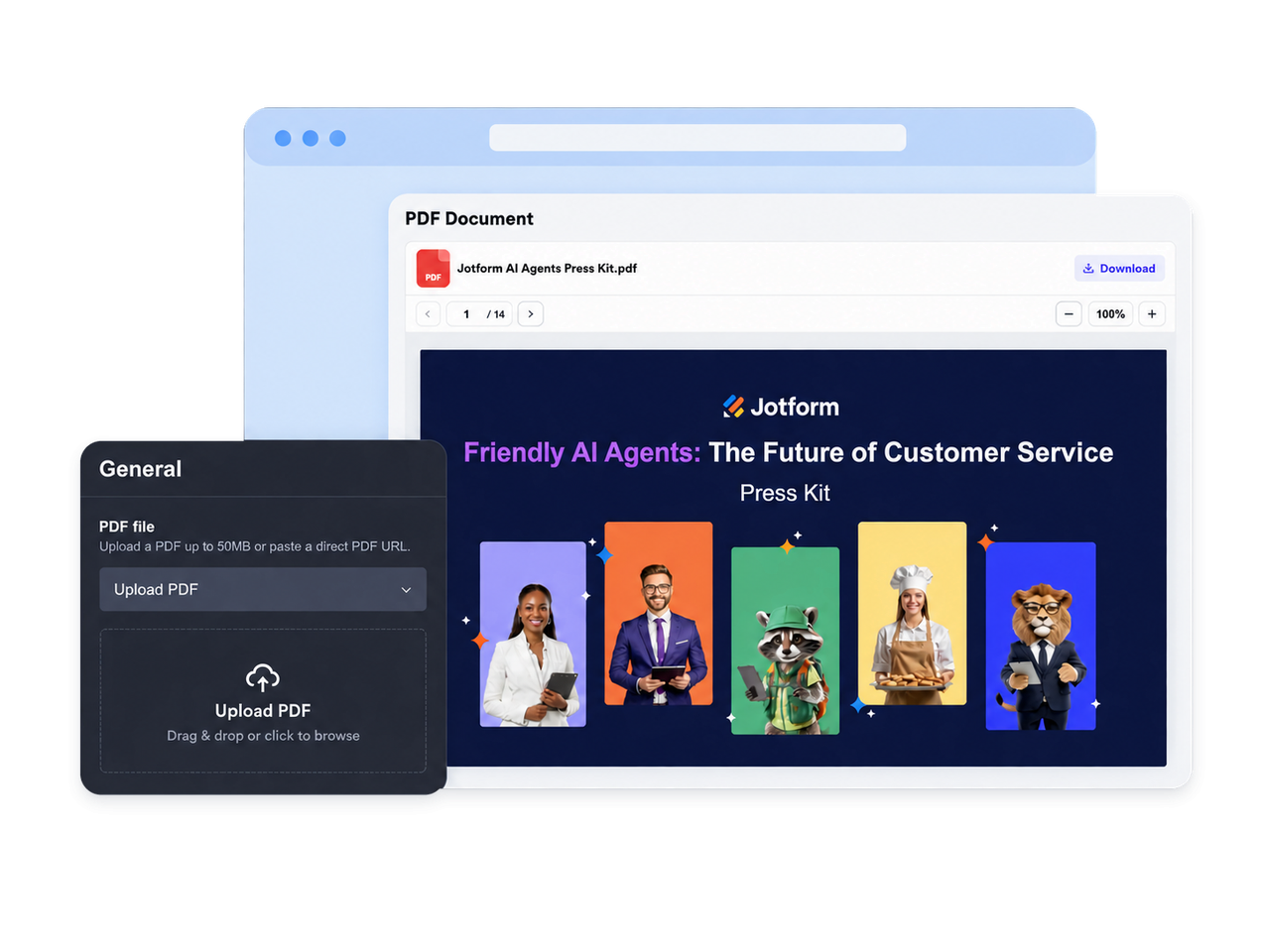
Publish one PDF from an uploaded file or a direct PDF URL. The widget helps you keep the document source clear, so visitors can access the right guide, menu, report, form, or resource from the page they’re already browsing.
Display PDFs inside pages
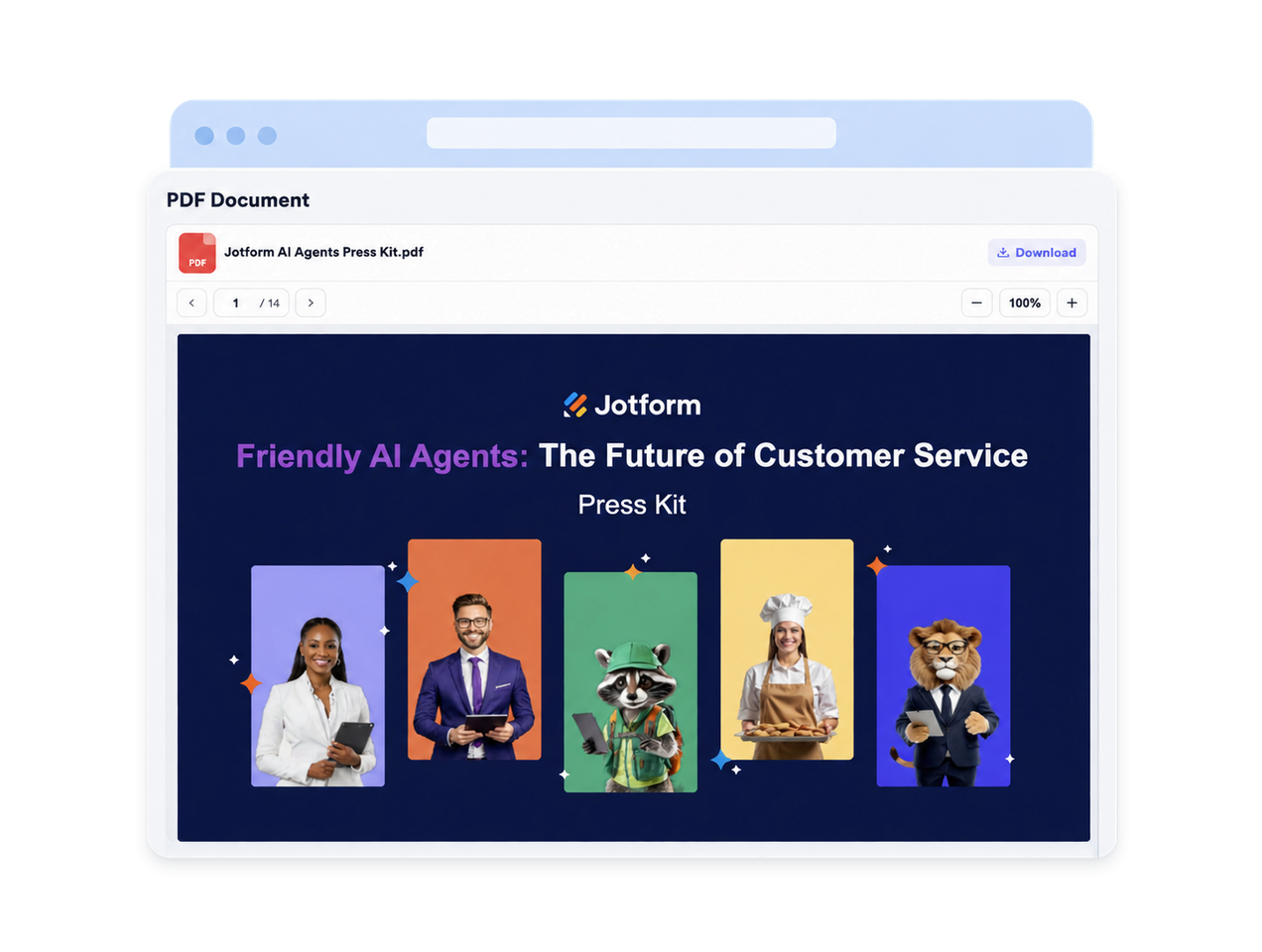
Keep visitors focused by showing your PDF in an inline viewer instead of sending them to a separate tab or download-first experience. It’s a practical way to make policies, catalogs, instructions, and resources easier to review on-site.
Give readers simple controls
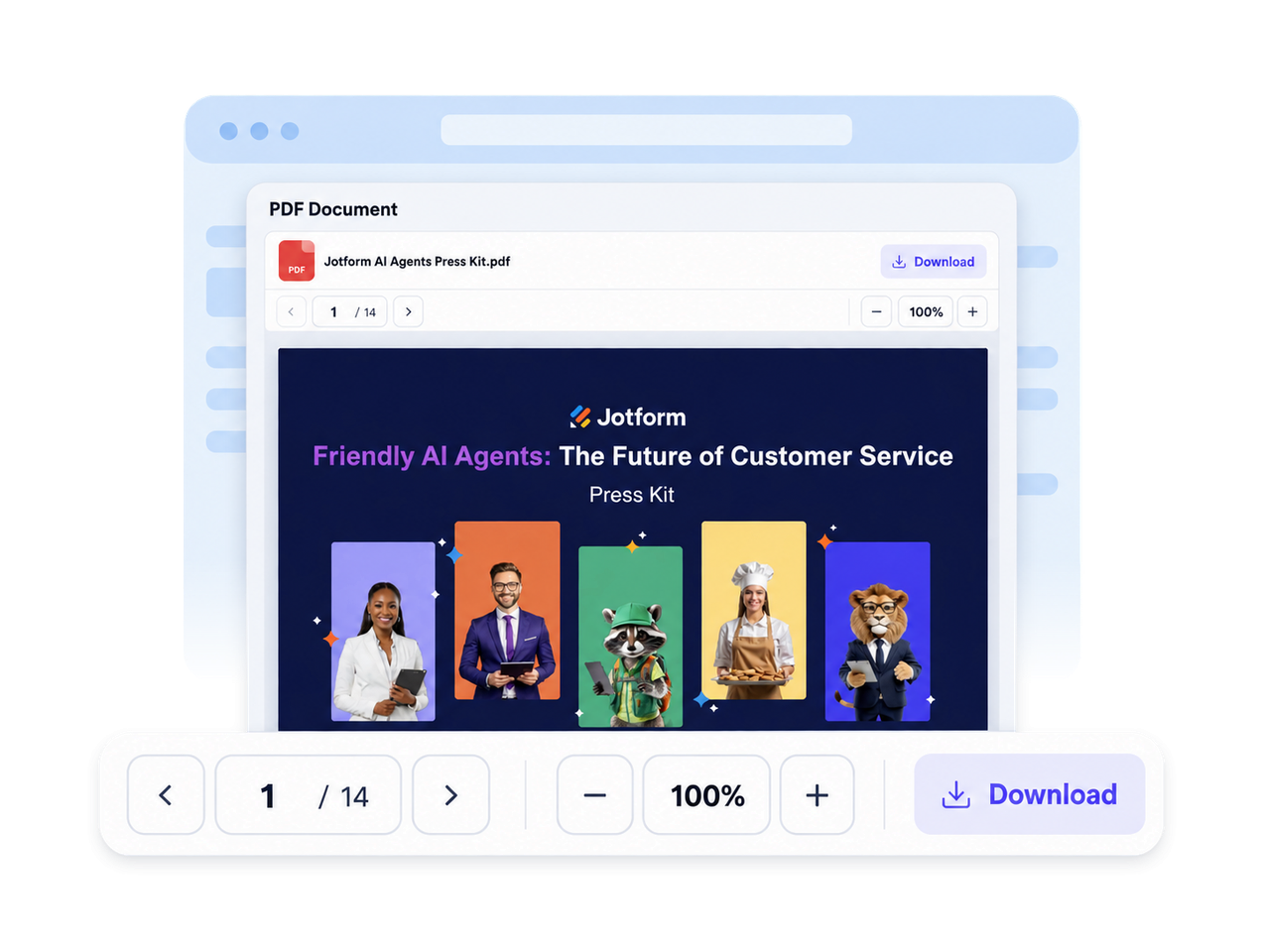
Help visitors move through the document with familiar reader tools. They can navigate pages, scroll through content, zoom in for easier reading, and download the PDF when you choose to keep downloads available.
Match the viewer to branding
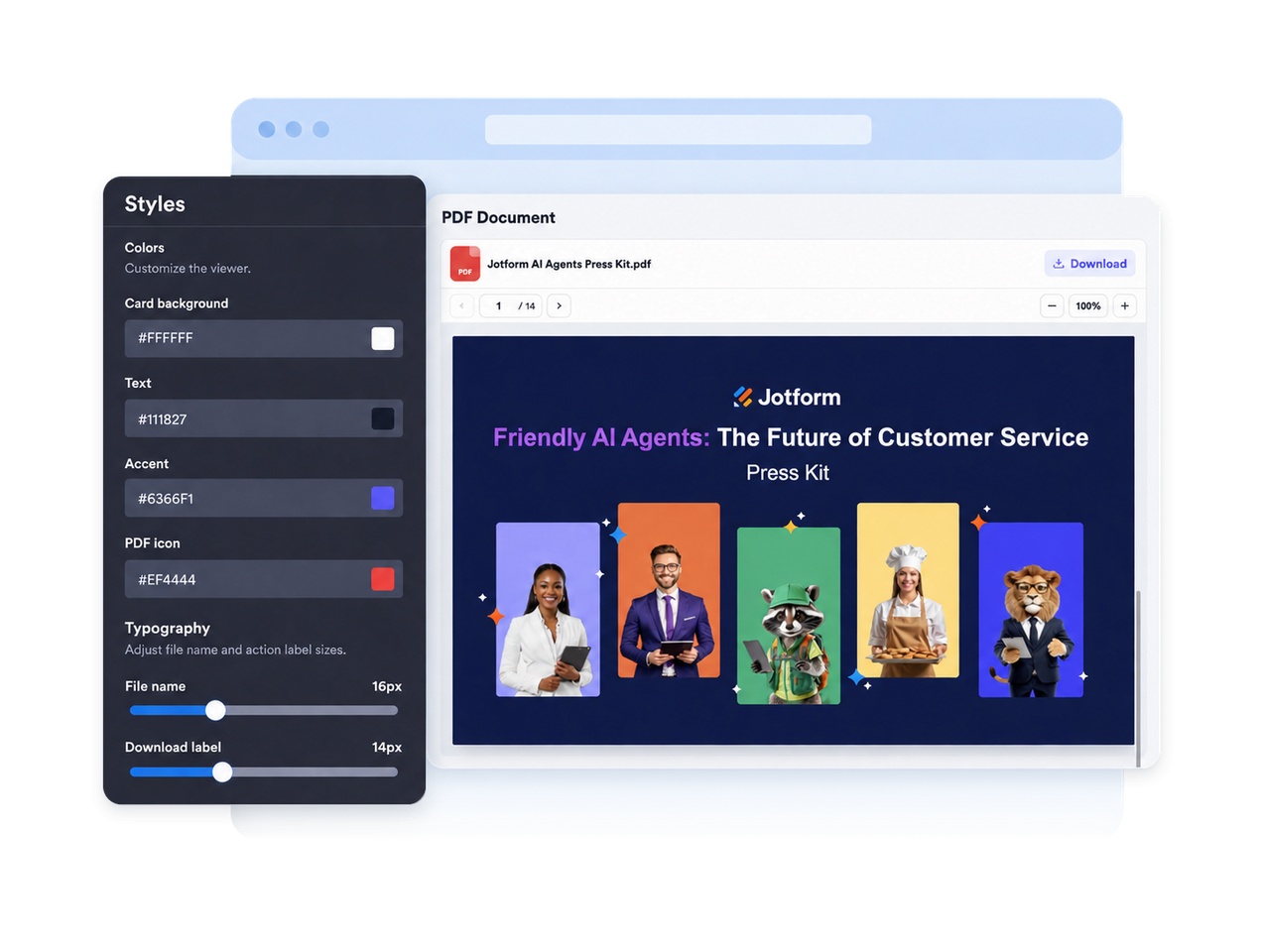
Customize the PDF experience so it fits naturally into your website. Update the title, file name, icon, colors, background, size, typography, branding, and scoped CSS to create a cleaner document section.
Why Jotform Website Widgets stand out
Jotform’s widgets make your website more interactive and increase conversions. There are many tools available, from star ratings and testimonial sliders to social proof popups and media embeds. Add widgets to your forms or landing pages to collect data, display proof, and capture leads — no coding required.
Add Jotform widgets to your website with a simple embed code. Customize the widget, preview how it looks, and paste it into any page that supports custom HTML or embed blocks, all without a developer.
Use Jotform Website Widgets to collect leads, show customer feedback, display social proof, embed media, or add helpful web page tools. Each widget helps visitors interact with your business directly from your website.
If you need help setting up, customizing, embedding, or troubleshooting your widget, Jotform’s customer support team is available 24-7. You can move forward with confidence, knowing that help is there when you need it.
Where to use your PDF Embed widget
Use your PDF Embed widget anywhere visitors need to read, reference, or download a document without leaving your website.
Resource pages for guides, reports, policies, downloadable files, and public documents.
Product pages for manuals, spec sheets, catalogs, warranty files, and installation guides.
Restaurant and venue pages for menus, event packets, schedules, brochures, and pricing sheets.
Education websites for syllabi, lesson plans, worksheets, parent resources, and handbooks.
Company pages for press kits, annual reports, brand documents, onboarding PDFs, and HR resources.
Convert leads into paying customers with the Jotform Form Builder
Turn engagement into action with Jotform. Create powerful forms that capture leads, collect payments, and automate responses, all in one place. Every submission lands in your Jotform Inbox, where you can follow up or connect with your favorite apps.
Get Started — It’s Free!
FAQ
What is a PDF Embed widget?
A PDF Embed widget is a website widget that displays one PDF as an inline viewer on your page. It helps visitors read important documents without leaving your site.
Can I add more than one PDF?
Can I use a PDF URL instead of uploading a file?
Do I need to write code to add the PDF Embed widget?
Can I hide downloads?
Can I customize the design?
Does the PDF Embed widget work on mobile?
Can I add the PDF Embed widget to WordPress, Shopify, Wix, and Squarespace?
Can I get support if I need help?