Widget di utilità per siti web
Add helpful utility widgets to your website in seconds using Jotform's simple no-code builder.
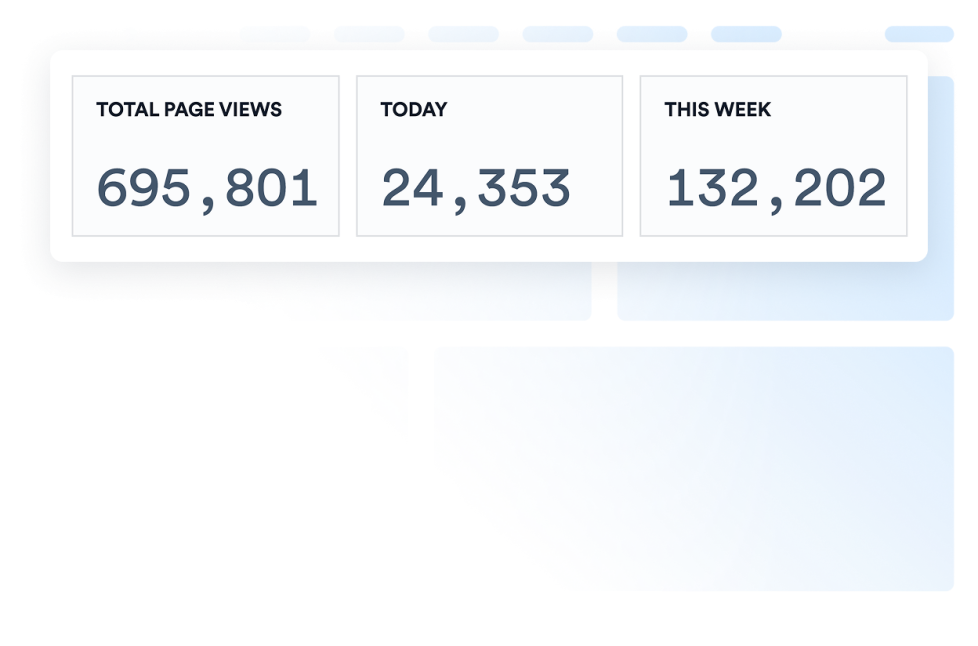
Contatore visite
Aggiungi un widget Contatore Visite al tuo sito web per mostrare un contatore personalizzabile e senza codice, con una prova sociale in stile attività della pagina.
Vai alla Categoria:UtilitàUsa il Widget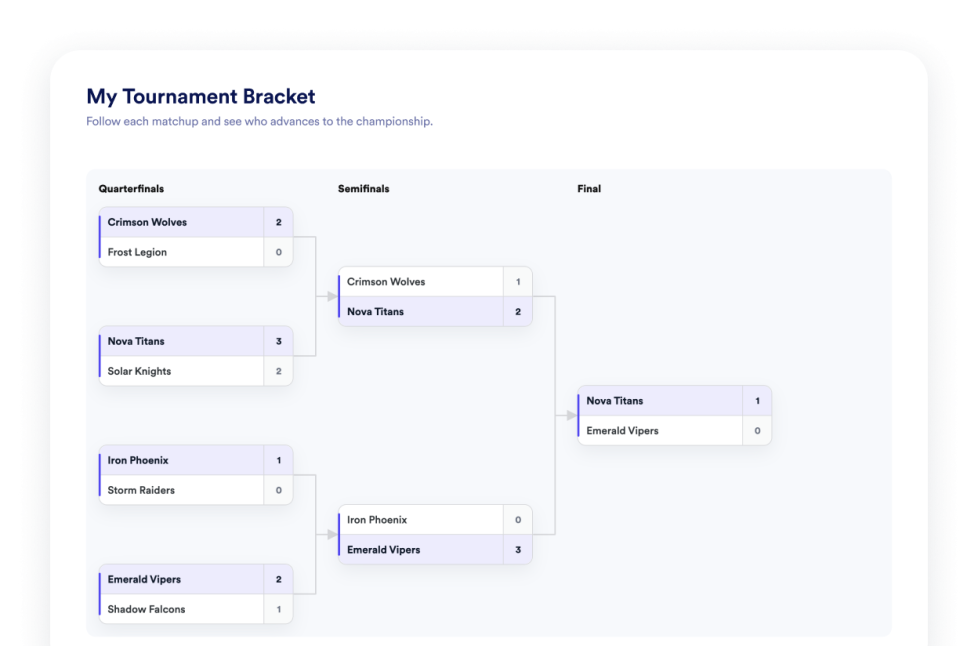
Tabellone Torneo
Crea un widget senza codice per la creazione di tabelloni per il tuo sito web. Aggiungi squadre o giocatori, imposta le teste di serie, mostra i risultati delle partite e personalizza il design del tabellone.
Vai alla Categoria:UtilitàUsa il Widget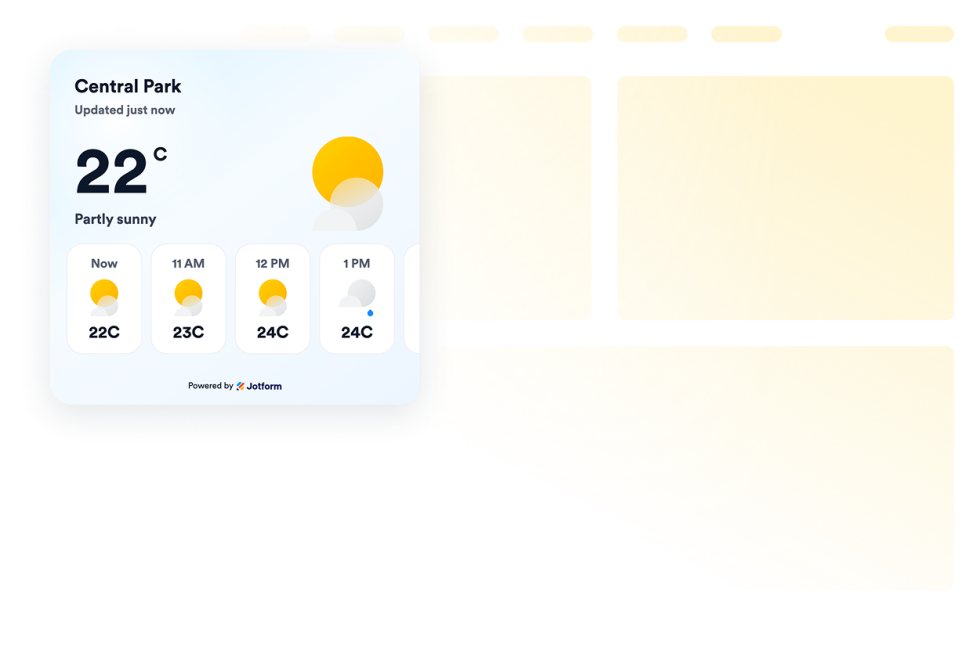
Meteo
Aggiungi widget meteo per siti web per mostrare le condizioni attuali, le previsioni orarie o giornaliere, personalizza il design e incorporali senza codice.
Vai alla Categoria:UtilitàUsa il Widget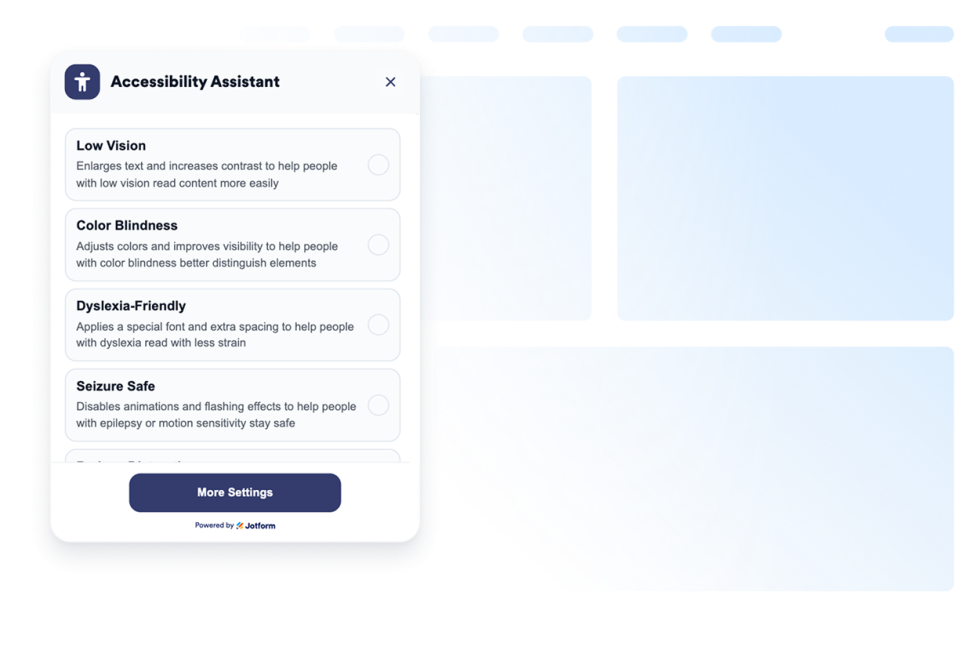
Accessibilità
Aggiungi un widget di accessibilità web personalizzabile per aiutare i visitatori a regolare contrasto, dimensione del testo, spaziatura e movimento. Offri modalità di accessibilità predefinite e memorizza le preferenze degli utenti senza codice.
Vai alla Categoria:UtilitàUsa il Widget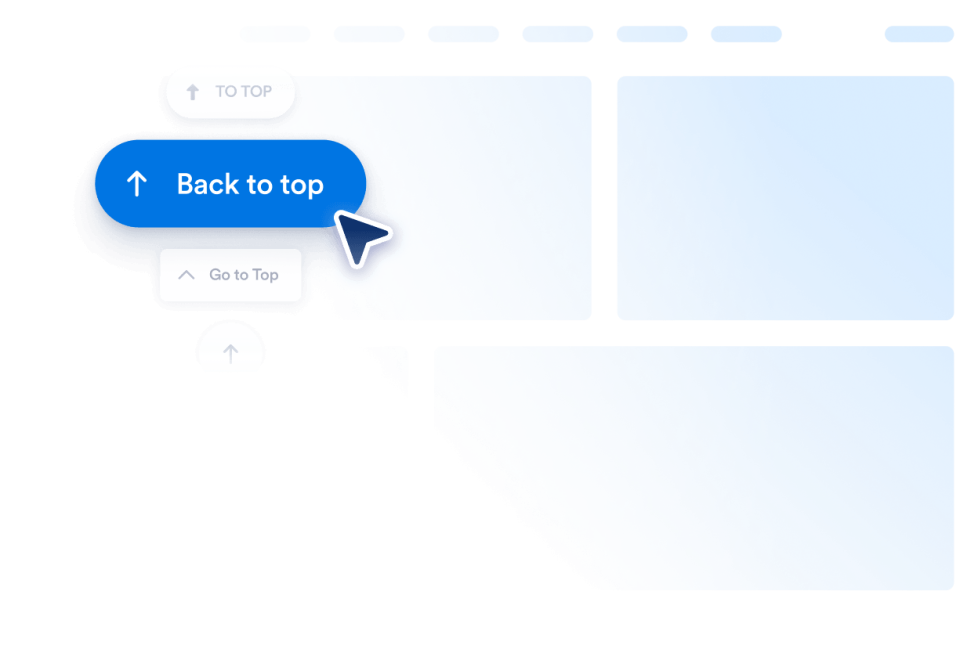
Torna su
Aggiungi un widget Torna su al tuo sito web in pochi secondi. Consenti ai visitatori di tornare in cima in modo fluido con un pulsante personalizzabile e senza codice che puoi incorporare ovunque.
Vai alla Categoria:UtilitàUsa il Widget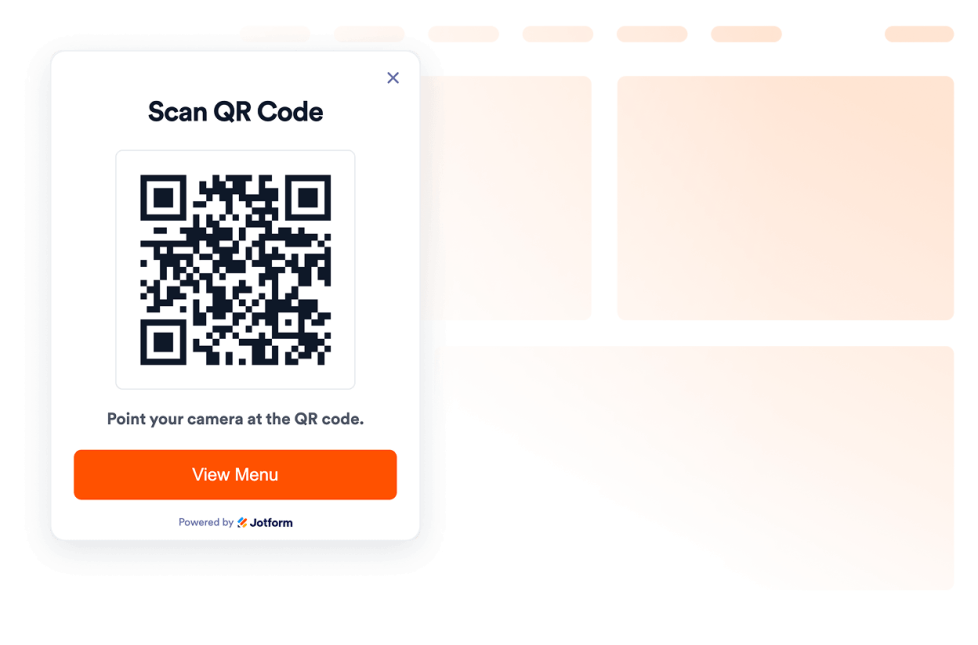
QR Code
Crea un QR code per il tuo sito web in pochi secondi: bastano pochi clic per creare QR code che permettono ai visitatori di scansionare menù, moduli, download, offerte e link agli eventi. Nessuna programmazione richiesta.
Vai alla Categoria:UtilitàUsa il Widget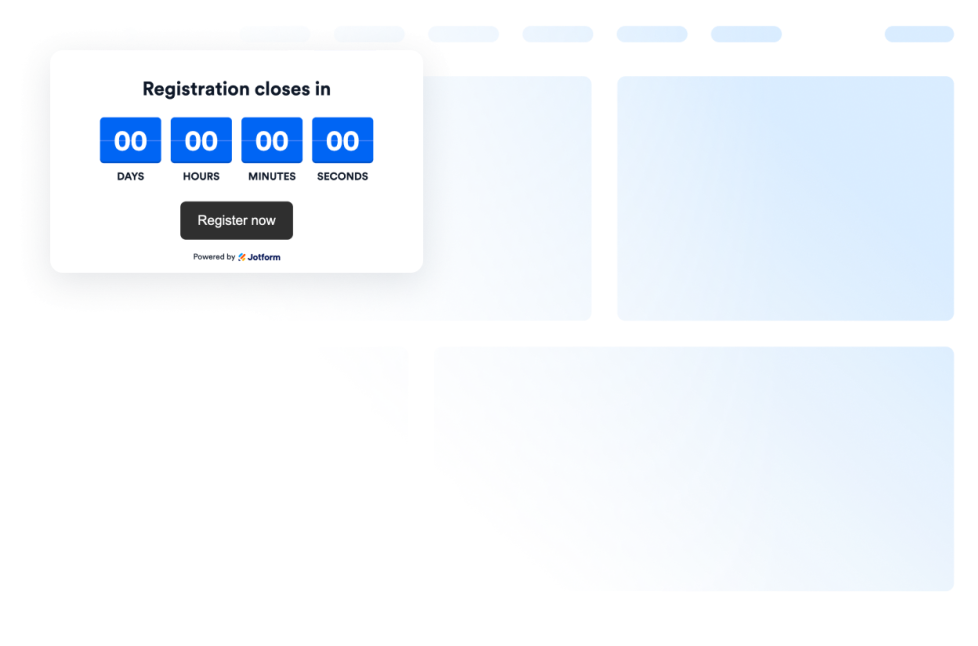
Timer per conto alla rovescia
Add a countdown widget for website pages in seconds. Customize the design and embed a free countdown timer widget for website with Jotform's no-code widget builder.
Vai alla Categoria:UtilitàUsa il Widget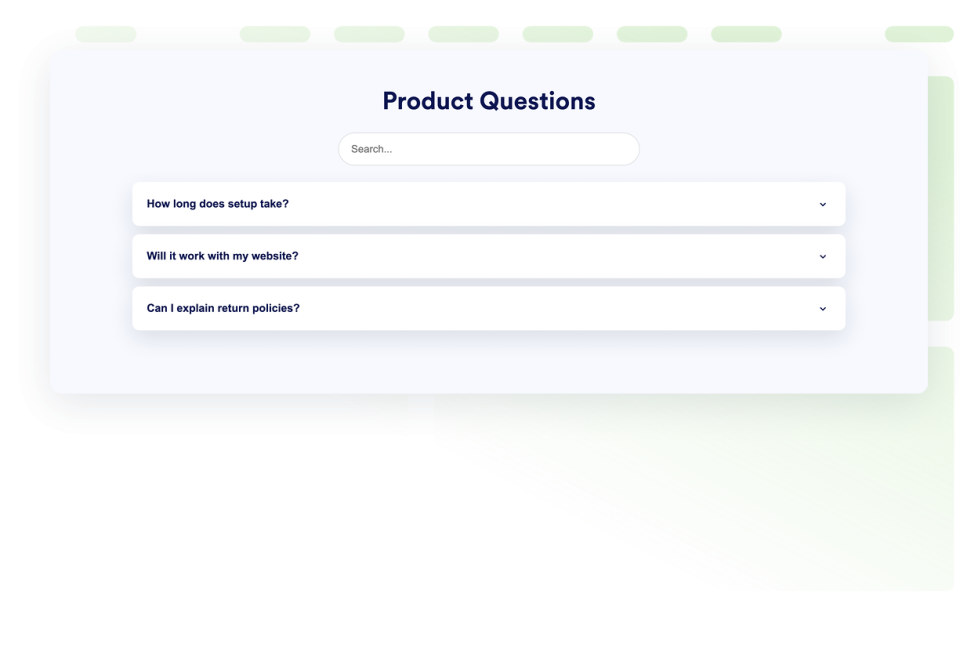
FAQ
Aggiungi al tuo sito web un widget di domande frequenti con ricerca. Crea FAQ a fisarmonica con stile personalizzato, risposte ricche di contenuti multimediali e layout flessibili.
Vai alla Categoria:UtilitàUsa il Widget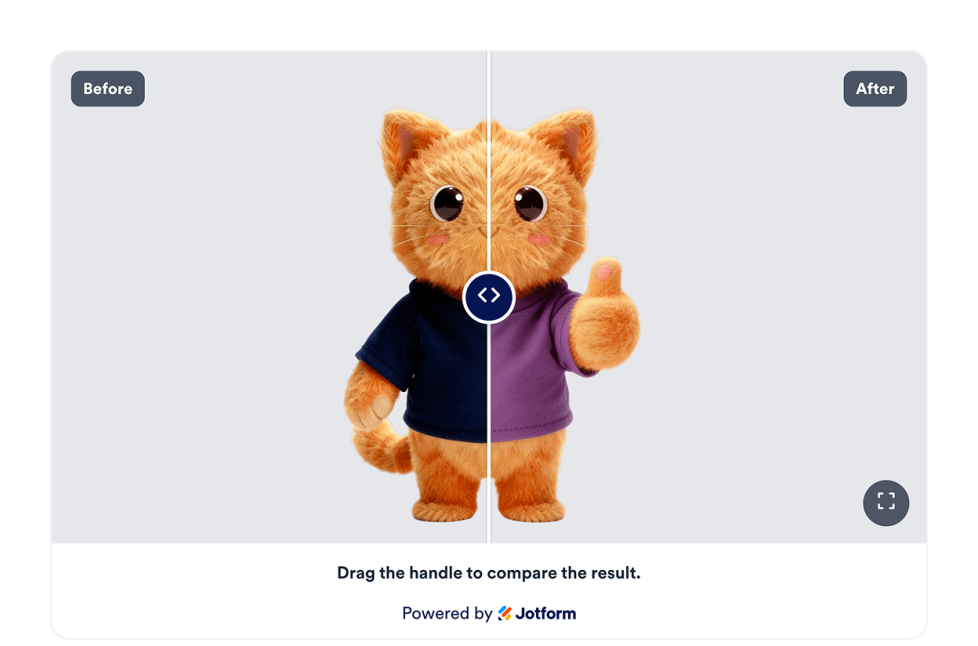
Slider Prima e Dopo
Aggiungi un widget Slider Prima e Dopo al tuo sito web per confrontare le trasformazioni delle immagini prima e dopo con controlli di rivelazione orizzontale o verticale, didascalie, più coppie di confronto, visualizzazione a schermo intero e stile responsive.
Vai alla Categoria:UtilitàUsa il Widget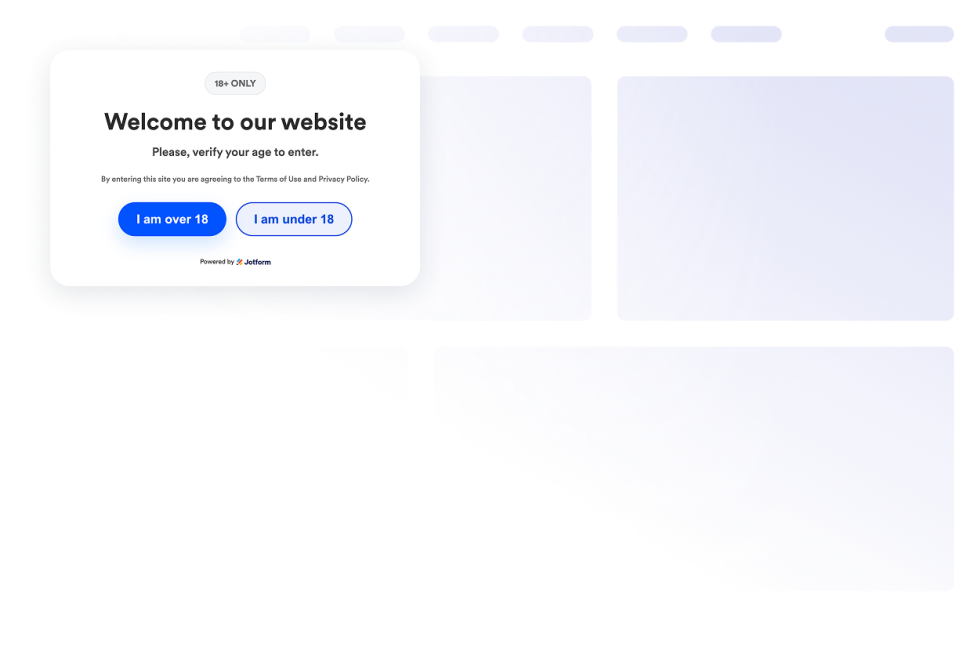
Verifica dell'età
Aggiungi un widget di verifica età al tuo sito web per proteggere i contenuti riservati ai maggiorenni con messaggi personalizzati, metodi di verifica, memorizzazione dei visitatori e stile personalizzato in base al tuo brand.
Vai alla Categoria:UtilitàUsa il Widget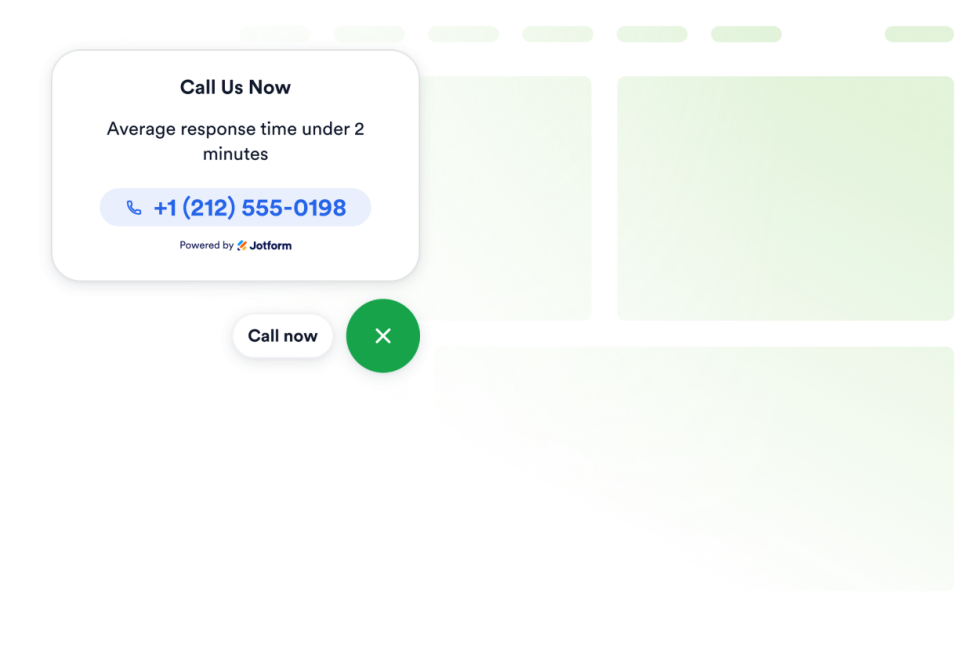
Clicca per chiamare
Aggiungi un widget Click to Call al tuo sito web così i visitatori possono contattare la tua attività da un pulsante di chiamata fluttuante. Personalizza il numero di telefono, l'etichetta del pulsante, i colori, le dimensioni, la spaziatura e la visibilità su desktop o dispositivi mobili senza programmare.
Vai alla Categoria:UtilitàUsa il Widget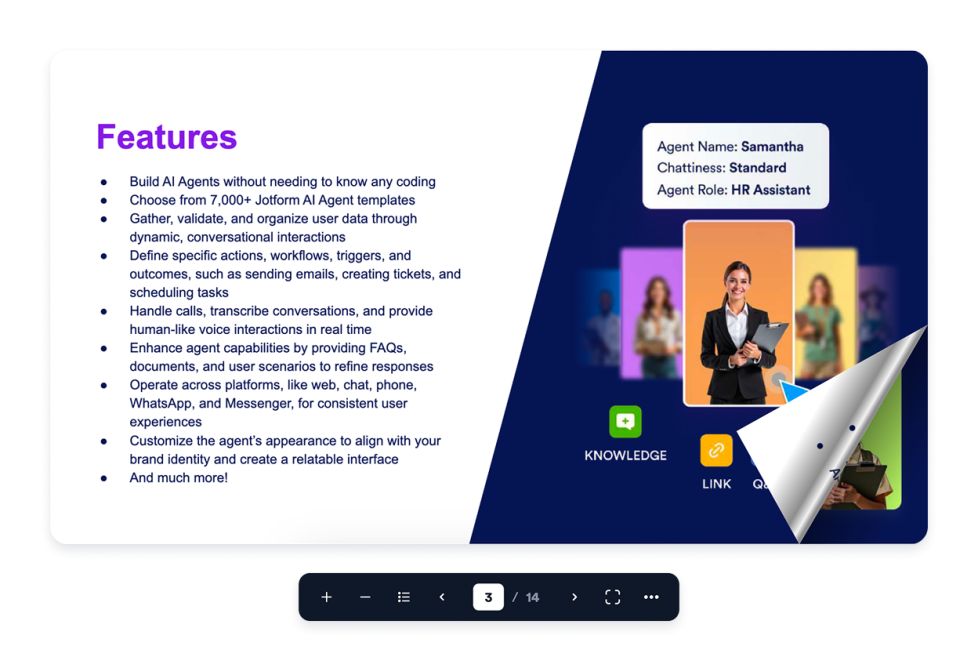
Flipbook
Aggiungi un widget Flipbook interattivo al tuo sito web. Carica un PDF o incolla un URL di un PDF, quindi scegli la modalità pagina, il tema dello stage, lo zoom, la modalità a schermo intero, il scarica, la stampa e la visualizzazione responsive.
Vai alla Categoria:UtilitàUsa il Widget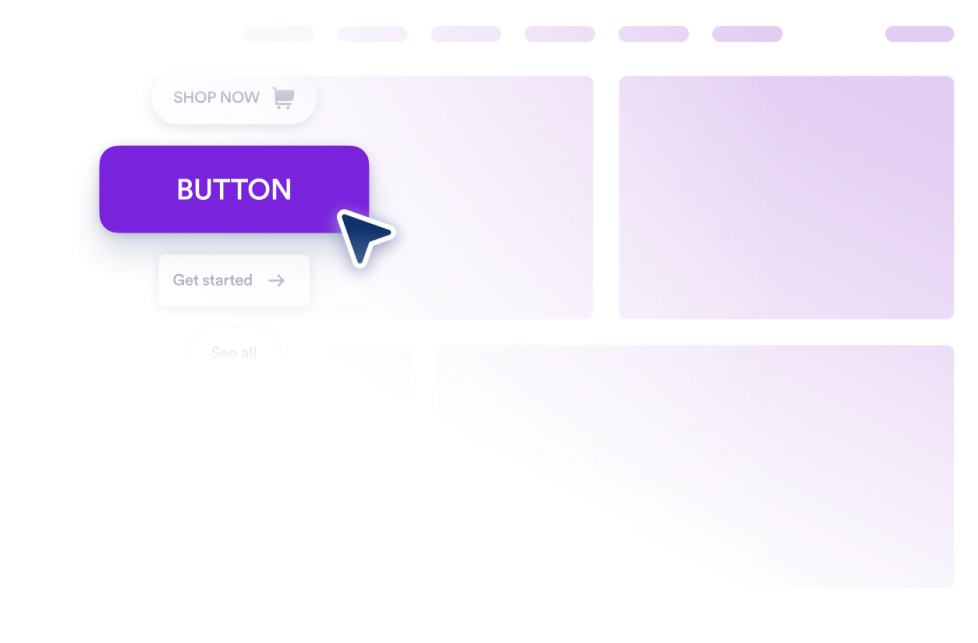
Pulsante
Aggiungi al tuo sito web un widget Pulsante CSS personalizzabile per link, chiamate, email, chat, profili social e collegamenti alle sezioni della pagina.
Vai alla Categoria:UtilitàUsa il Widget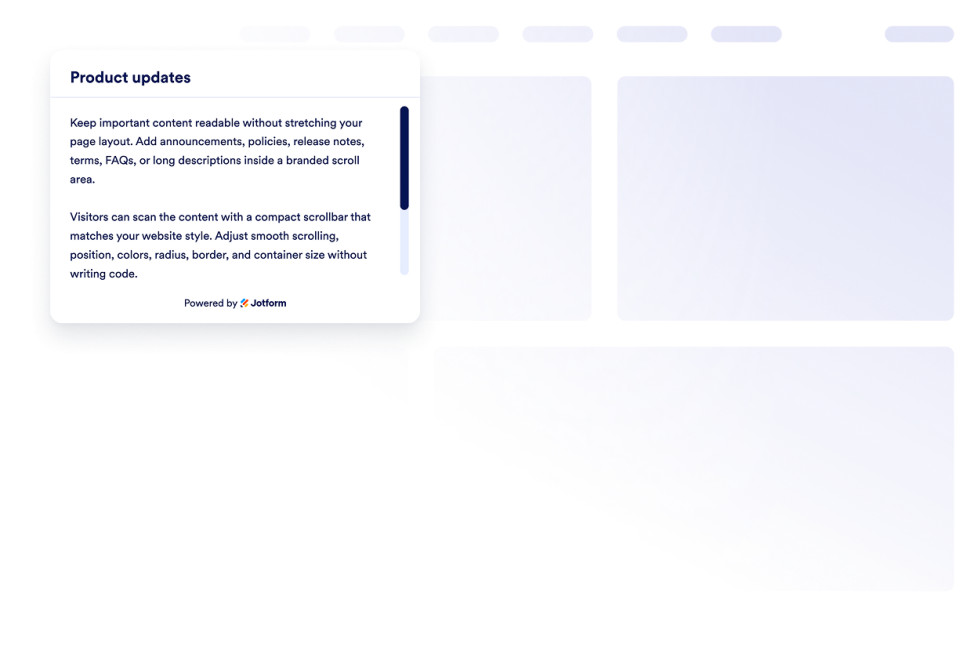
Custom Scrollbar
Aggiungi un widget scrollbar personalizzata al tuo sito web. Crea aree di contenuto scorrevoli con lo stile del tuo brand, con larghezza, colori, posizione, bordo, raggio e comportamento di scorrimento personalizzati.
Vai alla Categoria:UtilitàUsa il Widget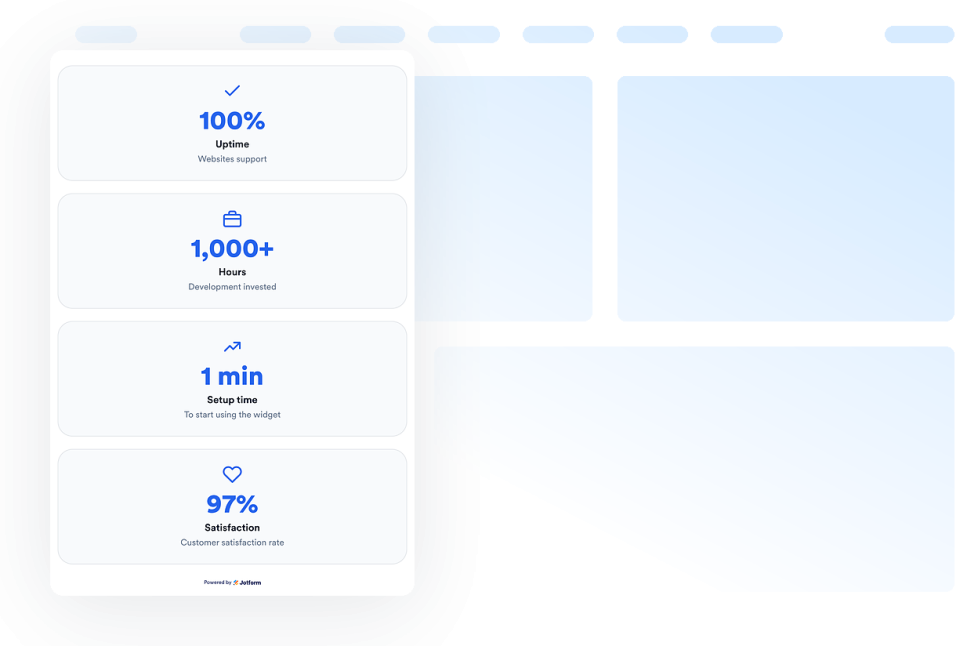
Number Counter
Aggiungi un widget Number Counter al tuo sito web per mostrare traguardi animati, statistiche, icone, prefissi, suffissi, link e valori dinamici basati su JSON.
Vai alla Categoria:UtilitàUsa il Widget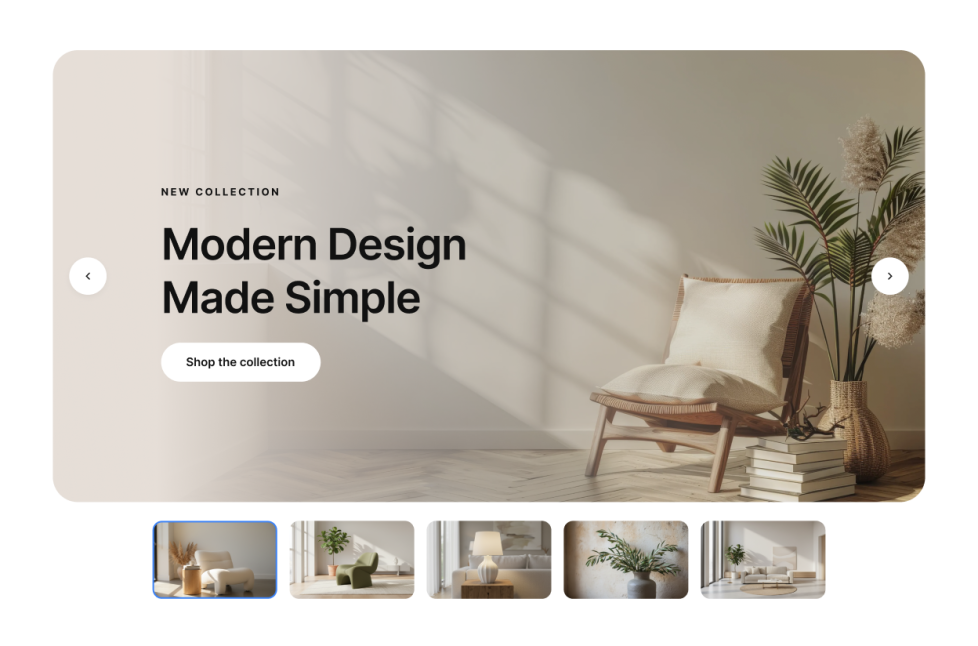
Slider immagini
Aggiungi un widget Image Slider al tuo sito web per far ruotare slide di immagini o video con badge, testo, pulsanti, riproduzione automatica, transizioni in dissolvenza o scorrimento e navigazione responsive.
Vai alla Categoria:UtilitàUsa il Widget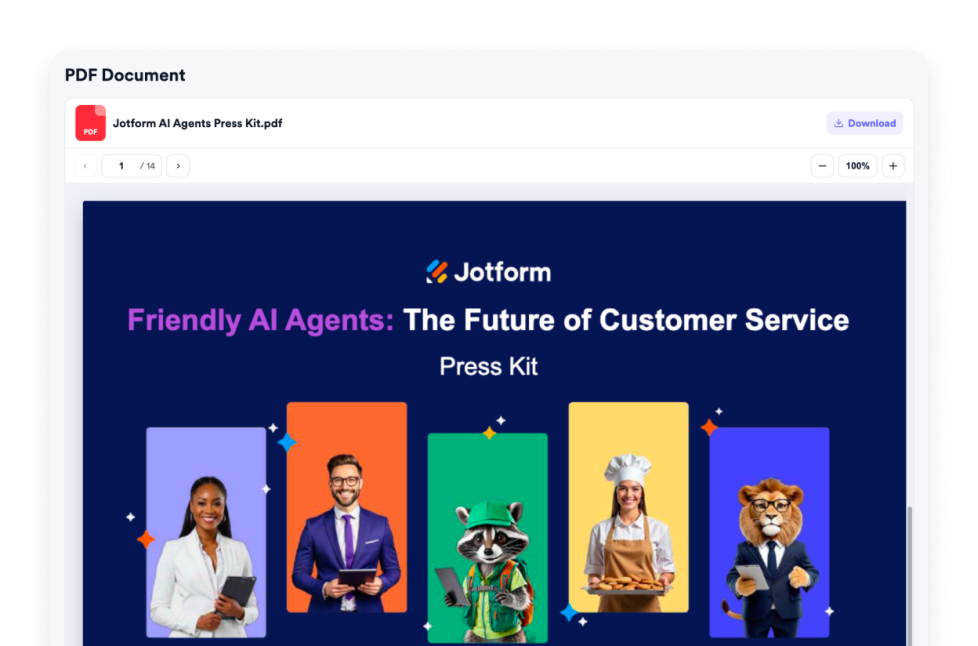
PDF Embed
Aggiungi un widget PDF Embed al tuo sito web. Carica un PDF o incolla un link diretto al PDF, quindi personalizza i controlli del visualizzatore, lo zoom, il scarica, l'icona, il colore, la larghezza, l'altezza e la tipografia.
Vai alla Categoria:UtilitàUsa il Widget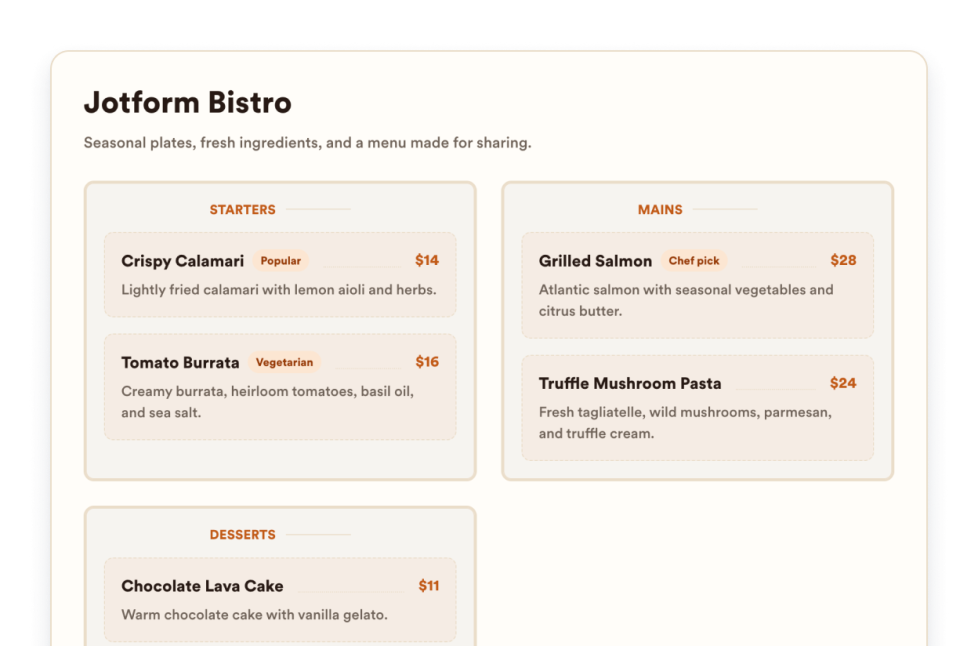
Menù per ristoranti
Aggiungi un widget menù responsive al tuo sito web con categorie modificabili, descrizioni degli articoli, prezzi, badge, layout, temi e link per le prenotazioni.
Vai alla Categoria:UtilitàUsa il Widget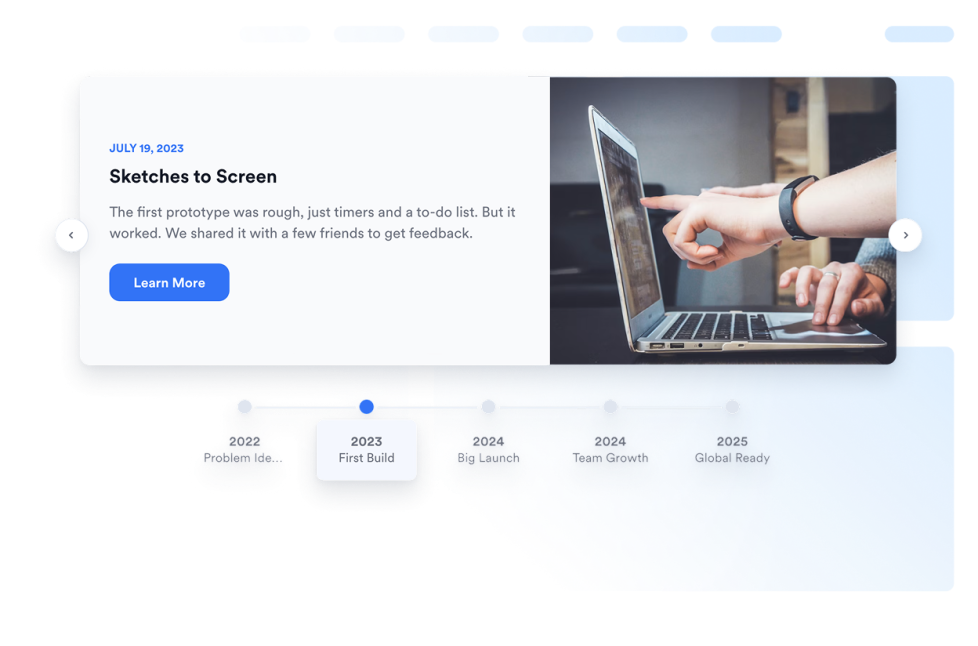
Timeline
Aggiungi un widget linea del tempo al tuo sito web per mostrare la storia dell'azienda, i lanci di prodotti, i programmi degli eventi, le milestone dei progetti e gli aggiornamenti narrativi con layout, marcatori, colori e contenuti multimediali modificabili.
Vai alla Categoria:UtilitàUsa il Widget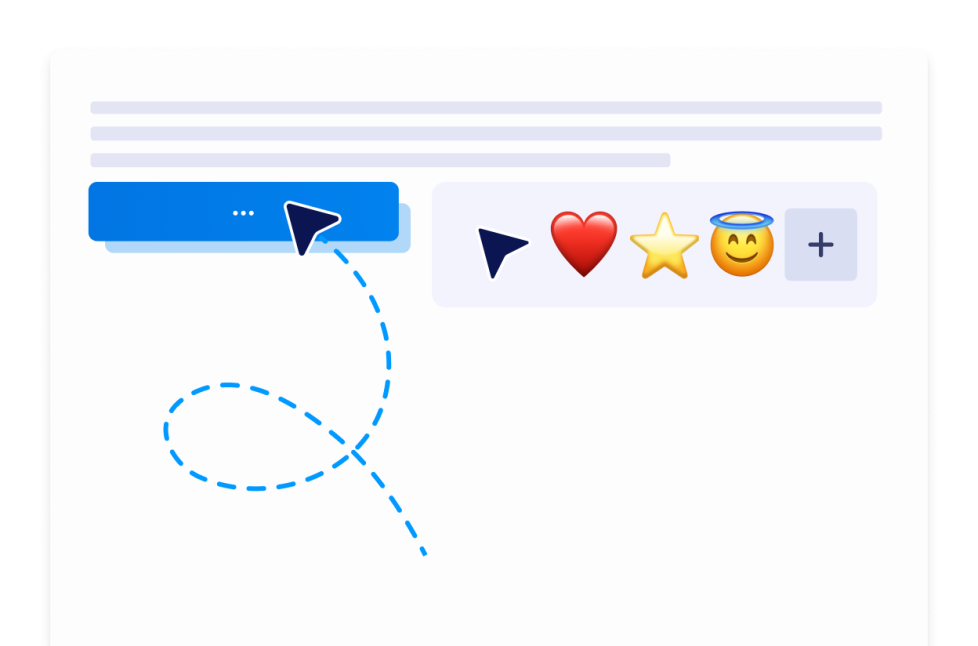
Custom Cursor
Con il widget Custom Cursor, puoi scegliere uno stile di cursore, personalizzarne l'aspetto e il movimento, aggiungere effetti interattivi e incorporarlo nel tuo sito web senza programmare.
Vai alla Categoria:UtilitàUsa il Widget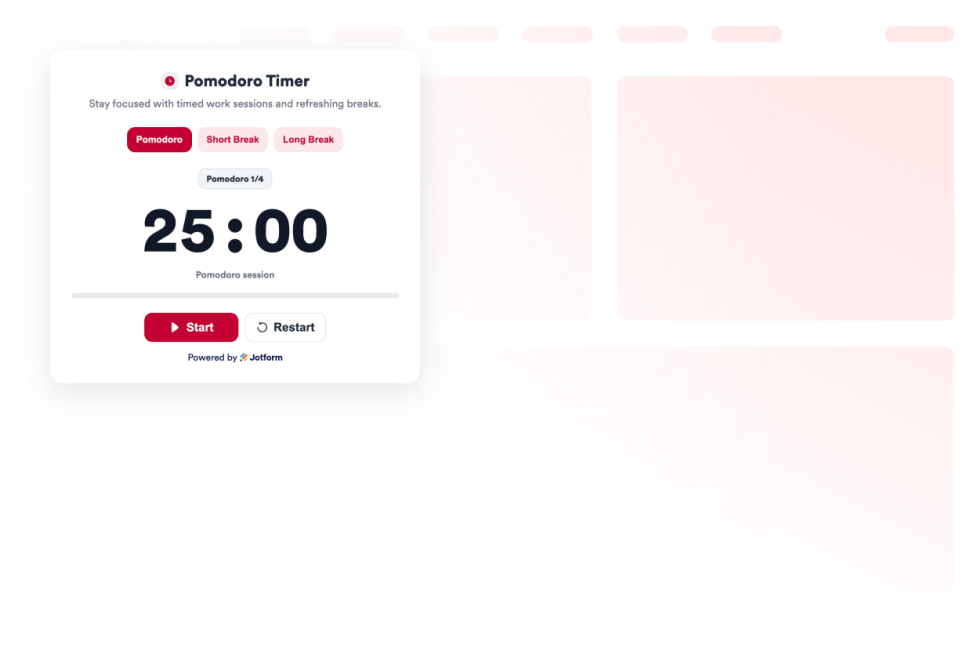
Pomodoro
Aggiungi un widget Pomodoro al tuo sito web per sessioni di lavoro concentrate, pause brevi, pause lunghe, suoni di allarme e stile personalizzato.
Vai alla Categoria:UtilitàUsa il Widget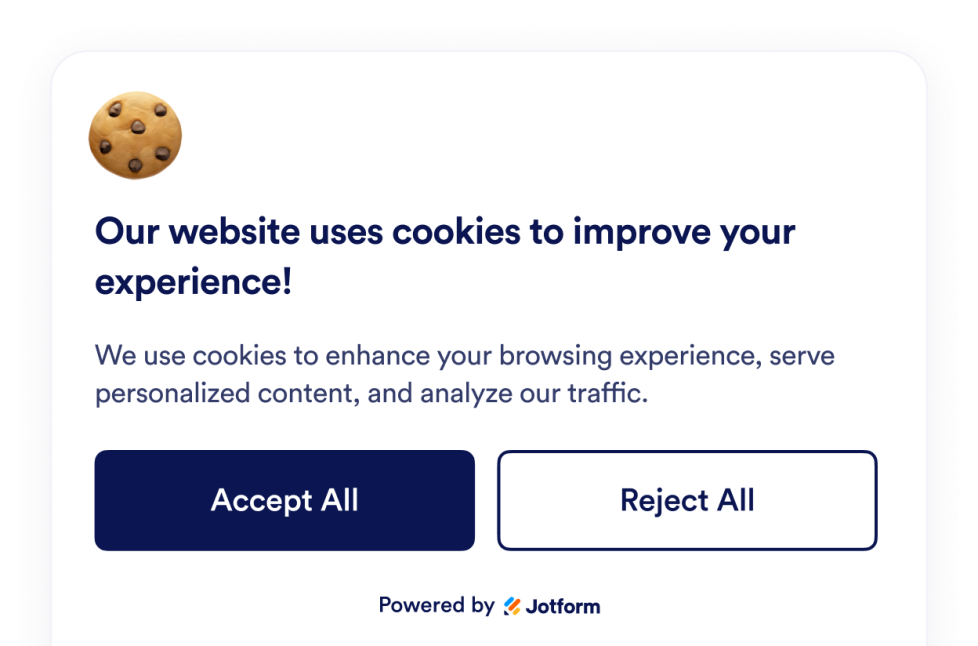
Cookie Consent
Aggiungi un widget Cookie Consent al tuo sito web. Mostra un banner dei cookie personalizzabile, raccogli le scelte dei visitatori, visualizza le categorie di preferenze e controlla gli script senza codice.
Vai alla Categoria:UtilitàUsa il Widget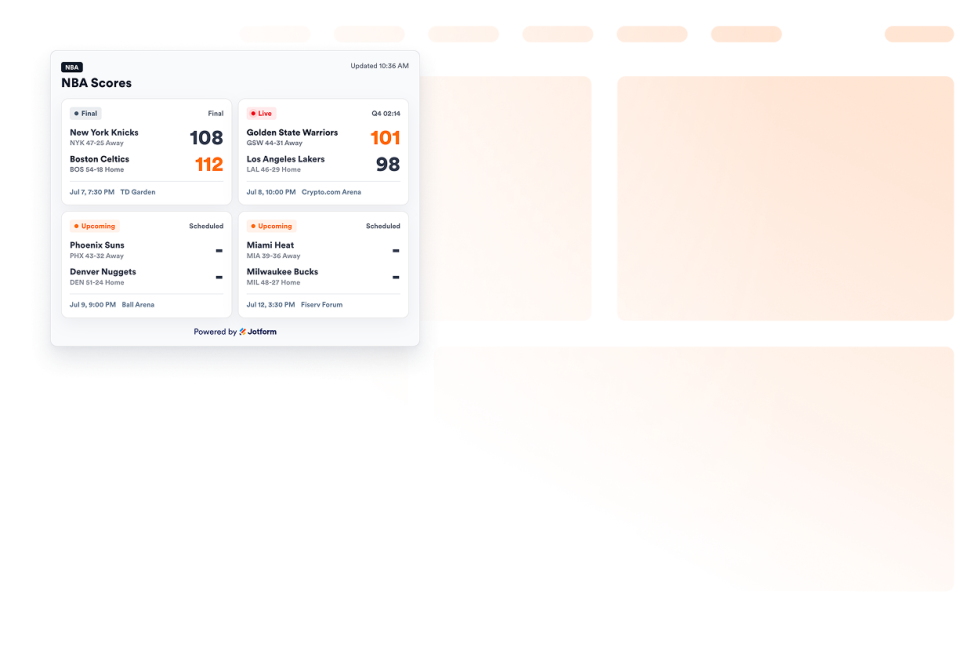
NBA Scores widget
Aggiungi un widget Punteggi NBA al tuo sito web per mostrare le schede delle partite, gli stati live e finali, i calendari, le squadre del cuore e lo stile del tabellone segnapunti.
Vai alla Categoria:UtilitàUsa il Widget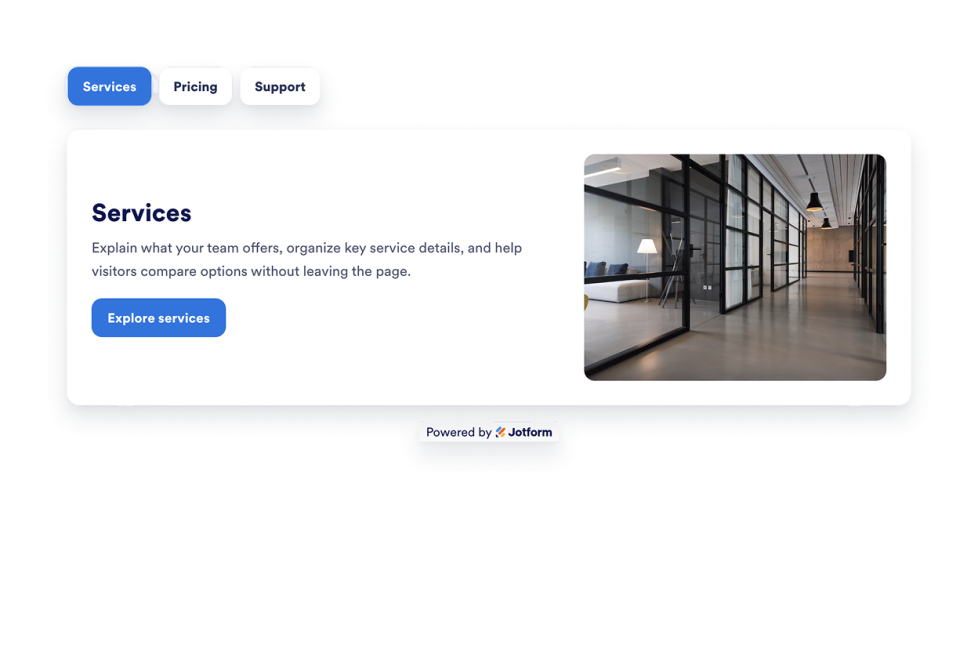
Tab
Aggiungi un Widget Schede personalizzabile al tuo sito web per organizzare i contenuti in sezioni ordinate e cliccabili con una scheda HTML. Crea layout a schede per FAQ, funzionalità, prezzi, menù, portfolio e altro ancora senza scrivere codice.
Vai alla Categoria:UtilitàUsa il Widget
Ops, nessun risultato trovato
No results match your search. Please try another keyword.