Widgets Utilitários para Sites
Add helpful utility widgets to your website in seconds using Jotform's simple no-code builder.
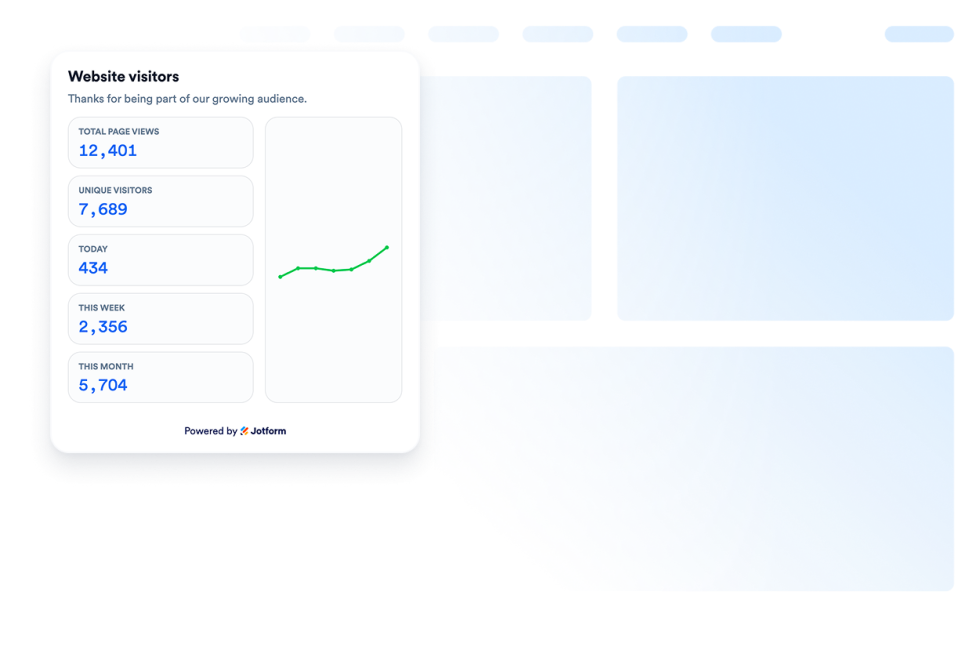
Contador de Visitantes
Adicione um widget Contador de Visitantes ao seu site para exibir um contador personalizável sem precisar de código, que oferece prova social baseada na atividade da página.
Ir para Categoria:ServiçosUsar Widget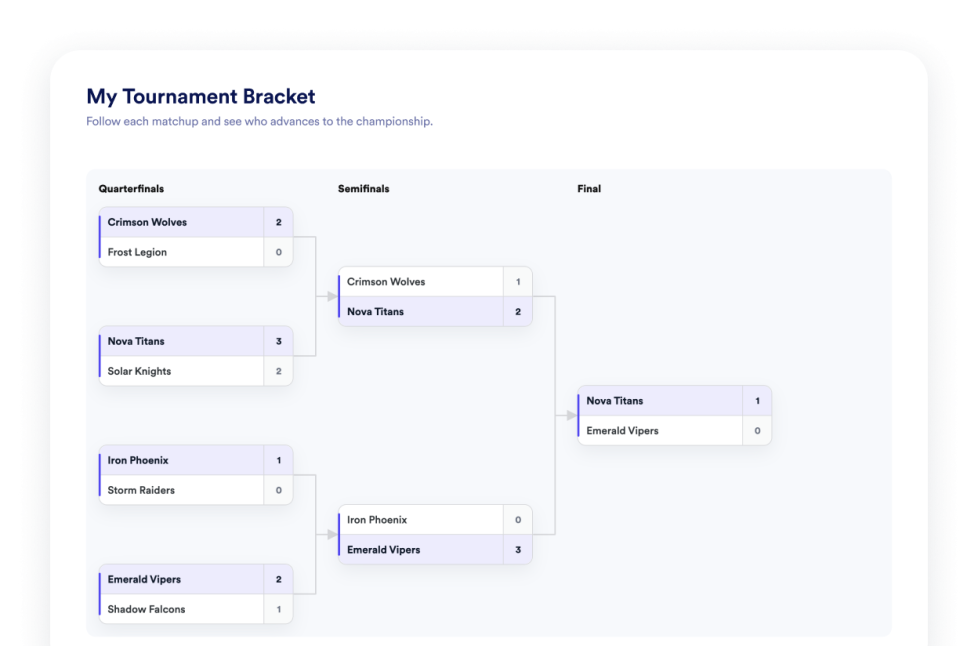
Chaveamento de Torneio
Crie um widget de chaveamento sem código para seu site. Adicione equipes ou jogadores, defina os cabeças de chave, exiba os resultados das partidas e personalize a aparência da chave.
Ir para Categoria:ServiçosUsar Widget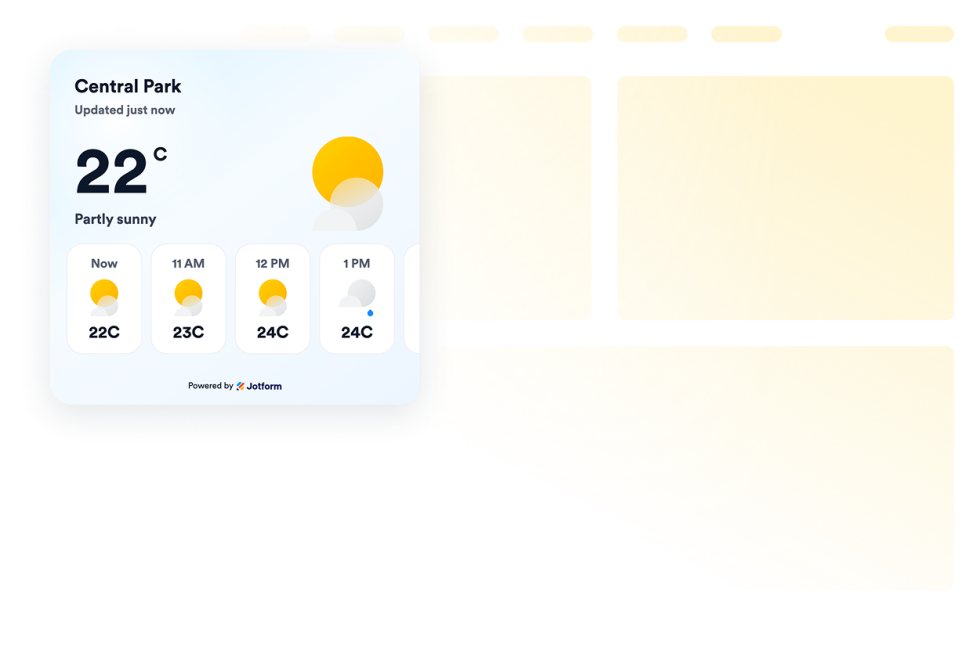
Clima
Adicione widgets de previsão do tempo ao seu site para exibir as condições atuais e previsões por hora ou por dia. Personalize o design e incorpore o widget sem precisar programar.
Ir para Categoria:ServiçosUsar Widget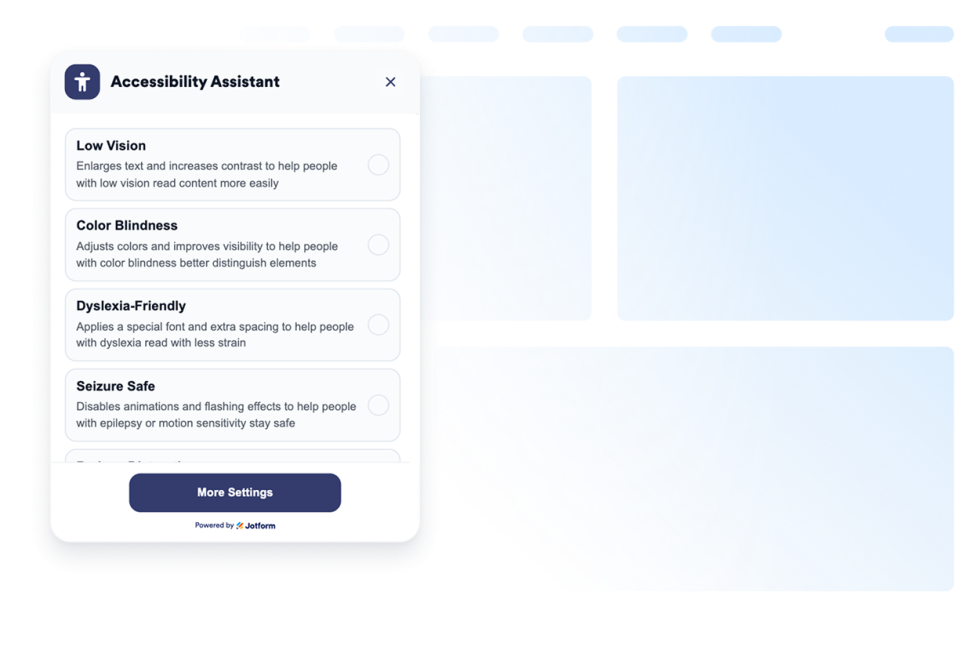
Acessibilidade
Adicione um widget de Acessibilidade personalizável para ajudar os visitantes a ajustar o contraste, o tamanho do texto, o espaçamento e as animações. Ofereça modos de acessibilidade predefinidos e lembre as preferências dos usuários, sem precisar programar.
Ir para Categoria:ServiçosUsar Widget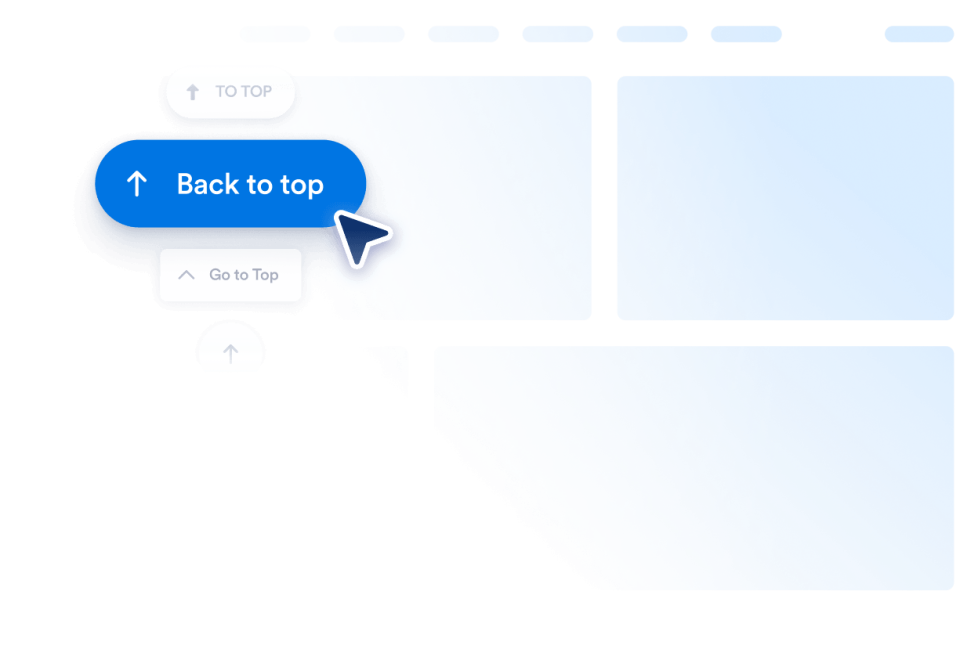
Voltar ao Topo
Adicione um widget Voltar ao Topo ao seu site em segundos. Com um botão personalizável e sem código, os visitantes podem voltar ao topo da página com um clique.
Ir para Categoria:ServiçosUsar Widget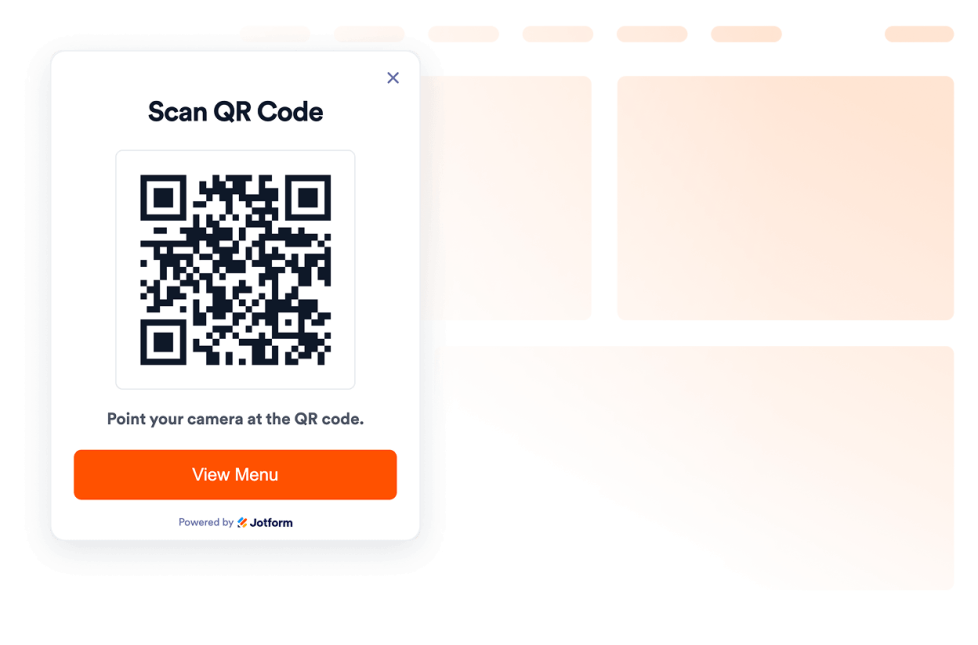
QR Code
Adicione um QR code ao seu site em segundos. Ajude os visitantes a escanear cardápios, formulários, downloads, ofertas e links de eventos. Tudo sem precisar programar.
Ir para Categoria:ServiçosUsar Widget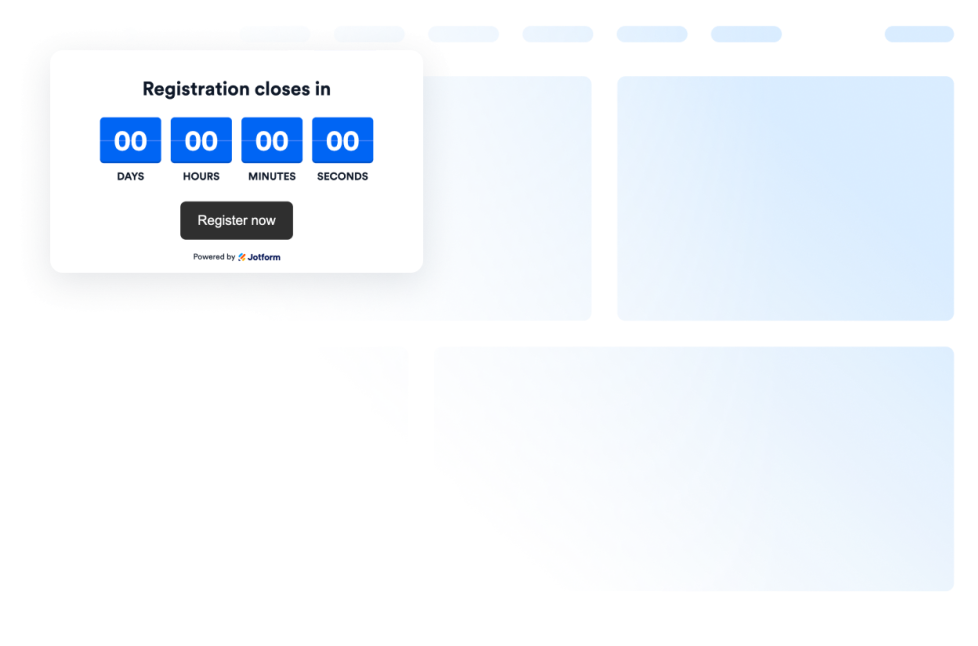
Contagem Regressiva
Add a countdown widget for website pages in seconds. Customize the design and embed a free countdown timer widget for website with Jotform's no-code widget builder.
Ir para Categoria:ServiçosUsar Widget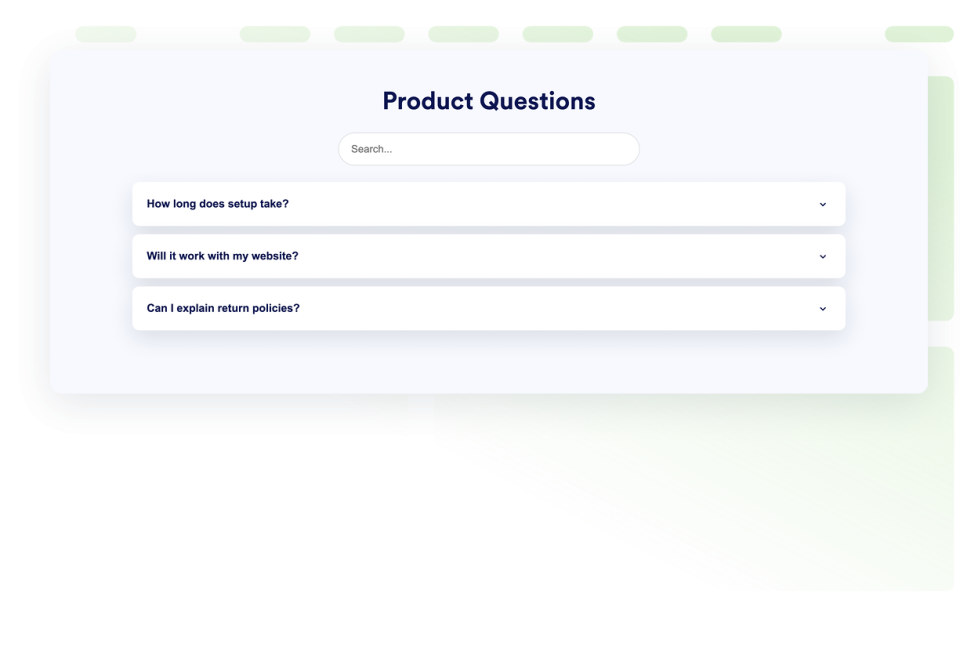
Perguntas Frequentes
Adicione um widget de FAQ com pesquisa ao seu site. Crie FAQs em layout de acordeão com estilos personalizados, respostas com conteúdo multimídia e layouts flexíveis.
Ir para Categoria:ServiçosUsar Widget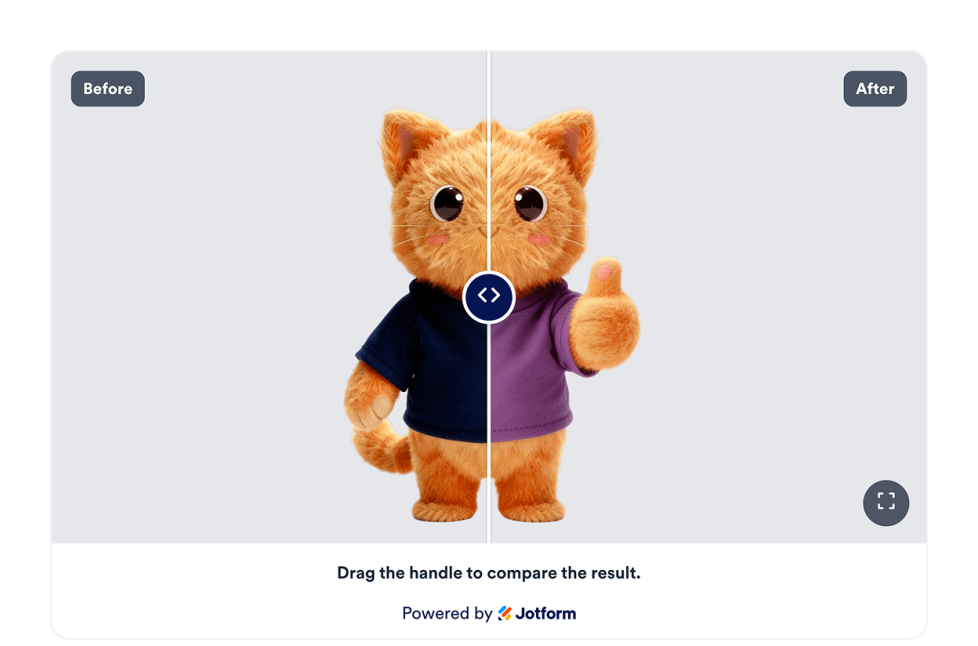
Deslizador de Antes e Depois
Adicione um widget Deslizador de Antes e Depois ao seu site para comparar transformações de imagens com controles de revelação horizontal ou vertical, legendas, vários pares de comparação, visualização em tela cheia e estilo responsivo.
Ir para Categoria:ServiçosUsar Widget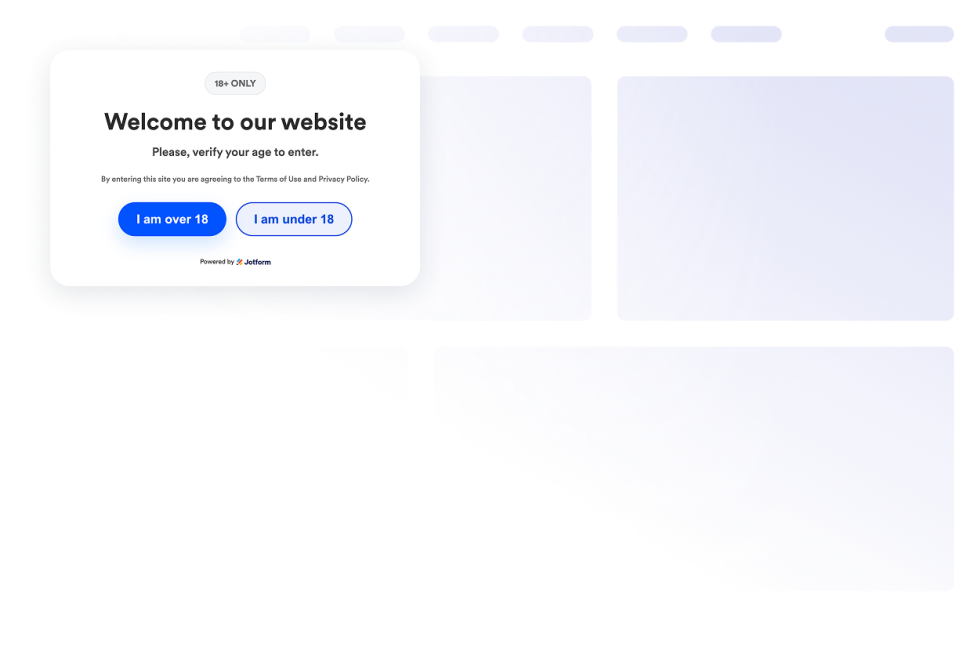
Verificação de Idade
Adicione um widget Verificação de Idade ao seu site para restringir o acesso a conteúdo com restrição de idade usando mensagens personalizadas, métodos de verificação, memorização de visitantes e identidade visual personalizada.
Ir para Categoria:ServiçosUsar Widget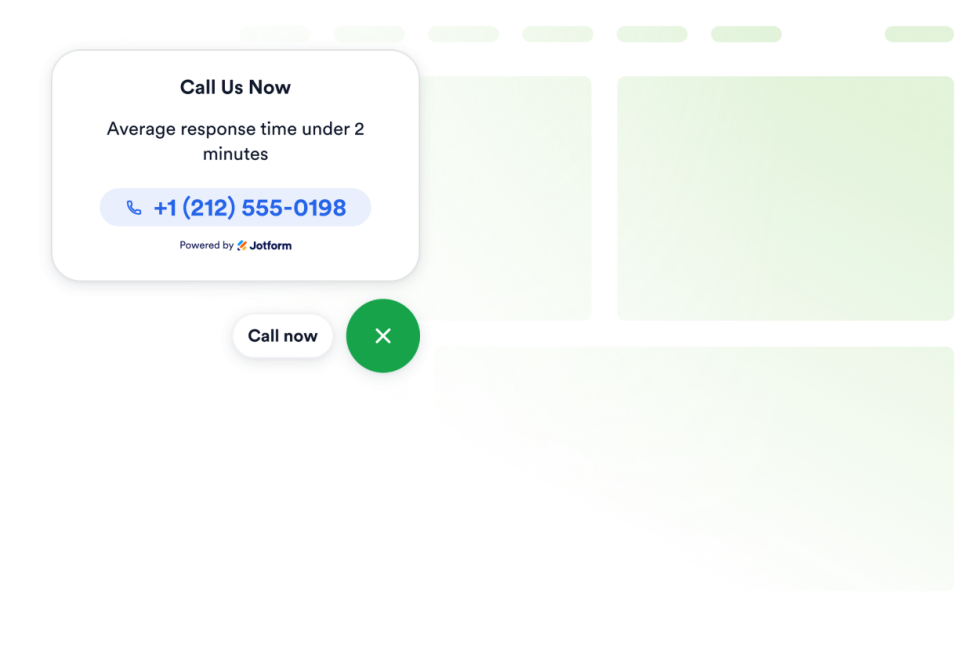
Clique para Ligar
Adicione um widget Clique para Ligar ao seu site para que os visitantes possam entrar em contato com sua empresa por meio de um botão flutuante de chamada. Personalize o número de telefone, o texto do botão, as cores, o tamanho, o espaçamento e a exibição em computadores ou dispositivos móveis, tudo sem precisar programar.
Ir para Categoria:ServiçosUsar Widget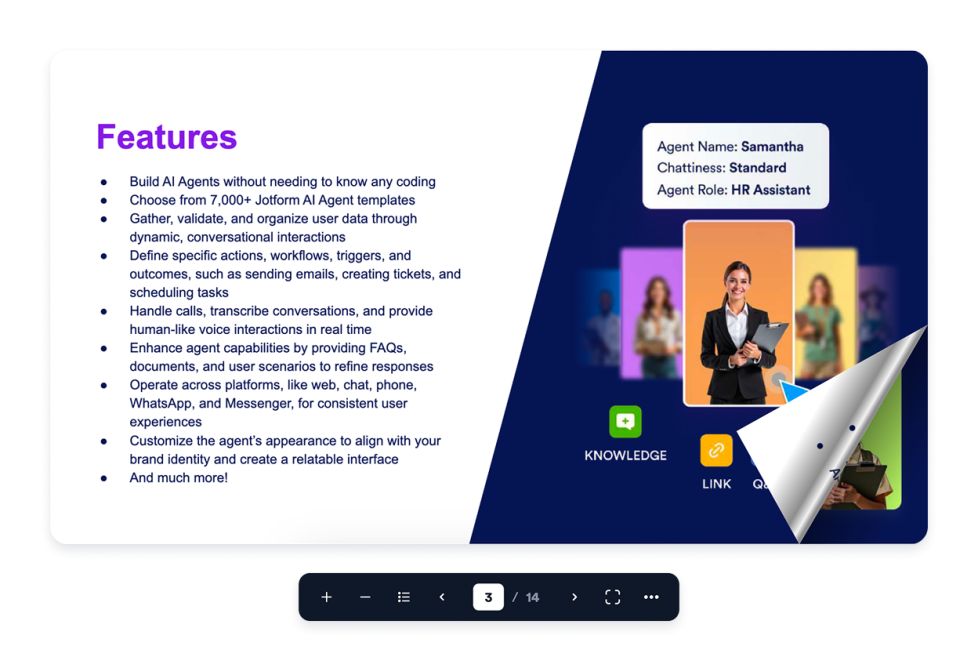
Flipbook
Adicione um widget interativo de Flipbook ao seu site. Faça upload de um PDF ou cole a URL de um PDF e, em seguida, escolha o modo de exibição das páginas, o tema do leitor, o nível de zoom, as opções de tela cheia, download e impressão, além da exibição responsiva.
Ir para Categoria:ServiçosUsar Widget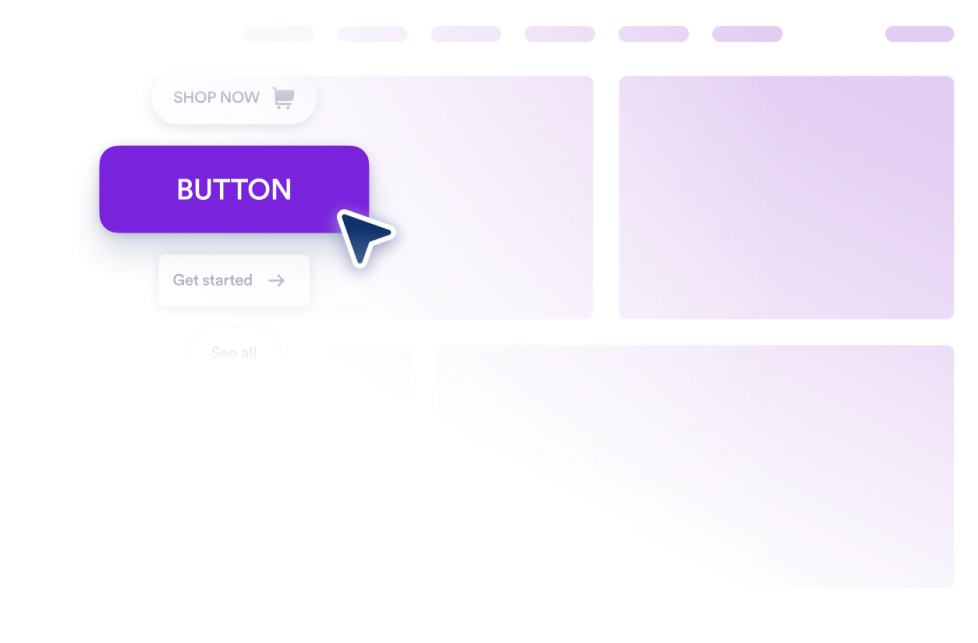
Botão
Adicione um widget de Botão personalizável ao seu site para criar links, chamadas, e-mails, chats, perfis em redes sociais e atalhos para seções da página.
Ir para Categoria:ServiçosUsar Widget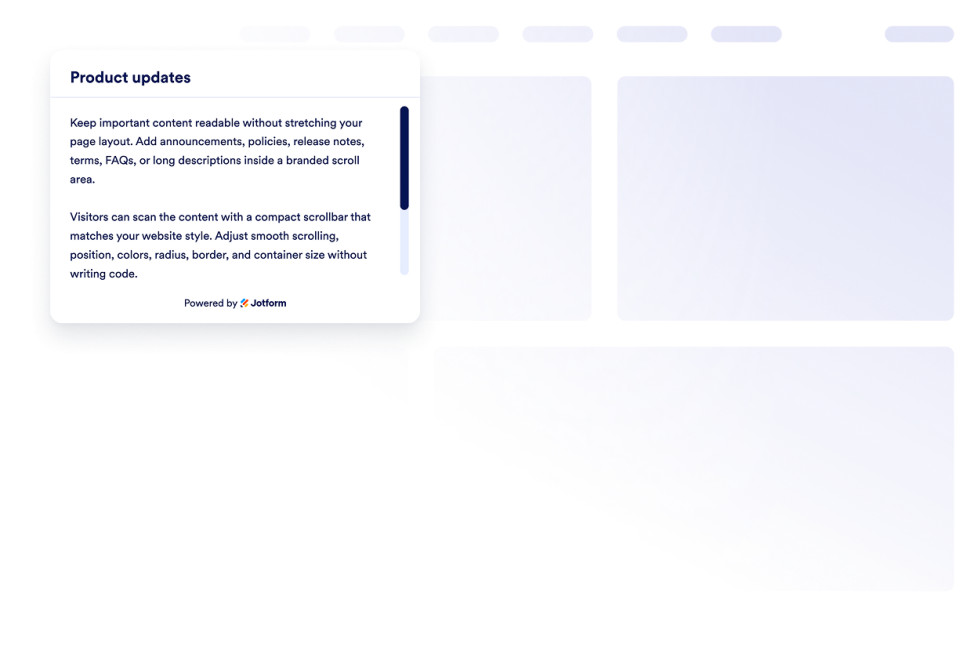
Barra de Rolagem
Adicione um widget Barra de Rolagem personalizado ao seu site. Crie áreas de conteúdo roláveis com a identidade da sua marca, personalizando a largura, as cores, a posição, a borda, o raio dos cantos e o comportamento da rolagem.
Ir para Categoria:ServiçosUsar Widget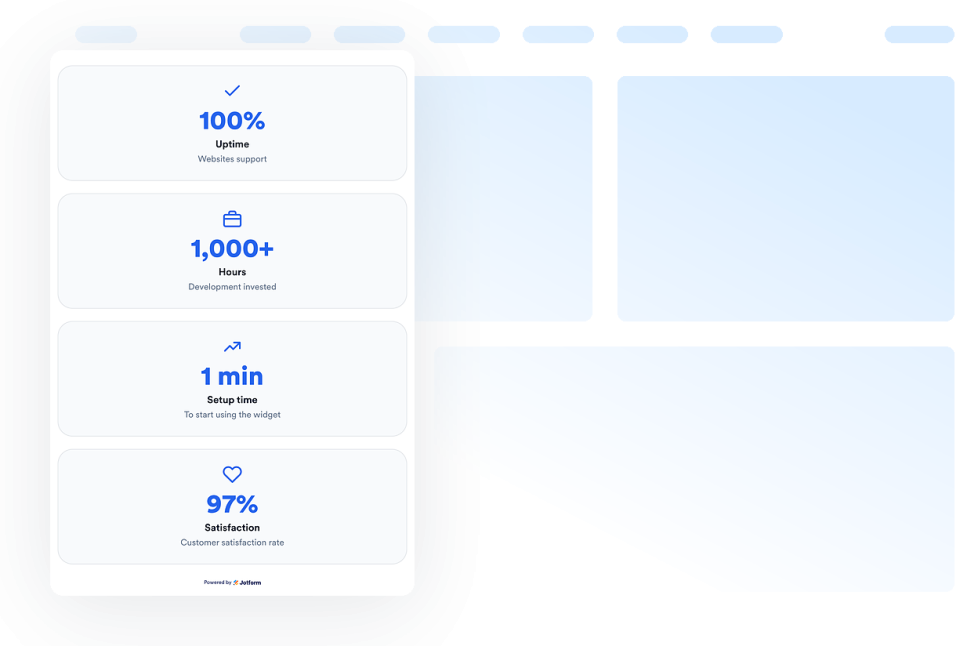
Contador Numérico
Adicione um widget Contador Numérico ao seu site para exibir marcos e estatísticas animados, ícones, prefixos, sufixos, links e valores atualizados em tempo real com base em dados JSON.
Ir para Categoria:ServiçosUsar Widget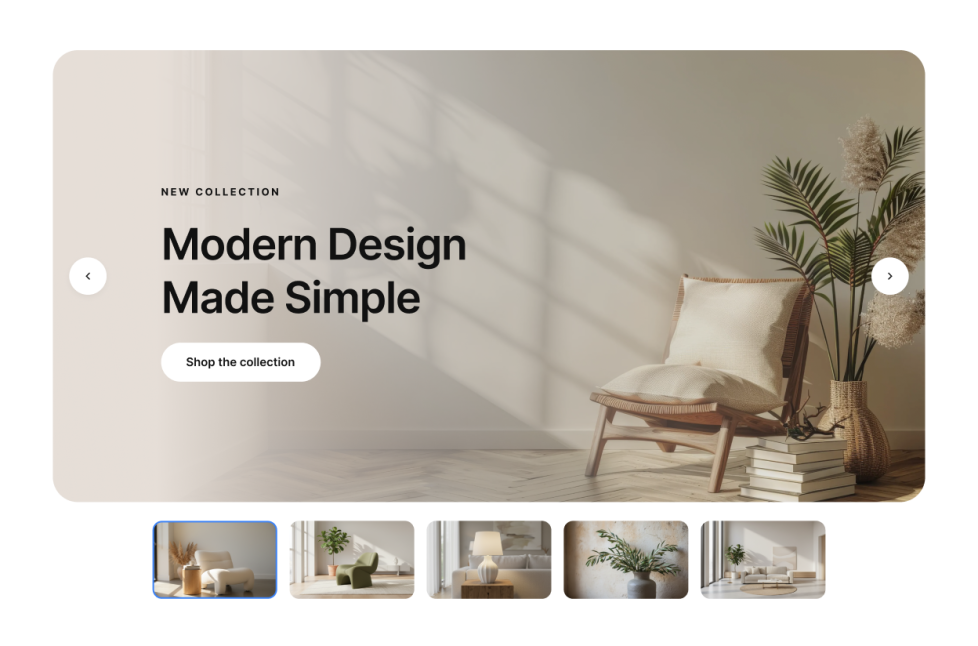
Deslizador de Imagens
Adicione um widget Deslizador de Imagens ao seu site para exibir imagens ou vídeos em sequência, com selos, textos, botões, reprodução automática, transições, deslizamento e navegação responsiva.
Ir para Categoria:ServiçosUsar Widget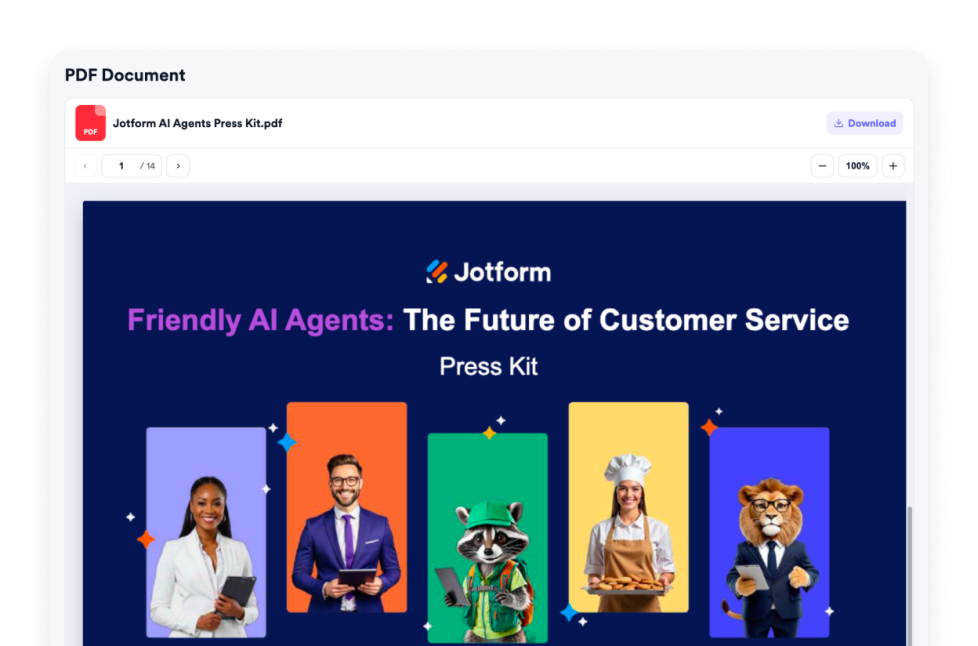
Incorporação de PDFs
Adicione um widget Incorporação de PDFs ao seu site. Faça upload de um PDF ou cole um link direto para o PDF e personalize os controles do visualizador, zoom, opções de download, ícone, cor, largura, altura e tipografia.
Ir para Categoria:ServiçosUsar Widget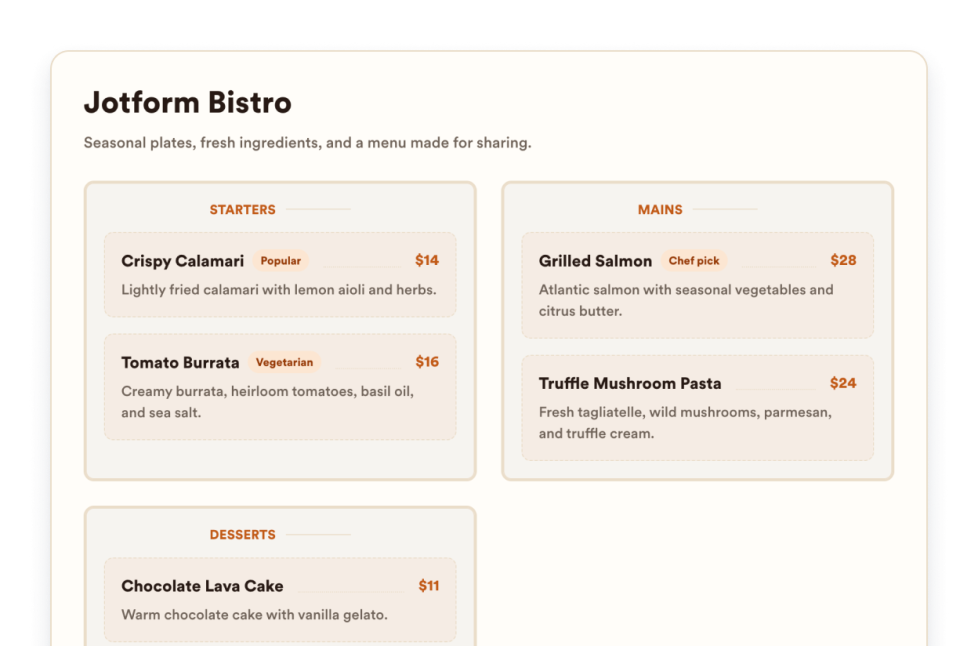
Cardápio de Restaurante
Adicione um widget de menu responsivo ao seu site com categorias, descrições de itens, preços, selos, layouts, temas e links para reservas personalizáveis.
Ir para Categoria:ServiçosUsar Widget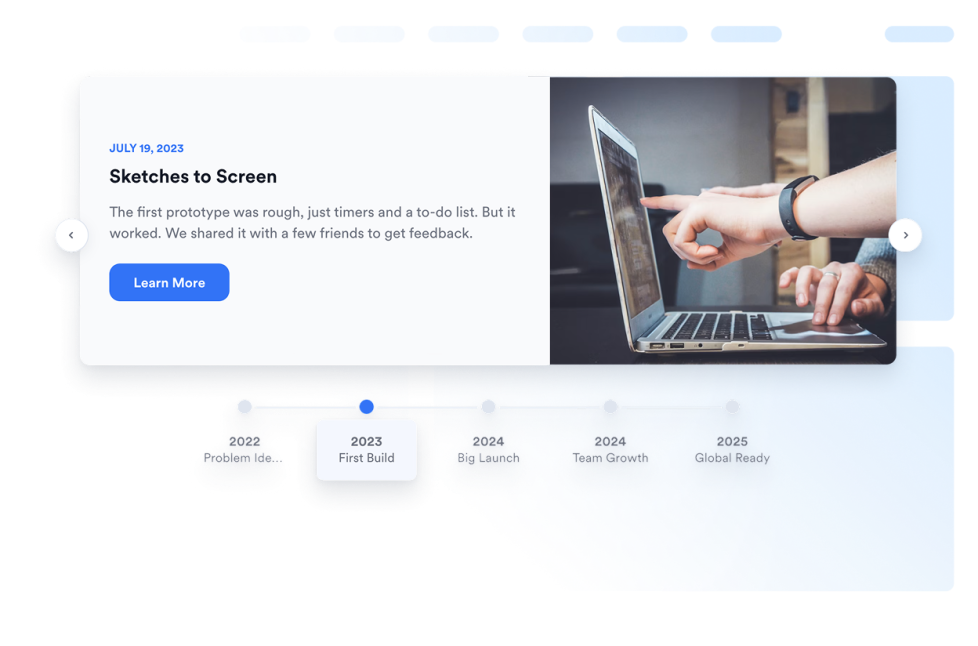
Linha do Tempo
Adicione um widget Linha do Tempo ao seu site para apresentar a história da sua empresa, lançamentos de produtos, cronogramas de eventos, marcos de projetos e atualizações em formato de narrativa com layouts, marcadores, cores e conteúdo multimídia personalizáveis.
Ir para Categoria:ServiçosUsar Widget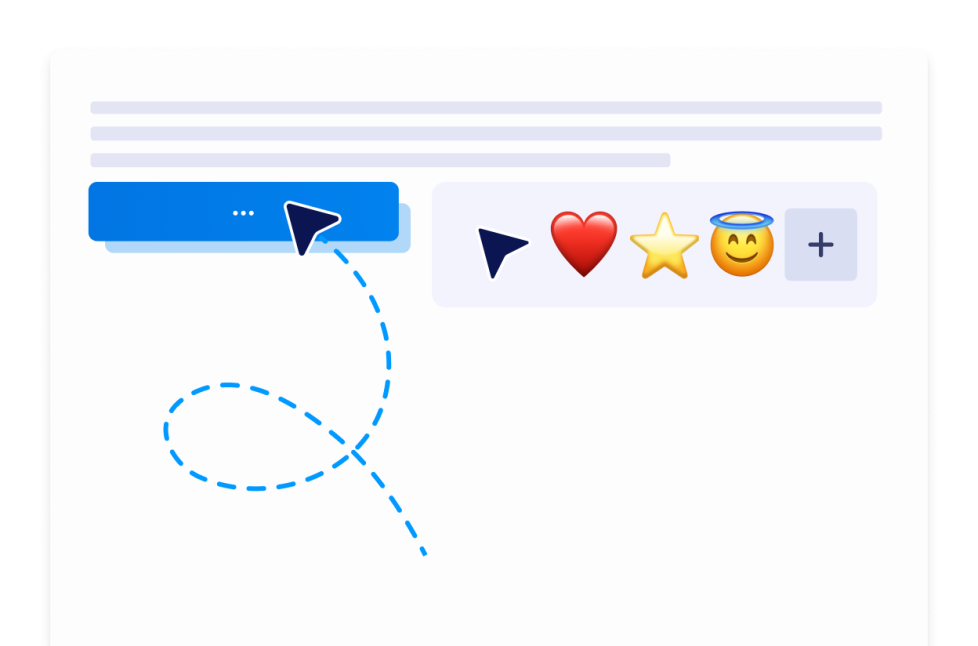
Cursor Personalizado
Com o widget de Cursor Personalizado, você pode escolher o estilo do cursor, personalizar sua aparência e movimentação, adicionar efeitos interativos e incorporá-lo ao seu site sem precisar programar.
Ir para Categoria:ServiçosUsar Widget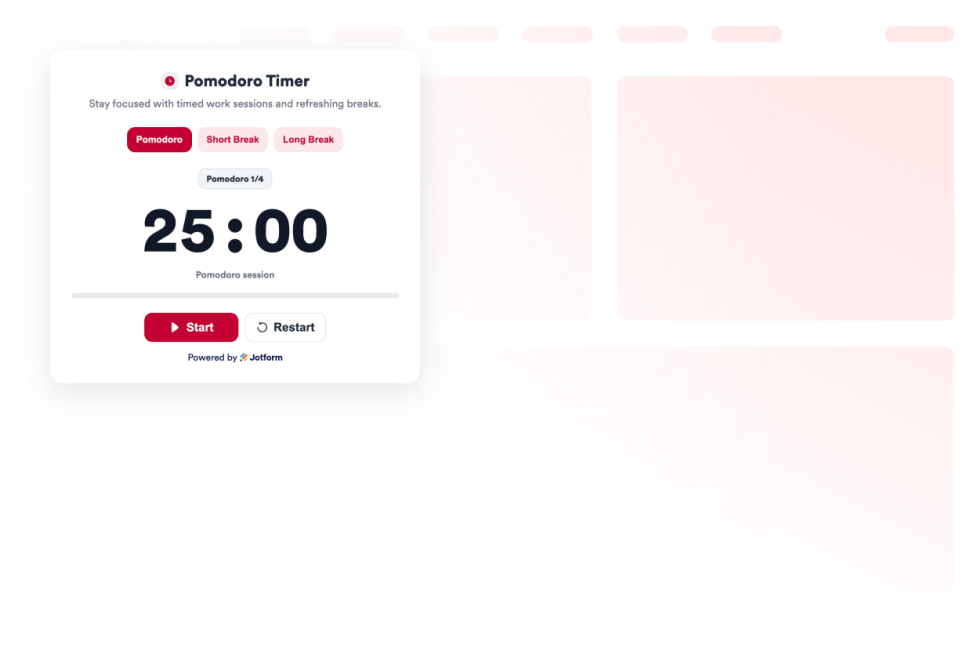
Pomodoro
Adicione um widget de Pomodoro ao seu site para realizar sessões de trabalho focado, pausas curtas e longas, com sons de alarme e personalização de estilo.
Ir para Categoria:ServiçosUsar Widget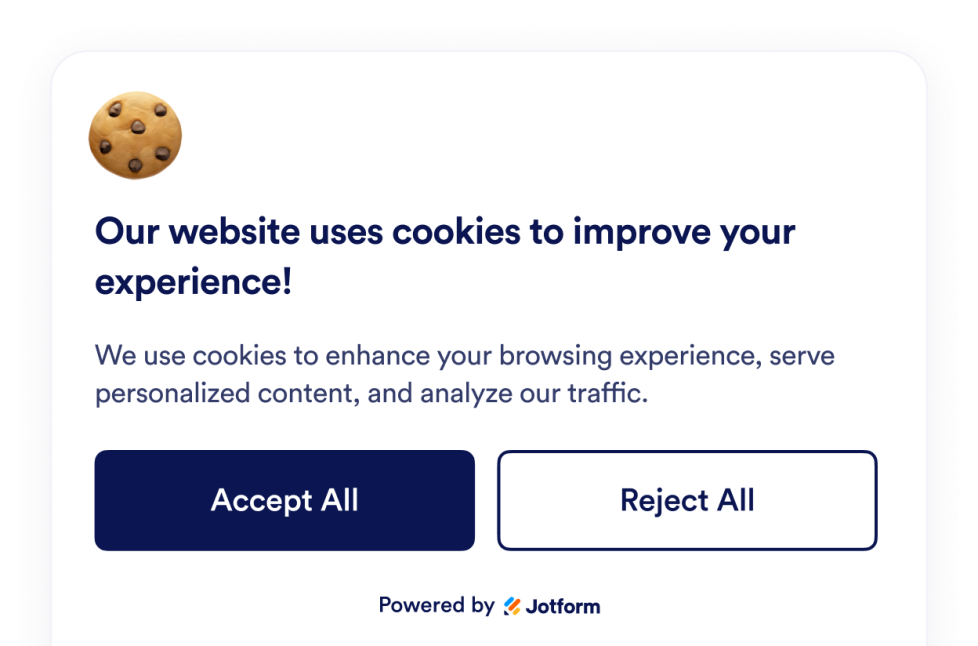
Consentimento de Cookies
Adicione um widget Consentimento de Cookies ao seu site. Exiba um banner de cookies personalizável, colete as escolhas dos visitantes, mostre categorias de preferências e controle scripts sem precisar programar.
Ir para Categoria:ServiçosUsar Widget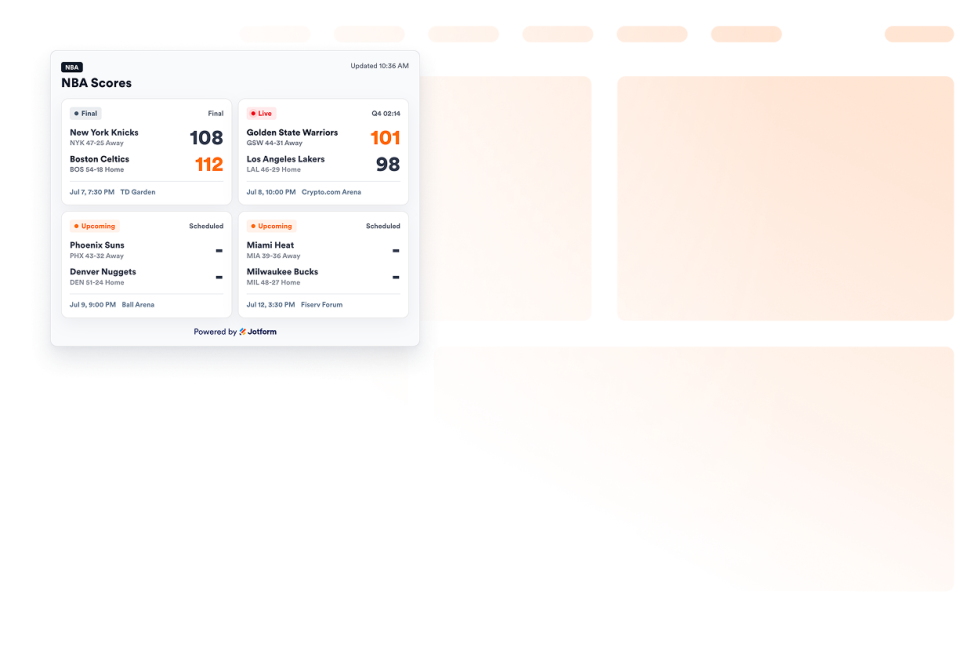
NBA Scores widget
Adicione um widget Placares da NBA ao seu site para exibir cards de jogos, status ao vivo e finais, calendários, times favoritos e opções de personalização do placar.
Ir para Categoria:ServiçosUsar Widget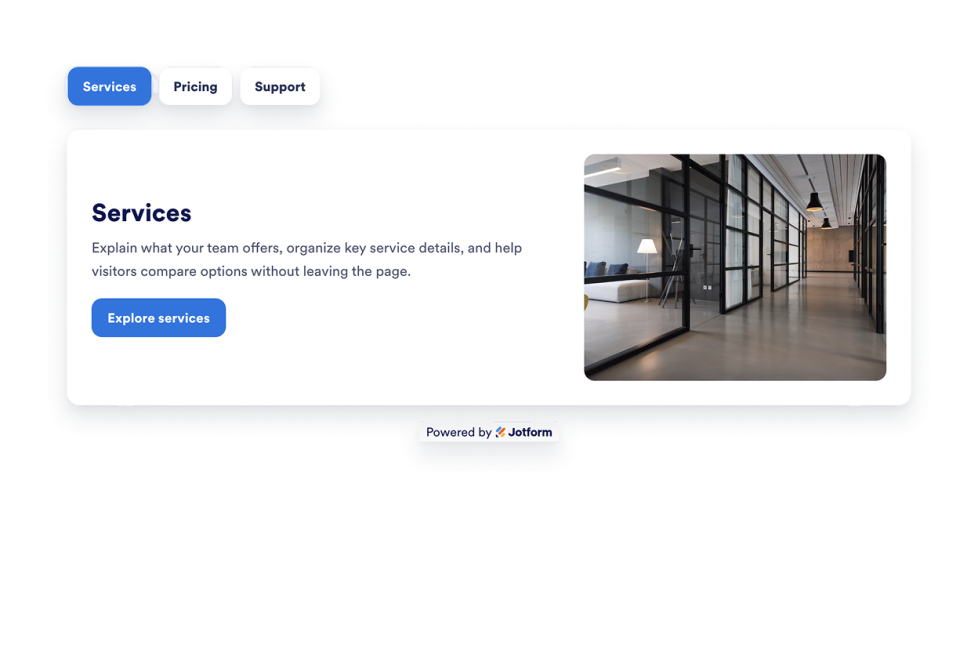
Formulário com Abas
Adicione um widget Formulário com Abas personalizável ao seu site para organizar o conteúdo em seções limpas e clicáveis. Crie layouts com abas para perguntas frequentes, recursos, preços, menus, portfólios e muito mais, sem código.
Ir para Categoria:ServiçosUsar Widget
Ops, nenhum resultado encontrado
No results match your search. Please try another keyword.