
Jotform Sign vs Docusign
Better Than DocuSign. Easier Setup. More Flexibility.
Create e-signature documents, manage the signing process, and send signed documents all from one central place. Customize your e-sign documents to match your brand and share them seamlessly with your employees, stakeholders, team members, and more.
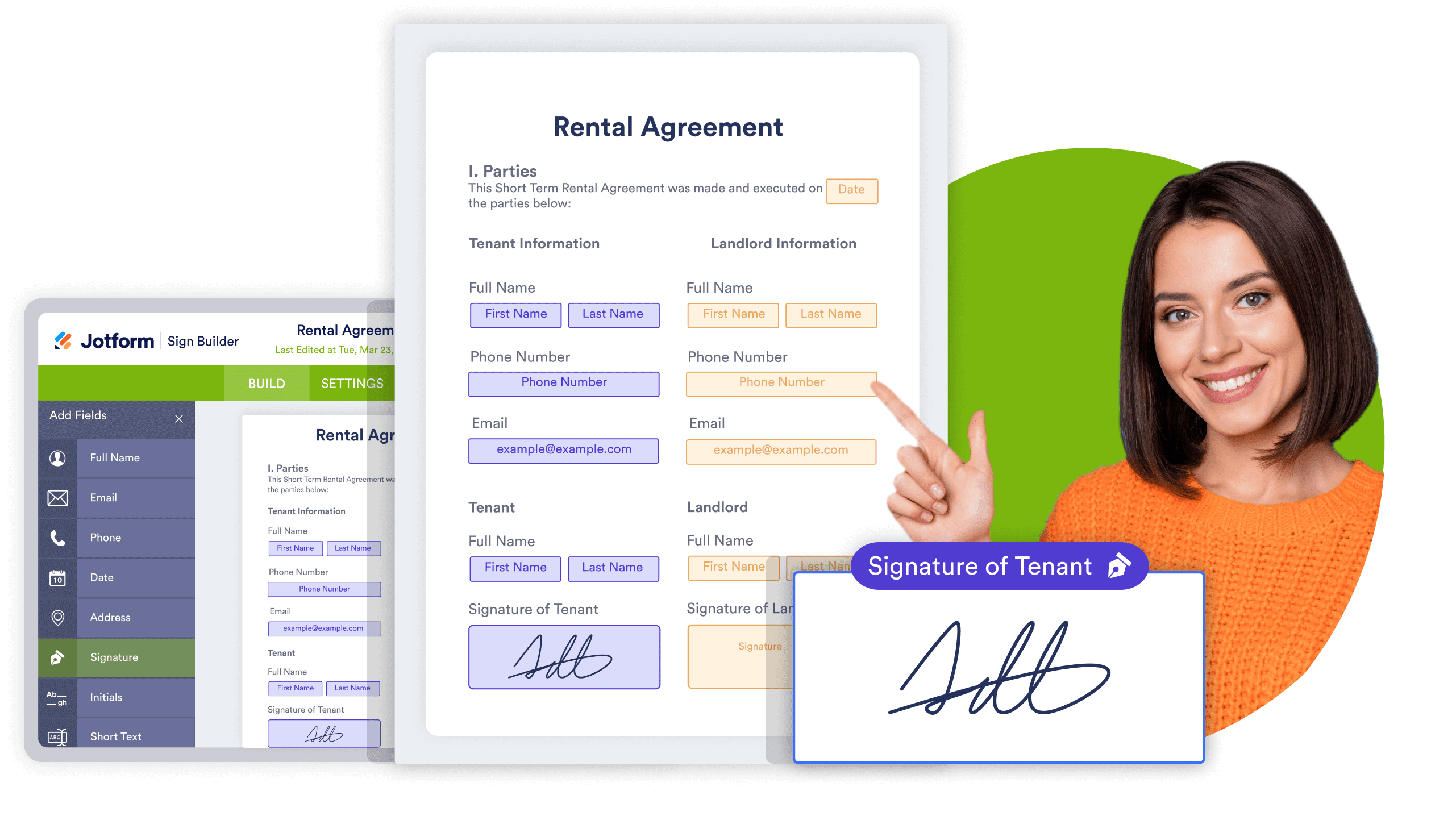
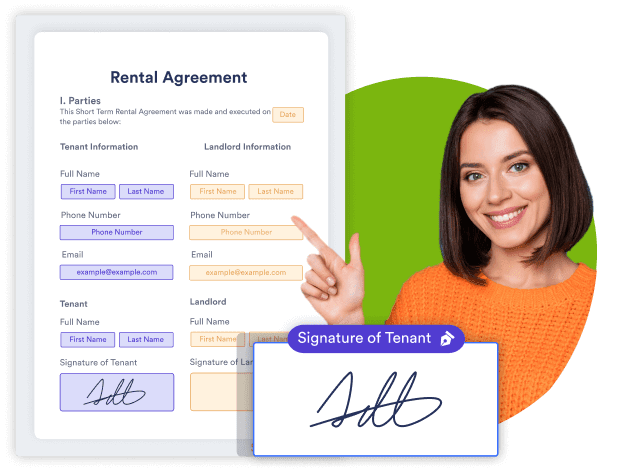
Perbandingan Berdampingan
| FITUR | Jotform | Docusign |
|---|---|---|
| Free forever plan |
Ya
|
Docusign
30-day trial
|
| Ready-made signable documents |
800+
|
Docusign
Tidak
|
| Templates in free plan |
Tidak Terbatas
|
Docusign
Tidak
|
| Manajemen Data |
Docusign
Tidak
|
|
| Charts & Data Visualization |
Docusign
Tidak
|
|
| Forms powered by Jotform Sign |
Ya
|
Docusign
Tidak
|
| Invite by link |
Ya
|
Docusign
Business pro
|
| Sematkan Dokumen |
Ya
|
Docusign
Enhanced plan / Enterprise
|
| Penyimpanan Awan |
Ya
|
Docusign
Ya
|
| Assigning roles in signature |
Ya
|
Docusign
Ya
|
| Mobility |
Ya
|
Docusign
Ya
|
| Penyesuaian merek |
Ya
|
Docusign
Ya
|
| Type or draw signature options |
Ya
|
Docusign
Ya
|
| Automatic reminder emails |
Ya
|
Docusign
Ya
|
| Tetapkan tanggal kedaluwarsa untuk dokumen Anda |
Ya
|
Docusign
Ya
|
| Sign inbox |
Ya
|
Docusign
Ya
|
|
|
||

The above table is based on Docusign's publicly-available information as of October 4, 2022. If you see any incorrect, incomplete, or inaccurate information, please request correction.
A Complete
E-signature Solution
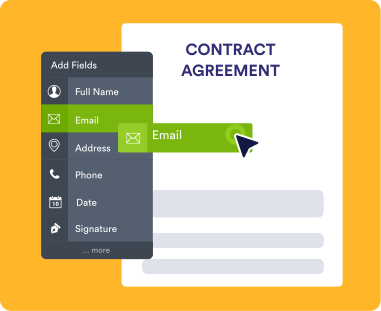
Easy to Create
Create easy-to-use and signable documents for any occasion. Build only once with our drag-and-drop builder and send multiple times to different users.
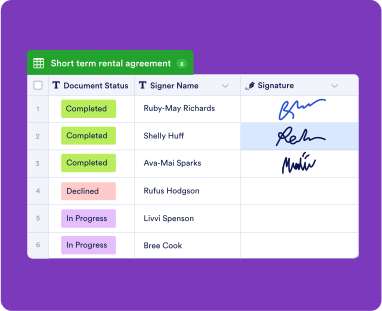
Analyze and Visualize Data
Manage and analyze data from your e-sign forms with Jotform Tables. You can also convert signature information and signer data into professional reports with Jotform Report Builder.
24-7 Customer Support
Need help with your e-sign documents or have a question that hasn’t been answered yet? Feel free to reach out to our 24-7 Jotform support team to get the help you deserve.
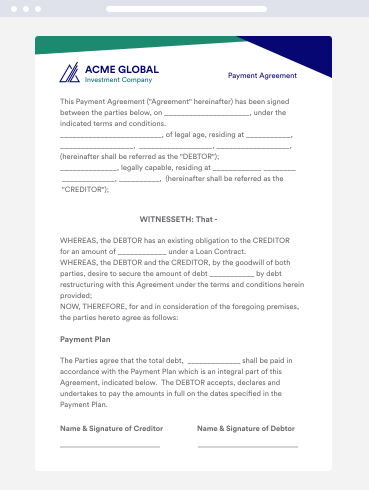
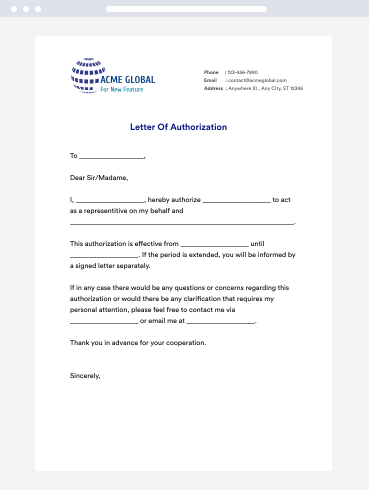
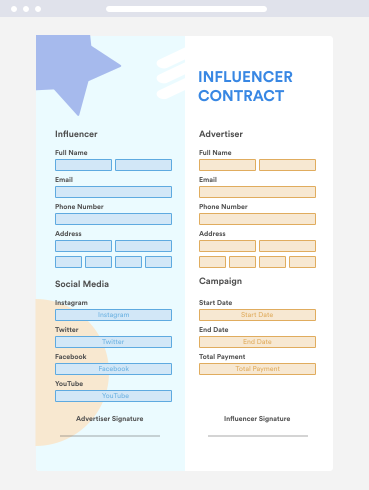
Docusign Alternative Templates
Don’t know where to start? No problem; we’ve got you covered. Personalize your e-sign documents with one of our ready-made Jotform Sign templates to get your creativity going.
Berkolaborasi Lebih Cerdas
Work efficiently with your team in Jotform Sign by assigning roles, sending reminder notifications, and delegating certain tasks to specific team members. You can also invite by link and send access codes to collaborate with people outside your team.
COBA SEKARANG — Gratis!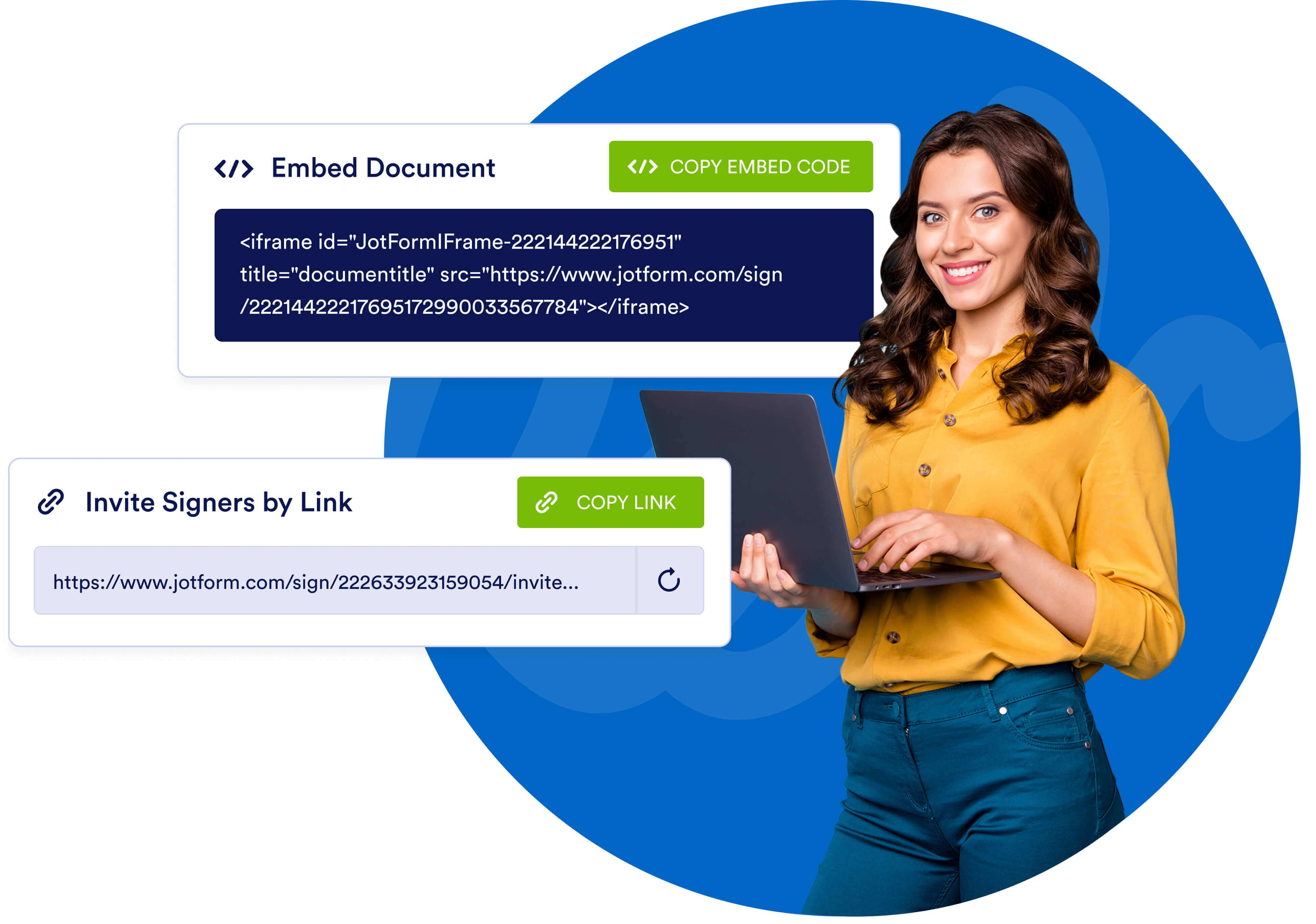
Track and Manage Progress
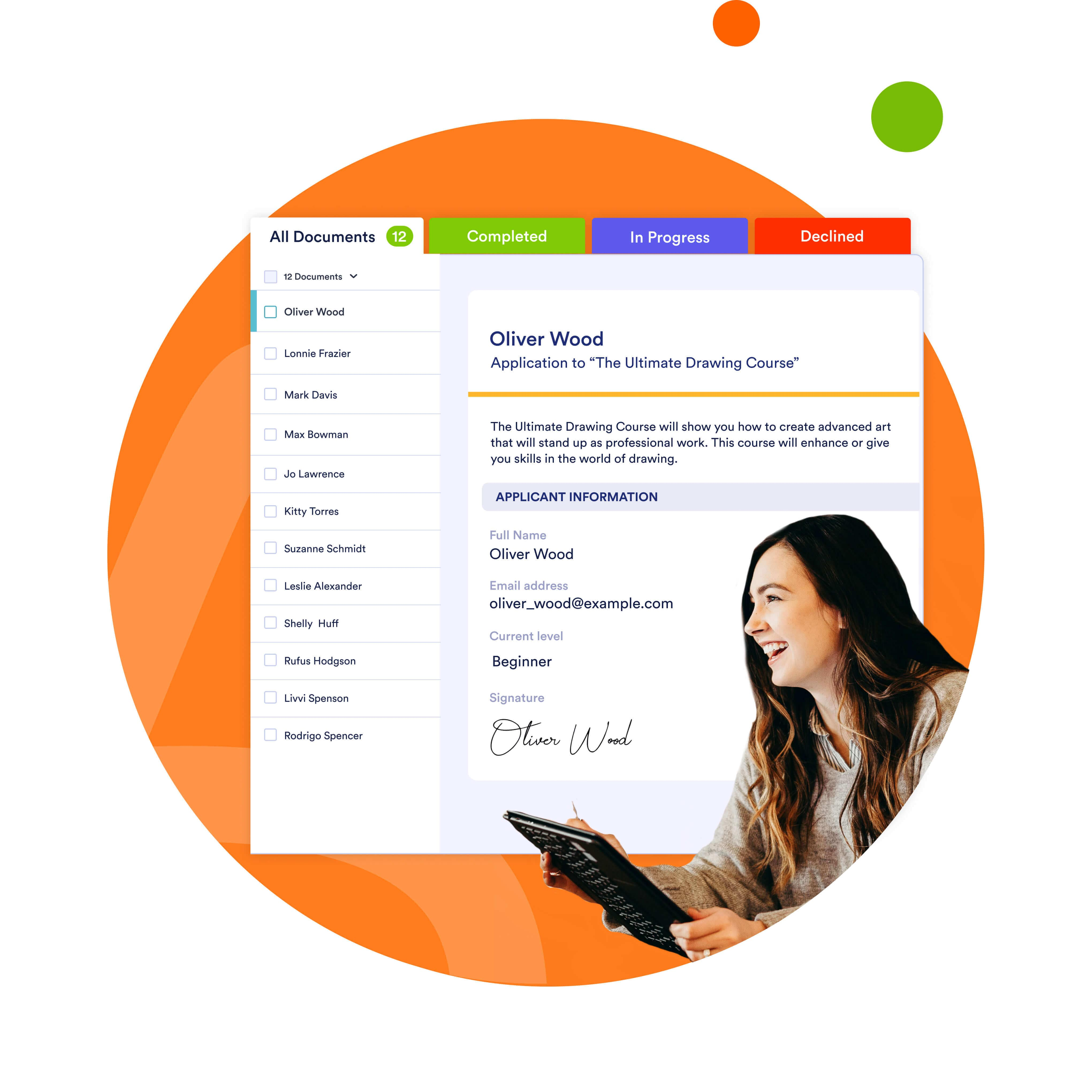
Jotform Sign Inbox lets you keep track of signer data and e-signatures seamlessly. Track documents using multiple tabs in Inbox:
- Semua Dokumen
- Tunggu Tanda Tangan Saya
- Tunggu Yang Lain
- Lengkap
- Dibatalkan
- Ditolak
Jaga Keamanan Data
Rest assured the information you collect is stored safely. Jotform protects data with a 256-bit SSL connection, CCPA compliance, GDPR compliance, and optional HIPAA compliance features for collecting sensitive medical data.

Jotform Sign vs Docusign FAQ
-
Why should I use Jotform Sign instead of Docusign?
Advanced field detection, easy customization, and seamless integration with Jotform’s suite of automation tools make the Jotform Sign e-signature experience the world’s best. Enjoy our free forever plan, choose from 800+ ready-made templates, and share your document with signers via email or link. You can even embed a signable document directly in a website with a simple copy-paste embed code.
Best of all, Jotform offers a free forever plan that allows you to collect 10 e-signatures each month. By contrast, Docusign’s basic plan, which costs $10 per month, provides only 5 signatures.
-
How do I add a signature to a PDF online?
Adding a signature to a PDF document couldn’t be easier. Using Jotform’s no-code form builder, simply drag and drop a signature field wherever you need one. You can specify assignees and make the field required from the settings pane. Respondents can then sign your document from any smartphone, tablet, or desktop computer.
-
Is Jotform Sign legally binding?
E-signatures are legally binding in many countries and U.S. states, but we still recommend consulting with your lawyer. To provide additional information about the signer of the document, Jotform Sign records their IP address and the time of their signature.
-
Does Jotform Sign allow electronic signatures?
Electronic signatures, or e-signatures, are the backbone of Jotform Sign. Create secure online documents with our drag-and-drop builder — then quickly gather e-signatures anytime, anywhere by sharing your document via email or by embedding it in a website.
-
Apakah Tanda Tangan Jotform gratis?
Jotform Sign is completely free. Our free forever plan allows up to 10 signed documents. Need more? Simply upgrade your account to increase your limits.