Automate your Salesforce Intake process with Jotform
Jotformの包括的なインテークフォームを使って、リード情報をシームレスに収集し、Salesforceデータベースに顧客インテークを設定しましょう。ゼロから作成することも、Jotformの既成テンプレートを使用してカスタムインテークフォームを作成することもできます。
Explore Intake Form Templates
Jotformの充実したフォームテンプレートギャラリーで、あなたのニーズにぴったりのインテークフォームを見つけることができます。

エステサロン カウンセリングシート
エステサロンのカウンセリングシートは、顧客の医療履歴、アレルギー情報、スキンケアの悩みを効率的に収集するために設計されたテンプレートです。

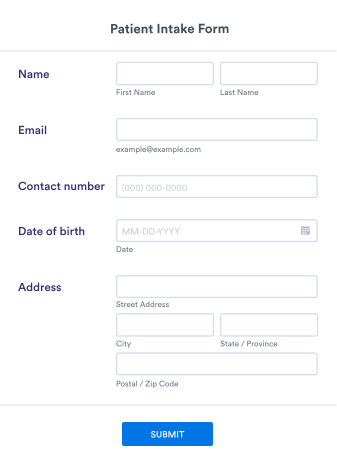
初診受付フォーム
初診受付フォームは、患者の病歴、過去の手術歴、遺伝情報、症状などの詳細な情報を収集するためのフォームテンプレートです。

美容室カウンセリングシート
ヘアサロン用の美容室カウンセリングシートは、新規顧客の基本情報や予約の希望を収集するために設計されたフォームテンプレートです。

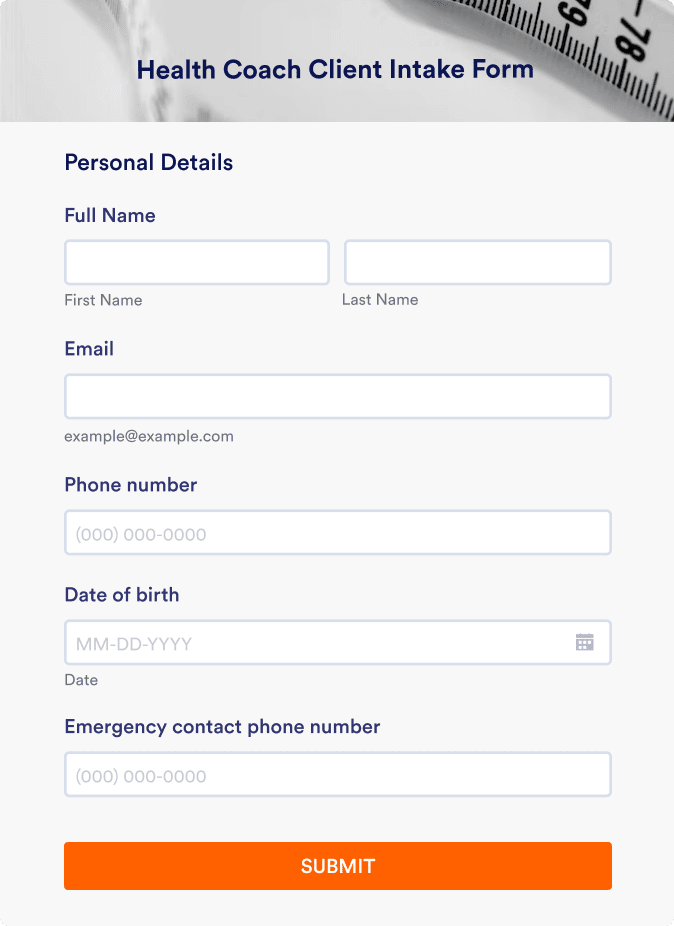
ヘルスコーチ 初回カウンセリングシート
健康目標の達成をサポートするために、事前にヘルスコーチ 初回カウンセリングシートへの記入を依頼しましょう。このフォームはWebページに埋め込み可能で、リンクからも直接開けます。

カウンセリング申込フォーム
カウンセリング申込フォームは、クライアント情報の自動収集により登録作業を簡素化し、書類作業を削減。患者記録を体系的に管理できます。

マッサージ受付フォーム
お客様が予約と症状の記入を1つのフォームで簡単に行えます。リアルタイムで回答を受信可能。カスタマイズも簡単で、すべてのデバイスに対応。コーディング不要。
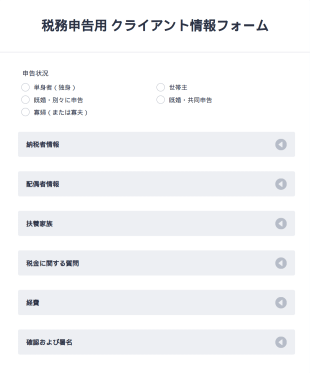
税務申告用 クライアント情報フォーム
この税務申告用クライアント情報フォームを参考にして、年次の確定申告を正確に行いましょう。正確な申告に役立つ質問がすべて含まれています。
Salesforce
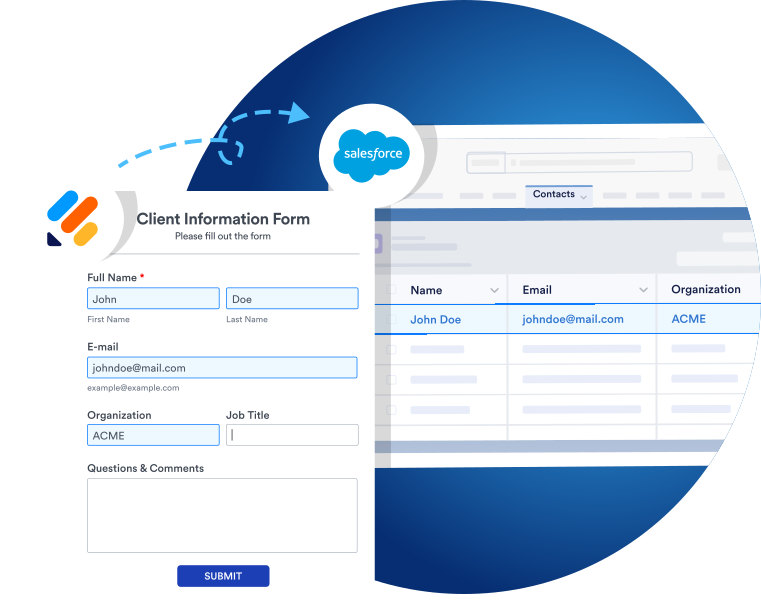
Easily integrate Jotform with Salesforce
Jotform is now part of the Salesforce AppExchange! You can use the integration on the AppExchange platform or in Jotform’s form builder. In just a few minutes, seamlessly transfer data between Jotform and Salesforce for better, faster, more efficient lead generation and sales.
Share or Embed
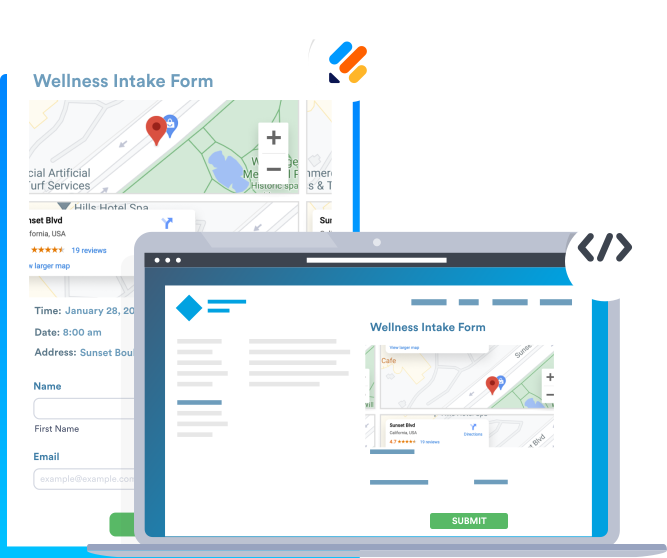
Share and embed your forms in seconds
フォームをリンク、メール、QRコード、またはソーシャルメディアアカウントですぐに共有できます。さらには、数回クリックするだけで、ウェブサイトにフォームを埋め込むことができ、すぐにリードデータの収集を開始できます。一番の利点は?それはコーディングが不要な事です。
事前入力フォーム
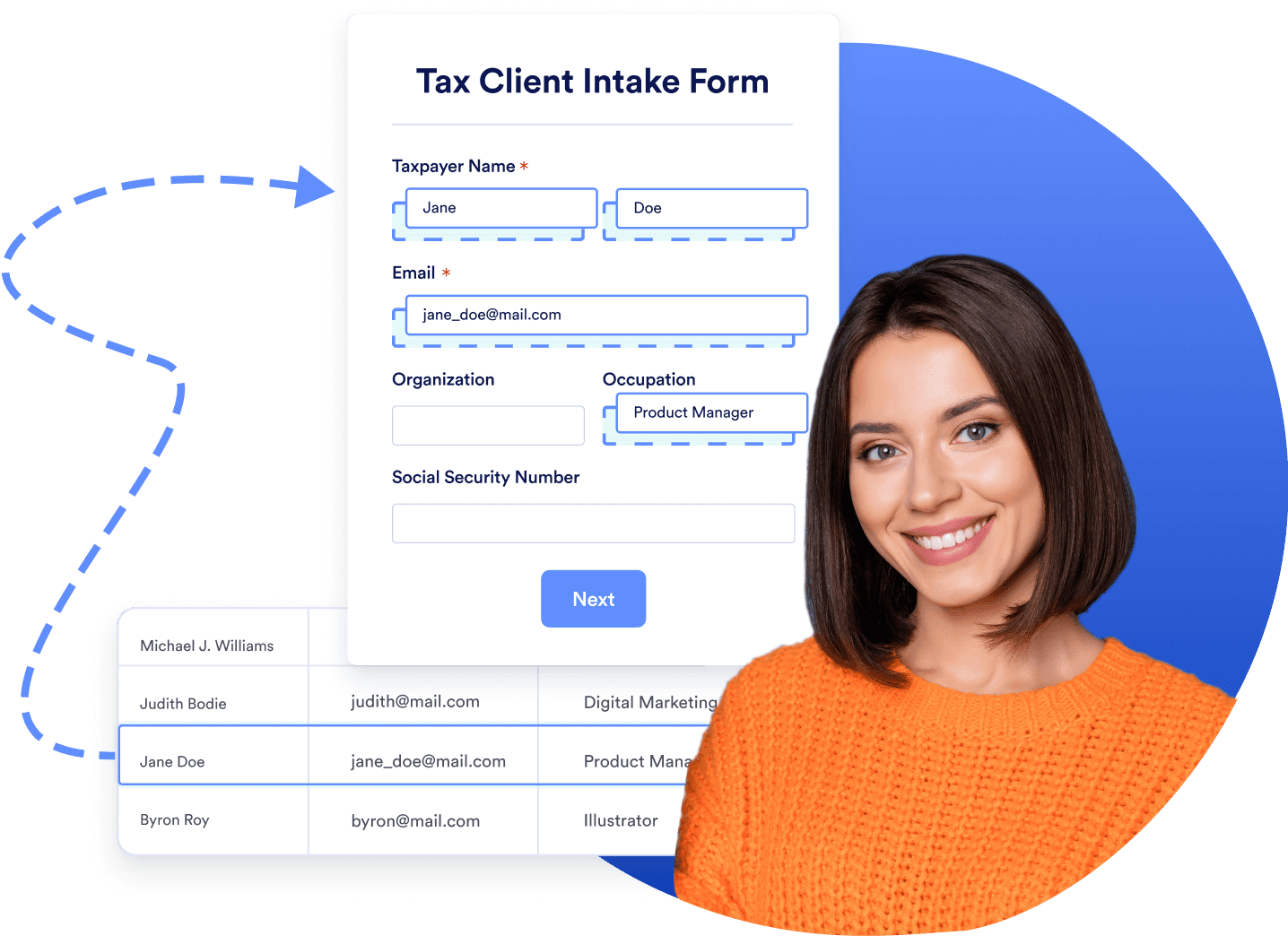
Prefill forms with your Salesforce data
With Salesforce Dynamic Prefill, you can retrieve the latest client data from your Salesforce account and dynamically pre-populate forms for a more seamless user experience. No more toggling between platforms to pull important client information.
Learn how to use Jotform for Salesforce

Jotformに関するユーザーの声
“Jotform is the cornerstone of my lead generation and e-signature needs. It’s the easiest yet most powerful tool for creating questionnaires that make a difference in my daily occupations in just a few minutes. Jotform is also fully customizable, so it delivers what I need it to. I’m delighted about the many updates throughout the years. Thank you to the team who supports us to succeed!”
Alexandre Bérubé, Managerial
Economist at Le Docteur des Profits
よくある質問 (FAQ)
-
What is an Intake in Salesforce?
A Salesforce Intake is a collection of data about leads and their entire customer journey, including contact, program engagement, assessment, and case objects. You can use the Intake feature to gather information about potential clients and determine the best course of action to serve them.
Intakes track leads all the way from initial inquiry to enrollment in a Salesforce program. You can even track Intakes past this point to monitor their status over time.
-
How do I create an Intake in Salesforce?
You can create Intakes in Salesforce from the Intakes tab or from an Inbound Referral.
From the Intakes tab, click New and give the Intake a name. You’ll be prompted to fill out a set of details about the Intake. Click Save to complete the process.
To create an Intake from an Inbound Referral, click the Cases tab followed by the case number of an Inbound Referral. Then select Create Intake, edit the name, and click Save.
Note that editing an Intake also edits the object record to minimize the amount of data upkeep you need to do.
-
What are the different stages of the Salesforce Intake process?
The default Intake Stages are
- Not Started
- 進行中
- Awaiting Client Input
- 確認中
- Not Approved
- 承認済
Keep in mind that you can edit, remove, or add new Intake Stages by visiting the Setup tab in Settings.
-
Why is the Intake Checklist important?
The Intake Checklist in Salesforce is a useful module that lists all the steps required to complete the Intake process. This checklist helps ensure that no action is skipped. The Intake Checklist is also helpful for navigating Intake records in a specific order and guiding users through necessary tasks like completing assessments and collecting personal information.
Intake Checklists use Action Plan templates to build individual checklists that are meaningful to your organization. They are also customizable so that users can add them to Intake records using your organization’s guidelines.
-
Which information do you need most in a Salesforce Intake?
The most critical information in a Salesforce Intake is client information, including client name, email, phone number, position, company size, etc. However, some Intakes may also require industry-specific information, so you should be careful with each Intake you create.
-
Which industries need Salesforce Intake forms the most?
While Salesforce Intake forms are applicable to many different industries, any type of business that uses lead generation will find intake forms to be a game-changer. These businesses include B2B and B2C, real estate, insurance, technology, consulting, financial services, and much more. Additionally, the healthcare, nonprofit, and education industries use intake forms on a regular basis.
-
How do I create an intake form using Salesforce?
Salesforce offers several native solutions for building intake forms. You can also use handy third-party form builders that offer Salesforce integrations — such as Jotform. Jotform’s no-code online form builder enables you to build custom forms in no time so that you can streamline your lead generation.
Jotform is now available on the Salesforce AppExchange. Without leaving your Salesforce account, you can customize a form template however you like and share the form with your clients and customers in seconds. Alternatively, you can create a form on Jotform’s platform and integrate it with Salesforce.