

Plantillas de recursos humanos (RRHH)

Formulario De Postulación Administrativa
Un formulario de solicitud de trabajo específicamente preparado para roles administrativos
Ir a la categoría:Formas recursos humanos
Clima Organizacional Encuesta
Encuesta de clima organizacional para medir los indicadores de la gestión de recursos humanos
Ir a la categoría:Formas recursos humanos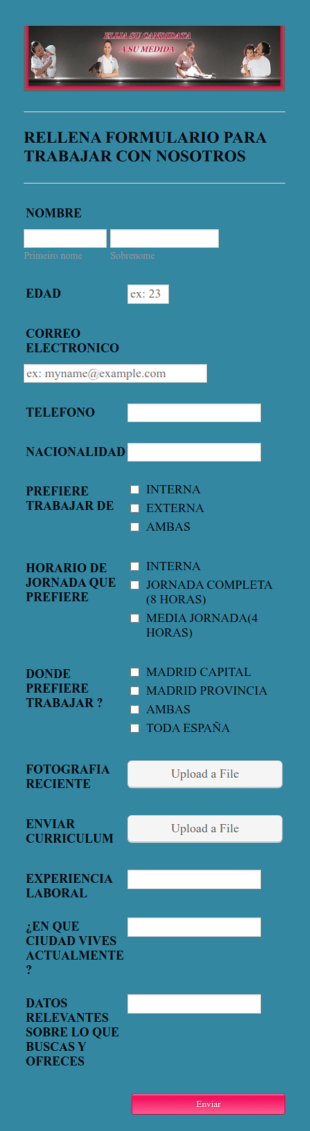
Formulario De Solicitud De Empleo
¿Ofreciendo o buscando un trabajo? Utilice este formulario flexible para cualquier compañía de contratación.
Ir a la categoría:Formas recursos humanos
Formulario De Reclutamiento Personal Especializado
Un cuestionario de recursos humanos, para guardar datos de postulantes a pesonal especializado como operadores de transporte de carga, trailers, camiones, montacargas, etc. Modifíque esta plantilla de acuerdo a su actividad u operación.
Ir a la categoría:Formas recursos humanos
Perfil Sociodemografico
Encuesta de perfil Sociodemográfico de los trabajadores
Ir a la categoría:Formas recursos humanos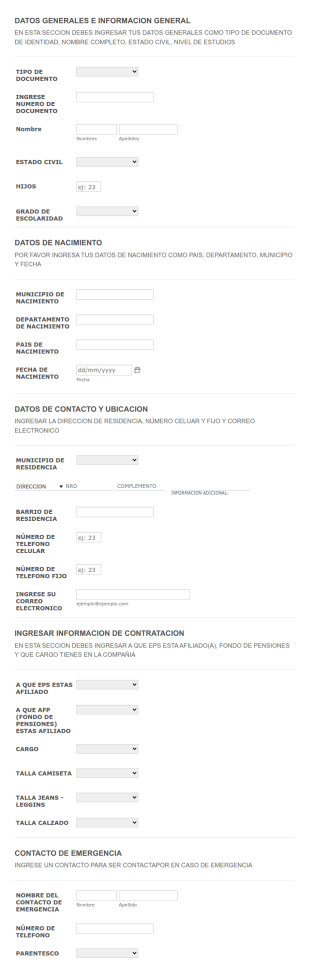
Actualizacion De Datos De Empleados
Actualizar datos de empleados por encuesta
Ir a la categoría:Formas recursos humanos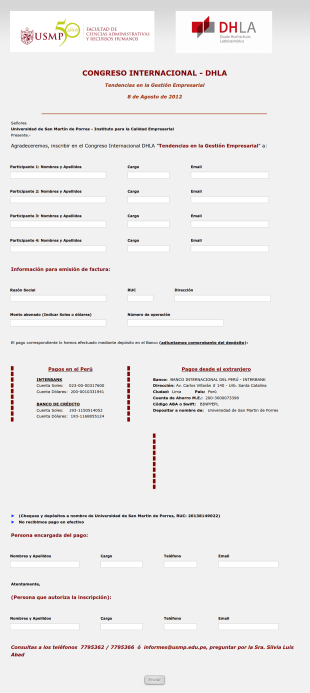
Registro Congreso Internacional
Un formulario para registro de empresas a congreso internacional sobre tendencias en la gestión empresarial.
Ir a la categoría:Formularios de negocio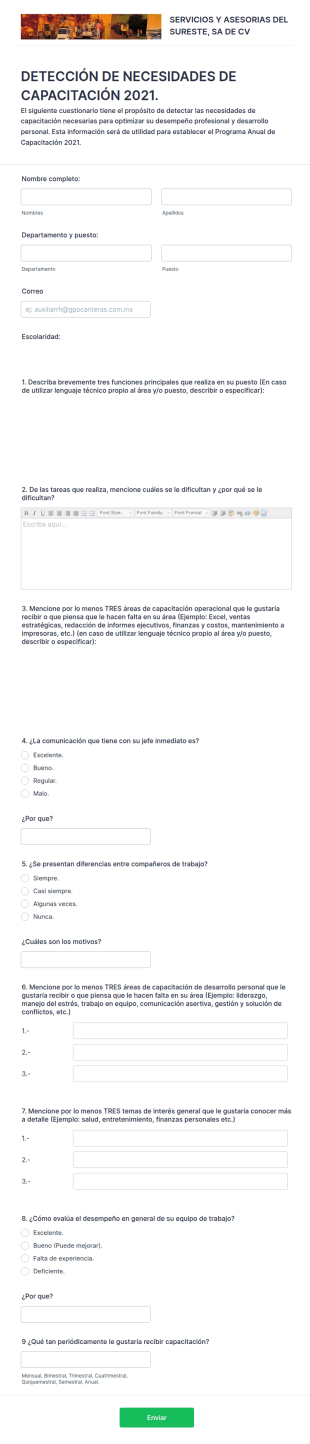
Detección De Necesidades De Capacitación 2021. Seasu
DETECCIÓN DE NECESIDADES DE CAPACITACIÓN 2021. SEASU
Ir a la categoría:Formas recursos humanos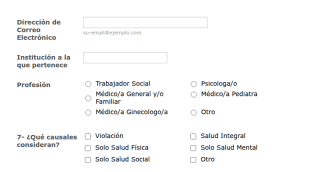
Encuesta A Personal De Salud
Es un formulario para encuestar al personal sindical de la salud sobre aspectos de salud integral, salud mental, física o social.
Ir a la categoría:Formas recursos humanos
Evaluación De Personal Y Puntos De Venta
Para empresas que tienen puntos de venta en supermercados, centros comerciales, malls y similares. Evalúa la presentación de los productos, las condiciones del punto de venta, exhibidores, actividades de mercadeo, degustaciones. Evaluación de las habilidades del personal, presentación y desempeño.
Ir a la categoría:Formularios de publicidad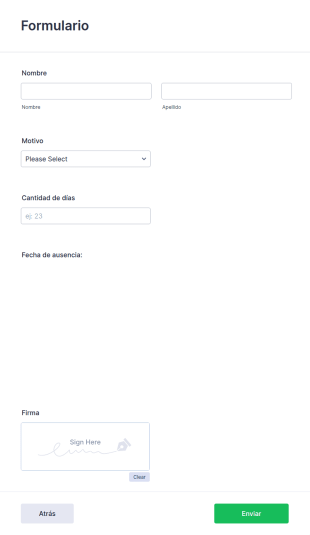
Solicitud De Vacaciones Permisos
Solicitud de Vacaciones -permisos
Ir a la categoría:Formas recursos humanos
Evaluación Interna De Responsables De Área
Si tiene una empresa con diferentes áreas y necesita que los subalternos evalúen el desempeño de su jefe o responsable de área, este formulario le servirá como ejemplo!
Ir a la categoría:Encuestas de recursos humanos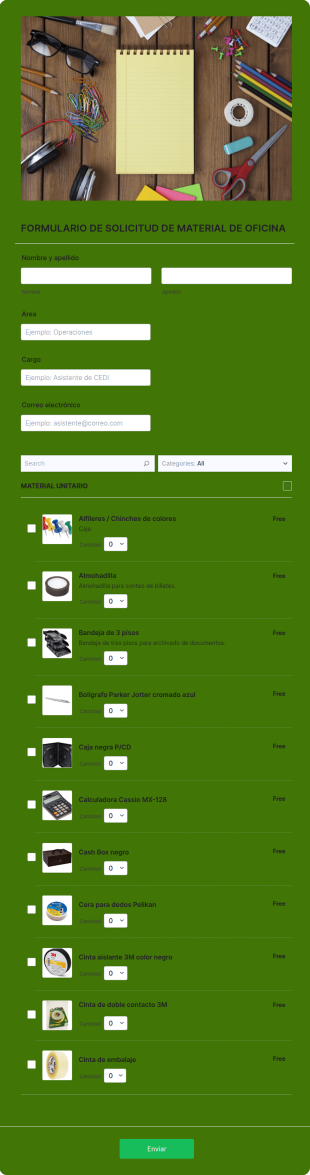
Formulario De Solicitud De Material
Formulario para el control y solicitud de material de escritorio dentro de una empresa. Útil para el control de inventario y conocimiento de los requerimientos más frecuentes y poco frecuente de los colaboradores.
Ir a la categoría:Formas recursos humanos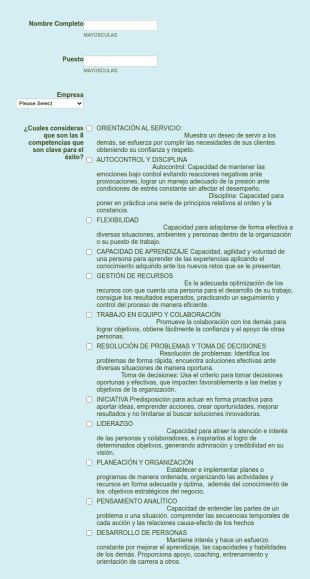
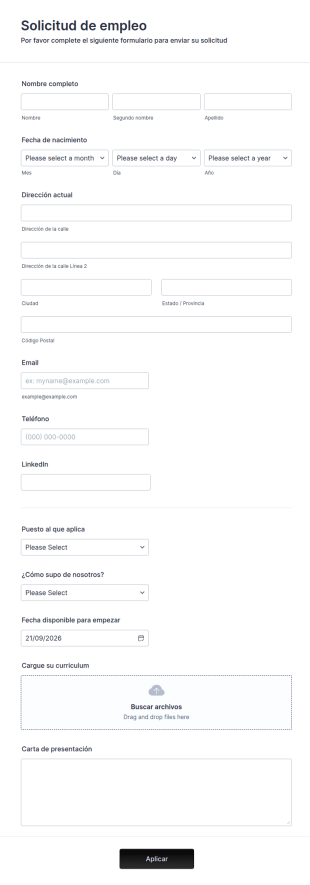
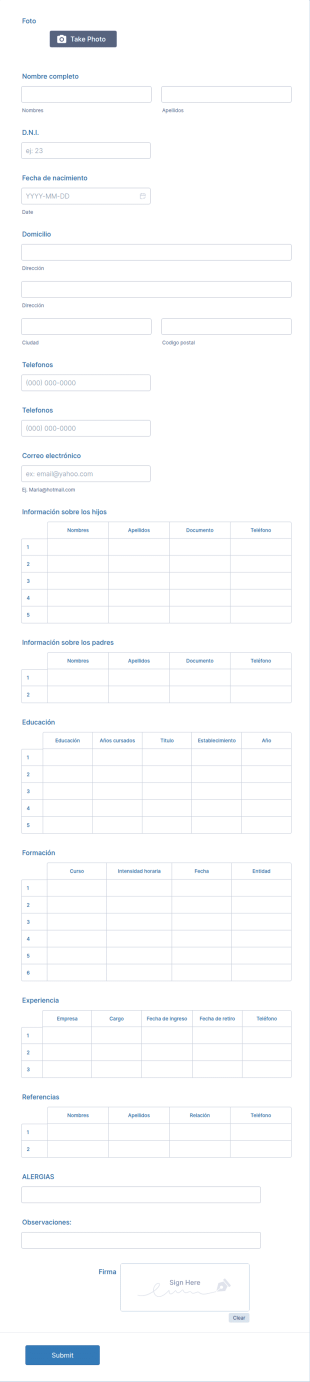
Formulario De Solicitud De Empleo Simple
Puede utilizar este formulario básico de solicitud de empleo cuando lo necesite. Es un formulario sencillo de una página que incluye información personal, formación académica, referencias y mucho más. El solicitante puede rellenar el formulario fácilmente.
Ir a la categoría:Formas recursos humanos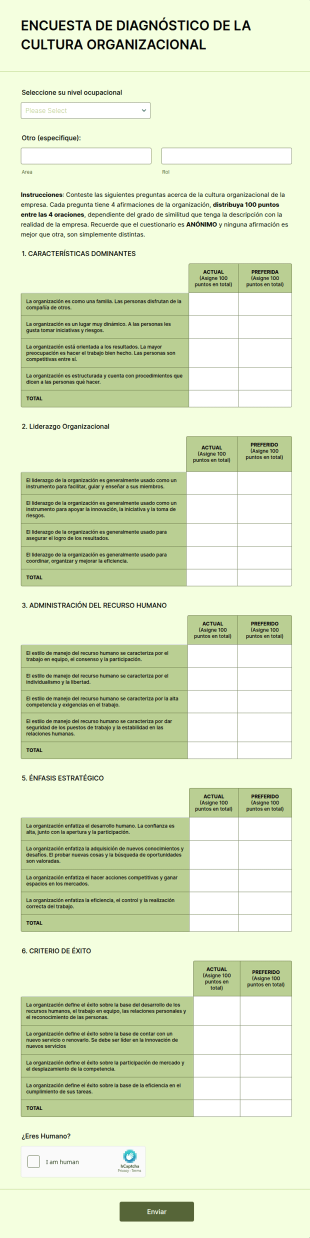
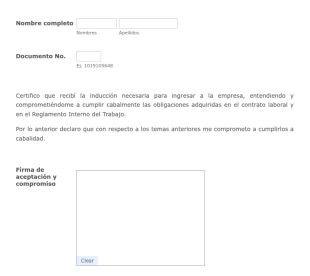
Autodorado 1
Si su empresa da inducción a nuevos empleados para sus puestos de trabajo, necesitará que al final se comprometan a cumplir con las obligaciones adquiridas en el contrato de trabajo y el reglamento de la empresa. Esta plantilla es un buen ejemplo para que todo se haga en línea.
Ir a la categoría:Formas recursos humanos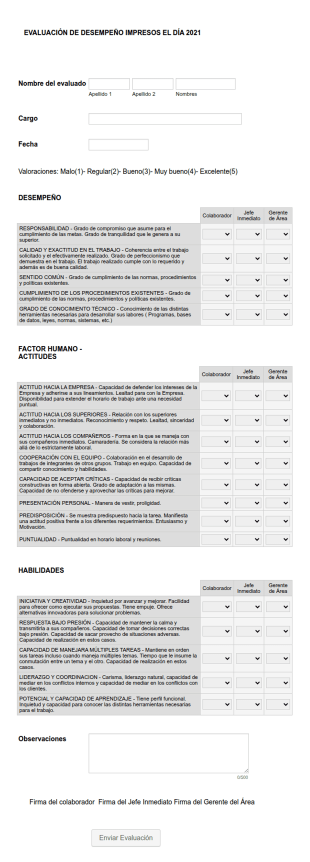
Evaluación De Desempeño 2021
Conocer el valor del trabajo realizado por los empleados de la organización y así poder medir el nivel de competitividad de la organización. Hacer un seguimiento del avance y cumplimiento de los objetivos y metas establecidos. Conocer dar la importancia que merece a lo que cada empleado y equipo de empleados aporta a la organización. Estimular una mayor productividad. Fomentar la comunicación interna, sobre todo entre el jefe y los empleados.
Ir a la categoría:Formas recursos humanos
Formato Hoja De Vida
Un formulario para enviar datos de hoja de vida o curriculum vitae de alumnos de instituciones educativas como universidades, facultades o colegios
Ir a la categoría:Formularios de inscripción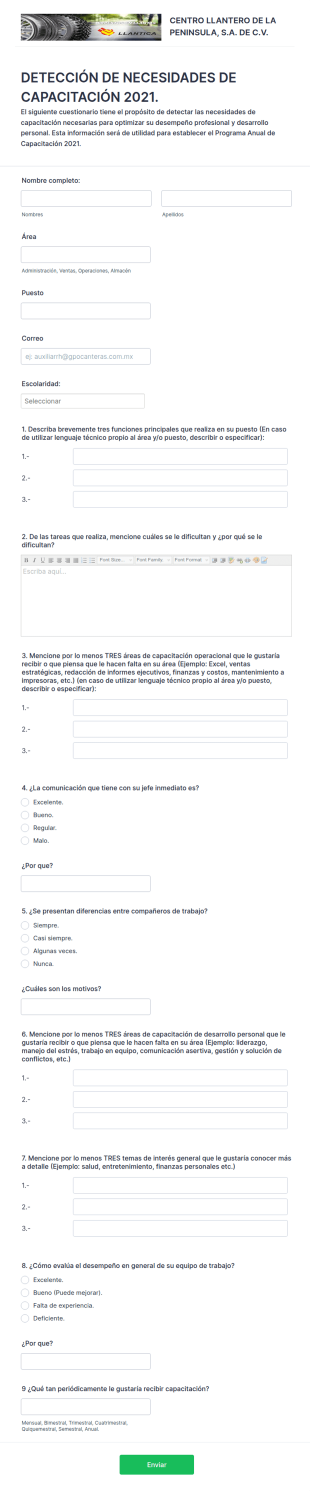
Detección De Necesidades De Capacitación 2021. Llantica
DETECCIÓN DE NECESIDADES DE CAPACITACIÓN 2021.
Ir a la categoría:Formas recursos humanos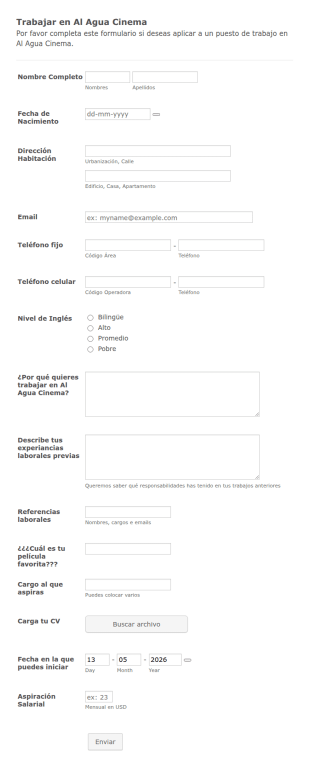
Aplicación A Puesto De Trabajo En Empresa De Agua
Completo formulario que permite enviar los detalles del aplicante, cargar su CV e incluso indicar aspiración salarial
Ir a la categoría:Formularios de negocio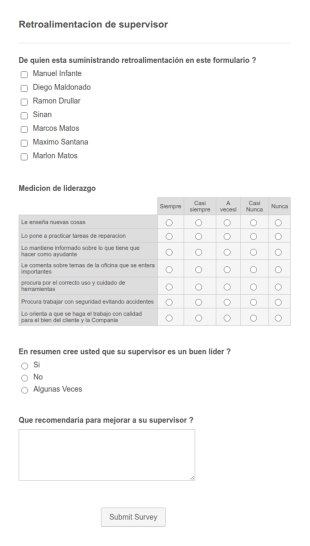

Control Y Seguimiento De Pruebas De Alcoholemia Para Empleados
Un interesante registro de control de pruebas de alcohol etílico, ideal para filtrar candidatos a posiciones internas o nuevas contrataciones. El empleado firma su consentimiento y permite detallar fechas, tiempo de pruebas, nombre de quien recibe la prueba, resultados de grados de alcohol, y otros importantes datos.
Ir a la categoría:Formas recursos humanos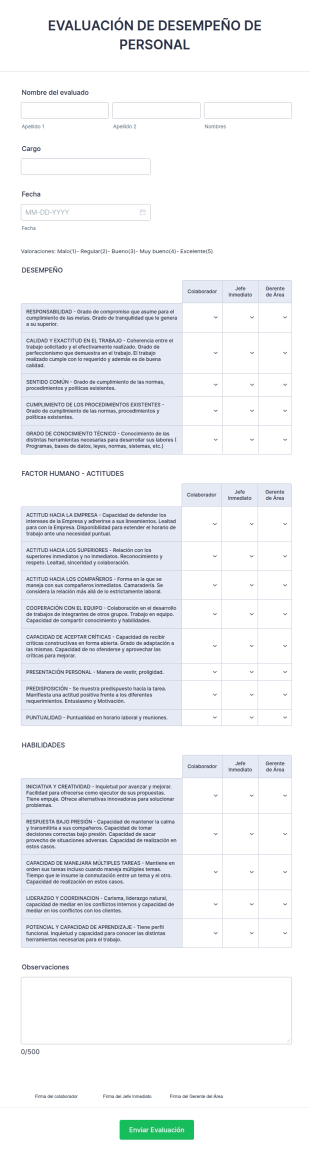
Formulario De Evaluación De Desempeño
Esta plantilla permite evaluar entre otras cosas, el desempeño laboral, actitudes y habilidades de liderazgo y en múltiples áreas, etc. Útil tanto para evaluación periódica de personal existente como para nuevas contrataciones.
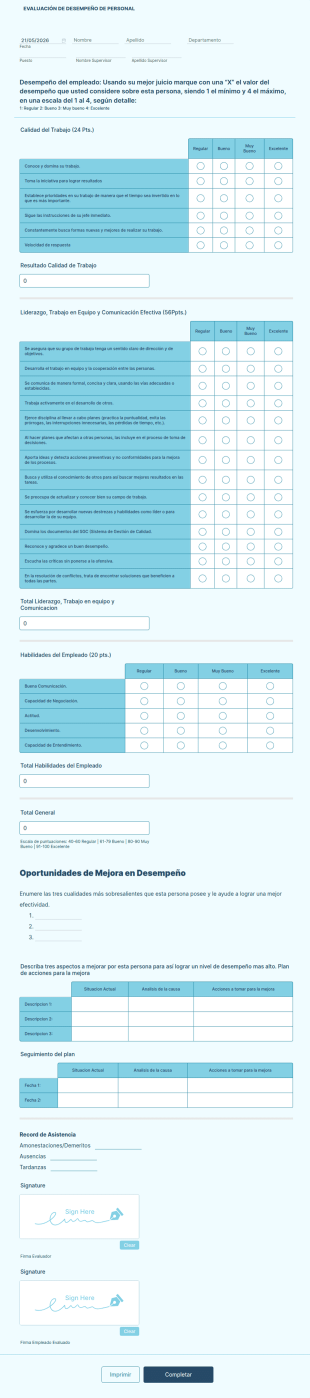
Formulario De Evaluación De Desempeño Administrativo
Evaluacion de Desempeño
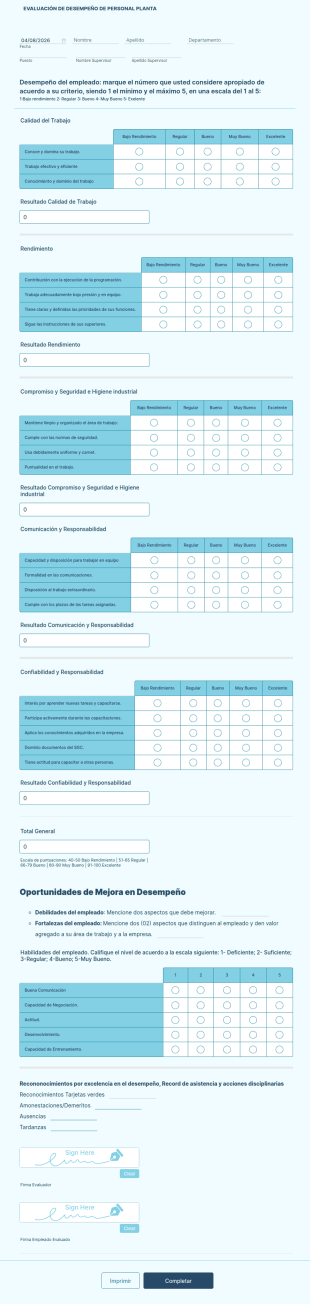
Formulario De Evaluación Personal De Planta
Formulario de Evaluación Personal de Planta
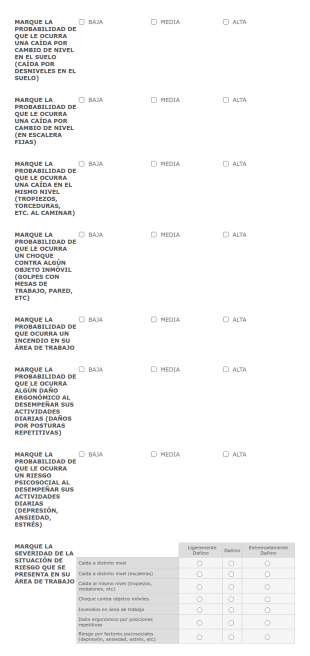
ANALISIS DE RIESGO 2020
Hola! te invito a realizar el análisis de riesgo 2020 de Grupo Pasa.
Acerca de Plantillas de recursos humanos (RRHH)
Los formularios de recursos humanos (RRHH) son formularios digitales especializados diseñados para optimizar diversos procesos de RRHH dentro de una organización. Estos formularios abarcan una amplia gama de actividades de RRHH, desde la incorporación de empleados y las evaluaciones de rendimiento hasta las solicitudes de permisos y las entrevistas de salida. En el dinámico mundo de los RRHH, estos formularios ayudan a garantizar que los datos se recopilen de forma eficaz y precisa, lo que reduce la carga de trabajo de los equipos de RRHH y mejora los flujos de trabajo operativos en general. Ya sea para gestionar la información de los empleados o para realizar un seguimiento de las sesiones de formación, los formularios de RRHH desempeñan un papel fundamental a la hora de mantener una comunicación y una documentación fluidas dentro del departamento de RRHH de una empresa.
Jotform es el principal creador de formularios en línea para la creación y gestión de formularios de RRHH Gracias a su interfaz intuitiva, Jotform permite a los profesionales de RRHH personalizar los formularios sin esfuerzo, adaptándolos a las necesidades concretas de cada organización. La capacidad de la plataforma para automatizar los procesos de recopilación de datos garantiza que la información se recoja de manera coherente y precisa, lo que reduce el riesgo de errores. Por otra parte, Jotform Tablas proporciona una gestión centralizada de los datos, lo que permite a los equipos de RRHH organizar, analizar y acceder a los datos desde una única ubicación segura. Esta solución integral permite a los departamentos de RRHH mejorar su efectividad y centrarse más en iniciativas estratégicas de RRHH.
Why Use Human Resources (HR) Forms?
- Los formularios de recursos humanos (RRHH) mejoran considerablemente la precisión de los datos al eliminar la necesidad de introducirlos manualmente, lo que es propenso a errores humanos. Al hacer que los empleados rellenen formularios digitales, las organizaciones se aseguran de que los datos recopilados sean precisos y fiables, lo que se traduce en mejores procesos de toma de decisiones.
- Los formularios digitales de RRHH mejoran mucho la rapidez en la recopilación de datos. A diferencia de los formularios tradicionales en papel, los formularios digitales de RRHH permiten enviar y procesar la información inmediatamente, lo que permite a los equipos de RRHH actuar con rapidez en función de los datos recibidos, ya sea para la incorporación de nuevos empleados o para tramitar solicitudes de permisos.
- La gestión profesional de los datos es una característica distintiva de los formularios de RRHH, ya que proporcionan un enfoque estructurado para gestionar la información confidencial de los empleados. Al cumplir con las normas del sector en materia de protección de datos y confidencialidad, los formularios de RRHH aseguran que todos los datos recopilados se traten con el máximo cuidado y seguridad.
- Los formularios de RRHH favorecen una comunicación fluida entre los empleados y los departamentos de RRHH. Al proporcionar una plataforma centralizada para enviar consultas, comentarios y solicitudes, estos formularios ayudan a optimizar los canales de comunicación, lo que garantiza que todas las partes estén en sintonía.
- La automatización de las tareas rutinarias de RRHH es posible gracias a los formularios digitales. Al integrar los formularios de RRHH con los sistemas y flujos de trabajo existentes, las organizaciones pueden automatizar tareas repetitivas, como el envío de confirmaciones por correo electrónico o la actualización de los expedientes de los empleados, liberando así un tiempo valioso para los profesionales de RRHH.
Common Problems Solved by Human Resources (HR) Forms
- Uno de los principales problemas a los que se enfrenta el departamento de RRHH es la abrumadora cantidad de papeleo, que puede dar lugar a ineficiencias y a la pérdida de documentos. Los formularios de RRHH digitalizan este papeleo, facilitando su gestión y reduciendo el riesgo de que se extravíen los documentos.
- La introducción manual de los datos de los empleados no solo lleva mucho tiempo, sino que también incrementa la probabilidad de que se produzcan errores. Los formularios de RRHH automatizan este proceso, garantizando que la información se registre con precisión y disminuyendo la necesidad de introducir datos por duplicado.
- La pérdida de datos puede tener consecuencias importantes para una organización, sobre todo en lo que se refiere al cumplimiento normativo y a la gestión del personal. Los formularios de RRHH constituyen una forma segura y fiable de almacenar y gestionar datos, lo que garantiza que toda la información se conserve y se pueda recuperar fácilmente cuando sea necesario.
- Llevar un control de las solicitudes y aprobaciones de los empleados puede resultar difícil sin un proceso estandarizado. Los formularios de RRHH permiten agilizar estos flujos de trabajo al ofrecer un formato estructurado para la presentación y aprobación de solicitudes, lo que asegura que no se pase nada por alto.
Funciones según el caso de uso
- El creador de formularios de arrastrar y soltar es ideal para personalizar los formularios de RRHH según las necesidades específicas de cada departamento. Los profesionales de RRHH pueden agregar, eliminar o modificar campos fácilmente para adaptar los formularios a diversos fines, como las evaluaciones de rendimiento o los comentarios de los empleados, garantizando así que toda la información necesaria se recopile de manera eficiente.
- Las condiciones lógicas en los formularios de RRHH permiten interacciones dinámicas en los formularios, haciendo que la experiencia del usuario sea más intuitiva. Por ejemplo, los formularios pueden ajustarse para mostrar preguntas específicas en función de las respuestas anteriores, lo que simplifica el proceso de recopilación de datos y garantiza que solo se solicite a los empleados la información relevante.
- Con más de 30 pasarelas de pago, los formularios de RRHH pueden simplificar transacciones como los reembolsos a los empleados o las inscripciones a eventos. Al incorporar estas pasarelas, las organizaciones pueden gestionar las transacciones financieras de forma directa desde el propio formulario, lo que aporta comodidad y eficiencia.
- Las firmas electrónicas (Jotform Firmas) permiten a los departamentos de RRHH recopilar firmas con validez legal directamente en los formularios. Esta función resulta especialmente útil para contratos y acuerdos, ya que garantiza que toda la documentación se cumplimente y firme a tiempo.
- The PDF Editor allows for automated PDF generation, creating professional documents from form submissions. This is particularly useful for generating employee records, contracts, or reports, ensuring that all documentation is consistent and easily shareable.
- Jotform's 100+ Third-party Integrations, such as with Google Sheets or Salesforce, enhance workflow efficiency by ensuring that data collected through HR forms is seamlessly integrated into existing systems. This connectivity allows for real-time data updates and streamlined operations.
- Approval Workflows facilitate the routing of forms for necessary approvals, ensuring that requests such as leave applications or expense claims are properly vetted and authorized in a timely manner.
How to Create a Human Resources (HR) Form
- Browse the Template List for a Human Resources (HR)s template or start from a blank form. This step allows you to select a starting point that best fits your organization's requirements.
- Customize the design and fields using the Drag-and-Drop Form Builder. This intuitive process allows you to add or modify fields to create a form that meets your specific data collection needs.
- Publish and share via Direct Link, Email, or Website Embed. This ensures that your form is easily accessible to all intended participants, facilitating smooth data collection.
Top Use Cases for Human Resources (HR) Forms
- Para los responsables: Los responsables pueden aprovechar los formularios de RRHH para optimizar las evaluaciones de los empleados, el establecimiento de objetivos y la recopilación de comentarios. Al usar formularios digitales, los responsables pueden garantizar que las evaluaciones se realicen de forma coherente y que las opiniones se recopilen de manera estructurada. Esto no solo mejora el proceso de revisión del rendimiento, sino que también ayuda a identificar áreas de desarrollo y crecimiento para los empleados.
- Para equipos: Los equipos se benefician de los formularios de RRHH gracias a una comunicación y colaboración optimizadas. Formularios como las encuestas de opinión del equipo o las solicitudes entre departamentos favorecen un intercambio de información eficiente y garantizan que todos los miembros del equipo estén alineados con los objetivos de la organización. Este enfoque colaborativo promueve un entorno de trabajo cohesionado y fomenta la sinergia del equipo.
- Para clientes: Aunque están diseñados principalmente para uso interno, los formularios de RRHH también pueden mejorar la interacción con los clientes, al asegurar que las consultas y los procesos relacionados con los RRHH se gestionen de forma fluida y profesional. Por ejemplo, los formularios pueden usarse para gestionar sesiones de formación para clientes o para recabar opiniones sobre la prestación de los servicios de RRHH, asegurando así que se cumplan y se superen las expectativas de los clientes.
Summarizing Human Resources (HR) Forms
Los formularios de recursos humanos (RRHH) constituyen un componente esencial de la gestión moderna de RRHH, ya que proporcionan una solución integral para agilizar la recopilación de datos, mejorar la comunicación y automatizar las tareas rutinarias. Al adoptar los formularios digitales, las organizaciones pueden reducir significativamente la carga administrativa de los equipos de RRHH, permitiéndoles centrarse en iniciativas estratégicas que impulsen el éxito empresarial. Gracias a las avanzadas funciones e integraciones de Jotform, los departamentos de RRHH disponen de las herramientas necesarias para gestionar de manera eficiente sus flujos de trabajo, garantizando que los datos de los empleados se traten con precisión y seguridad.
Preguntas Frecuentes
1) Is it free to create Human Resources (HR) Forms on Jotform?
Sí, Jotform cuenta con un plan gratuito que le permite crear y utilizar formularios de recursos humanos (RRHH) con funciones básicas. No obstante, si desea disponer de funcionalidades más avanzadas y mayores límites de envío, puede plantearse pasarse a uno de los planes de pago.
2. ¿Por qué son importantes los formularios de TI para las organizaciones?
Por supuesto, Jotform da prioridad a la seguridad de los datos y aplica medidas estándar del sector, como el cifrado SSL, para asegurar que todos los formularios y los datos enviados estén protegidos contra el acceso no autorizado.
3) Do I need coding knowledge to build a Human Resources (HR) Form?
No, no necesita tener conocimientos de programación para crear un formulario de RRHH en Jotform. El intuitivo creador de formularios de arrastrar y soltar de la plataforma le permite crear y personalizar formularios fácilmente.
4. ¿Existen diferentes tipos de formularios de TI?
Sí, Jotform es compatible con más de 30 pasarelas de pago, lo que te permite cobrar directamente a través de sus formularios para distintos fines, como reembolsos a empleados o inscripciones a eventos.
5. ¿Quién debe usar formularios de TI?
Todos los procesos de contratación, seguro, disciplina, reporte de incidentes, días libres y encuestas requieren formularios de RRHH. Otros casos de uso común de los formularios de RRHH son las nóminas y las compensaciones, los ascensos y la resolución de conflictos.
6. ¿Cómo mejoran los formularios de TI la eficiencia del flujo de trabajo?
Hay múltiples tipos diferentes de formularios de RRHH. Por ejemplo, formularios de solicitud de empleo, cartas de oferta, formularios de información para empleados, formularios de asistencia y contratos. Con reiteración, RRHH también se hace cargo de gestionar los formularios de evaluación del rendimiento, las solicitudes de permisos, los reembolsos y los formularios de formación. Los procesos de contratación y despido también suelen requerir una serie de formularios de RRHH.
7) How do HR forms streamline the onboarding process?
Los formularios de RRHH simplifican el proceso de incorporación al automatizar la recopilación de la información y la documentación necesarias de los nuevos empleados. Esto asegura una transición fluida y reduce la carga de trabajo administrativo de los equipos de RRHH.
8) Can HR forms integrate with our existing HR systems?
Yes, Jotform offers over 100 third-party integrations, allowing HR forms to seamlessly connect with existing HR systems and applications such as Google Sheets, Salesforce, and Slack, enhancing workflow efficiency.