Collect orders seamlessly with Jotform for Salesforce
Jotform for Salesforce lets you collect purchase orders and order requests with custom forms that match your branding. You can instantly populate your forms with Salesforce data, and all form responses will be recorded in Salesforce.
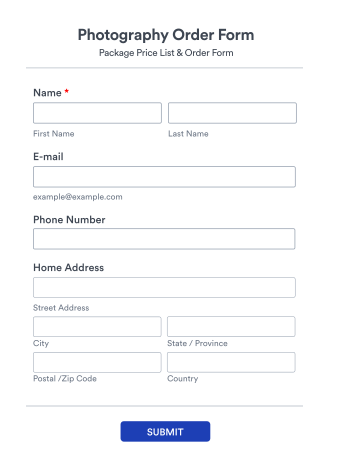
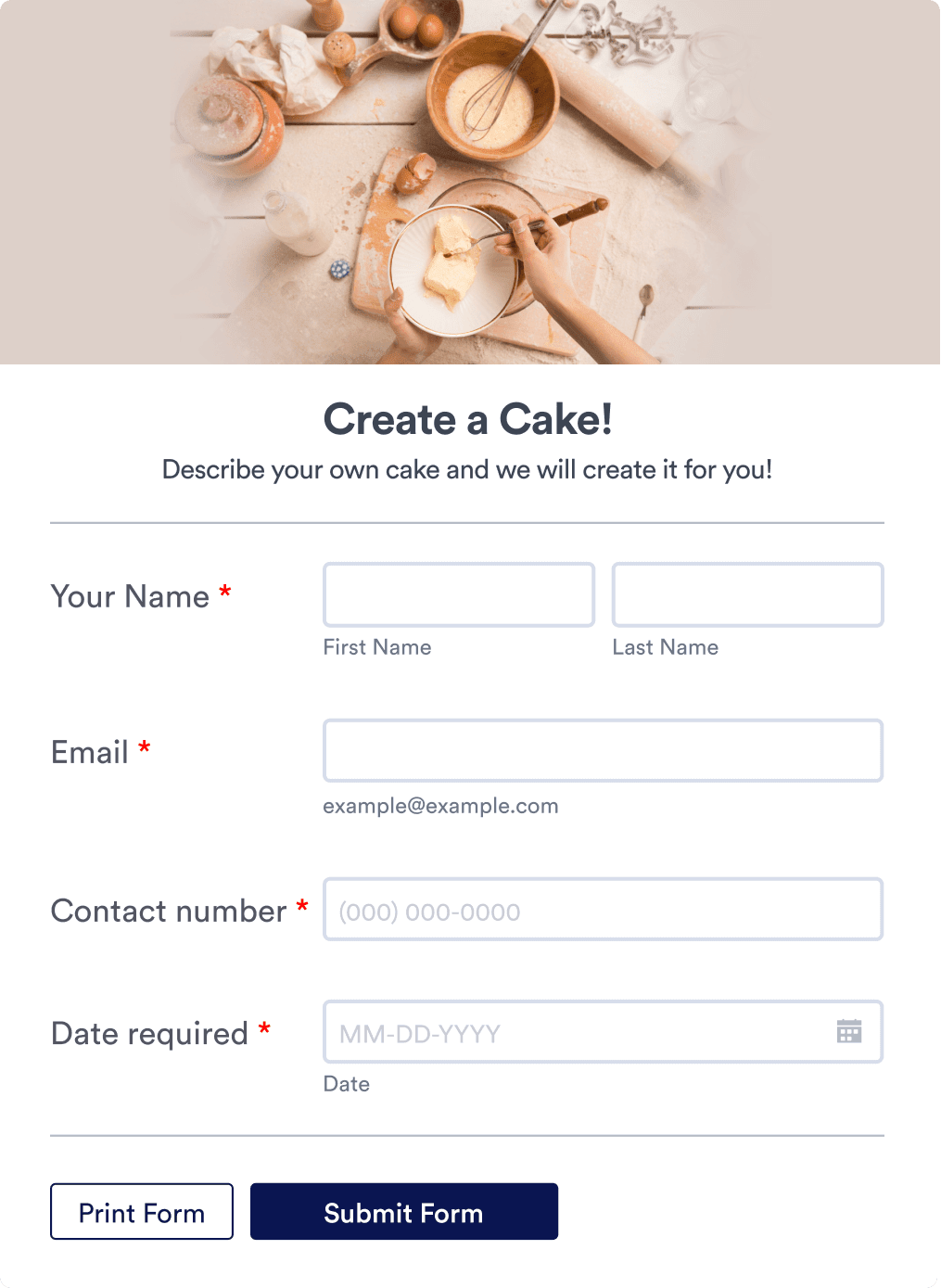
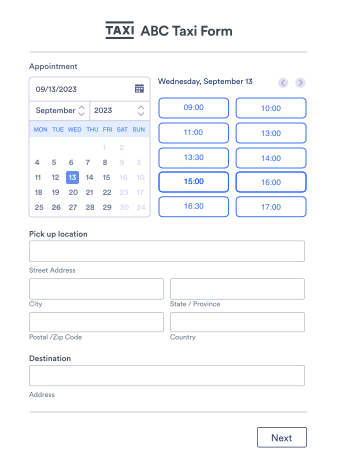
Explore Order Form Templates
物販、プロフェッショナルサービス、定期購入など、Jotformはお客様のニーズにお応えします。900種類以上のオーダーフォームテンプレートが用意されているので、あなたのニーズにぴったりのフォームを作ることができます。
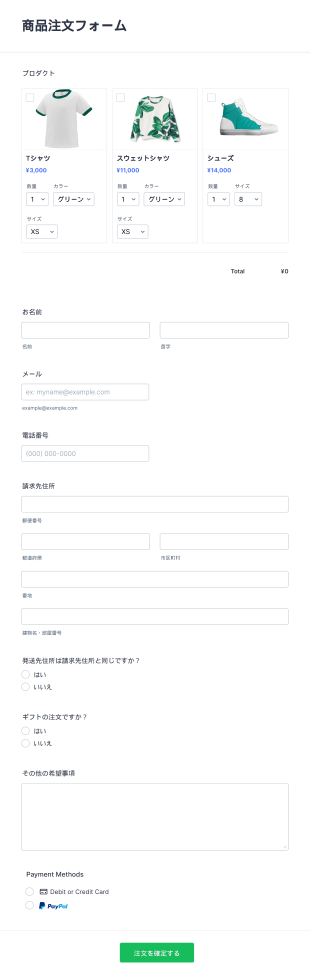
商品注文フォーム
無料のオンライン商品注文フォームテンプレートで、すぐに販売開始。直感的で使いやすく、顧客の関心を引くデザインで売上アップをサポートします。
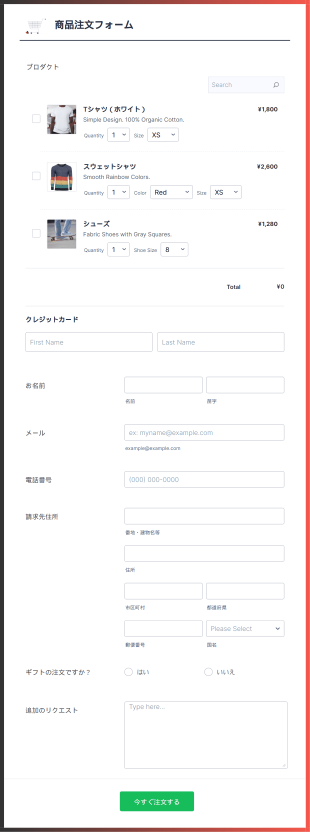
モバイル対応の商品注文フォーム
モバイル対応の注文フォームをお探しですか?注文フォームのテンプレートは、レスポンシブデザインのものが求められています。Jotformカードを使って作られたこの注文フォームは、両方の良いところを活用する場合に最適です。レスポンシブデザインの注文フォームでは、Square決済システムを使って注文を処理し、顧客の連絡先、請求先、配送先、商品の詳細を収集します。
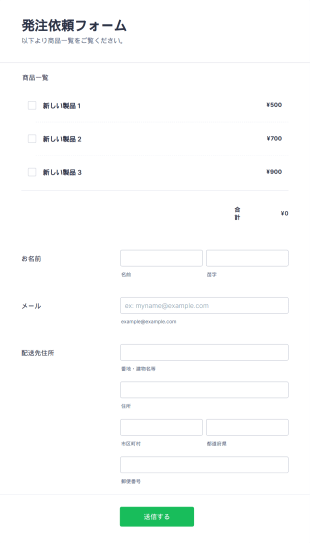
製品発注依頼フォーム
この製品発注依頼フォームは、発注依頼の作業の自動処理を可能にします。流通業者、卸売業者、メーカー、販売業者が顧客からの注文を直接処理するために使用できます。 ロゴを入れたり、会社の背景画像をアップロードしたりして、あなたのビジネスに合った無料のオンライン製品発注依頼フォームを作成できます。また、独自のCSSを使って、フォーム全体のフォント、色、サイズを調整することもできます。また、Jotformのパワフルなアプリと統合して、発注依頼フォームを最大限に活用することもできます。Zapier、monday.com、Googleドライブなど、100以上のアプリをご用意しています。セキュリティ上の理由から、このフォームはモバイルデバイスでは動作しません。
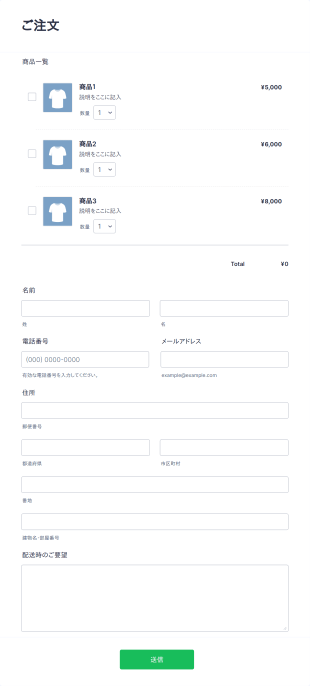
シンプル注文フォーム
このシンプル注文フォームでは、商品ID・数量・配送指示のみで複数の商品を簡単に注文できます。管理用の在庫発注フォームとしても利用可能です。

飲食店注文フォーム
飲食店注文フォームは、ウェブサイト上で料理の注文を受け付けることができ、テイクアウトや配達の注文受付、オンライン決済にも対応しています。
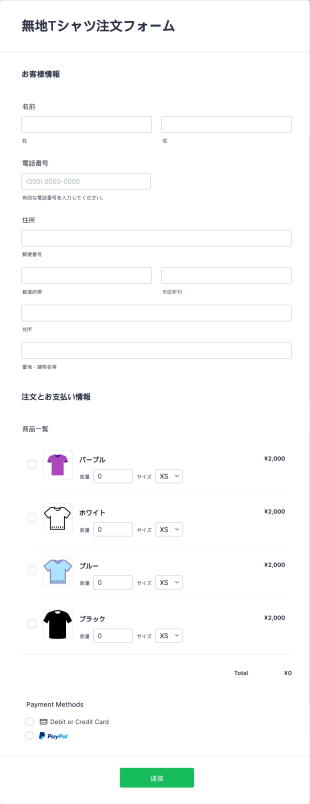
無地Tシャツ注文フォーム
無地Tシャツの注文をオンラインで簡単に受付。無料テンプレートをカスタマイズして、サイトに埋め込み、オンライン決済にも対応できます。
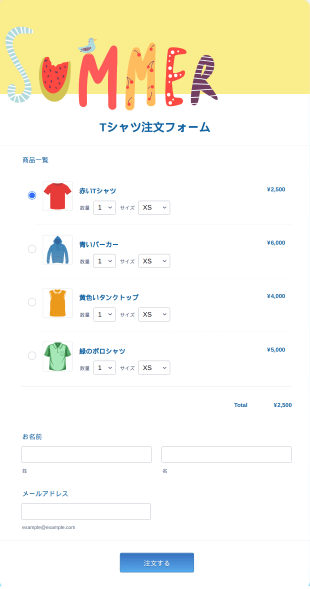
夏用Tシャツ注文フォーム
Tシャツのデザインを見ながらサイズや数量を選べる夏用Tシャツ注文フォーム。配送先や支払い情報の入力にも対応し、注文管理をスムーズに。
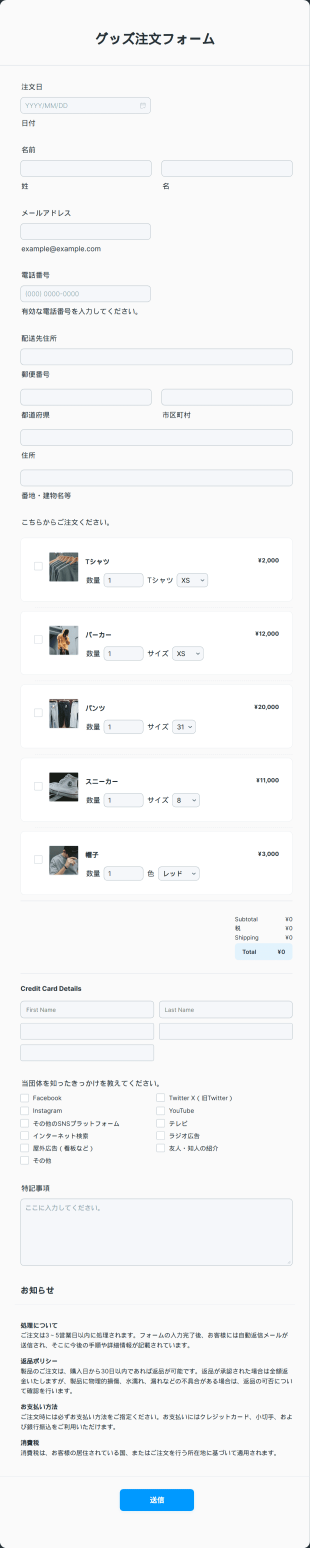
グッズ注文フォーム
無料のグッズ注文フォームテンプレートをオンラインストアに埋め込んで、商品予約を即時処理。無料で使えて、デザインや項目も簡単にカスタマイズできます。
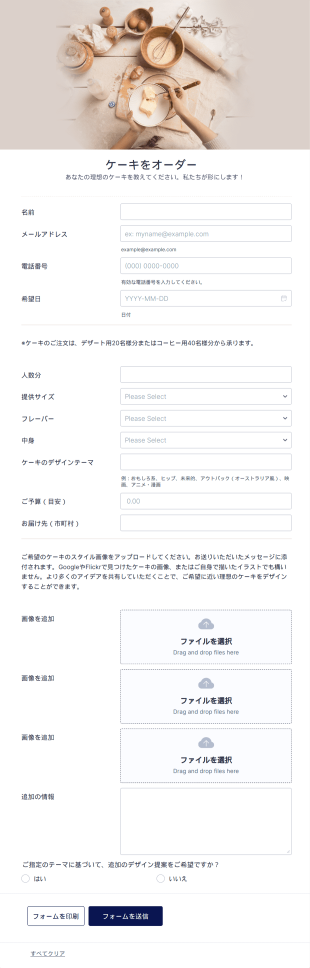
オリジナルデザインケーキ注文フォーム
ケーキをもっと楽しみましょう!オリジナルケーキの注文や支払いをオンラインで簡単に受付。あなたのベーカリーのWebサイトに、この注文フォームを無料でカスタマイズ、統合、埋め込みできます。
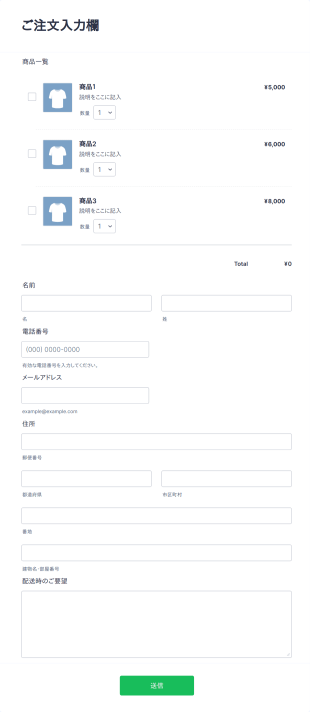
オリジナル注文フォーム
オリジナル注文フォームでは、顧客が商品ID、数量、配送指示を入力するだけで複数の商品を注文できます。管理用途の在庫発注フォームとしても活用可能です。
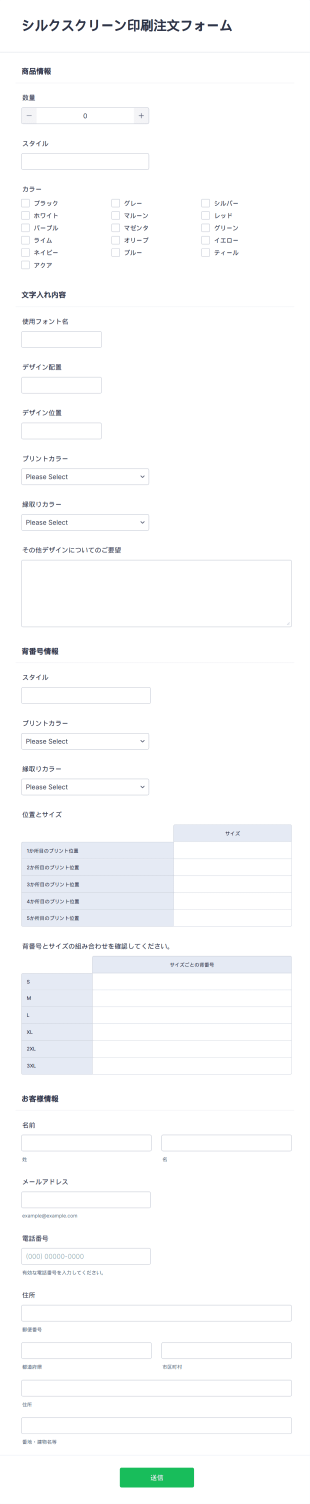
シルクスクリーン印刷注文フォーム
無料のシルクスクリーン印刷注文フォームでTシャツをオンライン販売。カスタマイズやサイト埋め込みが簡単。カード決済対応・130以上のアプリと連携。
Salesforce
JotformアカウントとSalesforceの統合
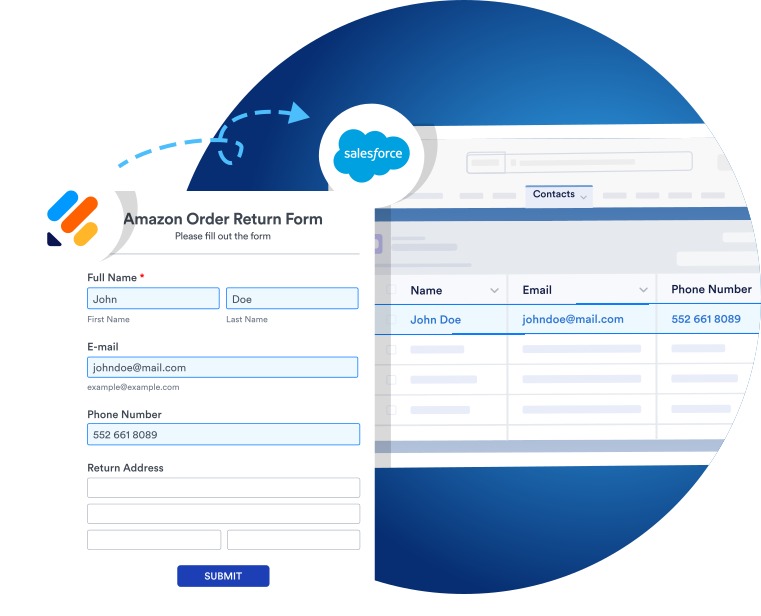
AppExchangeを通してJotformをSalesforceに追加するか、フォームビルダーのフォームにSalesforce統合を使用しましょう。Jotformの投稿データは自動的に、Salesforceデータベースに入力されるので、プラットフォーム間で簡単に情報をやり取りできます。
40+ Payment Integrations
Take advantage of 40+ payment integrations
Select one of our payment gateways — including PayPal, Square, Venmo, Stripe, and more — to collect payments directly from your order forms. No more toggling between third-party apps or chasing down payments from your customers!

共有&埋め込み
Share and embed your forms in seconds
どのように注文を集めても、フォームを手間なく共有できます。ダイレクトリンク、QRコード、SNSプラットフォーム、コマースウェブサイトへの埋め込みなど、どのような方法でも注文フォームを共有することができます。当社では、共有可能なカスタムリンクと埋め込みコードを提供し、必要な場所に注文フォームを簡単に設置できます。

事前入力フォーム
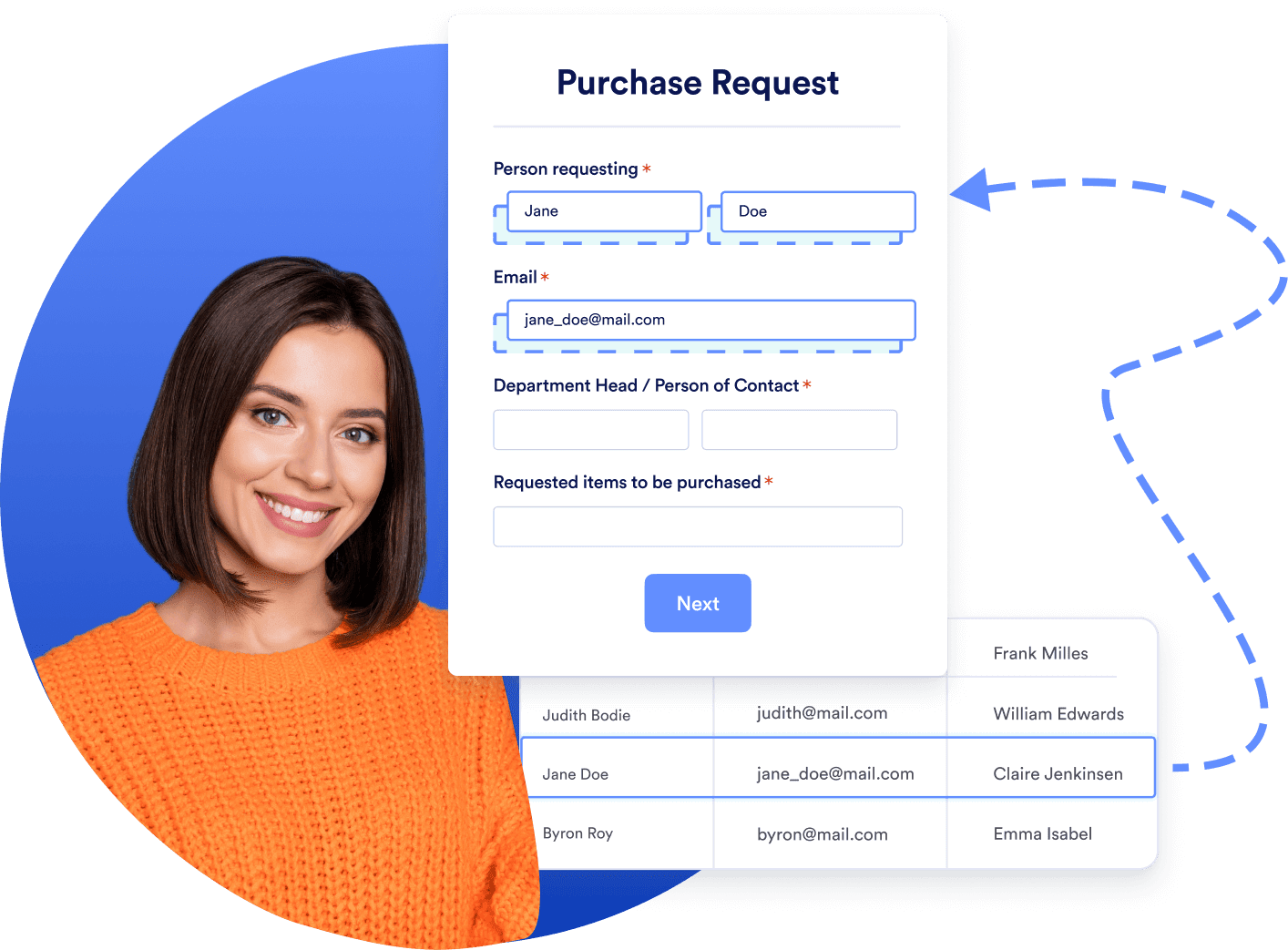
Send prefilled forms to leads and contacts
If you need to send an order form or a feedback form to your clients, you can instantly prefill their data from your Salesforce database with Salesforce Dynamic Prefill. This saves you time and creates a better form-filling experience for your clients.
Learn how to begin collecting orders in Salesforce

Jotformに関するユーザーの声
Jotformは、私の小さな料理ビジネスのために適切なオーダーフォームを作成するのに最適なソリューションです!使いやすく、柔軟性があり、多機能で、驚くほどカスタマイズが可能です。Google Sheetsとの連携やメールでの確認も完璧で、レポート機能も素早く簡単に設定できました。全てにおいて最高です!
Alexandra Salomon,
Chef
よくある質問 (FAQ)
-
How does Salesforce Order Management work?
Salesforce Order Management is a central hub for Salesforce users to manage all aspects of the order lifecycle, including order capture, fulfillment, payment processing, service, and shipping.
With Order Management, customers can submit, track, and manage orders from any commerce channel throughout the order lifecycle. Merchants can manage order fulfillment, invoicing and payments, shipping, and service with customizable processes and workflows. And service agents can use Order Management to access a global view of the order lifecycle, view all order-related information, and process cancellations, returns, exchanges, reshipments, refunds, and discounts.
これらは全て、外出先からシームレスにデータにアクセスできるように設計されたオーダー管理アプリで可能です。Jotform for Salesforceを使用すると、Jotformの注文フォームのデータが自動的に、Salesforce受注管理に入力され、簡単にアクセスする事ができます。
-
What are the major order-related objects in Salesforce?
When you’re working in Salesforce Order Management, you’ll come across the following order objects:
- Order Adjustment Group Summary Objects
This object refers to a related set of price adjustments on order product summaries that belong to one order summary. - Order Delivery Group Summary Objects
This object refers to a group of order product summaries that belong to one order summary that is to be delivered to the same recipient. - Order Payment Summary Objects
This object refers to one or more payments that use the same payment method in the same order summary. - Order Product Adjustment Line Summary Objects
This object refers to an adjustment to the price of an order product summary, like a discount. - Order Product Summary Objects
This object refers to the current status of a product in an order summary, tracked by quantity and including changes such as returns or cancellations. - Order Product Summary Change Objects
This object refers to a change to an order product summary, such as a return or cancellation. - Order Product Tax Line Item Summary Objects
This object refers to the current state of taxes on an order product summary or an order product adjustment line item summary. - Order Summary Objects
This object refers to the current properties and status of an order, including fulfillment information. - Price Book Entry Objects
This object refers to the price of a product in a price book. - Product Objects
This object refers to a product sold by a merchant or delivery charges.
- Order Adjustment Group Summary Objects
-
What is the Configure-Price-Quote (CPQ) process in Salesforce?
The CPQ solution is a software tool in Salesforce that allows businesses to automate the price quotes for their products and services. This process helps to streamline the sales process, improve controls, and accelerate deal cycles.
When a customer orders a CPQ quote, you can create an order record to track their products and services, as well as invoices attached to the order. CPQ automates the sales process further to prevent errors and account for product availability and other conditions.
-
What is the Order-to-Cash (O2C) process in Salesforce?
Order-to-cash represents the entirety of a company’s order processing system. Once a customer places an order, the O2C cycle begins. Let’s take a look at the major steps in the process.
- Order management
When a customer places an order, your order management system should trigger a series of actions across departments to ensure new orders are organized properly, parties are notified, and orders are fulfilled in a timely manner. - Credit management
Any time credit is used, every first-time customer should automatically be sent through a credit approval process. Automated credit management makes accounts receivable more seamless and secure. - Order fulfillment
Automated inventory management updates inventory counts in real time to avoid accepting orders that cannot be completed. It also notifies teams and customers whenever an out-of-stock order does make it to fulfillment. - Order shipping
Shipping needs to be regularly audited and monitored to ensure it meets high performance standards in the O2C process — including updating data for the shipping team, planning shipments around pickup schedules, and making sure customers receive their orders. - Customer invoicing
Effective customer invoicing ensures that finance staff can effectively forecast cash flows and plan for expenses. O2C should automate invoices with correct information. - Accounts receivable
Automated accounting systems flag outstanding invoices before they are overdue so accounts receivable representatives can review them for delayed payment and other errors. - Payment collections
All payments should immediately be logged in systems to prevent payment backlogs or inaccurate cash estimates. An automated system should alert reps about late payments so accounts receivable personnel can contact customers with overdue invoices. - Reporting and data management
Monitoring and analyzing performance data shows companies how the overall flow of their O2C process affects the length of the sales cycle, their customer relationships, onboarding and customer service functions, and more. Managing and automating the O2C cycle helps businesses deliver value to their customers and receive timely payments.
- Order management
-
How can Jotform help you while collecting orders?
Jotform is useful in every part of the order-collection process. By using our intuitive drag-and-drop form builder to create custom order forms, you can gather and consolidate orders more easily than ever before. Integrate with 40+ major payment gateways to make the process even more efficient for both you and your customers.
With Jotform for Salesforce, all of your order and customer data related to sales is instantly transferred to Salesforce for your CRM records. You can even automatically create invoices immediately after the sale with Jotform’s PDF Editor!
-
How can you create an order form for Salesforce with Jotform?
Jotform has 900+ order form templates that you can customize to fit your needs. Choose one from our form template directory, or start from scratch with our drag-and-drop form builder.
AppExchangeを通じてJotformをSalesforceにインストールすれば、Salesforceプラットフォームから離れることなくカスタム注文フォームを作成できます。これ以上簡単な方法はありません!