Create requests with Jotform for Salesforce
If your organization receives a lot of requests, try Jotform for Salesforce to manage and respond to requests easily. Create and customize request forms with Jotform, share with stakeholders and clients, and review submitted requests directly from your Salesforce account.
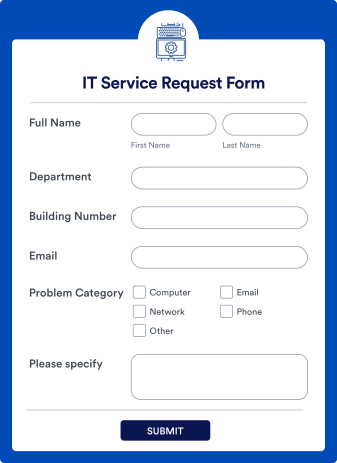
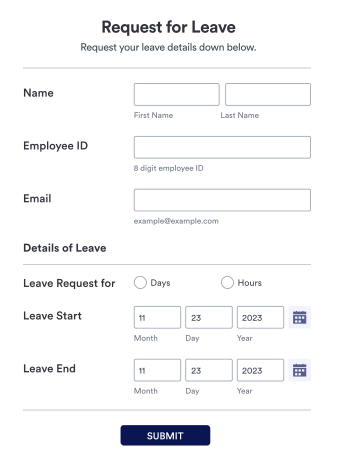
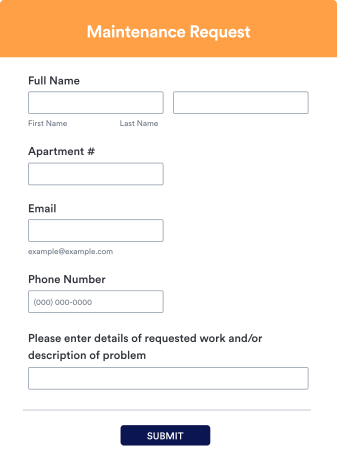
Explore Jotform’s Request Form Templates
Use one of our 800+ ready-made request form templates to get started. Pick the one that best aligns with your needs, customize it to match your vision, and share it via direct link or by embedding it in your website.
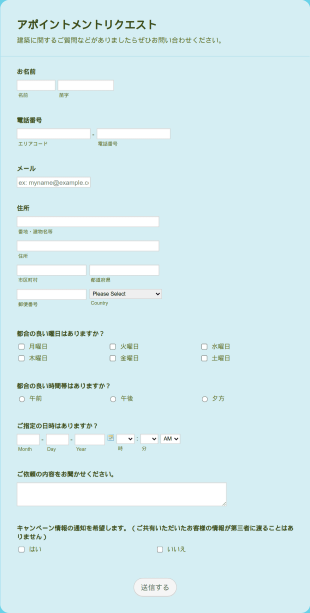
予約リクエストフォーム
この予約リクエストフォームのサンプルは、お客様とのミーティングをオンラインで手配するために作成されたもので、お客様は、あなたとお客様の両方に都合のよい時間に、オンラインでアポイントメントの予約をリクエストすることができます。
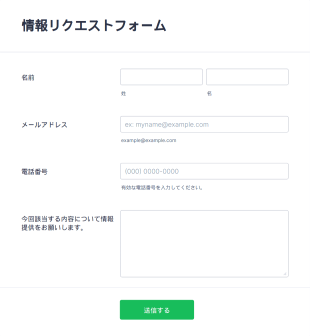
情報リクエストフォーム
情報リクエストフォームは、個人や企業・団体から必要な情報を効率的に収集するための汎用性の高いフォームテンプレートです。
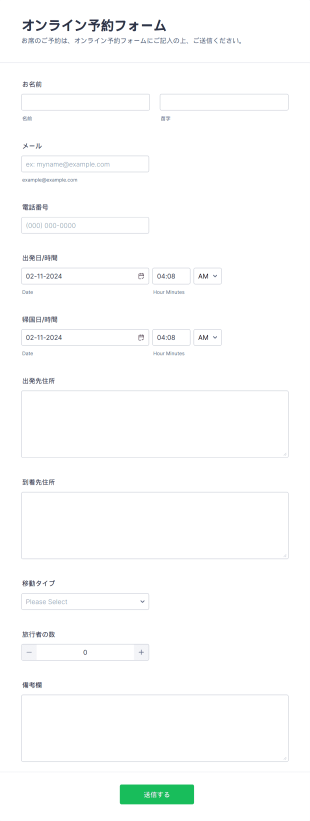
オンライン予約フォーム
包括的なオンライン予約フォームは、あらゆる予約、移動手段の計画、ツアー、およびピックアップに使用することができます。ここでは、ゲストは場所と、乗車する日付と時刻を選択し、連絡先情報と共に送信することができます。カスタマイズ可能なツールとウィジェットを使用し、こちらのベースのフォームを使用して独自のフォームを構築できます。ロゴ、イメージ、フォント、カラーを追加して、会社のウェブサイトにフォームを追加したり、単独のフォームとして使用して、移動サービスの予約プロセスを合理化することができます。
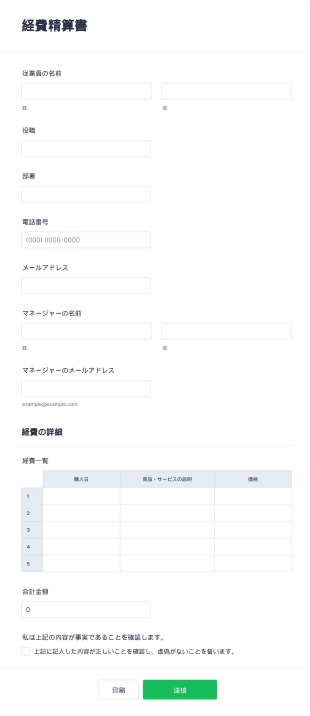
経費精算書
経費をオンラインで記録・申請できる無料の経費精算書。カスタマイズ・埋め込みも簡単、100以上のアプリと連携可能。全デバイス対応、コード不要。
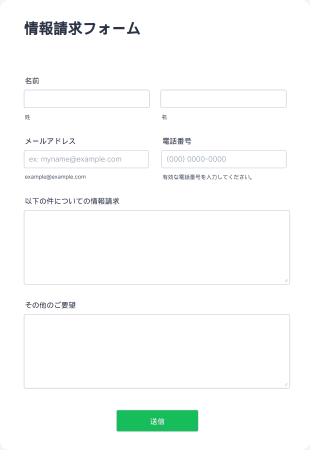
情報請求フォーム
情報請求フォームは、個人・団体・企業から特定の情報を効率的に取得するために設計された汎用性の高いフォームテンプレートです。

無料プロジェクト提案書
プロジェクト提案書は、組織が関係者に対して企画内容を提示し、承認・実行に向けたレビューを受けるための正式な文書テンプレートです。
Salesforce
Integrate Jotform with Salesforce
Connect Jotform and Salesforce by installing the Jotform app from the AppExchange or using our Salesforce integration on any of your forms in the Jotform Form Builder. Build your forms directly on Salesforce, or integrate them from Jotform.
カスタマイズ
Customize your request forms
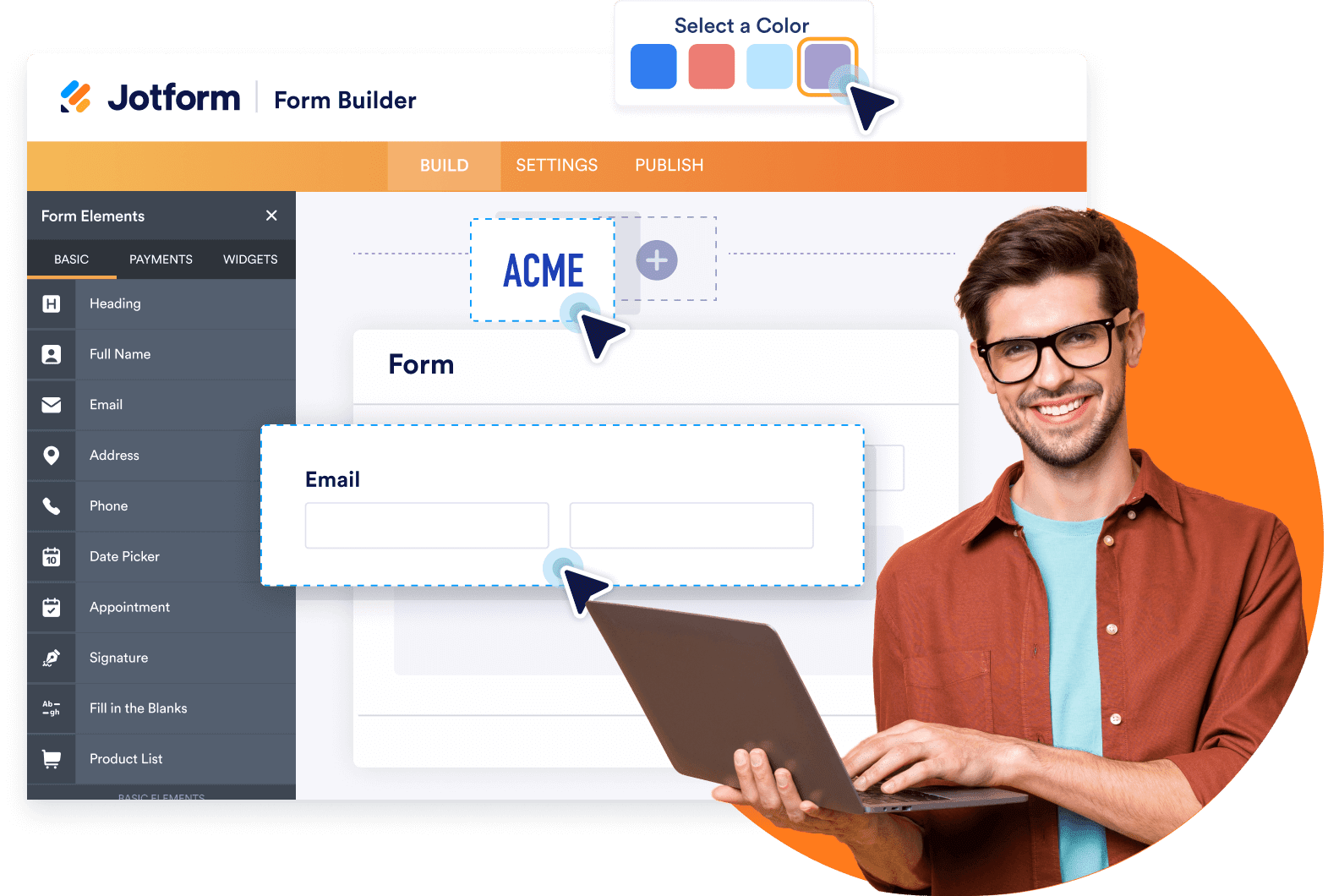
No matter the industry you work in, you can create and customize your own request forms with Jotform for Salesforce. Whether you build a new form or use a ready-made template, you can always further customize it with Jotform’s intuitive online builder. Add or remove fields, change fonts and colors, upload images or branding assets, and more.
共有&埋め込み
Share your forms anywhere
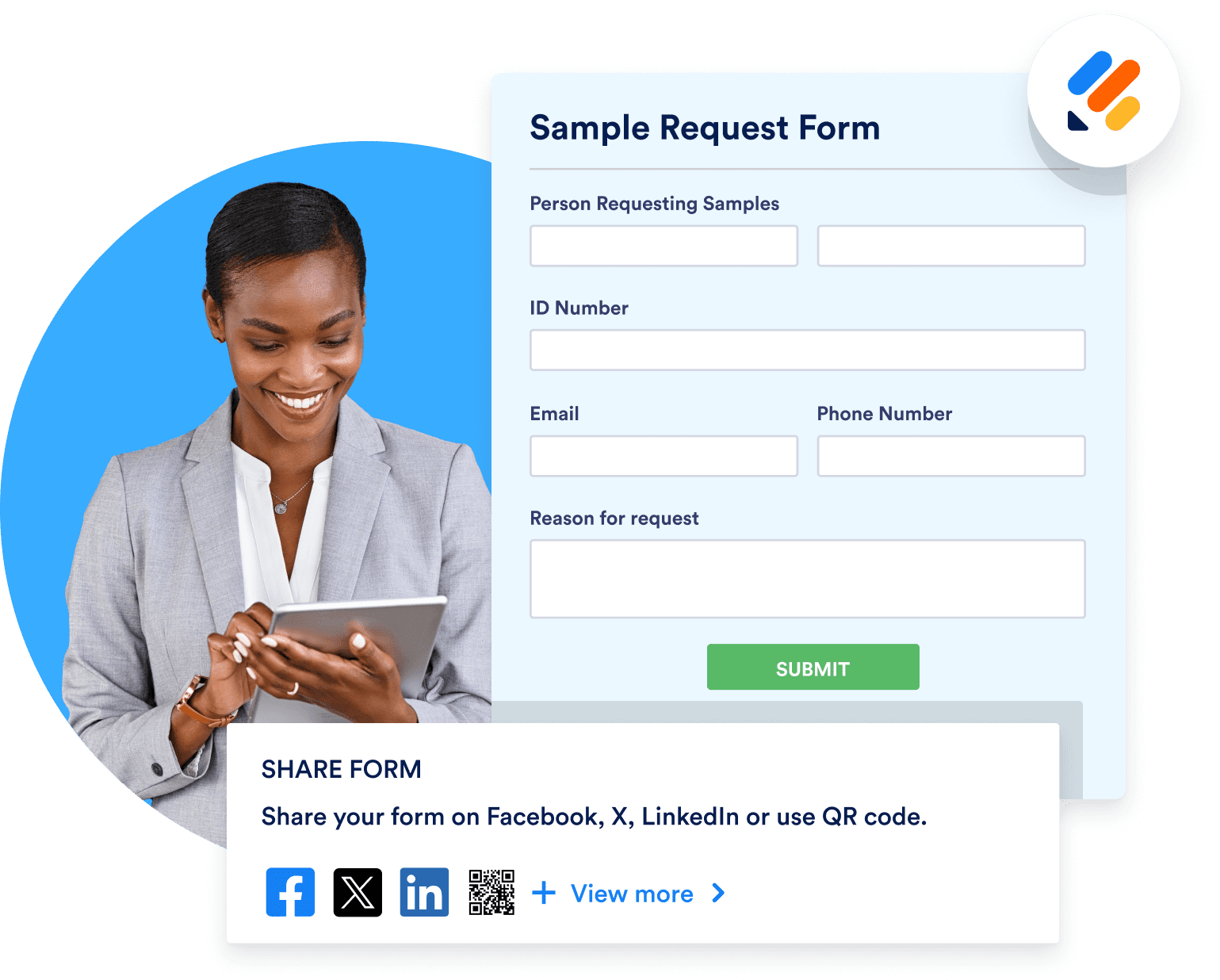
Share your request form with customers via link or by embedding it into your website. You can even share the link on your social media accounts to gather more responses. All incoming data will flow seamlessly into your Salesforce account.
事前入力
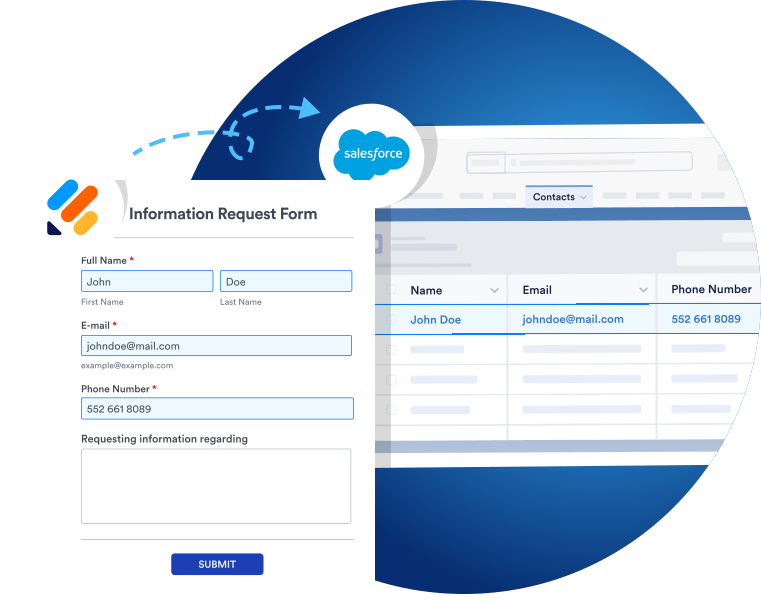
Dynamically prefill forms with Salesforce contact data
Make completing request forms faster and easier with Salesforce Dynamic Prefill. Pre-populate forms with the latest data from your Salesforce account and make sending in requests practically automatic.

Learn how to use Jotform for Salesforce

Jotformに関するユーザーの声
「Jotformは素晴らしいツールです。非営利団体のリーダーとして、私はいつも使いやすく、価格も手頃で、1つ以上の機能を持つツールを探しています。Jotformを使い始めたきっかけは、サポーターがウォーキングのためのマーケティング資料を請求できるようにするためでしたが、それ以外にも様々な事に使えることがすぐにわかりました。また、イベント後のアンケートや、新しいマーケティングアイデアやプロジェクトに対するコミュニティーの投票にも使用しています。最近では、ファンドレイジング・イベントの料理を予約注文するために使用しました」
Nathan Smith,
Vice President, Rain Inc.
よくある質問 (FAQ)
-
Which industries use forms to collect requests?
Many industries use forms to gather and manage requests. Because requests can refer to a number of different things — services, goods, permissions, information, and more — request forms are understandably popular among many types of businesses and organizations.
Here are a few of the many industries that use request forms:
- 教育機関
- ヘルスケア
- 政府機関
- 非営利団体
- IT
- 製造業
-
What is the significance of the Request ID in Salesforce?
Request ID refers to the unique identifier assigned to every submitted request. The Request ID provides Salesforce account holders with an easy way to manage unique requests and track progress.
-
Are there any specific request form use cases in Salesforce?
Yes, a popular request form use case in Salesforce is adding requests submitted through a form to a workflow. In a contact request form workflow, each user submits a ticket to a support member for review. The support team member then contacts the user about their request. Contact requests provide an additional method of communication between an organization and a prospect, allowing users to submit a request before actually speaking with the company.
-
How can Jotform help with request collection?
Jotform offers an easy and intuitive way to collect requests and automate the associated work processes. By using Jotform on Salesforce AppExchange, you can streamline your data collection and automate request workflows straight from your Salesforce account. Enjoy Salesforce’s extensive CRM functionality and Jotform’s powerful online form builder in one neat package — perfect for collecting and responding to requests.
-
How can you connect your request forms with Salesforce?
You can connect your request forms seamlessly with Salesforce on either the AppExchange or via our in-product Salesforce integration.
To connect your forms via Salesforce AppExchange, open AppExchange, search for Jotform in the search bar, and click Get It Now. Then follow the setup instructions. You can choose whether to install the app for Admins Only, for All Users, or for Specific Profiles.
Once you’re done, open the app by clicking on the App Launcher icon and searching for Jotform. Create your free Jotform account or log into your existing account and follow the instructions to finish setting up the app. After you do that, you can use Jotform within Salesforce. Click on the Create Form button, then select Salesforce Form. You’ll automatically be prompted to map form fields to objects in Salesforce.
To connect an existing request form in Jotform with your Salesforce account, use our legacy Salesforce integration. To set this up, open the Form Builder and click Settings. Click the Integrations tab and search for Salesforce. Click the Authenticate button to link your Salesforce account to your existing request form. After connecting your account, select either Create or update a record or Find a record. Choose an object from the list and map your form fields to the corresponding data fields from your chosen Salesforce object.
Once you’re satisfied, click the Save Action button and then the Save Integration button. Click Finish and then you’re ready to go! Your request form data will now be sent to your Salesforce account each time a new submission comes in.
-
How can you make the most of the data you collect through Jotform in Salesforce?
Making the most of your collected data is easy with Jotform for Salesforce. You can pre-populate data directly from your Salesforce account — perfect for avoiding data errors and streamlining your users’ form-filling experience. Also, the data you collect via your Jotform for Salesforce forms can also be used in other prefilled Salesforce forms. Save your users time and energy by filling in the details from data you’ve already collected.
さらに、Jotformの事前入力フォームと豊富なツールを使えば、データを最大限に活用することができます。Jotformの事前入力フォームは、ユーザーのフォーム入力プロセスをスピードアップし、フォームの会話率を高めます。事前入力されたデータでユーザーの体験を自動化することで、回答を完了するよう促しましょう。
Jotformを使用することで、収集したデータを最大限に活用するための便利なツール群を利用することができます。Jotformテーブルでデータの整理と管理、Jotformsアプルーバルでワークフローの構築、Jotformレポートでデータのチャートやグラフの作成、PDFエディターでプロフェッショナルなPDFの作成などなど。